Uvod
This manual provides essential instructions for the safe and efficient operation, maintenance, and troubleshooting of your Fellowes Powershred LX220 Micro-Cut Paper Shredder. Please read this manual thoroughly before using the shredder and retain it for future reference.
1. Podešavanje
- Raspakivanje: Carefully remove the shredder from its packaging. Ensure all packing materials are removed from the shredder and the waste bin.
- plasman: Place the shredder on a flat, stable surface. Ensure adequate space around the unit for ventilation and operation. The shredder is equipped with wheels for easy mobility.
- Priključak za napajanje: Plug the power cord into a standard electrical outlet. Ensure the power switch, located at the back of the unit, is in the 'ON' position. The control panel will illuminate, indicating the shredder is ready for use.
Video: Official Fellowes LX22M Paper Shredder overview, demonstrating setup and features. This video provides a visual guide to the shredder's operation and design.
2. Uputstvo za upotrebu
2.1 Basic Shredding
- Uključeno: Ensure the shredder is plugged in and the power switch is 'ON'. The control panel will show a blue light.
- Materijal za umetanje: Insert up to 20 sheets of paper into the paper entry slot. The shredder will automatically detect the paper and begin shredding.
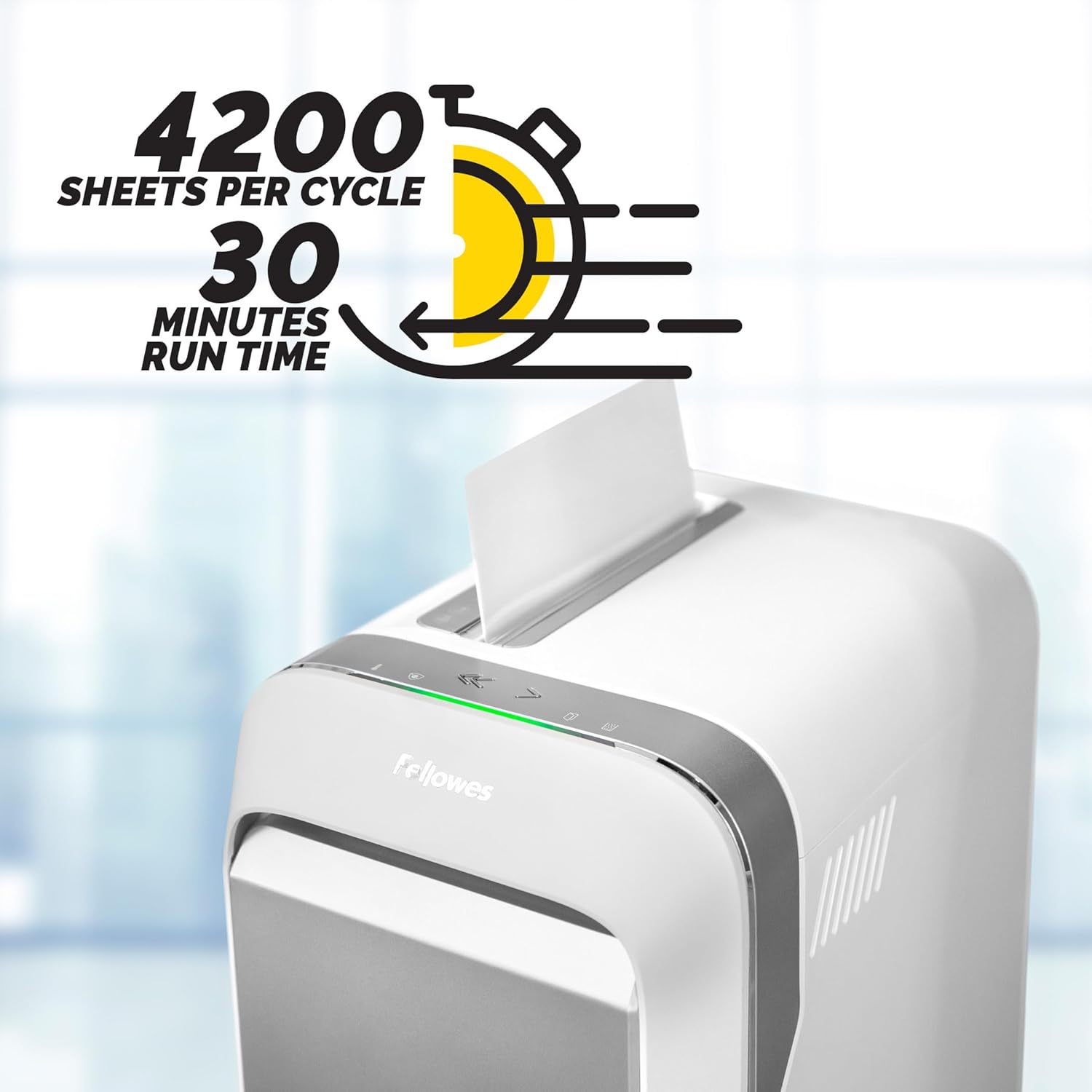
Image: The Fellowes Powershred LX220 in operation, showing paper being fed into the shredder. The image highlights the 30-minute run time and 4200 sheets per cycle capacity.
- Acceptable Materials: The LX220 can shred paper, staples, paper clips, plastic credit cards, and unopened junk mail.

Image: A stack of documents, a CD, and paper clips, illustrating the variety of materials the shredder can process.
- Micro-Cut Security: Documents are shredded into tiny micro-cut particles (Security Level P-4) for enhanced security.

Image: A hand holding a small pile of micro-cut paper shreds, emphasizing the P-4 security level and small particle size for ultimate security and less bin emptying.
2.2 Napredne funkcije
- 100% sistem zaštite od zaglavljivanja: The shredder automatically detects and powers through tough jobs, preventing jams. If too many sheets are inserted, the IntelliBAR will turn red, indicating to reduce the number of sheets.
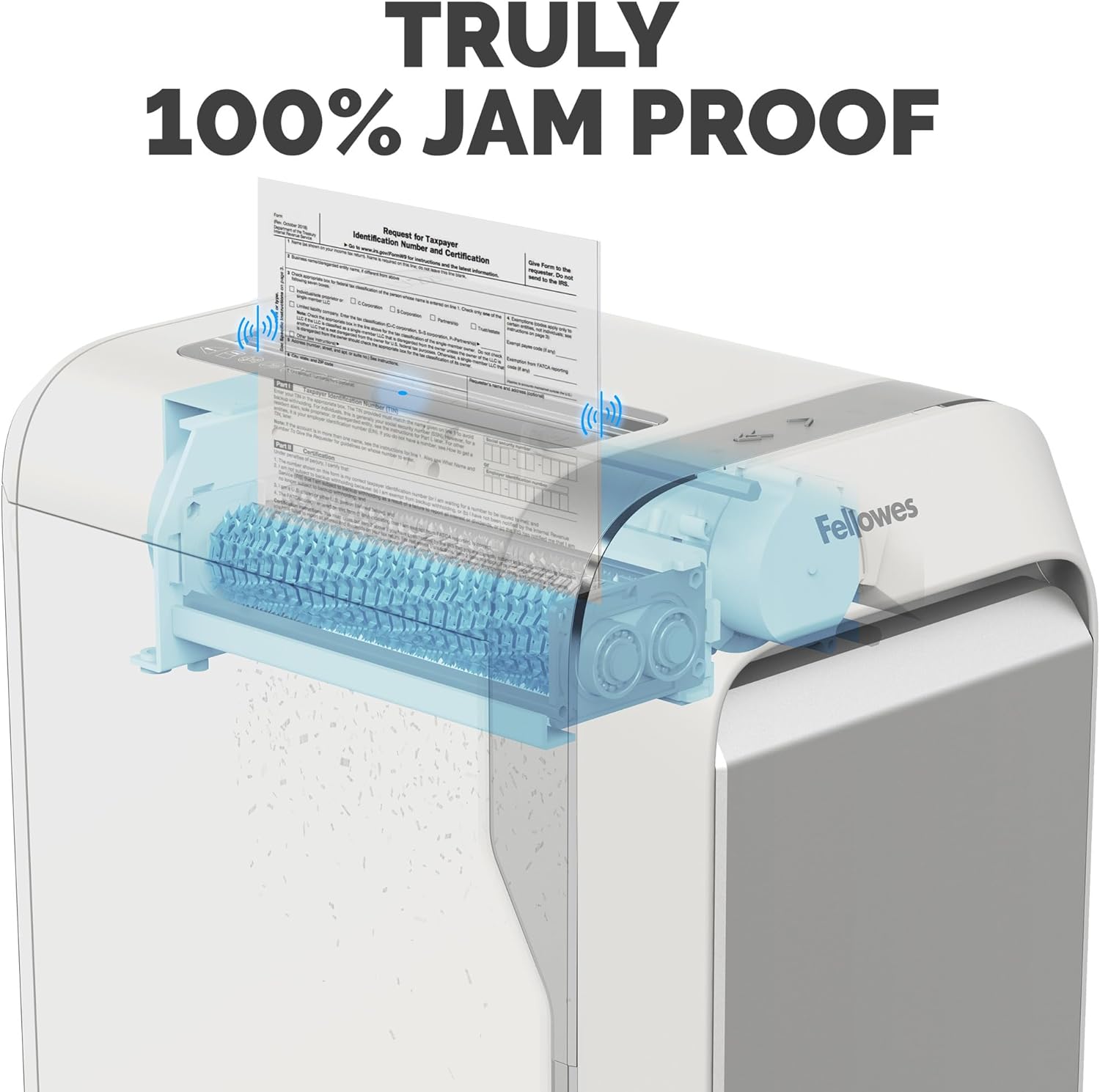
Slika: Rendgenski snimak view of the shredder's internal mechanism, illustrating the "Truly 100% Jam Proof" technology in action.
- Mjerač efikasnosti: This feature indicates the potential for increased sheet capacity in real-time, helping you maximize productivity.
- Safe Sense Technology: For safety, the shredder stops automatically when hands or paws touch the paper entry opening. The IntelliBAR will turn yellow to indicate this safety feature is active.
- Kontinuirano vrijeme rada: The shredder can operate continuously for up to 30 minutes before a 15-minute cool-down period is needed. The Run Time Indicator will alert you when it approaches the limit and when it needs to cool down.
3. Održavanje
- Pražnjenje kante za otpad: The Bin Full Indicator will notify you when the 8-gallon waste bin is near capacity or full. To empty, pull out the front drawer.

Image: A hand opening the waste bin of the shredder, illustrating its large capacity (8-gallon bin holds 750 sheets) and ease of emptying.
- Podmazivanje šredera: Regularly oiling the shredder blades is crucial for optimal performance and longevity. Apply shredder oil across the paper entry slot after every bin emptying or as needed.
- čišćenje: Keep the shredder's exterior clean with a soft, dry cloth. Do not use abrasive cleaners or solvents.
4. Otkrivanje problema
| Problem | Mogući uzrok | Rješenje |
|---|---|---|
| Shredder se ne uključuje. | Power cord not properly plugged in; Power switch is OFF. | Ensure power cord is securely plugged in. Turn the power switch to 'ON'. |
| Šreder se zaustavlja tokom rada. | Overheating (Run Time Indicator is red); Waste bin is full (Bin Full Indicator is red); Safe Sense activated. | Allow shredder to cool down for 15 minutes. Empty the waste bin. Remove hands/objects from paper entry. |
| Zastoj papira. | Too many sheets inserted; Material not suitable for shredding. | Reduce the number of sheets. Use the reverse function to clear the jam. Refer to acceptable materials. |
5. Specifikacije
- Model: LX220 (5263201)
- Vrsta usitnjavanja: Micro-Cut (P-4 Security)
- Kapacitet lima: 20 listova po prolazu
- Kapacitet kante: 8 galona
- Kontinuirano vrijeme rada: Do 30 minuta
- Period hlađenja: 15 minuta
- Dimenzije: 1 x 3 x 32 inča
- Težina: 39.8 funte
- Karakteristike: 100% Jam Proof System, Efficiency Meter, Safe Sense Technology
6. Jamstvo i podrška
The Fellowes Powershred LX220 comes with a manufacturer's warranty. For specific warranty details, registration, or technical support, please refer to the official Fellowes webweb-mjesto ili kontaktirajte njihovu korisničku službu. Sačuvajte račun za kupovinu u slučaju reklamacije.
Za dodatnu podršku posjetite Fellowes Store on Amazon.


