
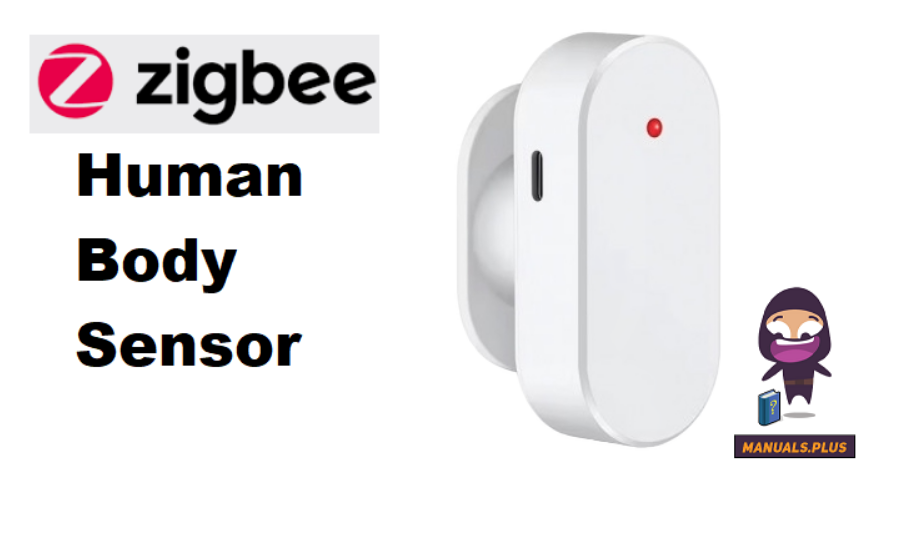

zigbee Human Body Sensor

Product Overview
Welcome to Radar Motion& Human Presence Sensor. This product, through a 1 0G/24GHz microwave radar, can detect moving human bodies or animals. The detection Angle is 110°±10°, and the detection distance is 0.5 to 10 meters, enabling real-time monitoring day and night. AAA•2 batteries are used for battery power supply, which lasts for u to 360 days (10 reports per day); Zigbee dual versions are available. Bring smarter, safer and more convenient solutions for the smart home. commercial space, elderly guardianship, and other scenarios.
Parametri proizvoda
Naziv proizvoda:
- Bežični protokol: Zigbee 3.0
- Battery Type: AAA *2{not included)
- Detection angle: 110° ± 10°
- Detection distance: 0.5 – 10 meter (z axis) Transmission Frequency:1 0G/24G Operation.ng Temperature: -10°c-so0c
- Radna vlažnost: 0%-95%RH
Lista proizvoda
- Radar Motion Sensor X1 User manual X1
- Pins X1
- Double-sided adhesive X1
Veza uređaja:
Need to be used with a Zigbee gateway.
zigbee connection
- Prerequisite operation and compatibility with Zigbee Smart Gateway settings. Zigb. Smart Gateway Open th app, click on Zigbee Gateway, click 1on Add Sub-device, then select Radar, Motion Sensor Other Sensor and follow the on-screen instructions to continue.
- Make sure your phone is connected to a Wi-Fi network. The Human Presence Sensor is as close as possible to the ·Zigbee Smart Gateway, press the reset button on the Human Presence Sensor, the LED indicator will flash rapidly and then enter the automatic networking mode. Follow the instructions.

Vodič za instalaciju
Instalacija baterije
Push the back cover of the product upwards to remove it. Install the AAA •2 battery according to the positive and negative pole markings. When the indicator light flashes, close the back cover.
Način fiksiranja
Use double-sided tape to fix the basein the position you want to install, and then the sensor corresponding to the base.
APP kontrola:
Through APP, a real-time view of the device status, adjust the parameter settings, linkage smart home and so on.
Frequent false triggering
Check whether the installation position is facing the interference sources such as fans, plants, etc., adjust the angle or mark the ·interference area.
Pražnjenje baterije
If the average number of reports exceeds 1 O times per day, the battery life may be shortened, it is recommended to adjust the reporting frequency.
Uređaj je van mreže
- a. Check whether the Zigbee network is normal, restart the router or gateway.
- b. Check if the battery is fully charged and replace it promptly.
Resetovanje proizvoda

Povezivanje uređaja
The device can not be connected to the network. Zigbee version needs to be close to the gateway (?10 me?ers). b. Reset the device· Press the reset switch. the lndi.cator Ught will blink, and reconnect to the network.
Dokumenti / Resursi
 | Human Body Sensor |
Reference
- Uputstvo za upotrebumanual.tools