1. Uvod
This manual provides essential information for setting up, operating, maintaining, and troubleshooting your OPPO A6 Pro 5G smartphone. Please read this guide thoroughly to ensure proper use and to maximize the device's capabilities.
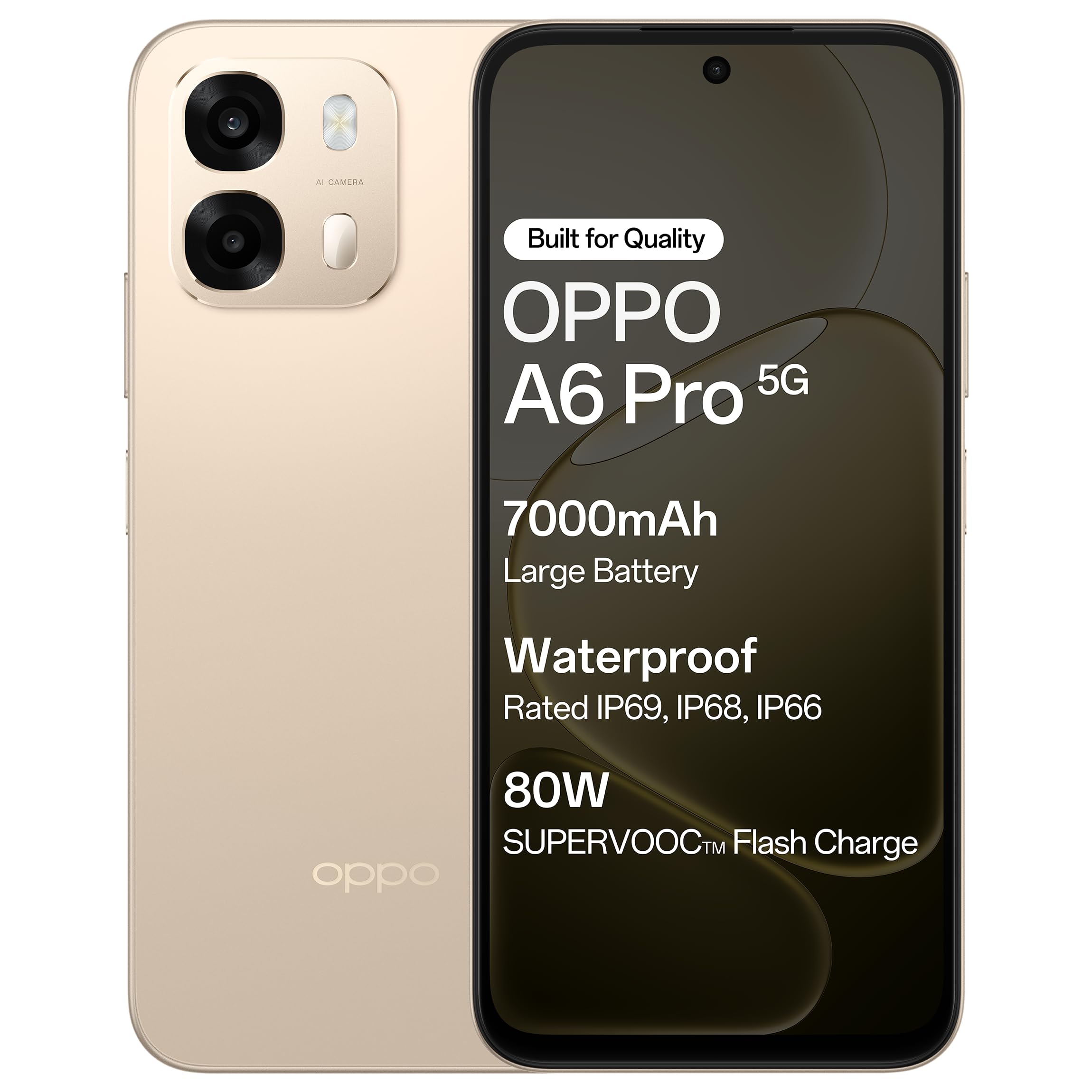
Slika 1.1: Prednja strana view of the OPPO A6 Pro 5G smartphone.
2. Sadržaj paketa
Provjerite da li se u paketu vašeg proizvoda nalaze svi artikli:
- OPPO A6 Pro 5G pametni telefon
- Adapter za napajanje
- USB kabel
- Case za telefon
- Izbacivač SIM ležišta
3. Podešavanje
3.1. Umetanje SIM kartice i SD kartice
- Pronađite ladicu za SIM karticu sa strane uređaja.
- Umetnite alat za izbacivanje SIM kartice u mali otvor pored ladice i lagano pritisnite dok ladic ne iskoči.
- Umetnite Nano-SIM karticu(e) i/ili microSD karticu u predviđene utore na ladici. Pazite da zlatni kontakti budu okrenuti prema dolje.
- Pažljivo vratite nosač u telefon dok ne klikne na svoje mjesto.
3.2. Početno punjenje
Before first use, it is recommended to fully charge your device. Connect the USB cable to the power adapter and then to the phone's charging port. Plug the power adapter into a wall outlet.

Figure 3.1: The device screen displaying 80W SUPERVOOC Flash Charge status.
3.3. Uključivanje i početna konfiguracija
- Pritisnite i držite dugme za napajanje (nalazi se na desnoj strani) dok se ne pojavi OPPO logo.
- Slijedite upute na ekranu da biste odabrali jezik, regiju, povezali se na Wi-Fi mrežu i postavili svoj Google račun.
- Configure security features such as fingerprint unlock or face unlock as desired.
4. Uputstvo za upotrebu
4.1. Osnovna navigacija
- Dugme za napajanje: Pritisnite i držite za uključivanje/isključivanje ili ponovno pokretanje. Kratko pritisnite za zaključavanje/otključavanje ekrana.
- Dugmad za jačinu zvuka: Podesite jačinu zvuka medija, jačinu zvuka poziva ili jačinu zvuka zvona.
- Pokreti dodirom: Dodirnite za odabir, prevucite prstom za pomicanje, uštipnite za zumiranje.
4.2. Upućivanje poziva i slanje poruka
Tap the Phone icon to make calls. Tap the Messages icon to send and receive text messages.
4.3. Upotreba kamere
Open the Camera app to capture photos and videos. Tap the shutter button to take a picture. Swipe left or right to switch between modes like Photo, Video, Portrait, etc.

Figure 4.1: The 50MP Ultra-Clear Camera capturing a detailed landscape.
4.4. Povezivanje
Access Wi-Fi and Bluetooth settings from the Quick Settings panel (swipe down from the top of the screen) or through the Settings app.

Figure 4.2: AI LinkBoost 3.0 ensures stable online connectivity.
5. Ključne karakteristike
5.1. Displej
The OPPO A6 Pro 5G features a 17.14 cm (6.75-inch) HD+ IPS LCD Ultra Bright 1125 nits Display with a 120Hz high refresh rate, providing smooth visuals and enhanced outdoor visibility.

Figure 5.1: The 120Hz Ultra Bright Display offers fluid visuals.
5.2. Baterija i punjenje
Equipped with a massive 7000mAh battery, the device supports extended usage. The 80W SUPERVOOC Flash Charge technology allows for rapid charging. Additionally, the phone supports wired reverse charging, enabling it to charge other devices using a C-to-C data cable.
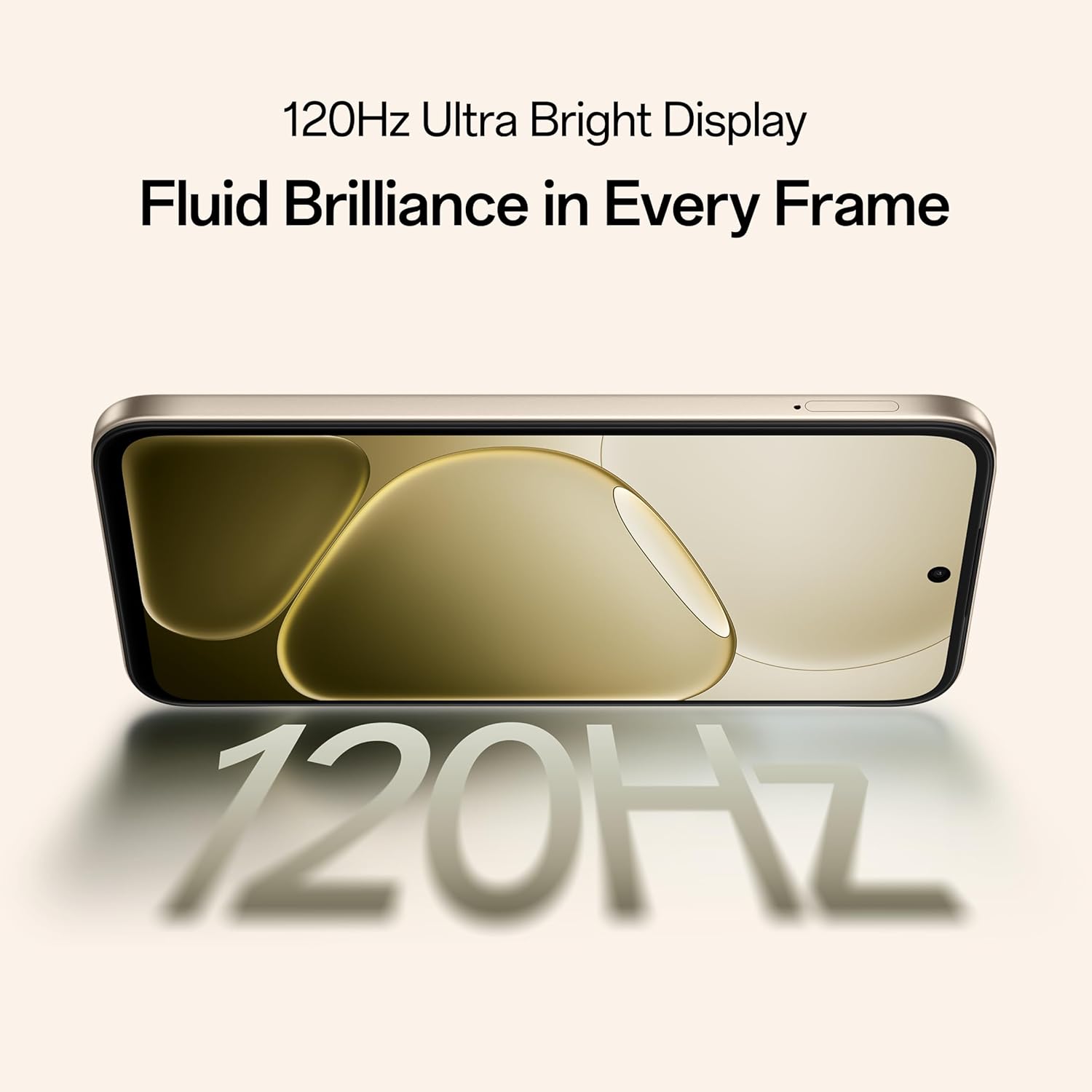
Figure 5.2: Internal representation of the 7000mAh large battery.

Figure 5.3: The device performing reverse wired charging to another gadget.
5.3. Trajnost
The OPPO A6 Pro 5G features triple IP-rated durability (IP69, IP68, and IP66), providing protection against water jets, immersion, hot water, steam, and dust.

Figure 5.4: The device demonstrating IP69 water and dust resistance.
5.4. Performanse
Powered by the 6nm MediaTek Dimensity 6300 chipset, the phone offers enhanced performance and power efficiency with reliable 5G connectivity. It is optimized for long-lasting smoothness, tested to deliver up to 60 months of fluency.

Figure 5.5: The MediaTek Dimensity 6300 mobile platform.

Figure 5.6: The device designed for 60-month fluency protection.
5.5. Sistem hlađenja
An advanced cooling system, featuring a large vapor chamber and expanded graphite layers, helps maintain low temperatures during intensive use, ensuring stable performance.

Slika 5.7: Eksplodirao view illustrating the SuperCool VC System.
5.6. Kamera
The 50MP AI camera includes intelligent features like AI Eraser, AI Recompose, and AI Perfect Shot for enhanced photography.
6. Održavanje
6.1. Čišćenje uređaja
Use a soft, lint-free cloth to clean the screen and body of the phone. Avoid using harsh chemicals or abrasive materials. For stubborn stains, slightly dampi krpu vodom.
6.2. Ažuriranja softvera
Redovno provjeravajte i instalirajte ažuriranja softvera kako biste osigurali optimalne performanse, sigurnost i pristup novim funkcijama. Idite na Postavke > O uređaju > Ažurirano da provjerite ažuriranja.
6.3. Održavanje baterije
To prolong battery life, avoid exposing the phone to extreme temperatures. It is recommended to keep the battery charge between 20% and 80% for daily use.
6.4. Upravljanje skladištem
Povremeno brišite nepotrebne files, cache data, and uninstall unused applications to free up storage space and maintain device speed. You can manage storage in Postavke > Pohrana.
7. Otkrivanje problema
This section addresses common issues you might encounter with your OPPO A6 Pro 5G.
| Problem | Rješenje |
|---|---|
| Uređaj se ne uključuje | Ensure the battery is charged. Connect to the charger for at least 10 minutes, then try powering on again. If it still doesn't work, perform a force restart by holding the Power button and Volume Up button simultaneously for about 10 seconds. |
| Aplikacije se ruše ili zamrzavaju | Clear the app's cache (Settings > Apps > [App Name] > Storage > Clear cache). If the issue persists, uninstall and reinstall the app. Ensure your device software is up to date. |
| Poor Wi-Fi or mobile data connection | Restart your phone. Check if Wi-Fi is enabled and you are within range of a known network. For mobile data, ensure your SIM card is properly inserted and mobile data is enabled in settings. Contact your service provider if the issue persists. |
| Baterija se brzo prazni | Reduce screen brightness, disable unused features like Bluetooth/GPS, close background apps, and check battery usage in Settings to identify power-hungry applications. |
8. Specifikacije
Key technical specifications for the OPPO A6 Pro 5G (Model CPH2827):
| Feature | Detalj |
|---|---|
| Broj modela | CPH2827 |
| Operativni sistem | Android 15 |
| Display | 17.14 cm (6.75") HD+ IPS LCD, 120Hz, 1125 nits |
| Procesor | MediaTek Dimensity 6300 (6nm) |
| RAM | 8 GB |
| Interna pohrana | 256 GB |
| Zadnja kamera | 50MP AI kamera |
| Kapacitet baterije | 7000 mAh |
| Punjenje | 80W SUPERVOOC Flash Charge, Wired Reverse Charging |
| Povezivanje | 5G, Bluetooth, USB, Wi-Fi |
| Dimenzije (DxŠxV) | 15.8 x 7.5 x 0.7 cm |
| Težina | 198 g |
| Ocjena izdržljivosti | IP69, IP68, IP66 |
9. Garancija i podrška
9.1. Podaci o proizvođaču
Proizvođač: OPPO MOBILES INDIA PVT LTD.
Adresa: 5th FLOOR, Tower B, BUILDING, N-8, DLF Cyber City, DLF Phase 2, Gurugram, Haryana 122002, India
9.2. Služba za korisnike
For technical support, warranty claims, or service inquiries, please contact OPPO customer service at 18001032777 or visit the official OPPO webweb mjesto za više informacija.


