Uvod
Thank you for choosing the Monster Mission ANC200 Wireless Gaming Headset. This manual provides detailed instructions for setting up, operating, and maintaining your headset to ensure optimal performance and an immersive gaming experience. Please read this manual thoroughly before using the product.
Važne informacije o sigurnosti
- Ne izlažite slušalice ekstremnim temperaturama, vlazi ili korozivnim okruženjima.
- Izbjegavajte ispuštanje ili izlaganje slušalica jakim udarcima.
- Ne rastavljajte niti pokušavajte sami popraviti slušalice. To će poništiti garanciju.
- Čistite slušalice mekom, suhom krpom. Ne koristite jake hemikalije ili abrazivne materijale.
- Dugotrajno slušanje na visokim nivoima jačine zvuka može uzrokovati oštećenje sluha. Podesite jačinu zvuka na siguran nivo.
Sadržaj paketa
Molimo Vas da provjerite da li se u Vašem paketu nalaze svi artikli:
- Monster Mission ANC200 Wireless Gaming Headset
- 2.4GHz USB Wireless Transmitter
- USB kabl za punjenje
- 3.5 mm audio kabl
- Korisnički priručnik (ovaj dokument)
Product Overview
Familiarize yourself with the various parts and controls of your Monster Mission ANC200 headset.
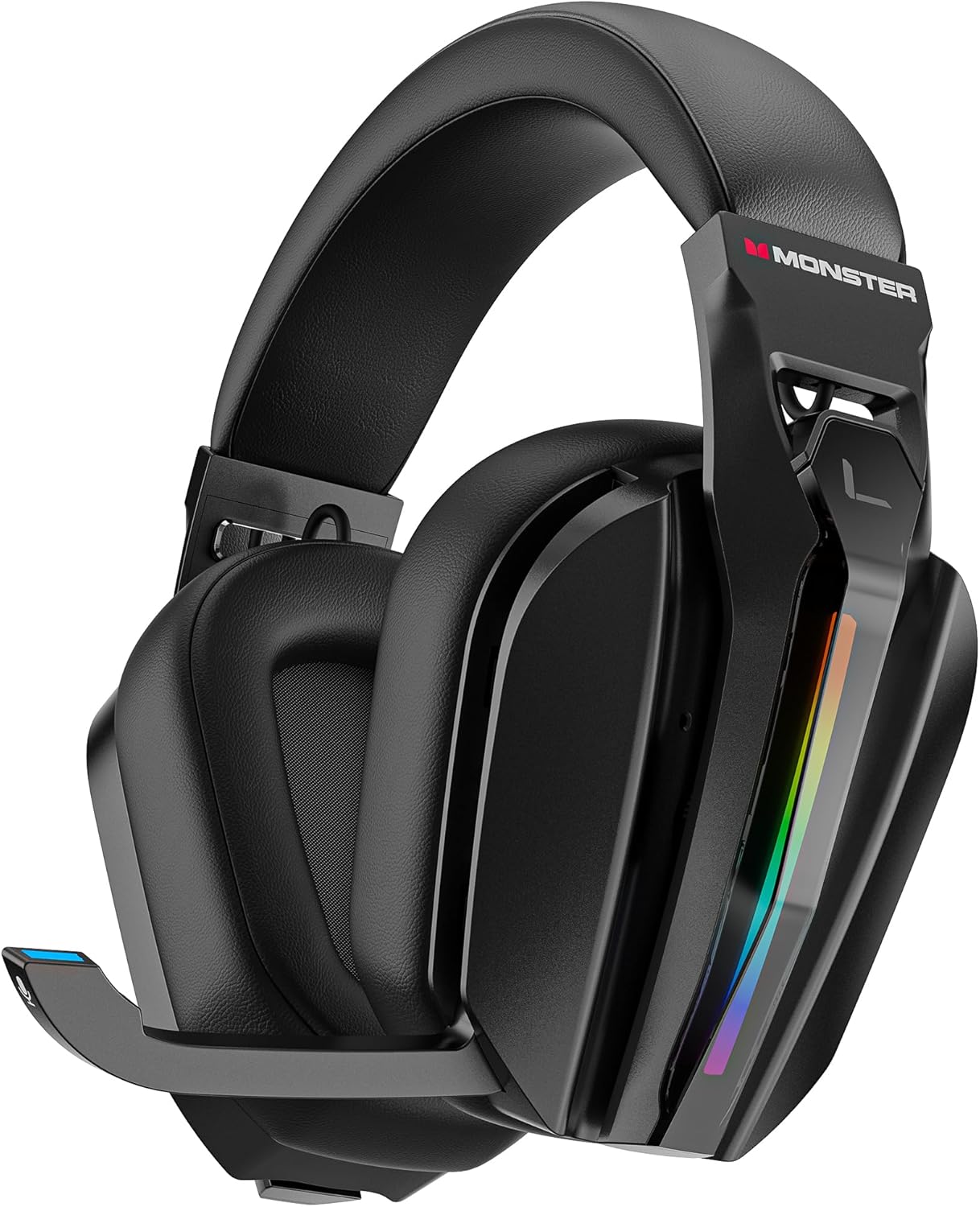
slika: Front view of the Monster Mission ANC200 Wireless Gaming Headset, showcasing its black design, padded earcups, and retractable microphone.
Komponente slušalica:
- Podesiva traka za glavu: Za udobno pristajanje.
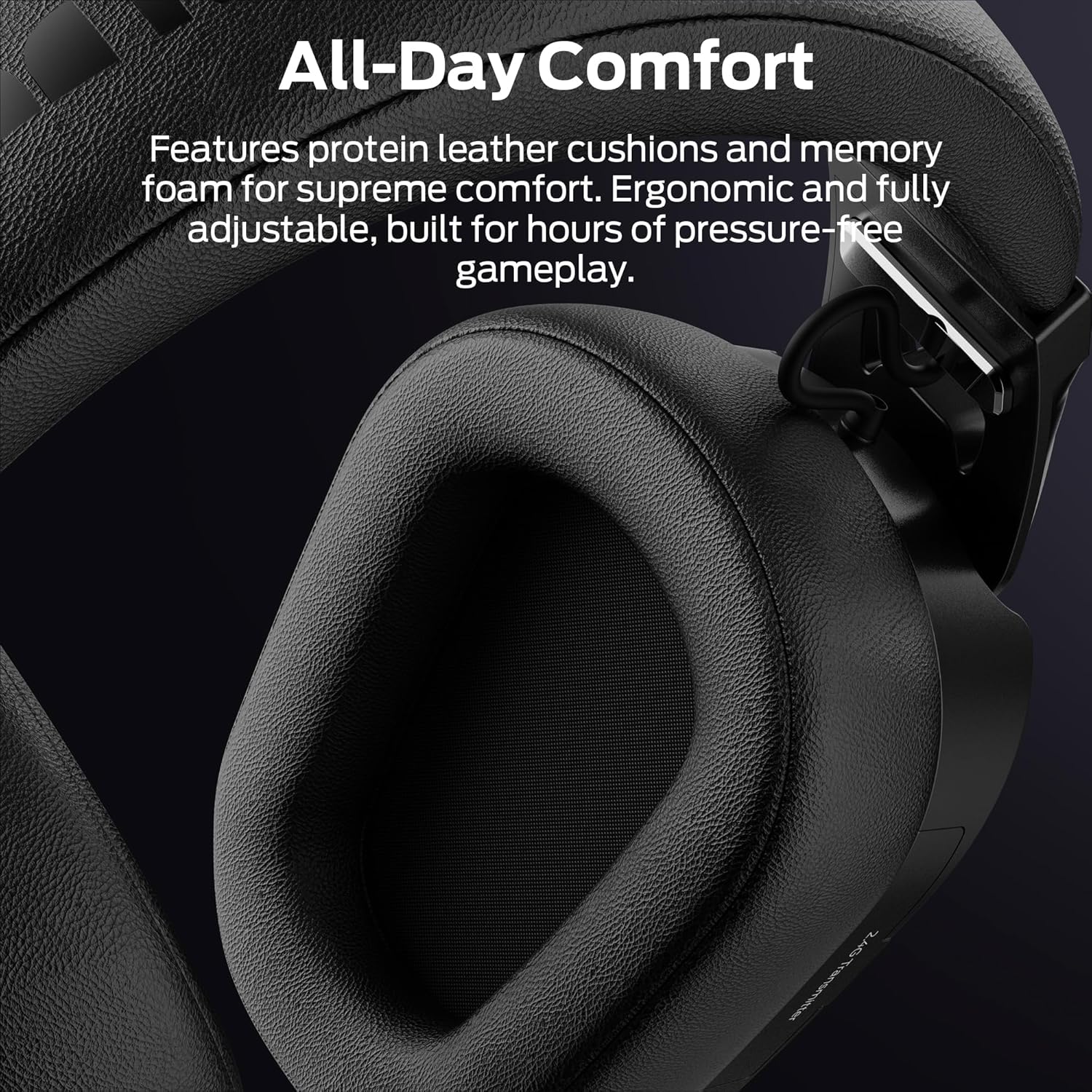
- Podstavljene slušalice: Protein leather cushions with memory foam for comfort.
- Mikrofon koji se uvlači: Stealth design, AI noise filtering.
- RGB rasvjeta: Customizable light effects on earcups.
- Control Buttons/Dials: (Specific controls will be detailed in Operating Instructions)
- 2.4GHz USB Transmitter Storage: Integrated compartment for the wireless dongle.
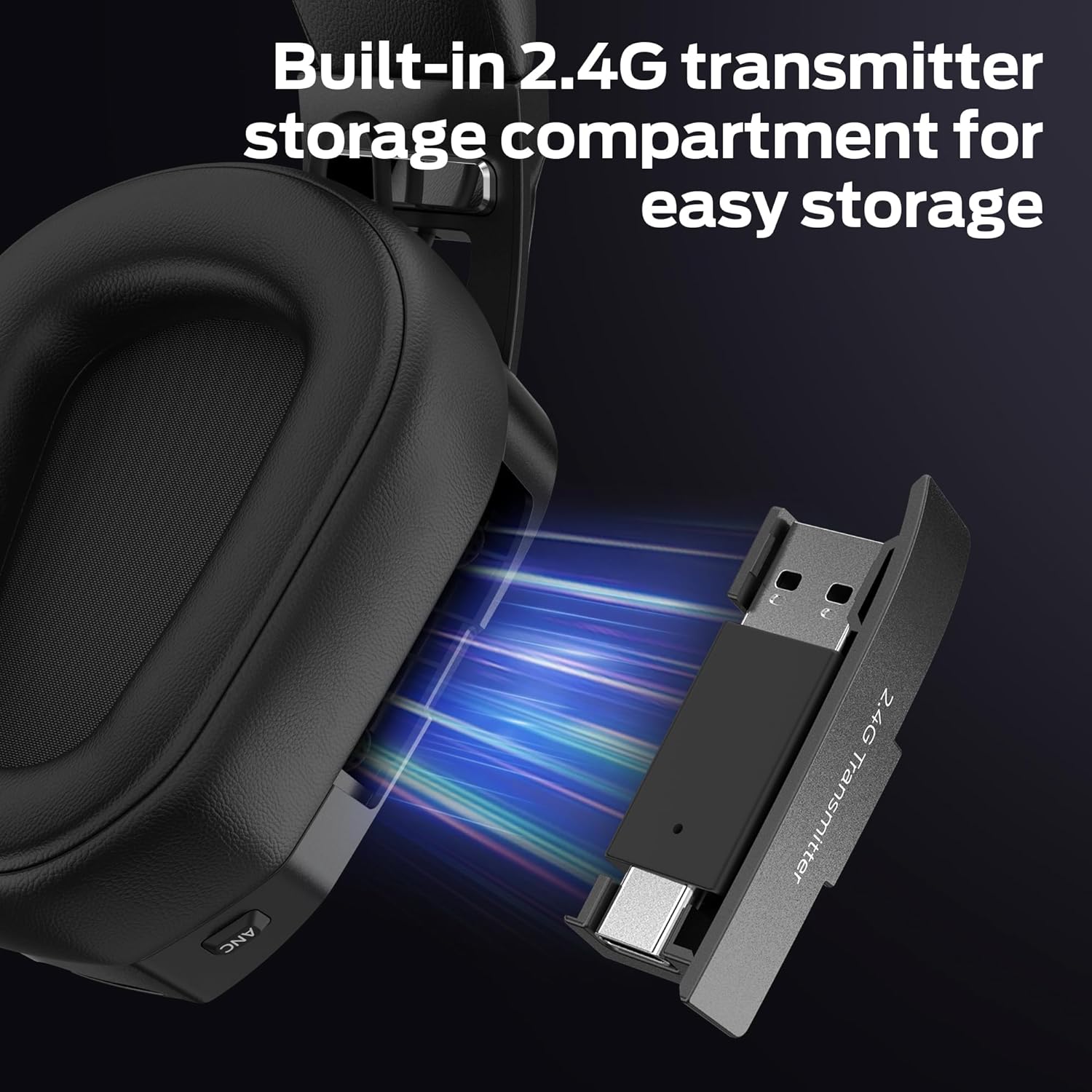
slika: Close-up view of the headset's earcup, showing the built-in storage compartment for the 2.4GHz USB transmitter, with the transmitter partially inserted.
Vodič za postavljanje
1. Punjenje slušalica
- Connect the USB charging cable to the headset's charging port.
- Drugi kraj USB kabla priključite na izvor napajanja (npr. USB priključak računara, USB adapter za zid).
- The LED indicator on the headset will show charging status. A full charge takes approximately 3 hours.
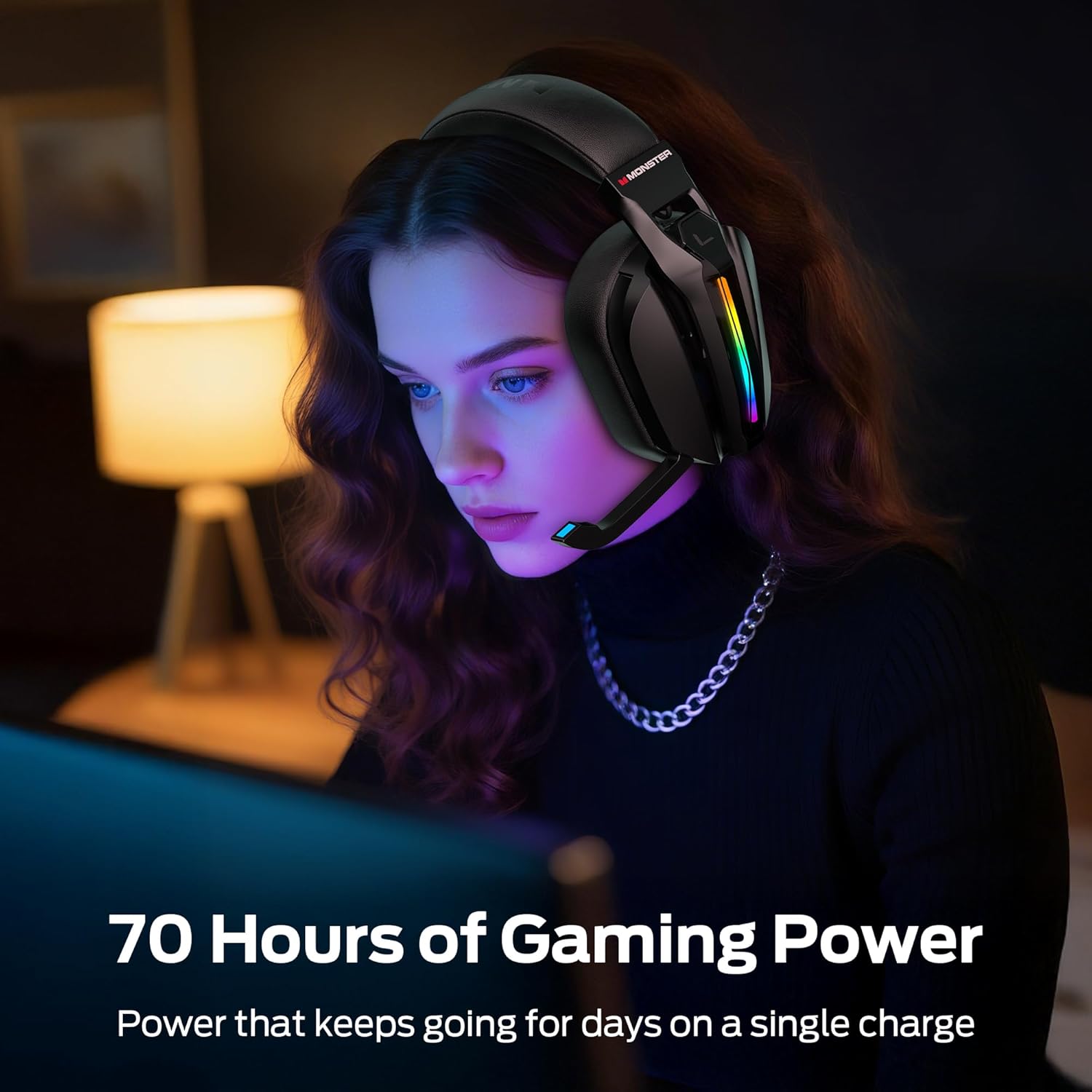
- A full charge provides up to 70 hours of gameplay (40 hours with RGB lighting active).
2. Connecting via 2.4GHz Wireless (PC, PS5, PS4, Laptop)
- Remove the 2.4GHz USB wireless transmitter from its storage compartment on the headset.
- Plug the USB transmitter into an available USB port on your PC, PS5, PS4, or laptop.
- Power on the headset. The headset will automatically attempt to connect to the transmitter.
- Once connected, the LED indicator on both the headset and transmitter will show a stable light.
- On your device, ensure the Monster Mission ANC200 is selected as the audio output and input device.

slika: Illustration showing the 2.4GHz wireless connection setup, with the USB transmitter plugged into a device and the headset wirelessly connected, highlighting ultra-low latency.
3. Connecting via Bluetooth 6.0 (Mobile, Laptop, Switch)
- Provjerite jesu li slušalice uključene.
- Press and hold the Bluetooth pairing button (refer to Product Overview for exact location) until the LED indicator flashes, indicating pairing mode.
- On your device (mobile, laptop, Nintendo Switch), go to Bluetooth settings and search for available devices.
- Select "Monster Mission ANC200" from the list.
- Nakon uparivanja, LED indikator na slušalicama će pokazivati stabilno svjetlo.
4. Connecting via 3.5mm AUX Cable (Universal Compatibility)
- Connect one end of the 3.5mm audio cable to the AUX port on the headset.
- Connect the other end of the 3.5mm audio cable to the audio jack of your device.
- The headset will operate in passive mode when connected via 3.5mm AUX, meaning some features like ANC or RGB lighting may not be available or require the headset to be powered on.
slika: An illustration demonstrating the multiple connection methods (2.4GHz, Bluetooth, 3.5mm AUX) for the headset, showing compatibility with PC, mobile, laptop, PS4/PS5, and Nintendo Switch.
Uputstvo za upotrebu
1. Uključivanje/isključivanje
- Uključeno: Pritisnite i držite dugme za napajanje otprilike 3 sekunde dok se LED indikator ne upali.
- Iskljuciti: Pritisnite i držite dugme za napajanje otprilike 3 sekundi dok se LED indikator ne ugasi.
2. Kontrola jačine zvuka
- Use the Volume Up (+) and Volume Down (-) buttons/dial on the headset to adjust the audio output level.
3. Upotreba mikrofona
- Extend Microphone: Gently pull the retractable microphone out from the earcup. Position it near your mouth for optimal voice pickup.
- Retract Microphone: Gently push the microphone back into the earcup when not in use.
- Isključi/Uključi zvuk: Press the Microphone Mute button (refer to Product Overview for exact location) to toggle microphone mute. The LED on the microphone tip may indicate mute status.
4. Aktivno poništavanje buke (ANC)
- Press the ANC button (refer to Product Overview for exact location) to activate or deactivate Active Noise Cancellation.
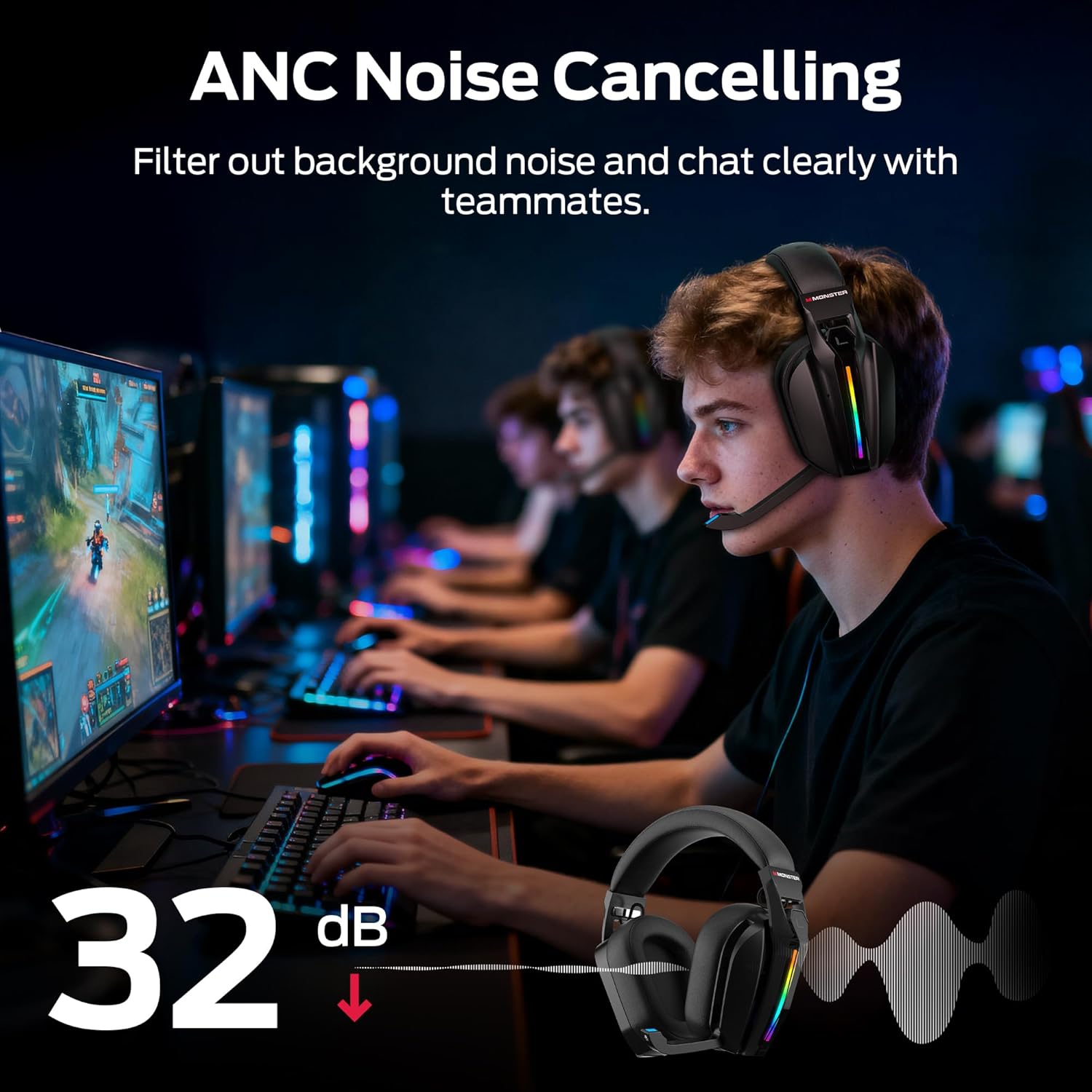
- When ANC is active, the headset will reduce ambient background noise, allowing for greater focus.
slika: A visual representation of the Active Noise Cancellation (ANC) feature, showing how external noise is filtered out for clearer audio and communication.
5. EQ Modes (Game / Music)
- Press the EQ Mode button (refer to Product Overview for exact location) to switch between Game Mode and Music Mode.
- Game Mode (7.1 Virtual Surround Sound): Optimized for gaming, providing immersive surround sound for positional audio cues.
- Muzički način rada: Optimized for rich, detailed audio playback for music and other media.
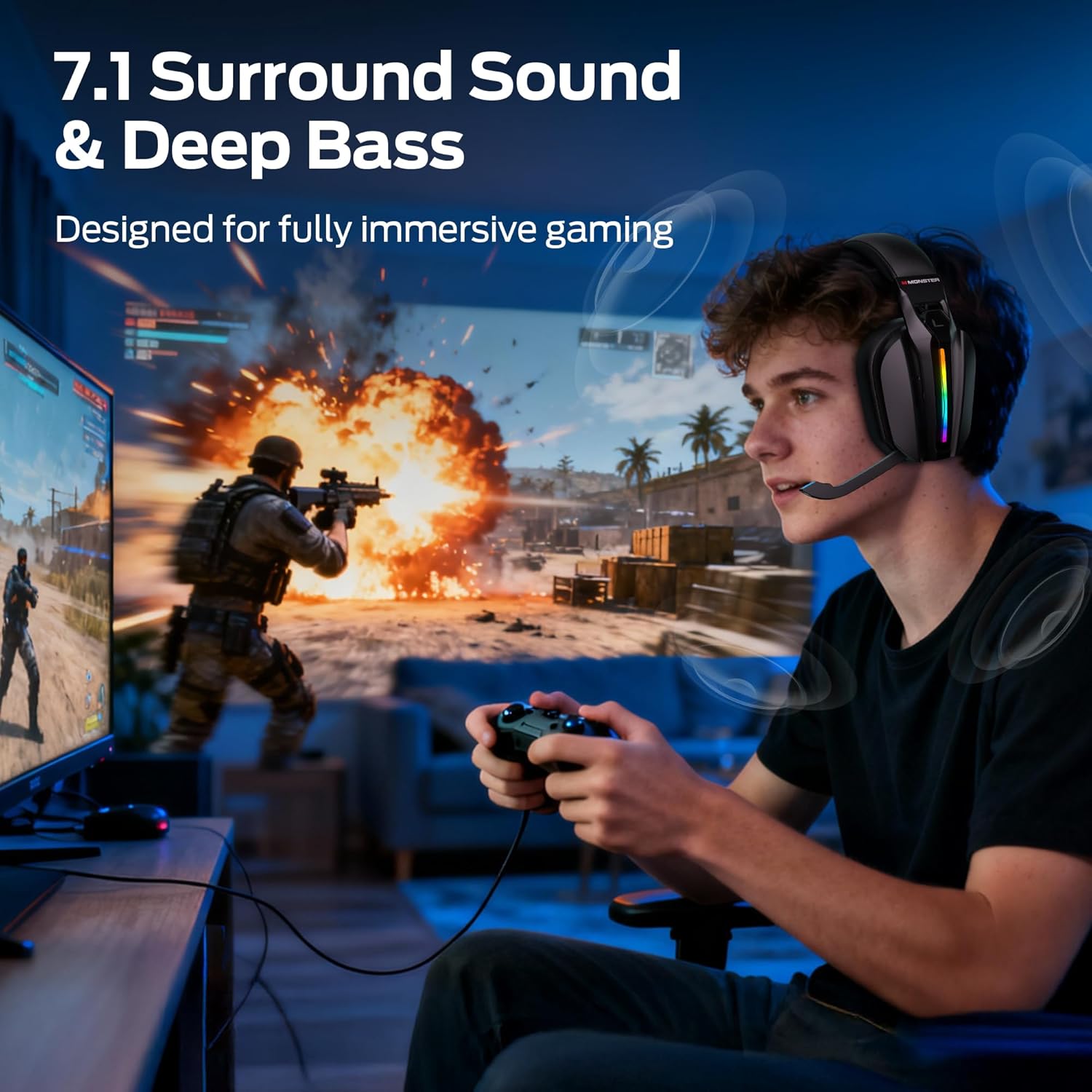
slika: A gamer wearing the headset, illustrating the immersive experience provided by 7.1 surround sound and deep bass, designed for gaming.
6. Kontrola RGB osvjetljenja
- The headset features customizable RGB lighting. Refer to the specific button (if available) or combination of buttons for cycling through light effects or turning them off.
slika: Close-up of the headset's earcup, showcasing the million-color RGB lighting with a gradient effect, labeled "Glow and Flow".
Održavanje
- čišćenje: Wipe the headset with a soft, dry, lint-free cloth. Do not use liquid cleaners or sprays directly on the headset.
- Skladištenje: Store the headset in a cool, dry place away from direct sunlight and extreme temperatures. When not in use, retract the microphone and store the 2.4GHz USB transmitter in its designated compartment.
- Održavanje baterije: Da biste produžili vijek trajanja baterije, izbjegavajte često potpuno pražnjenje slušalica. Redovno ih punite, čak i ako ih ne koristite stalno.
Rješavanje problema
| Problem | Moguće rješenje |
|---|---|
| Nema zvuka iz slušalica. |
|
| Mikrofon ne radi. |
|
| Slušalice se ne povezuju bežično. |
|
| ANC not functioning. |
|
Specifikacije
| Naziv modela: | Monster Mission ANC200 (MH22240) |
| Tehnologija povezivanja: | 2.4GHz Wireless, Bluetooth 6.0, 3.5mm AUX Wired |
| Bežična komunikacija: | Bluetooth, 2.4 GHz |
| Audio karakteristike: | 7.1 Virtual Surround Sound (Game Mode), Dual EQ Modes (Game/Music) |
| Kontrola buke: | Active Noise Cancellation (ANC), AI Noise Filtering for Microphone |
| mikrofon: | Stealth Retractable Mic |
| Trajanje baterije: | Up to 70 hours (without RGB), 40 hours (with RGB) |
| Vrijeme punjenja: | Približno 3 sata |
| Latencija: | Ultra-low latency (under 20ms via 2.4GHz) |
| Položaj ušiju: | Preko uha |
| Materijal: | Plastic, Protein Leather Cushions, Memory Foam |
| Boja: | Crna |
| Broj modela stavke: | MH22240 |
| Dimenzije: | 25.2 x 24.89 x 11.1 cm; 608 g |
Garancija i podrška
Monster products are designed to provide reliable performance. For warranty information, technical support, or customer service inquiries, please refer to the official Monster webstranicu ili direktno kontaktirajte njihovu korisničku podršku.
- Online podrška: Posjetite službeno čudovište webstranica za često postavljana pitanja, preuzimanje upravljačkih programa i resurse podrške.
- Kontaktirajte korisničku službu: Refer to your product packaging or the Monster webweb mjesto za kontakt detalje.


