Uvod
This manual provides detailed instructions for the installation, operation, and maintenance of your Hodozzy Car Radio. This unit is specifically designed for Ford Ecosport models from 2013 to 2017, featuring a 9-inch In-Cell touchscreen, Android operating system, and integrated navigation capabilities. Please read this manual thoroughly before installation and use to ensure proper functionality and safety.
Ključne karakteristike:
- Android Operating System (Android 15)
- 9-inch In-Cell Touchscreen (1280x720 resolution)
- 4GB RAM + 64GB ROM
- Bežični CarPlay i Android Auto
- Mirror Link (iOS/Android)
- Built-in GPS Navigation
- WiFi konekcija
- Bluetooth Hands-free Calling & Music Streaming
- Digital Sound Processor (DSP) with 36-band EQ
- FM/RDS radio
- Pozadi View Camera Input (AHD/CVBS)
- Kompatibilnost kontrole upravljača
- Funkcionalnost podijeljenog ekrana
Setup
Sadržaj paketa
Provjerite da li se u vašem paketu nalaze sve dolje navedene stavke:
- 1 x Dash-in Kit
- 1 x Car Player (Main Unit)
- 1 x kabl za napajanje
- 1 x GPS antena
- 1 x Cable for Rear View Kamera
- 1 x RCA kabel
- 2 x USB kabla
- 2 x nosači
- 4 x Vijci
- 1 x Korisnički priručnik (ovaj dokument)
- 1 x stražnji View Kamera
- 1 x mikrofon
- 1 x Canbus
- 1 x instalacijski alat

Slika: Prekoview of the Hodozzy car radio package contents, showing the main unit, various cables (power, RCA, USB, camera), GPS antenna, microphone, installation tools, and the included rear view kamera.
Instalacija
Preporučuje se profesionalna instalacija. Prije početka instalacije provjerite je li akumulator vozila isključen.
- Uklonite originalni radio: Pažljivo uklonite postojeći auto radio i oblogu instrumentne ploče.
- Povežite kabelski snop: Connect the provided power cable and Canbus to the vehicle's wiring harness.
- Special Note for SYNC Function: If your original Ford Ecosport vehicle is equipped with a SYNC function, the dedicated SYNC interface on the wiring harness must be connected. If your vehicle does not have the SYNC function, this power interface does not need to be connected and has no other function or purpose.
- Povežite periferne uređaje: Spojite GPS antenu, zadnju view camera cable, USB cables, and microphone to the corresponding ports on the car radio unit.
- Montaža: Secure the car radio unit into the dashboard using the provided brackets and screws.
- Test funkcionalnost: Before fully reassembling the dashboard, reconnect the vehicle's battery and perform a basic test of the radio's functions.
- ponovo sastaviti: Once confirmed working, reassemble the dashboard trim.

Image: Wiring diagram highlighting the connection point for vehicles equipped with the Ford SYNC function, showing the specific connector and its location on the vehicle's control panel.
Uputstvo za upotrebu
Korisnički interfejs i ekran
The unit features a 9-inch In-Cell touchscreen with a resolution of 1280x720. The In-Cell technology provides a thinner frame, deeper blacks, and a sharper touch response. The Android operating system offers multiple user interfaces (UIs) to choose from, allowing customization of your home screen apps.
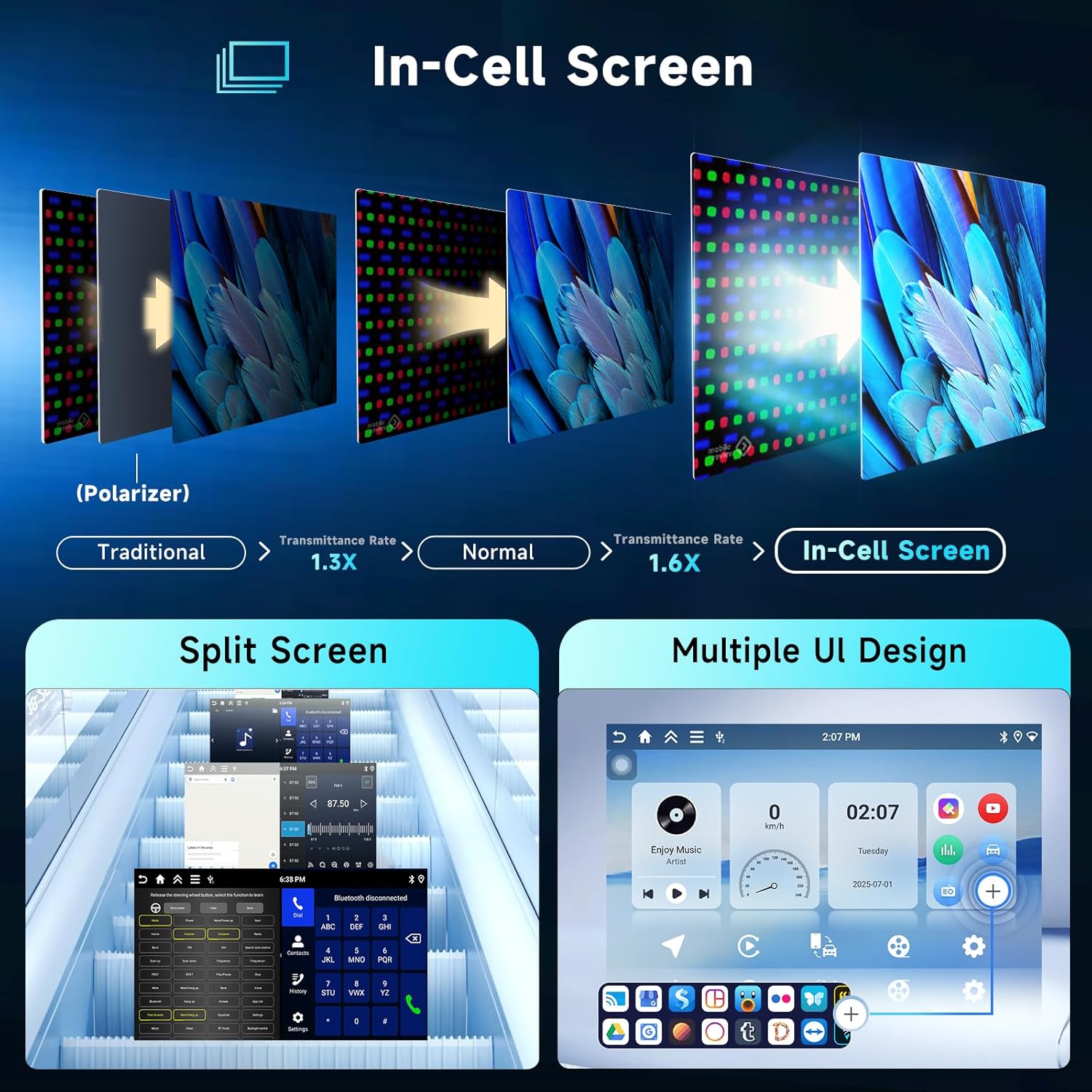
Image: Visual explanation of In-Cell screen technology benefits, demonstrating split-screen functionality and various customizable user interface designs available on the car radio.
Navigacija
The car radio comes with integrated offline maps. To download map data for offline use, an internet connection is required. You can also use online navigation applications by connecting the unit to a WiFi hotspot.
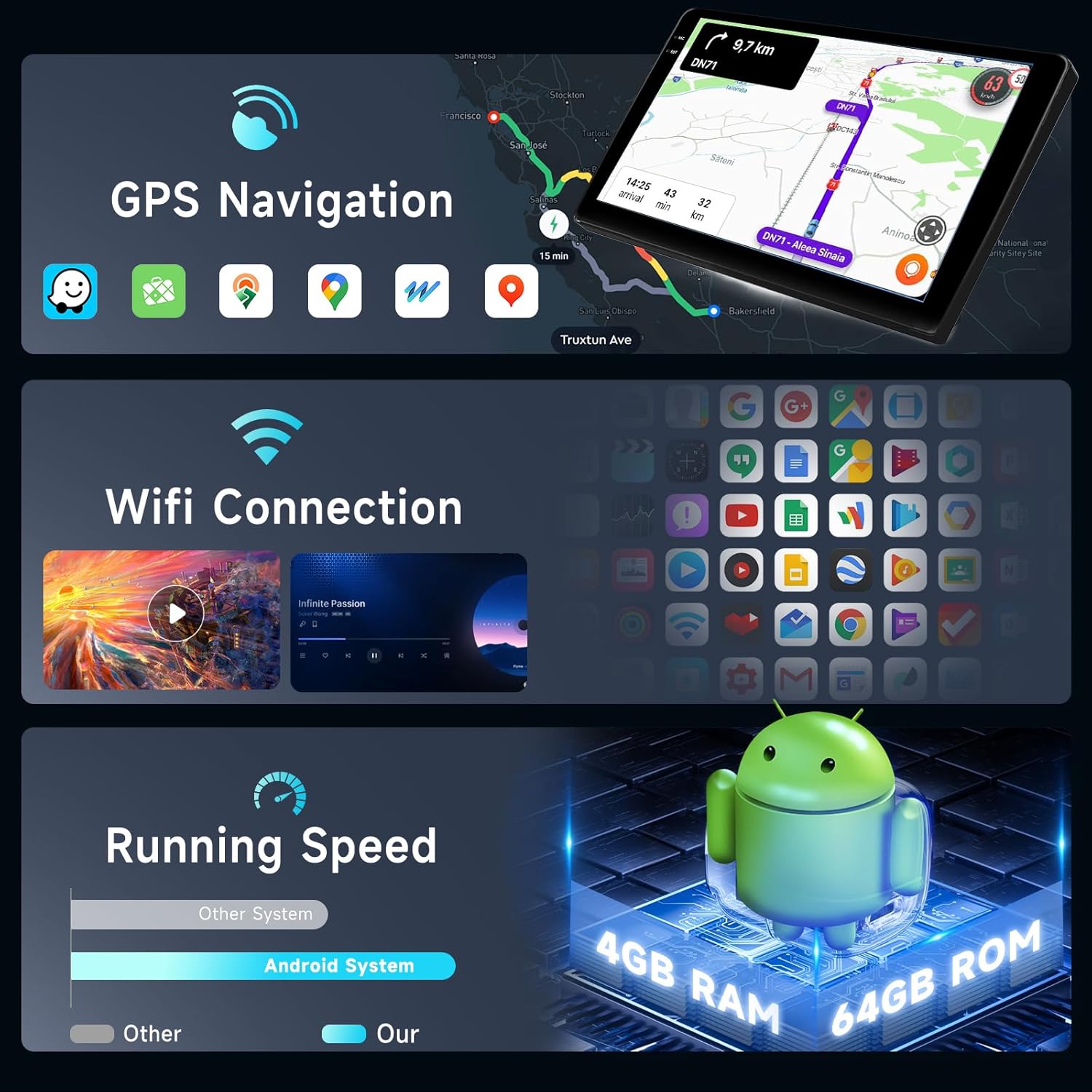
Image: Display showing GPS navigation interface with map data and a section illustrating WiFi connection status and available networks.
Povezivanje
- Bežični CarPlay i Android Auto: Connect your smartphone wirelessly via Bluetooth or using a USB cable for CarPlay (iOS) or Android Auto (Android). This allows access to navigation, messages, phone calls, and music directly from your car radio screen.
- Link za ogledalo: Supports both wireless (Airplay for iOS) and wired (USB cable for Android) mirror link functionality, displaying your phone's screen on the car radio.
- Bluetooth: Built-in Bluetooth with A2DP supports hands-free calling, phonebook synchronization, and audio streaming from your mobile device.
- WiFi pristupna tačka: Connect the unit to a mobile hotspot or local WiFi network to access online features, download apps, and use online maps.

Image: Graphical representation of CarPlay, Android Auto, and Mirror Link functionalities, showing smartphone screens mirrored or integrated with the car radio display.
Audio karakteristike
- DSP (Digitalni procesor zvuka): The integrated DSP features a 36-band equalizer, allowing precise audio customization. Various preset styles (Rock, Pop, Jazz, Classic) are available.
- FM/RDS radio: High-quality radio tuner for FM and RDS (Radio Data System) reception.
- Ampdizalica: Built-in 4 x 45W amplifier with subwoofer output.

Image: Composite image displaying the DSP equalizer interface, Bluetooth calling screen, Bluetooth music playback, a view from the rear camera, FM/RDS radio interface, and steering wheel control buttons.
Ostale funkcije
- Pozadi View kamera: Supports AHD/CVBS input for the included rear view kamera, pružajući jasan view pri vožnji unazad.
- Kontrola na volanu: Compatible with your vehicle's steering wheel controls for convenient operation.
- Podijeljeni ekran: Allows two applications to be displayed side-by-side on the screen simultaneously.
- USB podrška: Dual USB interfaces support various audio (APE/FLAC/WAV/MP3/WMA) and video (MKV/RMVB/AVI/MP4/MDV) formats.
- Factory Default Password: The factory default password for system settings is 1234.
Održavanje
- čišćenje: Za čišćenje ekrana i uređaja koristite meku, suhu krpu. Izbjegavajte abrazivna sredstva za čišćenje ili rastvarače.
- Ažuriranja softvera: Periodically check for software updates through the system settings or Hodozzy's official support channels to ensure optimal performance and access to new features.
- temperatura: Operate the unit within the specified temperature range (-20°C to 70°C) to prevent damage.
Rješavanje problema
| Problem | Mogući uzrok | Rješenje |
|---|---|---|
| Jedinica se ne uključuje. | Labav priključak za napajanje, pregorjeli osigurač, nepravilno ožičenje. | Check power cable connections. Inspect vehicle's fuse box and unit's fuse. Verify wiring according to installation instructions. |
| Nema zvuka iz zvučnika. | Preniska jačina zvuka, aktivirano isključivanje zvuka, nepravilno ožičenje zvučnika, amppitanje lifiera. | Increase volume. Check if unit is muted. Verify speaker connections. Ensure external ampUsisivač zraka (ako se koristi) je uključen. |
| GPS signal je izgubljen ili netačan. | GPS antenna not properly connected or obstructed, poor satellite reception. | Ensure GPS antenna is securely connected and placed in an unobstructed location (e.g., dashboard). Move to an open area for better signal. |
| Problemi sa Bluetooth vezom. | Device not discoverable, incorrect pairing, interference. | Ensure Bluetooth is enabled on both devices. Delete previous pairings and re-pair. Move devices closer. Restart both devices. |
| Pozadi view kamera ne prikazuje. | Camera cable loose, incorrect camera input selected, camera power issue. | Provjerite stražnji dio view camera cable connection. Ensure the camera is receiving power. Verify the correct camera input is selected in settings. |
| Ekran osjetljiv na dodir ne reagira. | Zamrzavanje sistema, privremeni softverski kvar. | Restart the unit (refer to your vehicle's manual for how to safely power cycle the accessory). If issue persists, contact support. |
Specifikacije
| Feature | Detalj |
|---|---|
| Sistem | Android 15 |
| Čipset | RK3326S |
| MCU | G0001ALT |
| Veličina ekrana | 9 inch In-Cell Touchscreen |
| Rezolucija ekrana | 1280 × 720 |
| Memorija | 4GB RAM + 64GB ROM |
| Radio Chip | UMW2652 |
| Izlazna snaga | 4 x 45 W (Amplifier Chip: YD7388) |
| Operating Voltage | 9V-16V |
| Radna temperatura | -20°C do 70°C |
| Radio Band | FM/RDS |
| Video izlaz | Podržano |
| Pozadi View Ulaz kamere | AHD/CVBS |
| USB interfejs | Dual USB |
| Audio formati | APE/FLAC/WAV/MP3/WMA etc. |
| Video Formati | MKV/RMVB/AVI/MP4/MDV etc. |
| Formati slika | PNG/JPEG/JPG/GIF/WBMP/BNP etc. |
| Dimenzije paketa | 47.7 x 28.6 x 20.7 cm |
| Težina artikla | 1.1 kg |
Garancija i podrška
Informacije o garanciji
Please refer to your purchase documentation or the Hodozzy official website for detailed warranty terms and conditions applicable to your product.
Korisnička podrška
For technical assistance, troubleshooting beyond this manual, or warranty claims, please contact Hodozzy customer support through their official webweb stranicu ili kontakt informacije koje ste dobili uz kupovinu.


