Uvod
This manual provides detailed instructions for the setup, operation, and maintenance of your Bmax Mini PC B1 Pro. Please read this manual thoroughly before using the device to ensure proper functionality and to prevent damage.
Sadržaj paketa
Prilikom raspakivanja, molimo Vas da provjerite da li su sve dolje navedene stavke prisutne i u dobrom stanju:
- Bmax Mini PC B1 Pro unit
- Adapter za napajanje
- HDMI kabl
- Korisnički priručnik (ovaj dokument)
- Nosač za montažu (ako je uključen)
If any items are missing or damaged, please contact Bmax customer support.
Product Overview
The Bmax Mini PC B1 Pro is a compact computing solution designed for home and office use. It features various ports for connectivity and expansion.
Internal Chassis View
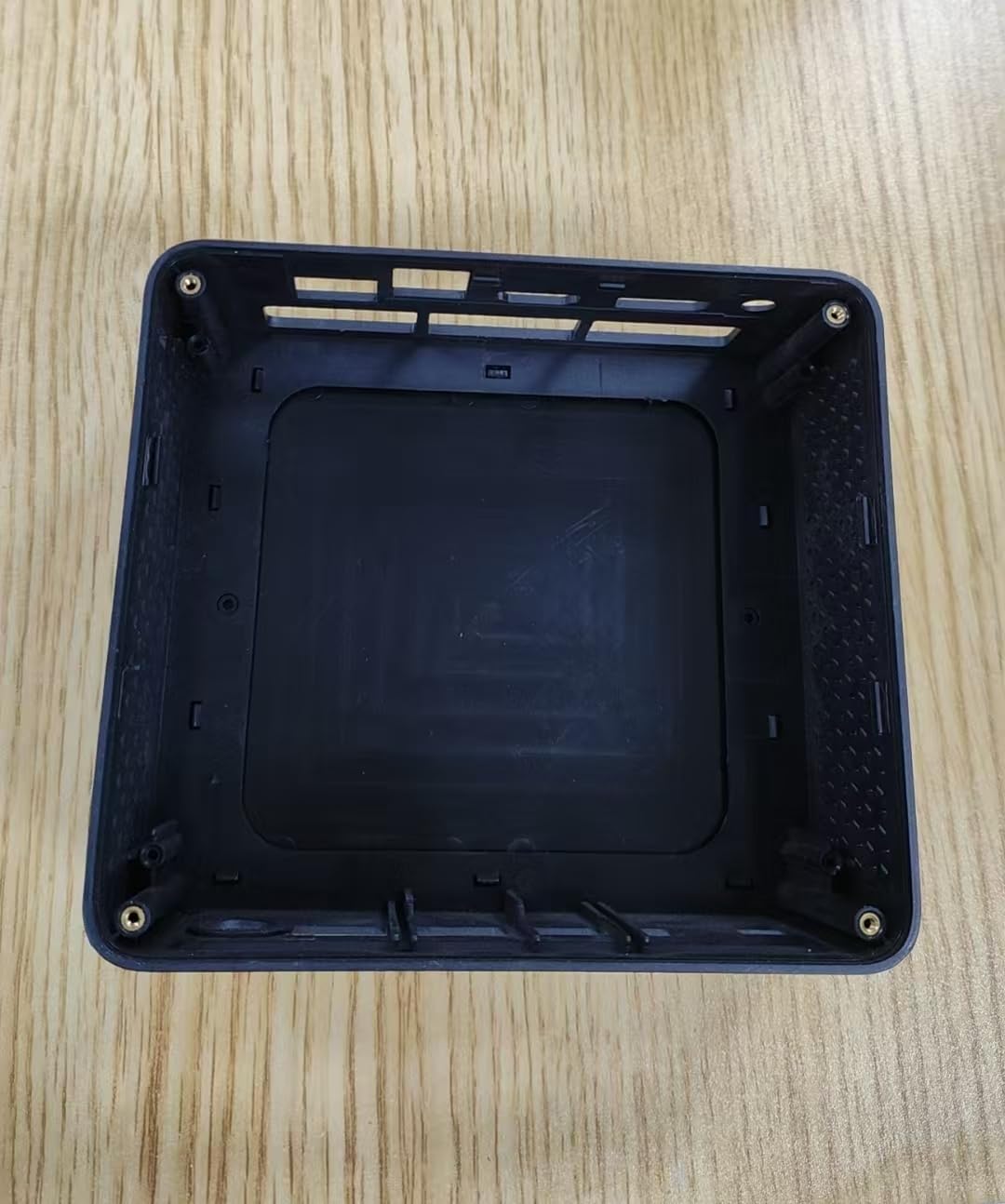
This image displays the internal housing of the Bmax Mini PC B1 Pro, showing the structural components and mounting points within the device's casing. It illustrates the design of the enclosure without the internal electronic components installed.
Port Layout (Typical)
The B1 Pro typically includes the following ports:
- HDMI priključak: For connecting to a display (supports 4K 60Hz).
- USB 3.0 portovi: Two ports for high-speed data transfer and peripheral connection.
- USB 2.0 portovi: Two ports for connecting standard peripherals.
- Gigabitni Ethernet port: Za žičanu mrežnu vezu.
- Ulazna snaga: Za povezivanje strujnog adaptera.
- Audio Jack: Za slušalice ili zvučnike.
Setup
1. Povezivanje perifernih uređaja
- Connect your monitor or TV to the HDMI port pomoću HDMI kabla.
- Connect your keyboard and mouse to the available USB portovi (USB 2.0 or USB 3.0).
- (Optional) For a wired internet connection, connect an Ethernet cable to the Gigabitni Ethernet port.
- (Optional) Connect speakers or headphones to the audio priključak.
2. Uključivanje
- Spojite adapter za napajanje na power input port on the Mini PC.
- Uključite adapter za napajanje u zidnu utičnicu.
- Pritisnite dugme za napajanje (location may vary, typically on the front or side) to turn on the device.
- Indikator napajanja će se upaliti i sistem će početi s pokretanjem.
3. Početna konfiguracija
Follow the on-screen instructions to complete the initial setup of the operating system (e.g., Windows, Linux). This typically includes setting up user accounts, network connections, and regional settings.
Uputstvo za upotrebu
Osnovna upotreba
- Uključivanje/isključivanje: Press the power button to turn on. To shut down, use the operating system's shutdown function. A short press of the power button can put the device to sleep.
- Ponovno pokretanje: Koristite funkciju ponovnog pokretanja operativnog sistema.
- Povezivanje USB uređaja: Insert USB drives, external hard drives, or other peripherals into the available USB 2.0 or USB 3.0 ports.
Povezivanje na mrežu
- Wi-Fi: The B1 Pro supports Dual-Band Wi-Fi. Access your operating system's network settings, select your desired Wi-Fi network, and enter the password.
- Ethernet: If you connected an Ethernet cable during setup, the system should automatically detect and connect to the wired network.
- Bluetooth: The B1 Pro features Bluetooth 5.0. Enable Bluetooth in your operating system settings to pair with compatible devices like keyboards, mice, or headphones.
Display Output
The Mini PC supports 4K resolution at 60Hz via its HDMI port. Ensure your display and HDMI cable are compatible with these specifications for optimal performance.
Održavanje
- čišćenje: Koristite meku, suhu krpu za čišćenje vanjštine Mini PC-a. Izbjegavajte tečna sredstva za čišćenje direktno na uređaju. Povremeno koristite komprimirani zrak za čišćenje prašine iz ventilacijskih otvora.
- Ažuriranja softvera: Redovno ažurirajte operativni sistem i upravljačke programe kako biste osigurali optimalne performanse i sigurnost.
- ventilacija: Ensure the Mini PC is placed in a well-ventilated area to prevent overheating. Do not block the ventilation holes.
Rješavanje problema
| Problem | Mogući uzrok | Rješenje |
|---|---|---|
| Nema struje | Adapter za napajanje nije priključen ili je utičnica neispravna. | Provjerite priključke za napajanje. Pokušajte s drugom utičnicom. |
| Nema izlaza na ekranu | Incorrect HDMI connection, faulty cable, or incorrect input selected on monitor. | Ensure HDMI cable is securely connected. Try a different HDMI cable. Select correct input source on your monitor. |
| Wi-Fi se ne povezuje | Netačna lozinka, van dometa ili problem sa ruterom. | Verify Wi-Fi password. Move closer to the router. Restart router. |
| Spore performanse | Too many applications running, insufficient storage, or outdated drivers. | Close unnecessary applications. Free up disk space. Update operating system and drivers. |
For further assistance, please contact Bmax customer support.
Specifikacije
| Feature | Detalj |
|---|---|
| Model | B1 Pro |
| Procesor | Intel Celeron (2.4 GHz) |
| RAM | LPDDR4 |
| Skladištenje | 128 GB SSD (PCIE x 4 interfejs) |
| Grafika | Integrated, 8 GB Graphics RAM |
| Operativni sistem | OS (unaprijed instaliran ili instaliran od strane korisnika) |
| USB portovi | 2x USB 3.0, 2x USB 2.0 |
| Video izlaz | HDMI (supports 4K 60Hz) |
| Mreža | Gigabit Ethernet, Dual-Band Wi-Fi, Bluetooth 5.0 |
| Dimenzije | 10.5 x 6 x 2.8 inča |
| Težina | 1.3 funte |
| Namjena | Business, Home & Office |
Sigurnosne informacije
- Ne izlažite uređaj ekstremnim temperaturama, vlazi ili direktnoj sunčevoj svjetlosti.
- Izbjegavajte ispuštanje ili izlaganje uređaja jakim udarima.
- Ne pokušavajte sami rastavljati ili popravljati uređaj. Obratite se kvalifikovanom servisnom osoblju.
- Koristite samo isporučeni adapter za napajanje.
- Držite uređaj dalje od tečnosti.
Garancija i podrška
The Bmax Mini PC B1 Pro comes with a standard manufacturer's warranty. Please refer to the warranty card included in your package or visit the official Bmax webstranicu za detaljne uslove i odredbe garancije.
For technical support, troubleshooting, or service inquiries, please contact Bmax customer support through their official channels. Contact information can typically be found on the Bmax webweb-mjestu ili na ambalaži proizvoda.
Bmax Official Webstranica: Visit the Bmax Store on Amazon


