1. Uvod
The AOC ACW2212 Wireless Headset is designed for clear communication and comfortable use across various platforms. It offers versatile connectivity options including Bluetooth 5.4, a USB dongle, and a wired connection, making it suitable for professional use, gaming, and entertainment. This manual provides detailed instructions to help you get the most out of your headset.
2. Šta se nalazi u kutiji
Provjerite da li su sve komponente prisutne u vašem paketu:
- 1 x Bežične slušalice
- 1 x USB ključ
- 1 x audio kabel tipa C na 3.5 mm
- 1 x Type-C kabel za punjenje
- 1 x Korisnički priručnik (ovaj dokument)

Image: The AOC ACW2212 Wireless Headset shown with its USB dongle and 3.5mm audio jack cable.
3. Proizvod je gotovview
Familiarize yourself with the key features and controls of your AOC ACW2212 headset.
3.1. Ergonomski dizajn i udobnost
The headset features a lightweight build, an adjustable headband, and plush memory-foam ear cushions for extended comfort during long periods of use.

Slika: Krupni plan view highlighting the soft protein leather earcups, emphasizing comfort and breathability.
3.2. Noise-Cancelling Microphone
The integrated microphone is designed to effectively block out background noise, ensuring crystal-clear voice transmission. It is rotatable up to 270 degrees for optimal positioning.

Image: A visual representation of the headset's noise-cancelling microphone in action, ensuring clear communication.

Image: A diagram illustrating the microphone's 270-degree rotatable design for flexible positioning.
3.3. Kontrole
The headset features intuitive button controls for power, volume adjustment, and microphone mute.

Image: A close-up of the microphone boom, highlighting the one-touch mute button for instant privacy control.
4. Podešavanje
4.1. Punjenje slušalica
Before first use, fully charge the headset using the provided Type-C charging cable. Connect the Type-C end to the headset's charging port and the USB-A end to a compatible power source (e.g., computer USB port, wall adapter). The LED indicator will show charging status.
4.2. Povezivanje putem Bluetooth-a
- Provjerite jesu li slušalice isključene.
- Pritisnite i držite dugme za napajanje dok LED indikator ne zatreperi plavo i crveno, što označava režim uparivanja.
- Na svom uređaju (pametnom telefonu, laptopu itd.) omogućite Bluetooth i potražite dostupne uređaje.
- Select "AOC ACW2212" from the list to pair. The LED will turn solid blue once connected.
4.3. Povezivanje putem USB adaptera
- Uključite USB adapter u dostupan USB port na računaru.
- Power on the headset. It should automatically connect to the dongle. The LED on the dongle and headset will indicate a successful connection.
- If necessary, select the headset as the audio input/output device in your computer's sound settings.
4.4. Connecting via Wired Connection
- Connect the Type-C end of the provided audio cable to the headset.
- Connect the 3.5mm end to the audio jack of your device.
- The headset will function as a wired headset, bypassing Bluetooth or USB dongle connections.

Image: A graphic demonstrating the headset's triple connectivity options for various devices.
5. Uputstvo za upotrebu
5.1. Uključivanje/isključivanje
To power on, slide the power switch to the 'On' position. To power off, slide the switch to the 'Off' position.
5.2. Kontrola jačine zvuka
Use the volume buttons located on the earcup to increase or decrease the audio volume.
5.3. Funkcija isključivanja zvuka mikrofona
Press the dedicated mute button on the microphone boom to instantly mute or unmute your microphone during calls or recordings.
5.4. Upravljanje pozivima
When connected via Bluetooth or USB dongle, use the multi-function button (if available) to answer, end, or reject calls. Refer to your device's specific instructions for advanced call features.
6. Održavanje
To ensure the longevity and optimal performance of your AOC ACW2212 headset, follow these maintenance guidelines:
- čišćenje: Za čišćenje slušalica koristite meku, suhu krpu. Izbjegavajte upotrebu jakih hemikalija ili abrazivnih materijala.
- Skladištenje: Slušalice čuvajte na hladnom i suhom mjestu, dalje od direktne sunčeve svjetlosti i ekstremnih temperatura.
- Održavanje baterije: Za optimalno trajanje baterije, izbjegavajte često potpuno pražnjenje baterije. Redovno punite slušalice, čak i ako ih ne koristite duži period.
- Otpornost na vodu: Ove slušalice su nije vodootporanIzbjegavajte izlaganje tekućinama.
7. Otkrivanje problema
Ako imate problema sa slušalicama, pogledajte sljedeće uobičajene probleme i rješenja:
- Nema napajanja: Uvjerite se da su slušalice potpuno napunjene.
- Nije moguće upariti Bluetooth: Make sure the headset is in pairing mode (flashing blue and red LED) and within range of your device. Try restarting both the headset and your device.
- Nema zvuka/Loš kvalitet zvuka: Check volume levels on both the headset and your connected device. Ensure the correct audio output device is selected in your computer's sound settings. For wired connection, ensure the cable is securely plugged in.
- Mikrofon ne radi: Ensure the microphone is not muted. Check microphone settings on your connected device and select the headset as the input device.
- Intermitentna veza: Move closer to your connected device to reduce interference. Ensure no other devices are causing Bluetooth interference.
Ako problemi i dalje postoje, kontaktirajte korisničku podršku za dalju pomoć.
8. Specifikacije
| Feature | Detalj |
|---|---|
| Naziv modela | ACW2212 |
| Brand | AOC |
| Tehnologija povezivanja | Wired, Wireless (Bluetooth, USB Dongle) |
| Bežična komunikacijska tehnologija | Bluetooth 5.4 |
| Bluetooth domet | 32.8 stopa (10 metara) |
| Kontrola buke | Pasivno poništavanje buke |
| Frekvencijski odziv | 20 Hz - 20 kHz |
| Priključak za slušalice | 3.5 mm Jack |
| Veličina audio drajvera | 40 milimetara |
| Impedansa | 32 Ohm |
| Trajanje baterije | Up to 30 hours (Talking Time) |
| Vrijeme punjenja | Approx. 2.5 hours (Fast Charge) |
| Materijal | akrilonitril butadien stiren (ABS) |
| Težina artikla | 11.7 unce |
| Kompatibilni uređaji | Mobilni telefoni, desktop računari, laptopi |
9. Garancija i podrška
The AOC ACW2212 Wireless Headset comes with a worry-free guarantee and dedicated customer support. For any product-related inquiries, technical assistance, or warranty claims, please refer to the contact information provided on the product packaging or the official AOC website.
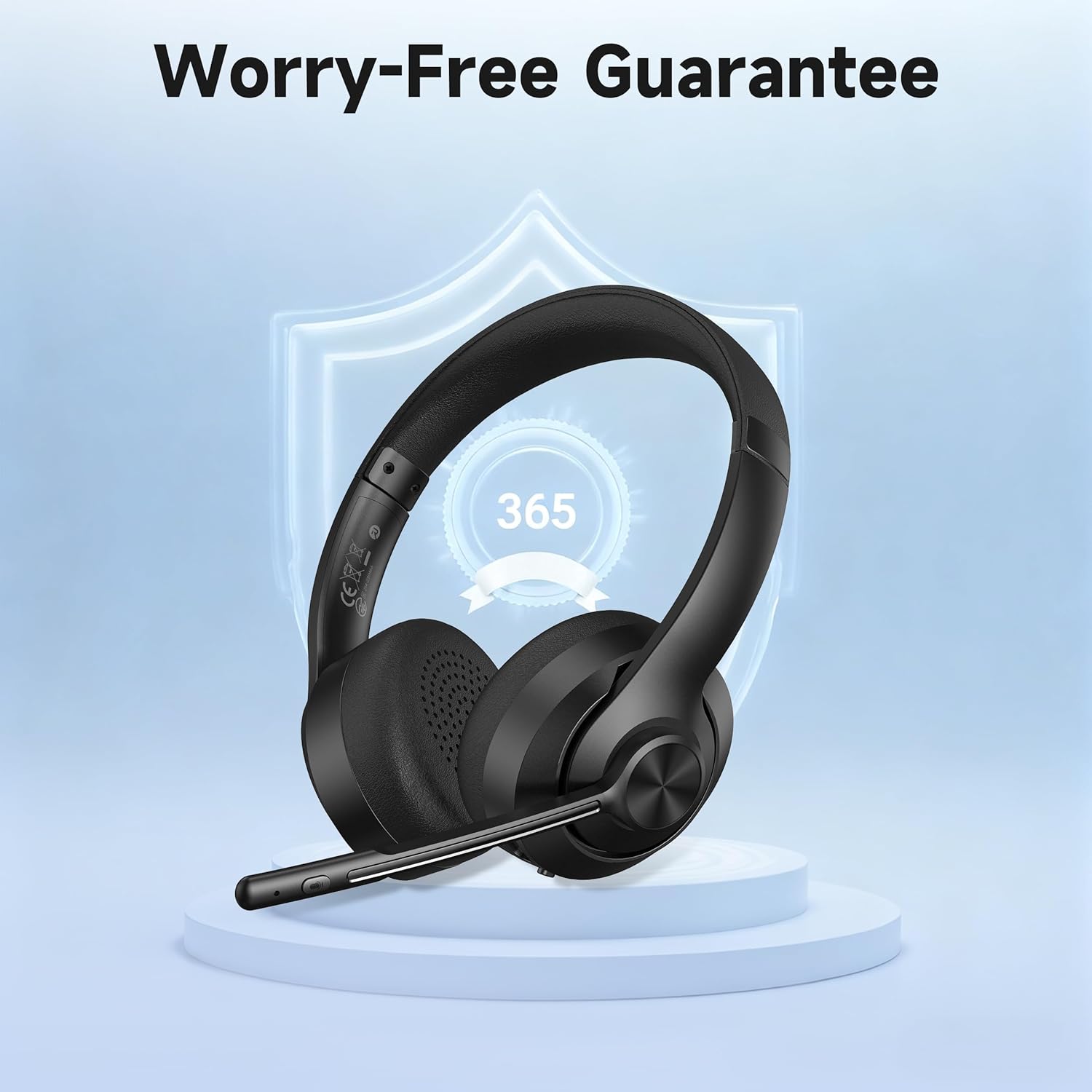
Image: A visual representation of the product's 365-day worry-free guarantee, symbolizing reliable support.


