Uvod
This manual provides instructions for the proper use, setup, and maintenance of your CJ TECH NASA Laptop Backpack. Designed for versatility and durability, this backpack features a dedicated laptop compartment, a USB charging port, and water-resistant materials. Please read this manual thoroughly to ensure optimal performance and longevity of your product.
Karakteristike proizvoda
- Adjustable Shoulder Straps: For comfortable and customizable fit.
- Vodootporan materijal: Constructed from 300D Oxford Cloth and polyester to protect contents from moisture.
- Dedicated Laptop Compartment: Securely holds laptops up to 15 inches.
- Integrisani USB priključak za punjenje: Allows for convenient charging of devices on the go (power bank not included).
- Multiple Storage Compartments: Includes a front exterior pocket, side pockets, and various interior pockets for organization.
- Gornja ručka: Za lakše nošenje.
- Dimenzije: Approximately 15.7 inches (L) x 11.8 inches (W) x 4.7 inches (H).

Slika: Prekoview of the CJ TECH NASA Laptop Backpack highlighting its adjustable shoulder straps, water resistance, multiple pockets, top handle, dimensions, and material.
Setup
- Raspakujte ruksak: Remove all packaging materials and inspect the backpack for any signs of damage.
- Podesite naramenice: Loosen or tighten the shoulder straps to achieve a comfortable fit. The backpack should sit snugly against your back without sagging.
- Prepare USB Charging Port:
- Locate the internal USB cable inside the backpack.
- Connect your personal power bank (not included) to the internal USB cable.
- The external USB port on the side of the backpack is now ready to connect your device's charging cable.

Image: Instructions for using the integrated USB charging port, illustrating the connection from an internal power bank to an external device.
Uputstvo za upotrebu
Korišćenje pregrade za laptop
The backpack features a padded compartment designed to protect your laptop. This compartment can accommodate laptops up to 15 inches in size.
- Open the main zipper of the backpack.
- Carefully slide your laptop into the dedicated padded sleeve.
- Ensure the laptop is fully seated and the compartment zipper is closed securely.

Image: The backpack's main compartment open, demonstrating how a 15-inch laptop fits into the padded sleeve.
Organizacija sadržaja
Utilize the various pockets and compartments to organize your belongings efficiently.
- Glavni pretinac: For larger items like books, notebooks, or clothing.
- Front Exterior Pocket: Ideal for quick-access items such as keys, wallet, or small documents.
- Bočni džepovi: Suitable for water bottles, umbrellas, or other items you need to grab easily.
- Unutrašnji džepovi: Use for pens, chargers, or other small accessories to keep them secure and organized.

Slika: Krupni plan view illustrating the multiple interior compartments, adjustable shoulder straps, and top handle for versatile use.
Carrying the Backpack
- Ensure both shoulder straps are adjusted evenly to distribute weight across your shoulders.
- For heavy loads, use both straps to prevent strain.
- The top handle can be used for short-distance carrying or hanging the backpack.
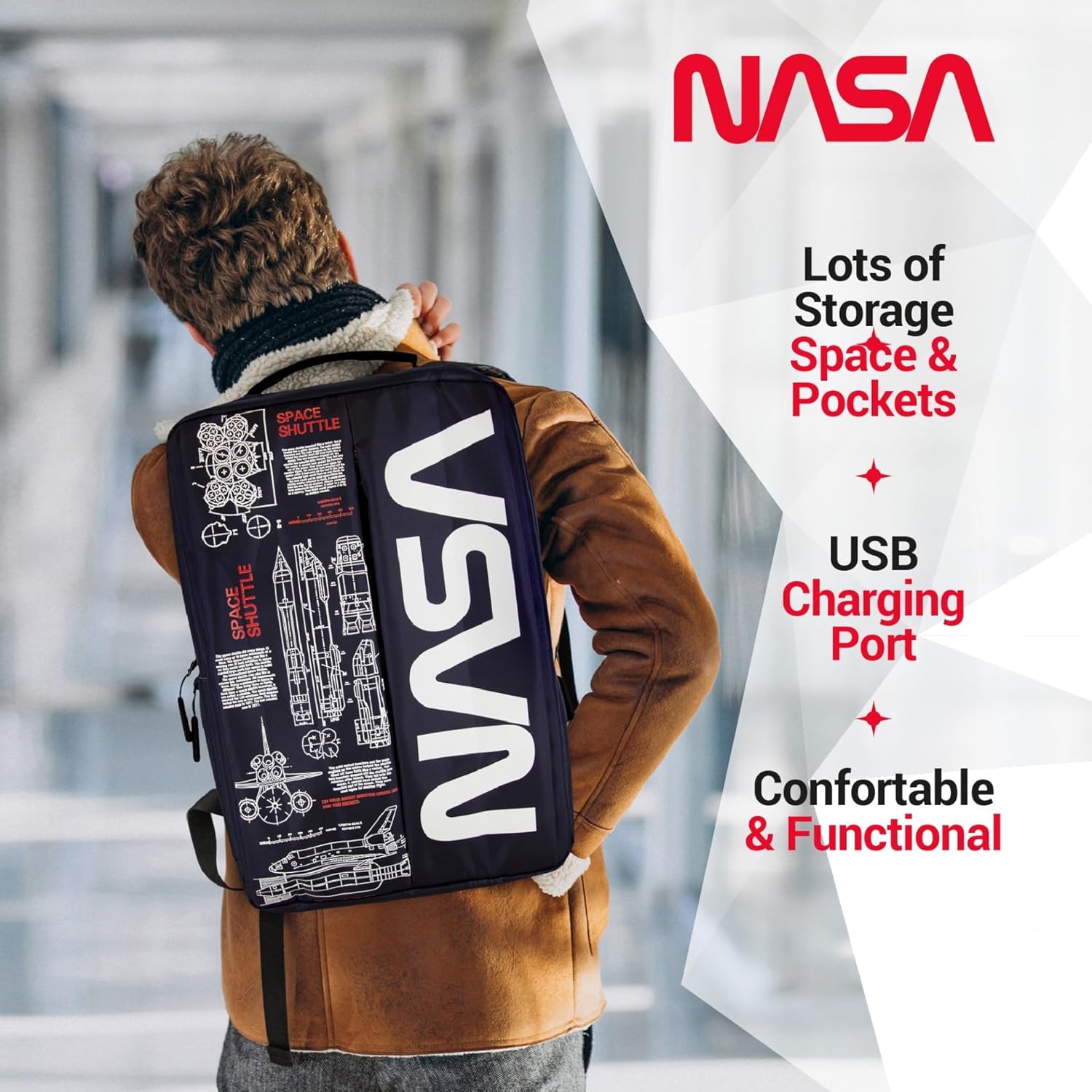
Image: A person wearing the backpack, showcasing its ergonomic design and how it sits on the back.
Održavanje
- čišćenje:
- Za manju prljavštinu, obrišite vanjski dio sredstvom za čišćenje.amp krpom i blagim sapunom.
- Ne prati u mašini ili sušiti u mašini za sušenje veša.
- Air dry completely before storing or reusing.
- Skladištenje: Ruksak čuvajte na hladnom i suhom mjestu, zaštićenom od direktne sunčeve svjetlosti kada se ne koristi.
- Otpornost na vodu: While the backpack is water-resistant, it is not fully waterproof. Avoid prolonged exposure to heavy rain or submerging the backpack in water.
Rješavanje problema
| Issue | Mogući uzrok | Rješenje |
|---|---|---|
| USB port ne puni uređaj. | Power bank not connected or depleted. Faulty cable. | Ensure power bank is charged and correctly connected to the internal USB cable. Try a different charging cable for your device. |
| Rajsferšlus se zaglavljuje ili ga je teško zatvoriti. | Fabric caught in zipper. Zipper teeth misaligned. | Gently pull fabric away from the zipper. Apply a small amount of zipper lubricant (e.g., wax) if needed. Do not force the zipper. |
| Backpack feels uncomfortable. | Straps incorrectly adjusted. Overloaded backpack. | Adjust shoulder straps for even weight distribution. Reduce the amount of items carried if the backpack is too heavy. |
Specifikacije
| Feature | Detalj |
|---|---|
| Dimenzije proizvoda | 4.72 x 11.81 x 15.75 inča (D x Š x V) |
| Težina artikla | 1.1 funte |
| Odjel | Unisex-odrasli |
| Proizvođač | CJ Tehnologija |
| ASIN | B0FQG9LPMW |
| Broj modela stavke | 71736-NA |
| Kapacitet Total | 20 litara |
Garancija i podrška
For warranty information or customer support, please refer to the contact details provided with your purchase or visit the official CJ TECH webSačuvajte dokaz o kupovini za slučaj reklamacije.


