1. Uvod
This manual provides essential information for setting up, operating, maintaining, and troubleshooting your vivo Y31 5G smartphone. Please read this manual carefully before using your device to ensure proper functionality and safety.
2. Podešavanje
2.1. Raspakivanje i sadržaj paketa
Provjerite da li se u paketu vašeg proizvoda nalaze svi artikli:
- vivo Y31 5G Smartphone
- Adapter za napajanje
- USB kabel
- Izbacivač SIM ležišta
- Case za telefon
- Zaštitna folija za ekran (unaprijed nanesena)
2.2. Instalacija SIM kartice i microSD kartice
- Pronađite ladicu za SIM karticu sa strane telefona.
- Umetnite alat za izbacivanje SIM kartice u mali otvor pored ladice i lagano pritisnite dok ladic ne iskoči.
- Place your Nano-SIM card(s) and/or microSD card into the designated slots on the tray. Ensure the gold contacts face downwards. The vivo Y31 5G supports Dual SIM functionality.
- Pažljivo vratite nosač u telefon dok ne klikne na svoje mjesto.
2.3. Početno uključivanje i podešavanje
- Press and hold the Power button (located on the right side) until the vivo logo appears.
- Follow the on-screen instructions to select your language, connect to a Wi-Fi network, set up your Google account, and configure security settings (fingerprint, face unlock, PIN/pattern).
3. Upravljanje vašim uređajem
3.1. Osnovna navigacija
The vivo Y31 5G operates on Funtouch OS 15. Use touch gestures for navigation:
- Dodirnite: Odaberite stavku ili otvorite aplikaciju.
- Prevucite: Skrolajte kroz ekrane ili liste.
- štipanje: Uvećavanje ili smanjivanje fotografija i web stranice.
- Dugme za napajanje: Press to wake/sleep the screen, long-press to power off or restart.
- Dugmad za jačinu zvuka: Podesite jačinu zvuka medija, jačinu zvuka poziva ili jačinu zvuka zvona.
3.2. Karakteristike kamere
Uređaj je opremljen svestranim sistemom kamera:
- stražnja kamera: 50 MP main camera for high-resolution photos, complemented by a 0.08 MP secondary lens.
- Prednja kamera: 8 MP selfie camera for clear self-portraits.
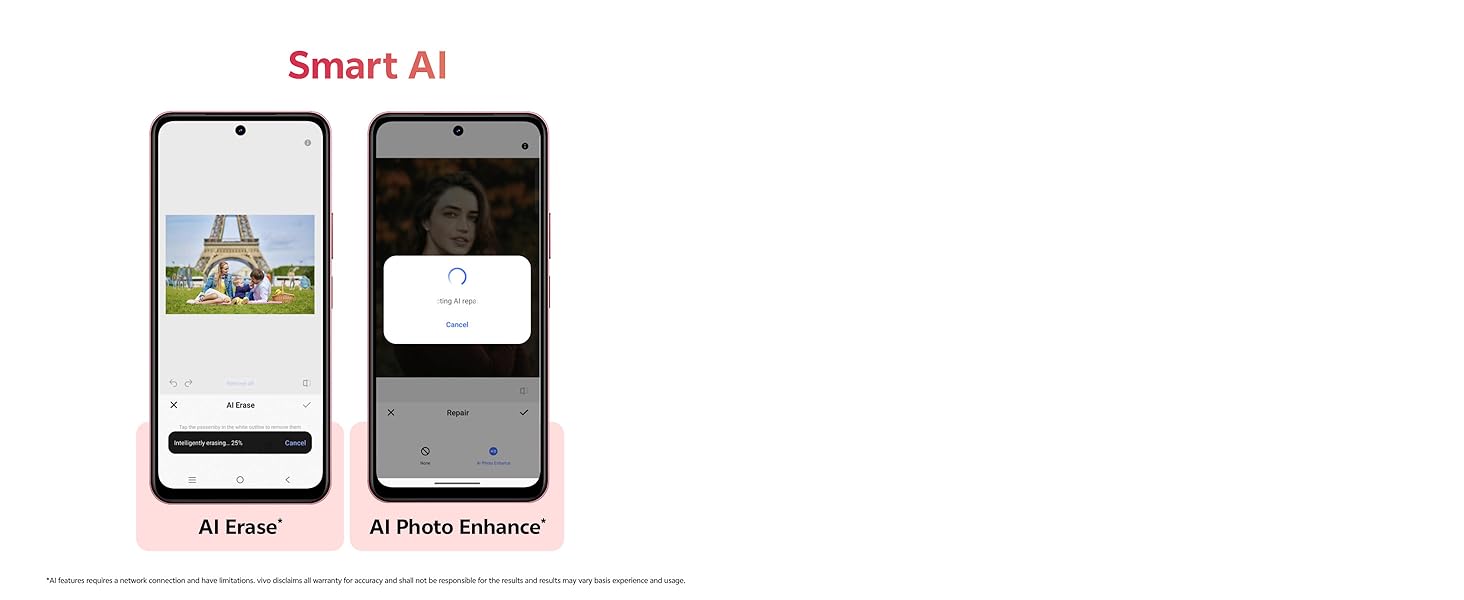
Image showing the 50MP AI Camera setup with 8MP HD Portrait Camera and 50MP HD Main Camera.
3.3. Smart AI Features
Enhance your photos with built-in AI capabilities:
- Brisanje umjetnom inteligencijom: Intelligently remove unwanted objects or people from your photos.
- AI Photo Enhance: Automatically optimize image quality for better colors, contrast, and detail.
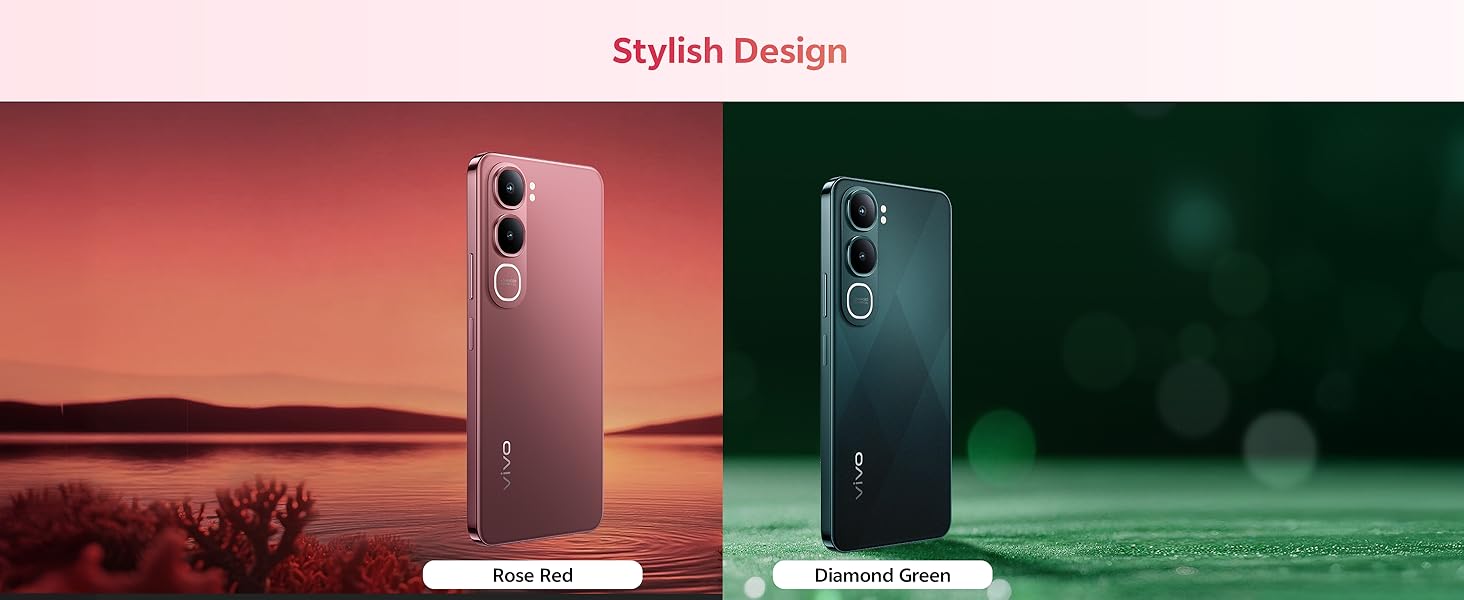
Diagram illustrating the Smart AI features, including AI Erase and AI Photo Enhance, on the vivo Y31 5G.
3.4. Baterija i punjenje
The vivo Y31 5G features a large 6500 mAh battery with 44W fast charging support. Use the provided power adapter and USB cable for optimal charging performance.
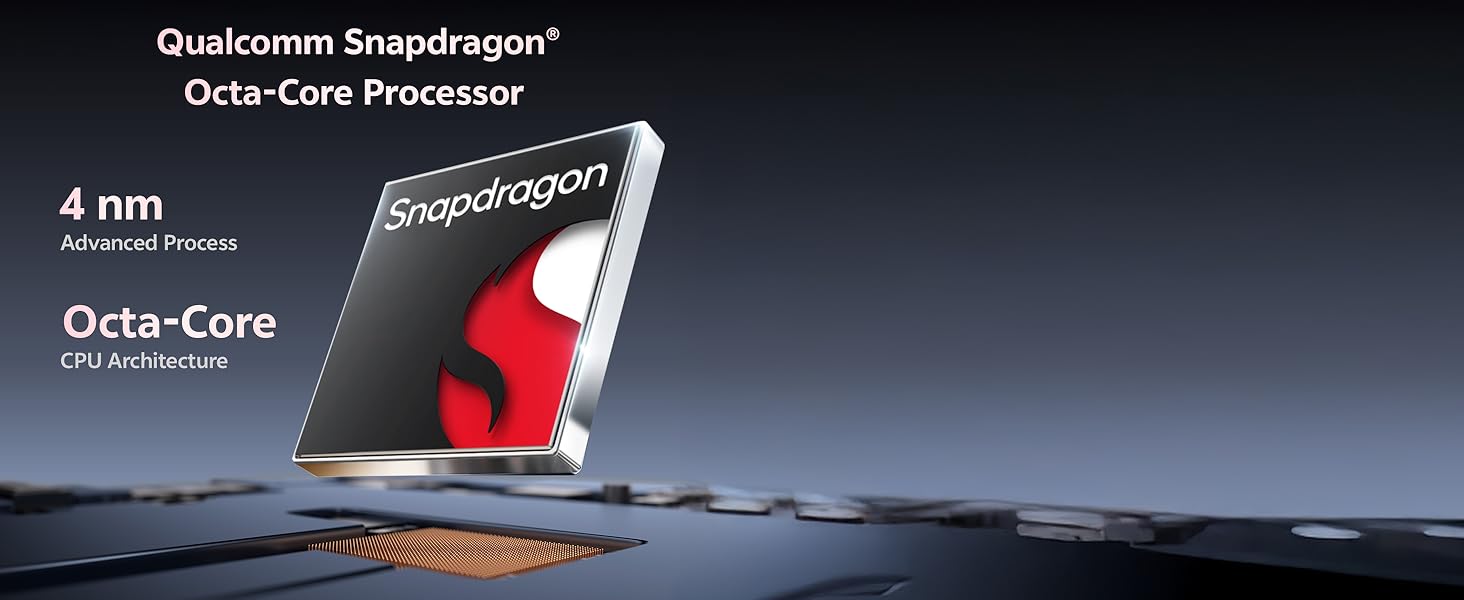
Illustration of the 6500 mAh battery and 44W FlashCharge capability of the vivo Y31 5G.
3.5. Displej
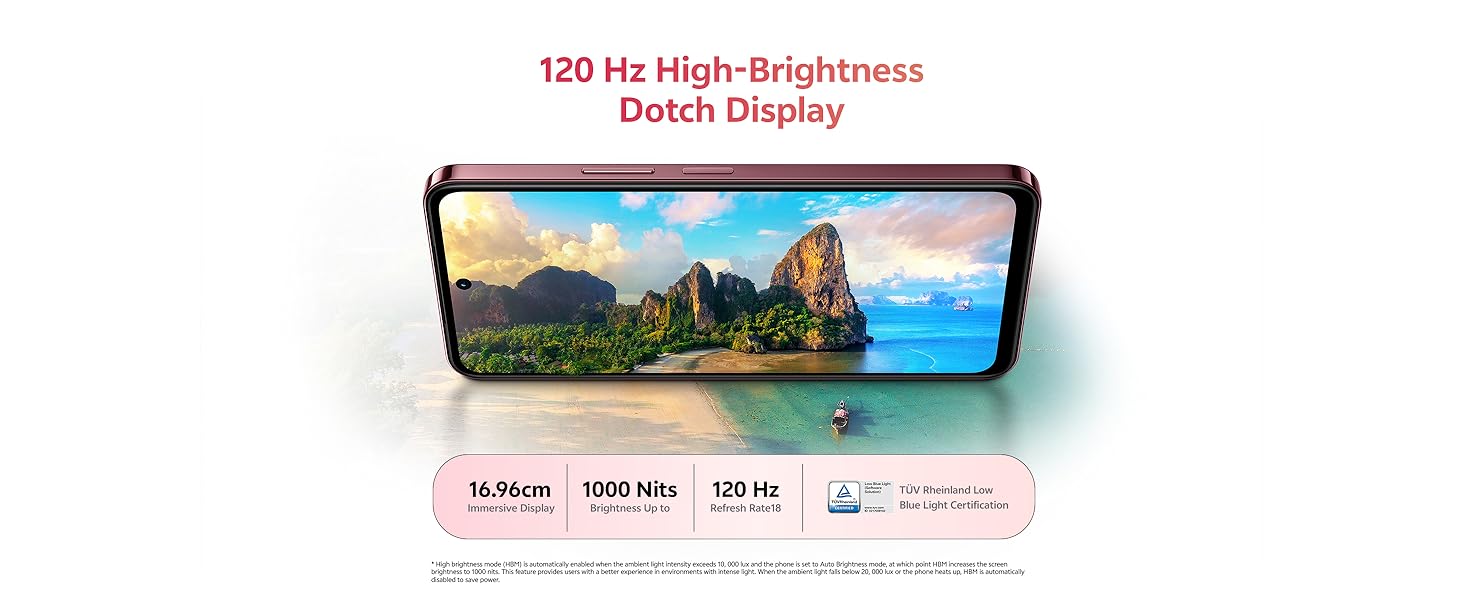
Enjoy an immersive visual experience with the 16.96 cm (6.68 inch) 120 Hz High-Brightness Dotch Display, offering up to 1000 Nits brightness and TÜV Rheinland Low Blue Light Certification for eye comfort.
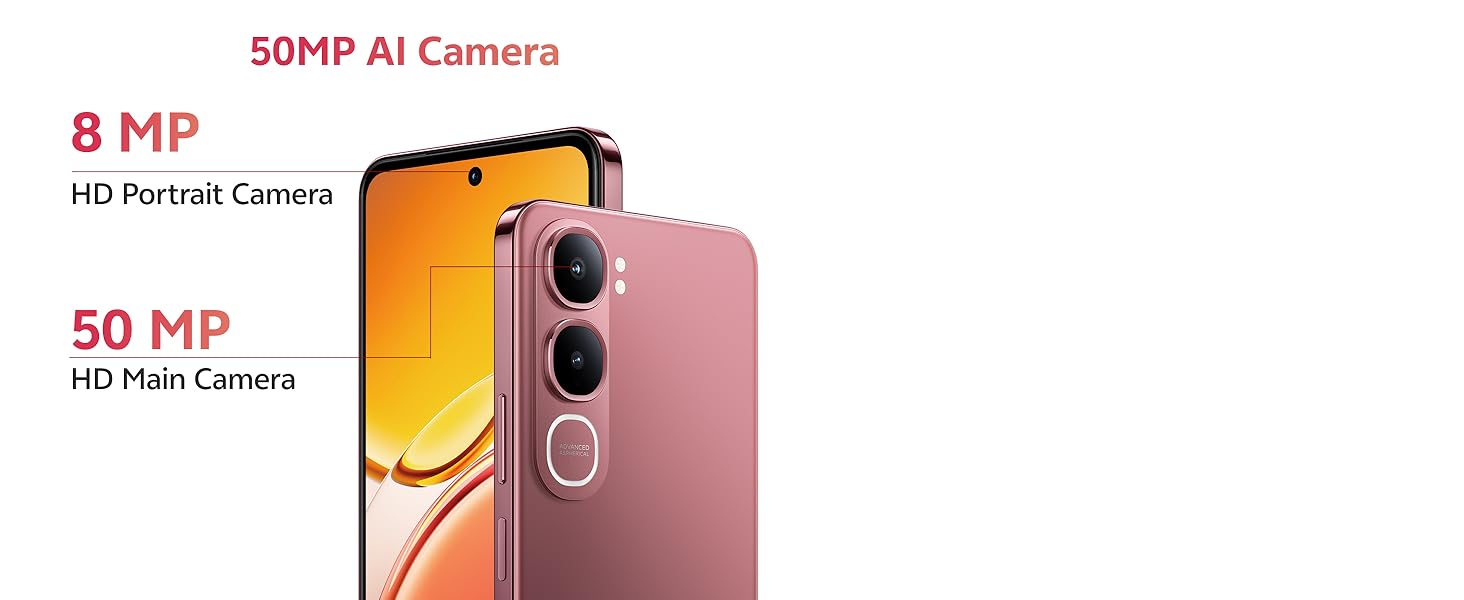
Image highlighting the 120 Hz High-Brightness Dotch Display of the vivo Y31 5G.
3.6.Audio
The device features Dual Speakers with 400% volume capability and Hi-Res Audio Certification for an enhanced audio experience.
Visual representation of the Dual Speaker system and Hi-Res Audio certification on the vivo Y31 5G.
3.7. Povezivanje
The vivo Y31 5G supports Bluetooth for wireless accessory connection and GPS for navigation services.
4. Održavanje
4.1. Čišćenje uređaja
- Za čišćenje ekrana i kućišta telefona koristite meku krpu koja ne ostavlja dlačice.
- Izbjegavajte upotrebu jakih hemikalija, abrazivnih sredstava za čišćenje ili komprimiranog zraka.
4.2. Održavanje baterije
- Izbjegavajte izlaganje telefona ekstremnim temperaturama.
- Nemojte često potpuno prazniti bateriju.
- Use only original vivo chargers and cables.
4.3. Ažuriranja softvera
Redovno provjeravajte i instalirajte ažuriranja softvera kako biste osigurali optimalne performanse, sigurnost i pristup novim funkcijama. Idite na Postavke > Ažuriranje sistema da provjerite dostupna ažuriranja.
4.4. Karakteristike izdržljivosti
The vivo Y31 5G is designed with enhanced durability:
- IP68/69 Rating: Provides protection against dust and water ingress. The device can withstand submersion in fresh water up to 1.5 meters for up to 30 minutes. It also features Wet-Hand Touch Technology for smooth control even with wet hands, and One-Tap Water Ejection.
- SGS Gold Label Five-Star Drop Resistance Certification: Indicates enhanced resistance to accidental drops.
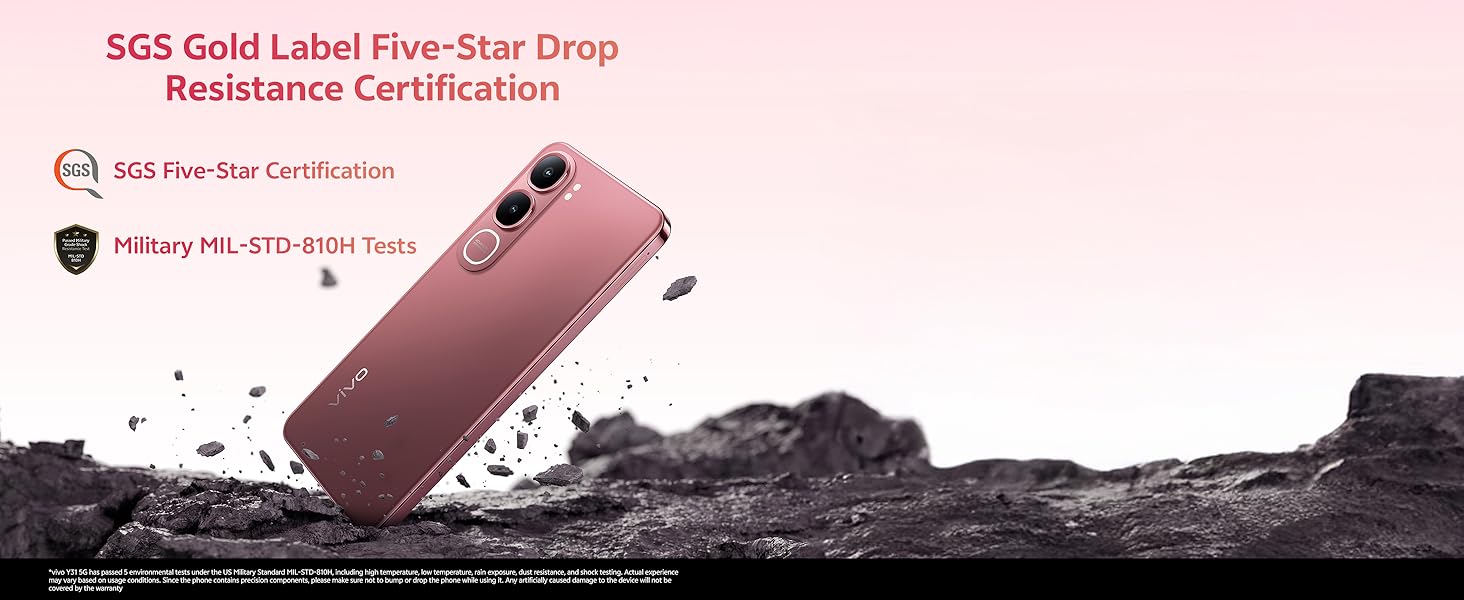
Image illustrating the IP68/69 water and dust resistance rating, Wet-Hand Touch technology, and One-Tap Water Ejection feature of the vivo Y31 5G.
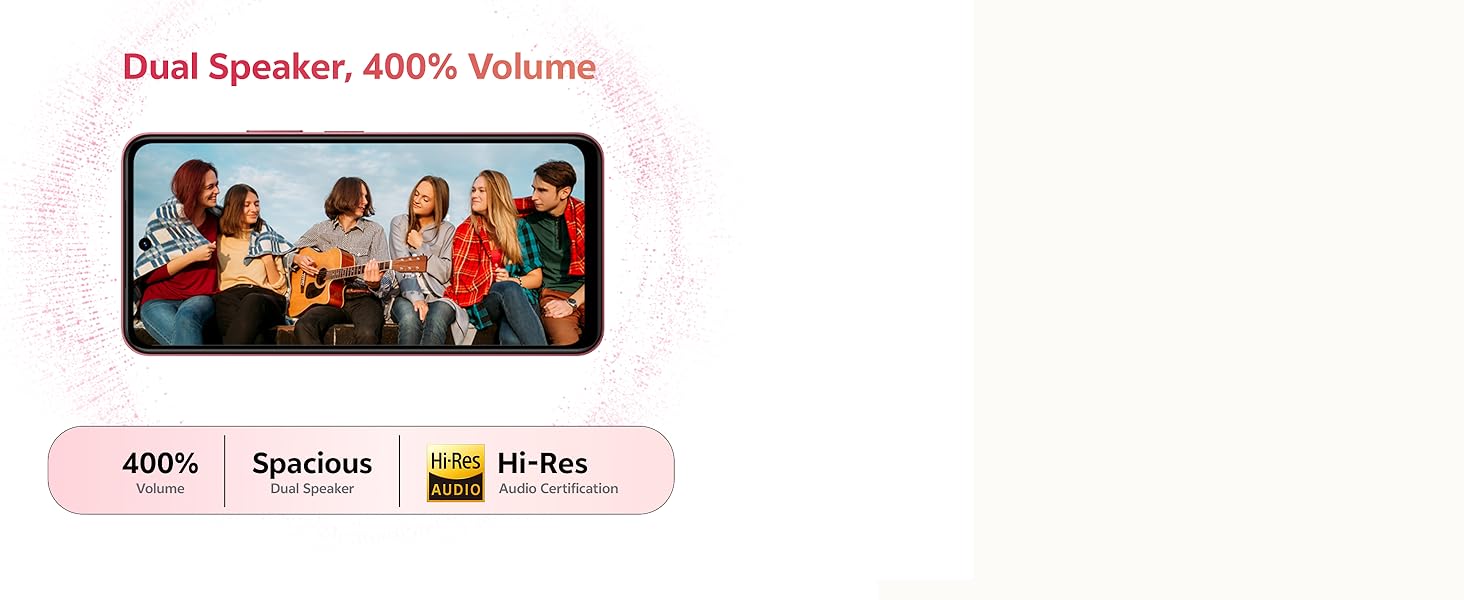
Image showing the SGS Gold Label Five-Star Drop Resistance Certification for the vivo Y31 5G.
5. Otkrivanje problema
This section addresses common issues you might encounter with your vivo Y31 5G.
5.1. Telefon se ne uključuje
- Ensure the battery is charged. Connect the phone to its charger for at least 15 minutes.
- Pritisnite i držite dugme za napajanje 10-15 sekundi da biste prisilno ponovo pokrenuli računar.
5.2. Loš vijek trajanja baterije
- Smanjite svjetlinu ekrana.
- Zatvorite nekorištene aplikacije koje rade u pozadini.
- Isključite Wi-Fi, Bluetooth ili GPS kada ih ne koristite.
- Provjerite potrošnju baterije u Postavke> Baterija za identifikaciju aplikacija koje troše mnogo energije.
5.3. Problemi s povezivanjem (Wi-Fi/Bluetooth)
- Toggle Wi-Fi or Bluetooth off and on.
- Ponovo pokrenite telefon.
- Za Wi-Fi, zaboravite mrežu i ponovo se povežite.
5.4. Rušenje ili zamrzavanje aplikacija
- Force close the app (swipe up from the bottom and swipe the app away).
- Obrišite keš memoriju i podatke aplikacije u Postavke > Aplikacije > [Naziv aplikacije] > Pohrana.
- Ažurirajte aplikaciju na najnoviju verziju iz Google Play trgovine.
5.5. Factory Reset
If issues persist, you may consider a factory reset. Upozorenje: Ovo će izbrisati sve podatke na vašem telefonu. Napravite sigurnosnu kopiju važnih podataka prije nego što nastavite.
- Idi na Postavke > Sistem > Opcije resetiranja.
- Odaberite Izbriši sve podatke (vraćanje na fabričke postavke).
- Potvrdite svoju odluku i unesite PIN/uzorak ako se to od vas zatraži.
6. Specifikacije
Key technical specifications for the vivo Y31 5G smartphone:
| Feature | Specifikacija |
|---|---|
| Broj modela | Y31 |
| Operativni sistem | Funtouch OS 15 |
| Procesor | Qualcomm Snapdragon Octa-Core (2.2 GHz CPU Speed) |
| RAM | 4GB |
| Interna pohrana | 128GB |
| Veličina ekrana | 16.96 cm (6.68 inča) |
| Rezolucija ekrana | 1608 x 720 |
| Zadnja kamera | 50 MP + 0.08 MP |
| Prednja kamera | 8 MP |
| Kapacitet baterije | 6500 mAh |
| Punjenje | 44W brzo punjenje |
| Povezivanje | Bluetooth, GPS |
| Posebne karakteristike | Basic Phone, Bluetooth Enabled, Built-In GPS, Camera, Dual SIM |
| Dimenzije (DxŠxV) | 16.6 x 7.7 x 0.8 cm |
| Težina artikla | 209 g |
| Boja | Diamond Green |
| Otpornost na vodu/prašinu | IP68/69 Rating |
| Otpor na pad | SGS Gold Label Five-Star Certified |
7. Garancija i podrška
7.1. Informacije o garanciji
Your vivo Y31 5G smartphone comes with a standard manufacturer's warranty. Please refer to the warranty card included in your package for specific terms, conditions, and duration. Keep your proof of purchase for warranty claims.
7.2. Korisnička podrška
For technical assistance, service, or further inquiries, please contact vivo customer support. You can find contact details on the official vivo webweb-mjestu ili u dokumentaciji koja je dostavljena s vašim uređajem.
Proizvođač: vivo Mobile India Pvt Ltd Plot No 08, Sector 24, Yamuna Expressway Area, Gautam Buddha Nagar, Uttar Pradesh, 201310


