1. Uvod
This manual provides essential information for the proper setup, operation, and maintenance of your KTC 27M1 27-inch QHD 210Hz Fast IPS Gaming Monitor. This monitor features a native 2560 x 1440 QHD resolution, a 210Hz refresh rate, 1ms (MPRT) response time, built-in dual 2W speakers, and a detachable shielding hood for an optimized viewing iskustvo.

Figure 1: KTC 27M1 27-inch QHD 210Hz Fast IPS Gaming Monitor with Shielding Hood.
2. Šta se nalazi u kutiji
Provjerite da li su sve komponente prisutne u paketu:
- Monitor x1
- Baza x1
- Monitor Shielding Hood x2
- Vodič za brzi početak (QSG) x1
- DisplayPort (DP) Cable x1
- Adapter x1
- Kabl za napajanje x1

Figure 2: Package contents for the KTC 27M1 monitor.
3. Podešavanje
3.1. Sklapanje monitora
- Pažljivo izvadite monitor i bazu iz ambalaže.
- Attach the base to the monitor stand. Ensure it clicks securely into place.
- Attach the monitor shielding hoods to the sides of the monitor. These are designed to absorb light and reduce reflections, enhancing visual immersion.
3.2. Povezivanje monitora
The KTC 27M1 monitor offers versatile connectivity options:
- DisplayPort 1.4 (DP): Supports up to 200Hz (overclocked to 210Hz) QHD resolution. Use the included DP cable for optimal performance.
- HDMI2.0: Supports up to 144Hz QHD resolution.
- USB 2.0: For firmware upgrades only.
- Priključak za slušalice: Za audio izlaz.
Connect the appropriate cable(s) from your computer or device to the monitor. Then, connect the power adapter and power cord to the monitor and a power outlet.
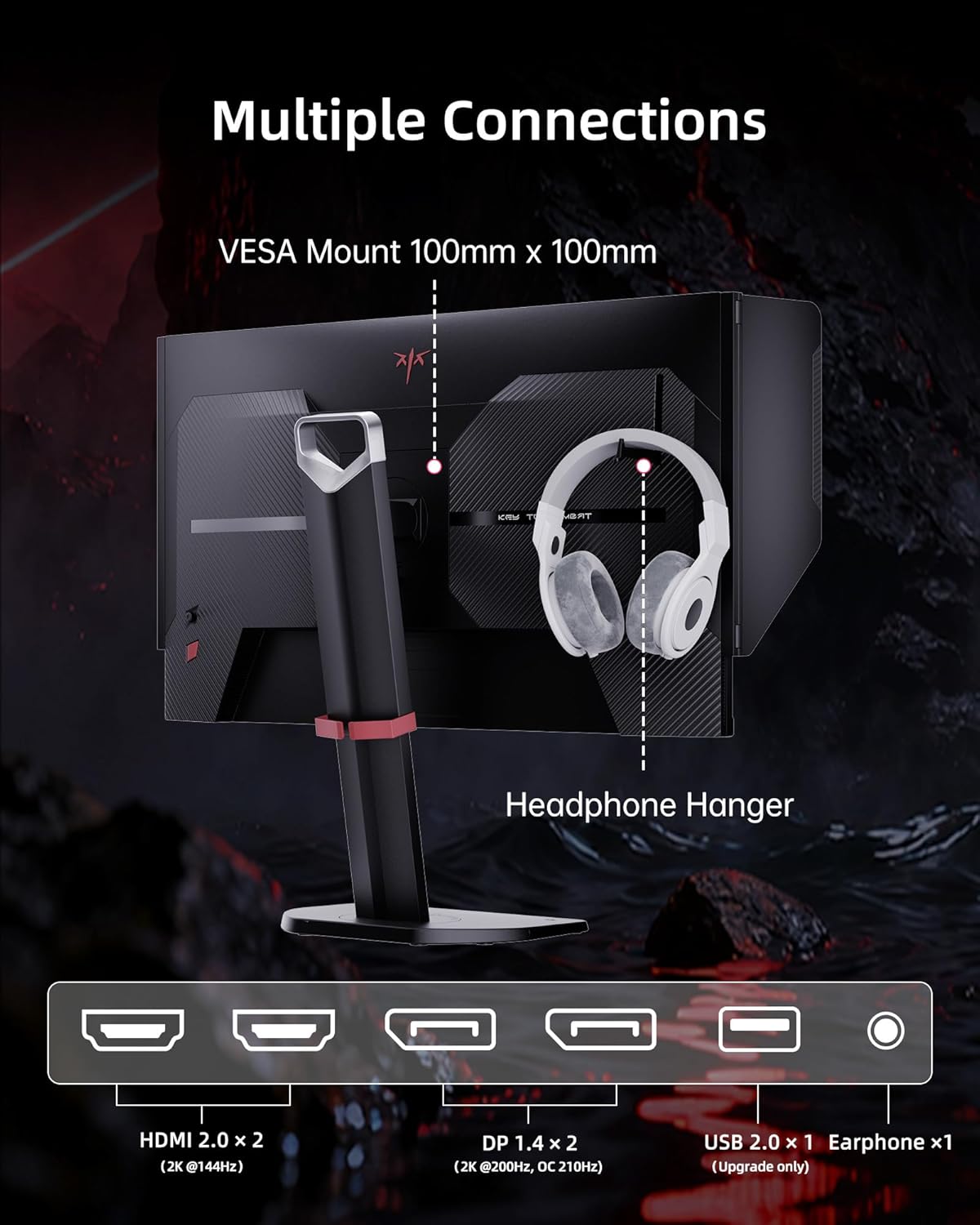
Figure 3: Multiple connection options and features on the KTC 27M1 monitor.
4. Rukovanje monitorom
4.1. Uključivanje/isključivanje
Pritisnite dugme za napajanje koje se nalazi na monitoru da biste ga uključili ili isključili.
4.2. Navigacija kroz meni na ekranu (OSD)
The monitor features a 5-way navigation joystick for easy access and control of the OSD menu. Push the joystick in to open the menu, then move it up, down, left, or right to navigate and select options.
4.3. Postavke ekrana
- rezolucija: The monitor supports a native 2560 x 1440 QHD resolution for sharp and clear visuals.
- Brzina osvježavanja: Enjoy a smooth experience with a 210Hz refresh rate (when overclocked via DisplayPort 1.4).
- Vrijeme odgovora: A 1ms (MPRT) response time minimizes motion blur and ghosting.
- Preciznost boja: Features 130% sRGB color gamut area, 1.07 billion colors, 1000:1 contrast ratio, and 450cd/m² brightness with HDR support for professional, true-to-life colors.

Figure 4: QHD 2K Resolution for clear visual detail.
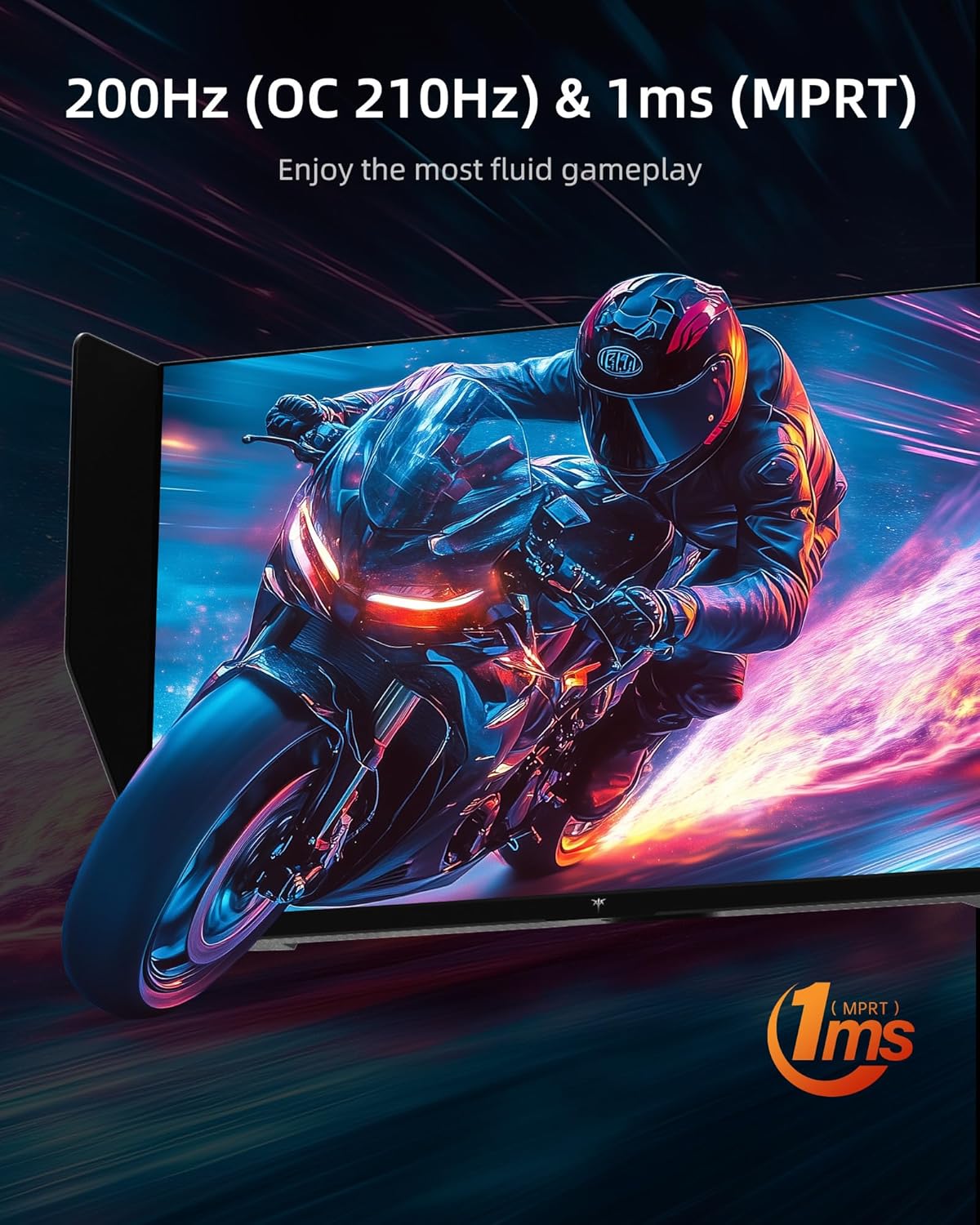
Figure 5: High refresh rate and fast response time for fluid gameplay.
4.4. Karakteristike igranja
- Adaptivna sinhronizacija: Supports Adaptive Sync technology for tear-free and stutter-free gaming.
- Overdrive: Adjust the overdrive setting for faster pixel response times.
- MPRT: Motion Picture Response Time can be enabled for reduced motion blur.
- Pomoć u igri: Access various in-game enhancements like crosshairs or timers.
- Crni ekvilajzer: Adjust dark areas in games for better visibility.
- Game Mode/FPS Mode: Pre-set display modes optimized for different game genres.
4.5.Audio
The monitor includes built-in dual 2W speakers, providing convenient audio without external speakers. An earphone jack is also available for private listening.
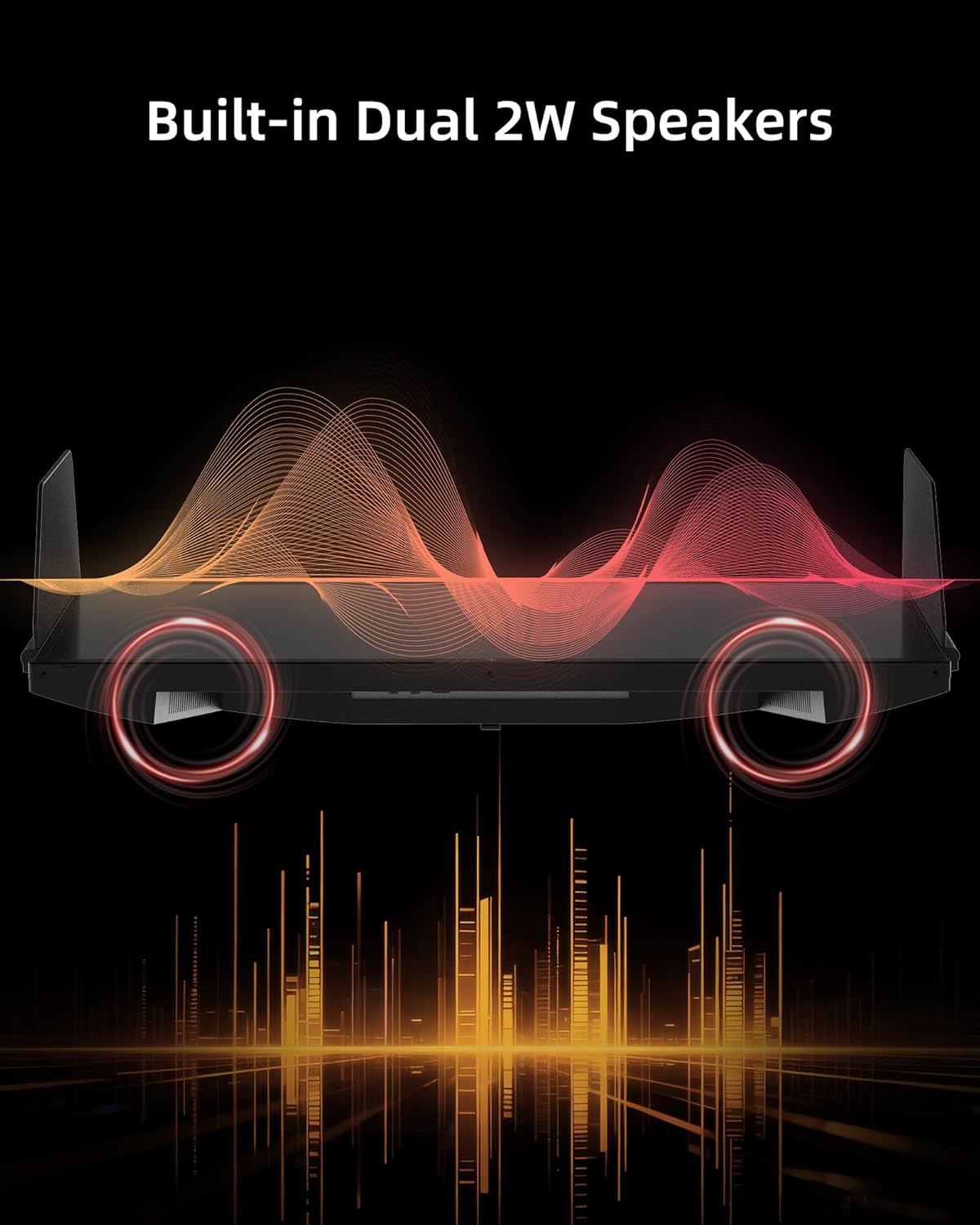
Figure 6: Built-in Dual 2W Speakers.
4.6. Shielding Hood
The detachable monitor hood, made of flocking material, helps eliminate frame reflections by absorbing ambient light. This enhances visual immersion and image contrast, and also provides a soft texture with sound-absorbing effects.

Figure 7: Detachable Monitor Hood to eliminate ambient light and reflection.
4.7. Ergonomska podešavanja
The monitor stand supports a range of adjustments for optimal viewudobnost:
- Podešavanje visine: 150±5 mm
- Nagib: -5° do 35°
- Okretni: -60° do 60°
- Pivot: -5° to 90° (for vertical orientation)
The monitor also supports VESA 100 x 100 mm mounting for alternative mounting solutions.

Figure 8: Flexible angle adjustments for personalized viewing.
4.8. Eye Comfort Features
The monitor incorporates low blue light and flicker-free technologies to reduce eye strain and enhance comfort during prolonged use.
4.9. Zvanični video proizvoda
Video 1: Krajview of the KTC 27 Inch 210Hz 2K Gaming Monitor with Shielding Hood, showcasinnjegove karakteristike i dizajn.
5. Održavanje
Da biste osigurali dugotrajnost i optimalne performanse vašeg monitora, slijedite ove smjernice za održavanje:
- Čišćenje ekrana: Pažljivo obrišite ekran mekom krpom koja ne ostavlja dlačice. Za tvrdokorne mrlje, dampen the cloth slightly with water or a mild, non-abrasive screen cleaner. Avoid using harsh chemicals or abrasive materials.
- Čišćenje C-aasing: Koristite meku, suhu krpu za čišćenje površine monitoraasing.
- Skladištenje: Ako monitor skladištite duži period, stavite ga u originalno pakovanje ili zaštitnu navlaku na hladno i suho mjesto.
6. Otkrivanje problema
If you encounter any issues with your KTC 27M1 monitor, refer to the following common problems and solutions:
- Bez prikaza:
- Provjerite je li kabel za napajanje sigurno spojen i na monitor i na utičnicu.
- Verify that the video cable (DP or HDMI) is correctly connected to both the monitor and your computer/device.
- Provjerite je li u OSD meniju odabran ispravan ulazni izvor.
- Ako je moguće, testirajte monitor s drugim uređajem ili kabelom.
- Treperenje ekrana:
- Provjerite je li video kabel sigurno spojen.
- Check your graphics card drivers and update them if necessary.
- Disable any overclocking settings if enabled.
- Verify that the refresh rate is set correctly in your operating system's display settings.
- Problemi sa bojom:
- Podesite postavke boja (svjetlinu, kontrast, temperaturu boja) u OSD meniju.
- Ensure HDR is enabled or disabled as desired in both the monitor's OSD and your device's settings.
- Resetujte monitor na fabričke postavke putem OSD menija.
- Nema zvuka iz zvučnika:
- Check the volume level on the monitor and your connected device.
- Ensure the audio output is correctly routed to the monitor in your device's sound settings.
- If using the earphone jack, ensure headphones are properly plugged in.
7. Specifikacije
| Feature | Specifikacija |
|---|---|
| Broj modela | 27M1 |
| Veličina ekrana | 27 inča |
| Rezolucija | 2560 x 1440 piksela (QHD širokokutni ekran 1440p) |
| Refresh Rate | 210Hz (OC) via DisplayPort 1.4, 144Hz via HDMI 2.0 |
| Vrijeme odgovora | 1ms (MPRT) |
| Tip panela | Skoro IPS |
| Aspect Ratio | 21:9 |
| Gamut boja | 130% sRGB |
| Podržane boje | 1.07 milijardi |
| Kontrast Ratio | 1000:1 |
| Osvetljenost | 450 cd/m² |
| HDR podrška | Da |
| Zvučnici | Ugrađeni dvostruki zvučnici od 2 W |
| Povezivanje | DisplayPort 1.4 x2, HDMI 2.0 x2, USB 2.0 x1 (Upgrade only), Earphone x1 |
| VESA Mount | 100 x 100 mm |
| Ergonomija | Height Adjustment (150±5mm), Tilt (-5°~35°), Swivel (-60°~60°), Pivot (-5°~90°) |
| Karakteristike za njegu očiju | Slabo plavo svjetlo, bez treperenja |
| Dimenzije proizvoda | 8.03 x 24.09 x 21.18 inča |
| Težina artikla | 12.54 funte |
8. Garancija i podrška
KTC provides a three-year warranty for the 27M1 monitor. For any issues or inquiries, please contact Ktcmonitor-Official customer support. They aim to respond within 12 hours.
You can typically find contact information on the seller's page or through your purchase platform.


