1. Uvod
This manual provides essential information for using your new vivo Y31 Pro 5G smartphone. Please read it carefully to ensure proper operation and to maximize the device's features. Keep this manual for future reference.

Slika: Front view of the vivo Y31 Pro 5G smartphone, showcasinnjegov prikaz.
2. Šta se nalazi u kutiji
Provjerite da li se sve stavke nalaze u pakovanju vašeg proizvoda:
- vivo Y31 Pro 5G pametni telefon
- Case za telefon
- Adapter za napajanje
- USB kabel
- Izbacivač SIM ležišta
- Zaštitna folija za ekran (unaprijed nanesena)
3. Podešavanje
3.1. Instalacija SIM kartice
- Pronađite ladicu za SIM karticu sa strane uređaja.
- Umetnite alat za izbacivanje SIM kartice u mali otvor pored ladice i lagano pritisnite dok ladic ne iskoči.
- Umetnite Nano-SIM karticu(e) i/ili microSD karticu u utor sa zlatnim kontaktima okrenutim prema dolje, pazeći da su ispravno orijentirani.
- Pažljivo vratite nosač u telefon dok ne klikne na svoje mjesto.
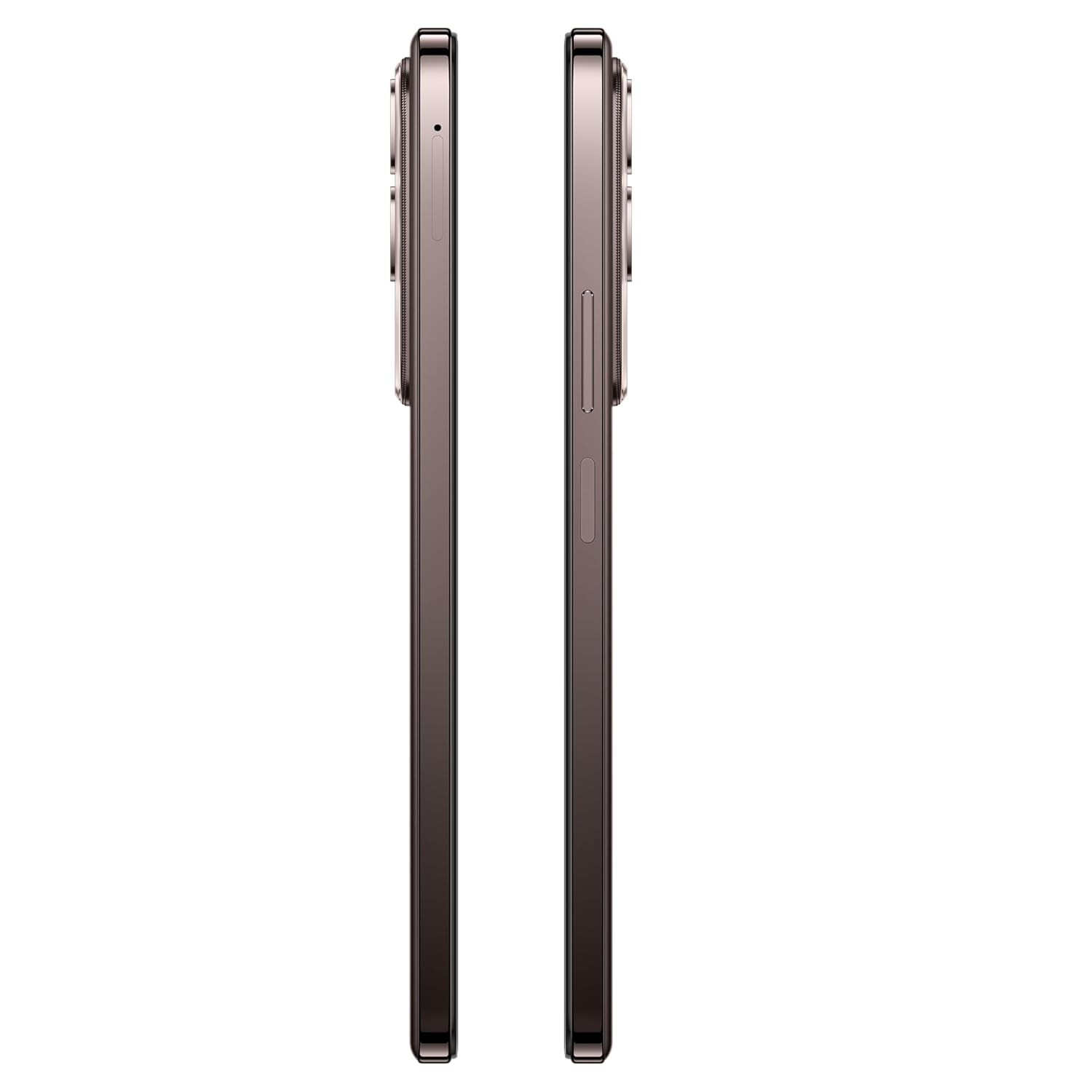
Slika: Sa strane view of the vivo Y31 Pro 5G, showing the SIM card tray location.
3.2. Početno uključivanje i osnovne postavke
- Press and hold the Power button (located on the right side) until the vivo logo appears.
- Slijedite upute na ekranu da biste odabrali jezik, regiju i povezali se na Wi-Fi mrežu.
- Prijavite se sa svojim Google računom ili kreirajte novi da biste pristupili Google uslugama i Trgovini Play.
- Set up your screen lock method (PIN, pattern, password, fingerprint, or face unlock).
4. Upravljanje vašim uređajem
4.1. Karakteristike ekrana
The vivo Y31 Pro 5G features a 17.06 cm (6.72 inch) High Brightness FHD+ display with a 120 Hz refresh rate and up to 1050 Nits brightness for clear visuals and smooth scrolling.
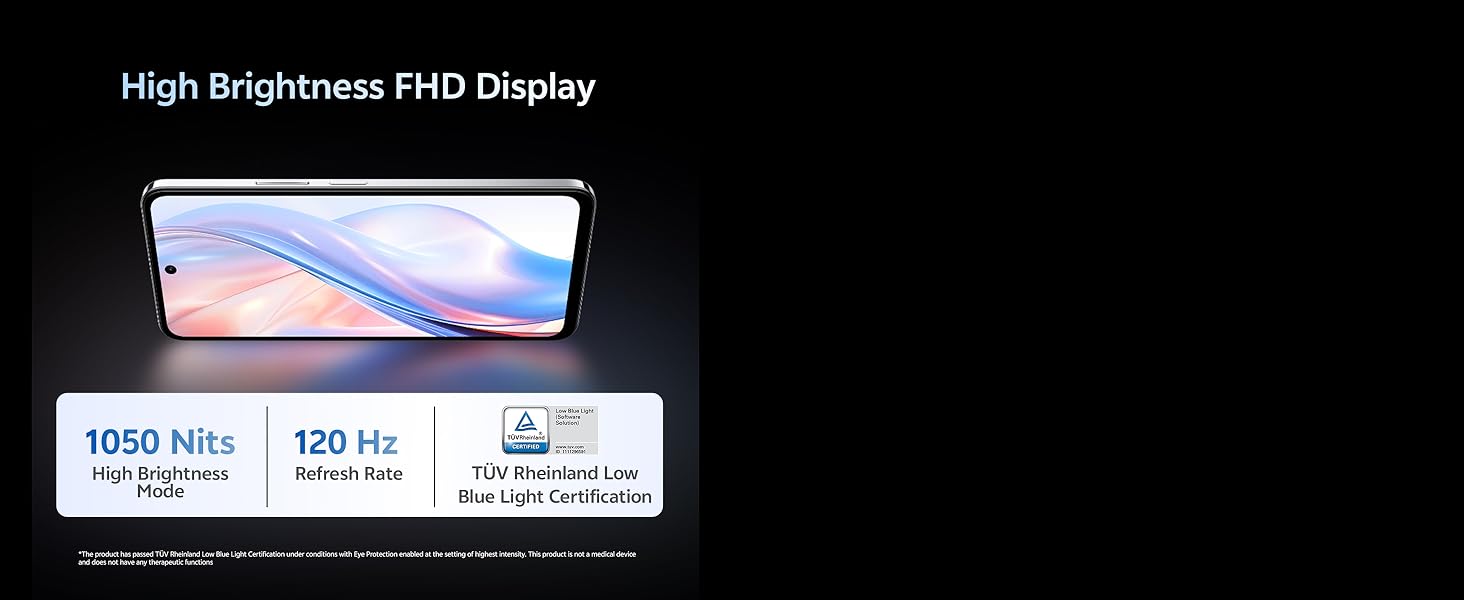
Image: Illustration highlighting the phone's high brightness FHD display with 1050 Nits and 120 Hz refresh rate.
4.2. Upotreba kamere
Your device is equipped with a 50 MP + 2 MP rear camera system and an 8 MP selfie camera. It supports 4K video recording.
- Slikati: Open the Camera app, select 'Photo' mode, and tap the shutter button.
- Snimanje video zapisa: Switch to 'Video' mode and tap the record button to start/stop.
- AI karakteristike: Utilize AI Erase and AI Photo Enhance for improved image quality and editing.
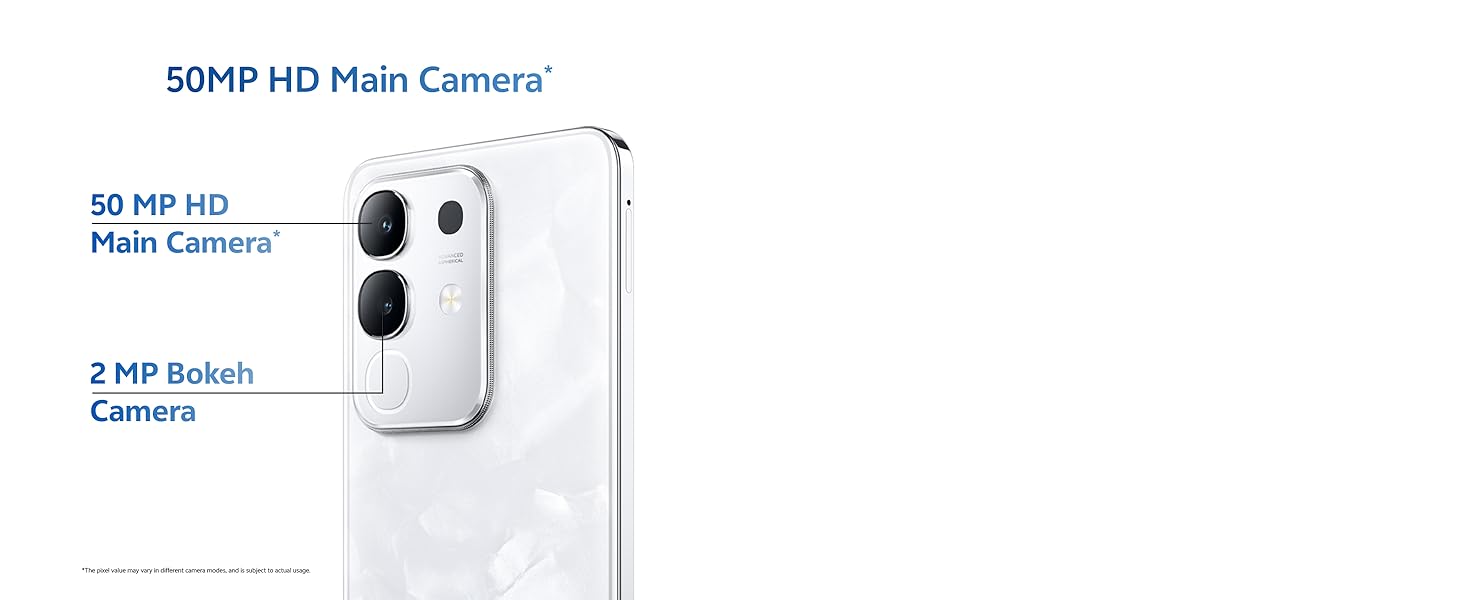
Image: Close-up of the vivo Y31 Pro 5G's rear camera module, showing the 50 MP main camera and 2 MP bokeh camera.

Image: Comparison showing video quality with and without 4K recording on the vivo Y31 Pro 5G.
4.3. Upravljanje baterijom
The device is powered by a 6500 mAh battery and supports 44W FlashCharge. For optimal battery life:
- Za punjenje koristite priloženi adapter za napajanje i USB kabel.
- Izbjegavajte ekstremne temperature.
- Upravljajte korištenjem aplikacija u pozadini i svjetlinom ekrana.
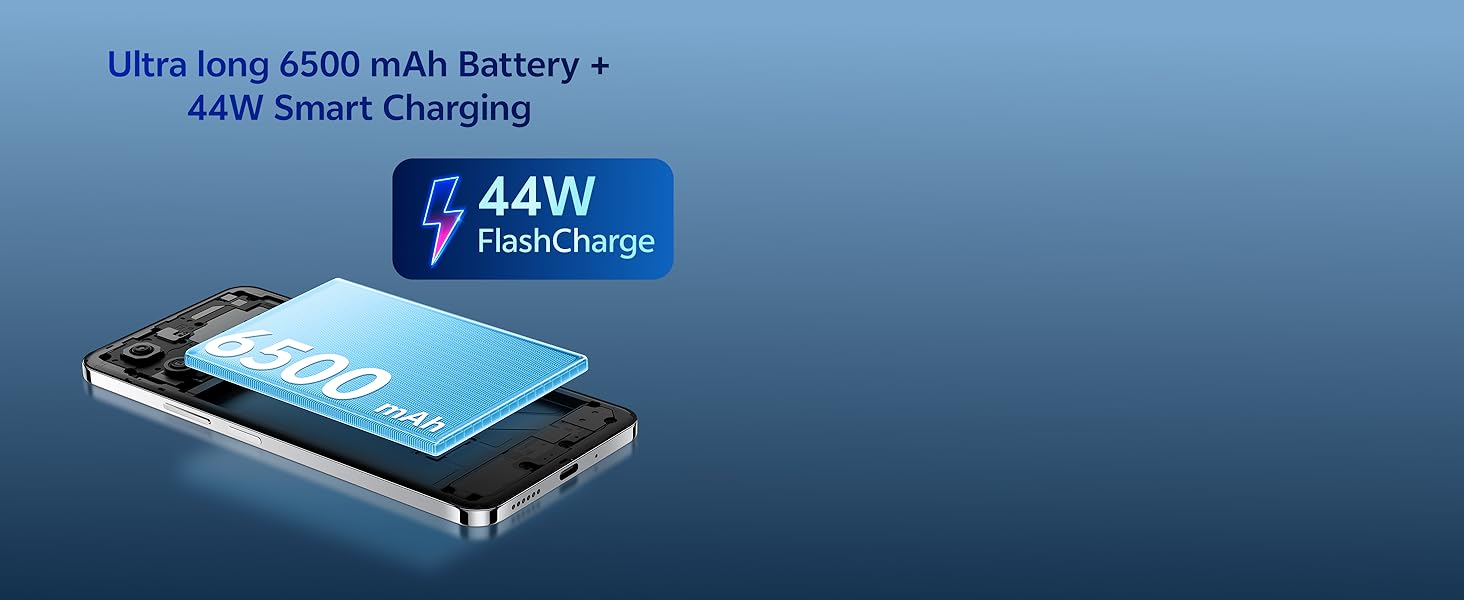
Image: Illustration of the vivo Y31 Pro 5G's 6500 mAh battery and 44W FlashCharge technology.
4.4. Povezivanje
The vivo Y31 Pro 5G supports 5G network connectivity, Bluetooth, and built-in GPS.
- Wi-Fi: Idite u Postavke > Mreža i internet > Wi-Fi da biste se povezali na dostupne mreže.
- Bluetooth: Idite u Postavke > Povezani uređaji > Bluetooth da biste uparili uređaj s drugim uređajima.
- 5G: Ensure your SIM card and plan support 5G for high-speed mobile data.
4.5.Audio
The device features dual stereo speakers for enhanced audio output.
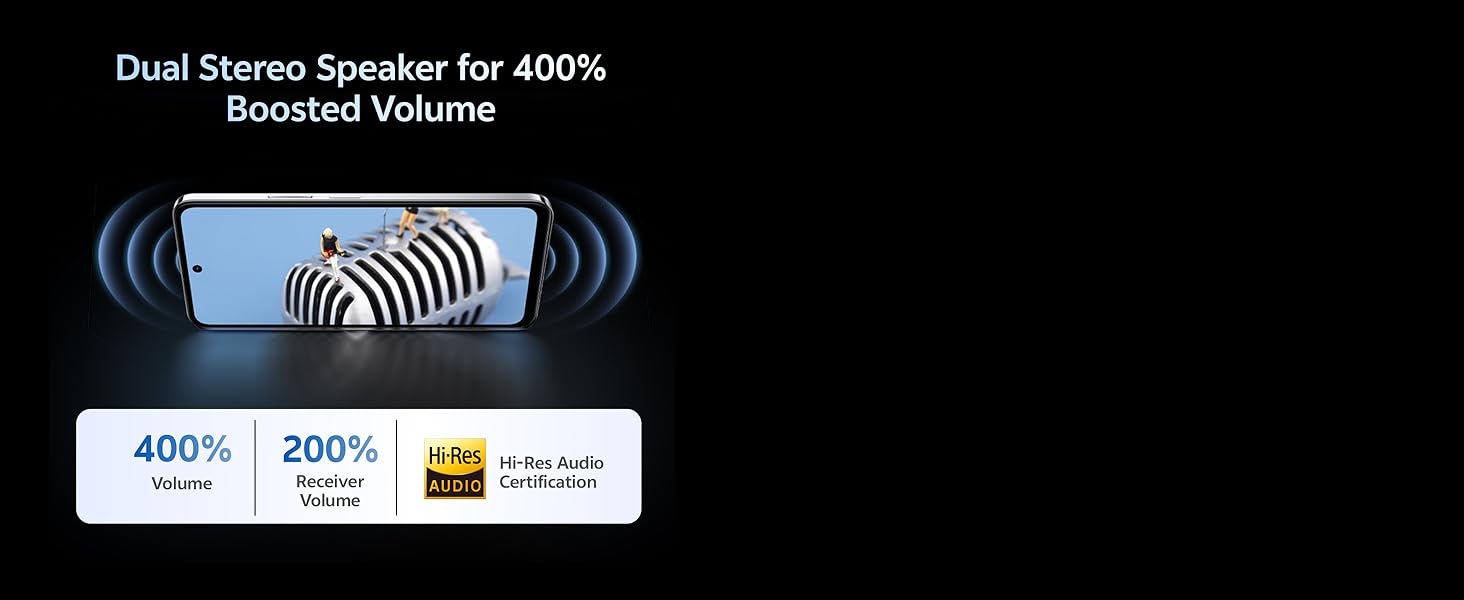
Image: Illustration depicting the dual stereo speaker system of the vivo Y31 Pro 5G.
5. Održavanje
5.1. Čišćenje uređaja
- Za čišćenje ekrana i kućišta koristite meku krpu koja ne ostavlja dlačice.
- Izbjegavajte korištenje jakih kemikalija ili abrazivnih materijala.
- Uređaj ima IP64 ocjenu otpornosti na prašinu i prskanje. Izbjegavajte uranjanje u vodu.
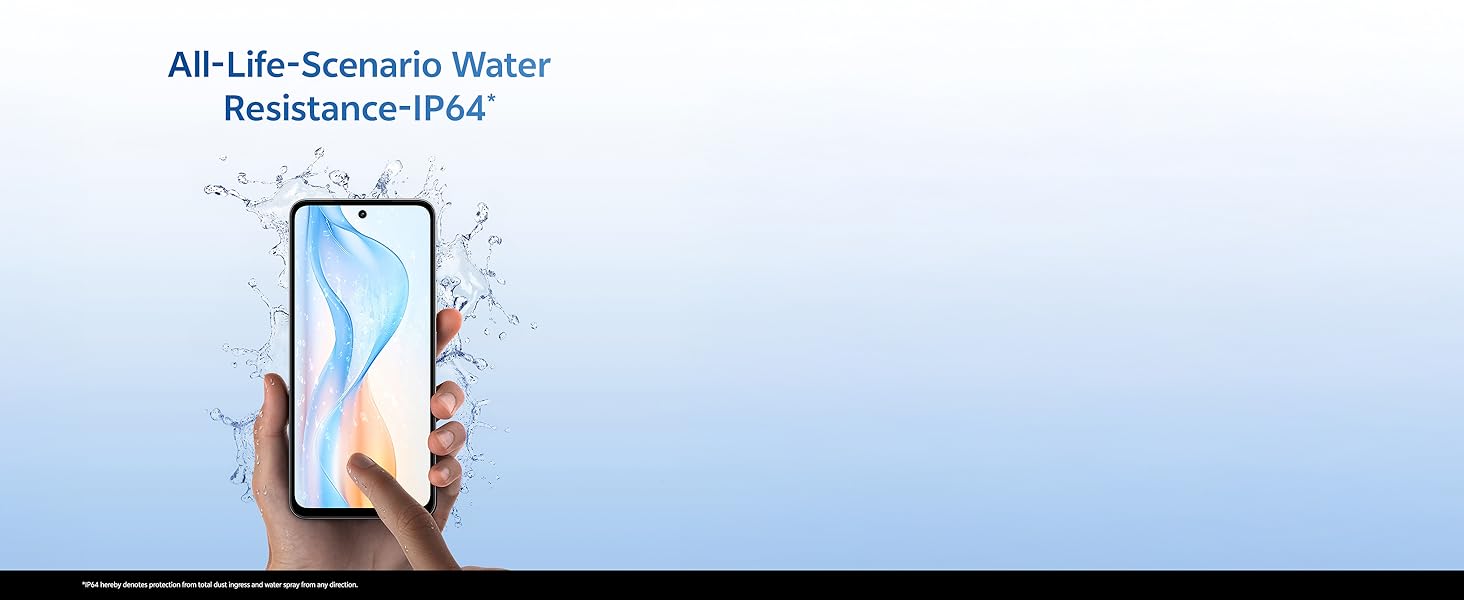
Image: Illustration demonstrating the IP64 water resistance of the vivo Y31 Pro 5G against splashes.
5.2. Ažuriranja softvera
Redovno provjeravajte ažuriranja softvera kako biste bili sigurni da vaš uređaj ima najnovije funkcije i sigurnosne zakrpe. Idite u Postavke > Sistem > Ažuriranje sistema.
6. Otkrivanje problema
6.1. Uobičajeni problemi
- Uređaj se ne uključuje: Ensure the battery is charged. Connect to the power adapter for at least 10 minutes before attempting to power on.
- Rušenje aplikacija: Clear the cache of the problematic app (Settings > Apps > [App Name] > Storage & cache > Clear cache). If the issue persists, reinstall the app.
- Slab mrežni signal: Provjerite je li vaša SIM kartica instalirana. Premjestite se u područje s boljom pokrivenošću mrežom.
- Baterija se brzo prazni: Smanjite svjetlinu ekrana, onemogućite nepotrebne aplikacije u pozadini i isključite Wi-Fi/Bluetooth kada ih ne koristite.
6.2. Factory Reset
Ako vaš uređaj ima stalne probleme, vraćanje na tvorničke postavke bi ih moglo riješiti. Upozorenje: Ovim će se izbrisati svi podaci na vašem telefonu. Napravite sigurnosnu kopiju važnih podataka prije nego što nastavite. Idite u Postavke > Sistem > Opcije resetiranja > Izbriši sve podatke (vraćanje na fabričke postavke).
7. Specifikacije
| Feature | Specifikacija |
|---|---|
| Model | vivo Y31 Pro 5G |
| Operativni sistem | Funtouch OS 15 |
| Procesor | MediaTek Dimensity 7300 |
| RAM | 8GB |
| Interna pohrana | 128GB |
| Display | 17.06 cm (6.72 inch) FHD+, 1050 Nits, 120 Hz Refresh Rate |
| Zadnja kamera | 50 MP + 2 MP |
| Selfi kamera | 8 MP |
| Kapacitet baterije | 6500 mAh |
| Punjenje | 44W Flash Charge |
| Povezivanje | 5G, Bluetooth, GPS |
| Dimenzije | 16.6 x 7.6 x 0.8 cm |
| Težina | 204 g |
| Trajnost | Military Grade (MIL-STD-810H tested), IP64 Dust and Splash Resistance |
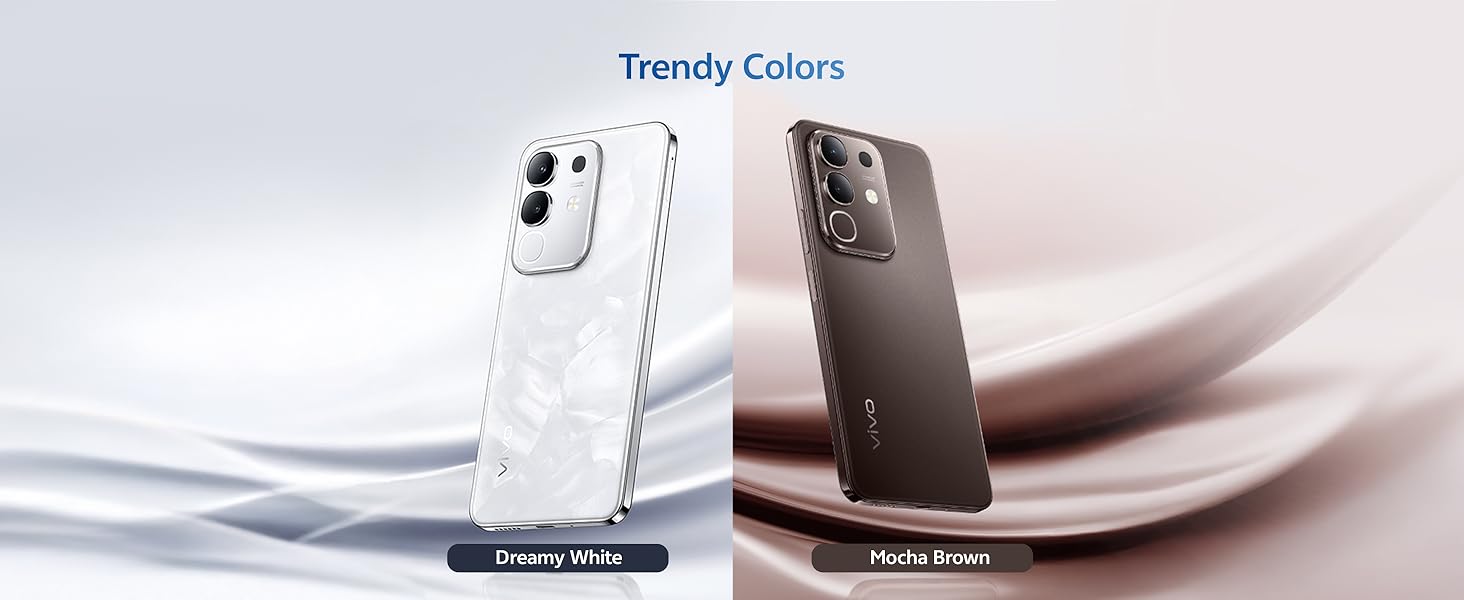
Slika: Prekoview of the vivo Y31 Pro 5G's powerful Dimensity 7300 processor and ultra-long 6500 mAh battery with 44W FlashCharge.
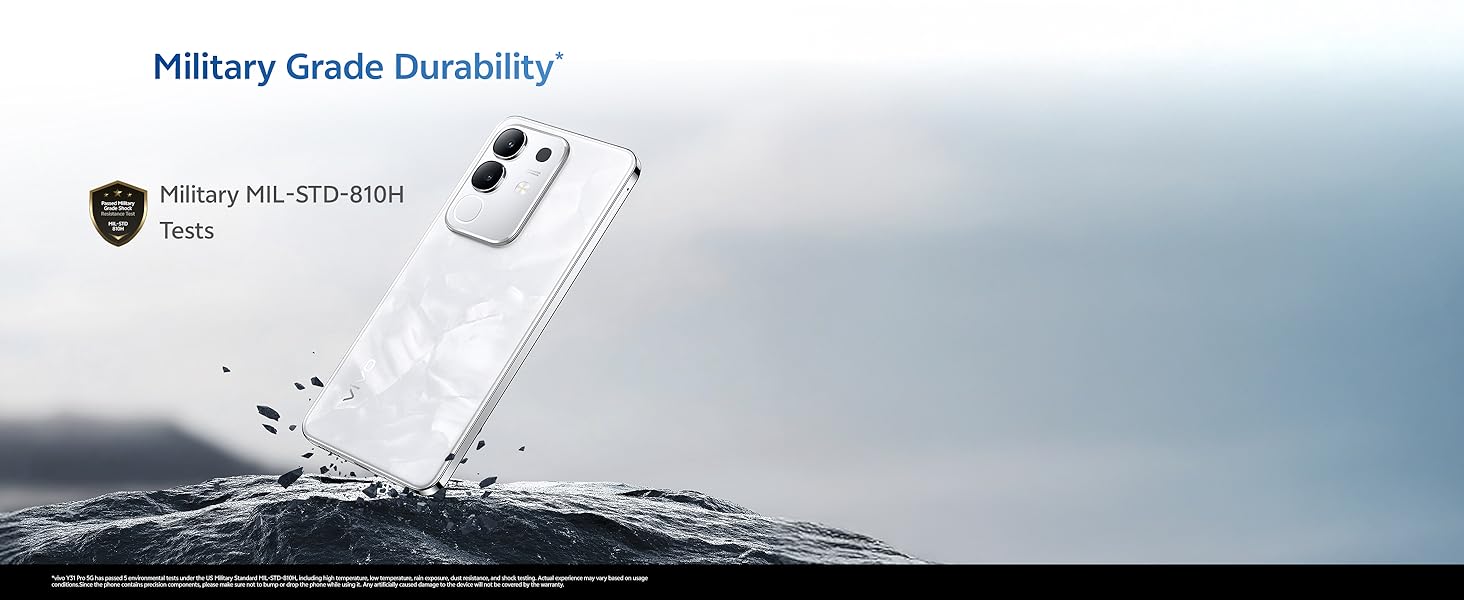
Image: The vivo Y31 Pro 5G demonstrating military-grade durability (MIL-STD-810H tested).
8. Garancija i podrška
Your vivo Y31 Pro 5G smartphone comes with a standard manufacturer's warranty. For detailed warranty terms and conditions, please refer to the warranty card included in your product packaging or visit the official vivo support website.
For technical support, service, or further assistance, please contact vivo customer service through their official channels. You can find contact information on the vivo website or in your device's 'Settings' under 'About phone' or 'Support'.
Proizvođač: vivo Mobile India Pvt Ltd
Zemlja porijekla: Indija


