1. Uvod
This manual provides essential information for setting up, operating, and maintaining your KTC H34S5 34-inch UWQHD Curved Gaming Monitor. Please read this manual thoroughly before using the product to ensure proper function and longevity.

Slika 1: Prednja strana view of the KTC H34S5 34-inch UWQHD Curved Gaming Monitor.
2. Sadržaj paketa
Provjerite da li se u vašem paketu nalaze sve dolje navedene stavke:
- 34 Inch Curved Monitor (x1)
- Baza monitora (x1)
- Quick Start Guide (QSG) (x1)
- DisplayPort (DP) Cable (x1)
- Adapter za napajanje (x1)
- 3-Pin Power Cord (x1)

Figure 2: Illustration of monitor dimensions and included accessories.
3. Podešavanje
3.1 Sklapanje monitora
- Carefully remove the monitor and its base from the packaging.
- Pričvrstite bazu monitora na stub postolja. Provjerite da li je sigurno uglavljeno na svoje mjesto.
- Attach the assembled stand to the back of the monitor. Align the mounting points and press firmly until it locks.
3.2 Povezivanje na uređaje
Monitor nudi više opcija povezivanja:
- DisplayPort (DP 1.4): Use the provided DP cable for resolutions up to 3440x1440 at 180Hz. Connect one end to the monitor's DP input and the other to your computer's DP output.
- HDMI (HDMI 2.0): Use an HDMI cable (not included) for resolutions up to 3440x1440 at 100Hz. Connect one end to the monitor's HDMI input and the other to your device's HDMI output.
- USB 2.0: This port is for firmware upgrades only.
- Audio izlaz: Connect external speakers or headphones to this port.
After connecting, power on your monitor and connected device. Select the correct input source using the monitor's On-Screen Display (OSD) menu.

Figure 3: Monitor rear panel with input ports labeled.
4. Uputstvo za upotrebu
4.1 On-Screen Display (OSD) meni
The OSD menu allows you to adjust various monitor settings. Refer to the Quick Start Guide for detailed instructions on navigating the OSD using the monitor's control buttons.
4.2 Picture-in-Picture (PIP) and Picture-by-Picture (PBP) Modes
The monitor supports PIP and PBP modes, allowing you to display content from multiple input sources simultaneously. These modes enhance multitasking efficiency.
- Slika u slici (PIP): Displays a smaller window from a secondary input source over the main display.
- Slika pored slike (PBP): Divides the screen into multiple sections, each displaying content from a different input source.
Access these settings through the OSD menu to configure and activate them according to your needs.

Figure 4: Monitor demonstrating Picture-in-Picture and Picture-by-Picture modes.
5. Karakteristike
5.1 Display Performance
- 34-Inch UWQHD Curved Display: The 3440 x 1440 resolution with a 21:9 aspect ratio and 1500R curvature provides an expansive and immersive viewing iskustvo.
- Žive boje: Enjoy accurate and vivid colors with 125% sRGB color gamut area, 1.07 billion colors, and 300cd/m² brightness. The HVA panel with a 4000:1 contrast ratio and HDR support delivers detailed visuals.
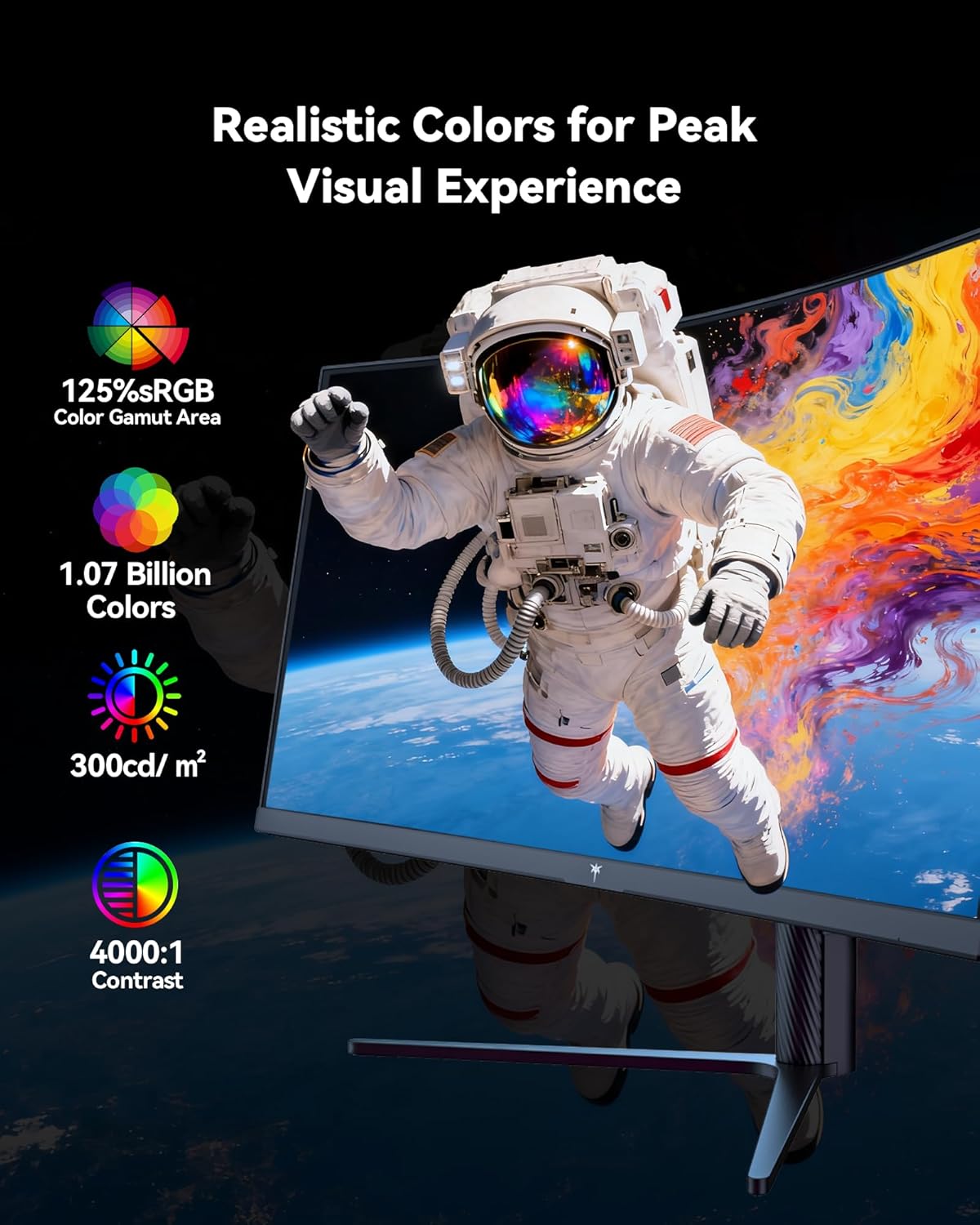
Figure 5: Visual representation of the monitor's color and contrast capabilities.
5.2 Funkcije za igranje
- High Refresh Rate & Fast Response Time: A 180Hz refresh rate and 1ms MPRT (Moving Picture Response Time) ensure smooth, fluid motion and minimize ghosting during fast-paced gaming.
- Adaptive Sync tehnologija: This feature synchronizes the monitor's refresh rate with your graphics card's frame rate, eliminating screen tearing and stuttering for a seamless gaming experience.

Figure 6: Comparison of display with Adaptive Sync ON versus OFF.
5.3 Ergonomski dizajn
Postolje monitora omogućava razna podešavanja za optimizaciju vašeg viewudobnost:
- Nagib: -5° do 20°
- Okretni: ±45°
- Pivot: ±5°
- Podešavanje visine: Up to 110mm (±5mm)
The monitor is also VESA compatible (100mm x 100mm) for alternative mounting solutions.

Figure 7: Ergonomic adjustment capabilities and physical dimensions.
6. Specifikacije
| Feature | Specifikacija |
|---|---|
| Dimenzije proizvoda | 6.22 x 27.99 x 20.4 inča |
| Težina artikla | 16.75 funte |
| Broj modela | H34S5 |
| Veličina ekrana | 34 inča |
| Aspect Ratio | 21:9 |
| Rezolucija | 3440 x 1440 Pixels (UWQHD) |
| Refresh Rate | 180Hz (DP 1.4), 100Hz (HDMI 2.0) |
| Vrijeme odgovora | 1ms MPRT |
| Zakrivljenost | 1500R |
| Osvetljenost slike | 300 kandela po kvadratnom metru |
| Kontrast Ratio | 4000:1 |
| Površina ekrana | Mat |
| VESA kompatibilnost | 100mm x 100mm |
| Povezivanje | HDMI 2.0 x 2, DP 1.4 x 2, USB 2.0 (for upgrade), Audio Out |
7. Održavanje
To ensure optimal performance and longevity of your monitor, follow these maintenance guidelines:
- čišćenje: Nježno obrišite ekran mekom krpom koja ne ostavlja dlačice. Za tvrdokorne mrlje koristite sredstvo za čišćenje specifično za monitore naneseno na krpu, a ne direktno na ekran.
- ventilacija: Ensure adequate airflow around the monitor by keeping vents clear of obstructions.
- Skladištenje: Kada se monitor ne koristi duži period, čuvajte ga na hladnom i suhom mjestu, idealno u originalnom pakovanju.
- Snaga: Use only the provided power adapter and cord. Disconnect power during electrical storms or when leaving the monitor unattended for long periods.
8. Otkrivanje problema
Ako naiđete na probleme s monitorom, pogledajte sljedeće uobičajene korake za rješavanje problema:
- Nema napajanja: Ensure the power cord is securely connected to both the monitor and a working power outlet. Check the power adapter connection.
- Nema signala: Verify that the video cable (DP or HDMI) is correctly connected to both the monitor and your computer. Ensure the correct input source is selected in the OSD menu. Try a different video cable or port if available.
- Problemi sa ekranom (treperenje, iskrivljena slika): Check your computer's display settings to ensure the resolution and refresh rate are compatible with the monitor's specifications. Update your graphics card drivers. If Adaptive Sync is enabled, try disabling it to see if the issue persists.
- Mrtvi pikseli: While rare, a small number of dead pixels may be present on LCD panels. If you notice a significant number or they interfere with your viewing experience, contact customer support.
Za dodatnu pomoć, pogledajte odjeljak Garancija i podrška.
9. Garancija i podrška
KTC provides a three-year warranty for this monitor. For any issues or technical support, please contact KTC customer service. They aim to respond within 12 hours.
You can typically find contact information on the KTC official webweb-stranice ili putem vaše platforme za kupovinu.
10. Video o proizvodu
Pogledajte službeni video proizvoda za vizualni pregledview of the KTC H34S5 34-Inch Curved Gaming Monitor's features and design.
Video 1: Zvanični krajview of the KTC 34-Inch Curved Gaming Monitor (H34S5).


