Uvod
Thank you for choosing the YFK Smart Fingerprint Door Lock. This manual provides detailed instructions for the installation, operation, and maintenance of your new smart lock. Please read this manual thoroughly before installation and use to ensure proper function and security.
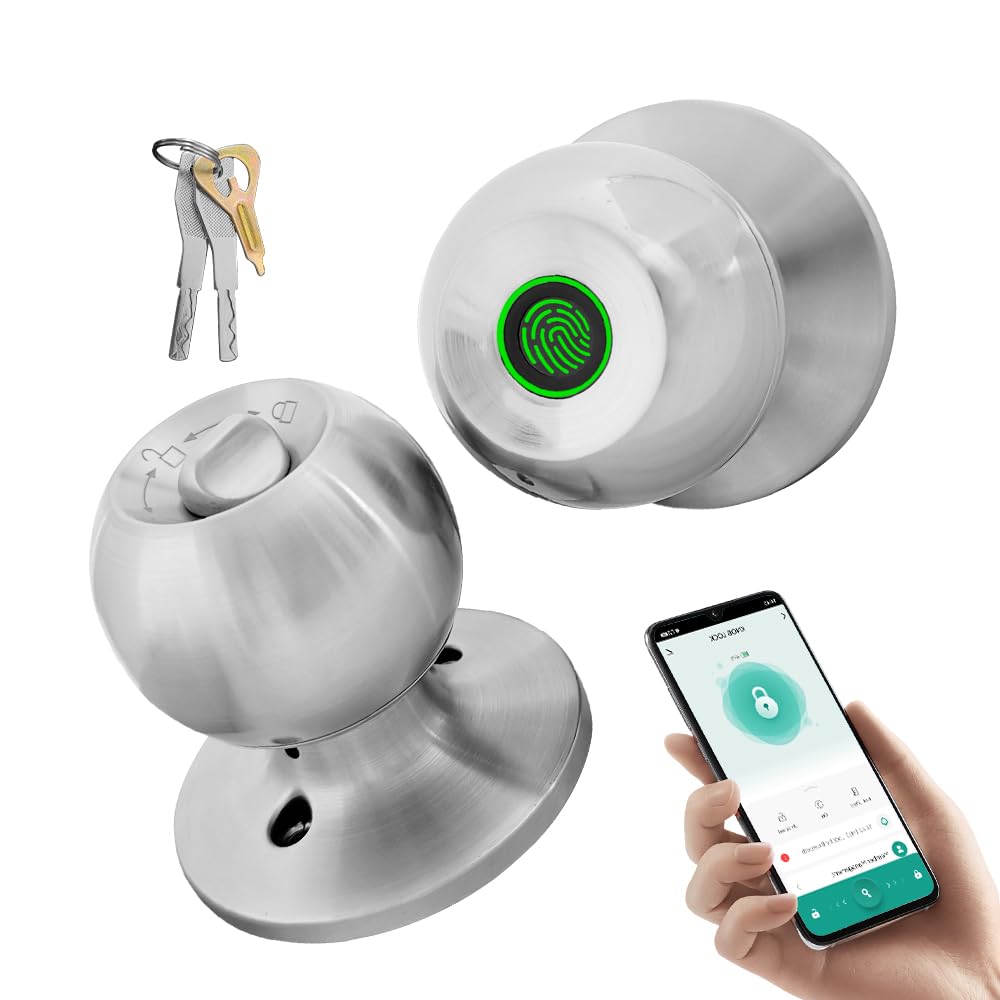
Image: The YFK Smart Fingerprint Door Lock in silver, showcasing njegovim elegantnim dizajnom.
Ključne karakteristike:
- Pristup otiskom prsta: Unlock your door in approximately 1.5 seconds with advanced biometric technology. Stores up to 20 unique fingerprints.
- Multiple Unlocking Modes: Choose from fingerprint, mechanical key, or app access.
- Kontrola pametne aplikacije: Manage your lock remotely via the Tuya Smart App, including Bluetooth unlocking, user management, and access history.
- Izdržljiva konstrukcija: Made from premium aluminum alloy and stainless steel for long-lasting performance.
- Punjiva baterija: Built-in Li-On rechargeable battery with an estimated life of 8-12 months, charged via a Type-C port.
- Univerzalna kompatibilnost: Compatible with wooden, steel, copper, and composite doors (35–55mm thick) and features an adjustable 60–70mm latch.
- Alarm slabe baterije: Provides warning when battery power is low.
Sadržaj paketa
Before beginning installation, please verify that all components are present and undamaged.
- YFK Smart Fingerprint Door Lock Unit
- Hardver za instalaciju
- 2 mehanička ključa
- Uputstvo za upotrebu
Postavljanje i instalacija
This section guides you through the physical installation of the YFK Smart Fingerprint Door Lock.
Kompatibilnost vrata:
- Debljina vrata: 35mm to 55mm (1.38 inches to 2.17 inches)
- Zasun: Adjustable 60mm to 70mm (2.36 inches to 2.76 inches)
- Vrste vrata: Wooden, steel, copper, and composite doors.
Opći koraci instalacije:
- Pripremite vrata: Ensure your door meets the compatibility requirements. If replacing an existing lock, remove it.
- Instalirajte bravu: Insert the latch into the door edge and secure it with screws. Adjust the backset if necessary.
- Ugradite vanjski sklop: Place the exterior lock assembly (with fingerprint sensor) onto the door, aligning it with the latch.
- Instalirajte unutrašnji sklop: Connect the interior lock assembly to the exterior assembly, ensuring the spindle and wires are correctly routed. Secure with mounting screws.
- Probni rad: After installation, test the mechanical key and ensure the knob turns smoothly.
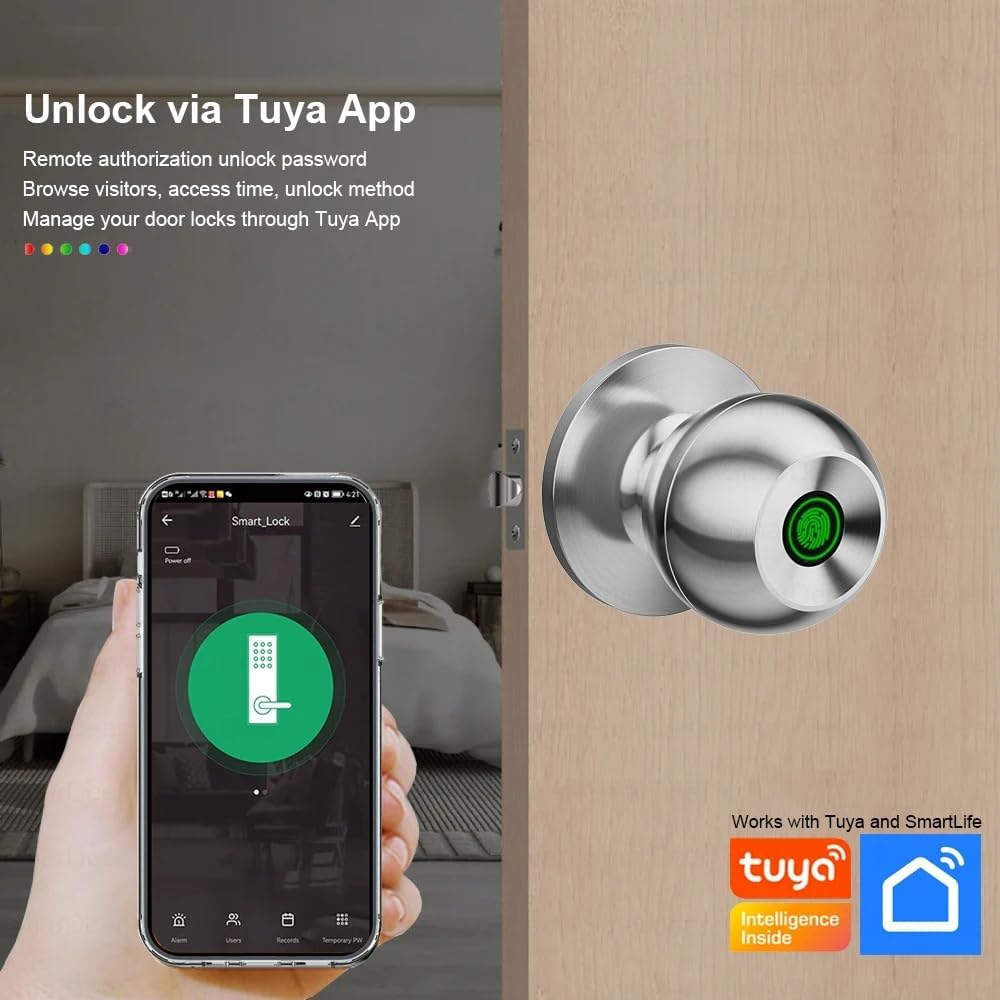
Image: The YFK Smart Fingerprint Door Lock shown installed on a wooden door, demonstrating its appearance after setup.
Uputstvo za upotrebu
Learn how to use the various unlocking methods and smart features of your YFK Smart Fingerprint Door Lock.
1. Fingerprint Access:
- Registrujte otiske prstiju:
- Download and install the Tuya Smart App (see 'Smart App Control' section).
- Follow the in-app instructions to add new fingerprints. You can store up to 20 unique fingerprints.
- Ensure your finger covers the entire sensor for accurate registration.
- Unlock with Fingerprint:
- Čvrsto postavite registrovani prst na senzor otiska prsta.
- The lock will unlock in approximately 1.5 seconds if the fingerprint is recognized.
2. Mechanical Key Access:
- U slučaju nužde ili pražnjenja baterije, koristite jedan od dva priložena mehanička ključa.
- Insert the key into the keyhole located on the exterior assembly and turn to unlock.

Slika: Detaljna view of the YFK Smart Door Lock's exterior, highlighting the mechanical keyhole and the Type-C charging port.
3. Smart App Control (Tuya Smart App):
The Tuya Smart App allows for remote management and enhanced control over your lock.
- Preuzmite i instalirajte: Traži "Tuya Smart" in your mobile app store (iOS or Android) and install the application.
- Pair the Lock:
- Omogućite Bluetooth na svom pametnom telefonu.
- Open the Tuya Smart App and follow the on-screen instructions to add a new device.
- Ensure your phone is within Bluetooth range of the lock during pairing.
- Funkcije aplikacije:
- Bluetooth otključavanje: Unlock the door directly from the app when within Bluetooth range.
- Upravljanje otiskom prsta korisnika: Add, edit, or delete registered fingerprints.
- Unlock Record Log: View historiju svih događaja zaključavanja i otključavanja.
- Privremeni pristup: Grant temporary access to guests or service providers.
- Upozorenje o niskoj bateriji: Receive notifications when the lock's battery is low.

Image: A smartphone screen showing the Tuya Smart App interface, demonstrating remote control capabilities for the smart lock.

Image: An infographic illustrating the various functions available through the Tuya App, such as APP Unlock, User Fingerprint Management, and Lock Unlocking Record Log.
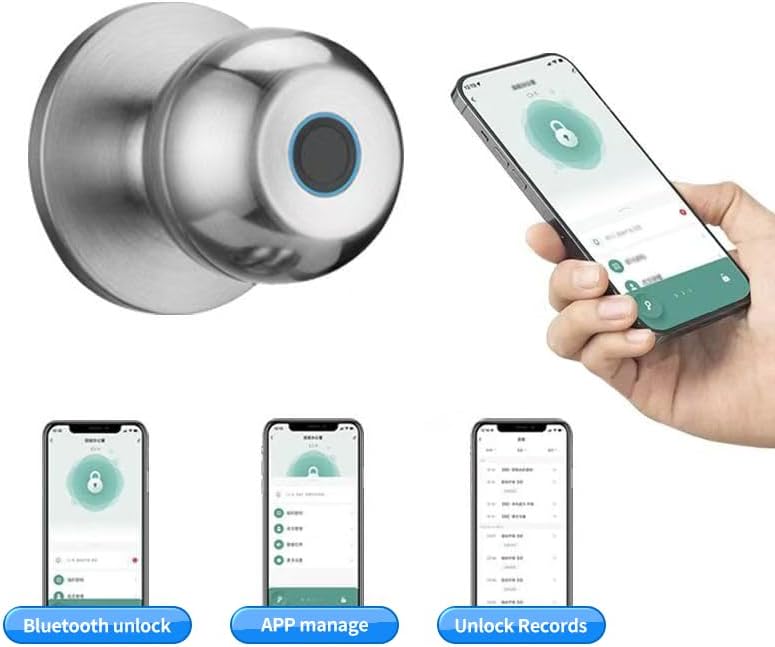
Image: Multiple smartphone screenshots demonstrating the Tuya App's features, including Bluetooth unlocking, app-based management, and viewotključavanje zapisa.
4. Multiple Unlocking Modes:
The lock supports various operational modes to suit different needs:
- Standardni način rada: Requires fingerprint, key, or app unlock for each entry.
- Normalno otvoreni način rada: Keeps the door unlocked for continuous access (e.g., during parties or business hours). This mode can typically be activated via the app or a specific sequence on the lock.
- Reverse Lock Mode: (If applicable, specific details not provided, but generally implies a mode for enhanced security or specific access control). Refer to the Tuya App for advanced settings.
Održavanje
Upravljanje baterijom:
- The YFK Smart Fingerprint Door Lock is equipped with a built-in Li-On rechargeable battery.
- Expected battery life is 8-12 months, depending on usage frequency.
- Punjenje: Use a standard Type-C USB cable to charge the lock. The charging port is located on the exterior assembly.
- Upozorenje o niskoj bateriji: The lock will provide an audible or visual alert when the battery level is low. Charge the lock promptly to avoid being locked out.

Image: An illustration highlighting the Li-On rechargeable battery and the Type-C charging port of the YFK Smart Door Lock.
Opšta njega:
- Clean the lock's exterior with a soft, dry cloth. Avoid abrasive cleaners or solvents.
- Za optimalne performanse, senzor otiska prsta održavajte čistim i bez prljavštine ili vlage.
- Do not expose the lock to extreme temperatures or direct water spray.
Rješavanje problema
This section addresses common issues you might encounter with your YFK Smart Fingerprint Door Lock.
- Otisak prsta nije prepoznat:
- Uvjerite se da vam je prst čist i suh.
- Place your finger firmly and completely on the sensor.
- Try re-registering your fingerprint through the Tuya Smart App.
- Ensure the sensor is clean.
- Brava ne reaguje:
- Check the battery level. Recharge the lock if the battery is low.
- Za pristup u slučaju nužde koristite mehanički ključ.
- Problemi s povezivanjem aplikacija:
- Provjerite je li Bluetooth omogućen na vašem pametnom telefonu.
- Make sure your phone is within close proximity to the lock.
- Restart the Tuya Smart App or your phone.
- Try re-pairing the lock with the app.
- Zaglavljivanje mehanizma brave:
- Ensure the installation screws are not overtightened.
- Check for any obstructions in the door frame or strike plate.
If you continue to experience issues, please refer to the manufacturer's support resources.
Specifikacije
| Brand | YFK |
| Broj modela | B0FL7M8WDC |
| Materijal | Aluminum, Stainless Steel (Metal) |
| Boja | Srebro |
| Dimenzije proizvoda | 3.35"D x 2.64"Š |
| Kompatibilnost debljine vrata | 35 mm - 55 mm |
| Podesiva brava | 60 mm - 70 mm |
| Tip brave | Combination Lock (Fingerprint, Key, App) |
| Posebne karakteristike | Auto-Lock, Fingerprint, Lightweight, Lockable, Rustproof |
| Vrsta baterije | Built-in Li-On Rechargeable Battery |
| Port za punjenje | Tip-C |
| Unutrašnja/vanjska upotreba | Indoor |
| Hand Orientation | Ambidextrous |
Garancija i podrška
For warranty information, technical support, or further assistance, please refer to the official YFK website or contact their customer service directly. Details are typically provided with your purchase documentation or on the product packaging.
Proizvođač: door knob (as per product specifications, please refer to YFK for official support)


