1. Proizvod je gotovview
The NETUM Q900 is a robust handheld mobile computer designed for demanding environments such as warehousing, logistics, and asset tracking. It integrates an Android 14 operating system with a high-performance barcode scanning engine, offering reliable data capture and processing capabilities.

Slika 1.1: Prednje i zadnje view of the NETUM Q900 device, showcasing its ergonomic design and integrated scanner.
Ključne karakteristike:
- Visoke performanse: Powered by an octa-core MT8781 processor and Android 14, with 4GB RAM and 64GB storage (expandable).
- Imerzivni ekran: 5.99-inch HD IPS touchscreen with multi-touch support.
- Advanced Barcode Scanning: Equipped with a Honeywell HS7 scan engine for 1D and 2D barcodes.
- Industrial-Grade Rugged Design: IP67 rated for water and dust resistance, drop-tested from 1.5 meters.
- Globalna povezanost: Supports global 4G LTE (dual SIM), Wi-Fi 5 (dual band), Bluetooth 5.2, and full GNSS.
- Dug vijek trajanja baterije: 5000mAh battery providing up to 13.5 hours of operation, with quick charging via USB-C or optional docking cradle.
- Modularno proširenje: Optional modules include UHF RFID, NFC, fingerprint reader, and a scan handle.
2. Vodič za postavljanje
2.1. Sadržaj paketa
Provjerite da li se u vašem paketu nalaze sljedeće stavke:
- NETUM Q900 Mobile Computer
- USB-C kabl za punjenje
- Adapter za napajanje
- Vodič za brzi početak
- (Optional) Docking Cradle, Hand Strap, other modules
2.2. Ugradnja i punjenje baterije
- Pronađite poklopac odjeljka za bateriju na stražnjoj strani uređaja.
- Otvorite poklopac i umetnite bateriju od 5000 mAh, pazeći da su kontakti pravilno poravnati.
- Vratite sigurno poklopac odeljka za baterije.
- Connect the USB-C cable to the device's charging port and the power adapter. Plug the adapter into a wall outlet.
- Allow the device to charge fully before first use. A full charge typically takes less than 4 hours.

Slika 2.1: Illustration of the 5000mAh battery, highlighting its long-lasting power for extended use.
2.3. Početno uključivanje i osnovna konfiguracija
- Pritisnite i držite dugme za napajanje dok uređaj ne zavibrira i ekran se ne uključi.
- Follow the on-screen prompts to complete the initial Android 14 setup, including language selection, Wi-Fi connection, and Google account setup.
- Ensure the device is connected to a stable Wi-Fi network or has a 4G LTE connection for updates and application downloads.
3. Uputstvo za upotrebu
3.1. Navigacija putem ekrana osjetljivog na dodir
The Q900 features a responsive 5.99-inch HD IPS touchscreen. Navigate the Android interface using standard touch gestures: tap, swipe, pinch-to-zoom, and long-press.
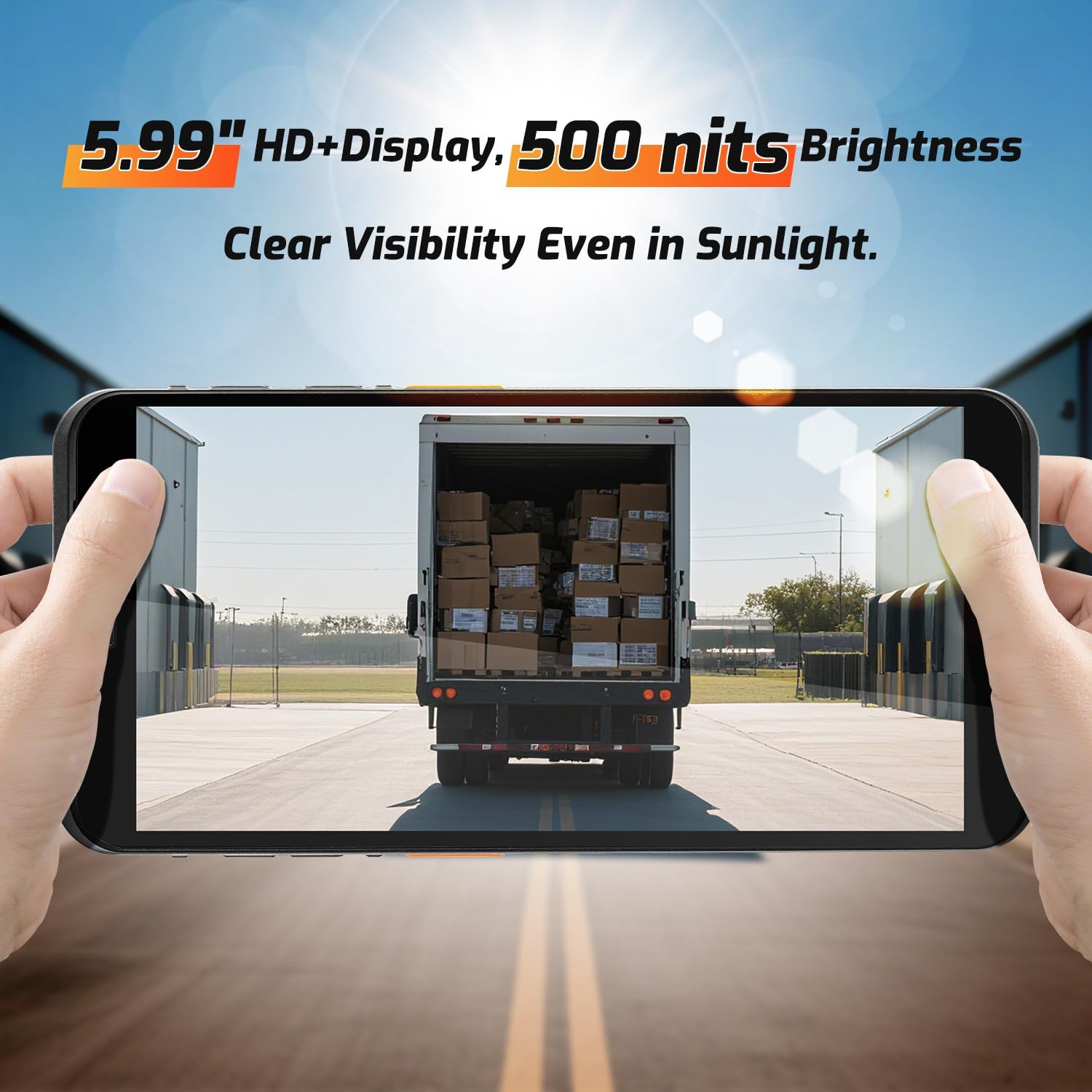
Slika 3.1: The 5.99-inch HD+ display offers clear visibility even in bright sunlight, enhancing outdoor usability.
3.2. Skeniranje barkodova
The integrated Honeywell HS7 scan engine allows for rapid and accurate capture of 1D and 2D barcodes.
- Open the scanning application or an application that supports barcode input.
- Point the scanner window (located at the top of the device) towards the barcode.
- Press one of the dedicated scan buttons (typically on the side of the device) to activate the laser/imager.
- Ensure the barcode is within the scanning range (approximately 5cm to 2m+ for long-range scanning) and centered in the aiming pattern.
- A successful scan will typically be indicated by an audible beep and/or a visual confirmation on the screen.

Slika 3.2: The Honeywell HS7 engine efficiently scans various barcode types, including damaged or difficult-to-read codes.
Klip 3.1: Demonstration of the NETUM Q900's barcode scanning capabilities, including long-range scanning and DPM code recognition.
3.3. Upotreba kamere
The Q900 is equipped with an 8MP front camera and a 13MP rear camera for documentation and image capture.
- Otvorite aplikaciju Kamera sa početnog ekrana ili iz menija aplikacija.
- Select between front and rear cameras as needed.
- Tap the screen to focus and press the shutter button to capture photos or videos.

Slika 3.3: Location of the 8MP front camera, 13MP rear camera, and NFC module on the NETUM Q900.
3.4. NFC funkcionalnost
The device supports NFC for short-range wireless communication, enabling applications like contactless payments, data exchange, and access control.
- Ensure NFC is enabled in the device settings (Settings > Connected devices > Connection preferences > NFC).
- Hold the device near an NFC tag or compatible reader to initiate communication.
- Follow on-screen prompts for specific NFC applications.
4. Održavanje
4.1. Čišćenje uređaja
- Koristite meku krpu koja ne ostavlja dlačiceampened with water or a mild screen cleaner to wipe the display and exterior.
- Izbjegavajte upotrebu jakih hemikalija, abrazivnih sredstava za čišćenje ili aerosolnih sprejeva.
- Prije punjenja ili spajanja dodatne opreme provjerite jesu li svi priključci suhi.
4.2. Održavanje baterije
- Da biste maksimalno produžili vijek trajanja baterije, izbjegavajte ekstremne temperature.
- If the device will not be used for an extended period, charge the battery to about 50% before storage.
- The battery is user-replaceable; refer to Section 2.2 for installation instructions.
4.3. Ažuriranja softvera
Redovno provjeravajte i instalirajte ažuriranja softvera kako biste osigurali optimalne performanse, sigurnost i pristup novim funkcijama.
- Idite na Postavke > Sistem > Ažuriranje sistema.
- Slijedite upute na ekranu da biste preuzeli i instalirali sva dostupna ažuriranja.
- Ensure the device has sufficient battery charge and a stable internet connection during updates.
5. Otkrivanje problema
| Problem | Mogući uzrok | Rješenje |
|---|---|---|
| Uređaj se ne uključuje. | Low battery; faulty battery; power button issue. | Charge the device for at least 30 minutes. Ensure battery is correctly installed. Contact support if issue persists. |
| Skener barkodova ne radi. | Scanner application not open; barcode damaged; incorrect scanning distance. | Open the scanning application. Ensure barcode is clean and within optimal range. Check scanner settings. |
| Nije moguće povezati se na Wi-Fi. | Netačna lozinka; van dometa; problem sa ruterom. | Verify Wi-Fi password. Move closer to the router. Restart the router and device. |
| Ekran osjetljiv na dodir ne reagira. | Software glitch; physical damage; wet screen. | Restart the device. Ensure screen is dry and clean. If damaged, contact support. |
6. Specifikacije
| Feature | Detalj |
|---|---|
| Broj modela | PDA Q900 |
| Operativni sistem | Android 14 |
| Procesor | Octa-core MT8781 |
| RAM | 4GB |
| Skladištenje | 64GB (expandable via microSD up to 1TB) |
| Display | 5.99" HD IPS Touchscreen |
| Barcode Engine | Honeywell HS7 (1D/2D Scanning) |
| Zadnja kamera | 13MP |
| Prednja kamera | 8MP |
| Baterija | 5000mAh (up to 13.5 hours working time) |
| Povezivanje | 4G LTE (Dual SIM), Wi-Fi 5 (Dual Band), Bluetooth 5.2, GNSS (GPS, GLONASS, Galileo, Beidou), NFC |
| Ocjena izdržljivosti | IP67 (Water and Dust Resistant), 1.5m Drop-tested |
| Dimenzije | 0.71 x 2.6 x 6.61 inča (18 x 66 x 168 mm) |
| Težina artikla | 12.3 unce (348 grama) |
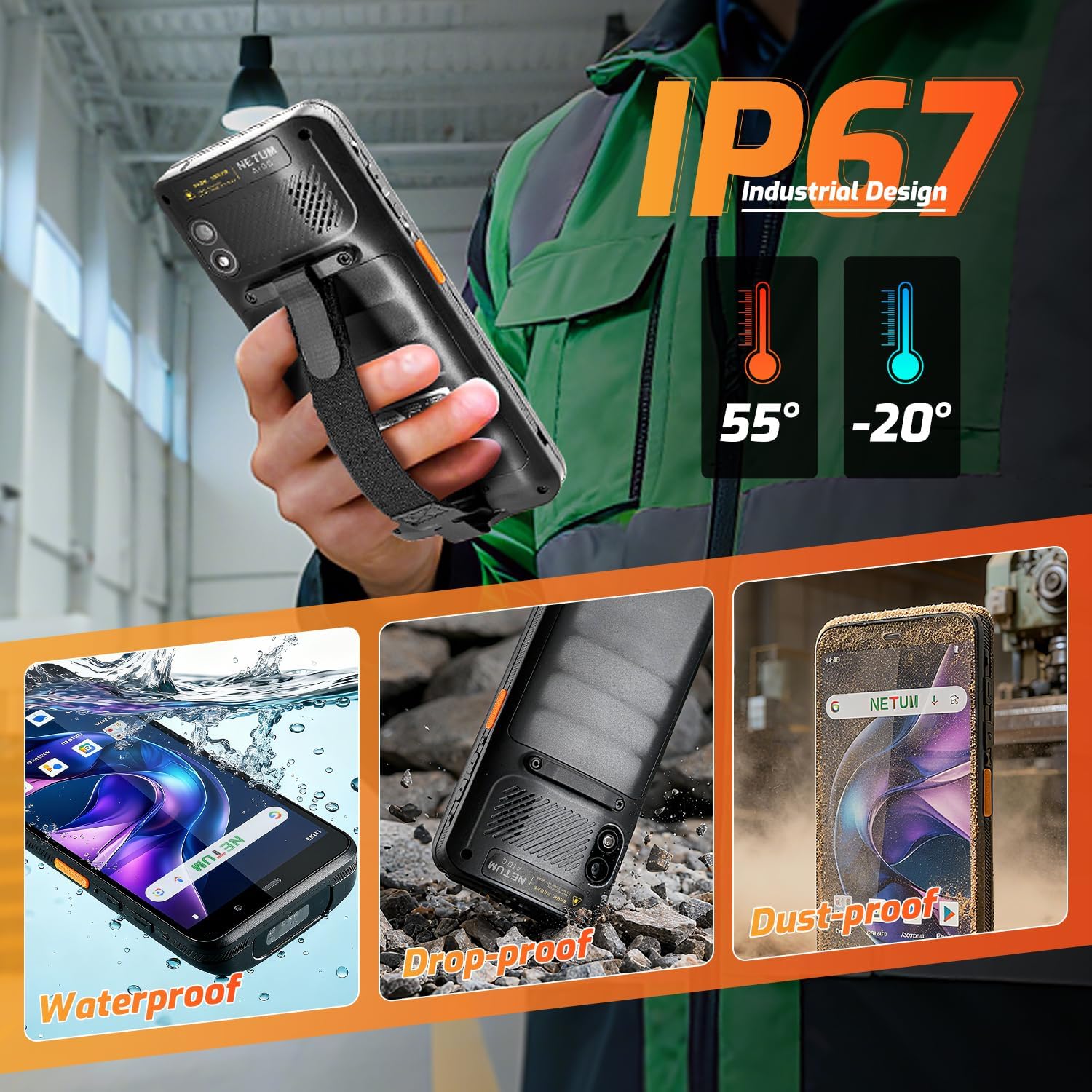
Slika 6.1: The NETUM Q900's IP67 rating ensures protection against water, dust, and drops, making it suitable for harsh environments.
7. Garancija i podrška
NETUM proizvodi su dizajnirani za pouzdanost i performanse. Za informacije o garanciji, tehničkoj podršci ili upite o servisu, molimo pogledajte garantni list koji dolazi uz vaš proizvod ili posjetite službenu NETUM stranicu. website.
Sačuvajte račun kao dokaz o kupovini za reklamacije u slučaju reklamacije.


