1. Uvod
This manual provides detailed instructions for the setup, operation, maintenance, and troubleshooting of your LIGE EF13-E Military Smart Watch. Please read this manual thoroughly before using your device to ensure proper functionality and to maximize your user experience.
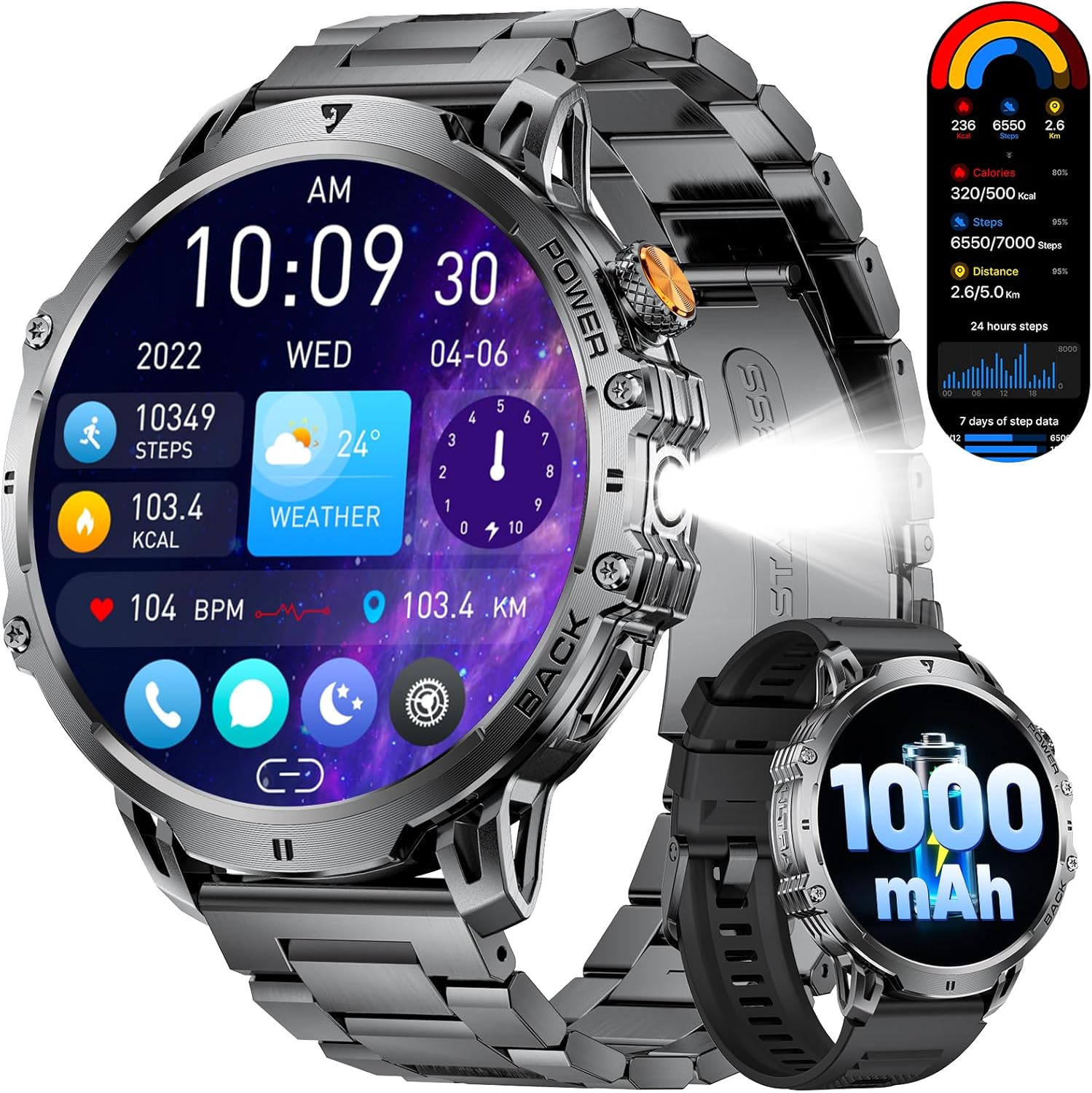
Figure 1: LIGE EF13-E Military Smart Watch Overview
2. Šta se nalazi u kutiji
Upon opening your LIGE EF13-E package, you should find the following items:
- LIGE EF13-E Smart Watch
- Magnetski kabl za punjenje
- Stainless Steel Watch Strap
- Silikonski remen za sat
- Watch Strap Adjustment Tool
- Uputstvo za upotrebu
Silikonski remen za sat
Stainless Steel Watch Strap
3. Vodič za postavljanje
3.1 Početno punjenje
Before first use, ensure your smartwatch is fully charged. Connect the magnetic charging cable to the charging points on the back of the watch and plug the USB-A end into a compatible power source. The watch will automatically power on once charging begins.

Slika 2: Magnetni priključak za punjenje
3.2 Instalacija i uparivanje aplikacije
To unlock the full functionality of your LIGE EF13-E Smart Watch, you need to install the companion application, "FitCloudPro," on your smartphone (Android 4.4+ or iOS 8.0+).
- Scan the QR code displayed on the watch screen or in the user manual to download the "FitCloudPro" app from the Google Play Store or Apple App Store.
- Omogućite Bluetooth na svom pametnom telefonu.
- Open the "FitCloudPro" app, navigate to the "Device" section, and tap "Bind Device" or "Add New Device."
- Select "EF13" from the list of available devices.
- Potvrdite zahtjev za uparivanje i na pametnom telefonu i na pametnom satu.
- Grant necessary permissions within the app for notifications, contacts, and call logs to ensure full functionality.

Figure 3: App Installation and Pairing Steps
Video 1: LIGE EF13 Smartwatch Setup and Features Overview
4. Band Installation and Adjustment
Your LIGE EF13-E Smart Watch comes with two interchangeable bands: a silicone band for sports and a stainless steel band for formal occasions. Both are designed for easy attachment and removal.
4.1 Attaching Bands
To attach a band, align the spring bar with the lug holes on the watch body. Push the spring bar inwards and slide the band into place, then release the spring bar to secure it. Ensure both ends are firmly locked.
4.2 Adjusting the Stainless Steel Band
The stainless steel band can be adjusted using the provided tool to remove or add links for a comfortable fit. Insert the tool's pin into the small holes on the side of the links, push to release the pin, and remove the desired number of links. Reassemble by inserting the pins back into the links.
Figure 4: Stainless Steel Band Adjustment
5. Upravljanje pametnim satom
The LIGE EF13-E features a 1.85-inch HD full-touch screen for intuitive navigation and a built-in LED flashlight for convenience.
5.1 Navigacija ekrana
- Prevucite gore/dolje: Pristupite brzim postavkama ili obavještenjima.
- Prevucite lijevo/desno: Navigate through various widgets such as activity data, heart rate, blood oxygen, and weather.
- Pritisnite bočno dugme: Return to the home screen or access the main menu.
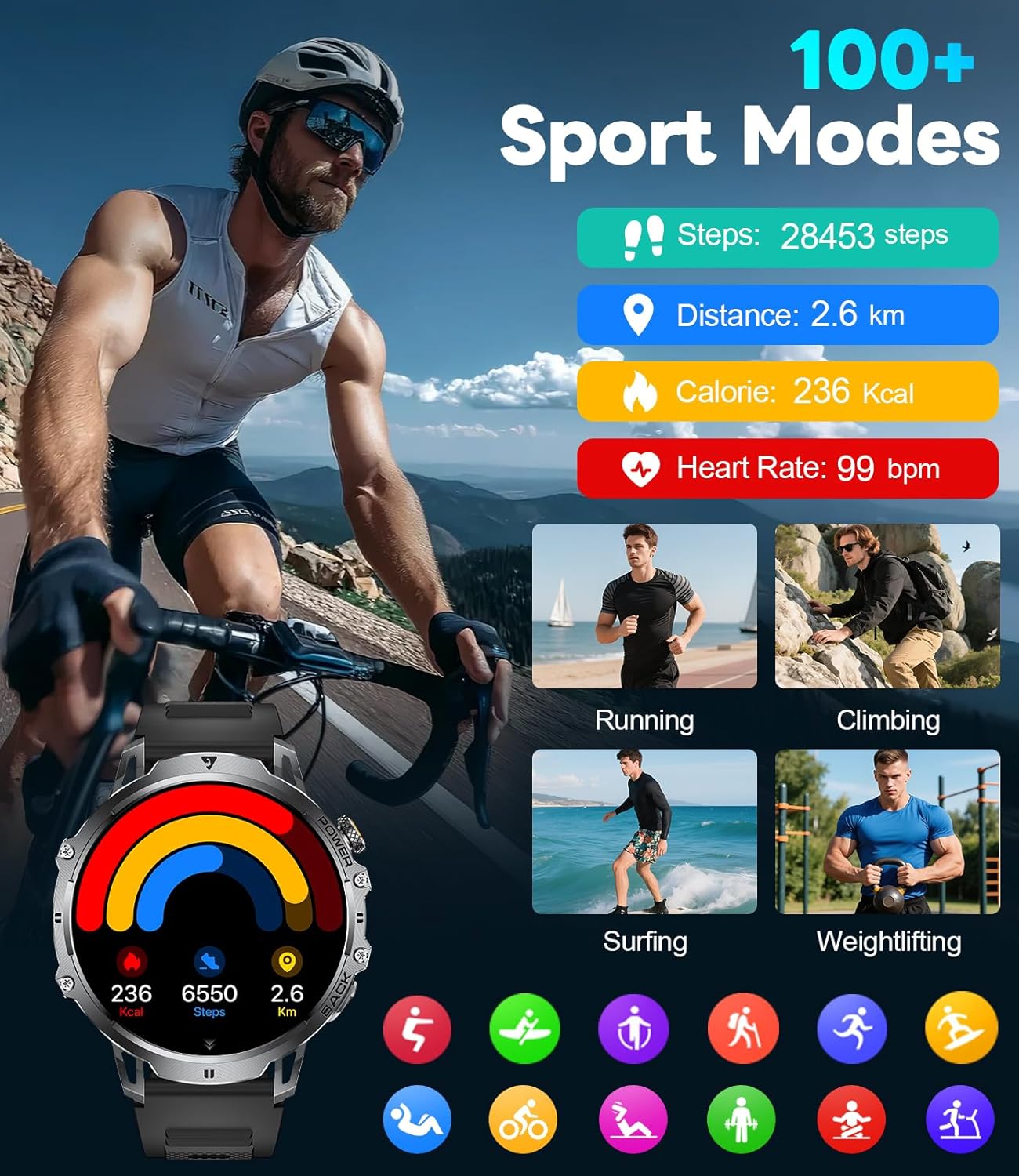
Figure 5: Watch Face and Menu Navigation
5.2 Bluetooth pozivi i obavještenja
Nakon uparivanja sa pametnim telefonom, sat vam omogućava upravljanje pozivima i primanje obavještenja direktno na vašem zapešću.
- Upućivanje/primanje poziva: Use the built-in microphone and speaker to make or answer calls without taking out your phone.
- Poruka upozorenja: Receive real-time notifications for SMS, WhatsApp, and other social media apps.
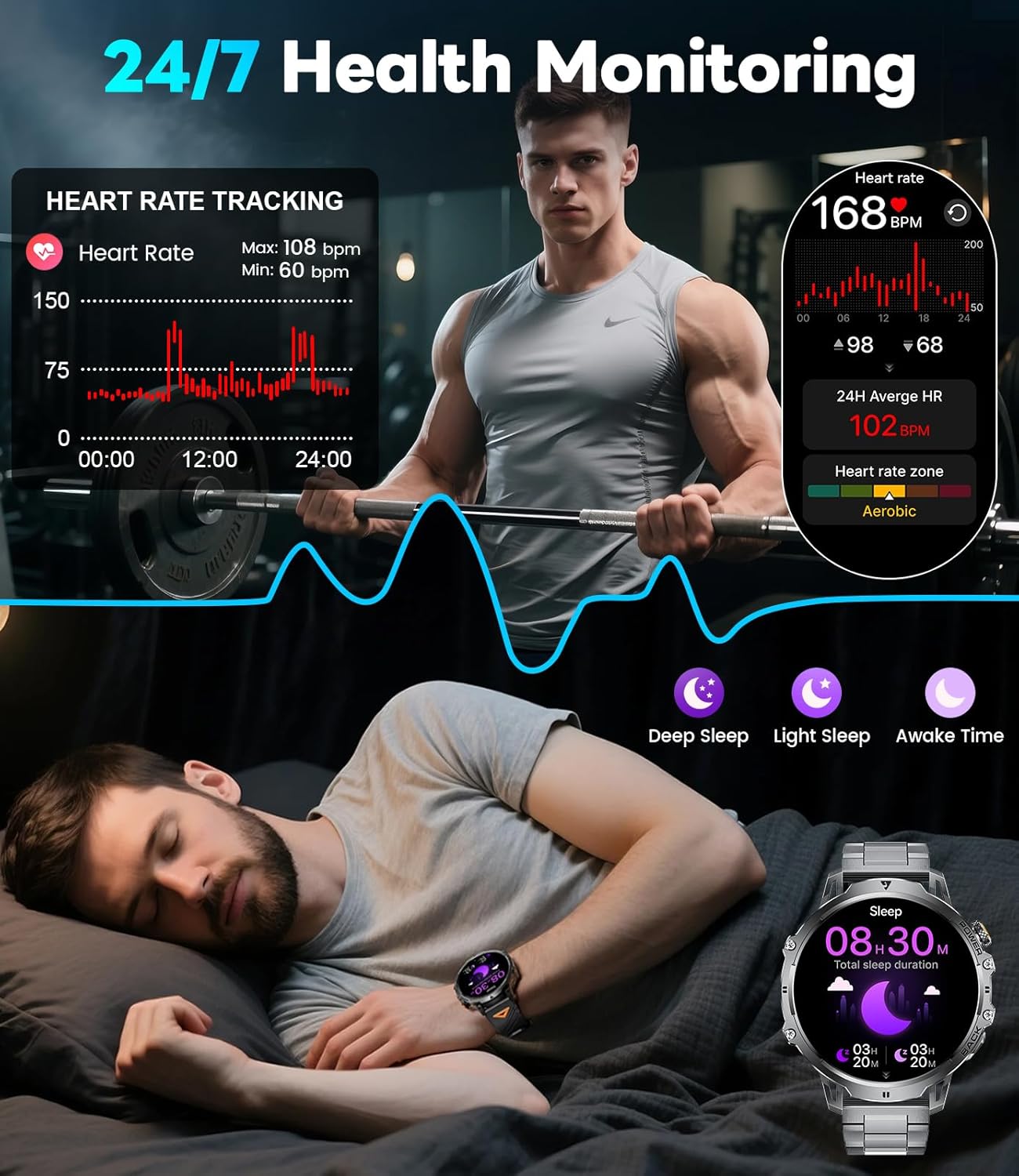
Figure 6: Bluetooth Calling and Message Notifications
5.3 Monitoring zdravlja
The EF13-E continuously monitors key health metrics:
- Otkucaji srca: 24/7 heart rate tracking.
- kiseonik u krvi: Monitors SpO2 levels.
- Kvalitet sna: Tracks deep sleep, light sleep, and awake time to help improve sleep habits.
Slika 7: Funkcije praćenja stanja
5.4 sportskih modova
With over 110 sports modes, the watch accurately tracks calories, distance, and steps for various activities, from running and cycling to strength training.
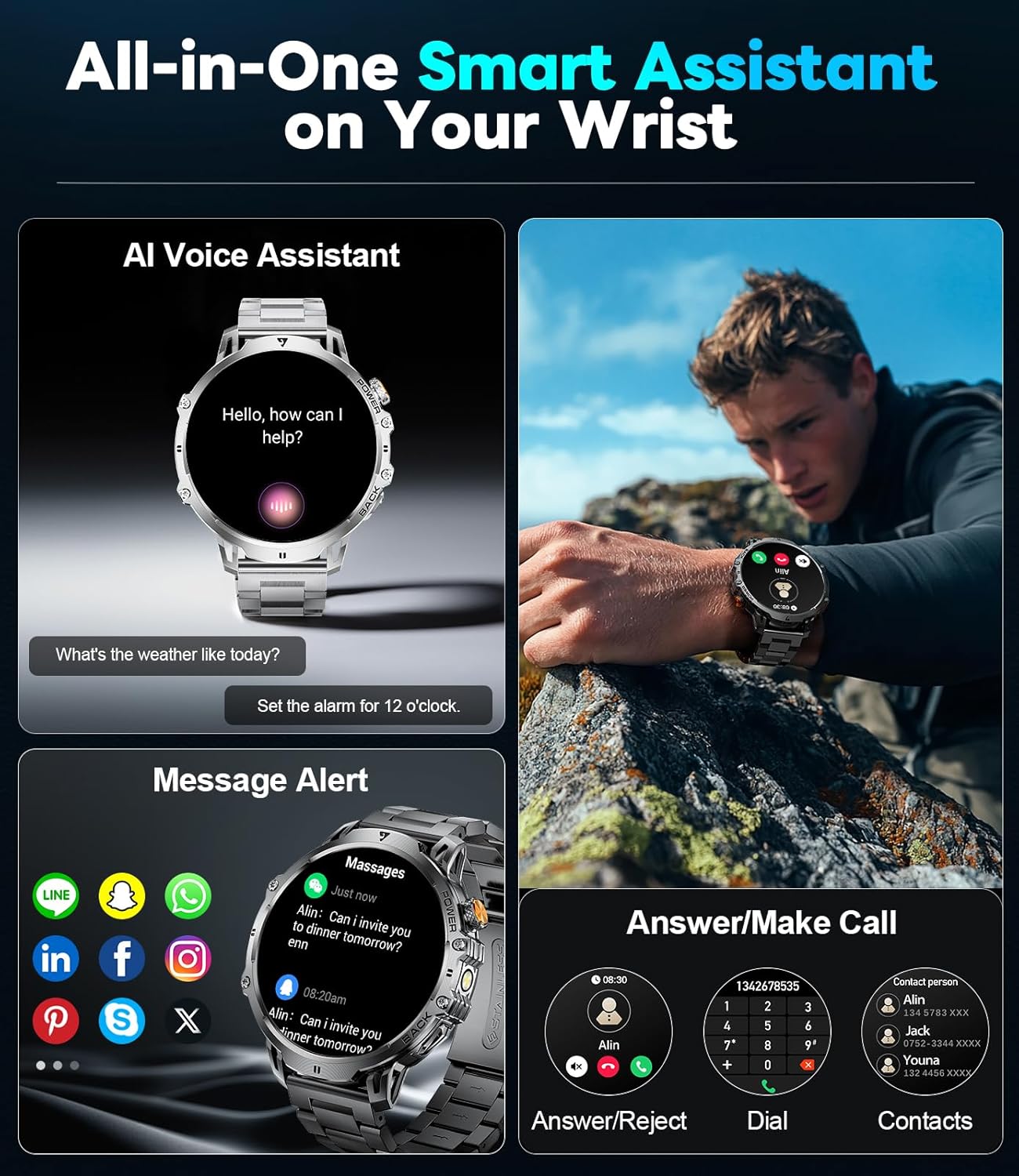
Figure 8: 110+ Sports Modes Tracking
5.5 Dodatne funkcije
The smartwatch also includes a range of practical tools:
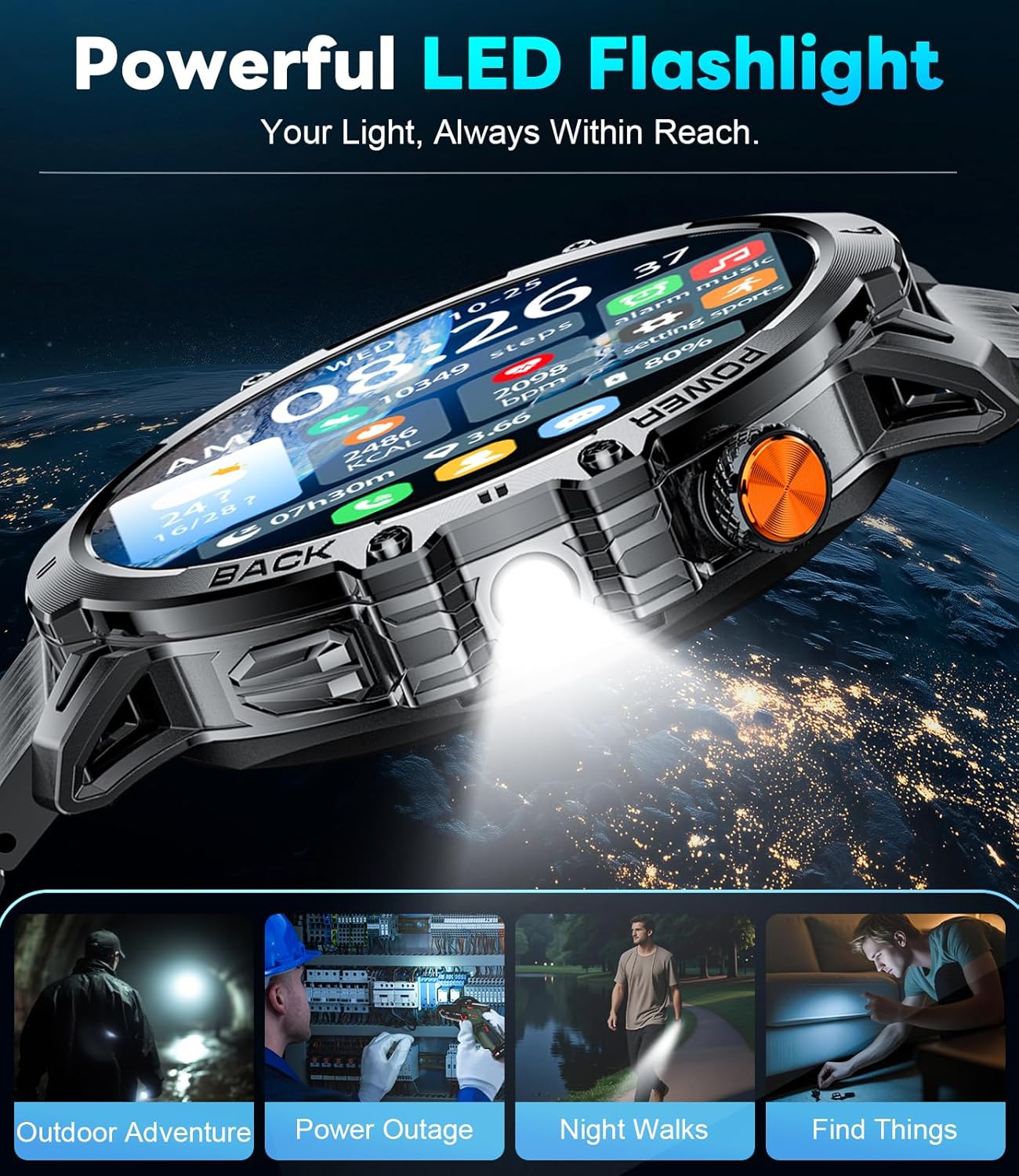
- Ugrađena LED lampa: Pruža osvjetljenje u mračnim okruženjima.
- Kontrola muzike: Upravljajte reprodukcijom muzike na svom pametnom telefonu.
- Ažuriranja vremena: Get current weather information.
- Štoperica i alarm: Osnovne funkcije mjerenja vremena.
- Glasovni asistent: Interakcija sa uređajem pomoću glasovnih komandi.
- Kontrola kamere: Daljinski aktivirajte kameru svog pametnog telefona.
- Mini-Games: Two built-in games for entertainment.
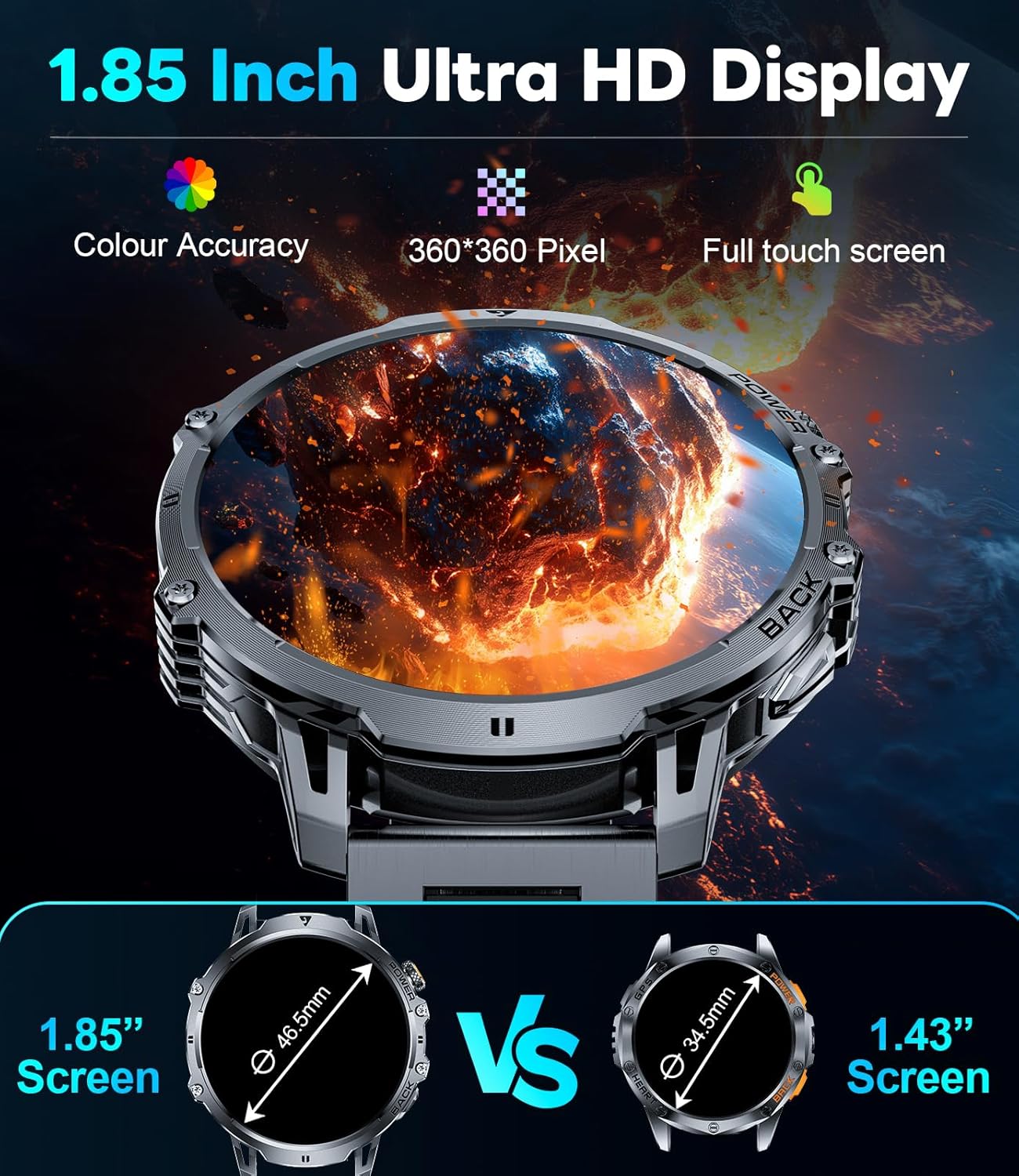
Figure 9: Powerful LED Flashlight
6. Održavanje
To ensure the longevity and optimal performance of your LIGE EF13-E Smart Watch, follow these maintenance guidelines:
- čišćenje: Regularly wipe the watch screen and bands with a soft, dry cloth. For stubborn dirt, use a slightly damp krpom i blagim sapunom, a zatim dobro osušite.
- Otpornost na vodu: The watch is rated for 5ATM water resistance, making it suitable for swimming and showering. However, avoid hot water, steam, or prolonged submersion in deep water. Do not press buttons underwater.
- Punjenje: Use only the provided magnetic charging cable. Avoid exposing the charging contacts to metal objects to prevent short circuits.
- Skladištenje: Čuvajte sat na hladnom i suhom mjestu, dalje od direktne sunčeve svjetlosti i ekstremnih temperatura.
- Izbjegavajte hemikalije: Ne izlažite sat jakim hemikalijama, rastvaračima ili deterdžentima, jer oni mogu oštetiti materijale.
7. Otkrivanje problema
If you encounter issues with your LIGE EF13-E Smart Watch, refer to the following common solutions:
- Sat se ne uključuje: Provjerite je li sat potpuno napunjen. Spojite ga na punjač i pričekajte nekoliko minuta.
- Ne može se upariti sa pametnim telefonom:
- Provjerite je li Bluetooth omogućen na vašem telefonu i je li sat u dometu.
- Ponovo pokrenite i telefon i sat.
- Check if the "FitCloudPro" app has all necessary permissions.
- Try unbinding and re-pairing the device through the app.
- Obavještenja koja nisu primljena:
- Verify that "Push Notifications" are enabled in the "FitCloudPro" app for specific applications.
- Check your phone's notification settings to ensure the app is allowed to send notifications.
- Provjerite je li sat povezan putem Bluetootha.
- Netačni zdravstveni podaci:
- Pazite da sat čvrsto prianja na vašem zapešću, ne previše stegnut ili previše labav.
- Očistite senzore na poleđini sata.
- Izbjegavajte pretjerano kretanje tokom mjerenja.
- Kratko trajanje baterije:
- Smanjite svjetlinu ekrana i vrijeme uključenosti ekrana.
- Onemogućite nepotrebne funkcije poput kontinuiranog praćenja otkucaja srca ako nisu potrebne.
- Ensure the watch is fully charged before use.
8. Specifikacije
| Broj modela | EF13-E |
| Brand | LIGE |
| Veličina ekrana | 1.85 Inches HD TFT (360x360 resolution) |
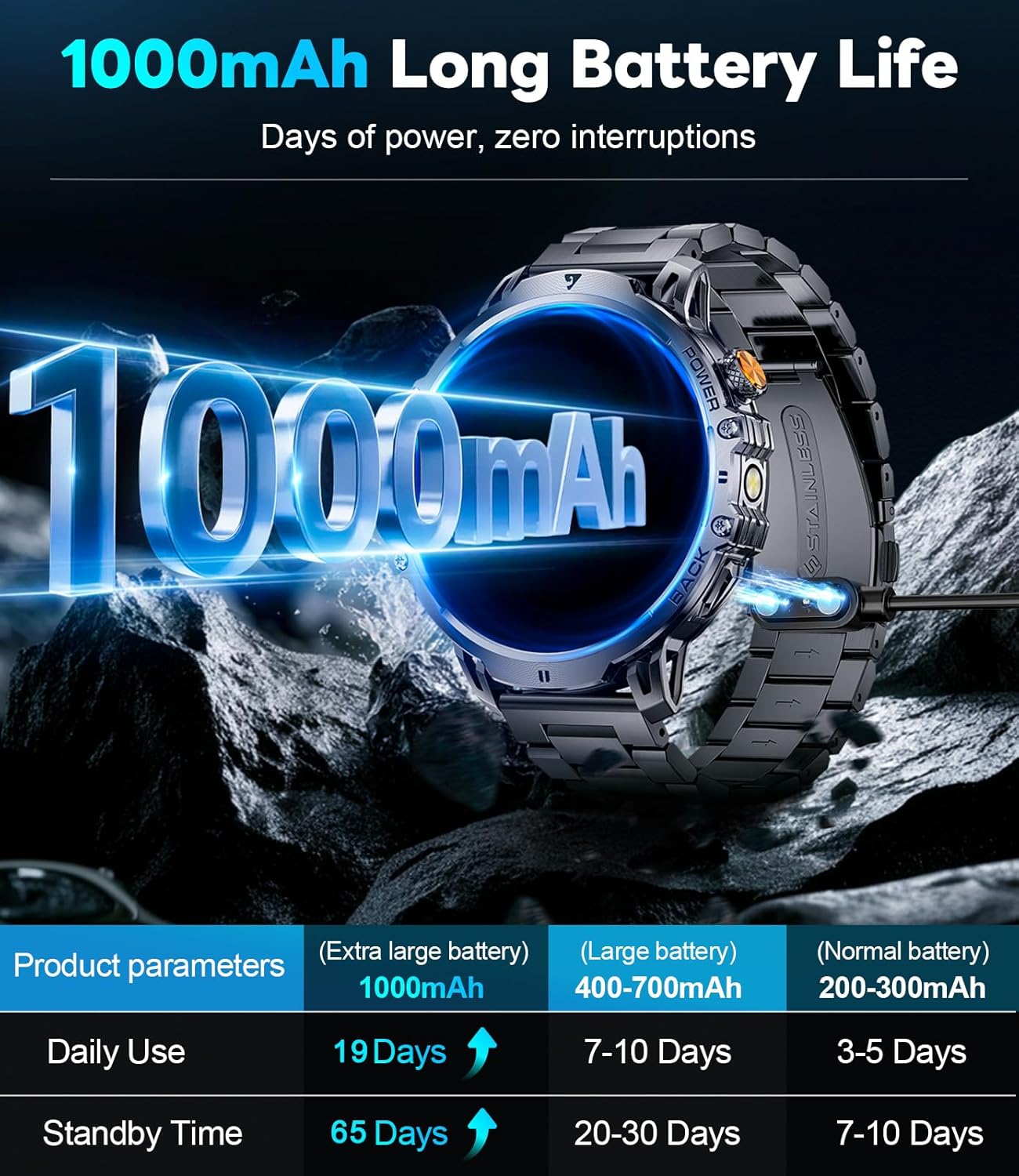
| Kapacitet baterije | Litij polimer 1000 mAh |
| Vrijeme pripravnosti | Do 65 dana |
| Vrijeme normalnog korištenja | Over 19 Days |
| Otpornost na vodu | 5ATM |
| Povezivanje | Bluetooth |
| Kompatibilnost operativnog sistema | Android 4.4+ i iOS 8.0+ |
| Kapacitet memorije | 256 MB |
| Posebne karakteristike | 1.85" Large HD Screen, 5ATM Waterproof, 1000 mAh Battery, 110+ Sport Modes, Sleep Monitor, Alarm Clock, Music Player, Sedentary Reminder, Activity Tracker, Calorie Tracker, Distance Tracker, Multisport Tracker, Bluetooth calls, Notifications, Weather Forecast, Built-in LED Flashlight, Voice Assistant, Camera Control, Mini-Games. |
| Težina artikla | 9.6 unce |
| Dimenzije | 8.07 x 3.66 x 0.91 inča |

Figure 10: 1.85 Inch Ultra HD Display

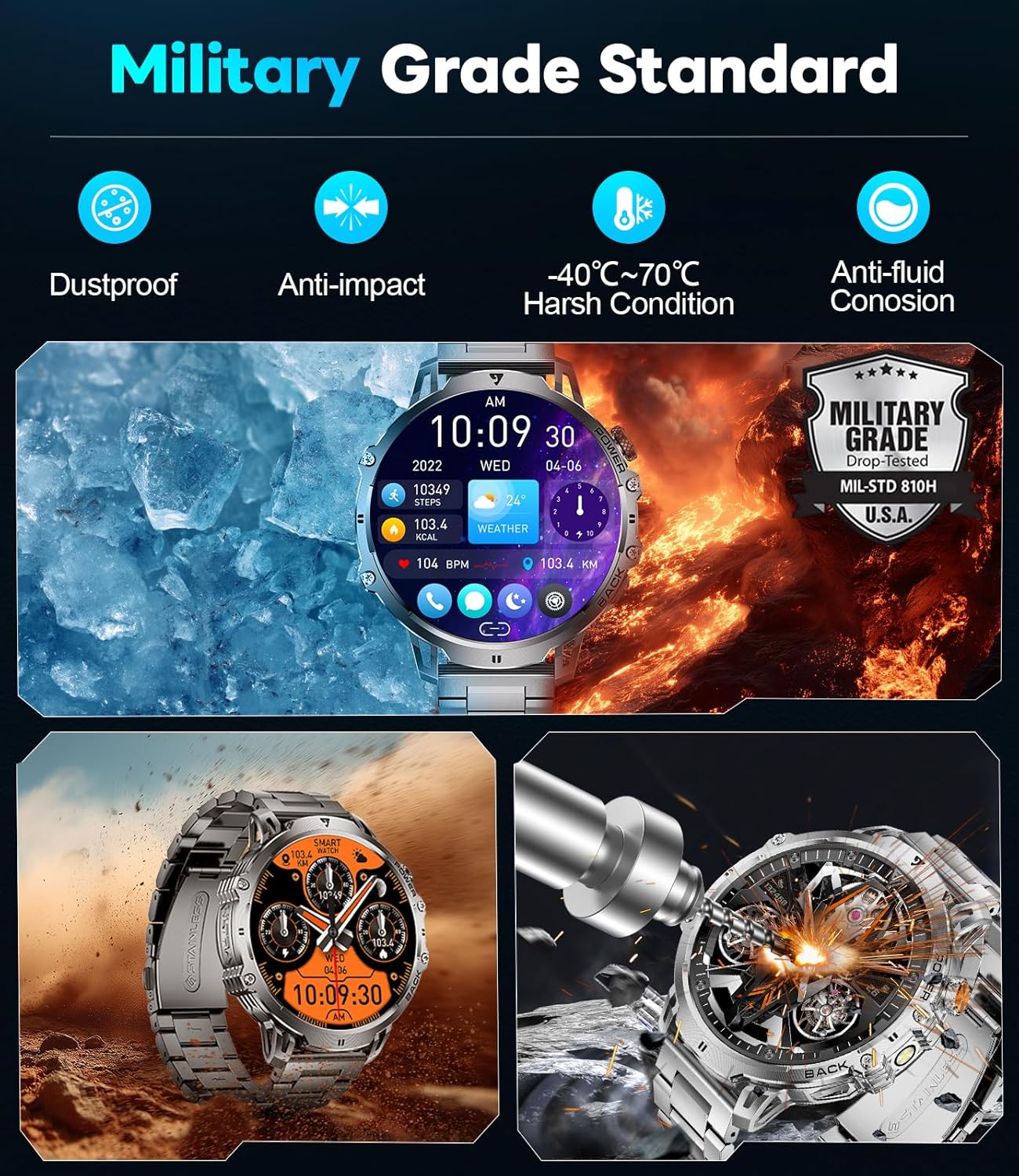
Figure 11: Military Grade Standard Durability
9. Garancija i podrška
LIGE is committed to ensuring your satisfaction. If you have any questions, require support, or encounter any issues with your LIGE EF13-E Smart Watch, please do not hesitate to contact our customer service team. Refer to the contact information provided in your product packaging or on the official LIGE websajt za pomoć.


