1. Uvod
Thank you for choosing the HTC N15 Wireless Clip-On Earbuds. These open-ear earphones are designed to provide audio while allowing you to remain aware of your surroundings. This manual provides detailed instructions for setup, operation, and maintenance to ensure optimal performance and longevity of your device.

Image 1.1: HTC N15 Wireless Clip-On Earbuds and Charging Case.
2. Sadržaj paketa
Molimo Vas da provjerite sadržaj paketa nakon raspakivanja. Ako bilo koji artikl nedostaje ili je oštećen, obratite se korisničkoj podršci.
- 1 Pair HTC N15 Clip-On Earbuds
- 1 Kućište za punjenje
- 1 USB-C kabl za punjenje
- 1 Korisnički priručnik (ovaj dokument)
Video 2.1: Unboxing the HTC N15 Wireless Clip-On Earbuds, showing the earbuds, charging case, and USB-C cable.
3. Proizvod je gotovview
3.1 Karakteristike slušalica
- Dizajn otvorenog uha: Omogućava svijest o okolini.
- Clip-On Fit: Secure and comfortable for various activities.
- Kontrola dodirom: Intuitive control for audio and calls.
- Ugrađeni mikrofon: For clear communication.
- Lagana: Each earbud weighs approximately 4.7g.
- 13mm drajver: For enhanced sound quality.
3.2 Karakteristike kućišta za punjenje
- USB-C priključak za punjenje: Za praktično punjenje.
- Indikator baterije: LEDs show charging status and battery level.

Slika 3.1: Gotovoview of HTC N15 earbuds and charging case, highlighting battery life and Type-C charging port.
4. Podešavanje
4.1 Punjenje slušalica i kutijice
Prije prve upotrebe, potpuno napunite slušalice i kućište za punjenje.
- Stavite slušalice u futrolu za punjenje.
- Spojite USB-C kabel za punjenje na priključak za punjenje na kućištu i na izvor napajanja.
- The LED indicators on the case will illuminate to show charging status. A full charge for the case takes approximately 1.5 hours.
- Slušalice omogućavaju do 8 sati reprodukcije s jednim punjenjem, a kućište za punjenje produžuje ukupno vrijeme reprodukcije na 22 sati.

Image 4.1: Visual representation of charging times and battery life for the HTC N15 earbuds and case.
4.2 Uparivanje s uređajem
The HTC N15 earbuds use Bluetooth 6.0 for fast and stable connections.
- Provjerite jesu li slušalice napunjene i unutar kućišta za punjenje.
- Otvorite kutijicu za punjenje. Slušalice će automatski ući u način rada za uparivanje, što će biti naznačeno treperenjem LED lampica.
- Na vašem uređaju (pametnom telefonu, tabletu, laptopu) idite u postavke Bluetootha i uključite Bluetooth.
- Traži dostupne uređaje i odaberite "HTC NE15" s popisa.
- Nakon povezivanja, LED diode slušalica će prestati treptati i čut ćete zvučni signal potvrde.
Slušalice će se automatski ponovo povezati s posljednjim uparenim uređajem kada se izvade iz kutijice, ako je Bluetooth omogućen na uređaju.

Image 4.2: The HTC N15 earbuds offer flexible connectivity with various devices including notebooks, TVs, desktops, watches, phones, and iPads.
5. Upute za nošenje
For optimal sound and comfort, ensure the earbuds are worn correctly.
- Identifikujte lijeve (L) i desne (R) slušalice.
- Confirm the direction of the earbud, ensuring the clip is oriented to hook over the top of your ear.
- Gently clip the earbud onto the thinnest part of your ear, sliding it down until it feels secure.
- Adjust the earbud tip to align with your ear canal for the best sound experience and comfort.

Image 5.1: Step-by-step guide on how to properly wear the HTC N15 Clip-On Earbuds for a secure and comfortable fit.

Image 5.2: Illustration of the ergonomic open-ear clip design and wearing tips for optimal sound alignment.
6. Uputstvo za upotrebu
The HTC N15 earbuds feature smart touch controls for easy management of audio and calls.

Image 6.1: Diagram illustrating the touch control functions for the HTC N15 earbuds.
6.1 Kontrola muzike
- Pusti/pauza: Dvaput kliknite na bilo koju slušalicu.
- Sljedeća pjesma: Triple-click the Right (R) earbud.
- Prethodna pjesma: Triple-click the Left (L) earbud.
- Povećavanje glasnoće: Click the Right (R) earbud.
- Smanjivanje jačine zvuka: Click the Left (L) earbud.
6.2 Kontrola poziva
- Odgovori/Završi poziv: Click either earbud.
- odbiti poziv: Pritisnite i držite bilo koju slušalicu 2 sekunde.
6.3 Glasovni asistent i način rada za igru
- Aktivirajte glasovnog asistenta: Hold the Left (L) earbud for 2 seconds.
- Način igre: Hold the Right (R) earbud for 2 seconds to activate low-latency mode.

Image 6.2: The HTC N15 earbuds feature a low-latency Game Mode, reducing audio delay to 40ms for an improved gaming experience.
7. Održavanje
7.1 Čišćenje
- Redovno čistite slušalice i kućište za punjenje mekom, suhom krpom koja ne ostavlja dlačice.
- Ne koristite abrazivna sredstva za čišćenje, alkohol ili hemijske rastvarače.
- Provjerite jesu li kontakti za punjenje na slušalicama i kutijici čisti i suhi.
7.2 Skladištenje
- Čuvajte slušalice u torbici za punjenje kada se ne koriste kako biste ih zaštitili i održali napunjenima.
- Izbjegavajte skladištenje na ekstremnim temperaturama ili visokoj vlažnosti.
7.3 Otpornost na vodu i prašinu
The HTC N15 earbuds are rated IP45 for water and dust resistance. This means they are protected against dust ingress and low-pressure water jets from any direction. They are suitable for workouts and light rain but should not be submerged in water.
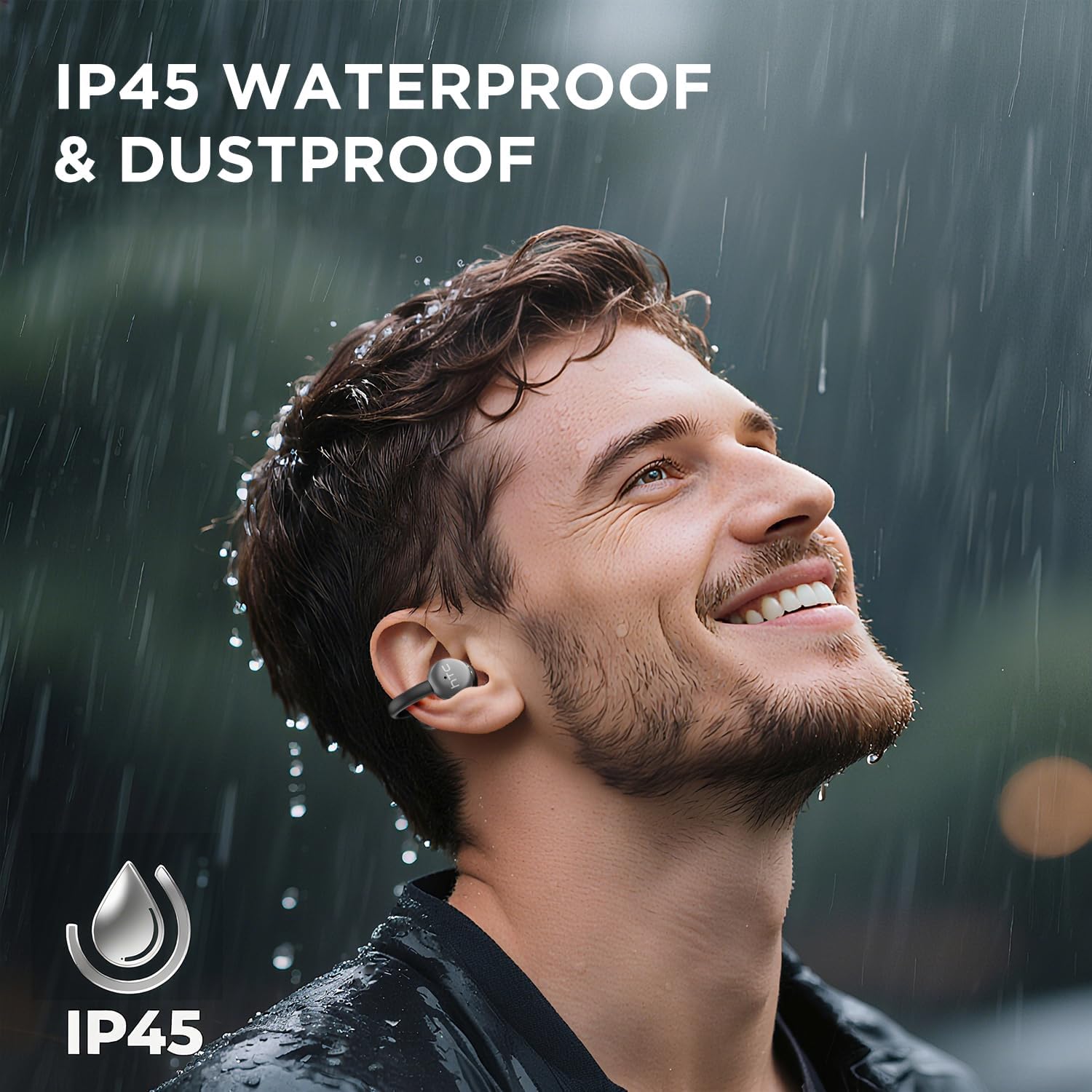
Image 7.1: The HTC N15 earbuds are IP45 rated, offering protection against dust and water splashes, making them suitable for outdoor activities.
8. Otkrivanje problema
| Problem | Mogući uzrok | Rješenje |
|---|---|---|
| Slušalice se ne uparuju | Low battery; Bluetooth off on device; Earbuds not in pairing mode; Interference. | Charge earbuds and case. Ensure Bluetooth is enabled on your device. Place earbuds in case, close, then open to re-enter pairing mode. Move closer to your device. |
| Nema zvuka ili je zvuk lošeg kvaliteta | Volume too low; Earbuds not properly seated; Device not connected; Dirty earbuds. | Increase device volume. Adjust earbuds for a proper fit. Reconnect earbuds to your device. Clean earbuds as per maintenance section. |
| Slušalice se ne pune | Charging cable not connected properly; Dirty charging contacts; Faulty cable/adapter. | Ensure USB-C cable is securely connected. Clean charging contacts. Try a different USB-C cable or power adapter. |
| Kontrole na dodir ne reagiraju | Earbuds not active; Moisture on touch surface; Software glitch. | Ensure earbuds are active and connected. Wipe touch surface dry. Place earbuds back in case, close, then reopen to reset. |
9. Specifikacije
| Feature | Specifikacija |
|---|---|
| Naziv modela | HTC NE15 |
| Bluetooth verzija | 6.0 |
| Tehnologija povezivanja | bežični (Bluetooth) |
| Vrsta slušalica | Clip-On, Open-Ear |
| Driver Size | 13mm |
| Kontrolni metod | Dodirnite |
| Mikrofon | Ugrađeni |
| Vrijeme reprodukcije s jednim punjenjem | Do 8 sati |
| Ukupno vrijeme reprodukcije (sa kutijom) | Do 22 sati |
| Case Fast Charging | Pribl. 1.5 sati |
| Port za punjenje | USB-C |
| Otpornost na vodu | IP45 (Otporan na vodu i prašinu) |
| Težina slušalice | Otprilike 4.7 g (svaki) |
| Kompatibilni uređaji | Smartphones, Tablets, Bluetooth-enabled Devices (iOS, Android) |
| UPC | 768649989642 |
10. Garancija i podrška
HTC provides customer support for its products. If you encounter any issues or have questions not covered in this manual, please contact our support team.
- Korisnička podrška: Dostupna je podrška uživo putem chata 7*24. Pogledajte pakovanje proizvoda ili službene informacije HTC-a. webweb mjesto za kontakt detalje.
- Informacije o garanciji: Please retain your proof of purchase for warranty claims. Specific warranty terms and conditions may vary by region. Refer to the warranty card included in your package or the official HTC websajt za detaljnije informacije.


