Uvod
The Beats Studio Pro are premium wireless Bluetooth noise-cancelling headphones designed to deliver an immersive audio experience. Featuring Beats' custom acoustic platform, these headphones offer rich, balanced sound, personalized spatial audio, and versatile connectivity options for both Apple and Android devices. This manual provides detailed instructions for setting up, operating, maintaining, and troubleshooting your Beats Studio Pro headphones.
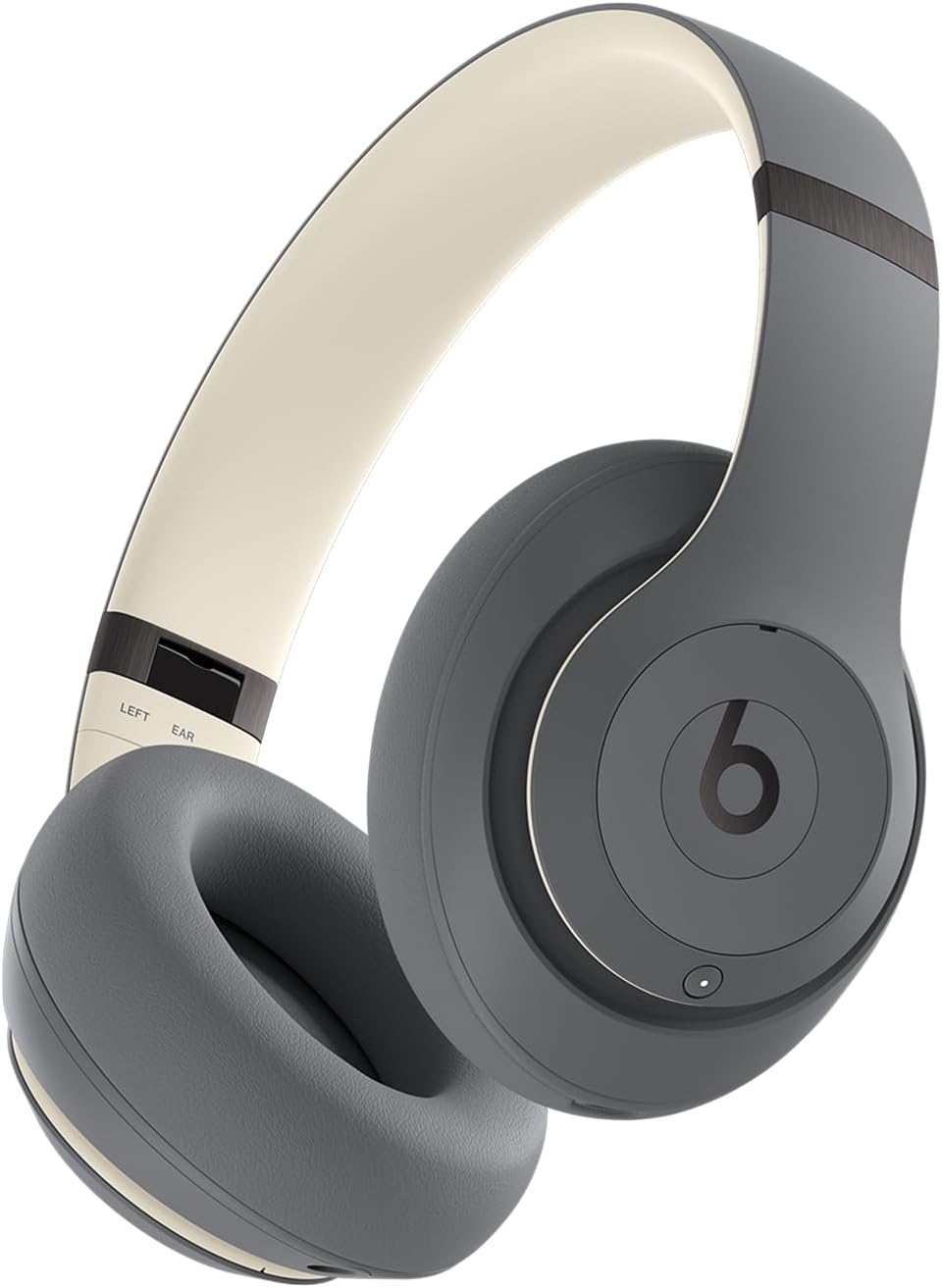
Prednji ugao view of the Beats Studio Pro wireless headphones in Sand Gray, showcasing slušalice i traku za glavu.
Šta je u kutiji
Vaš paket Beats Studio Pro uključuje sljedeće komponente:
- Beats Studio Pro bežične slušalice
- Zaštitna torbica za nošenje
- USB-C to USB-C Cable (for charging and audio)
- 3.5 mm analogni audio kabel
- Vodič za brzi početak i jamstveni list

An image displaying the Beats Studio Pro headphones alongside their protective carrying case, USB-C charging cable, and 3.5mm analog audio cable, representing the items included in the product packaging.
Getting Started
Punjenje slušalica
Before first use, ensure your Beats Studio Pro headphones are fully charged. Connect the included USB-C to USB-C cable to the headphone's USB-C port and to a compatible USB-C power adapter (not included) or a computer's USB-C port. The LED indicator lights on the right earcup will show the charging status.
- Vrijeme punjenja: A 10-minute Fast Fuel charge provides up to 4 hours of additional playback.
- Puno punjenje: Provides up to 40 hours of total battery life.

A graphic illustrating the impressive 40-hour battery life of the Beats Studio Pro headphones, with a large '40 hours' text overlaid on a headphone icon.
Pairing with Your Device (Bluetooth)
- Uključeno: Press and hold the power button on the right earcup until the LED indicator lights illuminate.
- Način uparivanja: Press and hold the system button on the right earcup for 3 seconds until the LED indicator lights begin to flash, indicating pairing mode.
- Povežite se: Na svom uređaju idite u postavke Bluetootha i odaberite "Beats Studio Pro" s popisa dostupnih uređaja.
For Apple users, one-touch pairing is available for seamless integration across your iCloud-connected devices. For Android users, download the Beats app for enhanced features and quick pairing.

A person wearing the Beats Studio Pro headphones, emphasizing their enhanced compatibility with both Apple and Android devices for seamless integration.
Connecting via USB-C
The Beats Studio Pro supports lossless audio playback when connected via the included USB-C cable to a compatible audio source device. This connection also allows for charging.
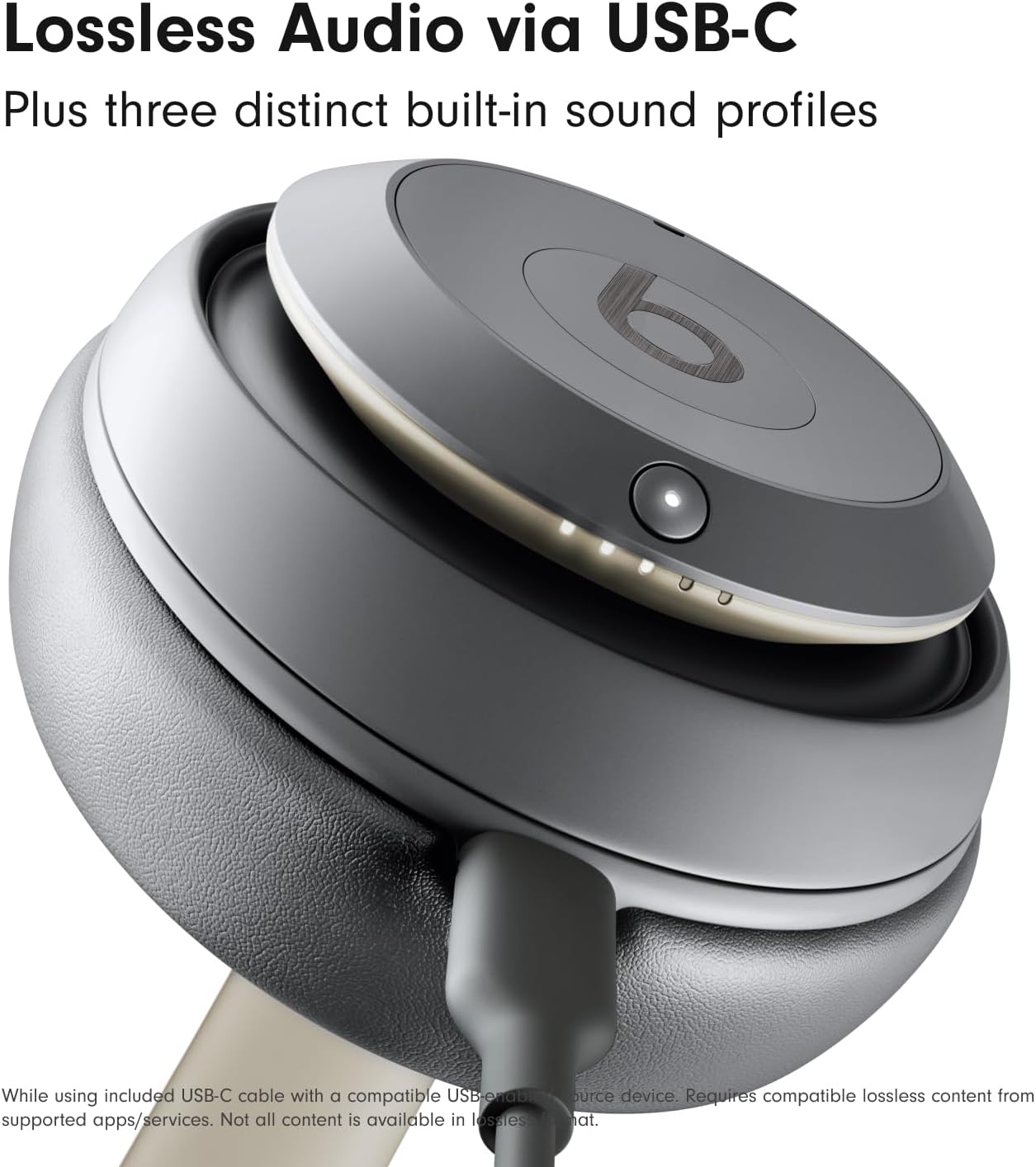
Krupni plan view of the Beats Studio Pro earcup with a USB-C cable connected, illustrating the lossless audio capability when used with a compatible device.
Upotreba slušalica
Kontrole na uređaju
Višenamjenske kontrole na slušalicama omogućavaju vam upravljanje zvukom i pozivima:
- Dugme 'b' (lijeva slušalica): Press once to play/pause audio or answer/end calls. Press twice to skip forward. Press three times to skip backward.
- Volume Rocker (Left Earcup): Press the top button to increase volume, and the bottom button to decrease volume.
- System Button (Right Earcup): Press once to switch between Active Noise Cancelling and Transparency mode. Press and hold to activate voice assistant (Siri, Google Assistant).
Aktivno poništavanje buke (ANC) i način rada za transparentnost
The Beats Studio Pro offers two distinct listening modes:
- Aktivno poništavanje buke (ANC): Fully adaptive noise cancellation that continuously monitors and blocks external noise for an immersive listening experience.
- Transparentni način rada: Allows you to hear your surroundings while still enjoying your audio, ideal for staying aware of your environment.
Toggle between these modes using the system button on the right earcup.
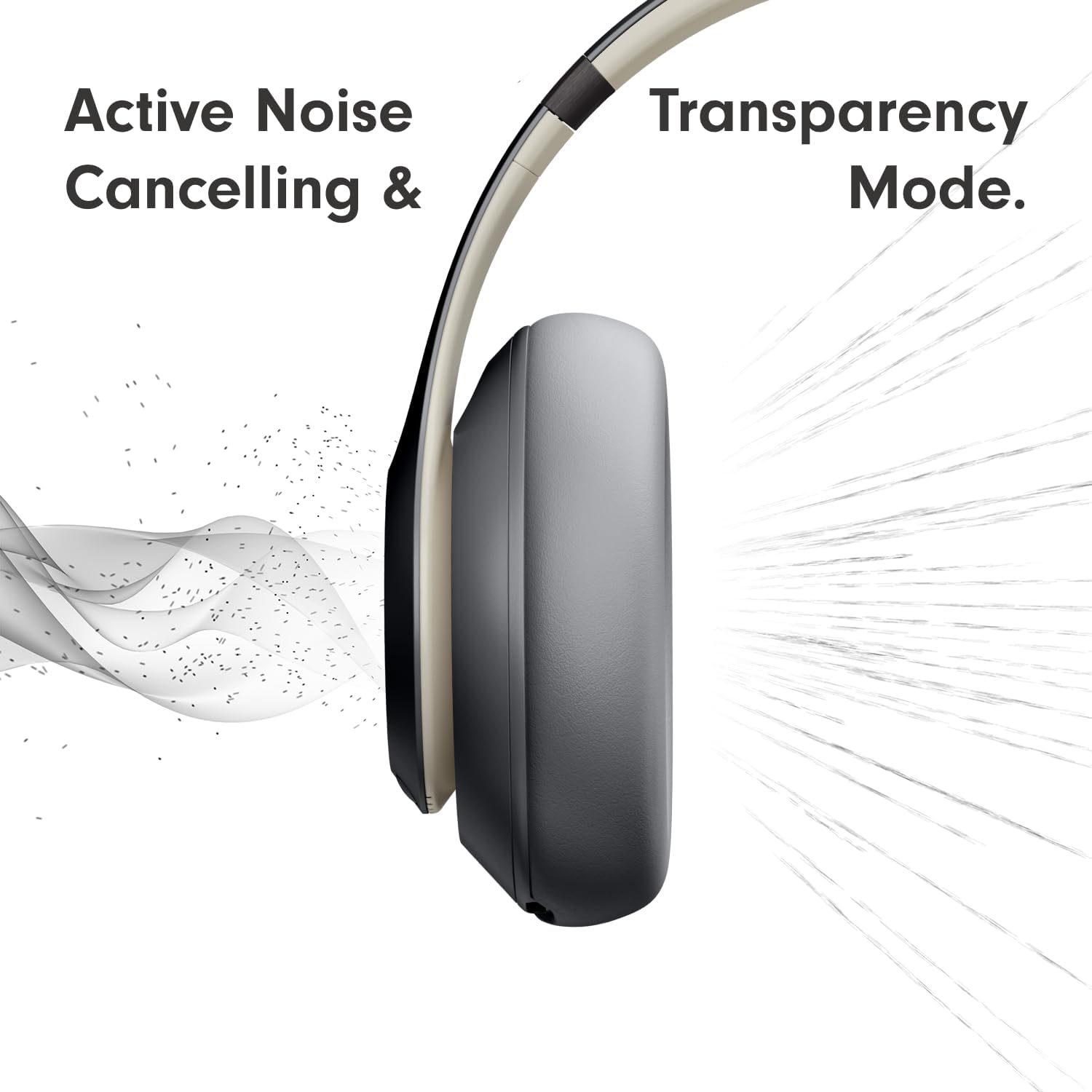
A visual representation demonstrating the Active Noise Cancelling (ANC) and Transparency Mode functionalities of the headphones, showing sound waves being blocked or allowed through.
Personalizirani prostorni zvuk
Experience an immersive 360-degree listening environment with Personalized Spatial Audio and dynamic head tracking. This feature places you at the center of the sound, adapting the audio as you move your head for a truly captivating experience. This feature is available with compatible content and devices.
Performanse poziva
Mikrofoni za ciljanje glasa precizno filtriraju pozadinsku buku, osiguravajući oštre i jasne zvukove prilikom poziva čak i u bučnim okruženjima.
Njega i održavanje
Da biste osigurali dugotrajnost i optimalne performanse vaših Beats Studio Pro slušalica, slijedite ove smjernice za njegu:
- čišćenje: Use a soft, dry, lint-free cloth to clean the earcups and headband. Do not use abrasive cleaners or solvents.
- Skladištenje: When not in use, store your headphones in the provided protective carrying case to prevent scratches and damage.
- Izbjegavajte vlagu: The headphones are not water resistant. Avoid exposure to liquids, high humidity, or extreme temperatures.
- Održavanje kablova: Handle the USB-C and 3.5mm audio cables carefully. Avoid sharp bends or excessive pulling.
Rješavanje problema
Ako imate problema sa Beats Studio Pro slušalicama, isprobajte sljedeća rješenja:
- Nema napajanja: Provjerite jesu li slušalice potpuno napunjene. Spojite ih na izvor napajanja pomoću USB-C kabela.
- Ne može se upariti: Make sure the headphones are in pairing mode (flashing LED lights). Turn off and on Bluetooth on your device. Try unpairing and re-pairing the headphones.
- Nema zvuka: Check the volume levels on both the headphones and your connected device. Ensure the headphones are properly connected via Bluetooth or USB-C.
- Loš kvalitet zvuka: Move closer to your connected device to reduce interference. Ensure no physical obstructions are between the headphones and the device. If using USB-C, ensure the audio source supports lossless audio.
- ANC ne radi: Ensure ANC mode is activated. Check for any physical obstructions on the headphone microphones.
- Resetovati: If issues persist, you may need to reset your headphones. Refer to the Quick Start Guide for specific reset instructions.
Specifikacije
| Feature | Specifikacija |
|---|---|
| Naziv modela | Beats Studio Pro |
| Tehnologija povezivanja | Wireless (Bluetooth 5.3), Wired (USB-C, 3.5mm Jack) |
| Kontrola buke | Aktivno poništavanje buke, način rada za transparentnost |
| Trajanje baterije | Do 40 sati |
| Brzo punjenje gorivom | 10-minute charge for up to 4 hours playback |
| Vrsta audio drajvera | Dynamic Driver |
| Bluetooth domet | Up to 100 Meters (Class 1) |
| Kontrole | Volume, App Control, Button Control, Siri, Touch Control, Voice Control |
| Kompatibilni uređaji | Cellphones, Desktops, Gaming Consoles, Laptops, Tablets (Apple & Android) |
| Težina | 1.39 funti (približno 630 grama) |
| Dimenzije | 8.81 x 6.33 x 3.97 inča |
| Otpornost na vodu | Nije vodootporan |
| Oblik slušalice | Oval |
| Materijal | Metal, Engineered Leather, Plastic |
Garancija i podrška
Your Beats Studio Pro headphones come with a limited manufacturer's warranty. Please refer to the Warranty Card included in your product packaging for detailed terms and conditions. For technical support, product registration, or further assistance, please visit the official Beats support webstranice ili kontaktirajte njihovu korisničku službu.
You can find more information and support resources on the official Beats webstranica: www.beatsbydre.com/support


