Uvod
Hvala na kupoviniasing the CHEREEKI Digital LED Alarm Clock. This manual provides detailed instructions for setting up and operating your new alarm clock. Please read it thoroughly before use and keep it for future reference.
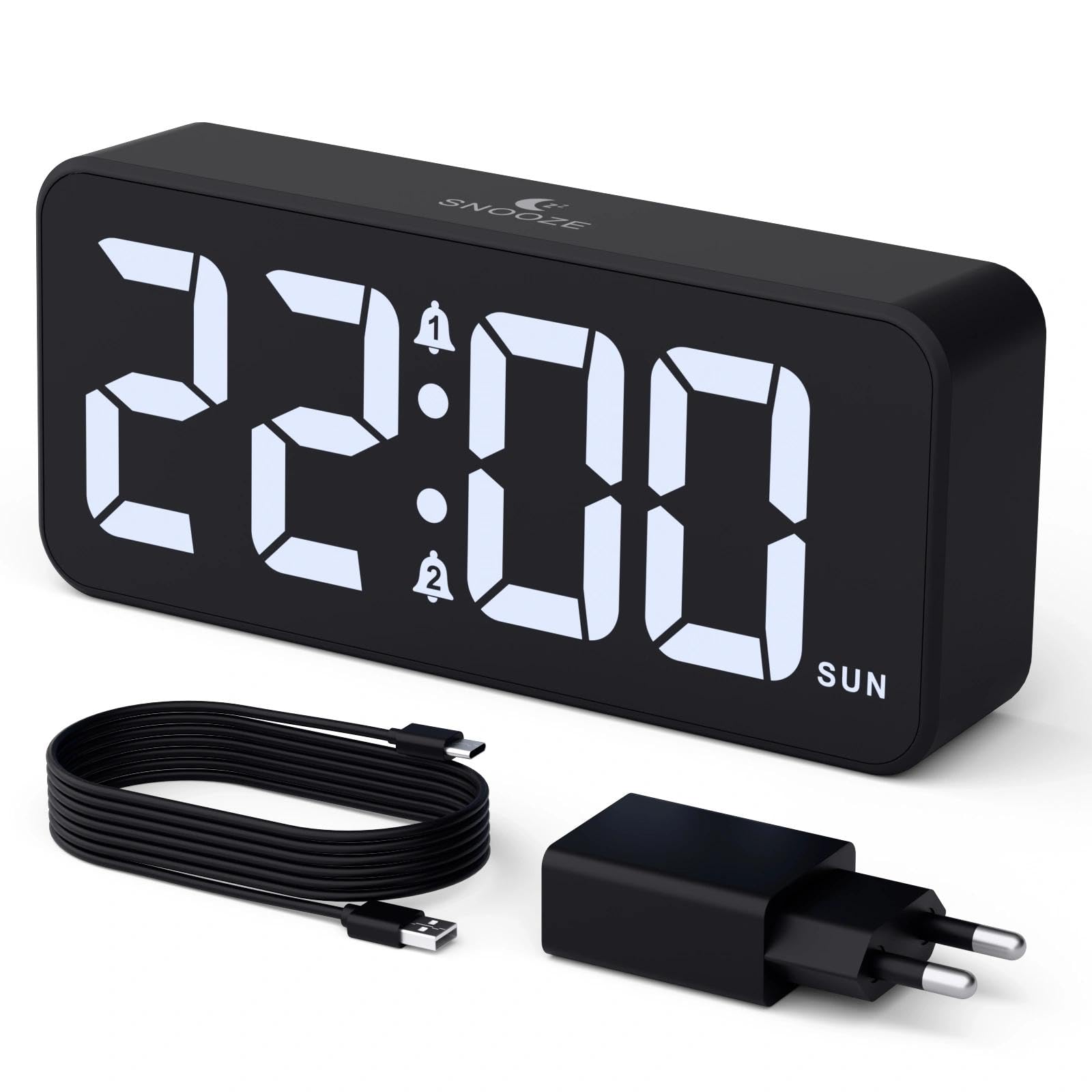
Image: The CHEREEKI Digital LED Alarm Clock, showcasing its large LED display and key features.
Sigurnosne informacije
- Ensure the power adapter and cable are compatible with the device's voltage requirements (5V/1A or 5V/2A).
- Ne izlažite uređaj vodi ili prekomjernoj vlazi.
- Izbjegavajte postavljanje uređaja u blizini izvora topline ili na direktnom suncu.
- Ne pokušavajte sami rastavljati ili popravljati uređaj. U slučaju problema obratite se korisničkoj podršci.
- Čuvati van domašaja djece.
Sadržaj paketa
- CHEREEKI Digital LED Alarm Clock
- Power Adapter (5V/1A or 5V/2A)
- USB Charging Cable (1.5m)
- Uputstvo za upotrebu
- CR2032 Backup Battery (pre-installed or included)

Image: Illustration of the items included in the product package.
Raspored i kontrole proizvoda

Image: Rear panel of the alarm clock with labels for all buttons and ports.
- Dugme za podešavanje vremena: Pritisnite za ulazak u režim podešavanja vremena.
- Alarm 1 dugme: Press to set Alarm 1.
- Alarm 2 dugme: Press to set Alarm 2.
- Dugmad za gore/dolje: Adjust values during setting.
- Dimmer Knob: Rotate to adjust display brightness (0-100%).
- Gumb za jačinu zvuka: Rotate to adjust alarm volume (10 levels).
- USB izlazni port: Za punjenje eksternih uređaja.
- Ulazni port tipa C: For power supply to the alarm clock.
- Dugme za ljetno vrijeme: For Daylight Saving Time adjustment.
- Pretinac za baterije: Houses the CR2032 backup battery.
Setup
1. Priključak za napajanje
The alarm clock operates solely on AC power. Connect the provided USB cable to the Type-C input port on the back of the clock and plug the adapter into a standard wall outlet (5V/1A or 5V/2A). The display will light up.

Image: The alarm clock connected to a power source via its adapter.
2. Rezervna baterija
A CR2032 backup battery is included to retain time and alarm settings during power outages. This battery does not power the display or alarm functions; it only preserves memory. Ensure the battery is correctly installed in the compartment on the back of the clock.

Image: Close-up of the backup battery compartment, indicating its purpose to retain settings during power loss.
Uputstvo za upotrebu
Podešavanje vremena
- Press the "TIME SET" button. The hour digits will flash.
- Use the "UP" or "DOWN" buttons to adjust the hour.
- Press "TIME SET" again to confirm the hour and move to minute setting. The minute digits will flash.
- Use the "UP" or "DOWN" buttons to adjust the minutes.
- Press "TIME SET" once more to confirm the minutes and exit time setting mode.
Podešavanje alarma (Alarm 1 i Alarm 2)
This clock supports two independent alarms with three scheduling options.
- Press the "ALARM 1" or "ALARM 2" button. The alarm hour digits will flash.
- Use the "UP" or "DOWN" buttons to adjust the alarm hour.
- Press the respective alarm button again to confirm the hour and move to minute setting. The minute digits will flash.
- Use the "UP" or "DOWN" buttons to adjust the alarm minutes.
- Press the alarm button again to select the alarm schedule:
- Radnim danima: Od ponedjeljka do petka
- vikendom: Od subote do nedjelje
- Dnevno: Od ponedjeljka do nedjelje
- Press the alarm button once more to confirm the schedule and exit alarm setting mode.
- To enable/disable an alarm, press the "ALARM 1" or "ALARM 2" button briefly outside of setting mode. An alarm icon will appear/disappear on the display.

Image: The alarm clock demonstrating dual alarm settings with various scheduling options.
Funkcija odgode
When the alarm sounds, touch the top of the clock to activate the 5-minute snooze function. The alarm will temporarily stop and sound again after 5 minutes. To turn off the alarm completely, press any other button on the back of the clock.
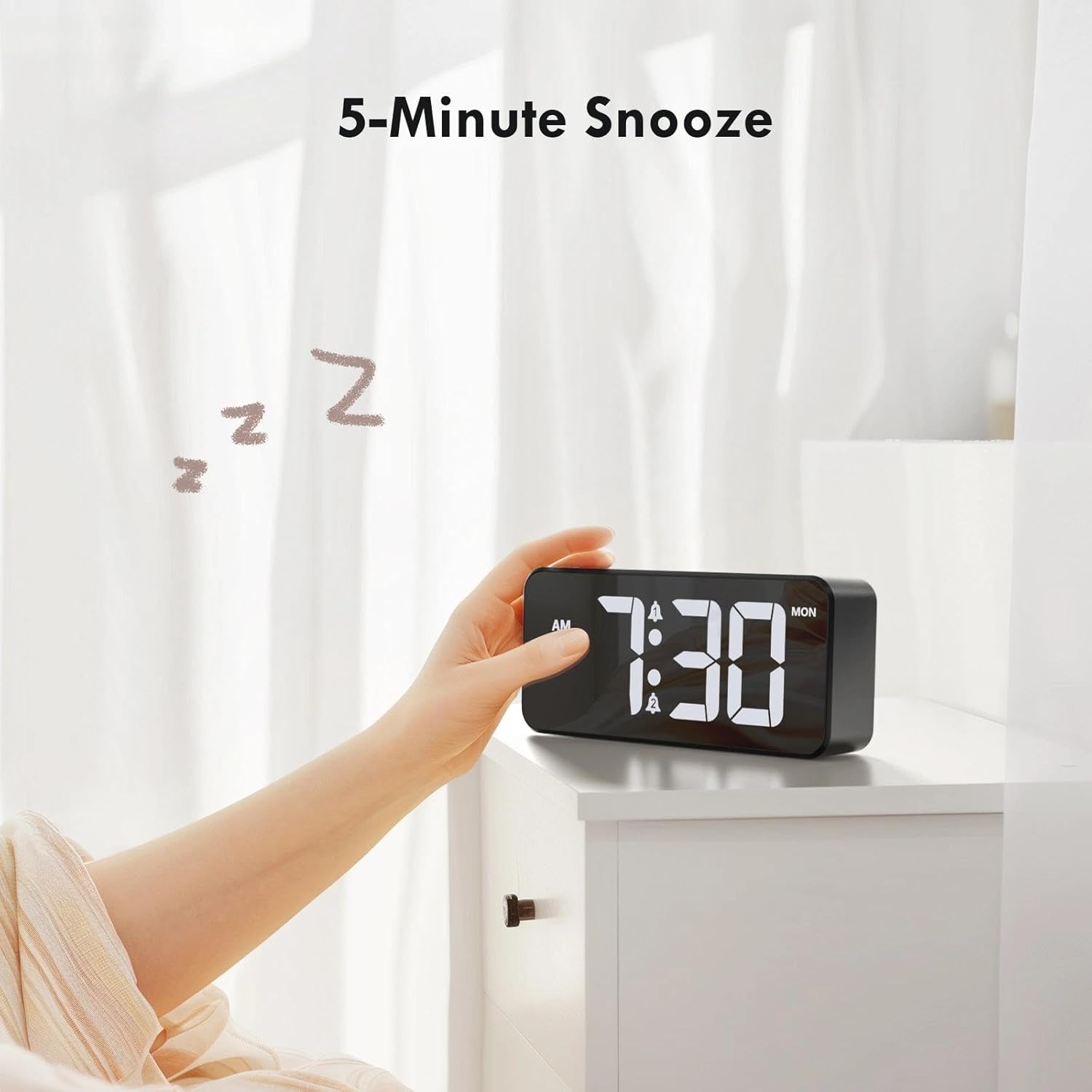
Image: A user activating the snooze function by touching the top of the alarm clock.
Podešavanje svjetline ekrana
Rotate the "DIMMER" knob on the back of the clock to adjust the display brightness from 0% (off) to 100% (maximum brightness). This allows for comfortable viewu svim uslovima osvetljenja.

Image: Visual representation of the adjustable brightness feature and the dimmer knob.
Podešavanje jačine zvuka alarma
Rotate the "VOLUME" knob on the back of the clock to select one of the 10 available alarm volume levels. Choose a volume that suits your preference.

Image: The volume control knob and a visual scale indicating adjustable volume levels.
Format 12/24 sata
To switch between 12-hour and 24-hour time formats, press and hold the "TIME SET" button for a few seconds until the format changes. In 12-hour format, "AM" or "PM" indicators will be displayed.

Image: The alarm clock showing both 12-hour and 24-hour time display options.
USB priključak za punjenje
The USB-A output port on the back of the clock allows you to charge other devices, such as smartphones or tablets. Simply connect your device's charging cable to this port.

Image: The alarm clock charging a smartphone via its integrated USB port.
Ljetno računanje vremena (DST)
To adjust for Daylight Saving Time, press the "DST" button on the back of the clock. This will advance or set back the time by one hour. Press it again to revert.
Održavanje
- Clean the clock's surface with a soft, dry cloth. Do not use abrasive cleaners or solvents.
- Čuvajte uređaj od prašine i krhotina.
- If the backup battery needs replacement, use a CR2032 coin cell battery. Ensure correct polarity.
Rješavanje problema
| Problem | Mogući uzrok | Rješenje |
|---|---|---|
| Displej je isključen. | Not connected to power; Dimmer set to 0%. | Ensure the clock is plugged into a working power outlet. Rotate the Dimmer knob to increase brightness. |
| Alarm se ne oglašava. | Alarm not activated; Volume set to minimum. | Press the ALARM 1/2 button to activate the alarm (icon should appear). Rotate the Volume knob to increase volume. |
| Postavke su izgubljene nakon nestanka strujetage. | Rezervna baterija je prazna ili nedostaje. | Zamijenite rezervnu bateriju CR2032. |
| Punjenje preko USB-a ne radi. | Clock not powered; Device cable faulty. | Ensure the alarm clock is powered. Try a different USB cable or device. |
Specifikacije
- Brand: CHEREEKI
- Model: B0FHHKMP1X
- Boja: Crna
- Vrsta prikaza: Digitalna LED
- Materijal: akrilonitril butadien stiren (ABS)
- Dimenzije proizvoda: 14.5 x 3.81 x 6.5 cm (5.7 x 1.5 x 2.5 inča)
- Težina artikla: 230 grama (0.5 lbs)
- Izvor napajanja: Wired Electric (5V/1A or 5V/2A adapter)
- Rezervna baterija: CR2032 (for memory retention only)
- Posebne karakteristike: Adjustable Brightness, Dual Alarm, Snooze, USB Charging Port, 12/24H Format, Adjustable Volume, Day of Week Display
Garancija i podrška
This CHEREEKI Digital LED Alarm Clock comes with a Doživotna garancija. For any product inquiries, technical support, or warranty claims, please contact CHEREEKI customer service through the retailer where you purchased the product or visit the official CHEREEKI webstranica za kontakt informacije.
Molimo sačuvajte dokaz o kupovini u svrhu garancije.
