1. Uvod
This manual provides essential information for setting up, operating, maintaining, and troubleshooting your ASUS ROG Strix G18 G814 Gaming Laptop. Please read this guide thoroughly to ensure proper use and to maximize the performance and longevity of your device.
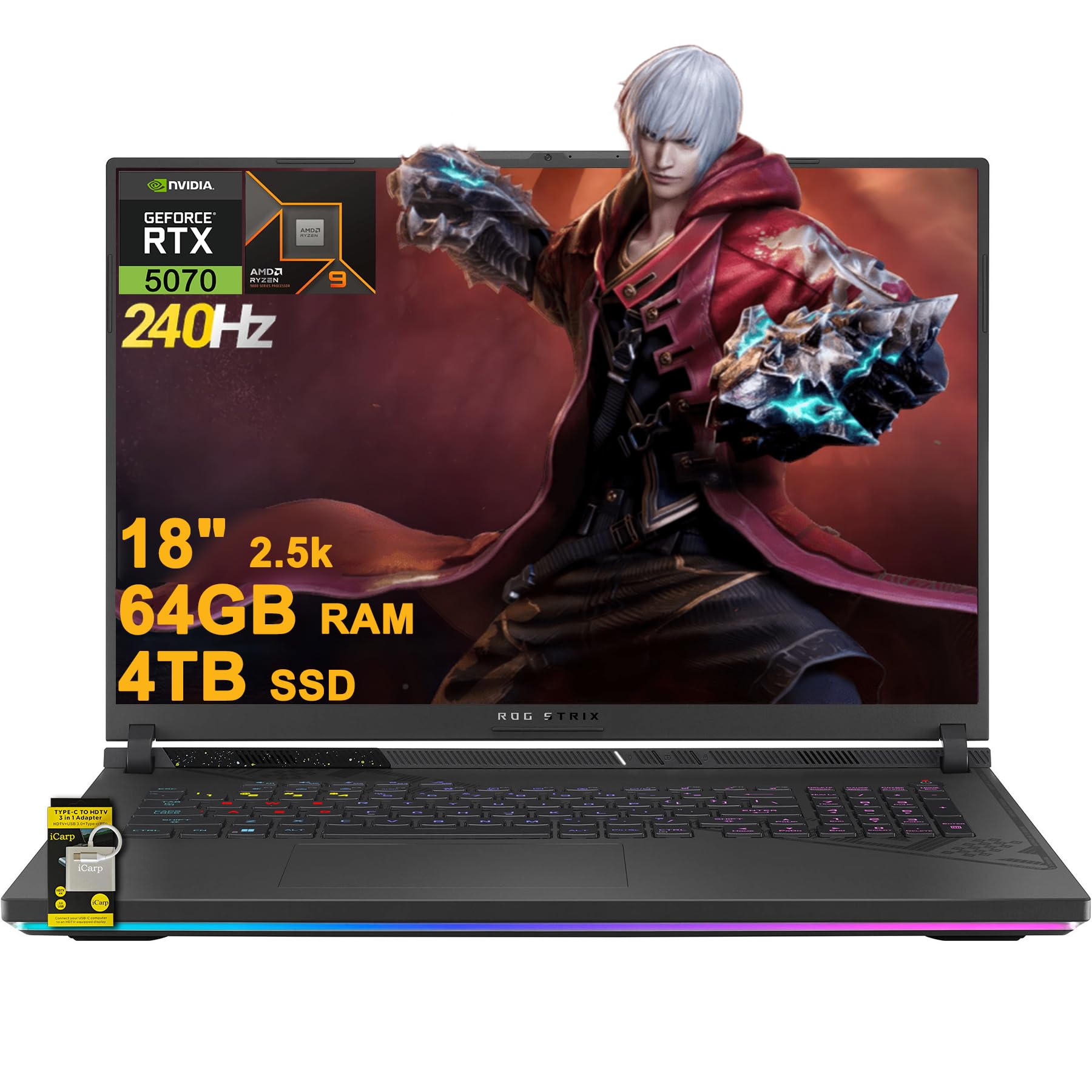
Figure 1.1: ASUS ROG Strix G18 G814 Gaming Laptop
The ASUS ROG Strix G18 G814 is a high-performance gaming laptop designed for demanding applications and immersive gaming experiences. It features an AMD 16-core Ryzen 9 9955HX processor, NVIDIA GeForce RTX 5070 graphics, 64GB DDR5 RAM, and a 4TB SSD, all showcased on an 18-inch 2.5K (2560x1600) 240Hz IPS display.
2. Podešavanje
2.1 Raspakivanje i početni pregled
Carefully remove the laptop and all accessories from the packaging. Inspect for any signs of damage. Retain the original packaging for future transport or service needs.
2.2 Spajanje adaptera za napajanje
Spojite adapter za napajanje na ulazni priključak za napajanje laptopa, a zatim ga uključite u zidnu utičnicu. Preporučuje se da potpuno napunite bateriju prije prve upotrebe.
2.3 Prvo uključivanje
Open the laptop lid and press the power button. The laptop will guide you through the initial setup of Microsoft Windows 11 Home. Follow the on-screen instructions to configure your operating system, network connection, and user accounts.
2.4 Povezivanje eksternih uređaja
Your laptop includes various ports for connecting external devices. Refer to the 'Ports and Slots' section for a detailed overview.

Slika 2.1: Gotovoview of ASUS ROG Strix G18 G814 Key Features
2.5 Included Accessories: iCarp Type-C 3-in-1 Hub
Your package includes an iCarp Type-C 3-in-1 Hub, which expands your connectivity options. This hub provides USB 3.0, HDTV 4K Output, and Type-C (PD) functionality. Connect it to a compatible USB-C port on your laptop to utilize its features, such as connecting to an HDTV-equipped display.

Figure 2.2: iCarp Type-C 3-in-1 Hub for expanded connectivity
3. Upravljanje laptopom
3.1 Tastatura i unos
The laptop features a full-size 4-zone RGB backlit keyboard. You can customize the lighting effects and colors through the pre-installed software (e.g., Armoury Crate). The touchpad supports multi-touch gestures for navigation.
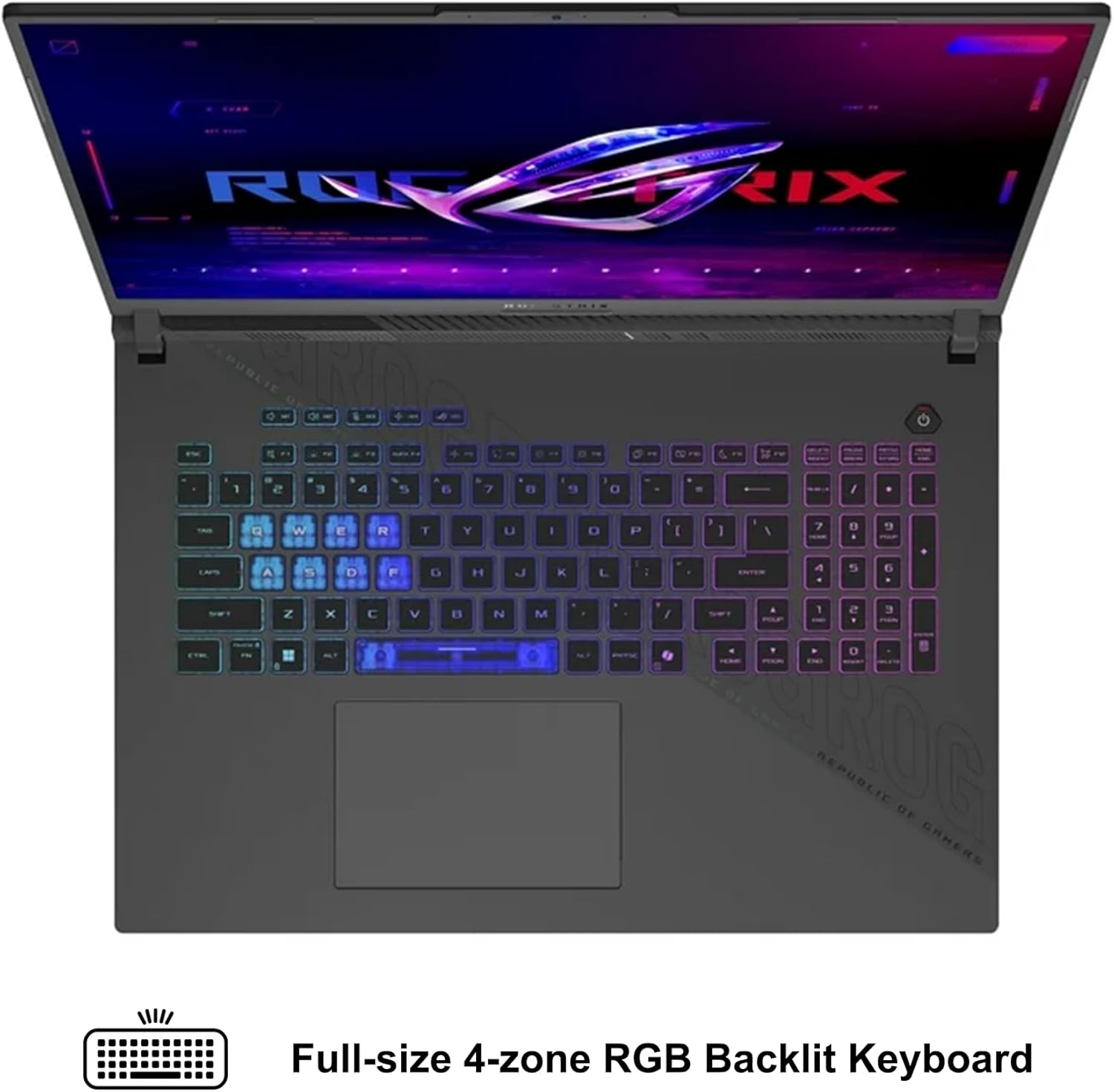
Figure 3.1: Full-size 4-zone RGB Backlit Keyboard
3.2 Postavke ekrana
The 18-inch 2.5K (2560x1600) IPS display offers a 240Hz refresh rate for smooth visuals. You can adjust display settings, including resolution and refresh rate, through Windows display settings or the NVIDIA Control Panel for optimal gaming and productivity.
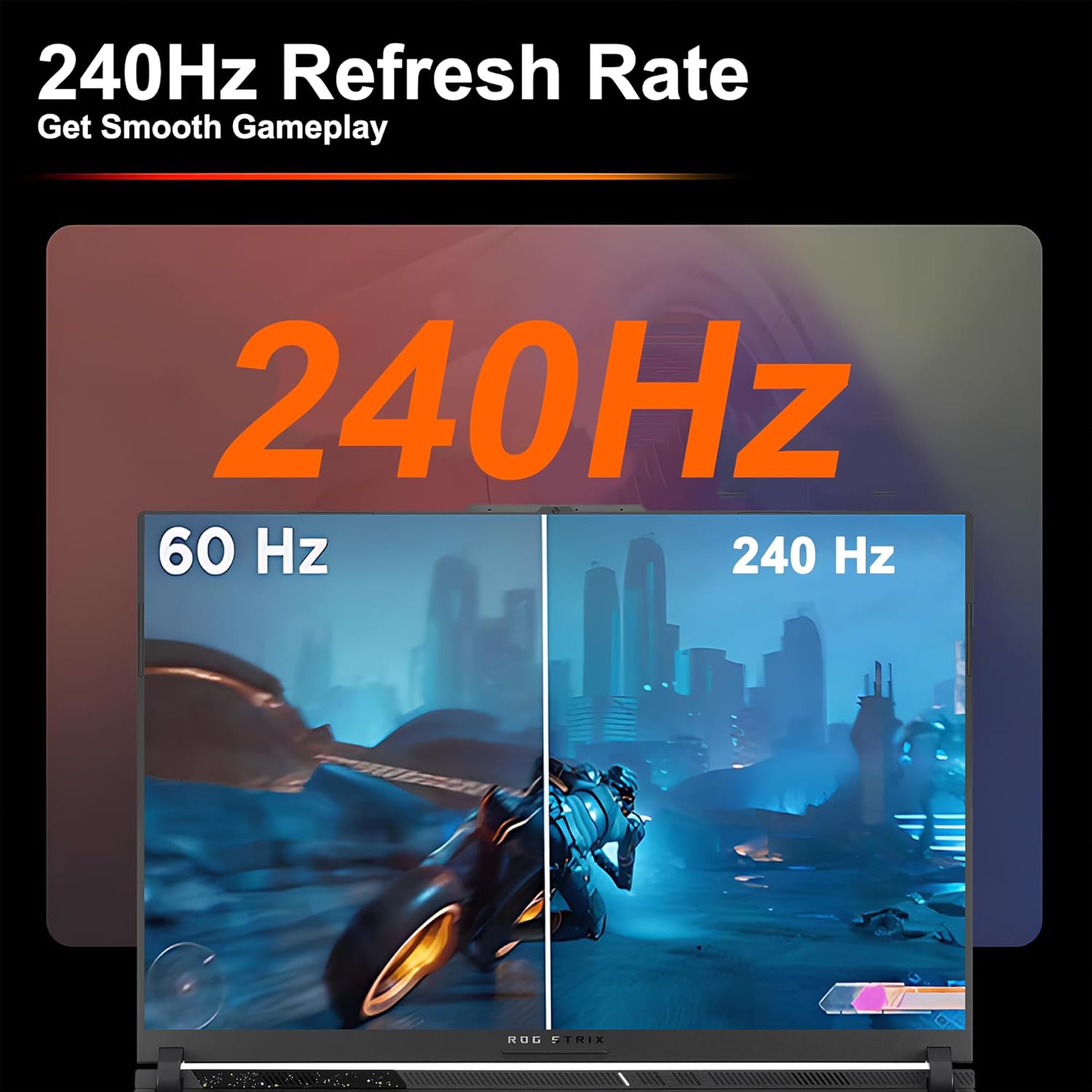
Figure 3.2: Visual comparison of 60Hz vs. 240Hz refresh rates
3.3 Audio i komunikacija
The laptop features Dolby Atmos audio for an immersive sound experience. The integrated FHD camera and AI Noise-canceling technology enhance communication during video calls and online gaming by reducing background noise.
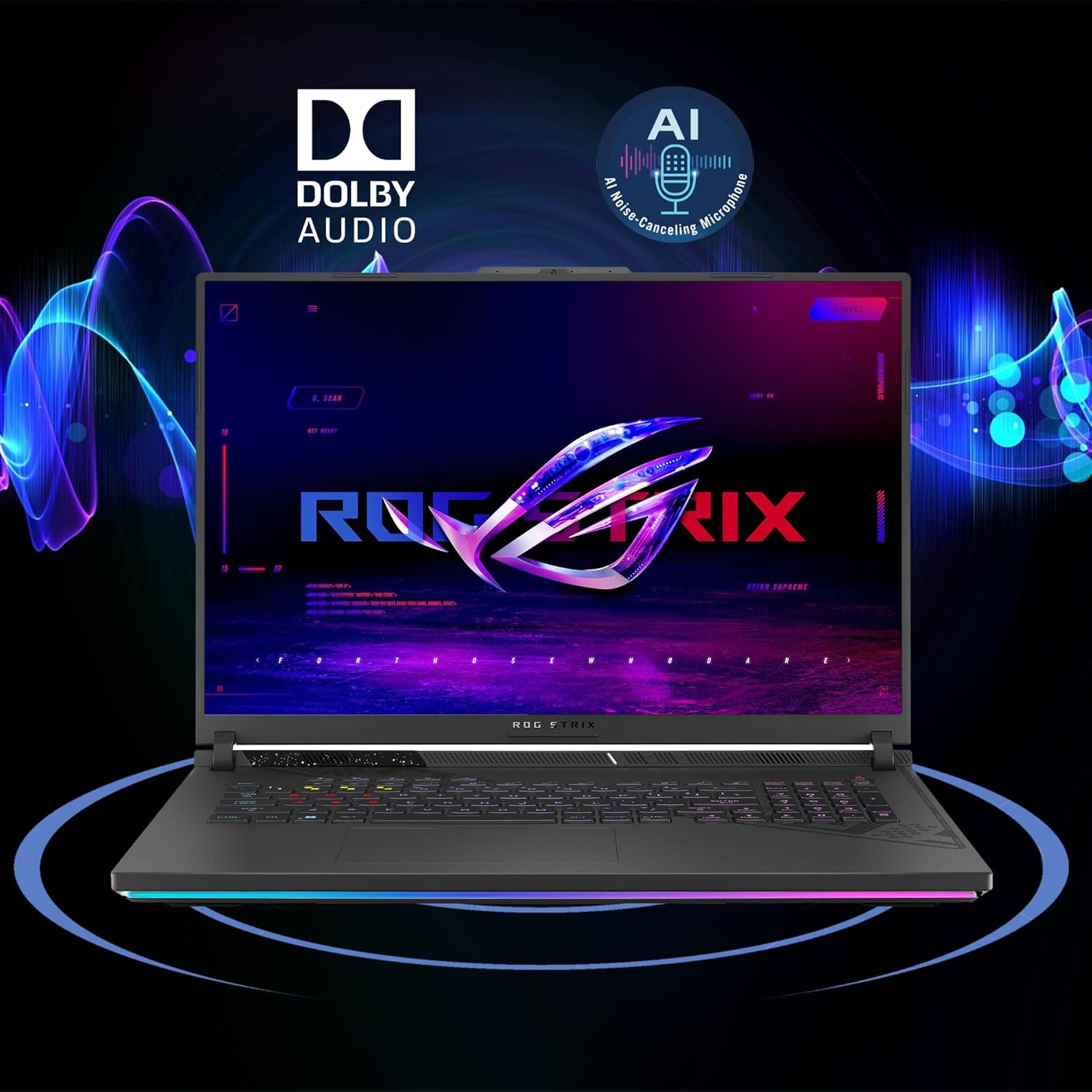
Figure 3.3: Dolby Audio and AI Noise-canceling features
3.4 Bežično povezivanje
The laptop supports Wi-Fi 6E for high-speed wireless internet access. Ensure your router also supports Wi-Fi 6E to take full advantage of its capabilities. Bluetooth is also available for connecting wireless peripherals.
4. Održavanje
4.1 Čišćenje laptopa
Regularly clean the screen with a soft, lint-free cloth and a screen-specific cleaning solution. For the keyboard and chassis, use a soft cloth dampened with a mild cleaning solution. Avoid spraying liquids directly onto the laptop.
4.2 Optimizing Cooling
To prevent overheating, ensure that the laptop's ventilation openings are not obstructed. When operating under heavy load, especially in 'Turbo' mode, the fans will increase speed and noise. Maintain adequate clearance (at least 2-3 inches) behind the laptop, particularly near the rear exhaust vents, to allow for proper heat dissipation.
4.3 Njega baterija
To prolong battery life, avoid frequently discharging the battery completely. If storing the laptop for an extended period, charge it to approximately 50-60% and store it in a cool, dry place. Avoid exposing the battery to extreme temperatures.
5. Otkrivanje problema
5.1 Uobičajeni problemi i rješenja
- Laptop se ne uključuje: Provjerite je li adapter za napajanje sigurno priključen i je li baterija dovoljno napunjena. Pokušajte s drugom utičnicom.
- pregrijavanje: Check for obstructed vents. Ensure the laptop is on a hard, flat surface. Adjust power profiles in Armoury Crate to 'Silent' or 'Performance' if 'Turbo' mode causes excessive heat.
- Problemi sa prikazom: Verify display cable connections if using an external monitor. Update graphics drivers. Check display settings in Windows.
- Nema zvuka: Check volume levels, speaker connections, and audio drivers. Ensure AI Noise-canceling is not muting desired audio.
- Problemi s Wi-Fi povezivanjem: Restart your router and laptop. Check Wi-Fi settings and ensure drivers are up to date.
5.2 Kontaktiranje podrške
If you encounter issues that cannot be resolved using the troubleshooting steps above, please refer to the 'Support' section for information on how to contact ASUS customer service.
6. Specifikacije
| Feature | Detalj |
|---|---|
| Procesor | AMD Ryzen 9 9955HX (16-core, up to 5.4GHz) |
| Grafika | NVIDIA GeForce RTX 5070 8GB Dedicated Graphic |
| Memorija | 64 GB DDR5 RAM-a |
| Skladištenje | 4TB SSD (PCIe 5.0 speeds) |
| Display | 18-inch 2.5K (2560x1600) IPS 240Hz (100% DCI-P3, 3ms, Anti-glare) |
| Operativni sistem | Microsoft Windows 11 Home |
| Luke | 2 x USB-A 3.2, 1 x Type USB 4 (DP1.4, G-SYNC, PD 3.0), 1 x HDMI 2.1 FRL, 1 x RJ45 Ethernet |
| Bežični | Wi-Fi 6E, Bluetooth |
| Baterija | 90Wh |
| Dimenzije (DxŠxV) | 11.57" x 15.71" x 1.21" |
| Težina | 6.61 lbs |
| Tastatura | 4-zone RGB Backlit Keyboard |
| Kamera | FHD kamera |
| Audio | Dolby Atmos, AI Noise-canceling Technology |
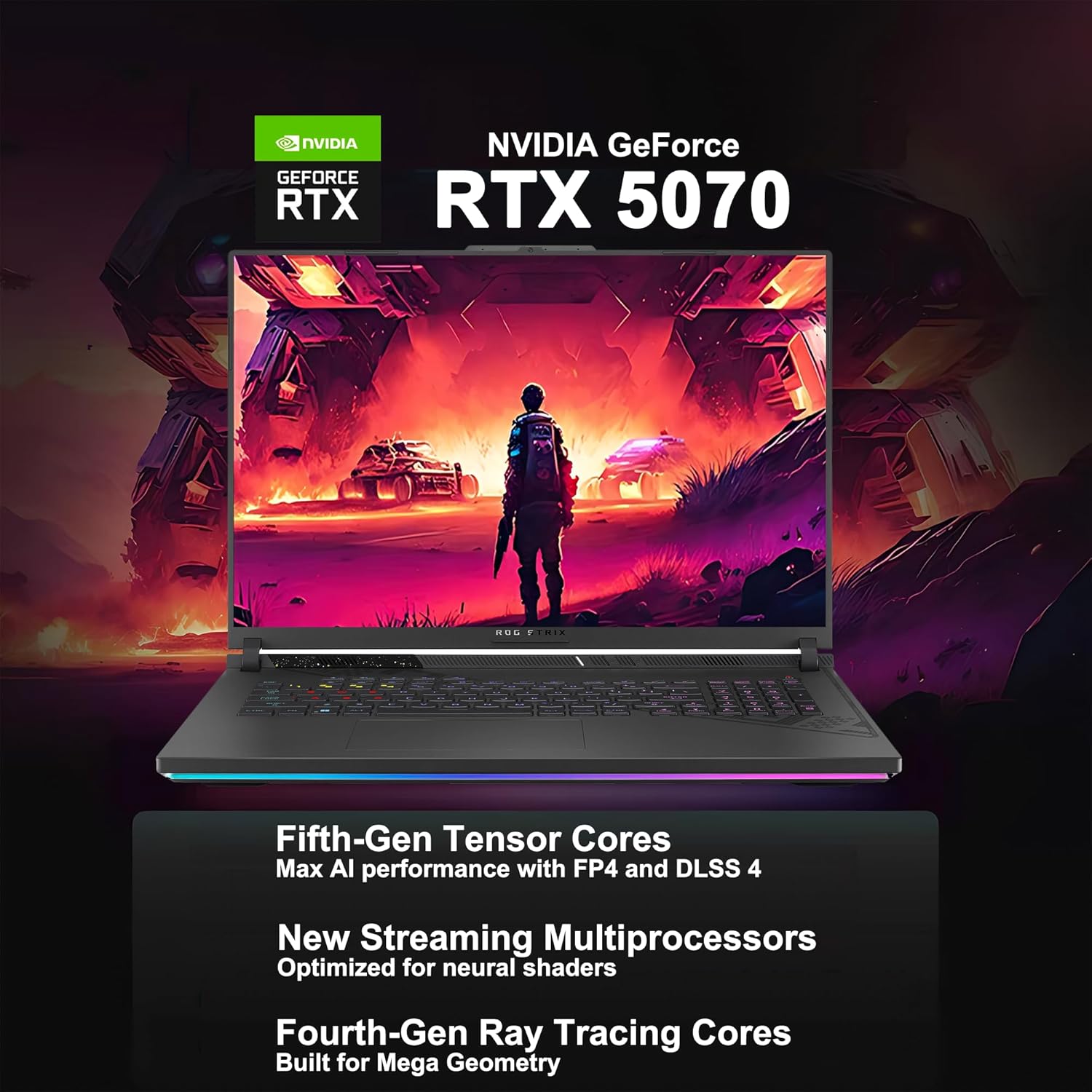
Figure 6.1: AMD Ryzen 9 9955HX Processor Specifications
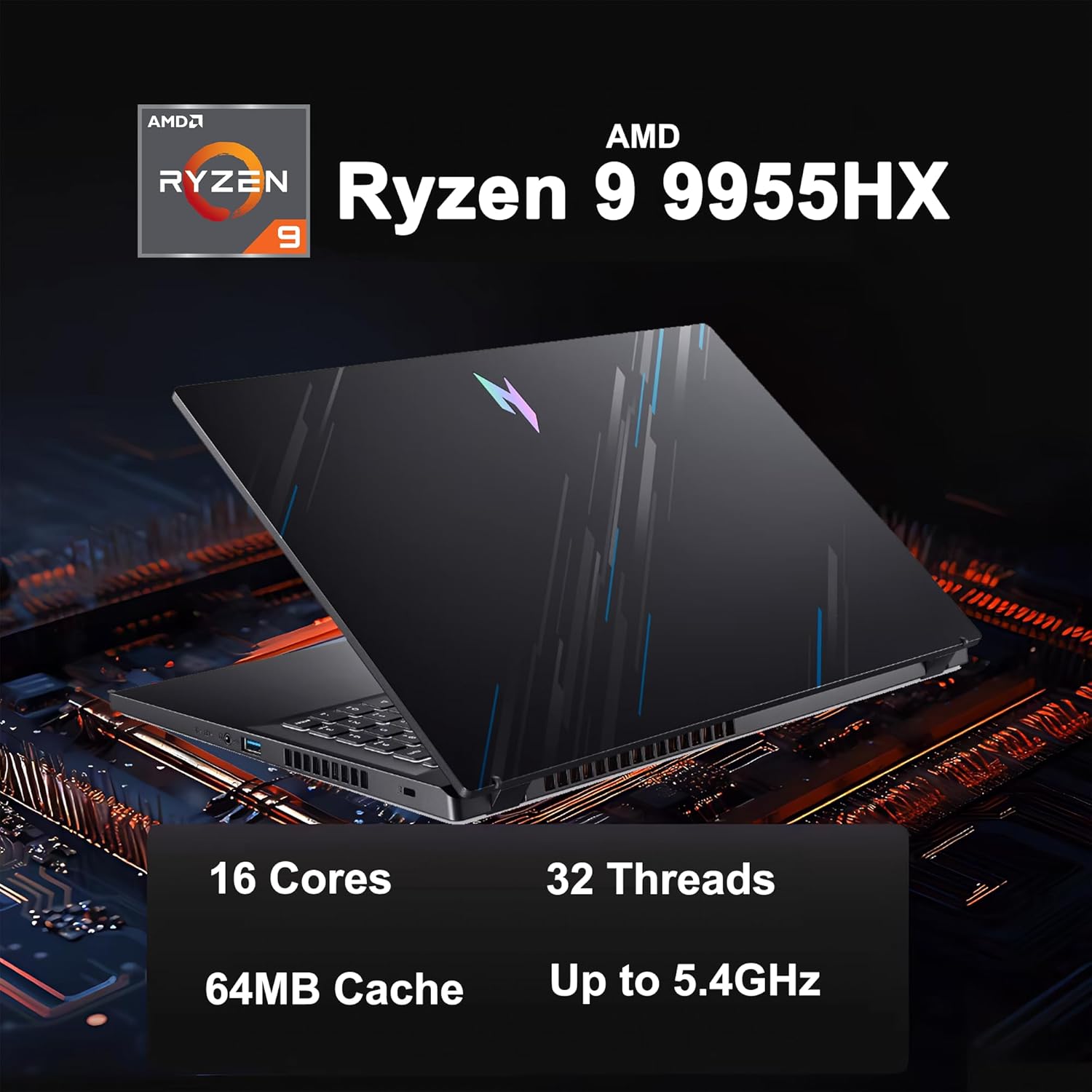
Figure 6.2: NVIDIA GeForce RTX 5070 Graphics Card Features
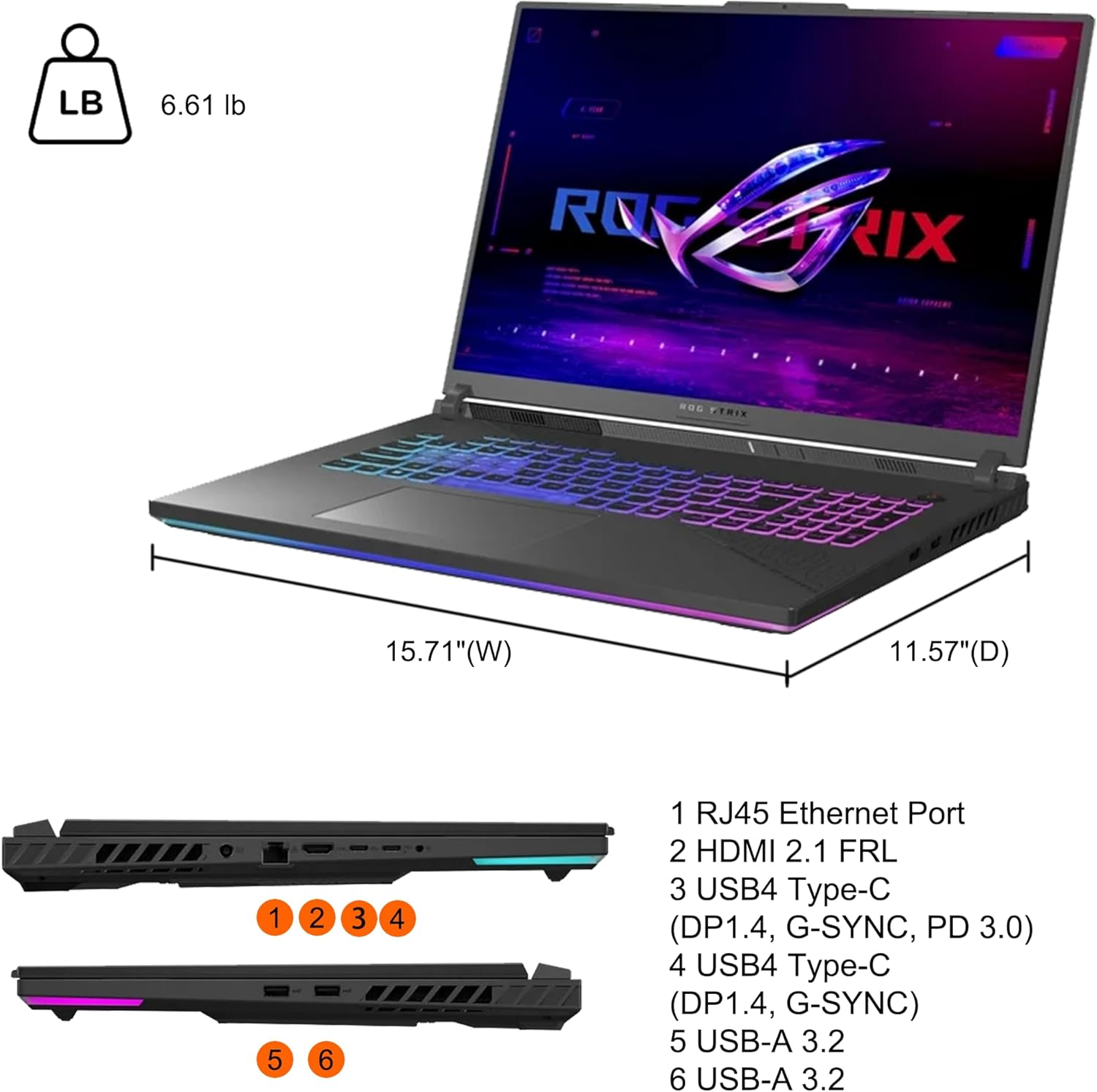
Figure 6.3: Laptop Ports and Physical Dimensions
7. Informacije o garanciji
Your ASUS ROG Strix G18 G814 Gaming Laptop is covered by a limited warranty. The specific terms and conditions of the warranty, including duration and coverage, are provided in the warranty card included with your product or can be found on the official ASUS support webMolimo sačuvajte dokaz o kupovini za potrebe reklamacije.
8. Podrška
For technical assistance, driver downloads, FAQs, and further support resources, please visit the official ASUS support webstranica:
Također možete direktno kontaktirati ASUS korisničku podršku putem kontakt informacija navedenih na njihovoj websajt za vašu regiju.


