Uvod
Welcome to your new Samsung UN43U8000F 43-inch Crystal UHD 4K Smart TV. This manual provides essential information for setting up, operating, and maintaining your television. Featuring a Crystal Processor 4K, vibrant colors, and smart TV capabilities, this model offers an enhanced viewing experience. Please read this manual thoroughly to ensure proper use and to maximize your enjoyment of the product.
Šta je u kutiji
Carefully unpack your television and check for the following items:
- Samsung Crystal UHD U8000F 4K Smart TV (2025)
- Remote Control (MODEL: IR SIMPLE REMOTE TM2240A)
- Power Cable
- Korisnički priručnik (ovaj dokument)
- Dokumentacija o ograničenoj zaštiti
Note: Additional accessories such as HDMI cables or home theater guides may be included as part of a bundle, but are not standard TV components.
Setup
1. Raspakivanje
Remove the TV from its packaging. It is recommended to have two people for safe handling due to the size and weight of the television.
2. Pričvršćivanje postolja (opciono)
If you plan to place the TV on a surface, attach the included plastic feet to the designated slots on the bottom of the TV. Ensure they are securely fastened.
3. Montiranje na zid (opciono)
The Samsung UN43U8000F is VESA mount compatible. If you choose to wall mount, ensure you use a compatible VESA bracket and follow the bracket manufacturer's instructions for installation. The TV features screw holes on the back for easy wall mounting.
4. Povezivanje perifernih uređaja
Povežite eksterne uređaje sa TV-om koristeći dostupne portove:
- HDMI: Connect Blu-ray players, gaming consoles, soundbars, etc. The TV includes multiple HDMI inputs.
- USB: Za povezivanje USB uređaja za pohranu podataka.
- Ethernet (LAN): Za žičanu internet vezu.
- Antena/kabel: Za povezivanje antene ili kablovske televizije.
- Optički audio izlaz: Za povezivanje sa eksternim audio sistemima.
5. Initial Power On & Smart Setup
Plug the power cable into the TV and a wall outlet. The TV will guide you through the initial setup process, which includes:
- Wi-Fi veza: Connect to your home wireless network.
- Samsung račun: Create or log in to your Samsung account to access smart features and apps.
- Glasovni asistent: Set up Bixby or Amazon Alexa for voice control.
- App Linking: Select and link your preferred streaming applications.
Upravljanje TV-om
1. Daljinski upravljač
The included remote control (TM2240A) provides intuitive navigation. It features dedicated buttons for volume, channel, home, and quick access to popular streaming services. The remote also includes a solar panel for recharging and a USB-C port for alternative charging.
2. Smart Hub / Operating System
The Samsung Smart Hub provides access to a wide range of content and features. Navigate using the remote to browse apps, live TV, and connected devices. You can create multiple user profileza personalizirane preporuke sadržaja.
3. Postavke slike
Your TV features advanced picture technologies:
- Kristalni procesor 4K: Enhances color and contrast for a lifelike 4K experience.
- Povećanje rezolucije na 4K: Automatically upgrades lower-resolution content to near 4K quality.
- Motion Xcelerator 60Hz: Improves motion clarity for fast-paced content like sports and games.
- HDR (visoki dinamički raspon): Expands contrast for enhanced visual detail and a wider spectrum of colors.
- Pojačivač boje: Optimizes color expression for vibrant and intense hues.
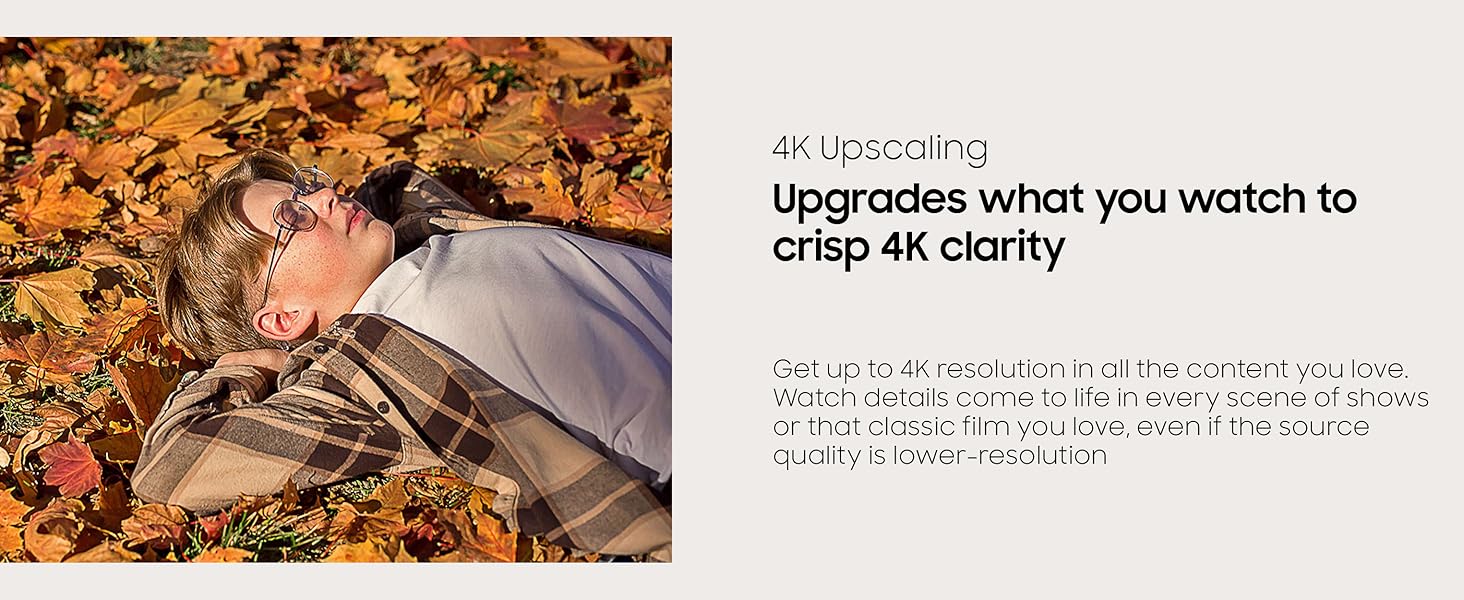
Figure 1: Visual representation of 4K Upscaling enhancing image clarity.
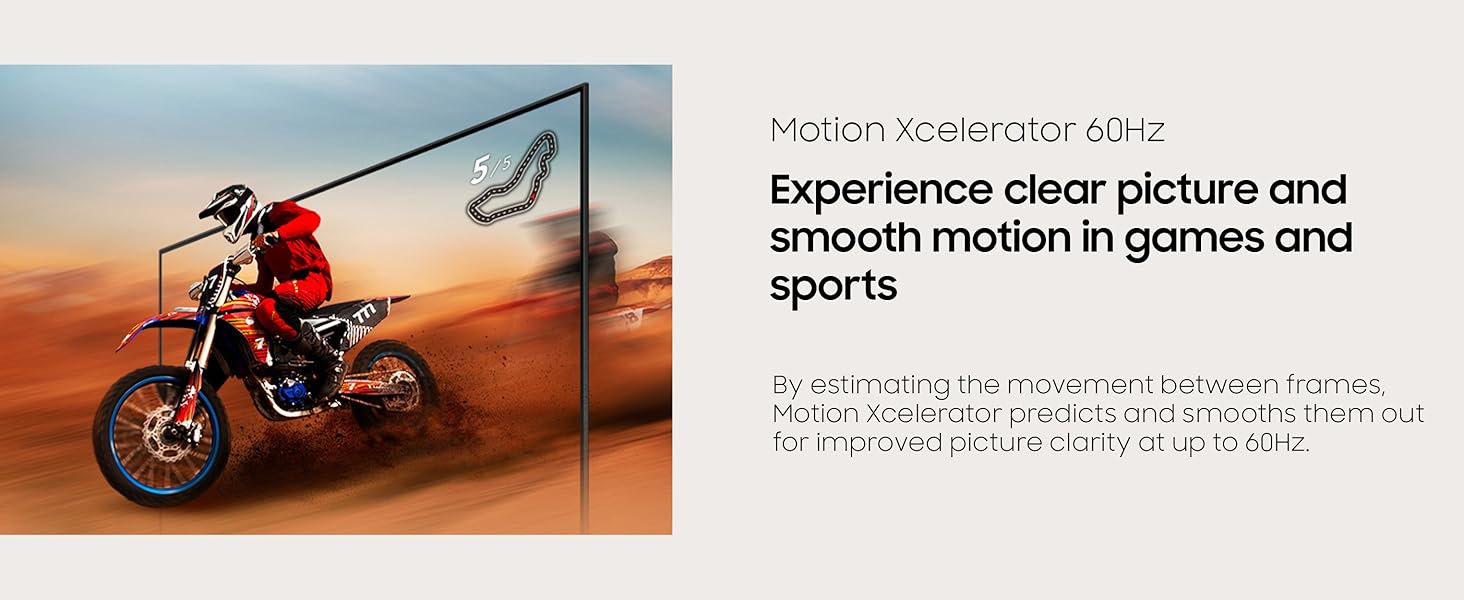
Figure 2: Motion Xcelerator 60Hz provides clear and smooth motion for dynamic content.
4. Postavke zvuka
Q-Simfonija: When connected to a compatible Samsung soundbar, Q-Symphony allows the TV and soundbar speakers to work simultaneously for a richer audio experience.
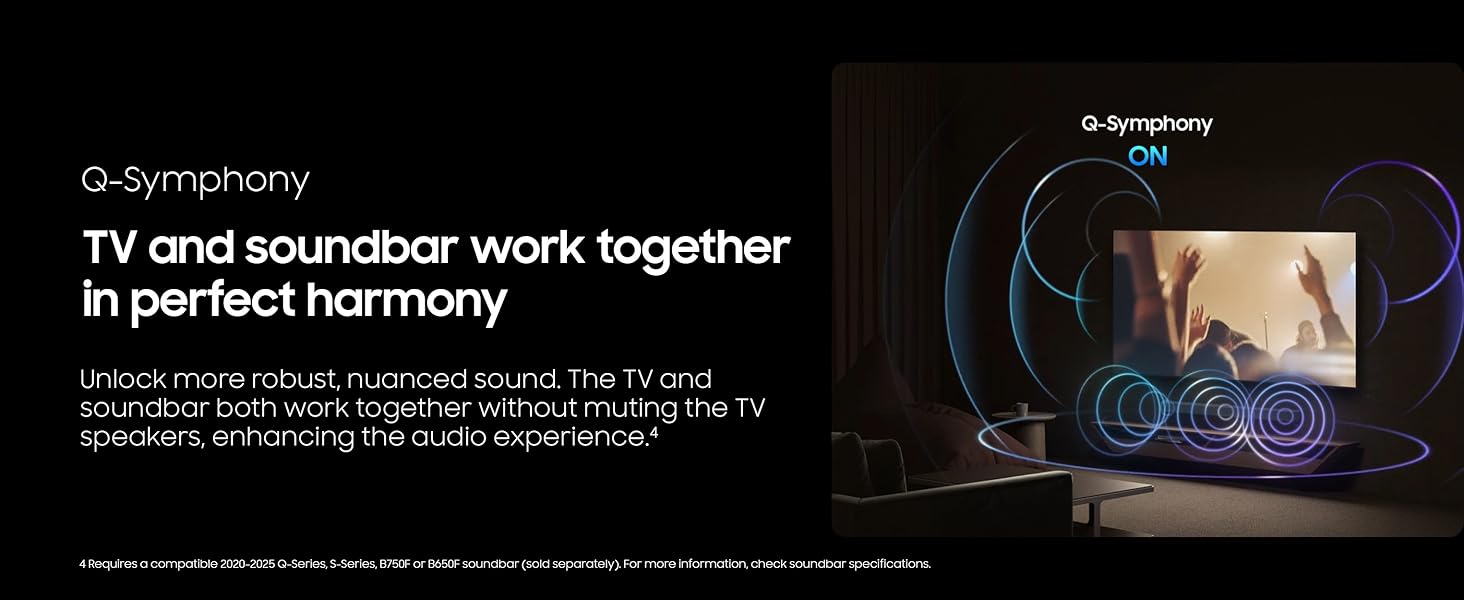
Figure 3: Q-Symphony technology synchronizes TV and soundbar audio for immersive sound.
5. Karakteristike igranja
The TV offers several features to enhance your gaming experience:
- Način igre: Automatically optimizes screen settings for gaming.
- Traka igre: A quick access menu for gaming-related settings.
- Virtuelna tačka nišana: Pruža prikaz križića na ekranu za poboljšano ciljanje.
- Minimap Zoom: Automatically recognizes and zooms in on in-game minimaps.
- Kretanje u igri Plus: Enhances motion clarity during gameplay.
- HDR Gaming: Supports HDR10 for compatible games.
Note: This TV supports up to 4K 60Hz. It does not support 120Hz refresh rates or Variable Refresh Rate (VRR).
6. Multi-View / Screen Mirroring
Koristite više-View to display content from multiple sources simultaneously. You can mirror content from a Samsung phone (Smart View), a PC, or a camera.
7. Art Mode / Screen Saver
Transform your TV into a piece of art or a screen saver when not in use. Access the Samsung Art Store for high-definition artwork or display your own photos.
8. Daily+ / SmartThings
Connect your TV to the SmartThings app to control compatible smart home devices and manage your daily routines.
9. Workspace
The Workspace feature allows you to connect to various external devices and services:
- Remote PC: Access your Windows or Mac computer remotely.
- Višestruka kontrola: Control connected Samsung screens and Galaxy devices with a keyboard and mouse.
- Samsung DeX: Connect compatible Samsung devices for a desktop-like experience.
Održavanje
1. Čišćenje
To clean the screen, gently wipe it with a soft, dry microfiber cloth. For the TV frame and stand, use a soft, damp tkanina. Izbjegavajte korištenje jakih kemikalija ili abrazivnih materijala.
2. Ažuriranja softvera
Ensure your TV's software is up to date for optimal performance and security. You can usually find update options in the TV's settings menu under 'Support' or 'Software Update'.
Rješavanje problema
Ako imate problema s televizorom, pokušajte sljedeće osnovne korake za rješavanje problema:
- Nema napajanja: Check the power cable connection and the wall outlet.
- Nema slike/zvuka: Verify all HDMI and audio connections. Ensure the correct input source is selected.
- Daljinski ne radi: Check the remote's battery level (if applicable) or ensure it's charged via solar panel/USB-C.
- Problemi s internetskom vezom: Restart your router and modem. Reconnect the TV to your Wi-Fi network.
- Lagging Interface: Ensure your internet connection is stable. Close unused apps.
For more complex issues, refer to the TV's on-screen user guide or contact Samsung support.
Specifikacije
| Feature | Specifikacija |
|---|---|
| Brand | Samsung |
| Broj modela | UN43U8000F (E1SAMUN43U8000F) |
| Veličina ekrana | 42.6 inča (klasa od 43 inča) |
| Display Technology | LCD |
| Rezolucija | 4K UHD |
| Refresh Rate | 60 Hz |
| Tehnologija povezivanja | Bluetooth, WiFi |
| Dimenzije proizvoda | 6.2"D x 37.7"Š x 24"H |
| Težina artikla | 14.6 funti |
| Posebne karakteristike | Crystal Processor 4K, Endless Free Content, MetalStream Design, Motion Xcelerator 60Hz, Samsung Knox Security |
Garancija i podrška
Your Samsung UN43U8000F 43-inch Crystal UHD 4K Smart TV (2025) includes a limited manufacturer's protection. Additionally, this product comes with a 26-month extended protection plan as part of the bundle.
For technical support, warranty claims, or further assistance, please refer to the contact information provided in your product's limited protection documentation or visit the official Samsung support website.


