1. Uvod
The PGST A519W-EU-F is a comprehensive wireless home alarm system designed to provide security and peace of mind. This system features a central siren unit, door/window sensors, remote controls, and an SOS button, all controllable via a mobile application through Wi-Fi connectivity. This manual provides detailed instructions for the installation, operation, and maintenance of your alarm system.

Image: The PGST Home Security System siren unit, highlighting its Wi-Fi connectivity for remote access and features such as >100dB volume, real-time alarm, quick response, and a built-in backup battery.
2. Sadržaj paketa
Molimo Vas da provjerite da li se u Vašem paketu nalaze sve dolje navedene stavke. Ako neke komponente nedostaju ili su oštećene, obratite se korisničkoj podršci.
- 1 x Central Siren Unit
- 5 x senzora za vrata/prozore
- 3 x daljinski upravljači
- 1 x SOS Button (integrated into remote control or separate, depending on kit version)
- 1 x Power Adapter for Siren Unit
- Mounting Accessories (e.g., adhesive pads, screws)
- Uputstvo za upotrebu

Slika: Potpuni krajview of the PGST A519W-EU-F alarm kit components, including the central siren, a PIR motion sensor (if included in specific kits), multiple door/window sensors, and remote controls.
3. Značajke proizvoda
- Powerful Siren: Integrated 130dB siren for effective intrusion deterrence.
- Rezervna baterija: Built-in battery provides up to 24 hours of operation during power outages.
- Bežična povezanost: Supports 2.4GHz Wi-Fi for remote control and notifications via mobile app.
- Senzori za vrata/prozore: Detects unauthorized openings, triggering the alarm and sending alerts.
- daljinski upravljači: Convenient arming, disarming, and SOS functions.
- Kontrola mobilnih aplikacija: Manage your system from anywhere with the dedicated smartphone application (compatible with Smart Life/Tuya Smart).
- Jednostavna instalacija: Designed for quick and simple setup without complex wiring.

Slika: Interni view of the PGST siren unit, illustrating its 24-hour backup battery feature, ensuring continuous protection even if the main power supply is interrupted.
4. Podešavanje
4.1. Raspakivanje i početna provjera
Carefully unpack all components and ensure they match the package contents list. Inspect each item for any visible damage.
4.2. Central Siren Unit Placement
Place the central siren unit in a central location within your home, ensuring it is within Wi-Fi range and can be heard throughout the protected area. Avoid placing it near large metal objects or other devices that may interfere with wireless signals.
4.3. Priključak za napajanje
Connect the provided power adapter to the central siren unit and plug it into a standard electrical outlet. The unit will power on, and the internal backup battery will begin charging.
4.4. Mobile Application Installation
- Scan the QR code in the manual or search for "Smart Life" or "Tuya Smart" in your smartphone's app store (iOS or Android).
- Preuzmite i instalirajte aplikaciju.
- Registrujte novi račun ili se prijavite ako ga već imate.
4.5. Wi-Fi veza
The central siren unit connects to your home's 2.4GHz Wi-Fi network for remote control. Follow the in-app instructions to add the device:
- Otvorite aplikaciju Smart Life/Tuya Smart i dodirnite "Dodaj uređaj" ili ikonu "+".
- Select "Security & Video Surveillance" > "Alarm (Wi-Fi)" or similar category.
- Follow the on-screen prompts to put the siren unit into pairing mode (usually by pressing a button on the unit).
- Unesite naziv i lozinku za vašu Wi-Fi mrežu od 2.4 GHz.
- Wait for the device to connect. Once connected, you can rename the device in the app.
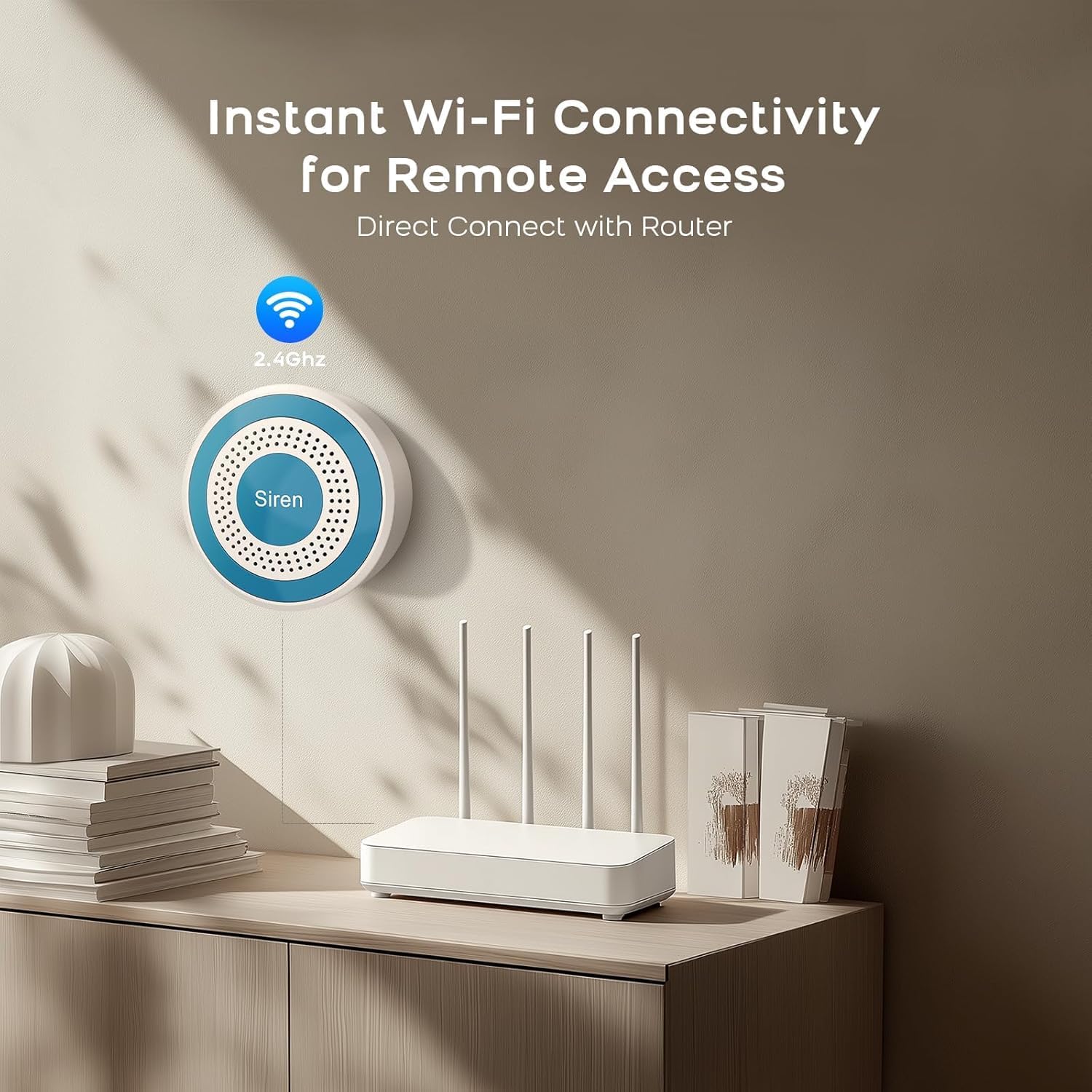
Image: The PGST siren unit mounted on a wall, demonstrating its instant Wi-Fi connectivity to a home router for remote access and control.
4.6. Instalacija senzora
The door/window sensors consist of two parts: a main sensor and a magnet. They should be installed on a door or window frame so that the two parts are aligned and close to each other (typically within 1-2 cm) when the door/window is closed.
- Clean the surface where the sensors will be mounted.
- Attach the main sensor part to the door/window frame and the magnet part to the moving door/window using the provided adhesive pads or screws.
- Ensure the alignment marks on both parts face each other.
- Test the sensor by opening and closing the door/window. The app should indicate the status change.
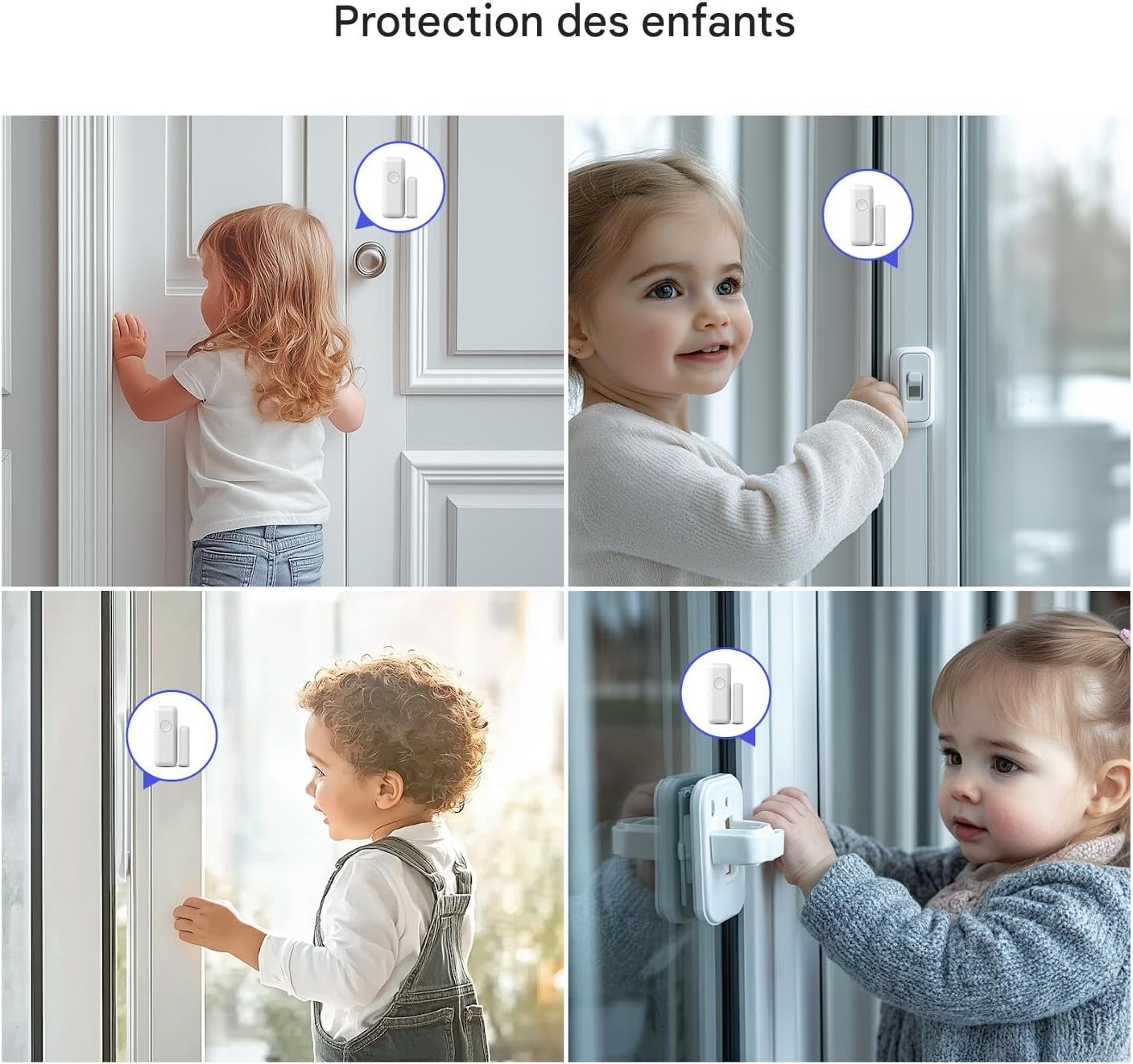
Image: Illustrates the placement of PGST door and window sensors in a home environment, showing children interacting with doors and windows where sensors are installed, emphasizing child protection.
4.7. Uparivanje daljinskog upravljača
The remote controls are typically pre-paired. If not, or if you need to add new ones, refer to the app's device management section or the siren unit's specific pairing instructions (often involves pressing a button on the siren while activating the remote).
5. Uputstvo za upotrebu
5.1. Naoružavanje i razoružavanje
- Arm (Away Mode): Press the 'Lock' button on the remote control or select 'Arm' in the mobile app. The siren will emit a confirmation sound, and the system will be fully armed.
- razoružati: Press the 'Unlock' button on the remote control or select 'Disarm' in the mobile app. The siren will emit a confirmation sound, and the system will be disarmed.
- Home Arm (Stay Mode): If available, this mode arms perimeter sensors (e.g., door/window sensors) while allowing movement inside. Press the 'Home' button on the remote or select 'Home Arm' in the app.
5.2. SOS funkcija
In an emergency, press the 'SOS' button on the remote control. The siren will immediately sound, and emergency notifications will be sent to linked contacts via the mobile app.

Image: An elderly person on the floor, with a PGST remote control featuring an SOS button visible, and a smartphone displaying an emergency notification from the Smart Life app, highlighting the system's elderly protection feature.
5.3. Kontrola putem mobilne aplikacije
The Smart Life/Tuya Smart app provides comprehensive control over your alarm system:
- Aktiviraj/Razoružaj: Control the system status remotely.
- Obavještenja: Receive instant alerts for alarms, low battery, or system status changes.
- Upravljanje uređajem: Add, remove, or configure sensors and remote controls.
- Postavke: Adjust siren volume, alarm duration, entry/exit delays, and notification preferences.
- automatizacija: Integrate with other smart home devices (e.g., Amazon Alexa, Google Assistant).
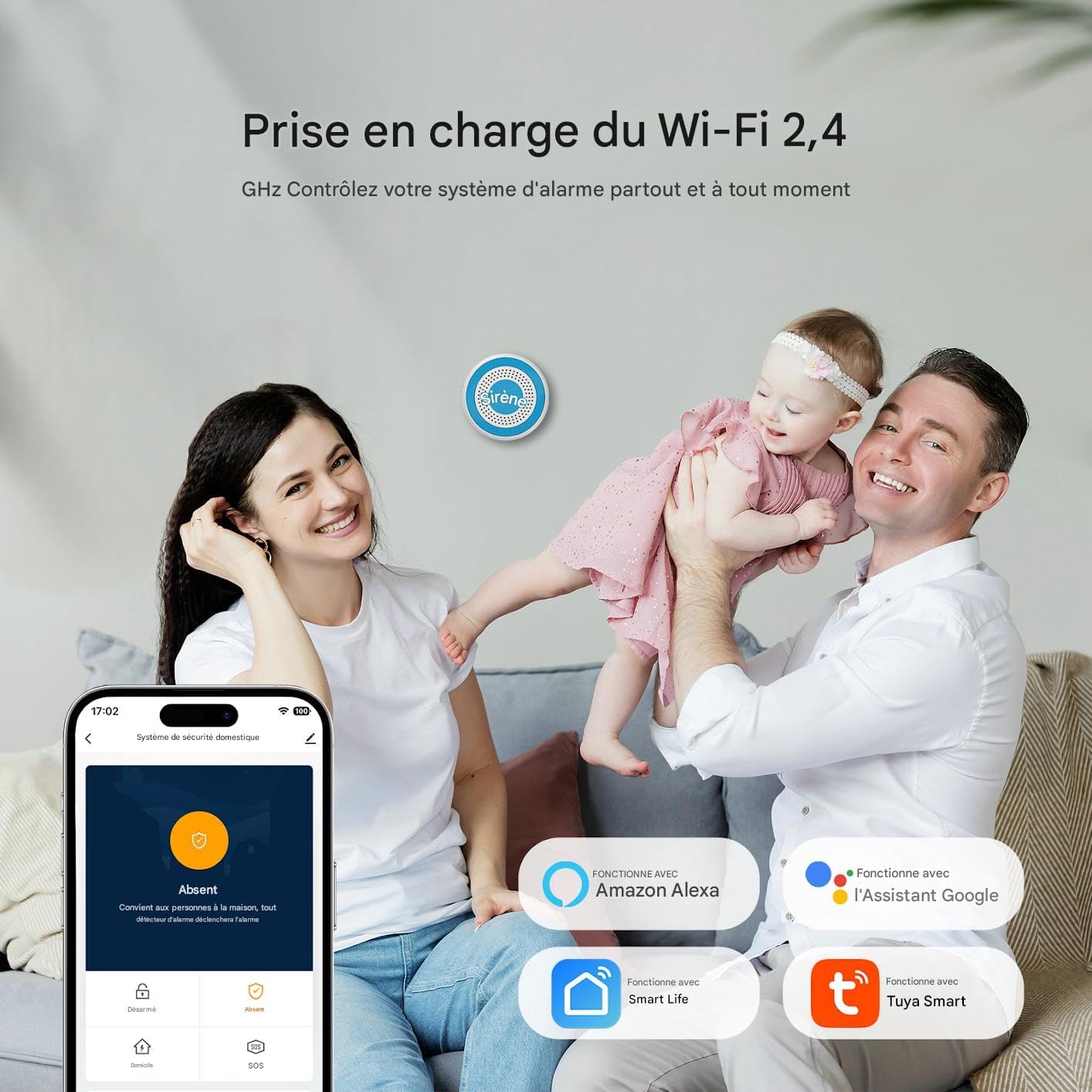
Image: A family interacting with the PGST alarm system, demonstrating its 2.4 GHz Wi-Fi support and control via a mobile app, with icons indicating compatibility with Amazon Alexa, Google Assistant, Smart Life, and Tuya Smart.
5.4. Delayed Arming and Disarming
You can customize entry and exit delays through the mobile application. This allows you sufficient time to leave or enter your home without triggering the alarm immediately.

Image: A smartphone screen displaying the PGST alarm system's app settings, specifically showing options for customizing delayed arming and disarming, allowing users to set entry and exit delays.
6. Održavanje
6.1. Provjera baterije
- Siren Unit: The internal Lithium-ion backup battery has a lifespan of approximately 500 days. The app will notify you if the main unit's battery is low.
- Senzori: Door/window sensors are typically powered by coin cell batteries. Replace them when the app indicates a low battery status for a specific sensor.
- daljinski upravljači: Replace batteries in remote controls when their range or responsiveness decreases.
6.2. Čišćenje
Wipe the siren unit and sensors with a soft, dry cloth. Do not use liquid cleaners or abrasive materials, as these can damage the devices.
6.3. Ažuriranja firmvera
Periodically check the mobile application for available firmware updates for your siren unit. Updates can improve performance and add new features.
7. Otkrivanje problema
| Problem | Mogući uzrok | Rješenje |
|---|---|---|
| Siren not responding/no power. | Power adapter disconnected; backup battery depleted. | Ensure power adapter is securely plugged in. Allow time for backup battery to charge. |
| Nije moguće povezati se na Wi-Fi. | Incorrect Wi-Fi password; 5GHz network selected; weak signal. | Verify Wi-Fi password. Ensure you are connecting to a 2.4GHz network. Move siren closer to router. |
| Sensor not triggering alarm. | Sensor battery low; improper alignment; sensor not paired. | Check sensor battery status in app and replace if needed. Re-align sensor and magnet. Re-pair sensor if necessary. |
| Daljinski upravljač ne radi. | Remote control battery low; out of range; not paired. | Replace remote control battery. Move closer to siren unit. Re-pair remote control. |
| Obavještenja aplikacije nisu primljena. | App permissions disabled; phone's notification settings. | Check app notification permissions in your phone's settings. Ensure app is running in the background. |
8. Specifikacije
- Broj modela: PGST103F
- Dimenzije (D x Š x V): 26.5 x 26.5 x 6.7 cm (10.4 x 10.4 x 2.6 inča)
- Težina: 1213 grama (2.67 lbs)
- Boja: Bijelo
- Izvor napajanja: AC Power with Backup Battery
- Voltage: 5 Volts
- Način instalacije: Bežični
- Nivo zvuka: 85-130 Decibels (Siren)
- Vrsta baterije: Litijum-jonska (uključena)
- Battery Life (Siren Backup): Approximately 500 days (standby)
- Tehnologija povezivanja: Wi-Fi 2.4 GHz
- Kompatibilni uređaji: Pametni telefon (iOS/Android)
- Vrsta upozorenja: Audible and Mobile Notifications
9. Garancija i podrška
9.1. Informacije o garanciji
This product typically comes with a manufacturer's warranty. Please refer to your purchase documentation or contact your retailer for specific warranty terms and duration. Spare parts availability is generally 2 years from the date of purchase.
9.2. Korisnička podrška
For technical assistance, troubleshooting, or warranty claims, please contact PGST customer support through their official website or the contact information provided with your product packaging. Ensure you have your model number (A519W-EU-F or PGST103F) and purchase details ready.


