Uvod
This user manual provides detailed instructions for the C idea CM817 Pro Max 8-inch Tablet. Please read this manual thoroughly before using your device to ensure proper operation and to maximize its features. Keep this manual for future reference.
Sadržaj paketa
Provjerite da li su sve stavke prisutne u paketu:
- C idea CM817 Pro Max 8-inch Tablet
- Adapter za punjenje
- USB-C kabl
- Korisnički priručnik (ovaj dokument)
- Stylus Pen (if included in your specific package)
- Keyboard (if included in your specific package)
- Mouse (if included in your specific package)

Image: The C idea CM817 Pro Max tablet shown with its common accessories, which may include a keyboard, mouse, charging adapter, USB-C cable, and stylus pen.
Product Overview
Familiarize yourself with the physical components of your C idea CM817 Pro Max tablet.

Image: A diagram illustrating the various ports and buttons on the C idea CM817 Pro Max tablet, including the front camera, rear camera, power button, volume controls, speakers, TF/SIM card slot, USB-C port, and headphone jack.
- Prednja kamera: Za video pozive i selfije.
- stražnja kamera: Za snimanje fotografija i videa.
- Dugme za uključivanje / isključivanje: Press and hold to power on/off or restart. Press briefly to wake/sleep the screen.
- Dugmad za jačinu zvuka: Adjust the tablet's audio volume.
- Zvučnici: Output audio.
- TF/SIM Slot: Insert a TF (MicroSD) card for expandable storage or a SIM card for cellular connectivity.
- USB-C priključak: Za punjenje tableta i povezivanje s računarom radi prijenosa podataka.
- Priključak za slušalice: Priključite slušalice od 3.5 mm.
Setup
1. Punjenje tableta
Before first use, fully charge the tablet. Connect the USB-C cable to the tablet's USB-C port and the other end to the charging adapter. Plug the adapter into a power outlet. The battery indicator on the screen will show charging status.
2. Uključivanje / isključivanje napajanja
- Uključeno: Press and hold the Power On/Off button until the C idea logo appears.
- Iskljuciti: Press and hold the Power On/Off button until the power options menu appears, then select "Power off".
- Ponovno pokretanje: Iz menija opcija napajanja odaberite "Ponovno pokretanje".
3. Početno podešavanje
Prilikom prvog uključivanja, slijedite upute na ekranu da biste konfigurirali tablet:
- Odaberite željeni jezik.
- Povežite se na Wi-Fi mrežu.
- Prijavite se sa svojim Google računom ili kreirajte novi. Ovo je neophodno za preuzimanje aplikacija iz Google Play trgovine.
- Postavite zaključavanje ekrana (PIN, uzorak ili lozinka).
- Review i prihvatite uslove i odredbe.
4. Umetanje SIM i MicroSD kartica
Locate the TF/SIM slot on the side of the tablet. Use the provided SIM ejector tool (if applicable) to open the tray. Carefully place your SIM card and/or MicroSD card into the designated slots, ensuring correct orientation. Close the tray securely.
Uputstvo za upotrebu
1. Osnovna navigacija
- dodir: Dodirnite ikonu da biste otvorili aplikaciju ili odabrali stavku.
- Prevucite: Prevucite prstom preko ekrana da biste se pomicali kroz stranice ili sadržaj.
- štipanje: Koristite dva prsta za zumiranje ili smanjivanje slika i web stranice.
- Početni ekran: Glavni ekran na kojem možete pristupiti aplikacijama i widgetima.
- Panel sa obavještenjima: Prevucite prstom prema dolje s vrha ekrana da biste pristupili obavještenjima i brzim postavkama.

Image: The C idea CM817 Pro Max tablet showcasing its Android home screen, featuring various application icons and a clean user interface.
2. Wi-Fi and Cellular Connectivity
Da biste se povezali na Wi-Fi, idite na Postavke > Mreža i internet > Wi-Fi. Turn Wi-Fi on and select your desired network. Enter the password if prompted. For cellular data, ensure a SIM card is inserted and go to Postavke > Mreža i internet > Mobilna mreža to configure data settings.
3. Korištenje kamere
Open the Camera app from the home screen or app drawer. Tap the shutter button to take a photo. Switch between the 5MP front camera and 8MP rear camera using the camera switch icon. You can also record videos.
4. Upravljanje skladištem
Your tablet comes with 512GB of internal storage and supports up to 512GB expandable storage via a MicroSD card. To view korištenje prostora za pohranu, idite na Postavke > PohranaRedovno uklanjajte nepotrebno files and uninstall unused apps to maintain performance.

Image: Multiple C idea tablets demonstrating the ample storage capacity, highlighting 8GB RAM, 512GB internal ROM, and support for an additional 512GB via TF (MicroSD) card.
5. Trajanje baterije
The 8000mAh battery provides extended usage. To optimize battery life, reduce screen brightness, disable Wi-Fi/Bluetooth when not in use, and close background apps. You can monitor battery usage in Postavke> Baterija.
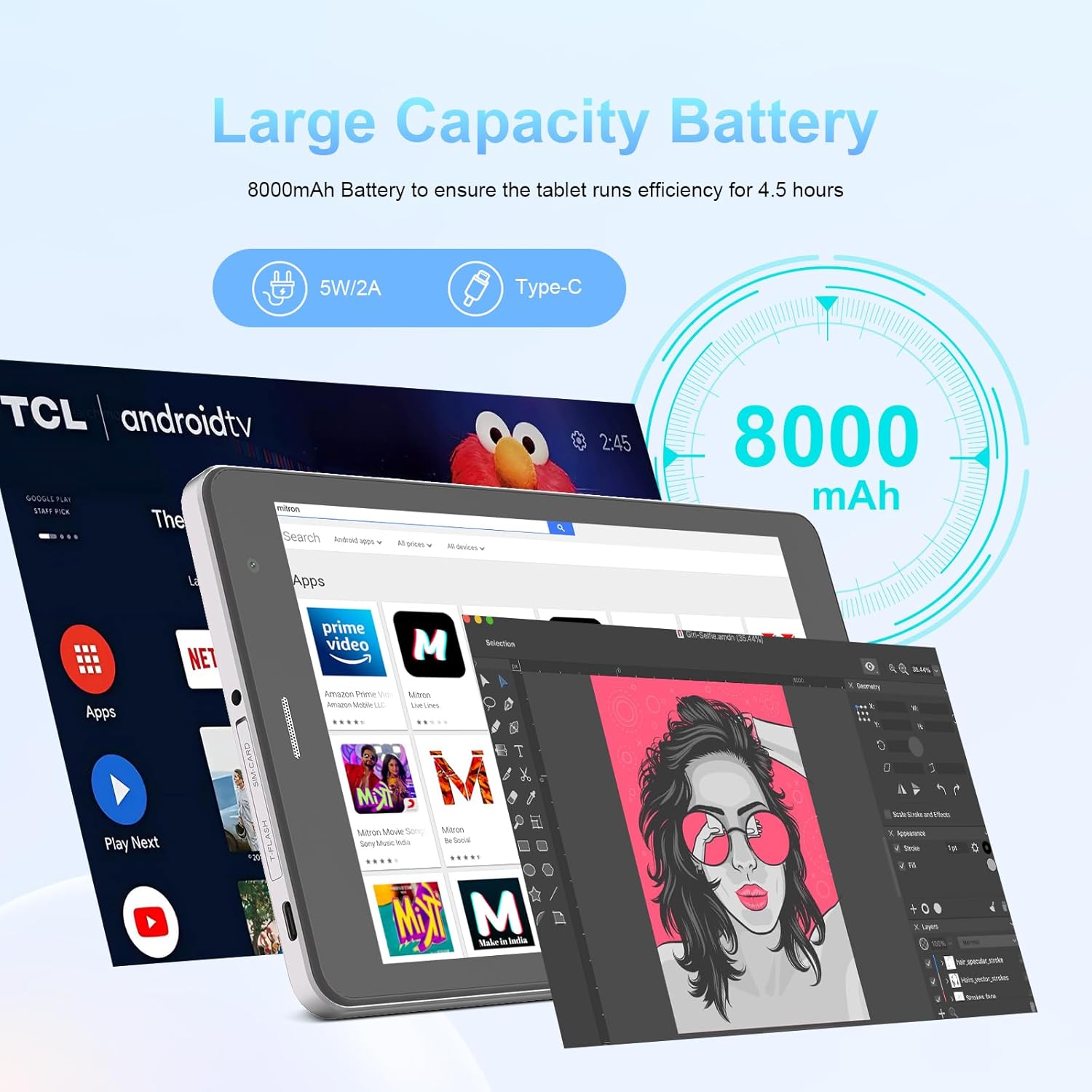
Image: The C idea CM817 Pro Max tablet, emphasizing its 8000mAh large capacity battery, designed for extended operational hours.
6. Postavke ekrana
The tablet features an 8-inch 1280x800 IPS HD display. Adjust brightness, font size, and display timeout in Postavke > Prikaz za ugodno viewing iskustvo.

Image: The C idea CM817 Pro Max tablet showcasing its 8-inch IPS HD screen with a resolution of 800x1280 pixels, providing clear visuals.
Održavanje
1. Čišćenje
Use a soft, lint-free cloth to clean the screen and body of the tablet. Do not use abrasive cleaners or solvents, as they may damage the surface. Avoid getting moisture into ports.
2. Ažuriranja softvera
Regularly check for system updates to ensure your tablet has the latest features and security patches. Go to Postavke > Sistem > Ažuriranje sistema da provjerite i instalirate ažuriranja.
3. Održavanje baterije
To prolong battery lifespan, avoid exposing the tablet to extreme temperatures. Do not let the battery completely drain frequently. Use the original charger or a certified compatible charger.
Rješavanje problema
- Tablet se ne uključuje: Ensure the tablet is charged. Press and hold the Power On/Off button for at least 10-15 seconds to force a restart.
- Problemi sa Wi-Fi vezom: Ponovo pokrenite Wi-Fi ruter i tablet. Zaboravite mrežu u Wi-Fi postavkama i ponovo se povežite.
- Spore performanse: Close unused apps, clear cache (Settings > Storage), and restart the tablet. Consider uninstalling large or unnecessary applications.
- Kamera ne radi: Ensure the Camera app has necessary permissions (Settings > Apps > Camera > Permissions). Restart the tablet.
- Memorija je puna: Delete old photos/videos, uninstall unused apps, or move files to an inserted MicroSD card.
- Rušenje aplikacija: Obrišite keš memoriju i podatke aplikacije (Postavke > Aplikacije > [Naziv aplikacije] > Pohrana > Obriši keš memoriju/Obriši podatke). Ako problem i dalje postoji, deinstalirajte i ponovo instalirajte aplikaciju.
Specifikacije
| Feature | Detalj |
|---|---|
| Brand | C ideja |
| Naziv modela | CM817 Pro Max |
| Operativni sistem | Android 15 |
| Procesor | Octa-core (MediaTek) |
| RAM | 8GB |
| Interna pohrana (ROM) | 512GB |
| Proširiva pohrana | Up to 512GB (via TF/MicroSD card) |
| Veličina ekrana | 8 inča |
| Rezolucija ekrana | 1280 x 800 piksela (IPS HD) |
| Prednja kamera | 5MP |
| Zadnja kamera | 8MP |
| Kapacitet baterije | 8000mAh (litijum-polimer) |
| Povezivanje | Wi-Fi, 5G SIM, Bluetooth |
| Luke | USB-C, 3.5 mm priključak za slušalice |
| Težina artikla | 1 kg 80 g |
| Dimenzije paketa | 29.8 x 18 x 6.4 cm |
Garancija i podrška
For warranty information and technical support, please refer to the warranty card included in your package or contact C idea customer service. Keep your purchase receipt as proof of purchase.


