1. Uvod
This manual provides essential instructions for the setup, operation, maintenance, and troubleshooting of your RCA 40-inch MultiTuner HD Google TV, Model R40M-F4G. Please read this manual thoroughly before using your television to ensure proper functionality and safety.
2. Važne informacije o sigurnosti
Uvijek slijedite osnovne sigurnosne mjere prilikom korištenja ovog proizvoda kako biste smanjili rizik od požara, strujnog udara i ozljeda.
- Ne izlažite televizor kiši ili vlazi.
- Ne otvarajte TV casing; sve servisne radove prepustite kvalifikovanom osoblju.
- Osigurajte odgovarajuću ventilaciju oko TV-a.
- Koristite samo kabel za napajanje koji dolazi s TV-om.
- Držite TV dalje od direktne sunčeve svjetlosti i izvora toplote.
3. Šta je uključeno
Provjerite da li su sve komponente prisutne u pakovanju:
- RCA 40-inch MultiTuner HD Google TV (Model R40M-F4G)
- Daljinski upravljač (sa baterijama)
- Korisnički priručnik (ovaj dokument)
- Kabl za napajanje
- TV stalci (2) i vijci

Image 1: RCA 40-inch Google TV with included remote control and stand components.
4. Podešavanje
4.1 Pričvršćivanje TV postolja
- Pažljivo postavite televizor licem prema dolje na meku, čistu površinu kako biste spriječili oštećenje ekrana.
- Poravnajte svaki stalak s odgovarajućim otvorima za vijke na donjoj strani televizora.
- Pričvrstite postolja pomoću priloženih vijaka. Nemojte previše zategnuti.
4.2 Montiranje na zid (opciono)
If you plan to wall-mount your TV, refer to the instructions provided with your wall-mount bracket. Ensure the bracket is compatible with the TV's VESA mounting pattern (refer to specifications). Remove the TV stands before wall mounting.

Slika 2: Pozadi view of the TV, highlighting the VESA mounting points for wall installation.
4.3 Povezivanje uređaja
Connect your external devices (e.g., cable box, Blu-ray player, gaming console) to the appropriate ports on the TV.
- HDMI: Za audio i video visoke definicije.
- USB: Za povezivanje USB uređaja za pohranu podataka.

Slika 3: Bočna strana view of the TV, illustrating the location of HDMI and USB ports for device connectivity.
4.4 Početno uključivanje i podešavanje Google TV-a
- Uključite kabel za napajanje u televizor, a zatim u zidnu utičnicu.
- Pritisnite dugme za napajanje na daljinskom upravljaču ili na televizoru.
- Follow the on-screen instructions to complete the initial setup, including:
- Izbor jezika
- Mrežna veza (Wi-Fi)
- Prijava na Google račun
- Channel scanning (if using an antenna)
5. Operating Your RCA Google TV
5.1 Interfejs Google TV-a
The Google TV operating system provides a centralized hub for your streaming services, live TV, and apps. Navigate using the remote control's directional pad and select button.

Image 4: The Google TV home screen, showing recommended content and installed applications.
5.2 Ključne karakteristike
- Google asistent: Control your TV, search for content, or get information using voice commands. Press the Google Assistant button on your remote and speak into the microphone.

Image 5: Using Google Assistant with the remote control for voice commands.
- Ugrađen Chromecast: Cast content (videos, photos, music) from your compatible smartphone, tablet, or computer directly to the TV screen.
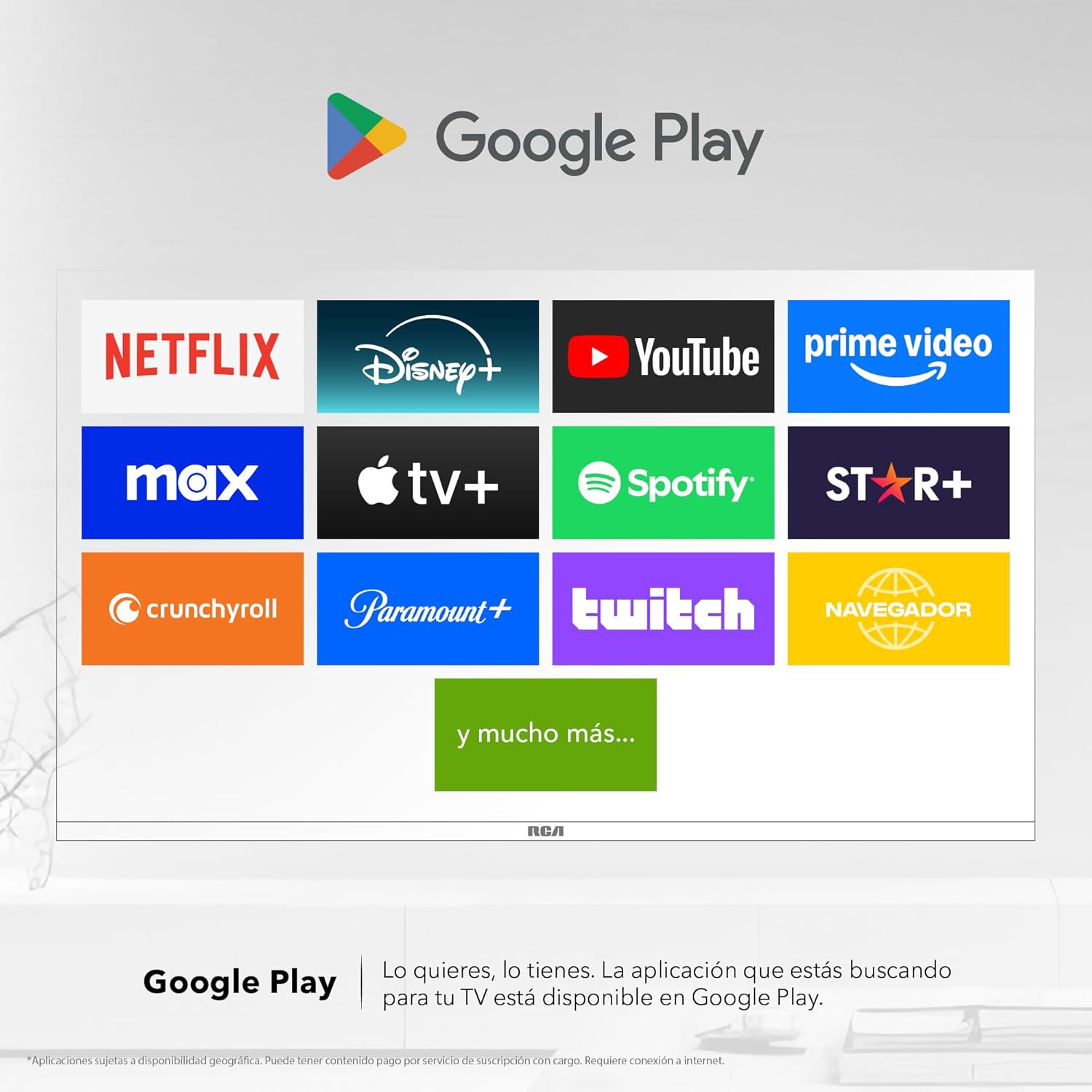
Image 6: Demonstrating content casting from a mobile device to the TV via Google Cast.
- Bluetooth povezivanje: Connect Bluetooth-enabled devices such as soundbars, headphones, or game controllers wirelessly to your TV.

Image 7: The TV connected to a soundbar via Bluetooth for enhanced audio.
- Google Play trgovina: Download and install a wide variety of applications directly onto your TV.

Image 8: The Google Play Store displaying various applications available for download.
- Kids Profile: Kreirajte posvećenog profesionalcafile for children to manage accessible applications and content.

Image 9: The Kids Profile interface, designed for child-friendly content management.
- Dolby Audio: Experience clear, rich, and detailed sound with Dolby Audio technology.
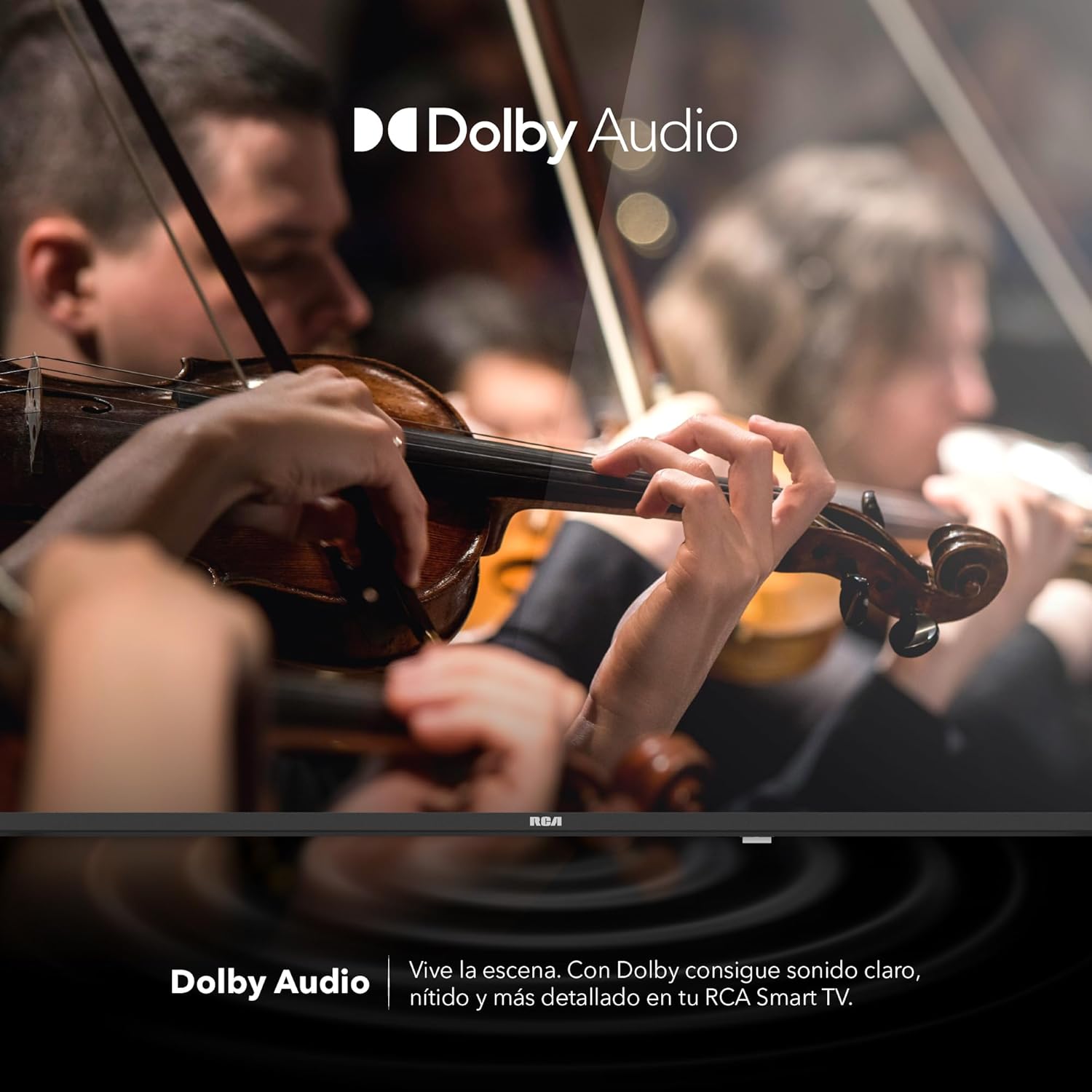
Image 10: The Dolby Audio feature enhancing the sound experience on the TV.
6. Održavanje
6.1 Čišćenje ekrana
- Isključite TV i izvucite utikač iz utičnice.
- Nežno obrišite ekran mekom krpom koja ne ostavlja dlačice.
- Za tvrdokorne mrlje, lagano dampobrišite krpu vodom ili specijaliziranim sredstvom za čišćenje ekrana (ne prskajte direktno po ekranu).
- Izbjegavajte korištenje jakih kemikalija ili abrazivnih materijala.
6.2 Opšta njega
- Keep the TV in a well-ventilated area.
- Protect the TV from dust by regularly wiping the casing mekom, suhom krpom.
- Izbjegavajte postavljanje teških predmeta na televizor.
7. Otkrivanje problema
| Problem | Mogući uzrok | Rješenje |
|---|---|---|
| Nema struje | Kabel za napajanje isključen; problem sa utičnicom | Provjerite je li kabel za napajanje sigurno spojen. Testirajte utičnicu s drugim uređajem. |
| Nema slike, ali je zvuk prisutan | Incorrect input source; faulty cable | Press the "Input" button on the remote to select the correct source. Check HDMI/AV cable connections. |
| Nema zvuka, ali je slika prisutna | Volume too low; Mute activated; audio settings issue | Increase volume. Check if Mute is active. Verify audio output settings in the TV menu. |
| Daljinski upravljač ne radi | Dead batteries; obstruction; pairing issue | Replace batteries. Remove any obstructions between remote and TV. Re-pair Bluetooth remote if applicable. |
| Problemi sa Wi-Fi vezom | Router problem; incorrect password; signal interference | Restart your router. Re-enter Wi-Fi password. Move TV closer to router or reduce interference. |
8. Specifikacije
| Feature | Detalj |
|---|---|
| Brand | RCA |
| Model | R40M-F4G |
| Veličina ekrana | 40 inča |
| Display Technology | LED |
| Rezolucija | 1920 x 1080 (Full HD) |
| Refresh Rate | 60 Hz |
| Operativni sistem | Google TV |
| Audio kodiranje | Dolby Atmos |
| Hardversko sučelje | HDMI, USB |
| Ukupni USB portovi | 2 |
| Bluetooth podrška | Da |
| Posebne karakteristike | Chromecast, Flat Screen |
| Vrsta montaže | Mountable Wall |
| Dimenzije proizvoda (ŠxVxD) | 97 x 56 x 11 cm |
| Težina proizvoda | 7 kg |
9. Garancija i podrška
9.1 Informacije o garanciji
This product comes with a manufacturer's warranty. Please refer to the warranty card included in your packaging for specific terms and conditions. Extended warranty options may be available from your retailer.
9.2 Korisnička podrška
For technical assistance, troubleshooting beyond this manual, or warranty claims, please contact RCA customer support. Visit the official RCA webstranicu za kontakt podatke i resurse podrške.
Zvaničnik RCA-a Webstranica: www.rca.com


