Uvod
This manual provides comprehensive instructions for the AOC 2025 AMD Laptop (Model: RX16). It covers setup, operation, maintenance, and troubleshooting to ensure optimal performance and longevity of your device. The AOC RX16 is a high-performance laptop designed for both productivity and entertainment, featuring an AMD Ryzen 7 7735HS processor, 16GB DDR5 RAM, a 512GB NVMe SSD, and a 16-inch FHD display.

Slika 1: Prednja strana view of the AOC 2025 AMD Laptop, showcasing njegovim elegantnim dizajnom i živopisnim ekranom.
1. Podešavanje
1.1 Raspakivanje i početni pregled
Pažljivo izvadite sve komponente iz pakovanja. Provjerite da li su uključene sljedeće stavke:
- 1 × AOC 2025 AMD Laptop (16GB RAM + 512GB SSD)
- 1 × adapter za napajanje
- 1 × Korisnički priručnik (ovaj dokument)
Inspect the laptop for any physical damage. If any components are missing or damaged, contact customer support immediately.
1.2 Priključivanje na napajanje
Before first use, ensure the laptop is fully charged. Connect the power adapter to the laptop's DC-in port and then to a power outlet. The charging indicator light will illuminate.
1.3 Početno uključivanje i podešavanje operativnog sistema
Press the power button located on the keyboard. The laptop will boot up and guide you through the Windows 11 setup process. Follow the on-screen prompts to configure language, region, network, and user accounts.
1.4 Povezivanje perifernih i eksternih uređaja
The AOC RX16 laptop offers a variety of ports for connecting external devices:
- USB 2.0 port: Za povezivanje starijih USB uređaja.
- USB 3.2 portovi: Za brzi prijenos podataka s kompatibilnim USB uređajima.
- HDMI priključak: Connect to external monitors or projectors for extended display.
- Type-C Port (Full Function): Podržava prijenos podataka, video izlaz i napajanje.
- 3.5 mm priključak za slušalice: Za audio izlaz na slušalice ili vanjske zvučnike.
- Utičnica za TF karticu: For reading and writing to TF (microSD) cards.

Figure 2: Comprehensive interface compatibility of the AOC RX16 laptop, detailing available ports.
1.5 Mrežna veza (Wi-Fi 6)
Za povezivanje na bežičnu mrežu:
- Kliknite na ikonu Wi-Fi mreže u sistemskoj paleti.
- Odaberite željenu Wi-Fi mrežu s popisa.
- Unesite mrežnu lozinku ako se to od vas zatraži.
- Kliknite na "Poveži se".
The laptop supports Wi-Fi 6 for faster and more stable wireless connectivity.
2. Upravljanje laptopom
2.1 Tastatura i tačped
The AOC RX16 features a backlit keyboard for comfortable typing in various lighting conditions and a responsive touchpad with anti-mistouch design for precise cursor control.

Slika 3: Detaljno view of the individual digital backlit keyboard and responsive touchpad.
Funkcijski tasteri: Utilize the dedicated shortcut keys (Fn + F-keys) for quick access to functions like brightness control, volume adjustment, and microphone on/off.
2.2 Karakteristike ekrana
Experience captivating visuals on the 16.0-inch Full HD (1920x1200p) IPS display. The IPS technology provides wide viewing angles and accurate color reproduction, while eye protection features help reduce strain during prolonged use.

Figure 4: The 16.0-inch FHD display delivers captivating visuals with vivid clarity.
2.3 Performanse i multitasking
The AOC RX16 is powered by an AMD Ryzen 7 7735HS processor, offering high-level performance for demanding tasks. Coupled with 16GB of DDR5 RAM and a 512GB NVMe SSD, the laptop ensures rapid multitasking, quick boot times, and fast file transferi.
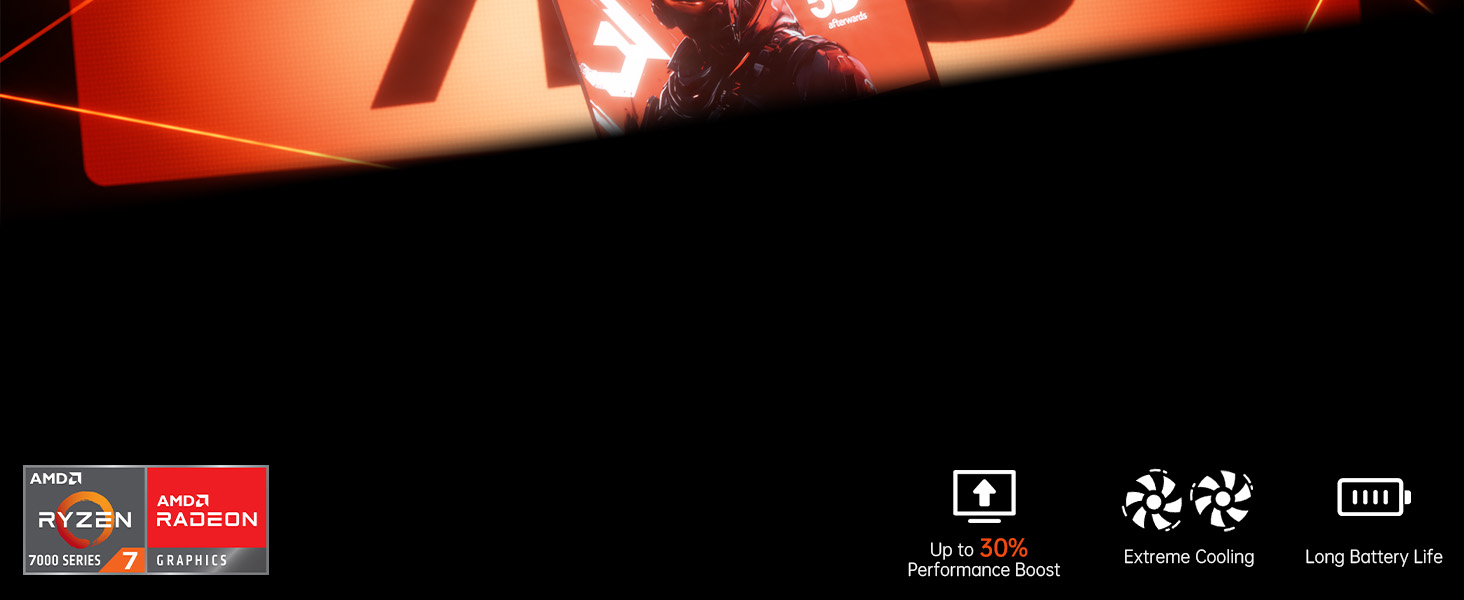
Figure 5: High-level performance delivered by the AMD Ryzen 7 7735HS processor.

Figure 6: Rapid multitasking capabilities with DDR5 RAM and PCIe 3.0 SSD.
2.4 Sistem hlađenja
The laptop incorporates a super cooling system with dual fans and dual heat dissipation copper tubes. This advanced design ensures efficient heat dissipation, maintaining optimal performance even during intensive use and extended work sessions.

Figure 7: Super cooling system with dual fans and copper pipes for efficient heat dissipation.
2.5 Upravljanje baterijom
The AOC RX16 is equipped with a 4400mAh (51Wh) battery, providing ultra-long battery life for extended use. To maximize battery life:
- Podesite svjetlinu ekrana.
- Zatvorite nekorištene aplikacije.
- Omogućite načine rada za uštedu energije u postavkama sustava Windows.
- Disconnect unnecessary peripherals.

Figure 8: The 4400mAh battery ensures uninterrupted power and extended usage.
2.6 Triple-Screen Display Support
Expand your workspace by connecting up to two external monitors using the HDMI and Type-C (Full Function) ports. This allows for a comprehensive triple-screen setup, enhancing productivity and immersive experiences.

Figure 9: The laptop supports triple-screen display for an expanded visual experience.
2.7 Audio karakteristike
Enjoy exceptional surround-sound quality with the integrated stereo speakers and digital microphone, providing an immersive audio experience for multimedia and communication.

Figure 10: Exceptional surround-sound quality for an immersive experience.
2.8 180° Flat Laying Design
The laptop features a full flat design, allowing the screen to lay completely flat (180 degrees). This design provides versatile viewing angles, making it ideal for collaborative work and sharing content with others.

Figure 11: The 180° flat laying design offers versatile viewing angles for collaboration.
3. Održavanje
3.1 Čišćenje laptopa
Regular cleaning helps maintain the laptop's appearance and functionality:
- Koristite meku krpu koja ne ostavlja dlačice dampoprano vodom ili specijaliziranim sredstvom za čišćenje ekrana.
- Za tastaturu i kućište koristite meku krpu. Izbjegavajte jake hemikalije.
- Use compressed air to clear dust from vents and ports.
3.2 Ažuriranja softvera
Keep your Windows 11 operating system and drivers updated to ensure optimal performance, security, and compatibility. Windows Update typically handles this automatically, but you can manually check for updates in Settings.
3.3 Nadogradnje pohrane i memorije
The laptop's 512GB M.2 NVMe SSD can be upgraded to 4TB, and the dual-channel DDR5 memory (16GB installed) supports upgrades up to 64GB (2x32GB). Consult a qualified technician for hardware upgrades to avoid voiding your warranty or damaging components.
4. Otkrivanje problema
Ovaj odjeljak se bavi uobičajenim problemima na koje možete naići. Za složenije probleme pogledajte odjeljak za podršku.
| Problem | Mogući uzrok | Rješenje |
|---|---|---|
| Laptop se ne uključuje. | Problem sa slabo napunjenom baterijom ili adapterom za napajanje. | Provjerite je li adapter za napajanje sigurno spojen i uključen u ispravnu utičnicu. Ostavite bateriju da se puni nekoliko minuta prije nego što pokušate ponovo uključiti uređaj. |
| Nema prikaza na ekranu. | Screen brightness too low, external monitor issue, or system crash. | Increase brightness using function keys. Disconnect external monitors. Perform a hard reset by holding the power button for 10-15 seconds. |
| Problemi s Wi-Fi vezom. | Incorrect password, router issue, or Wi-Fi adapter disabled. | Provjerite lozinku za Wi-Fi. Ponovo pokrenite ruter. Provjerite Wi-Fi postavke u Windowsu kako biste se uvjerili da je adapter omogućen. |
| Spore performanse. | Previše pokrenutih aplikacija, malo prostora za pohranu ili zastarjeli upravljački programi. | Zatvorite nepotrebne programe. Oslobodite prostor na disku. Ažurirajte Windows i upravljačke programe uređaja. |
5. Specifikacije
Detailed technical specifications for the AOC 2025 AMD Laptop (Model: RX16).

Figure 12: Key specifications of the AOC RX16 laptop.
| Feature | Specifikacija |
|---|---|
| Naziv modela | RX16 |
| Operativni sistem | Windows 11 |
| Procesor | AMD Ryzen 7 7735HS (8C/16T, do 4.75GHz) |
| Grafički koprocesor | AMD Radeon™ 680M |
| RAM | 16GB DDR5 (proširivo do 64GB) |
| Skladištenje | 512GB NVMe SSD (Expandable to 4TB) |
| Veličina ekrana | 16 inča |
| Maksimalna rezolucija ekrana | 1920x1080 piksela |
| Bežično povezivanje | WiFi 6, Bluetooth 5.0 |
| Luke | 1x USB 2.0, 2x USB 3.0, 1x HDMI, 1x Type-C (Full Function), 1x 3.5mm Headphone Jack, 1x TF Card Socket |
| Baterija | 4400mAh (51Wh) |
| Težina artikla | 6.05 funte |
| Dimenzije proizvoda | 14.06 x 9.75 x 0.78 inča |
6. Garancija i podrška
AOC provides comprehensive support for your laptop. Enjoy peace of mind with unlimited technical support and a 12-month repair service for all customers.
6.1 Informacije o garanciji
We provide customers with a one-year effective warranty period, including free return or exchange service. Offline maintenance services are also available for products beyond the initial warranty period.
6.2 Tehnička podrška
If you have any questions or concerns regarding your AOC laptop, our professional service team is ready to assist you. You can consult us by telephone or email. We are committed to your satisfaction.
For contact details, please refer to the information provided with your product or visit the official AOC support website.


