FIREBAT AR1 Android tablet - uputstvo za upotrebu
Model: AR1 | Brand: FIREBAT
1. Uvod
This manual provides detailed instructions for the setup, operation, and maintenance of your FIREBAT AR1 Android Tablet. Please read this manual thoroughly to ensure proper use and to maximize the performance and longevity of your device.

The FIREBAT AR1 Android Tablet, shown with its included protective case and screen protector, is designed for versatile use.
2. Sadržaj paketa
Prilikom otvaranja paketa, molimo Vas da provjerite da li se nalaze svi sljedeći artikli:
- 1 x FIREBAT AR1 Tablet
- 1 x Protective Film (Installed)
- 1 x Protective Case (Installed)
- 1 x 9V/2A 18W US Power Charger
- 1 x Uputstvo za upotrebu
The complete package contents of the FIREBAT AR1 Tablet.
3. Proizvod je gotovview
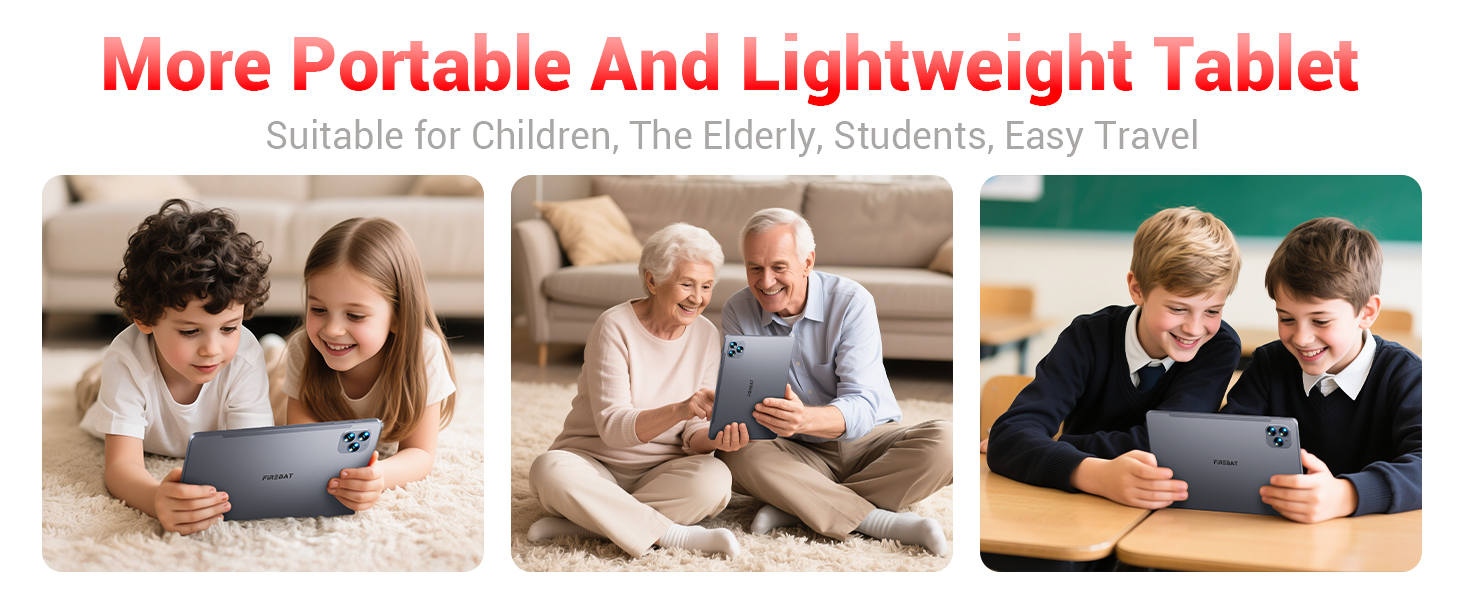
The FIREBAT AR1 Tablet is equipped with advanced features for a smooth user experience. Its design focuses on portability and performance, making it suitable for various applications from entertainment to productivity.
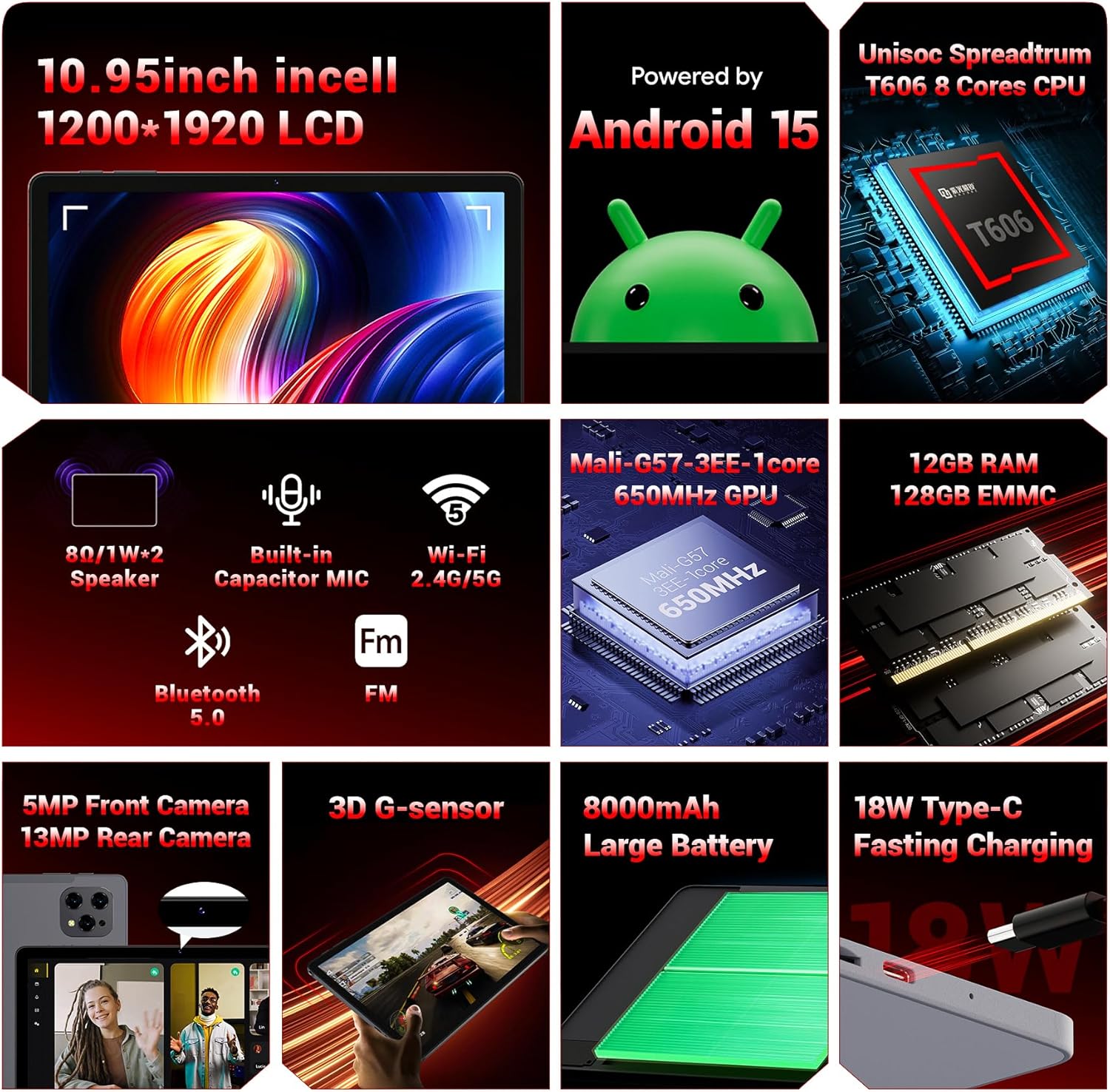
Gotovoview of the key technical specifications and features of the FIREBAT AR1 Tablet.
Ključne karakteristike:
- Prikaz: 10.95-inch In-Cell 1920x1200 Touchscreen
- procesor: Unisoc Spreadtrum T606 Octa-Core CPU
- Memorija: 12GB RAM, 128GB ROM (Expandable via SD card)
- baterija: 8000mAh Large Capacity Battery with 18W Fast Charging
- kamere: Prednja kamera od 5 MP, zadnja kamera od 13 MP
- Povezivanje: Wi-Fi 5 (2.4G/5G), Bluetooth 5.0, FM
- Operativni sistem: Android 15
- sigurnost: Widevine L1 Support for high-definition streaming
- Dizajn: Upgraded Thinner In-Cell Technology, Narrow Bezel, Delicate Texture Metal Shell

The powerful Unisoc Spreadtrum T606 Octa-Core Processor ensures smooth operation.

Experience vibrant visuals with the 10.95-inch In-Cell 1920x1200 LCD.

The narrow bezel design maximizes screen space for an immersive viewing iskustvo.

Designed to be lighter and less hand-consuming, ideal for convenient travel.

The newly upgraded delicate texture metal shell enhances heat dissipation and improves protection.
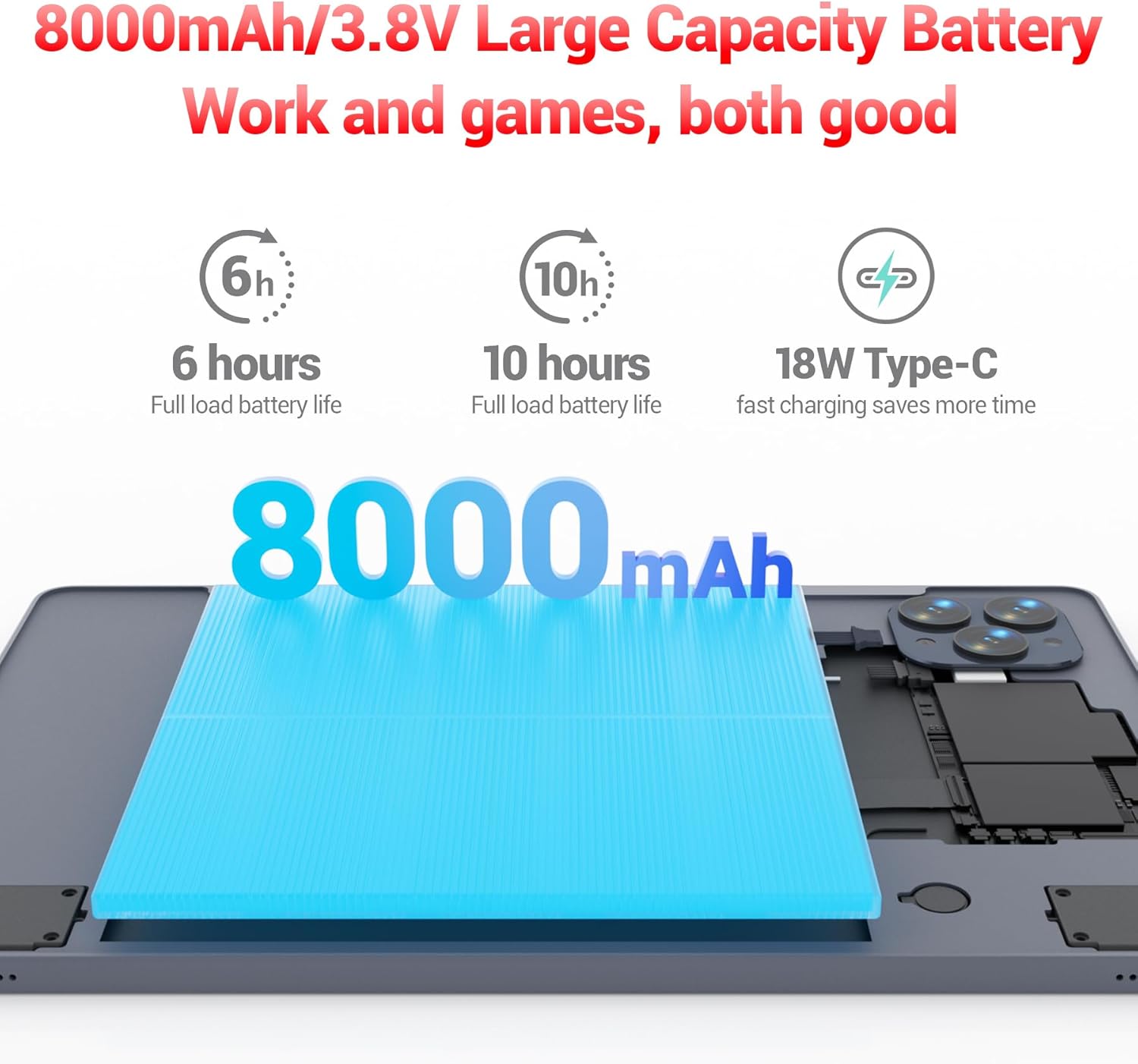
The 8000mAh large capacity battery provides extended usage time.

Capture moments and make video calls with the 5MP front and 13MP rear cameras.
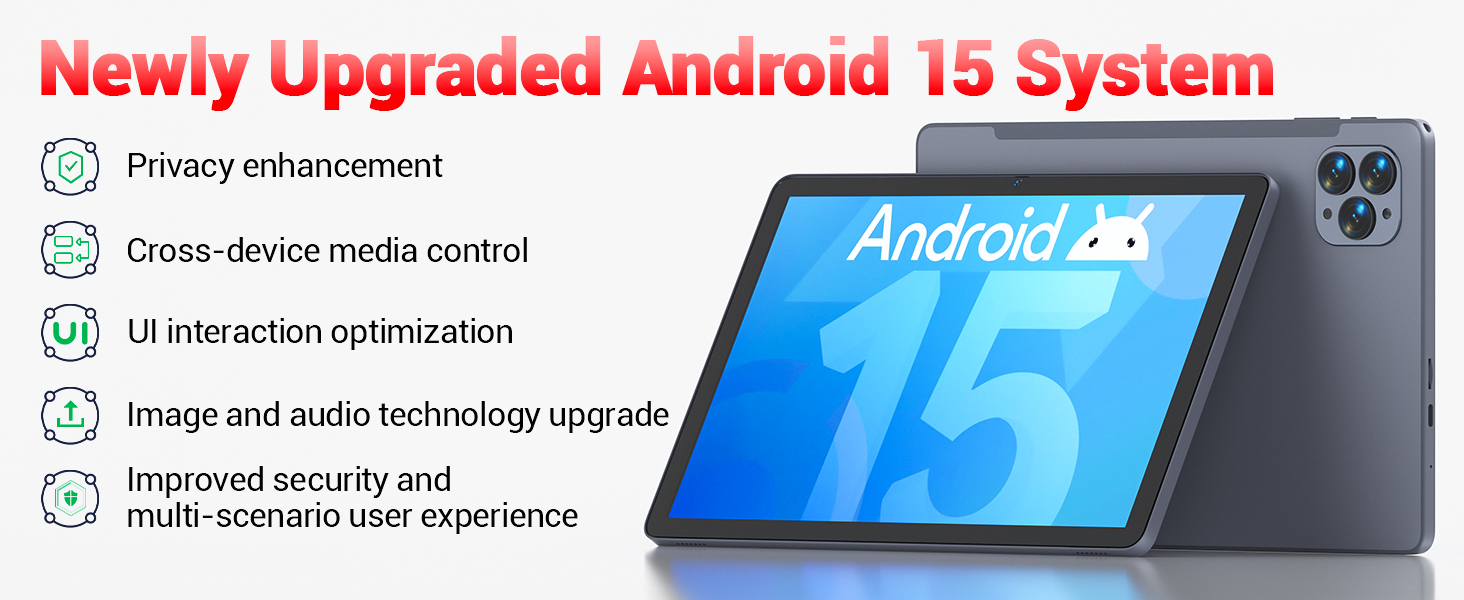
Powered by the newly upgraded Android 15 system for enhanced performance and user experience.
4. Podešavanje
4.1 Početno uključivanje
- Press and hold the Power button located on the side of the tablet until the FIREBAT logo appears.
- Slijedite upute na ekranu da biste odabrali jezik, povezali se na Wi-Fi mrežu i postavili svoj Google račun.
4.2 Punjenje tableta
Before first use, fully charge the tablet using the provided 9V/2A 18W US Power Charger and USB-C cable.
- Spojite USB-C kabel na USB-C priključak tableta.
- Uključite adapter za napajanje u zidnu utičnicu.
- Indikator baterije na ekranu će prikazivati status punjenja.
4.3 Inserting an SD Card (Optional)
The tablet supports SD card expansion up to 1TB for additional storage.
- Locate the TF Card Slot on the side of the tablet.
- Gently insert the SD card into the slot until it clicks into place.
- The tablet will prompt you to format the SD card for use, if necessary.
5. Uputstvo za upotrebu
5.1 Osnovna navigacija
- Touchscreen: Dodirnite za odabir, prevucite prstom za pomicanje, uštipnite za zumiranje.
- Početni ekran: Pristupite svojim aplikacijama i widgetima.
- Panel s obavijestima: Prevucite nadole od vrha ekrana do view obavještenja i brza podešavanja.
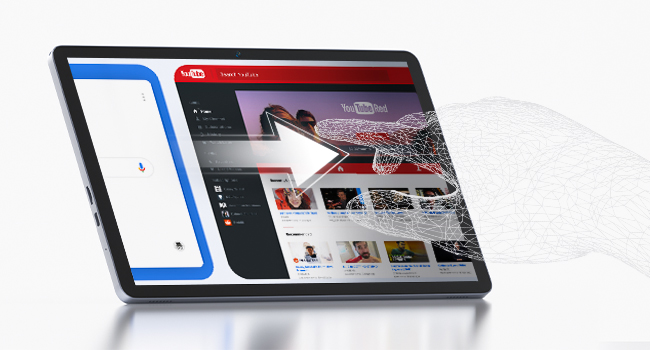
The responsive touchscreen allows for intuitive interaction.
5.2 Povezivanje na Wi-Fi
- Idi na Postavke > Mreža i internet > Wi-Fi.
- Uključite Wi-Fi.
- Odaberite željenu mrežu s popisa i unesite lozinku ako se to od vas zatraži.
5.3 Bluetooth uparivanje
- Idi na Postavke > Povezani uređaji > Bluetooth.
- Uključite Bluetooth.
- Select the device you wish to pair from the list of available devices.
5.4 Korištenje kamera
Tablet ima prednju kameru od 5MP i zadnju kameru od 13MP.
- Otvorite Kamera aplikaciju s početnog ekrana ili iz ladice aplikacija.
- Tap the shutter button to take photos or switch to video mode.
- Use the front camera for video calls and selfies, and the rear camera for higher-quality photos.
5.5 Media Playback and Productivity
The tablet supports multiple video and audio formats, and is compatible with various e-book and office software applications.
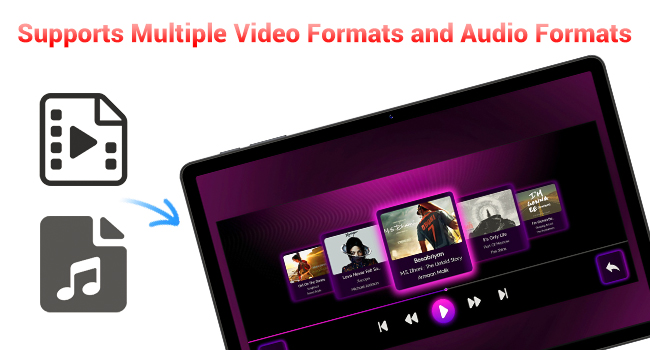
Enjoy your favorite videos and music with broad format support.
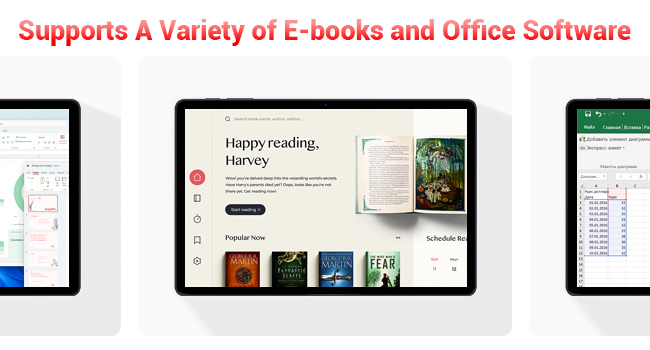
The tablet supports a variety of e-books and office software for productivity.
5.6 Using the Protective Case
The included protective case not only safeguards your tablet but also functions as a stand for hands-free viewing.
- To use as a stand, fold the front cover into a triangular shape and position the tablet securely.
- Ensure the tablet is fully encased to protect against scratches and minor impacts.

The included protective case can be folded to serve as a convenient stand.
6. Održavanje
6.1 Čišćenje tableta
- Za čišćenje ekrana i kućišta tableta koristite meku krpu koja ne ostavlja dlačice.
- Izbjegavajte korištenje jakih kemikalija ili abrazivnih materijala.
6.2 Njega baterija
- Izbjegavajte izlaganje tableta ekstremnim temperaturama.
- Ne dozvolite da se baterija često potpuno isprazni.
- Koristite samo priloženi punjač ili certificirani kompatibilni punjač.
6.3 Ažuriranja softvera
- Redovno provjeravajte ažuriranja sistema u Postavke > Sistem > Ažuriranje sistema.
- Updates can improve performance, add new features, and enhance security.
7. Otkrivanje problema
If you encounter any issues with your FIREBAT AR1 Tablet, please refer to the following common solutions:
| Problem | Moguće rješenje |
|---|---|
| Tablet se ne uključuje | Provjerite je li baterija napunjena. Spojite punjač i pričekajte nekoliko minuta prije nego što ponovo pokušate uključiti uređaj. Ako ne reagira, izvršite prisilno ponovno pokretanje tako što ćete držati dugme za napajanje 10-15 sekundi. |
| Problemi sa Wi-Fi vezom | Ponovo pokrenite Wi-Fi ruter. Zaboravite mrežu na tabletu i ponovo se povežite. Provjerite da li ste u dometu Wi-Fi signala. |
| Spore performanse | Close unused applications. Clear cache from apps in Settings > Apps. Restart the tablet. Consider freeing up storage space. |
| Baterija se brzo prazni | Reduce screen brightness. Close background apps. Disable Wi-Fi/Bluetooth when not in use. Limit location services. |
8. Specifikacije
| Feature | Detalj |
|---|---|
| Brand | FIREBAT |
| Broj modela | AR1 |
| Operativni sistem | Android 15 |
| Veličina ekrana | 10.95 Inches (In-Cell 1920x1200 Touchscreen) |
| Procesor | T606 Octa-Core |
| RAM | 12GB |
| Flash memorija (ROM) | 128GB |
| Prednja kamera | 5MP |
| Zadnja kamera | 13MP |
| Kapacitet baterije | 8000mAh |
| Punjenje | Brzo punjenje tipa C od 18 W |
| Povezivanje | Wi-Fi 5, BT5.0, FM |
| Dimenzije proizvoda | 10 x 6.6 x 0.3 inča |
| Težina artikla | 2.49 funte |
9. Garancija i podrška
FIREBAT products are manufactured with high standards of quality and performance. For any warranty claims or technical support, please contact FIREBAT customer service.
Kontakt informacije:
- Email: support@firebatpc.com
- Webstranica: www.firebatpc.com
Molimo sačuvajte dokaz o kupovini u svrhu garancije.


