Uputstvo za upotrebu mikrokontrolera Seeed Studio XIAO MG24
Model: XIAO MG24
1. Uvod
The Seeed Studio XIAO MG24 is a compact, high-performance microcontroller board designed for Internet of Things (IoT) and embedded applications. It integrates the Silicon Labs EFR32MG24 SoC, offering robust processing capabilities, Matter over Thread, and Bluetooth Low Energy (BLE) 5.3 connectivity. Its ultra-low-power design makes it suitable for battery-powered projects, while its Arduino compatibility ensures ease of development.
This manual provides essential information for setting up, operating, and maintaining your XIAO MG24, along with detailed specifications and troubleshooting tips.

Slika 1.1: Gotovoview of Seeed Studio XIAO MG24 key features, including Matter-Native support, low power consumption, and security features.
2. Ključne karakteristike
- High Performance MCU: Silicon Labs EFR32MG24 SoC, 32-bit 78 MHz ARM Cortex-M33 with DSP instruction.
- Matter Native: Compatible with Matter over Thread and Bluetooth Low Energy 5.3, supported by the Arduino Core.
- Outstanding RF Performance: Equipped with an on-board antenna with BLE range up to 50m in open locations, with an interface for an external UFL antenna.
- Super-Low Power Design: Power consumption less than 1.95µA in sleep mode, ideal for battery-powered applications.
- Rich On-Board Resources: Includes 4MB Flash, on-board battery charging circuit, 19 GPIOs, and an LED.
- Security Encrypted On-Chip: A dedicated hardware secure engine with its own CPU enables Secure Vault functions.
- Classic XIAO Design: Thumb-size form factor (21 x 17.8mm) and single-sided mount, suitable for space-limited projects.
- XIAO Accessory Compatibility: Natively compatible with various XIAO accessory add-ons and kits.
3. Vodič za postavljanje
3.1 Fizička veza
To begin using your Seeed Studio XIAO MG24, connect it to your computer using a USB Type-C cable. The board will draw power and establish a data connection through this port.

Slika 3.1: Prednja strana view of the Seeed Studio XIAO MG24, highlighting the USB Type-C port for power and data.
3.2 Podešavanje softvera (Arduino IDE)
The XIAO MG24 is compatible with the Arduino IDE. Follow these steps for initial software setup:
- Instalirajte Arduino IDE: Preuzmite i instalirajte najnoviju verziju Arduino IDE-a sa službenog Arduino sajta. website.
- Add Board Manager URL: U Arduino IDE-u idite na File > Preferences. In the 'Additional Boards Manager URLs' polje, dodajte URL for Seeed Studio boards. Refer to the official Seeed Studio documentation for the most current URL.
- Paket za instalaciju ploče: Idi na Alati > Ploča > Upravitelj ploča. Traži 'Seeed Studio XIAO' and install the corresponding board package.
- Odaberite ploču: After installation, go to Tools > Board > Seeed Studio XIAO and select 'XIAO MG24'.
- Odaberite priključak: Connect your XIAO MG24 to your computer. Go to Alati > Port i odaberite serijski port koji odgovara vašoj povezanoj ploči.
3.3 Pinout and Component Overview
Understanding the pinout and on-board components is crucial for proper integration and programming.

Image 3.2: Labeled diagram of the XIAO MG24's front and back components, including USB Type-C port, reset button, LEDs, UFL antenna connector, and SWD interfaces.

Image 3.3: Detailed pinout diagram for the Seeed Studio XIAO MG24, showing digital, analog, I2C, UART, SPI, and power pins.
4. Uputstvo za upotrebu
4.1 Osnovno programiranje
Once the Arduino IDE is set up, you can write and upload sketches to your XIAO MG24. Start with simple examples like blinking an LED to verify your setup. The board's 19 GPIOs offer flexibility for connecting various sensors and actuators.
4.2 Matter, Thread, and BLE 5.3 Connectivity
The XIAO MG24 is designed for modern IoT applications, supporting Matter over Thread and BLE 5.3. Utilize the provided libraries and examples within the Arduino environment to develop connected projects. Refer to Seeed Studio's online documentation and community forums for specific guides on implementing these protocols.
4.3 Ultra-Low Power Operation
For battery-powered applications, leverage the XIAO MG24's ultra-low power capabilities. Implement sleep modes and optimize your code to minimize power consumption. The on-board battery charging circuit simplifies integration with rechargeable batteries.
4.4 Sigurnosne značajke
The EFR32MG24 SoC includes a hardware secure engine for enhanced security. When developing applications requiring data protection or secure boot, consult the Silicon Labs documentation for details on utilizing the Secure Vault functions.
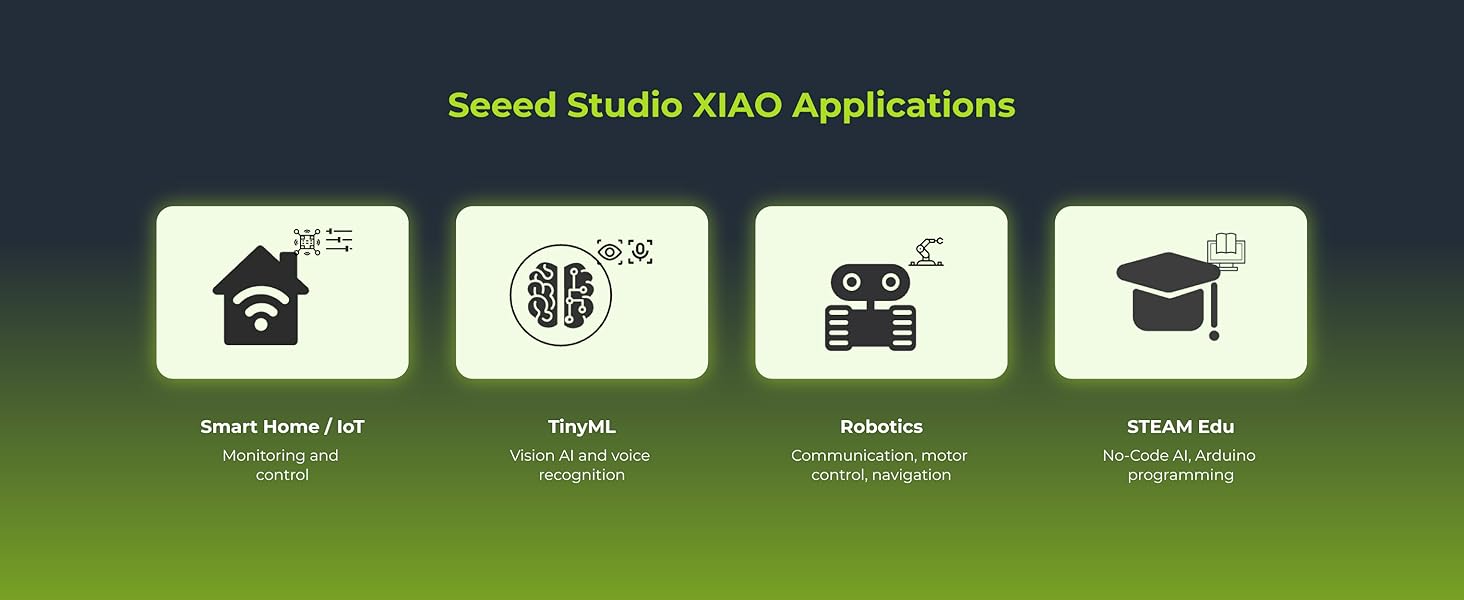
Slika 4.1: Primjeramples of Seeed Studio XIAO applications, including Smart Home/IoT, TinyML, Robotics, and STEAM Education.
5. Održavanje
The Seeed Studio XIAO MG24 is a robust development board, but proper handling and care will ensure its longevity.
- Rukovanje: Always handle the board by its edges to avoid touching sensitive components, especially the pins.
- Skladištenje: Store the board in an anti-static bag when not in use to protect it from electrostatic discharge.
- čišćenje: Ako je potrebno, nježno očistite ploču mekom, suhom četkom ili komprimiranim zrakom. Izbjegavajte upotrebu tekućina ili abrazivnih materijala.
- Napajanje: Ensure you use a stable 5V power supply via the USB-C port. Incorrect voltagmože oštetiti ploču.
6. Otkrivanje problema
If you encounter issues with your XIAO MG24, consider the following troubleshooting steps:
- Ploča nije otkrivena:
- Provjerite je li USB-C kabel potpuno umetnut i funkcionalan.
- Check if the correct board and port are selected in the Arduino IDE.
- Pokušajte s drugim USB portom ili računarom.
- Reinstall the board package in the Arduino IDE.
- Upload Errors:
- Verify your code for syntax errors.
- Ensure the correct board and port are selected.
- Press the reset button on the board before uploading, if necessary.
- Connectivity Issues (BLE/Thread/Matter):
- Check your code for correct implementation of communication protocols.
- Ensure the antenna is properly connected (if using an external UFL antenna).
- Verify that other devices are within range and properly configured.
- Problemi sa napajanjem:
- Confirm the USB power source provides sufficient current.
- If using a battery, ensure it is charged and correctly connected to the battery charging circuit.
For further assistance, refer to the official Seeed Studio documentation and community forums.
7. Specifikacije
The following table details the technical specifications of the Seeed Studio XIAO MG24.

Image 7.1: Seeed Studio XIAO MG24 showing its compact dimensions of 21mm x 17.8mm.

Image 7.2: Detailed product specifications table for the Seeed Studio XIAO MG24.
| Parametar | XIAO MG24 |
|---|---|
| Procesor | Silicon Labs EFR32MG24, ARM Cortex-M33 @ 78MHz |
| Flash / RAM | 1536KB + 4MB Onboard / 256KB |
| LED diode | 1 User LED, 1 Power LED |
| Interfejsi | 22 Pins (11x Analog, 11x Digital, 1x I2C, 2x UART, 2x SPI, All PWM) |
| Dugmad | 1 Dugme za resetovanje |
| Sigurnosne karakteristike | Hardware Encryption Acceleration, True Random Number Generator, ARM® TrustZone®, Secure Boot, Secure Debug Unlock |
| Mala potrošnja energije | Normal: 6.71mA, Sleep: 1.91µA |
| Softverska kompatibilnost | Arduino IDE |
| Podrška za antenu | Max 2.4GHz Ceramic Antenna: 4.97dBi |
| Radna temperatura | -20°C ~ 70°C |
| Dimenzije | 21 x 17.8 mm |
| Težina artikla | 0.634 unce |
| Operativni sistem | FreeRTOS |
8. Garancija i podrška
For warranty information and technical support, please refer to the official Seeed Studio website or contact their customer service directly. Online resources, including documentation, tutorials, and community forums, are available to assist with project development and troubleshooting.
Posjetite Seeed Studio Store za više proizvoda i informacija.


