1. Uvod
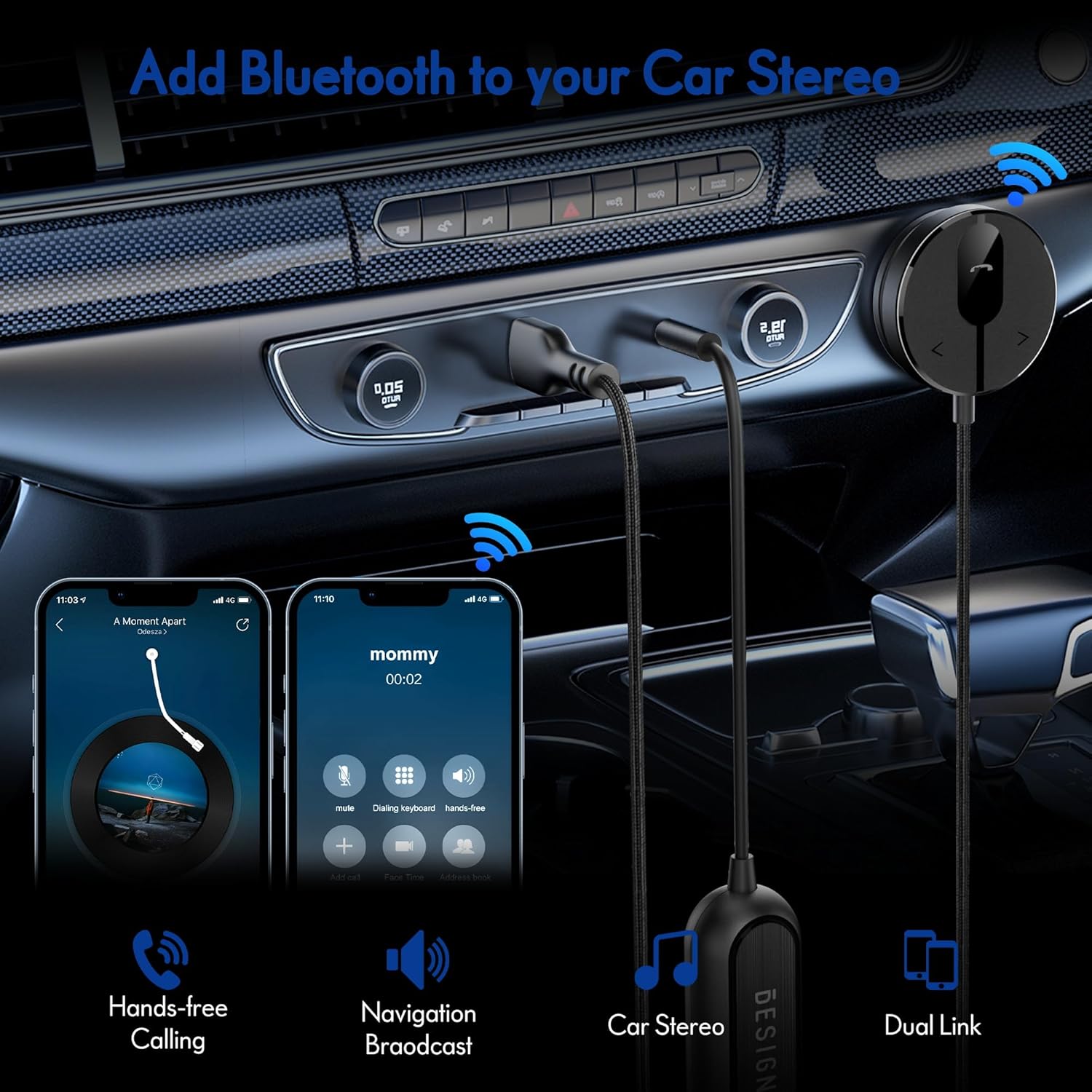
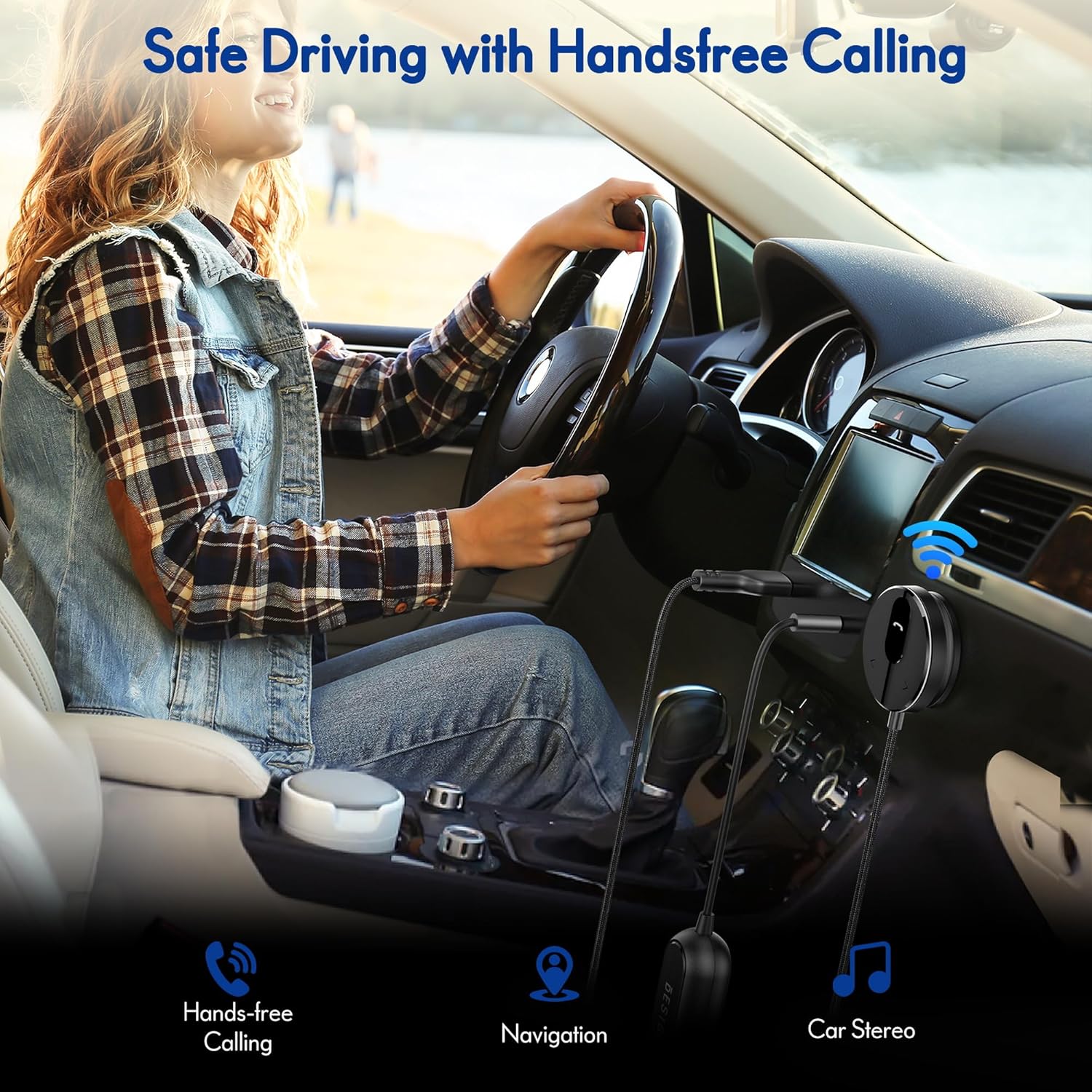
The BESIGN BK01 Bluetooth Car Kit is designed to enhance your driving experience by adding Bluetooth 5.3 connectivity to your car's audio system. This device allows for wireless music streaming, hands-free calling, and navigation broadcast through your car speakers, utilizing your vehicle's 3.5mm Aux input and USB power port. It includes a ground loop noise isolator to ensure clear audio quality.
2. Proizvod je gotovview
Familiarize yourself with the components of your BESIGN BK01 Bluetooth Car Kit.

Komplet uključuje:
- Bluetooth Receiver Unit: Main control unit with Multi-Function Button (MFB), LED indicator, microphone, and track control buttons.
- Magnetic Mounting Disc: For secure placement of the receiver unit.
- Ground Loop Noise Isolator: Reduces buzzing noise in the audio.
- 3.5mm Auxiliary Out Cable: Connects to your car's Aux input.
- USB port za napajanje: Connects to a USB power source in your car.
Status LED indikatora
| LED indikator | Status |
|---|---|
| Flashing Red And Blue | Način uparivanja |
| Solid Blue | Povezano |
3. Specifikacije
- Broj modela: BK01
- Bluetooth verzija: 5.3
- Tehnologija povezivanja: Bluetooth
- Izvor napajanja: Car Cigarette USB power supply
- Posebne karakteristike: Automatic On/Off, Built-In Microphone, Hands-Free Calls, Noise Cancellation
- Težina artikla: 3.84 unce
- Dimenzije paketa: 4.13 x 3.11 x 1.77 inča
4. Upute za postavljanje
Follow these steps to install and connect your BESIGN BK01 Bluetooth Car Kit.
- Connect Power and Audio:
- Plug the USB power port of the BK01 into a USB power source in your car (e.g., a car charger or a built-in USB port).
- Connect the 3.5mm Aux cable from the BK01 to your car's 3.5mm Aux input port.
- If experiencing buzzing noise, connect the included ground loop noise isolator between the BK01's 3.5mm Aux cable and your car's Aux input.
- Montirajte prijemnik:
- Choose a convenient location on your dashboard or console for the magnetic mounting disc. Ensure the surface is clean and dry.
- Peel off the adhesive backing from the magnetic mounting disc and firmly press it onto the chosen surface.
- Attach the Bluetooth receiver unit to the magnetic disc.
- Uključivanje i uparivanje:
- Once connected to power, the BK01 will automatically power on. The LED indicator will flash red and blue, indicating it is in pairing mode.
- On your smartphone or other Bluetooth device, go to the Bluetooth settings and search for available devices.
- Select "BK01" from the list to pair. If prompted for a PIN, enter "0000".
- Nakon uspješnog uparivanja, LED indikator će svijetliti stalno plavo.
- Automatsko povezivanje: The BK01 is designed to automatically power on and connect to the last paired device when your car starts (ensure your phone's Bluetooth is active). If it doesn't connect automatically, a short press on the Multi-Function Button (MFB) can initiate reconnection.

5. Uputstvo za upotrebu
5.1. Reprodukcija muzike
- Pusti/pauza: Pritisnite multifunkcionalni taster (MFB) jednom.
- Sljedeća pjesma: Press the ">" button once.
- Prethodni zapis: Press the "<" button once.
5.2. Pozivi bez upotrebe ruku
- Odgovori na poziv: Pritisnite multifunkcionalni taster (MFB) jednom.
- Završi poziv: Press the Multi-Function Button (MFB) once during a call.
- odbiti poziv: Pritisnite i držite višenamensko dugme (MFB) 2 sekunde.
- Ponovno biranje zadnjeg broja: Double-press the Multi-Function Button (MFB).
5.3. Aktivacija glasovnog asistenta
Press and hold the ">" button to activate your smartphone's voice assistant (e.g., Siri for iPhone, Google Assistant for Android).
5.4. Dvostruka telefonska veza
The BK01 supports connecting to two phones simultaneously. It will manage calls from both devices and mute music if a call comes in on the other phone.
6. Otkrivanje problema
- Buzzing Noise (Ground Loop Noise): If you experience a buzzing or humming noise, especially when music is paused, connect the included ground loop noise isolator. This device is specifically designed to eliminate such electrical interference.
- No Power/No Connection:
- Ensure the USB power port is securely plugged into a working power source.
- Verify your car's USB port or cigarette lighter adapter is providing power.
- Check that your phone's Bluetooth is enabled and within range.
- If the device does not auto-connect, press the MFB button to manually initiate connection.
- Loš kvalitet zvuka:
- Ensure the 3.5mm Aux cable is fully inserted into both the BK01 and your car's Aux input.
- Adjust the volume on both your phone and car stereo.
- If using the ground loop noise isolator, ensure it is correctly connected.
- Microphone Volume Low During Calls: This can sometimes occur with Bluetooth devices. Ensure the microphone on the BK01 receiver unit is not obstructed and is positioned optimally. Adjust call volume on your phone.

7. Održavanje
- Održavajte uređaj čistim tako što ćete ga brisati mekom, suvom krpom.
- Izbjegavajte izlaganje uređaja ekstremnim temperaturama, direktnoj sunčevoj svjetlosti ili vlazi.
- Do not attempt to disassemble or repair the device yourself, as this will void any potential warranty.
8. Sigurnosne informacije
- Ne koristite uređaj na način koji vas odvlači od vožnje. Uvijek dajte prioritet sigurnosti u saobraćaju.
- Uređaj i njegove komponente držite van dohvata djece.
- Do not dispose of batteries (if applicable) in fire.
9. Garancija i podrška
For warranty information or technical support, please refer to the product packaging or contact BESIGN customer service directly through their official webweb-mjestu ili prodavaču gdje je proizvod kupljen.


