1. Uvod
Thank you for choosing the Vonztek Wireless Headset. This manual provides essential information for the proper setup, operation, and maintenance of your headset. Please read it thoroughly before use to ensure optimal performance and longevity of your device.
2. Sadržaj paketa
Provjerite da li se sve stavke nalaze u vašem paketu:
- Vonztek Wireless Headset
- Type-C Charge Cable x1
- USB ključ x1
3. Proizvod je gotovview
The Vonztek Wireless Headset (Model XSY-BT882M-BJ-D-NEW2) is designed for business and work-from-home environments, offering clear communication and comfortable wear. It features AI Noise Canceling for the microphone and Passive Noise Cancellation for the earpieces.

Figure 3.1: Vonztek Wireless Headset with included accessories.
Ključne karakteristike:
- Superiorni stereo zvuk: Equipped with 40mm dynamic drivers for clear audio reproduction.
- Udoban dizajn: Ultra-soft memory foam ear cushions and an adjustable one-piece steel headband ensure comfort during extended use.
- Bidirectional Microphone with AI Noise Canceling: The flexible 270° rotatable microphone arm can be positioned on either side and features AI noise cancellation to focus on your voice, reducing background noise.
- Široka kompatibilnost: Connects to cellphones and desktops via Bluetooth 5.3 or the included USB dongle.
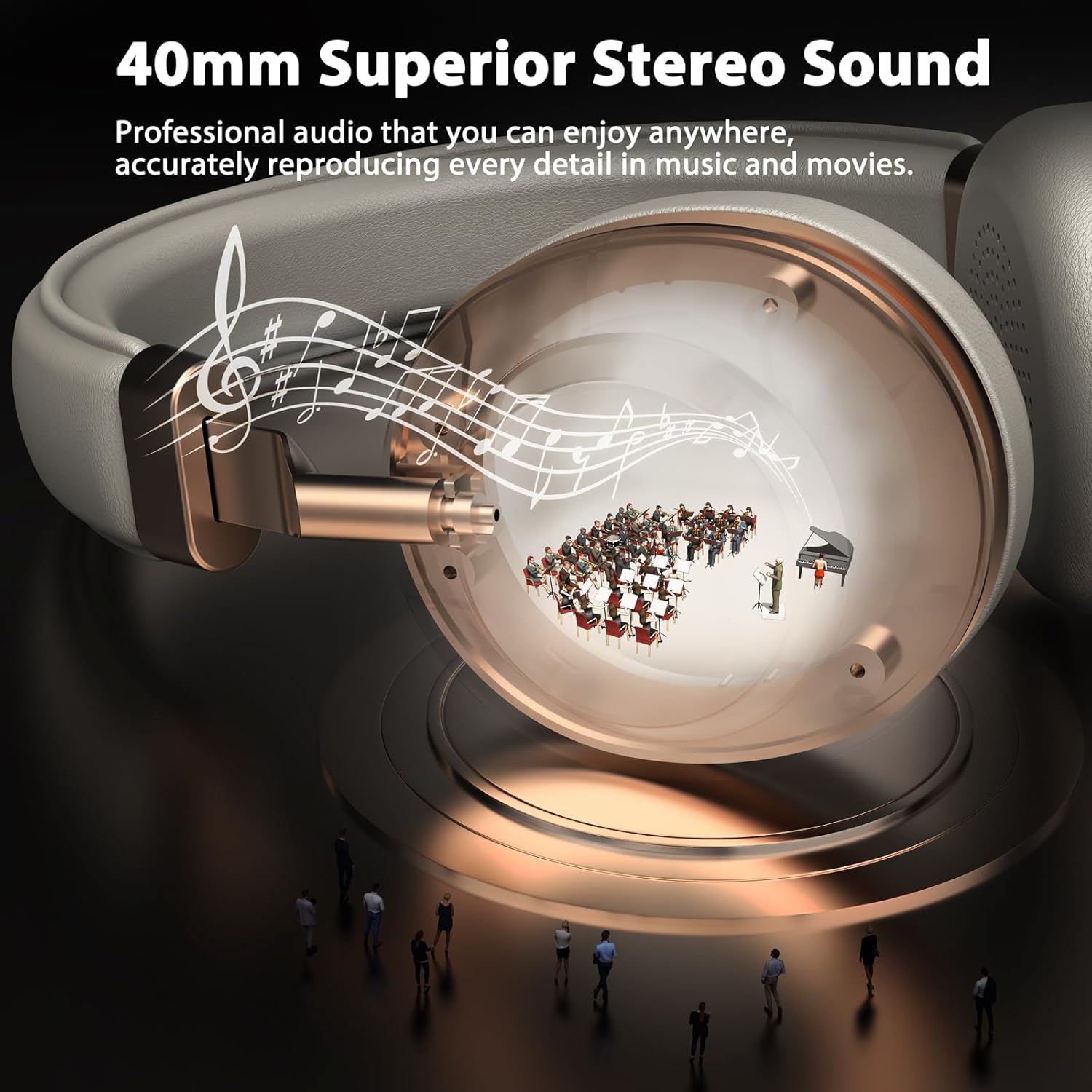
Figure 3.2: 40mm Superior Stereo Sound.
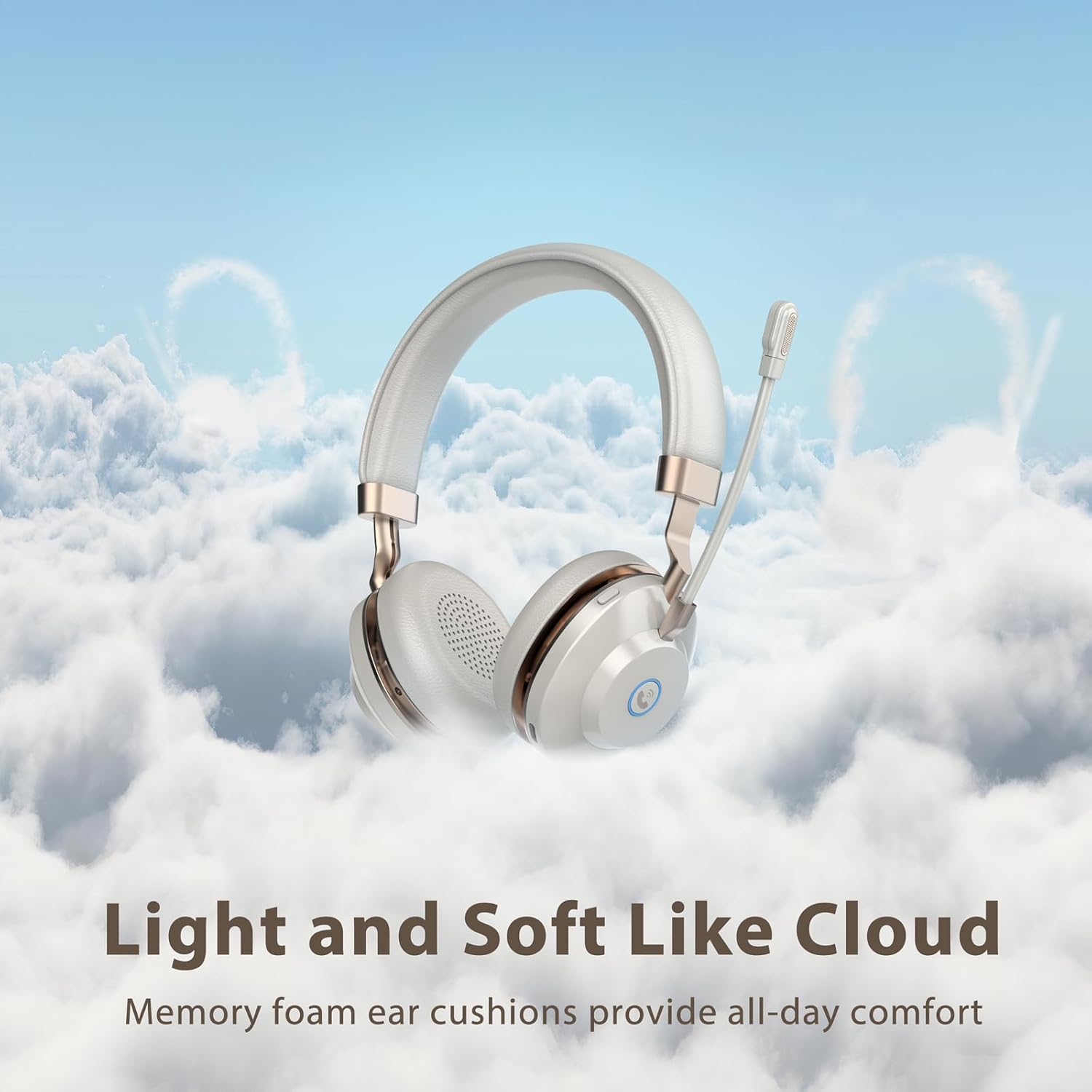
Figure 3.3: Light and Soft Design for Comfort.

Figure 3.4: Bidirectional Microphone with Noise Cancellation.
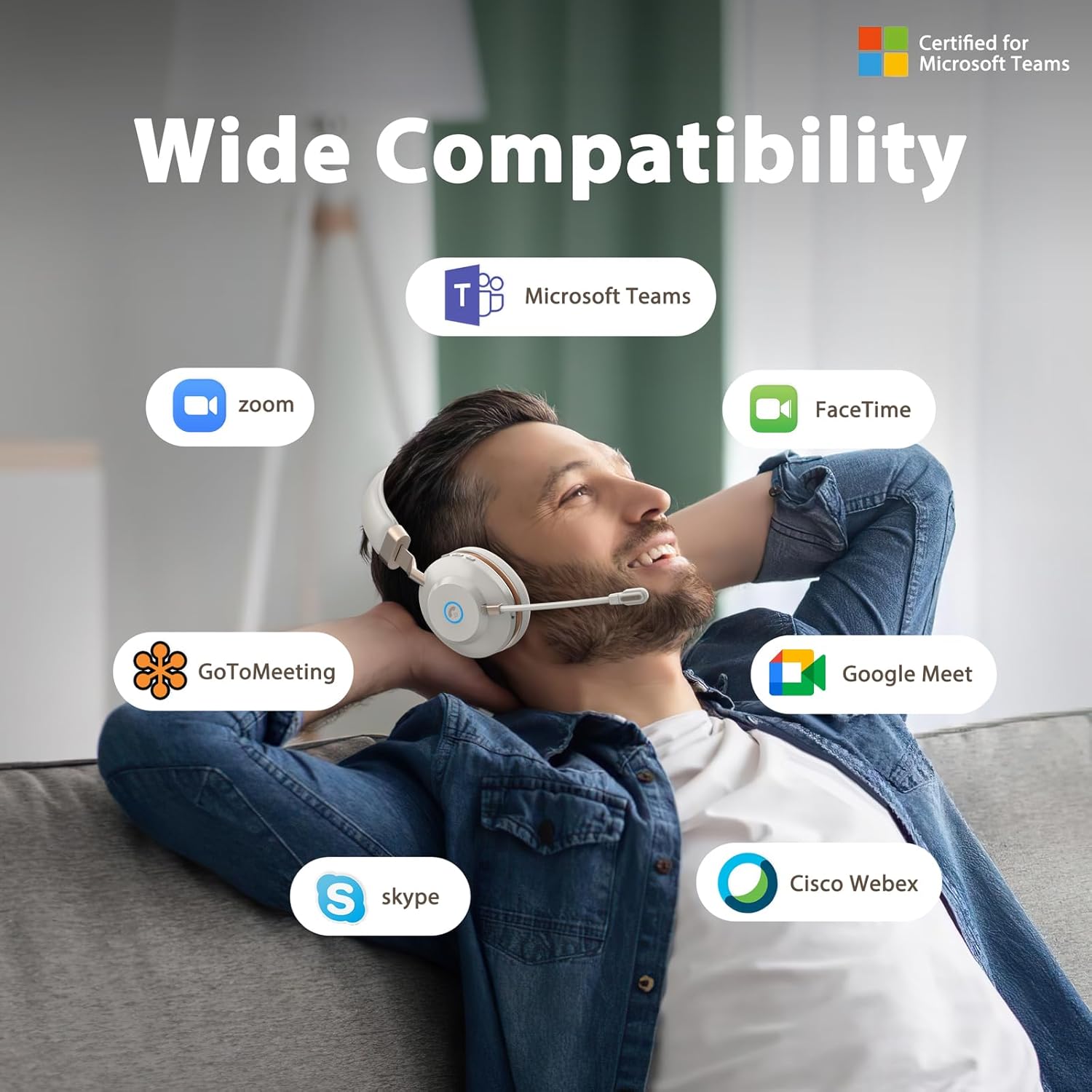
Figure 3.5: Wide Compatibility with Communication Platforms.
4. Podešavanje
4.1 Punjenje slušalica
Before first use, fully charge the headset. Connect the provided Type-C charge cable to the headset's charging port and the other end to a USB power source (e.g., computer USB port, wall adapter). A full charge takes approximately 2 hours.
4.2 Povezivanje putem USB adaptera
- Uključite USB adapter u dostupan USB port na računaru.
- Uključite slušalice pritiskom i držanjem dugmeta za napajanje.
- The headset will automatically connect to the dongle. An indicator light on the headset will confirm connection (refer to LED indicator section in operating instructions for details).
4.3 Povezivanje putem Bluetooth-a
- Provjerite jesu li slušalice isključene.
- Pritisnite i držite dugme za napajanje dok LED indikator ne počne brzo treptati (obično plavo i crveno), što ukazuje na režim uparivanja.
- On your device (e.g., cellphone, computer), enable Bluetooth and search for new devices.
- Select "Vonztek Headset" from the list of available devices.
- Once connected, the LED indicator will show a steady blue light or flash slowly. The Bluetooth range is up to 15 meters.
5. Uputstvo za upotrebu
5.1 Uključivanje/isključivanje napajanja
- Uključeno: Pritisnite i držite dugme za napajanje 3 sekunde.
- Iskljuciti: Pritisnite i držite dugme za napajanje 3 sekunde.
5.2 Kontrola jačine zvuka
- Povećavanje glasnoće: Pritisnite dugme '+'.
- Smanjivanje jačine zvuka: Pritisnite dugme '-'.
5.3 Korištenje mikrofona
- The microphone arm is flexible and can be rotated 270° to be worn on either the left or right side. Adjust it to position the microphone close to your mouth for optimal voice pickup.
- The AI Noise Canceling feature is automatically active to reduce background noise during calls.
5.4 Upravljanje pozivima
- Odgovori/Završi poziv: Press the multi-function button (often indicated by a phone icon).
- odbiti poziv: Pritisnite i držite višenamjensko dugme 2 sekundi.
5.5 Kontrola medija
- Pusti/pauza: Pritisnite višenamjensko dugme.
- Sljedeća pjesma: Pritisnite i držite dugme '+'.
- Prethodni zapis: Pritisnite i držite dugme '-'.
6. Održavanje
- čišćenje: Za čišćenje slušalica koristite meku, suhu krpu. Nemojte koristiti abrazivna sredstva za čišćenje ili rastvarače.
- Skladištenje: Slušalice čuvajte na hladnom i suhom mjestu, dalje od direktne sunčeve svjetlosti i ekstremnih temperatura.
- Održavanje baterije: To preserve battery life, charge the headset regularly, even if not in frequent use. Avoid fully discharging the battery for extended periods.
- Otpornost na vodu: Ove slušalice nisu vodootporne. Izbjegavajte izlaganje tekućinama.
7. Otkrivanje problema
| Problem | Mogući uzrok | Rješenje |
|---|---|---|
| Slušalice se ne uključuju | Niska baterija | Punite slušalice najmanje 30 minuta. |
| Povezivanje putem Bluetooth-a nije moguće | Headset not in pairing mode; Device Bluetooth off; Out of range | Ensure headset is in pairing mode (flashing blue/red LED). Turn on Bluetooth on your device. Move closer to your device (within 15 meters). |
| Nema zvuka ili je zvuk lošeg kvaliteta | Volume too low; Incorrect audio output selected; Headset not properly connected | Increase volume on headset and device. Check audio settings on your device to ensure Vonztek Headset is selected as output. Reconnect the headset. |
| Mikrofon ne radi | Microphone muted; Incorrect input device selected | Ensure microphone is not muted. Check audio input settings on your device to ensure Vonztek Headset is selected as input. |
8. Specifikacije
| Feature | Detalj |
|---|---|
| Naziv modela | XSY-BT882M-BJ-D-NEW2 |
| Tehnologija povezivanja | bežični (Bluetooth) |
| Bežična komunikacijska tehnologija | Bluetooth 5.3 |
| Bluetooth domet | 15 metara |
| Veličina audio drajvera | 40 milimetara |
| Kontrola buke | AI Noise Cancellation (Mic), Passive Noise Cancellation (Earpiece) |
| Trajanje baterije | 45 sata |
| Vrijeme punjenja | 2 sata |
| Priključak za slušalice | Tip-C (za punjenje) |
| Osjetljivost | 118 dB |
| Impedansa | 32 Ohma |
| Materijal | Faux Leather, Plastic, Stainless Steel |
| Težina artikla | 13.1 unce |
| Kompatibilni uređaji | Cellphones, Desktops |
9. Garancija i podrška
For warranty information or technical support, please refer to the contact details provided with your purchase or visit the official Vonztek webSačuvajte dokaz o kupovini za slučaj reklamacije.


