Uvod
This manual provides essential information for the safe and effective use of your Gravity C20 Pro Smartwatch. Please read it thoroughly before operating the device.
The Gravity C20 Pro Smartwatch is designed for durability and advanced functionality, featuring a rugged 1.83-inch TFT display. It is built to withstand various conditions, including dust and water, with an IP68 rating. Key features include Bluetooth calling, AI voice assistant, and comprehensive health monitoring.
Sadržaj paketa
Prije nego što nastavite s postavljanjem, provjerite da li su sve stavke prisutne u paketu:
- Gravity C20 Pro Smartwatch
- Kabel za punjenje
- Korisnički priručnik (ovaj dokument)
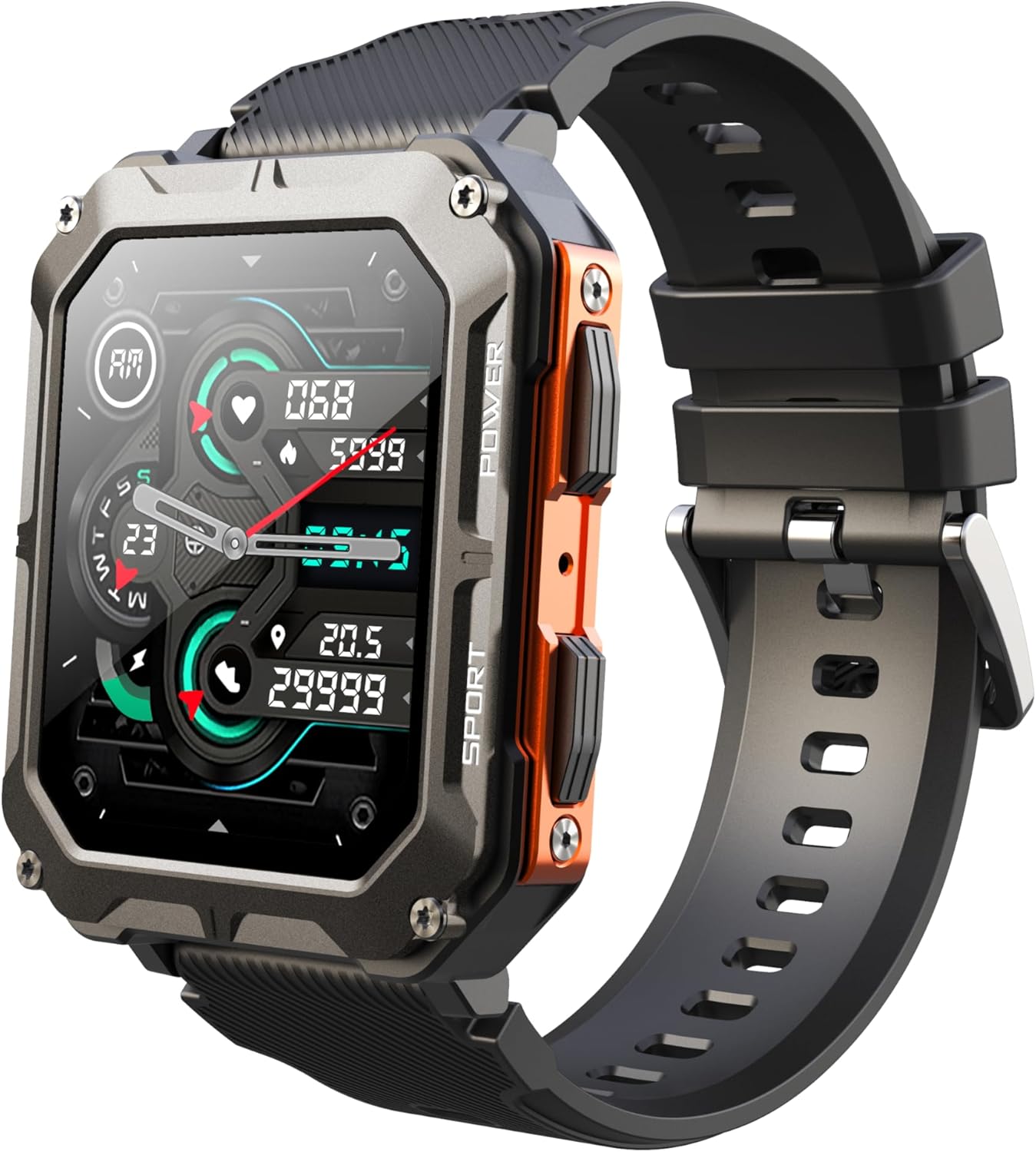
Image: The Gravity C20 Pro Smartwatch, typically accompanied by its charging cable and user manual.
Setup
1. Punjenje uređaja
Before first use, fully charge your smartwatch. Connect the magnetic charging cable to the charging points on the back of the watch and plug the USB end into a compatible power adapter (not included) or a computer USB port.
- Vrijeme punjenja: Otprilike 2 sata za potpuno punjenje.
- Battery life: Up to 20 days standby time.
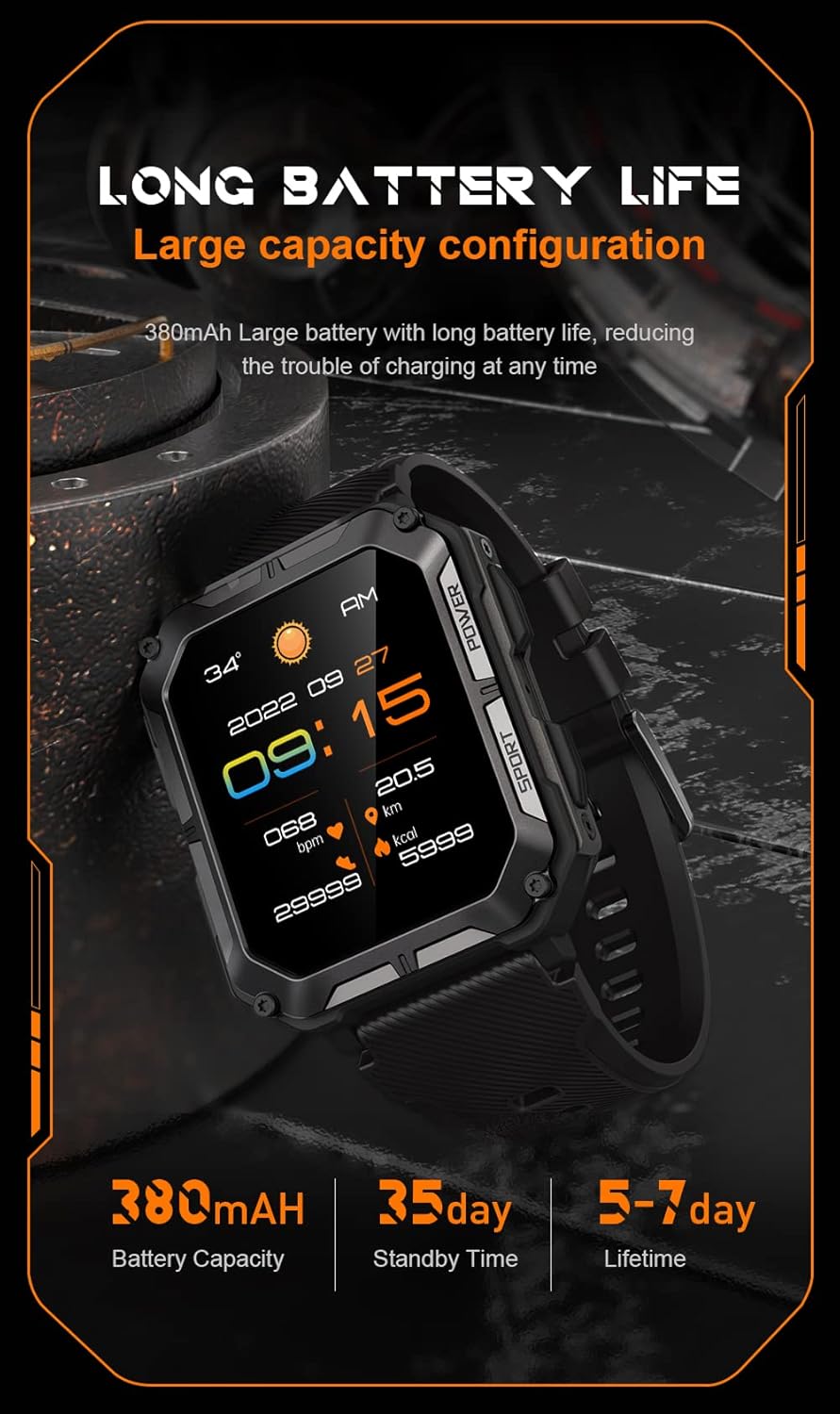
Image: The smartwatch screen showing current time and battery status, indicating long battery life.
2. Preuzimanje prateće aplikacije
To unlock the full functionality of your Gravity C20 Pro Smartwatch, download the official companion application on your smartphone. Refer to the product packaging or quick start guide for the specific app name (e.g., Da Fit, GloryFit) and search for it in your device's app store (iOS App Store or Google Play Store).
3. Uparivanje sa vašim pametnim telefonom
- Provjerite je li Bluetooth omogućen na vašem pametnom telefonu.
- Otvorite prateću aplikaciju i slijedite upute na ekranu da biste dodali novi uređaj.
- Select "Gravity C20 Pro" from the list of available devices.
- Potvrdite zahtjev za uparivanje i na pametnom telefonu i na pametnom satu.
Uputstvo za upotrebu
Osnovna navigacija
- Dugme za napajanje: Located on the side. Press and hold to power on/off. Short press to return to the watch face or wake the screen.
- Ekran na dodir: Swipe up, down, left, or right to navigate through menus and notifications. Tap to select an option.
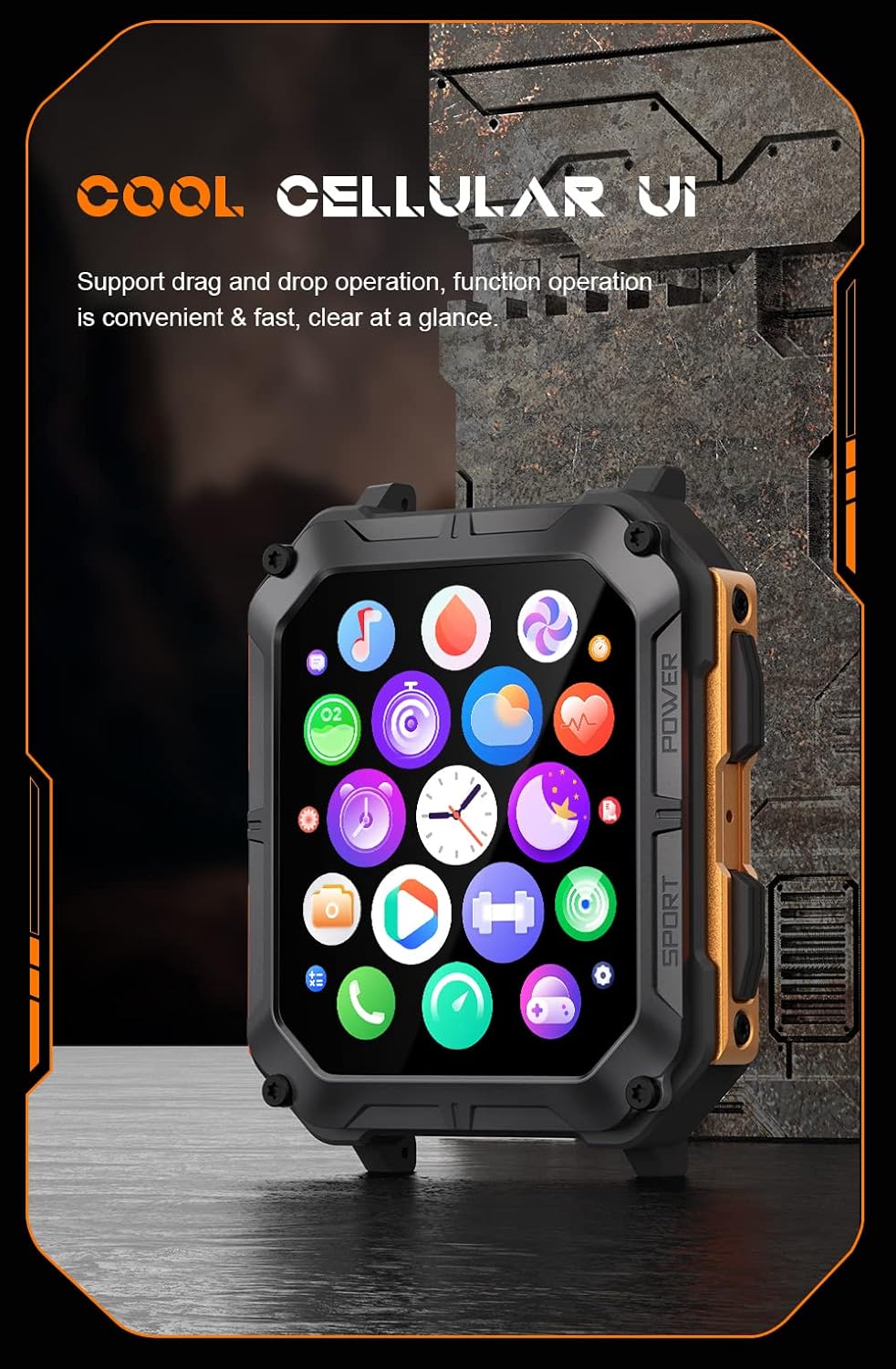
Image: The smartwatch screen showing a grid of application icons, demonstrating the cellular user interface for easy navigation.
Ključne karakteristike
- Bluetooth pozivanje: Once paired, you can make and receive calls directly from your wrist. Access the call function via the watch's menu.
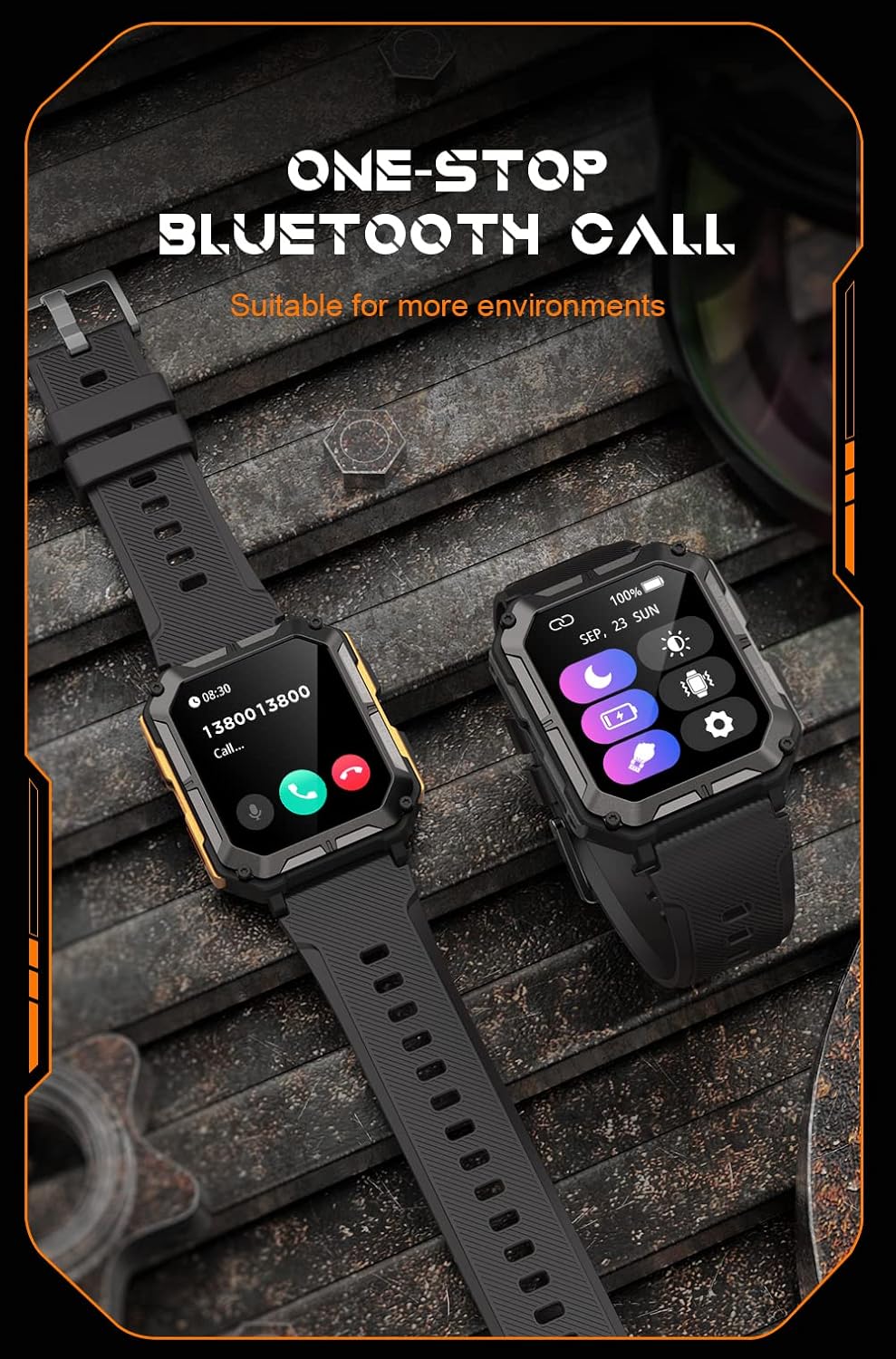
Image: The smartwatch screen showing an incoming call, illustrating the Bluetooth calling feature.
- Monitoring zdravlja:
- Otkucaji srca: Pratite svoj puls tokom cijelog dana.
- Kiseonik u krvi (SpO2): Izmjerite nivo kisika u krvi.
- Praćenje spavanja: Prati obrasce i kvalitet spavanja.

Image: The smartwatch screen displaying real-time heart rate and blood oxygen saturation (SpO2) data, highlighting its health monitoring capabilities.
- Sportski modovi: The watch supports over 100 sports modes. Select your activity to track performance metrics such as steps, distance, calories burned, and duration.
- Pametna obavještenja: Receive alerts for calls, messages, and app notifications directly on your watch. Ensure notification permissions are enabled in the companion app.
- AI glasovni asistent: Activate the voice assistant for hands-free control and information retrieval.

Image: A graphic displaying various features of the smartwatch, including heart rate, call reminder, pedometer, information reminder, blood pressure monitor, sleep monitor, calories, sedentary reminder, exercise data, IP68 waterproof, stress monitor, voice assistant, blood oxygen monitor, heart rate warning, and calculator.
Održavanje
Čišćenje
Redovno čistite svoj pametni sat kako biste osigurali optimalne performanse i higijenu.
- Obrišite ekran i kućište mekom krpom koja ne ostavlja dlačice.
- Za tvrdokornu prljavštinu, dampLagano navlažite krpu vodom. Izbjegavajte upotrebu jakih hemikalija ili abrazivnih materijala.
- Povremeno čistite kontakte za punjenje kako biste osigurali pravilno punjenje.
Vodootpornost (IP68)
The Gravity C20 Pro is IP68 rated, meaning it is protected against dust ingress and can withstand immersion in water up to 1.5 meters for up to 30 minutes. While it is waterproof for daily use (e.g., hand washing, rain), it is not recommended for hot showers, saunas, or diving, as steam and high pressure can compromise the seals.
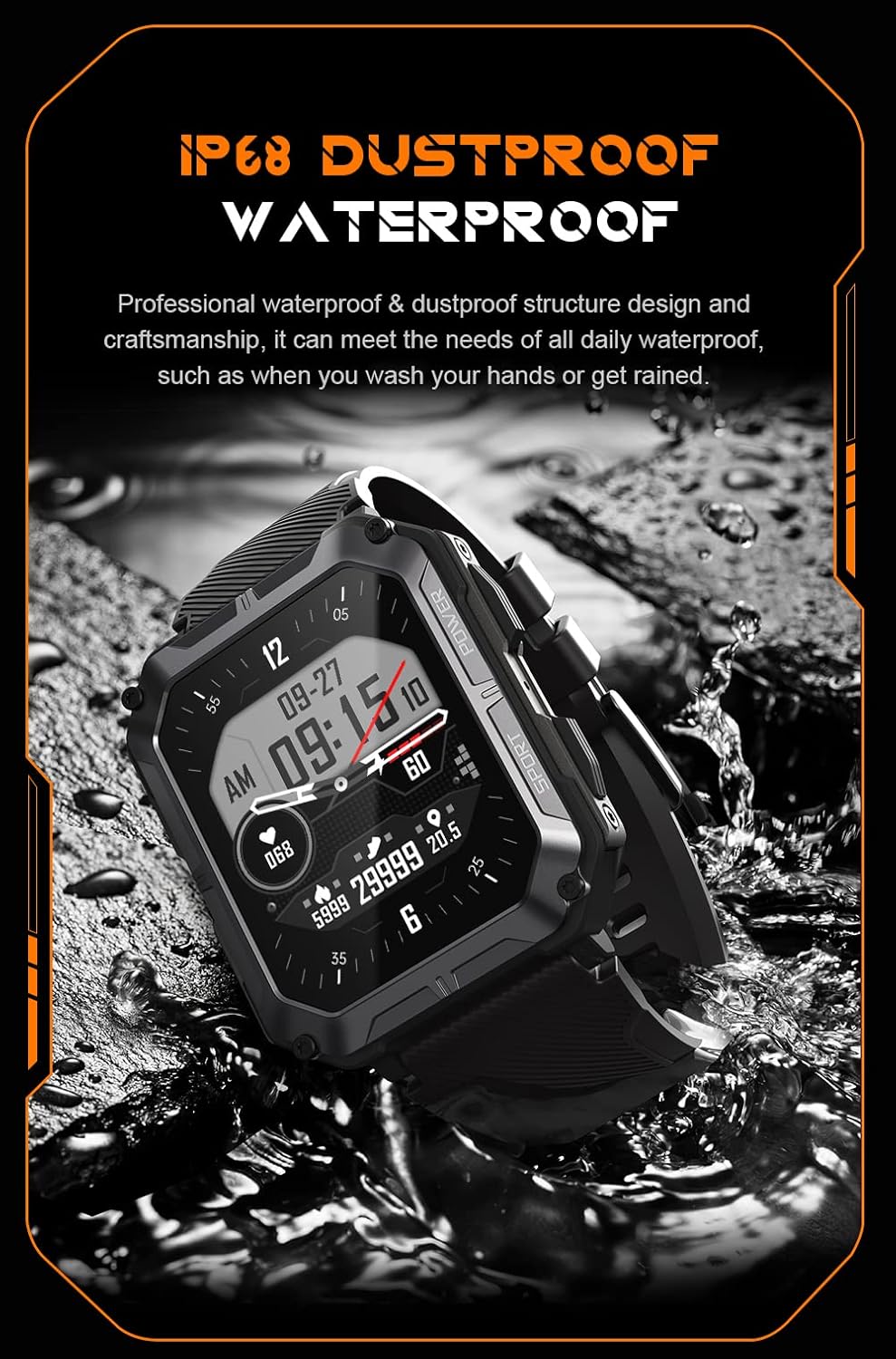
Image: The smartwatch partially submerged in water, demonstrating its IP68 dustproof and waterproof capabilities, suitable for daily exposure to water.
Skladištenje
Kada se pametni sat ne koristi duži period, čuvajte ga na hladnom i suhom mjestu, dalje od direktne sunčeve svjetlosti i ekstremnih temperatura.
Rješavanje problema
| Problem | Mogući uzrok | Rješenje |
|---|---|---|
| Sat se ne uključuje. | Niska baterija. | Punite sat najmanje 30 minuta. |
| Nije moguće uparivanje sa pametnim telefonom. | Bluetooth is off; app issue; watch not discoverable. | Ensure Bluetooth is on. Restart the app and watch. Try resetting the watch to factory settings if issues persist. |
| Obavještenja nisu primljena. | App permissions not granted; app not running in background. | Check app notification permissions on your phone. Ensure the app is running and not optimized for battery saving. |
| Netačni zdravstveni podaci. | Watch fit is too loose; sensor dirty. | Ensure the watch is snug on your wrist. Clean the heart rate sensor on the back of the watch. |
Specifikacije
| Feature | Detalj |
|---|---|
| Broj modela | W4-C28 |
| Veličina ekrana | 1.83 inča TFT |
| Kapacitet baterije | 380 mAh |
| Trajanje baterije (stanje pripravnosti) | Do 20 dana |
| Otpornost na vodu | IP68 |
| Povezivanje | Bluetooth |
| Operativni sistem | Android OS (compatible) |
| Otpornost na temperaturu | -24°C do 60°C |
| Težina artikla | 1 funte |
| Dimenzije paketa | 9 x 4 x 1 inča |
Informacije o garanciji
Gravity products are covered by a limited warranty from the date of purchase. This warranty covers manufacturing defects and workmanship under normal use. It does not cover damage caused by misuse, accidents, unauthorized modifications, or normal wear and tear.
For specific warranty terms and conditions, please refer to the warranty card included with your product or visit the official Gravity website.
Korisnička podrška
If you encounter any issues or have questions not covered in this manual, please contact Gravity customer support:
- Webstranica: www.gravity.com/support (Nprample URL, replace if actual URL is known)
- Email: support@gravity.com (Nprampe-pošta)
- Telefon: Obratite se službeniku webstranica za regionalne kontakt brojeve.
When contacting support, please have your product model number (W4-C28) and purchase details ready.


