1. Uvod
This manual provides essential instructions for setting up, operating, maintaining, and troubleshooting your CRUA 32-inch 4K UHD 160Hz Curved Gaming Monitor (Model CR320A). Please read this manual thoroughly before using the product to ensure proper functionality and to prevent damage.

Slika 1: Prednja strana view of the CRUA 32-inch 4K UHD 160Hz Curved Gaming Monitor.
2. Šta se nalazi u kutiji
Provjerite da li su sve komponente prisutne u pakovanju:
- CRUA 32-inch Monitor
- Monitor Base and Support
- DisplayPort (DP) kabel
- Power Supply Unit
- Korisnički priručnik (ovaj dokument)
3. Podešavanje
3.1 Sastavljanje postolja
- Carefully remove the monitor from its packaging, placing it face down on a soft, clean surface to prevent screen damage.
- Attach the monitor support arm to the back of the monitor. Ensure it clicks securely into place or is fastened with screws if provided.
- Connect the base to the support arm and secure it with the provided screw(s).
Note: The included stand is fixed and does not offer height, tilt, or swivel adjustments. For adjustable positioning, the monitor supports VESA wall mounting (75mm x 75mm) using a compatible VESA mount (sold separately).

Slika 2: Pozadi view of the monitor with stand attachment area and RGB lighting.
3.2 Kablovi za povezivanje
- Connect the DisplayPort (DP) cable from your computer's graphics card to the DP 1.4 port on the monitor. Alternatively, use an HDMI 2.1 cable for compatible devices.
- Connect the power supply unit to the monitor's power input, then plug the power cord into an electrical outlet.
- Uvjerite se da su sve veze sigurne.

Figure 3: Monitor connectivity ports including HDMI 2.1, DP 1.4, and audio out.
4. Rukovanje monitorom
4.1 Uključivanje/isključivanje napajanja
Pritisnite dugme za napajanje, koje se obično nalazi na zadnjoj ili donjoj desnoj strani monitora, da biste uključili ili isključili monitor. Indikator napajanja će svijetliti kada je monitor uključen.
4.2 On-Screen Display (OSD) meni
The OSD menu allows you to adjust various monitor settings. Use the navigation buttons (joystick or individual buttons) typically found on the back or bottom of the monitor to access and navigate the OSD.
- Izvor ulaza: Izaberite između DisplayPort i HDMI ulaza.
- Postavke slike: Podesite svjetlinu, kontrast, oštrinu i temperaturu boje.
- Postavke boja: Fine-tune color gamut (120% sRGB), gamma, and color depth (8-bit).
- Gaming Settings: Enable/disable AMD FreeSync, adjust refresh rate (144Hz/160Hz), and other gaming-specific features.
- Audio postavke: Control volume for the built-in speakers or connected external audio devices.
- RGB rasvjeta: Customize the RGB lighting effects on the back of the monitor.

Figure 4: Visual representation of color and brightness capabilities.
4.3 AMD FreeSync
This monitor supports AMD FreeSync technology, which synchronizes the monitor's refresh rate with your graphics card's frame rate to eliminate screen tearing and stuttering. Ensure FreeSync is enabled in both the monitor's OSD and your graphics card's control panel for optimal performance.

Figure 5: Visualizing the benefit of 160Hz refresh rate and FreeSync.
4.4 Curved Display (1500R)
The 1500R curvature of the screen provides an immersive viewing experience, reducing eye strain and enhancing depth perception, especially beneficial for gaming and multimedia content.
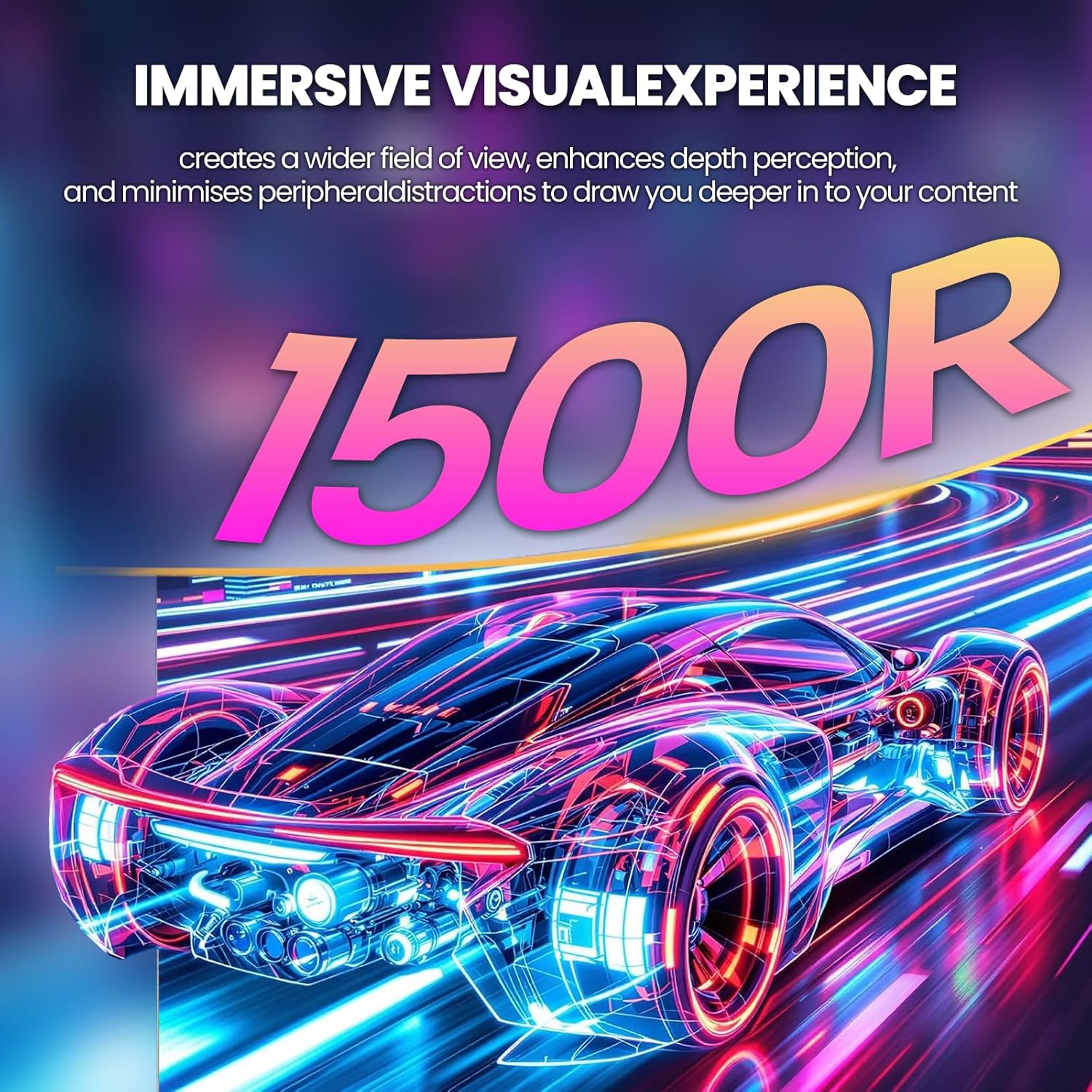
Figure 6: The 1500R curved screen design.
5. Održavanje
5.1 Čišćenje monitora
- Uvijek isključite monitor i iskopčajte kabel za napajanje prije čišćenja.
- Koristite meku krpu koja ne ostavlja dlačiceampvodom ili neabrazivnim sredstvom za čišćenje ekrana.
- Ne prskajte sredstvo za čišćenje direktno na ekran. Prvo ga nanesite na krpu.
- Avoid using alcohol, ammonia, or abrasive cleaners, as these can damage the screen surface.
5.2 Opšta njega
- Držite monitor dalje od direktne sunčeve svjetlosti, prekomjerne toplote i vlage.
- Osigurajte odgovarajuću ventilaciju oko monitora kako biste spriječili pregrijavanje.
- Izbjegavajte stavljanje teških predmeta na monitor ili njegove kablove.
6. Otkrivanje problema
6.1 Nema napajanja
- Provjerite je li kabel za napajanje sigurno spojen i na monitor i na utičnicu.
- Verify that the power outlet is functioning correctly by plugging in another device.
- Provjerite je li pritisnuto dugme za napajanje monitora.
6.2 Nema signala
- Confirm that the video cable (DP or HDMI) is securely connected to both the monitor and your computer/device.
- Provjerite je li u OSD izborniku monitora odabran ispravan ulazni izvor.
- Provjerite da li je vaš računar/uređaj uključen i da li daje signal.
- Pokušajte s drugim video kabelom ili priključkom ako je dostupan.
6.3 Screen Flickering or Tearing
- Ensure AMD FreeSync is enabled in both the monitor's OSD and your graphics card settings.
- Provjerite jesu li upravljački programi vaše grafičke kartice ažurirani.
- Check the refresh rate setting in your operating system's display settings; it should be set to 144Hz or 160Hz.
6.4 Washed Out Colors or Poor Picture Quality
- Access the OSD menu and adjust picture settings such as brightness, contrast, and color temperature.
- Resetujte monitor na fabričke postavke putem OSD menija.
- Ensure your graphics card output settings are correctly configured for the monitor's resolution (3840x2160) and color depth.
6.5 No Sound from Built-in Speakers
- Check the volume level in the monitor's OSD menu.
- Verify that the audio output on your computer/device is set to the monitor.
- Ensure the video cable (DP or HDMI) supports audio transmission.
7. Specifikacije
| Feature | Specifikacija |
|---|---|
| Broj modela | CR320A |
| Veličina ekrana | 32 inča |
| Tip panela | VA |
| Zakrivljenost | 1500R |
| Rezolucija | 4K UHD (3840 x 2160 piksela) |
| Aspect Ratio | 16:9 |
| Refresh Rate | 144Hz / 160Hz |
| Osvetljenost | 320 kandela (cd/m²) |
| Kontrast Ratio | 3000:1 |
| Gamut boja | 120% sRGB |
| Dubina boje | 8-bitni |
| Površina ekrana | Mat |
| Povezivanje | HDMI 2.1, DisplayPort 1.4 |
| Audio | Ugrađeni zvučnici |
| Kompatibilnost VESA nosača | 75mm x 75mm |
| Dimenzije proizvoda (D x Š x V) | 1 x 28 x 16.6 inča |
| Težina artikla | 16.57 funte |
8. Garancija i podrška
8.1 Product Assurance
CRUA is committed to providing high-quality computer monitors and premium services. We offer assurances for our products to ensure customer satisfaction.
8.2 Korisnička podrška
If you encounter any issues or have questions regarding your CRUA monitor, please contact our customer support team. We are available to assist you and resolve any problems you may experience.
For support, please refer to the contact information provided on the official CRUA webweb-mjesto ili vašu dokumentaciju o kupovini.


