Uvod
This manual provides essential instructions for setting up, operating, maintaining, and troubleshooting your GOBOULT Dire Smartwatch. Please read this guide thoroughly to ensure optimal performance and longevity of your device.
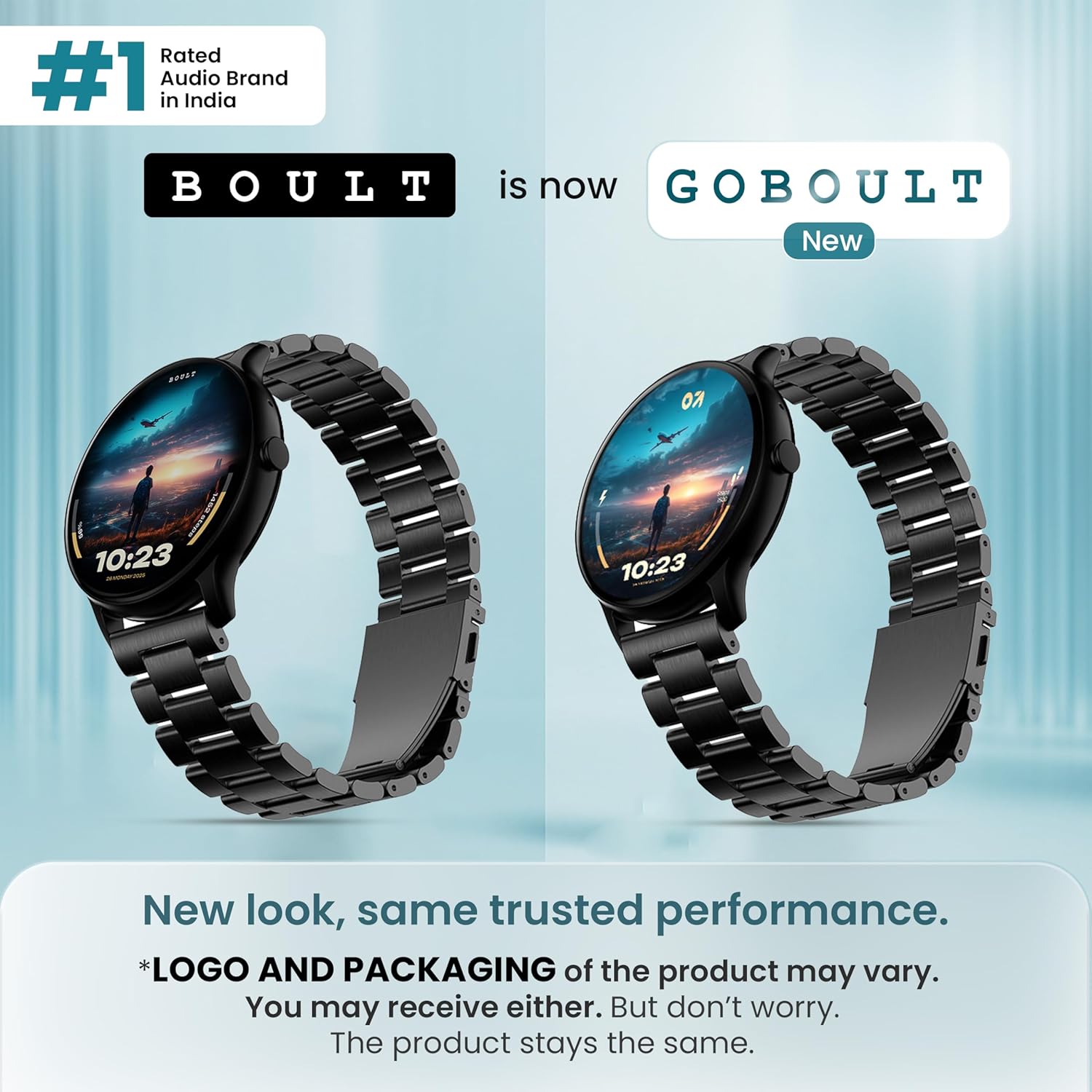
Slika: Front view of the GOBOULT Dire Smartwatch, showcasinnjegov ekran i remen.
Šta je u kutiji
Provjerite da li se u pakovanju vašeg proizvoda nalaze sve sljedeće stavke:
- GOBOULT Dire Smartwatch (Jet Black)
- Kabel za punjenje
- Korisnički priručnik (ovaj dokument)
- Garantni list
Setup
1. Početno punjenje
Before first use, fully charge your smartwatch. Connect the provided charging cable to the magnetic charging points on the back of the watch and to a standard USB power adapter (not included). A full charge typically takes approximately 150 minutes.
2. Uključivanje / isključivanje napajanja
- Za uključivanje: Press and hold the side button until the GOBOULT logo appears on the screen.
- Za isključivanje: Pritisnite i držite bočni taster, a zatim na ekranu izaberite 'Isključivanje'.
3. Instalacija i uparivanje aplikacije
- Download the companion application (e.g., 'Boult Fit' or similar as indicated in the packaging) from your smartphone's app store (compatible with iOS and Android).
- Provjerite je li Bluetooth omogućen na vašem pametnom telefonu.
- Otvorite aplikaciju i pratite uputstva na ekranu da kreirate nalog ili se prijavite.
- Select 'Add Device' or 'Pair Device' within the app and choose 'Boult Dire' from the list of available devices.
- Potvrdite zahtjev za uparivanje i na pametnom telefonu i na pametnom satu.
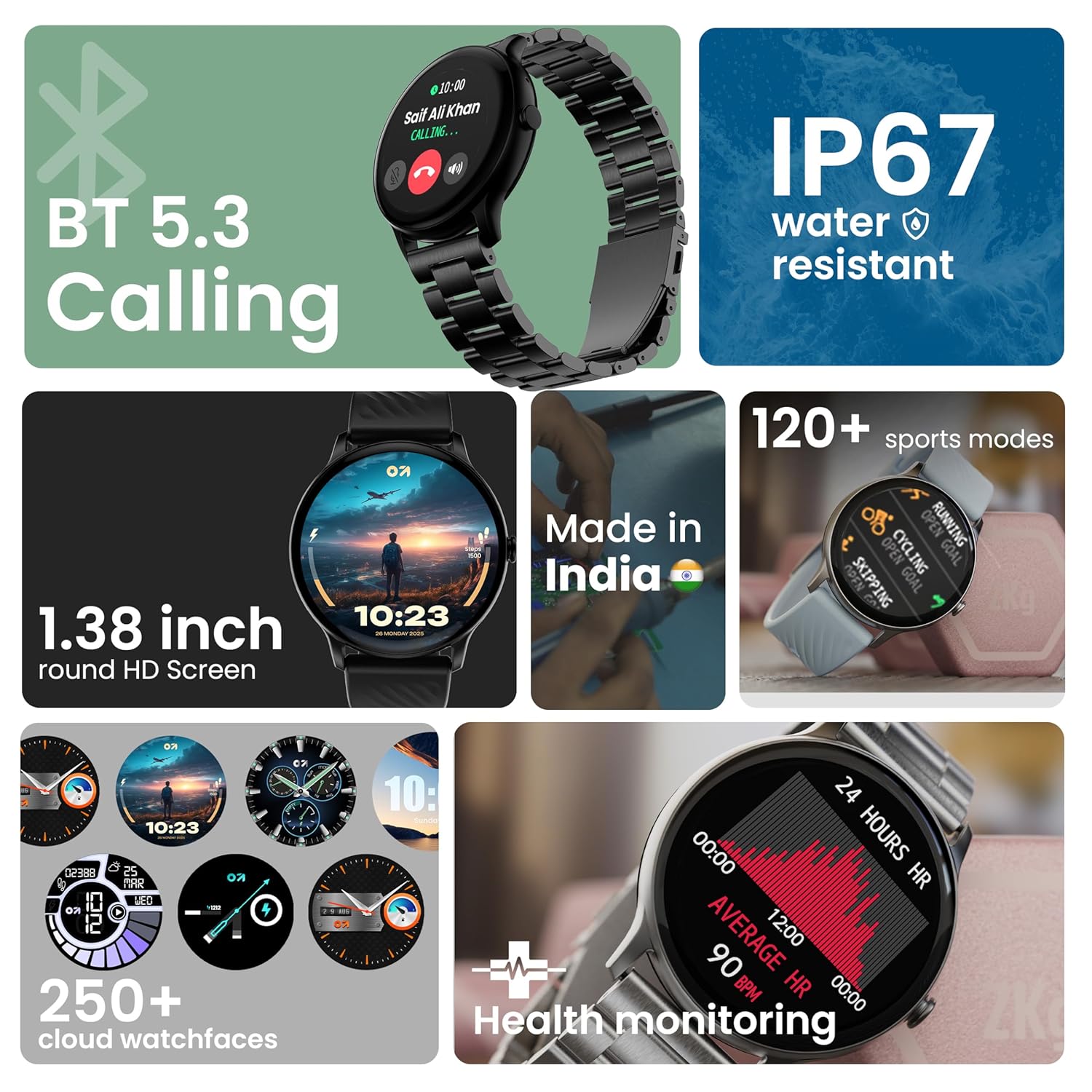
Slika: Prekoview of key smartwatch features including Bluetooth 5.3 Calling, IP67 water resistance, 1.38-inch HD screen, 250+ watchfaces, 120+ sports modes, and health monitoring.
Uputstvo za upotrebu
1. Navigacija ekrana
The 1.38-inch 2.5D curved HD display is fully touch-sensitive. Swipe left, right, up, or down to navigate through menus, notifications, and widgets. Tap to select items.
2. Prilagođavanje izgleda sata
Your smartwatch supports over 250 cloud watch faces. To change the watch face, long-press on the current watch face on the home screen, then swipe left or right to browse and tap to select. More options are available through the companion app.
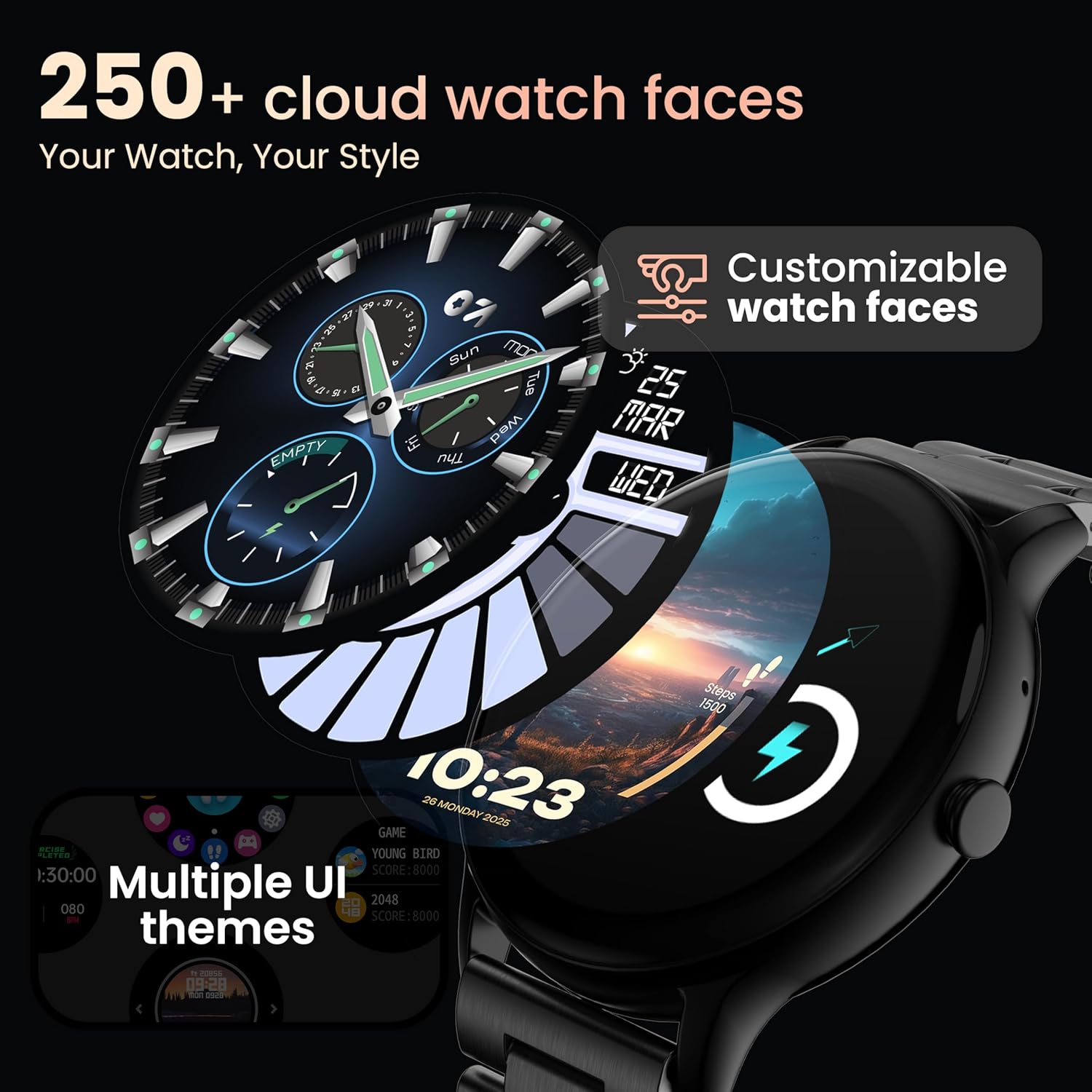
Image: A visual representation of various customizable watch faces and UI themes available on the smartwatch.
3. Bluetooth pozivi
With Bluetooth 5.2 technology, you can make and receive calls directly from your wrist. The smartwatch features a dedicated speaker and microphone. Access the call function from the main menu to dial, answer, or reject calls. Contact synchronization is available via the companion app.
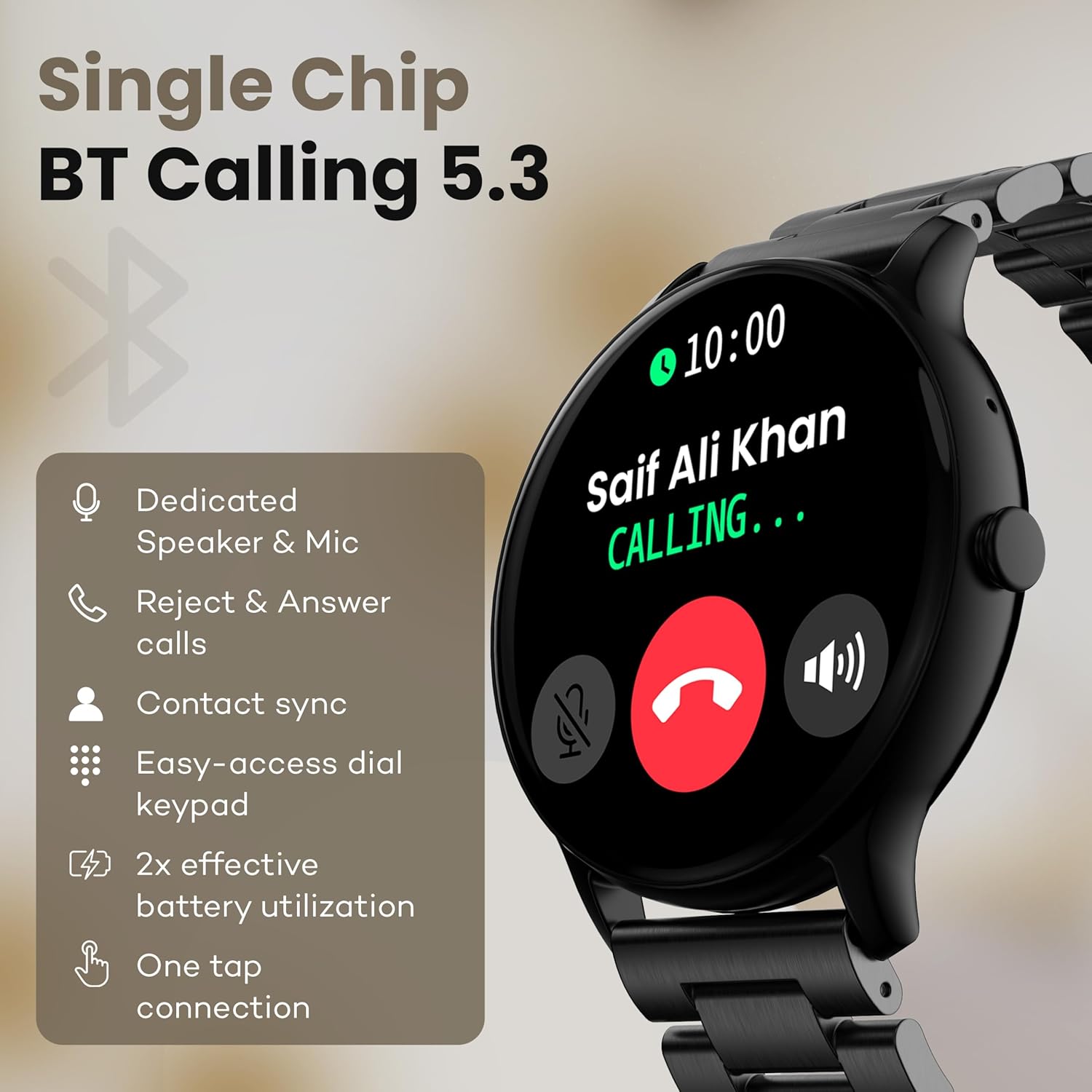
Image: The smartwatch screen showing an incoming call, highlighting features like dedicated speaker & mic, call rejection/answering, contact sync, and easy-access dial keypad.
4. Sportski načini rada
The device supports over 120 sports modes. Navigate to the 'Sports' menu to select your activity. The watch will track metrics such as calories burned, distance, and heart rate during your workout.
5. AI glasovni asistent
Activate the AI Voice Assistant feature (if enabled via the app) to control your watch or smartphone using voice commands.
6. Kontrola kamere
Use your smartwatch as a remote shutter for your smartphone camera. Open the camera control feature on your watch and tap to take a picture.
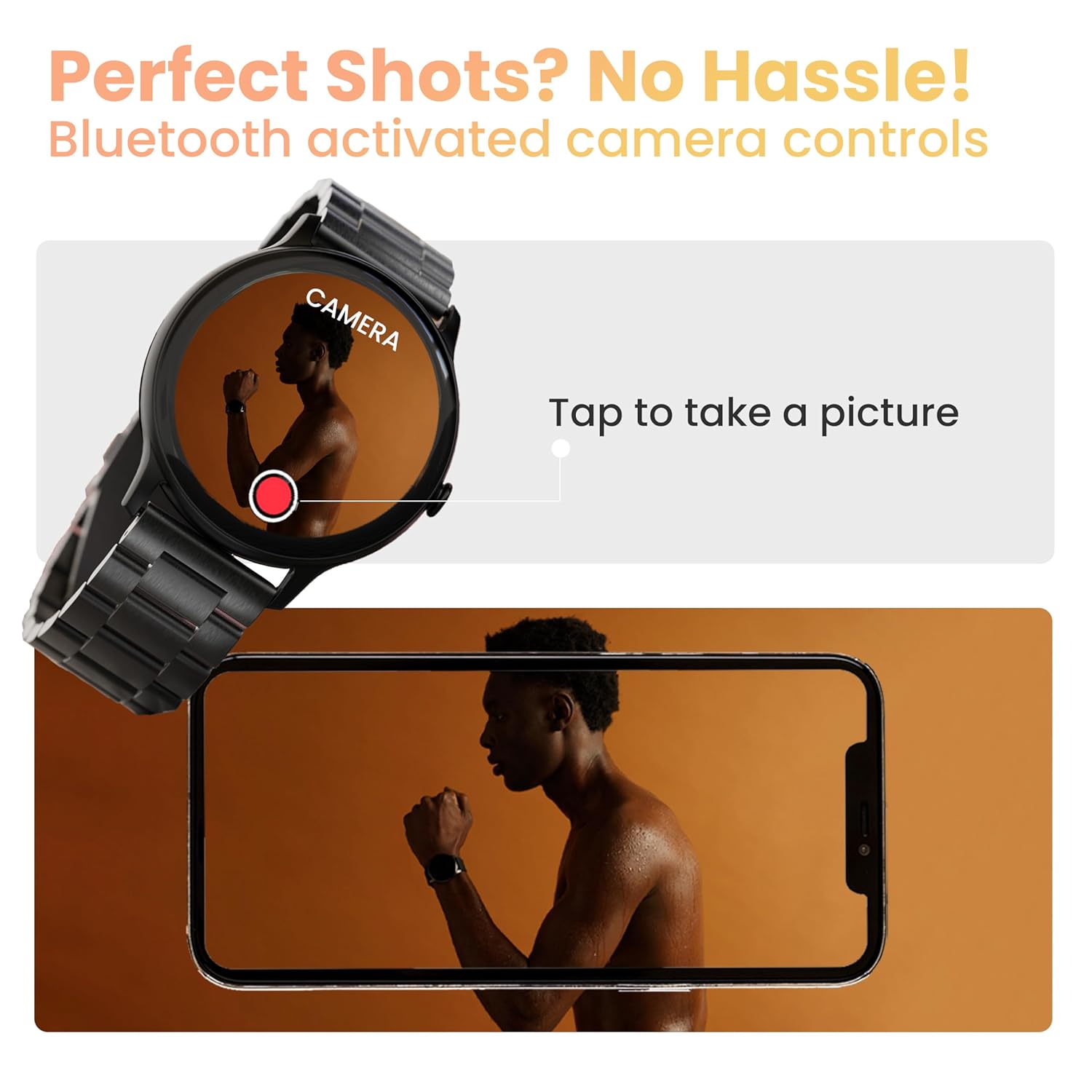
Image: The smartwatch displaying a camera interface, indicating its ability to control a smartphone camera via Bluetooth.
7. Obavještenja
Receive notifications from your paired smartphone directly on your wrist. Ensure notification permissions are granted in the companion app.

Image: The smartwatch displaying various updates and reminders, such as message notifications and 'Time to Drink Water'.
8. Mini Games
The smartwatch includes pre-installed mini-games for entertainment. Access them through the main menu.
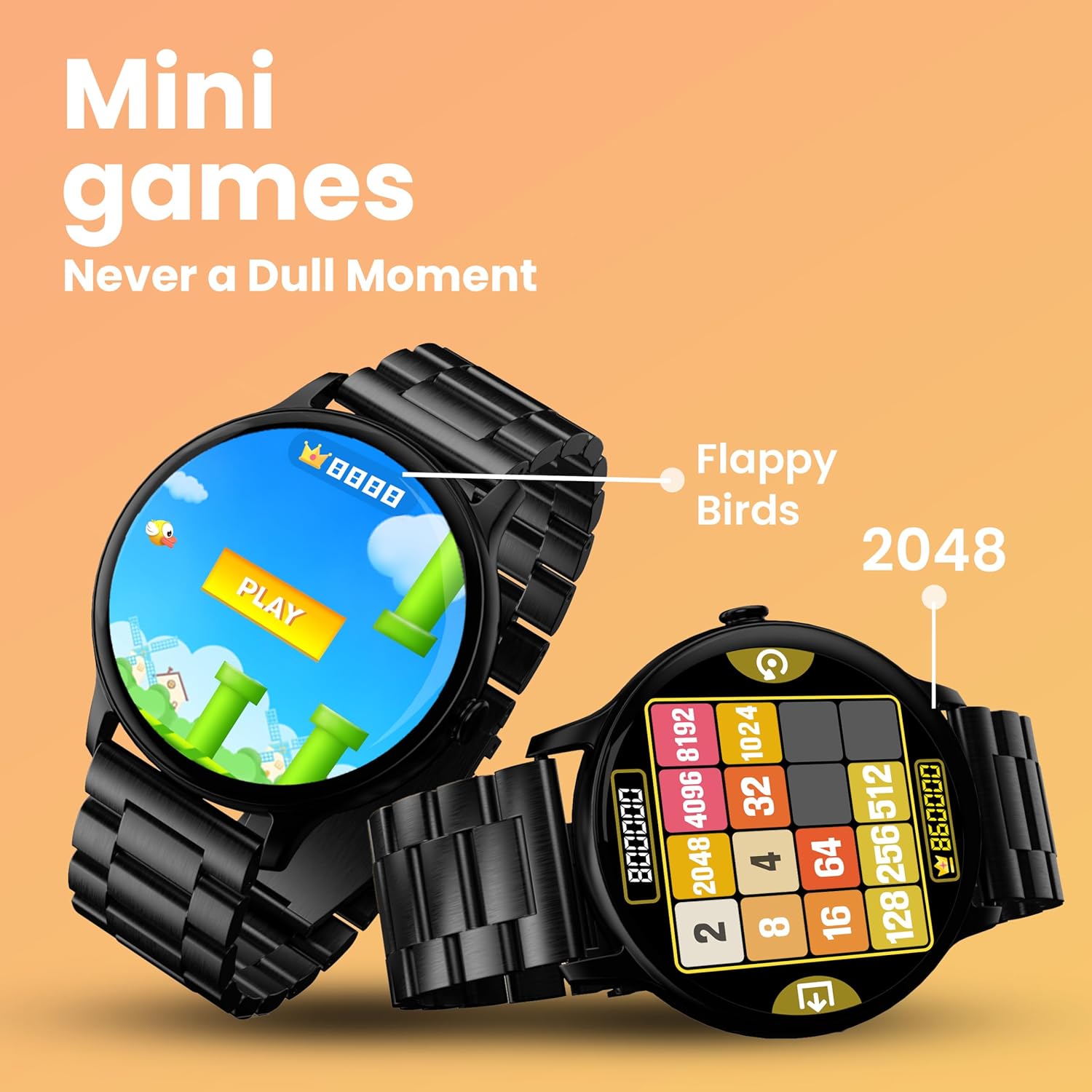
Image: The smartwatch screen showing two mini-games, 'Flappy Birds' and '2048', available for play.
Funkcije praćenja zdravlja
Your GOBOULT Dire Smartwatch is equipped with several health monitoring functions:
- 24x7 Heart Rate Monitor: Neprekidno prati vaš puls tokom cijelog dana.
- SpO2 monitor zasićenosti krvi kisikom: Mjeri nivo kisika u krvi.
- Praćenje ženskog menstrualnog ciklusa: Pomaže u praćenju i predviđanju menstrualnih ciklusa.
- Podsjetnici za pijenje vode: Prompts you to drink water at regular intervals.
- Sedentarni podsjetnici: Obavještava vas kada ste predugo bili neaktivni.
- Praćenje spavanja: Analizira vaše obrasce i kvalitetu sna.
- Calories Count & Meditation: Tracks calorie expenditure and offers guided meditation features.
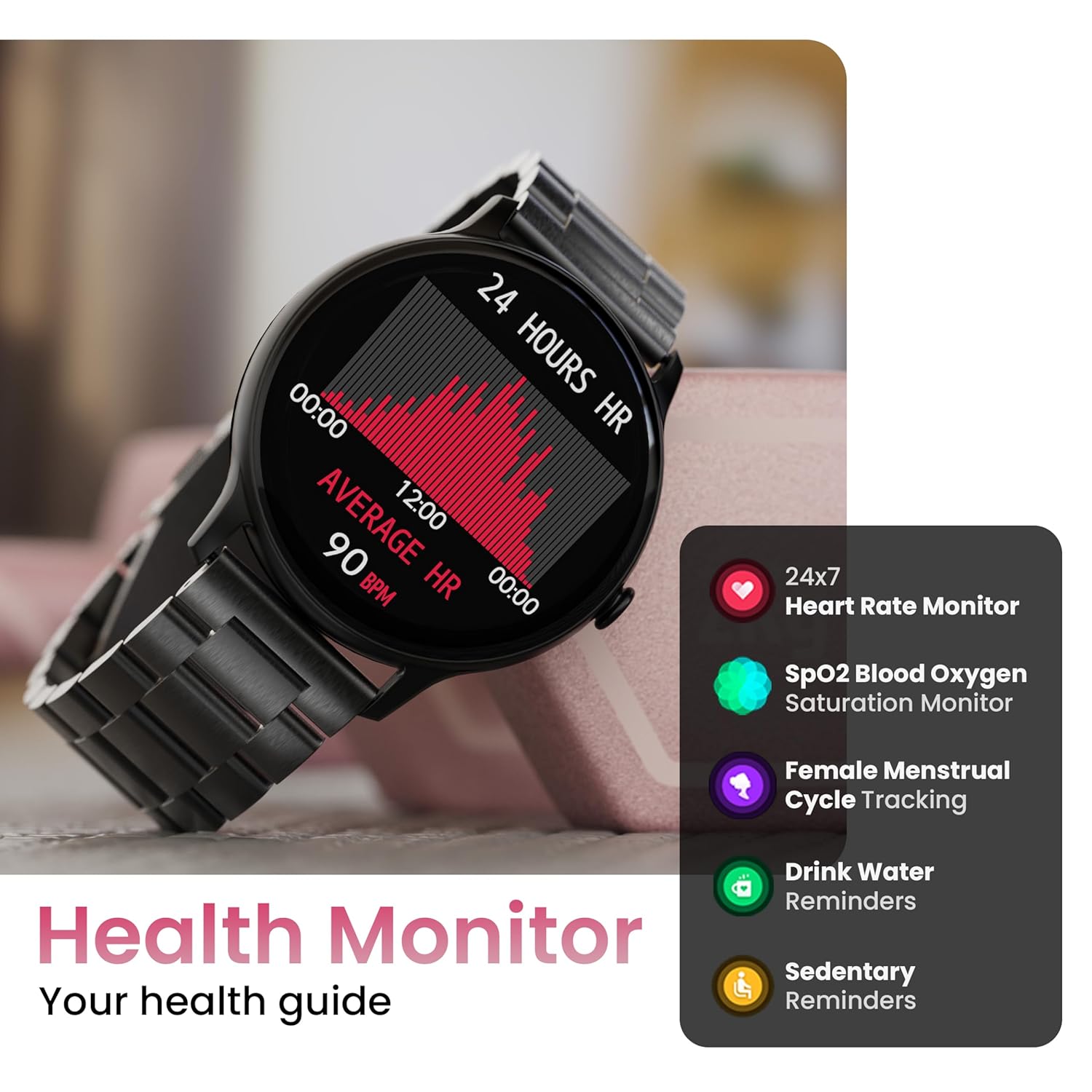
Image: The smartwatch displaying a heart rate graph, alongside icons for Heart Rate Monitor, SpO2, Female Menstrual Cycle Tracking, Drink Water Reminders, and Sedentary Reminders.
Smart Features
Find My Phone
If your paired smartphone is misplaced, use the 'Find Device' feature on your smartwatch. Navigate to the watch menu, select 'Find Device', and tap the search button. Your connected phone will ring or vibrate, helping you locate it.
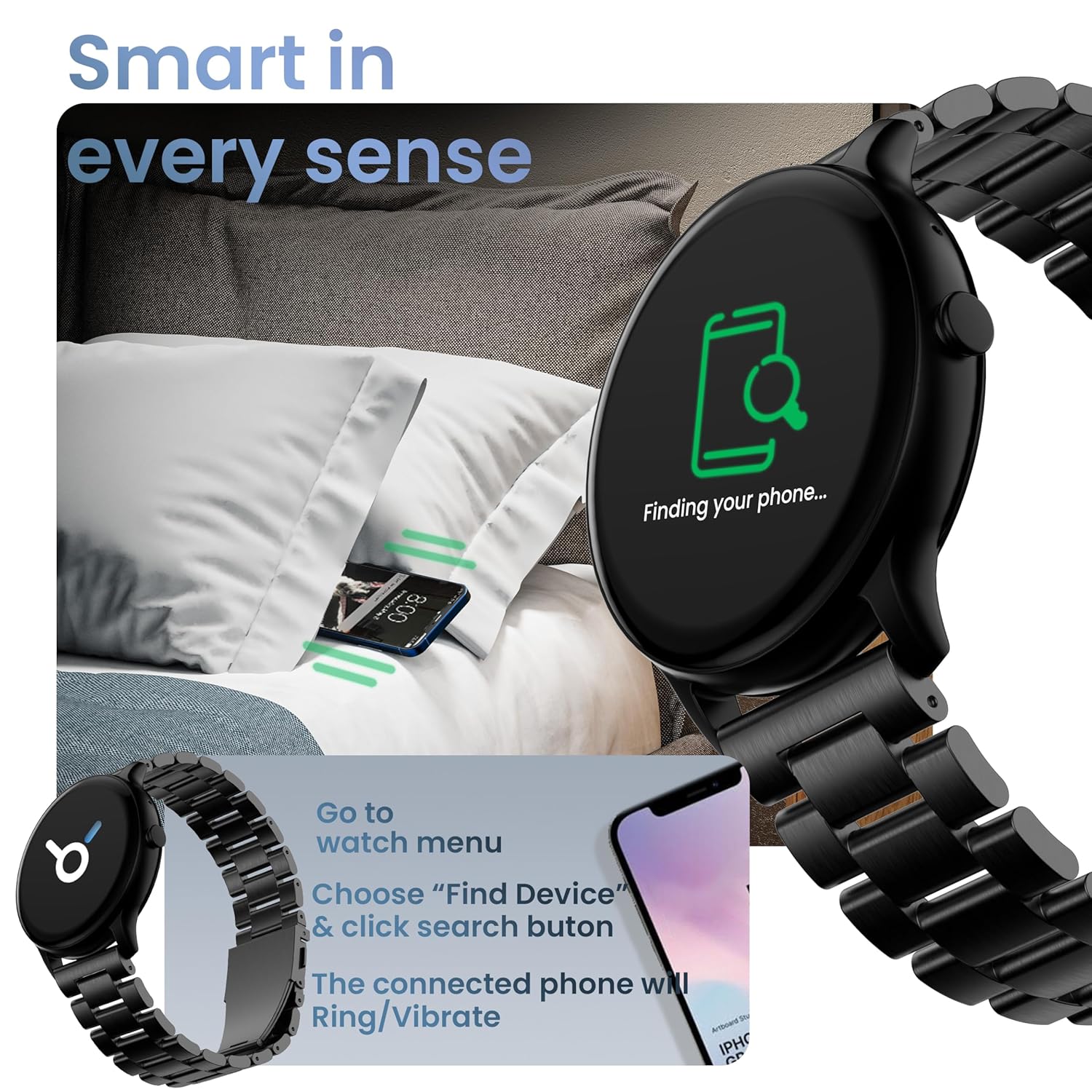
Image: The smartwatch displaying 'Finding your phone...' with an illustration of a phone vibrating under a pillow, demonstrating the 'Find Device' function.
Održavanje
Čišćenje uređaja
Wipe the smartwatch regularly with a soft, dry, lint-free cloth. For stubborn dirt, slightly dampIsperite krpu vodom. Izbjegavajte upotrebu jakih hemikalija ili abrazivnih materijala.
Otpornost na vodu i prašinu (IP67)
The GOBOULT Dire Smartwatch is IP67 rated, meaning it is resistant to dust and can withstand immersion in water up to 1 meter for 30 minutes. It is suitable for daily use, including splashes and sweat. However, it is not recommended for swimming, showering with hot water, or diving.
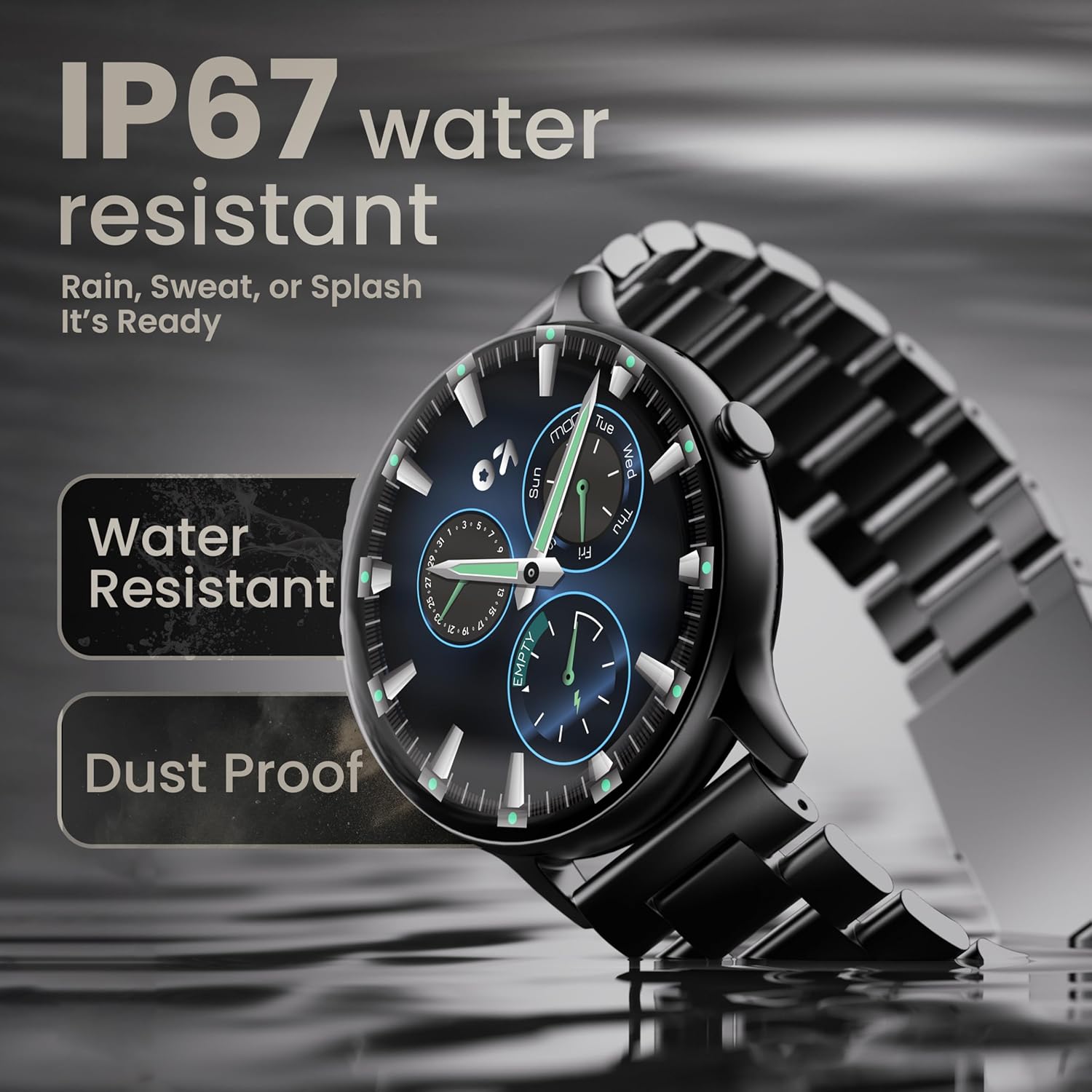
Image: The smartwatch submerged partially in water, with text indicating 'IP67 water resistant' and 'Rain, Sweat, or Splash It's Ready'.
Battery Care
To maximize battery life (up to 7 days on average), avoid extreme temperatures and fully discharge the battery occasionally before recharging. Use only the provided charging cable.
Rješavanje problema
| Problem | Rješenje |
|---|---|
| Sat se ne uključuje | Provjerite je li sat potpuno napunjen. Spojite ga na punjač na najmanje 30 minuta. |
| Nije moguće upariti uređaj sa pametnim telefonom | Make sure Bluetooth is enabled on your phone. Restart both the watch and phone. Ensure the companion app is installed and open. Check if the watch is already paired with another device. |
| Obavještenja se ne pojavljuju | Verify that notification permissions are granted for the companion app in your phone's settings. Ensure the watch is connected via Bluetooth. |
| Netačni zdravstveni podaci | Pazite da sat čvrsto prianja uz zglob, ne previše stegnut ili previše labav. Očistite senzor na stražnjoj strani sata. |
| Kratko trajanje baterije | Reduce screen brightness, disable unnecessary features like continuous heart rate monitoring if not needed, and limit frequent notifications. Ensure background app usage is optimized. |
Specifikacije
| Feature | Detalj |
|---|---|
| Brand | GOBOULT |
| Naziv modela | Boult Dire |
| Veličina ekrana | 1.38 inča |
| Display Type | HD, 2.5D Curved |
| Osvetljenost | 500 gnjida |
| Bluetooth verzija | 5.2 |
| Otpornost na vodu | IP67 (Otporan na prašinu i vodu) |
| Trajanje baterije (prosječno) | 7 dana |
| Vrijeme punjenja baterije | 150 minuta |
| Kompatibilnost operativnog sistema | iOS, Android |
| Težina artikla | 40 g |
| Materijal okvira | Legura cinka |
| Uključene komponente | Charging Cable, Smartwatch, User Manual, Warranty Card |
Garancija i podrška
Your GOBOULT Dire Smartwatch comes with a manufacturer's warranty. Please refer to the included Warranty Card for detailed terms, conditions, and duration of the warranty period.
For technical assistance, product inquiries, or warranty claims, please contact GOBOULT customer support through the contact information provided on your Warranty Card or the official GOBOULT website.


