1. Uvod
This manual provides detailed instructions for the UMIDIGI G100A Unlocked Phone. It covers device setup, operation, key features, and maintenance to ensure optimal performance and user experience. The UMIDIGI G100A features a 6.9-inch HD+ 120Hz display, runs on Android 14, is powered by a UNISOC T615 8-core processor, and includes a 6000mAh battery.
2. Šta se nalazi u kutiji
Upon unboxing your UMIDIGI G100A, verify that all the following items are included:
- 1x UMIDIGI G100A Phone
- 1x Pre-applied Screen Protector
- 1x torbica za telefon
- 1x adapter za napajanje
- 1x USB Cable (Type-C to Type-C)
- 1x izbacivač ladice za SIM
- 1x brzi vodič

Image: Contents of the UMIDIGI G100A retail box.
3. Podešavanje
3.1 Instalacija SIM kartice i MicroSD kartice
Da biste instalirali SIM karticu(e) i/ili microSD karticu:
- Pronađite ladicu za SIM karticu sa strane telefona.
- Umetnite alat za izbacivanje SIM kartice u mali otvor pored ladice i lagano pritisnite dok ladic ne iskoči.
- Place your Nano SIM card(s) and/or microSD card into the designated slots on the tray. The UMIDIGI G100A supports two Nano SIM cards or one Nano SIM card and one microSD card.
- Pažljivo vratite nosač u telefon dok ne klikne na svoje mjesto.

Image: SIM card and TF card insertion diagram.
3.2 Uključivanje i početna konfiguracija
Press and hold the power button located on the side of the phone until the UMIDIGI logo appears. Follow the on-screen prompts to complete the initial setup, including language selection, Wi-Fi connection, and Google account login.
3.3 Proširenje RAM-a
The UMIDIGI G100A supports RAM expansion to enhance performance. To adjust this setting:
- Idi na Postavke.
- Pronađite i odaberite Proširenje memorije.
- Kliknite Postavi veličinu proširenja RAM-a.
- Select your desired RAM expansion option (e.g., 2GB, 4GB, 8GB).
- Confirm and restart your phone for the changes to take effect.

Image: RAM expansion settings.
4. Upravljanje vašim uređajem
4.1 Prikaz i korisnički interfejs
The UMIDIGI G100A features a 6.9-inch HD+ display with a 120Hz refresh rate, providing a smooth visual experience. The phone runs on Android 14, offering an intuitive and customizable interface.

Image: 6.9-inch display comparison.

Image: 120Hz refresh rate demonstration.

Image: Android 14 interface.
4.2 Sigurnosne značajke
The UMIDIGI G100A supports both AI Face Unlock and Fingerprint Unlock for secure and convenient access to your device.
4.3 Funkcije pristupačnosti
The device includes features such as auto-generated subtitles for spoken content and comprehensive parental controls.

Image: Auto-generated subtitles feature.

Image: Parental controls setup.
5. Karakteristike kamere
The UMIDIGI G100A is equipped with a versatile camera system:
- stražnja kamera: Glavna kamera od 13MP
- Prednja kamera: 8MP for selfies and video calls
- dubinska kamera: 2MP for enhanced portrait effects
The camera offers various modes to capture different scenes:
- Pro način rada: Manual settings for advanced photography, ideal for low-light conditions.
- Način snimanja: Intelligent motion tracking to keep subjects in focus.
- Portretni način: Za fotografije profesionalnog izgleda sa zamućenom pozadinom.
- Noćni način rada: Optimized for clear shots in dark environments.

Image: Camera modes overview.
6. Povezivanje
6.1 Network Support
The UMIDIGI G100A is an unlocked 4G dual SIM phone, compatible with a wide range of global carriers. It supports 27 frequency bands, including:
- 4G LTE: B1, B2, B3, B4, B5, B7, B8, B12, B17, B18, B19, B20, B26, B28AB, B34, B39, B38, B40, B41, B66
- 3G: WCDMA B1, B2, B4, B5, B8
- 2G: GSM B2, B3, B5, B8

Image: Supported network bands.
6.2 Bežično povezivanje
The device supports Wi-Fi 2.4G/5G for high-speed internet access and Bluetooth 5.2 for efficient and low-latency connections with other devices.
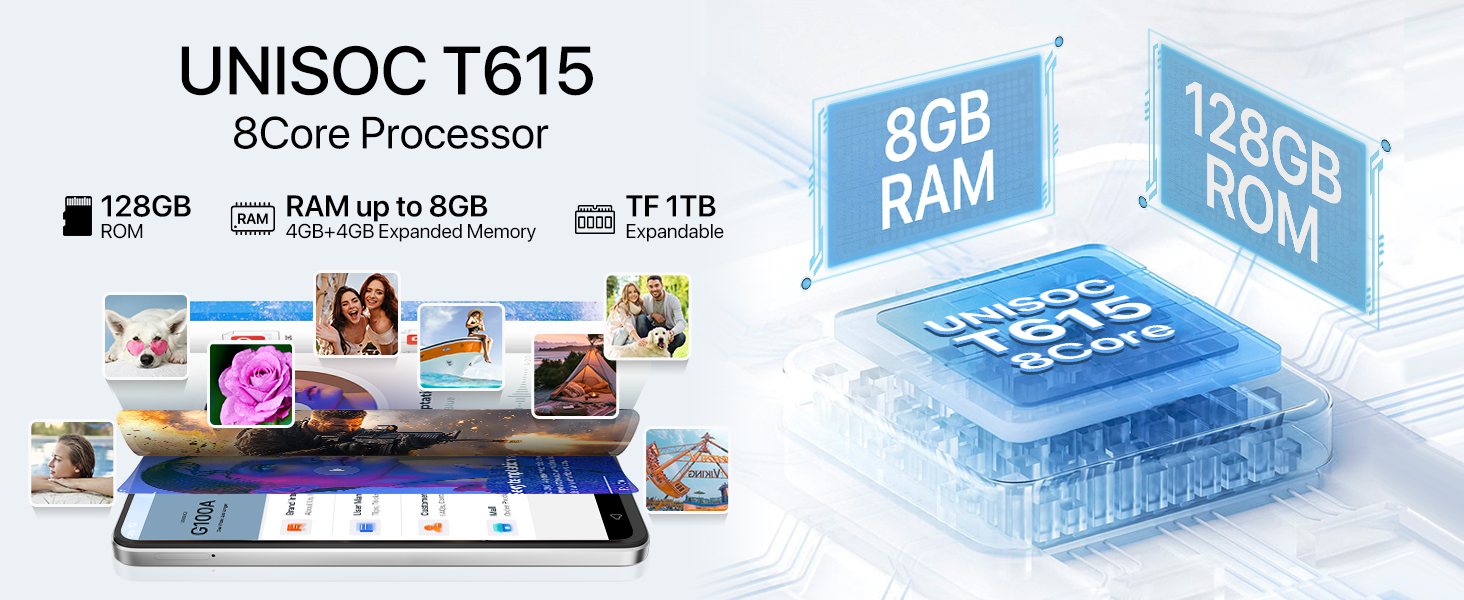
Image: Bluetooth 5.2 data transfer.
6.3 Navigation and Audio
Integrated GPS, Glonass, Beidou, and Galileo systems provide accurate positioning. The phone also includes an FM Radio and a 3.5mm audio jack for wired headphones.

Image: FM Radio and 3.5mm audio jack.
7. Baterija
The UMIDIGI G100A is powered by a 6000mAh battery, designed for extended usage. It supports 20W fast charging for quick power-ups. Additionally, the phone is OTG (On-The-Go) ready, allowing it to charge other devices when needed.

Image: 6000mAh battery and OTG charging.
8. Specifikacije
| Feature | Specifikacija |
|---|---|
| Dimenzije proizvoda | 6.73 x 3.03 x 0.31 inča |
| Težina artikla | 14.9 unce |
| Broj modela stavke | G100A |
| Operativni sistem | Android 14 |
| Brzina procesora | 1.6 GHz (UNISOC T615) |
| Veličina ekrana | 6.9 inča |
| Rezolucija | 720x1640 |
| Refresh Rate | 120 Hz |
| Veličina instalirane RAM memorije | 4 GB (proširivo do 8 GB) |
| Kapacitet memorije | 128 GB (expandable up to 1 TB with microSD) |
| Kapacitet baterije | 6000 Milliamp Sati |
| Connectivity Technologies | Bluetooth 5.2, USB, Wi-Fi (2.4G/5G) |
| GPS | True (GPS, Glonass, Beidou, Galileo) |
| Posebne karakteristike | Built-In GPS, Dual SIM, Expandable Memory, Fast Charging Support, AI Face ID, Fingerprint Unlock |
| Audio Jack | 3.5 mm |
| Proizvođač | UMIDIGI |
9. Garancija i podrška
UMIDIGI is committed to providing excellent customer service. Your UMIDIGI G100A comes with:
- 30-dnevna garancija povrata novca: For returns and refunds.
- 1-godišnja ograničena garancija: Pokrivanje proizvodnih nedostataka.
- 24/7 podrška na mreži: Dedicated one-on-one assistance.
For further assistance, you can utilize the UMIDIGI Customer Center App:
- Find the "Service Center" App on your phone.
- Uđite u odjeljak "Korisnička služba".
- Click on "Questions" to browse FAQs or submit an inquiry.
- Fill in the required content according to the prompts.

Image: UMIDIGI Customer Center App.

Image: After-sales support details.
10. Zvanični video proizvoda
Pogledajte ovaj službeni video za vizualni pregledview of the UMIDIGI G100A Unlocked Phone:
Video: UMIDIGI G100A Unlocked Phones 6.9" HD+ 120Hz Display. This video showcases the design, display, and key features of the UMIDIGI G100A smartphone.


