1. Uvod
Thank you for choosing the soyes Mini Phone 4G Unlocked Smartphone. This compact and feature-rich device is designed for portability and essential communication, offering a balance of functionality and convenience. This manual provides detailed instructions to help you set up, operate, and maintain your new smartphone.
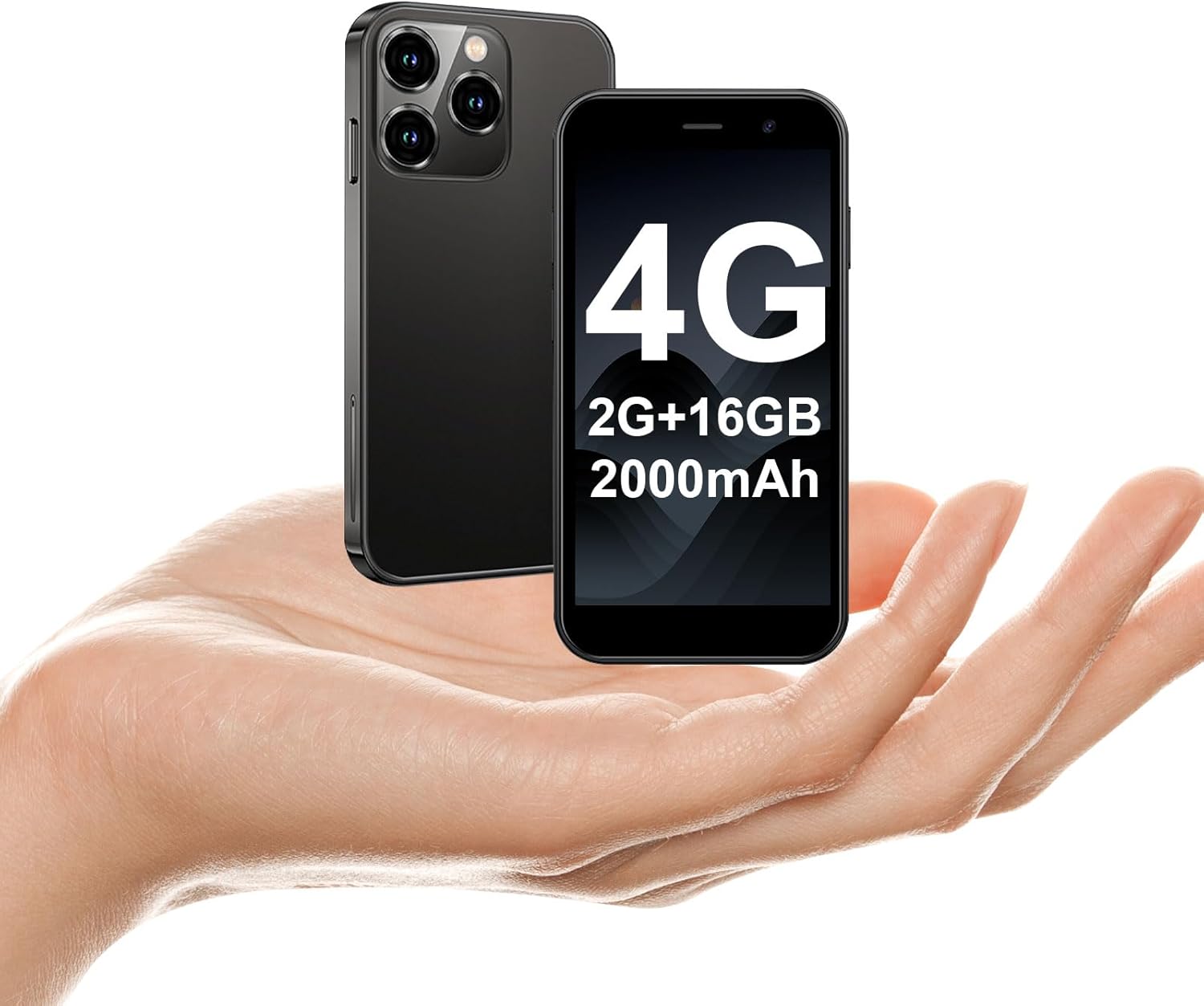
The soyes Mini Phone 4G Unlocked Smartphone, designed for portability and essential communication.
2. Šta se nalazi u kutiji
Molimo Vas da provjerite da li se u Vašem paketu nalaze svi artikli:
- 1 x soyes Mini Smartphone
- 1 x Tempered Film (Screen Protector)
- 1 x kabel tipa C
- 1 x Mobile Phone Case
- 1 x igla za izbacivanje SIM kartice
3. Podešavanje
3.1. Instalacija SIM kartice i memorijske kartice
The soyes Mini Phone supports dual SIM cards and a memory card for expanded storage. Ensure your SIM card is compatible with the following frequency bands: WCDMA B2/B4, B5; FDD B2/B4/B5/B7/B17/B28/B28A/B41/B66.
- Pronađite ladicu za SIM karticu sa strane telefona.
- Umetnite priloženu iglu za izbacivanje SIM kartice u malu rupu pored ladice i lagano pritisnite dok ladic ne iskoči.
- Pažljivo izvucite posudu.
- Place your Nano-SIM cards into the designated slots (SIM1, SIM2) and the TF (microSD) card into its slot, ensuring the gold contacts face downwards.
- Lagano gurnite nosač nazad u telefon dok ne klikne na svoje mjesto.

Insert your SIM and memory cards into the tray.
3.2. Početno uključivanje
Press and hold the Power button (located on the right side of the phone) until the screen lights up. Follow the on-screen prompts to complete the initial setup, including language selection, Wi-Fi connection, and Google account setup.
3.3. Punjenje uređaja
Before first use, it is recommended to fully charge the phone. Connect the provided Type-C cable to the phone's charging port and the other end to a compatible USB power adapter (not included) or a computer's USB port.

Connect the Type-C cable to charge your device.
4. Uputstvo za upotrebu
4.1. Osnovna navigacija
The soyes Mini Phone features a 3.0-inch HD touchscreen. Navigate the interface by tapping, swiping, and pinching. The Android 8.1 operating system provides an intuitive user experience.

Experience clear visuals on the 3.0-inch HD touchscreen.
4.2. Pozivanje i slanje poruka
Utilize the Phone app for making and receiving calls. The Messaging app allows you to send and receive SMS/MMS messages. With dual SIM support, you can manage two different phone numbers simultaneously.
4.3. Upotreba kamere
The phone is equipped with a 2MP front camera and a 5MP rear camera. Open the Camera app to capture photos and videos. Tap the screen to focus and press the shutter button to take a picture.

Capture moments with the HD Dual Camera.
4.4. App Installation and Usage
Running on Android 8.1, the soyes Mini Phone is fully compatible with the Google Play Store. You can download and install a wide range of applications, including social media, entertainment, and productivity tools.
- Ensure you are connected to Wi-Fi or have mobile data enabled.
- Open the 'Play Store' app from your home screen or app drawer.
- Traži your desired application.
- Tap 'Install' to download and set up the app.

Download and enjoy a wide variety of applications from the Google Play Store.
4.5. Identifikacija lica
The device features advanced facial recognition technology for faster and secure unlocking. To set up Face ID, go to Settings > Security > Face Unlock and follow the on-screen instructions.

Unlock your phone quickly and securely with Face ID.
4.6. Upravljanje skladištem
The soyes Mini Phone comes with 2GB RAM and 16GB ROM. You can expand the storage capacity up to 256GB using a TF (microSD) card, allowing you to store more photos, videos, and applications.

Manage your storage with 2GB RAM, 16GB ROM, and expandable memory.
5. Održavanje
5.1. Održavanje baterije
The phone is equipped with a 2000mAh battery. To maximize battery life:
- Izbjegavajte ekstremne temperature.
- Charge the phone regularly, but avoid leaving it fully charged or fully depleted for extended periods.
- Za punjenje koristite priloženi Type-C kabel.

Baterija od 2000 mAh omogućava produženo vrijeme korištenja.
5.2. Čišćenje
Za čišćenje ekrana i kućišta telefona koristite meku krpu koja ne ostavlja dlačice. Izbjegavajte upotrebu jakih hemikalija ili abrazivnih materijala.
5.3. Ažuriranja softvera
Periodically check for software updates in Settings > System > System update to ensure your device has the latest features and security patches.
6. Otkrivanje problema
If you encounter issues with your soyes Mini Phone, please refer to the following common solutions:
| Problem | Moguće rješenje |
|---|---|
| Phone is unresponsive or frozen | Pritisnite i držite dugme za napajanje oko 10-15 sekundi da biste prisilno ponovo pokrenuli računar. |
| Baterija se brzo prazni | Close unused apps, reduce screen brightness, disable Wi-Fi/Bluetooth when not in use, or check for background app activity. |
| Ne mogu se povezati na Wi-Fi/mobilne podatke | Toggle Wi-Fi/Mobile Data off and on. Restart the phone. Ensure correct SIM card installation and network settings. |
| Apps crashing or not installing | Clear cache for the app or Play Store. Ensure sufficient storage space. Check app compatibility with Android 8.1. |
| Face ID ne radi | Ensure good lighting and that your face is clearly visible to the front camera. Re-register your face in settings if necessary. |
If the problem persists, consider performing a factory reset (backup your data first) or contact customer support.
7. Specifikacije
The soyes Mini Phone 4G Unlocked Smartphone offers the following technical specifications:

Kompaktan i lagan dizajn za laku prenosivost.

Dizajniran da udobno stane u dlan vaše ruke.
| Feature | Detalj |
|---|---|
| Naziv modela | soyes-15mini-bk |
| Operativni sistem | Android 8.1 |
| Procesor | Quad-core |
| RAM | 2 GB |
| Interna pohrana (ROM) | 16 GB |
| Proširiva memorija | TF Card Slot (up to 256GB) |
| Veličina ekrana | 3.0 inča |
| Rezolucija ekrana | 480*854 HD |
| Zadnja kamera | 5 MP |
| Prednja kamera | 2 MP |
| Kapacitet baterije | 2000 mAh Lithium Ion |
| Podrška za SIM kartice | Dual SIM (Nano-SIM) |
| Cellular Technology | 4G (Unlocked) |
| Podržani frekventni opsezi | WCDMA B2/B4, B5; FDD B2/B4/B5/B7/B17/B28/B28A/B41/B66 |
| Povezivanje | Wi-Fi, Bluetooth, GPS |
| Posebne karakteristike | Face ID, Stereo Speakers, Fast Charging Support |
| Dimensions (Phone) | Approx. 3.7 inches (L) x 1.87 inches (W) |
| Težina | 3.35 unci (95 grama) |
| Port za punjenje | Tip-C |
8. Garancija i podrška
For warranty information and customer support, please refer to the documentation included with your product packaging or visit the official soyes webSačuvajte račun kao dokaz o kupovini.


