1. Uvod
Thank you for choosing the TECKNET TK-MS007 Ergonomic Wireless Vertical Mouse. This manual provides detailed instructions for setting up, operating, and maintaining your mouse. This device is designed to enhance comfort and productivity with its ergonomic vertical design, multi-mode connectivity, adjustable DPI, and Jiggler function.
Slika 1.1: Gotovoview of the TECKNET Vertical Bluetooth Mouse with Jiggler feature.
2. Sadržaj paketa
Molimo Vas da provjerite paket za sljedeće stavke:
- TECKNET TK-MS007 Ergonomic Wireless Vertical Mouse
- USB-A Receiver (stored in the mouse battery compartment)
- USB-C adapter
- Uputstvo za upotrebu
3. Proizvod je gotovview
Familiarize yourself with the mouse components and their functions.

Image 3.1: Labeled components of the TECKNET TK-MS007 mouse, including DPI Switch, Scroll Wheel, Forward/Backward buttons, Bluetooth Pairing Button, ON/OFF switch, AAA Battery compartment, and USB Receiver storage.
- Lijevi klik na dugme: Standard left-click function (silent).
- Desni klik: Standard right-click function (silent).
- Točak za pomicanje: For scrolling up and down.
- Dugme za promjenu DPI-ja: Adjusts cursor sensitivity (DPI) and activates/deactivates Jiggler mode.
- Dugme naprijed: Navigira naprijed u web pretraživači ili file explorers (not functional on macOS).
- Dugme za nazad: Navigacija unazad web pretraživači ili file explorers (not functional on macOS).
- Dugme za Bluetooth uparivanje: Pokreće Bluetooth uparivanje.
- ON/OFF prekidač: Uključuje ili isključuje miš.
- Pretinac za baterije: Holds two AAA batteries.
- Pohrana USB prijemnika: Securely stores the 2.4GHz USB-A receiver.
4. Postavljanje i instalacija
4.1. Instalacija baterije
- Otvorite poklopac pretinca za baterije koji se nalazi na dnu miša.
- Umetnite dvije AAA baterije (nisu uključene), pazeći na ispravan polaritet (+/-).
- Zatvorite poklopac odeljka za baterije.
- Flip the ON/OFF switch to the "ON" position.
4.2. Povezivanje miša
The mouse supports two connection modes: 2.4GHz Wireless (via USB receiver) and Bluetooth (5.0/3.0).
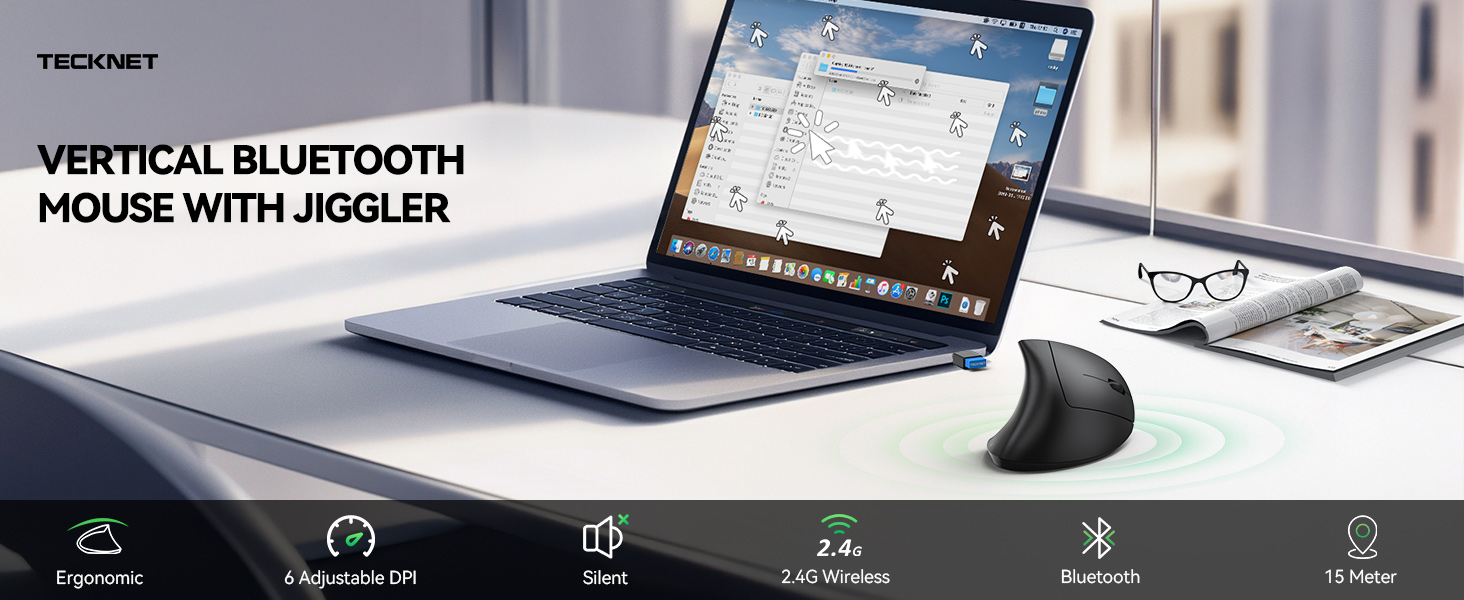
Image 4.1: The TECKNET TK-MS007 mouse offers versatile connectivity options for various devices and operating systems.
4.2.1. Bežični način rada od 2.4 GHz
- Remove the USB-A receiver from its storage slot on the bottom of the mouse.
- Plug the USB-A receiver directly into an available USB-A port on your computer. If your computer only has USB-C ports, use the provided USB-C adapter.
- The mouse should connect automatically. No additional software installation is required.
4.2.2. Bluetooth način rada (BT 5.0/3.0)
The mouse can connect to two Bluetooth devices simultaneously.
- Uvjerite se da je miš uključen.
- Press the Bluetooth Pairing Button on the bottom of the mouse. The indicator light will flash, indicating it's in pairing mode.
- Na vašem uređaju (računaru, tabletu itd.) idite na postavke Bluetootha i potražite nove uređaje.
- Select "TECKNET Mouse" from the list of available devices to pair.
- Repeat steps 2-4 to pair a second Bluetooth device if desired.
5. Uputstvo za upotrebu
5.1. DPI podešavanje
The mouse features 6 adjustable DPI levels (800/1200/1600/2400/3200/4800) for precise cursor control.
- Pritisnite DPI prekidač (Button 4 in Product Overview) to cycle through the DPI levels.
- The indicator light will flash to confirm the selected DPI level (e.g., one flash for 800 DPI, two flashes for 1200 DPI, etc.).
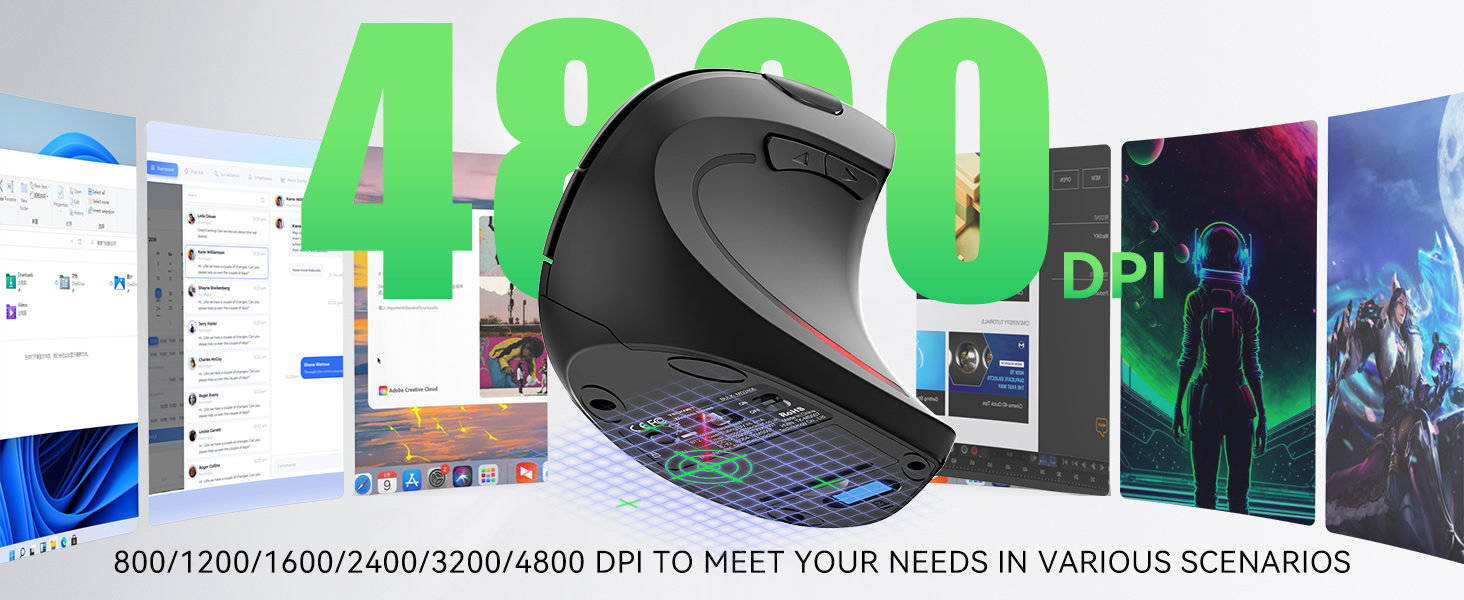
Image 5.1: Visual representation of the 6 adjustable DPI levels (800-4800) for varied usage scenarios.
5.2. Jiggler Mode
The Jiggler mode prevents your computer from going to sleep by simulating mouse movement.
- Activate Jiggler Mode: Pritisnite i držite DPI prekidač for 3 seconds. The mouse cursor will begin to move randomly on the screen.
- Interrupt Jiggler Mode: Move the mouse normally. The Jiggler mode will pause and resume after 10 seconds of inactivity.
- Deactivate Jiggler Mode: Pritisnite i držite DPI prekidač ponovo 3 sekunde.
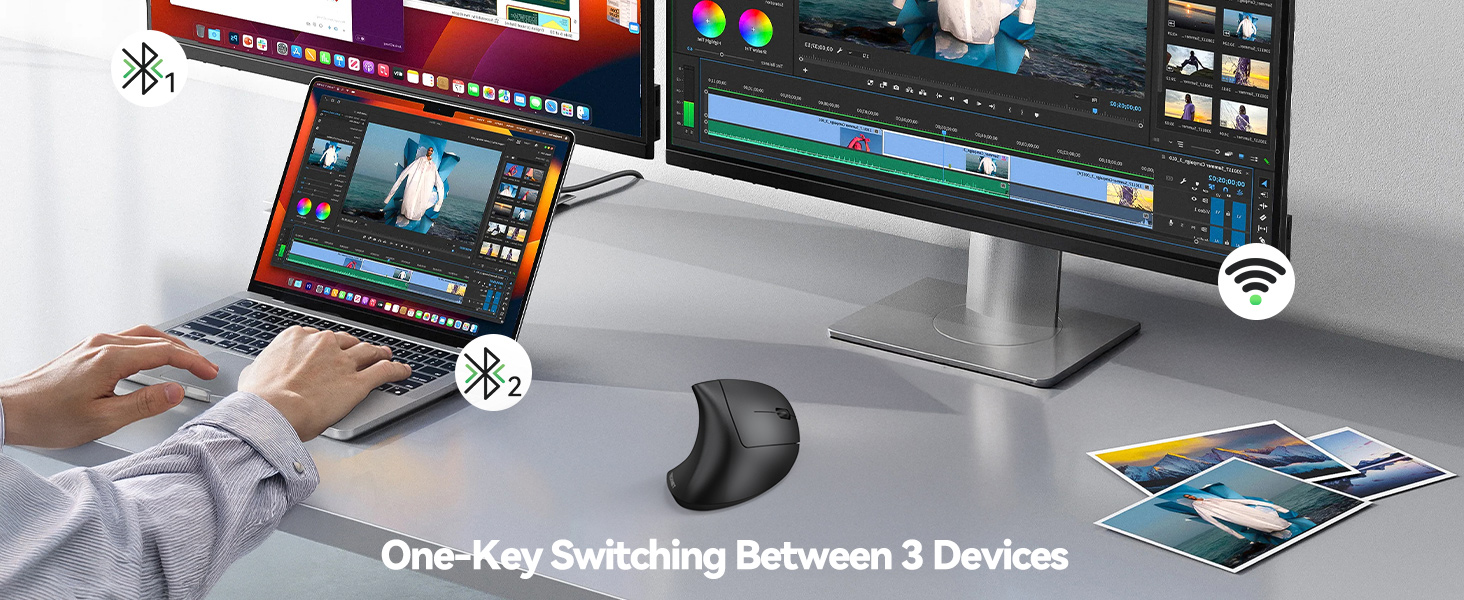
Image 5.2: The mouse's Jiggler mode keeps your screen active, preventing sleep or lockouts.
5.3. Prebacivanje više uređaja
Easily switch between up to three connected devices (one 2.4GHz, two Bluetooth).
- Pritisnite Dugme za Bluetooth uparivanje on the bottom of the mouse to cycle through the connected devices.
- The indicator light will show which channel is active.
Image 5.3: The mouse allows seamless switching between three connected devices with a single button press.
5.4. Ergonomski dizajn
The vertical design positions your hand at a natural angle (approximately 52 degrees), reducing wrist strain and discomfort associated with prolonged mouse use.

Image 5.4: Comparison showing how the ergonomic vertical design reduces wrist pressure compared to a traditional mouse.
5.5. Silent Clicks
The left and right click buttons are designed for quiet operation, minimizing disturbance in quiet environments.
- Napomena: Only the left and right click buttons are silent. Other function buttons produce audible clicks.

Image 5.5: The mouse features whisper-quiet clicks for a peaceful work or leisure experience.
5.6. Kompatibilnost
Miš je kompatibilan sa širokim spektrom operativnih sistema.
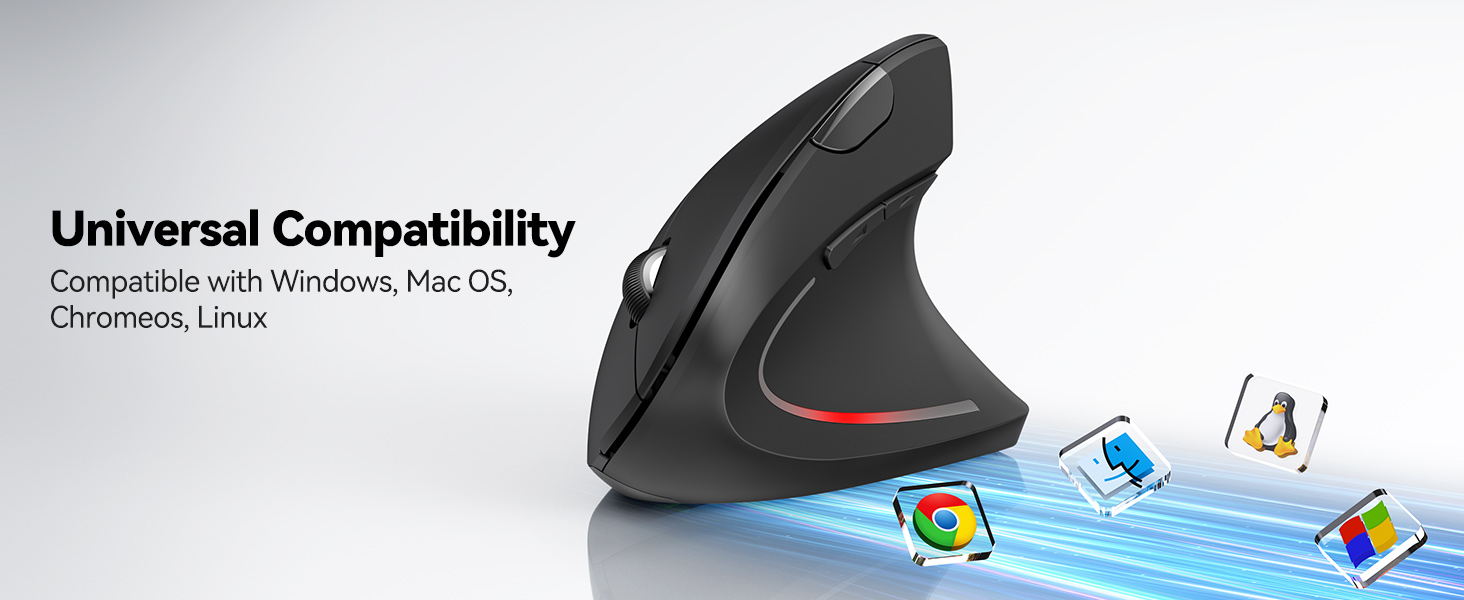
- Podržani operativni sistemi: Windows, Mac, Chrome OS, Linux.
- Napomena: The side buttons (Forward/Backward) are not functional on macOS.

Image 5.6: The mouse offers universal compatibility with Windows, Mac OS, Chrome OS, and Linux systems.
6. Održavanje
6.1. Čišćenje
Da biste održali optimalne performanse, redovno čistite miš:
- Isključite miš prije čišćenja.
- Koristite meku krpu koja ne ostavlja dlačiceampnatopljen vodom ili blagim rastvorom za čišćenje.
- Izbjegavajte korištenje jakih kemikalija ili abrazivnih materijala.
- Clean the optical sensor on the bottom of the mouse with a dry cotton swab.
6.2. Battery Replacement and Low Battery Alert
The mouse is powered by two AAA batteries. For best performance, use quality branded batteries.
- When the battery is low, the LED indicator light on the mouse will blink to notify you.
- Replace both AAA batteries when the low battery alert appears to ensure uninterrupted operation.
- The mouse automatically enters power-saving mode after 8 minutes of inactivity. Press any button to wake it up.
7. Otkrivanje problema
Ako naiđete na probleme s mišem TECKNET TK-MS007, pogledajte sljedeća uobičajena rješenja:
| Problem | Rješenje |
|---|---|
| Miš ne reaguje (2.4 GHz) |
|
| Miš ne reaguje (Bluetooth) |
|
| Kretanje kursora je nepravilno ili sporo |
|
| Side buttons not working on macOS | This is a known compatibility limitation. The Forward/Backward buttons are not supported on macOS. |
| Jiggler mode not activating/deactivating | Ensure you are pressing and holding the DPI Switch Button for exactly 3 seconds to toggle the mode. |
8. Specifikacije
| Feature | Detalj |
|---|---|
| Broj modela | TK-MS007 |
| Tehnologija povezivanja | 2.4GHz Wireless (USB-A Receiver) & Bluetooth (5.0/3.0) |
| DPI nivoi | 800 / 1200 / 1600 / 2400 / 3200 / 4800 (Adjustable) |
| Dugmad | 6 (Left/Right Click, Scroll Wheel, DPI Switch, Forward, Backward) |
| Tihi klikovi | Lijevi i desni klik |
| Posebne karakteristike | Ergonomic Design, Jiggler Mode, Multi-Device Switching, Low Battery Alert |
| Otkrivanje pokreta | Optički |
| Izvor napajanja | 2 x AAA baterije (nisu uključene) |
| Dimenzije proizvoda | 4.74 x 2.49 x 0.1 inča (12.04 x 6.32 x 0.25 cm) |
| Težina artikla | 4.2 unce (119 grama) |
| Kompatibilnost | Windows, Mac, Chrome OS, Linux (side buttons not on macOS) |
9. Garancija i podrška
TECKNET pruža 36 mjeseca garancije za ovaj proizvod.
If you encounter any problems during the use of your TECKNET TK-MS007 mouse, please do not hesitate to contact our professional customer service team. For support, please visit the official TECKNET webweb-mjesto ili pogledajte kontakt informacije navedene na pakovanju vašeg proizvoda.


