Uvod
The Logitech Zone 300 Wireless Bluetooth Headset is designed to provide a superior audio experience for both work and leisure. Featuring multipoint Bluetooth connectivity, noise-canceling microphones, and a comfortable, lightweight design, this headset ensures clear communication and extended wearability. This manual provides essential information for setting up, operating, maintaining, and troubleshooting your Zone 300 headset.
Šta je u kutiji

The package for your Logitech Zone 300 Wireless Bluetooth Headset includes the following items:
- Logitech Zone 300 Wireless Bluetooth Headset
- USB-C kabl za punjenje
- Zaštitna torbica
Setup
1. Punjenje slušalica
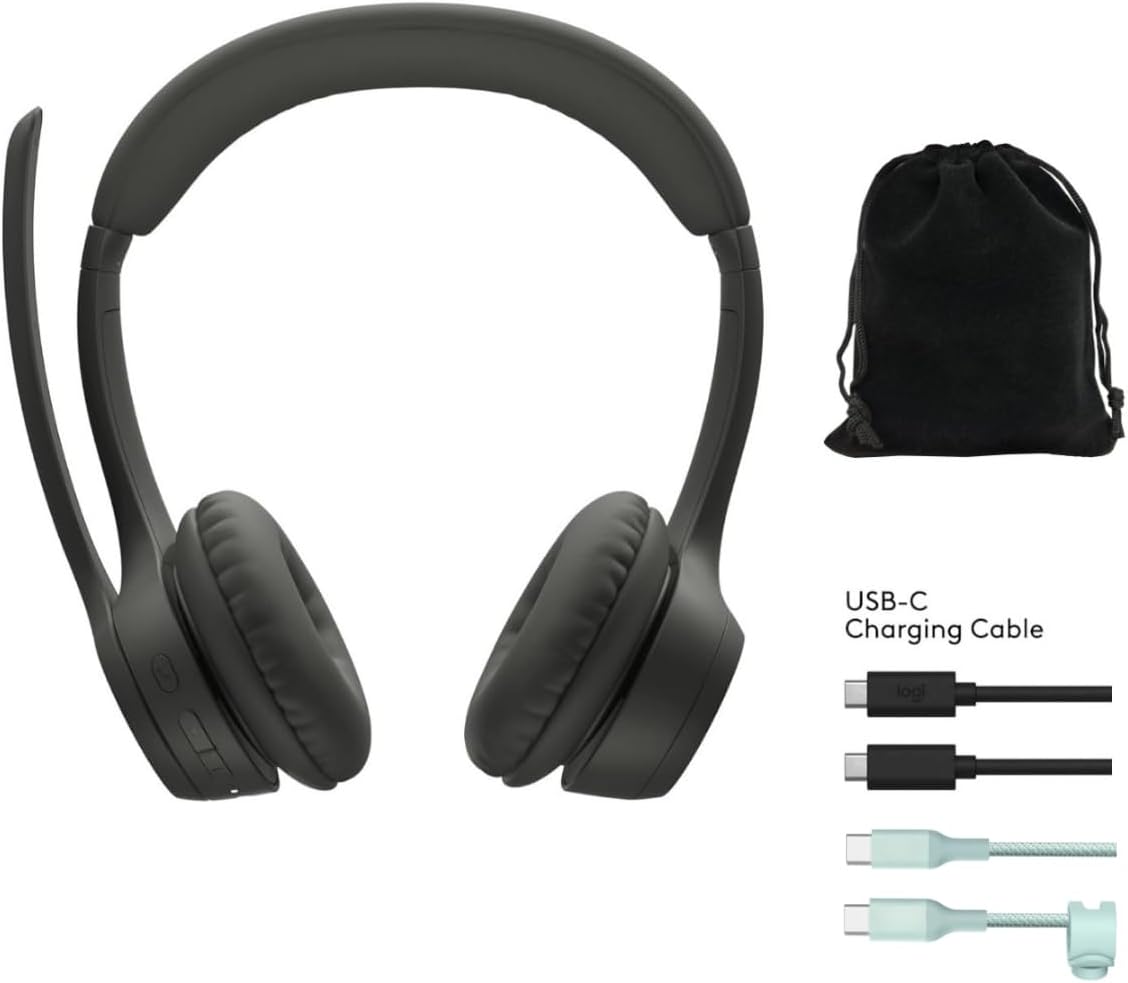
Before first use, fully charge your Zone 300 headset. Connect the included USB-C charging cable to the headset's charging port and the other end to a USB power source. A full charge provides up to 20 hours of listening time or 16 hours of talk time. A quick 5-minute charge can provide up to 1 hour of talk time.
2. Pairing with Devices (Multipoint Bluetooth)
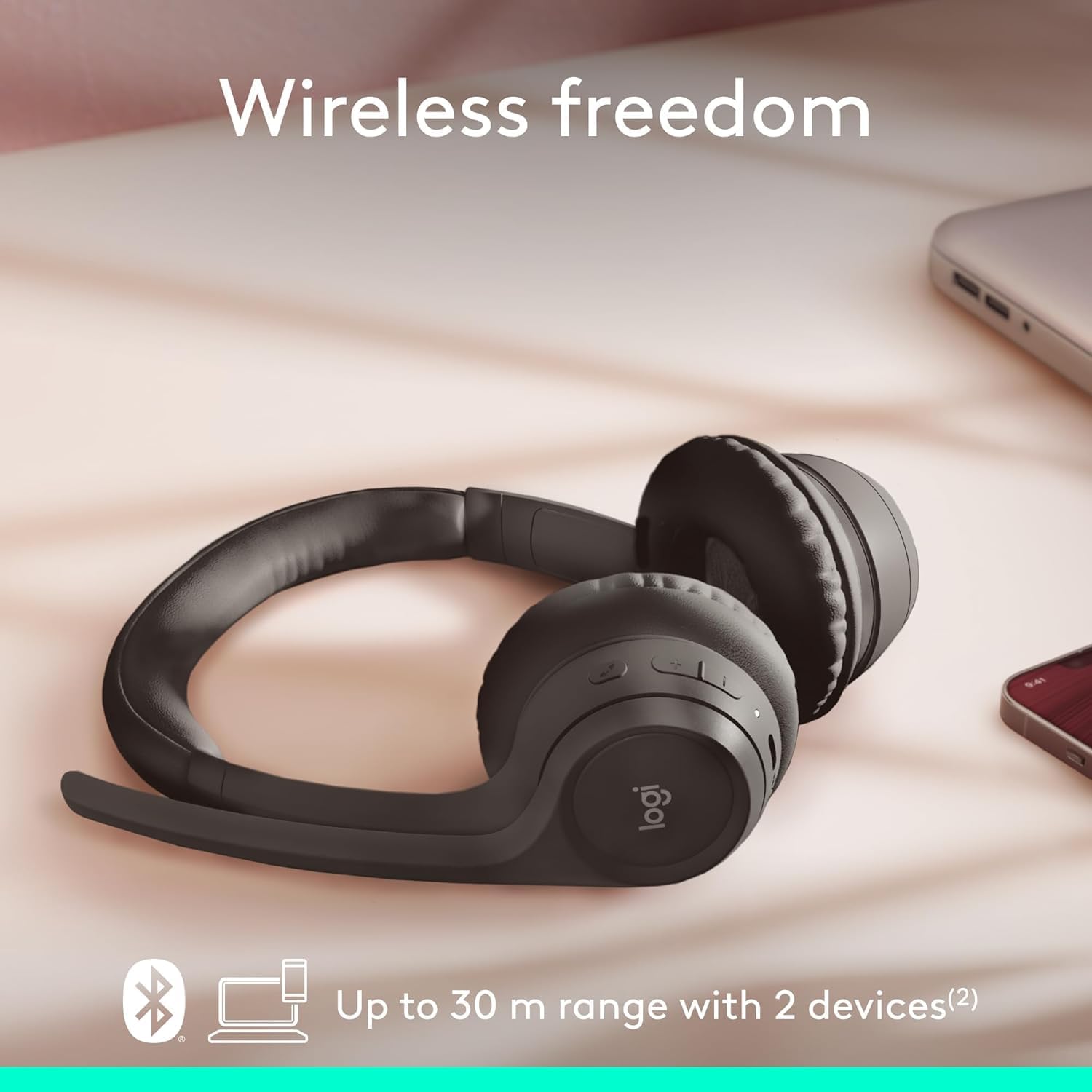
The Zone 300 supports multipoint Bluetooth, allowing it to pair with up to six devices and connect simultaneously to two. This enables seamless switching between your computer and mobile phone, for example.
- Provjerite jesu li slušalice uključene.
- Activate Bluetooth on your device (e.g., Windows PC, macOS, iOS, Android smartphone/tablet).
- Put the headset into pairing mode (refer to the headset's power/Bluetooth button for specific instructions, usually a long press). The LED indicator will typically flash to indicate pairing mode.
- Select "Logitech Zone 300" from the list of available Bluetooth devices on your device.
- Once connected, the LED indicator on the headset will show a solid light.
Rukovanje slušalicama
1. Osnovne kontrole
The headset features intuitive controls for managing calls and audio playback. These controls are typically located on the earcup or inline on the cable (if applicable). Refer to the physical buttons on your headset for specific functions such as volume up/down, play/pause, track skip, and call answer/end.
2. Upotreba mikrofona
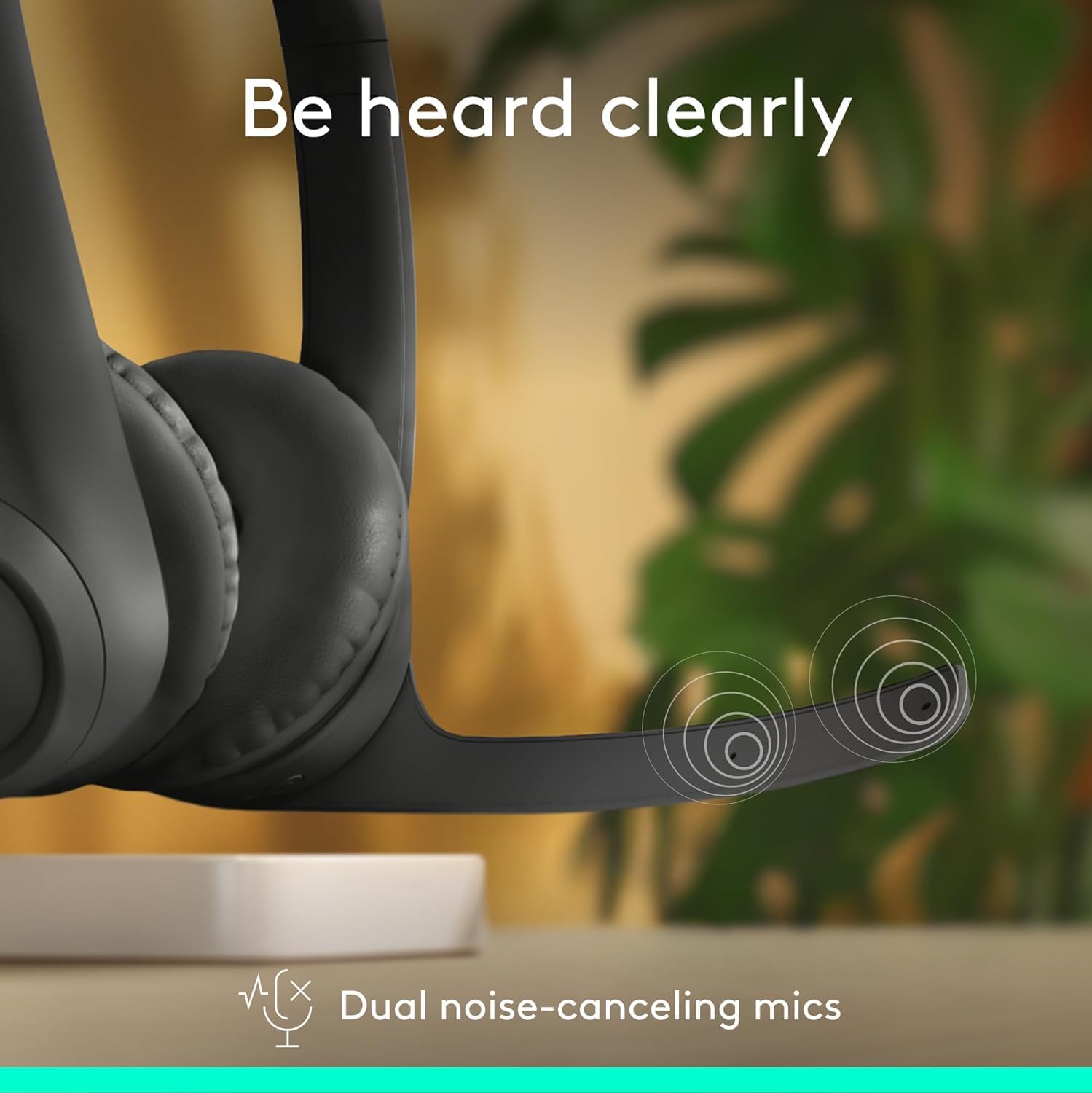
The Zone 300 is equipped with dual noise-canceling microphones on an extended boom. This design effectively suppresses background noise, ensuring your voice is heard clearly during calls and online meetings. Position the microphone boom approximately two fingers' width from your mouth for optimal voice pickup.
- Isključi/Uključi zvuk: Locate the microphone mute button on the headset to quickly mute or unmute your voice during calls.
- Položaj mikrofona: Adjust the flexible microphone boom for the best voice clarity.
3. Audio iskustvo

The headset features enhanced dynamic speakers designed to deliver impressive audio quality for both communication and media consumption. The on-ear design with comfortable earpads ensures a pleasant listening experience for extended periods.
Održavanje
Proper maintenance ensures the longevity and optimal performance of your Logitech Zone 300 headset.
- čišćenje: Use a soft, dry cloth to wipe down the headset. For earpads, a slightly damp Može se koristiti krpa s blagim sapunom, ali se prije upotrebe uvjerite da je potpuno suha. Izbjegavajte jake hemikalije ili abrazivne materijale.
- Skladištenje: When not in use, store the headset in its protective pouch to prevent dust accumulation and physical damage. Avoid storing in extreme temperatures or high humidity.
- Održavanje baterije: Da biste produžili vijek trajanja baterije, izbjegavajte često potpuno pražnjenje slušalica. Redovno ih punite, čak i ako ih ne koristite stalno.
Rješavanje problema
If you encounter issues with your Zone 300 headset, try the following common troubleshooting steps:
| Issue | Moguće rješenje |
|---|---|
| Slušalice se ne uključuju | Ensure the headset is fully charged. Connect it to a power source and wait a few minutes before attempting to power on again. |
| Nije moguće upariti uređaj |
|
| Poor audio quality or no sound |
|
| Mikrofon ne radi |
|
Specifikacije
| Feature | Detalj |
|---|---|
| Naziv modela | Zona 300 |
| Tehnologija povezivanja | Bežični |
| Bežična komunikacijska tehnologija | Bluetooth |
| Uključene komponente | Kabel, zaštitna kutija |
| Materijal | Plastika |
| Kompatibilni uređaji | Desktops (also Windows, macOS, iOS, Android) |
| Frekvencijski opseg | 20Hz - 20,000Hz |
| Kontrolni metod | Daljinski |
| Bluetooth domet | Do 30 metara (98 stope) |
| Bluetooth verzija | 4.2 |
| Oblik slušalice | On-Ear |
| Težina artikla | 122 grama (4.3 unce) |
| Trajanje baterije (slušanje) | Do 20 sati |
| Trajanje baterije (vrijeme razgovora) | Do 16 sati |
| Quick Charge | 5 minutes for 1 hour talk time |
| Sadržaj reciklirane plastike | Do 55% reciklirane plastike nakon potrošnje |
Garancija i podrška
Logitech products are designed for reliability and performance. For information regarding your product's warranty, please refer to the warranty card included with your purchase or visit the official Logitech support website. The webStranica pruža sveobuhvatne resurse za podršku, uključujući često postavljana pitanja, preuzimanja upravljačkih programa i kontakt informacije za korisničku podršku.
For the most up-to-date support and warranty details, please visit: www.logitech.com/support


