1. Uvod
This manual provides essential information for the proper setup, operation, and maintenance of your redbeat M2 Android 14 Tablet. Please read this guide thoroughly before using your device to ensure optimal performance and longevity.

Image: The redbeat M2 Tablet shown with its included pink protective case. The tablet features a sleek design with a large display.
2. Šta se nalazi u kutiji
Provjerite da li se sve stavke nalaze u vašem paketu:
- redbeat M2 Tablet
- Pink Protective Case
- Kabel za punjenje tipa C
- Uputstvo za upotrebu (ovaj priručnik)
- SIM Card Tray Ejector Tool

Image: A visual representation of the redbeat M2 Tablet's physical features, including camera, ports, and buttons, alongside a list of included accessories: the tablet, pink case, Type-C cable, instruction book, and card needle.
3. Izgled uređaja
Familiarize yourself with the physical components of your redbeat M2 Tablet:
- Prednja kamera: Located at the top center when held vertically.
- 10.95-inčni HD ekran: Main touchscreen interface.
- stražnja kamera: Located on the back, typically in the upper left corner.
- Dugme za napajanje: Obično sa strane, koristi se za uključivanje/isključivanje uređaja ili buđenje/spavanje.
- Dugmad za jačinu zvuka: Adjacent to the power button, for adjusting audio levels.
- USB Type-C port: Za punjenje i prijenos podataka.
- 3.5 mm priključak za slušalice: For connecting wired audio devices.
- SIM Card/MicroSD Card Slot: For inserting SIM cards and expanding storage.
- Four Stereo Speakers: Positioned for enhanced audio output.
4. Vodič za postavljanje
4.1 Početno punjenje
Before first use, fully charge your tablet using the provided Type-C cable and a compatible 18W fast charger. The 8000mAh battery provides extended usage time.
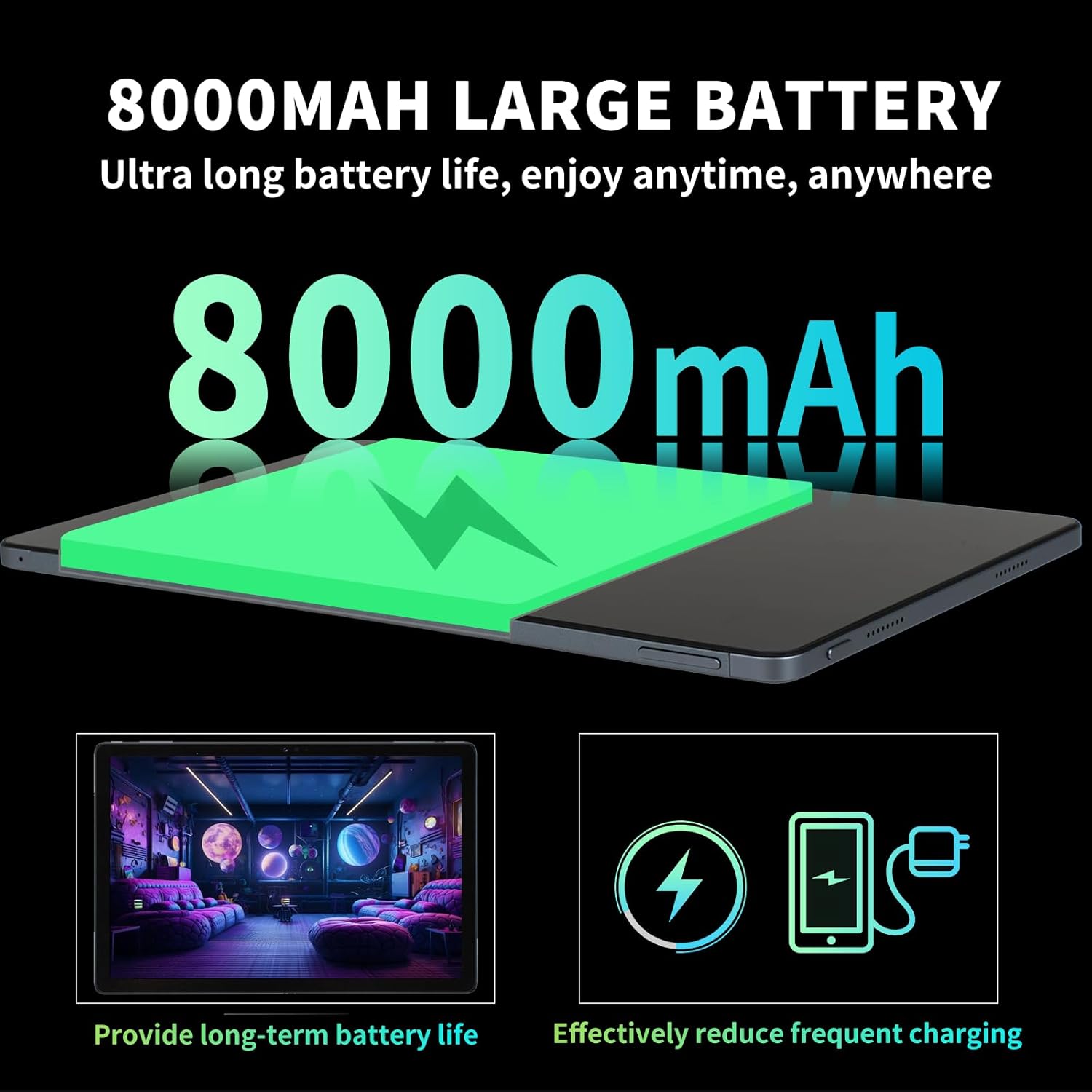
Image: Illustration highlighting the 8000mAh large battery capacity, emphasizing long battery life and reduced charging frequency.
4.2 Uključivanje/isključivanje napajanja
- Za uključivanje: Press and hold the Power button until the redbeat logo appears.
- Za isključivanje: Pritisnite i držite dugme za napajanje, a zatim odaberite "Isključivanje" iz opcija na ekranu.
- Za ponovno pokretanje: Pritisnite i držite dugme za napajanje, a zatim odaberite 'Ponovno pokretanje'.
4.3 SIM Card and Storage Expansion
The redbeat M2 Tablet supports dual Nano SIM cards for 4G LTE connectivity and a TF (MicroSD) card for storage expansion up to 1TB.
- Pronađite ladicu za SIM karticu sa strane tableta.
- Insert the SIM card tray ejector tool into the small hole next to the tray and press gently until the tray pops out.
- Umetnite Nano SIM karticu(e) i/ili TF karticu u predviđene utore na ladici. Osigurajte pravilnu orijentaciju.
- Carefully reinsert the tray into the tablet.

Image: The redbeat M2 Tablet displaying its 4G Global Connectivity feature, with an emphasis on dual SIM card support and compatible network frequency bands.
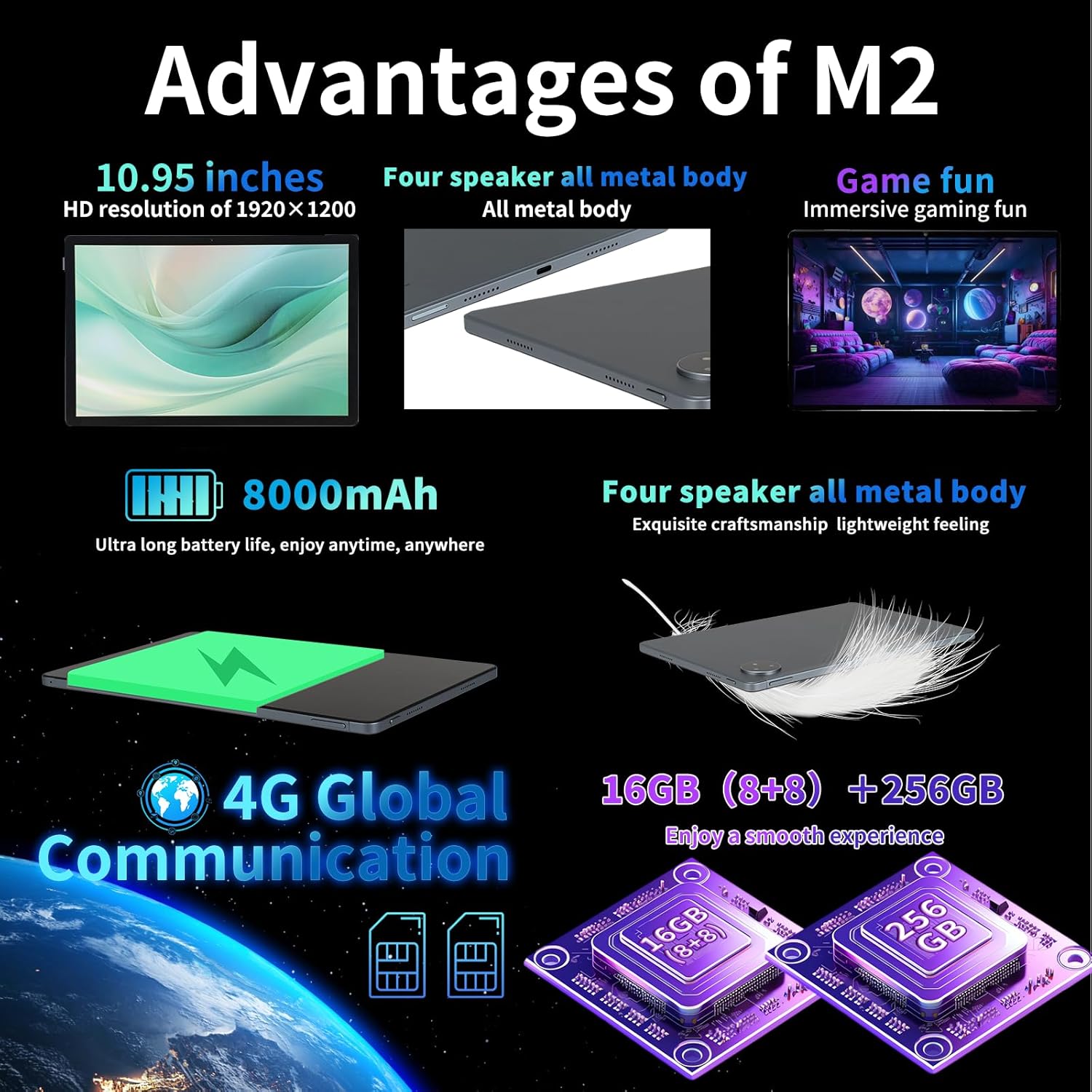
Image: A graphic illustrating the tablet's memory configuration: 16GB (8GB physical + 8GB extended) RAM and 256GB internal storage, with support for up to 1TB external storage.
4.4 Početno podešavanje uređaja
Prilikom prvog uključivanja, slijedite upute na ekranu da biste konfigurirali tablet:
- Odaberite svoj jezik i regiju.
- Connect to a Wi-Fi network (2.4G/5G supported).
- Prijavite se sa svojim Google računom ili kreirajte novi. Ovo je neophodno za preuzimanje aplikacija iz Google Play trgovine.
- Postavite zaključavanje ekrana (PIN, uzorak, lozinka ili otključavanje licem).
- Review i prihvatite uslove i odredbe.
5. Uputstvo za upotrebu
5.1 Geste na ekranu osjetljivom na dodir
Navigate your tablet using standard Android gestures:
- Dodirnite: Odaberite stavku ili otvorite aplikaciju.
- Dugi pritisak: Pristupite kontekstualnim menijima ili premjestite ikone.
- Prevucite: Scroll through pages, lists, or switch between home screens.
- Zumiranje štipanjem: Uvećavanje ili smanjivanje slika i web stranice.
5.2 Povezivanje
- Wi-Fi: Idi na Postavke > Mreža i internet > Wi-Fi to connect to available networks. Supports 2.4G and 5G bands.
- Bluetooth: Idi na Postavke > Povezani uređaji > Bluetooth to pair with Bluetooth devices (e.g., headphones, keyboards). Supports BT5.0.
- Mobilni podaci (4G LTE): Ensure a valid SIM card is inserted. Enable mobile data in Postavke > Mreža i internet > Mobilna mreža.
5.3 Korištenje kamere
Tablet ima zadnju kameru od 13MP i prednju kameru od 5MP.
- Otvorite aplikaciju Kamera sa početnog ekrana ili iz menija aplikacija.
- Dodirnite dugme okidača da biste snimili fotografiju.
- Prebacujte se između prednje i zadnje kamere pomoću ikone kamere.
- Odaberite video način rada za snimanje videozapisa.
5.4 Audio i multimedija
Enjoy immersive audio with the tablet's four stereo speakers and Dolby panoramic surround sound. A 3.5mm headphone jack is available for private listening.

Slika: Krupni plan view of the redbeat M2 Tablet's all-metal body and speaker grilles, highlighting its four-speaker audio system and exquisite craftsmanship.
5.5 Face Unlock and GPS
The redbeat M2 Tablet includes Face Unlock for convenient security and GPS for navigation and location-based services.
6. Održavanje
6.1 Čišćenje tableta
Use a soft, lint-free cloth to clean the screen and body of your tablet. Avoid abrasive materials or harsh chemicals that could damage the surface.
6.2 Ažuriranja softvera
Redovno provjeravajte i instalirajte ažuriranja softvera kako biste osigurali da vaš tablet ima najnovije funkcije, sigurnosne zakrpe i poboljšanja performansi. Idite na Postavke > Sistem > Ažuriranje sistema.
6.3 Upravljanje skladištem
Da biste optimizirali performanse, periodično upravljajte memorijom tableta. Izbrišite nepotrebne files, deinstalirajte nekorištene aplikacije i premjestite velike medije files to external storage (TF card) if applicable. Go to Postavke > Pohrana.
7. Otkrivanje problema
If you encounter issues with your redbeat M2 Tablet, refer to the following common solutions:
- Uređaj se ne uključuje: Ensure the battery is charged. Connect the tablet to the charger for at least 30 minutes before attempting to power on.
- Ekran ne reaguje: Try restarting the tablet by holding the Power button for 10-15 seconds.
- Problemi s Wi-Fi/4G povezivošću: Toggle Wi-Fi/Mobile Data off and on. Restart your router or check your SIM card insertion.
- Rušenje aplikacija ili usporavanje rada: Zatvorite aplikacije u pozadini, obrišite keš memoriju aplikacije (Postavke > Aplikacije > [Naziv aplikacije] > Pohrana i keš memorija > Obriši keš memoriju), or restart the tablet.
- Baterija se brzo prazni: Reduce screen brightness, disable unused features (Bluetooth, GPS, Wi-Fi when not needed), and check for power-intensive apps in Postavke> Baterija.
- Tablet se ne puni: Ensure the Type-C cable and charger are working correctly. Try a different cable or power adapter. Clean the charging port for any debris.
If problems persist, contact redbeat customer support for further assistance.
8. Specifikacije
| Feature | Specifikacija |
|---|---|
| Naziv modela | M2 |
| Operativni sistem | Android 14 |
| Procesor | Unisoc T616 Octa-Core, 2 GHz |
| RAM | 16 GB (8 GB + 8 GB prošireno) |
| Interna pohrana | 256GB |
| Proširiva pohrana | Do 1TB (TF kartica) |
| Veličina ekrana | 10.95 inča |
| Rezolucija ekrana | 1920 x 1200 pixels (2K HD) |
| Zadnja kamera | 13MP |
| Prednja kamera | 5MP |
| Kapacitet baterije | 8000mAh |
| Punjenje | Brzo punjenje od 18 W (tip-C) |
| Bežično povezivanje | Wi-Fi (802.11n, 2.4G/5G), Bluetooth 5.0 |
| Cellular Connectivity | 4G LTE Dual SIM (GSM, WCDMA, LTE bands) |
| Dimenzije (DxŠxV) | 10.28 x 6.89 x 0.47 inča |
| Težina artikla | 1.54 funti (približno 511 g) |
| Ostale karakteristike | GPS, Face Unlock, Four Stereo Speakers |
9. Garancija i podrška
redbeat is committed to providing quality products and customer satisfaction.
- Doživotna korisnička služba: redbeat offers lifetime customer service to assist with any queries or issues.
- Jednogodišnja ograničena garancija: Your redbeat M2 Tablet includes a one-year warranty covering manufacturing defects.
- 30-dnevna garancija povrata novca: A 30-day money-back guarantee and free return policy are available.
For support, please refer to the contact information provided with your purchase or visit the official redbeat website.


