1. Uvod
This manual provides essential information for setting up, operating, and maintaining your Bmax X15 Pro 15.6-inch laptop. Please read this manual thoroughly to ensure proper use and to maximize the performance and longevity of your device.

Image: The Bmax X15 Pro laptop displaying the Windows 11 Pro operating system, highlighting its Intel N95 processor, 16GB RAM, 512GB SSD, and 1920x1080 FHD display.
2. Šta se nalazi u kutiji
Upon unpacking your Bmax X15 Pro laptop, please verify that all the following items are included:
- 1 x BMAX MaxBook X15 Pro Intel N95 Notebook Computer
- 1 x 12V/3A adapter za jednosmernu struju
- 1 x Multi-Language User Manual
3. Proizvod je gotovview
3.1. Physical Components and Ports
Familiarize yourself with the various ports and components of your laptop for optimal connectivity and usage.

Slika: Sa strane view of the Bmax X15 Pro laptop illustrating the placement of its various ports, including Micro SD, USB 3.0, Headset jack, HDMI, and Power input.
- Lijeva strana: Micro SD slot, 2x USB 3.0 ports, 3.5mm Headset jack.
- Desna strana: Power input, HDMI port, 1x USB 3.0 port, Security Lock slot.
3.2. Tastatura i dodirna tabla
The laptop features a full-size keyboard with large keycaps and a large touchpad supporting multi-touch gestures for efficient navigation and input.

Slika: Pogled odozgo prema dolje view of the Bmax X15 Pro laptop's full-size keyboard and large touchpad, highlighting its ergonomic design for comfortable use.
4. Podešavanje
4.1. Početno uključivanje i punjenje
- Connect the provided DC power adapter to the laptop's power input port and a wall outlet.
- Prije prve upotrebe, ostavite laptop da se puni najmanje 30 minuta ili dok indikator baterije ne pokaže dovoljno napunjenosti.
- Pritisnite dugme za napajanje koje se nalazi na tastaturi da biste uključili laptop.
- Slijedite upute na ekranu da biste dovršili proces instalacije sustava Windows 11 Pro.
5. Uputstvo za upotrebu
5.1. Upravljanje napajanjem
- Uključeno: Pritisnite dugme za napajanje.
- Režim spavanja: Zatvorite poklopac ili kratko pritisnite dugme za napajanje.
- Isključi: Kliknite na dugme Start, zatim Napajanje > Isključi.
- Ponovno pokretanje: Kliknite dugme Start, zatim Napajanje > Ponovo pokreni.
5.2. Korištenje prikaza
The 15.6-inch FHD IPS display offers a 180° convertible design, allowing for flexible viewing angles and collaborative use.

Image: The Bmax X15 Pro laptop shown in its 180-degree lay-flat configuration, demonstrating its versatility for sharing and collaboration.
5.3. Povezivanje
The laptop supports various wireless and wired connections:
- Wi-Fi: Dual-band Wi-Fi 5 (802.11ac/a/b/g/n) for fast internet access.
- Bluetooth: Bluetooth 5.0 za povezivanje bežičnih perifernih uređaja.
- HDMI: Povežite se s vanjskim ekranima ili projektorima.
- USB 3.0: Three ports for high-speed data transfer with external devices.
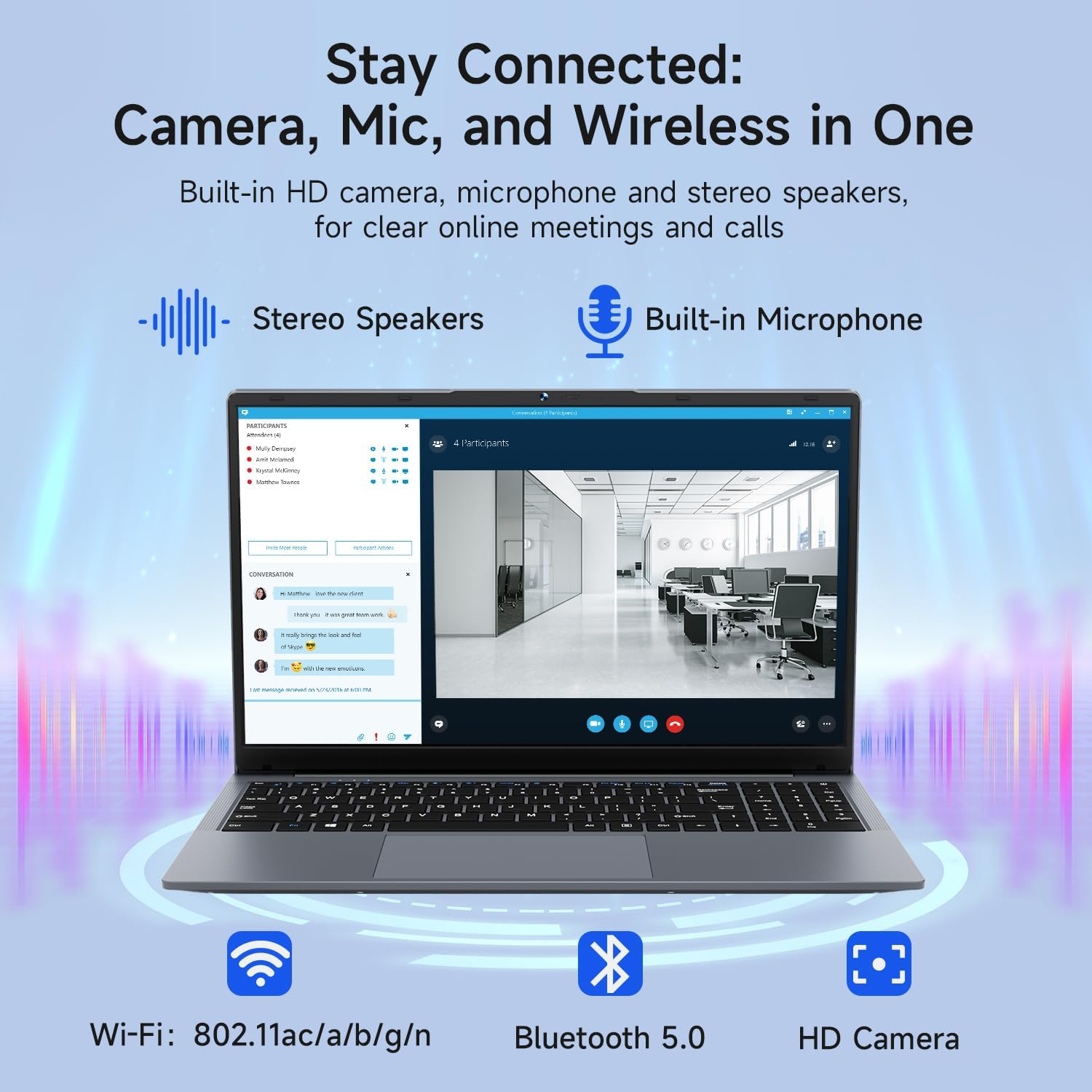
Image: The Bmax X15 Pro laptop with icons representing its integrated Wi-Fi, Bluetooth 5.0, and HD camera capabilities, emphasizing its comprehensive connectivity for communication.
6. Pohrana i performanse
The Bmax X15 Pro is equipped with robust components for efficient performance and ample storage.
6.1. Procesor
Powered by the Intel Celeron N95 Quad-Core Processor (up to 3.4GHz), featuring 4 cores and 4 threads with a 6MB cache, ensuring efficient performance for various tasks.

Image: A graphic detailing the Intel 12th Gen Processor N95, showing its 3.40GHz Turbo Frequency, 6MB Cache, 15W Power Consumption, and 4 cores/4 threads, alongside performance benchmarks.
6.2. Memorija i skladištenje
The laptop includes 16GB DDR4 RAM and a 512GB SSD, providing substantial storage capacity and enabling efficient multitasking. An M.2_SATA 2280 expansion slot is available for additional storage.
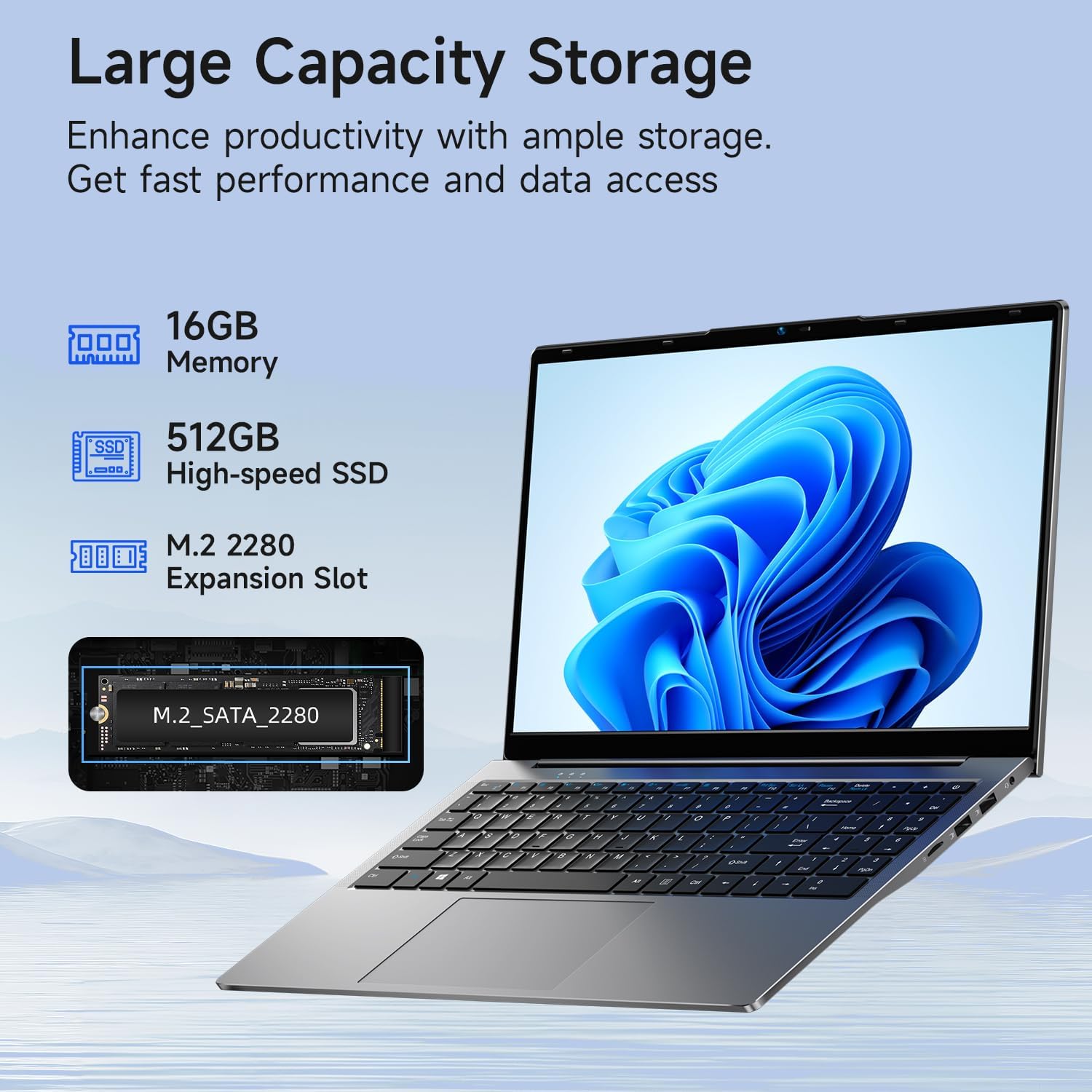
Image: A visual representation of the Bmax X15 Pro laptop's internal components, highlighting its 16GB memory, 512GB high-speed SSD, and an accessible M.2 2280 expansion slot for storage upgrades.
7. Karakteristike ekrana
Experience clear and vibrant visuals with the 15.6-inch FHD 1920x1080 IPS display, featuring a slim bezel design and 180° viewing angles.

Image: A graphic illustrating the Bmax X15 Pro laptop's display features, including its 15.6-inch IPS FHD screen, 1920x1080 resolution, 5.7mm ultra-narrow bezel, and 180° lay-flat design.
8. Sistem hlađenja
The laptop incorporates intelligent fans and dual copper heat pipes to ensure rapid heat dissipation, maintaining optimal performance and preventing overheating during extended use.

Image: An internal diagram of the Bmax X15 Pro laptop, highlighting its dual copper heat pipes and silent smart fan, illustrating the efficient and quiet cooling system.
9. Upravljanje baterijom
The laptop is powered by a 51.3Wh battery, providing up to 6-8 hours of usage on a single charge, depending on usage patterns.
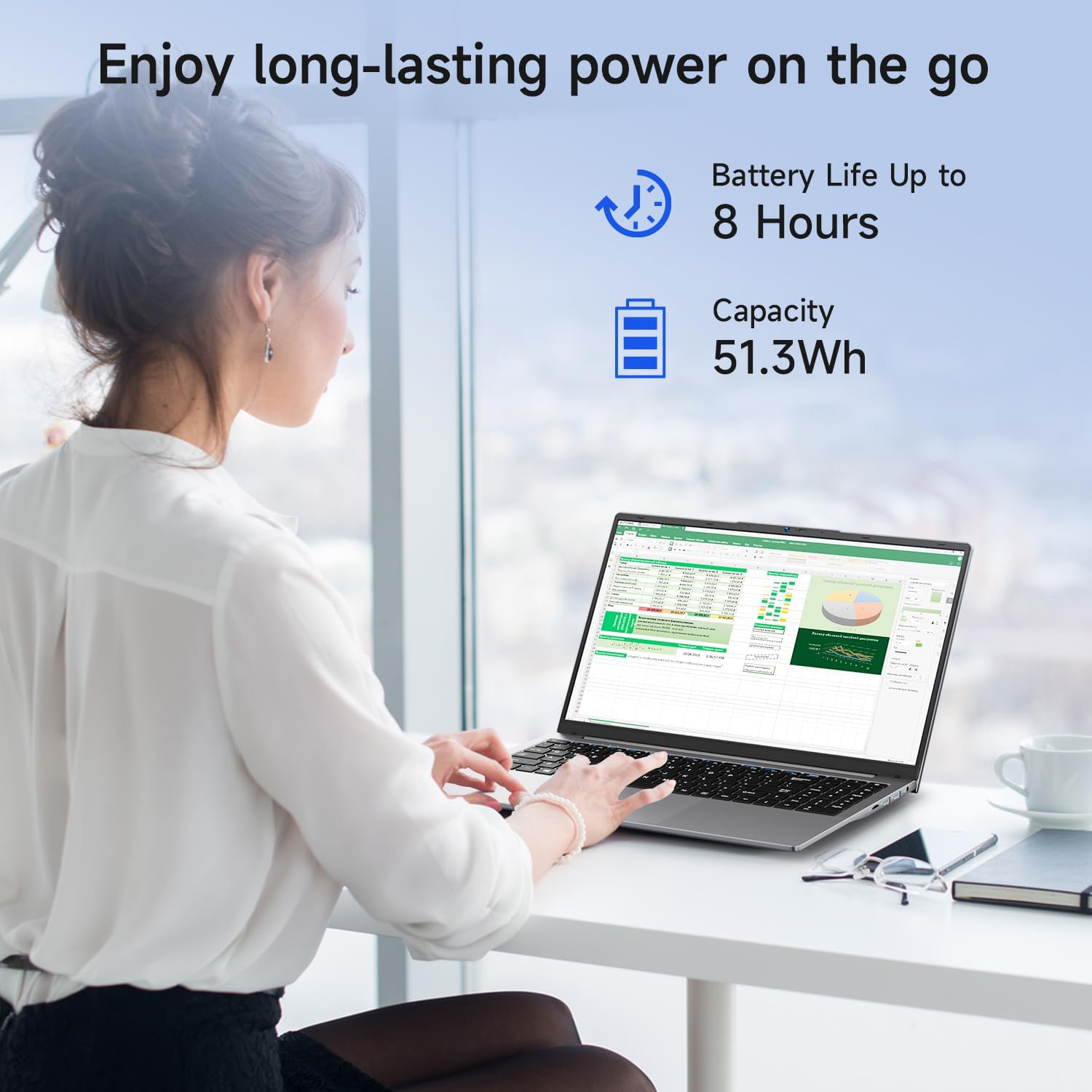
Image: A woman working on the Bmax X15 Pro laptop, with an overlay indicating a battery life of up to 8 hours and a capacity of 51.3Wh, emphasizing its long-lasting power.
10. Održavanje
Pravilno održavanje osigurava dugotrajnost i optimalne performanse vašeg laptopa.
- čišćenje: Za čišćenje ekrana i vanjske površine koristite meku krpu koja ne ostavlja dlačice. Izbjegavajte jake hemikalije.
- ventilacija: Osigurajte da ventilacijski otvori nisu začepljeni kako biste spriječili pregrijavanje.
- Ažuriranja softvera: Redovno ažurirajte operativni sistem i upravljačke programe kako biste održali sigurnost i performanse.
- Održavanje baterije: Avoid fully discharging the battery frequently. Store the laptop in a cool, dry place if not used for extended periods.
11. Otkrivanje problema
This section addresses common issues you might encounter with your Bmax X15 Pro laptop.
- Laptop se ne uključuje: Provjerite je li adapter za napajanje sigurno priključen i je li baterija dovoljno napunjena. Pokušajte s drugom utičnicom.
- Problemi sa prikazom: If the screen is blank, try connecting an external monitor to check if the issue is with the laptop's display. Adjust brightness settings.
- Problemi s Wi-Fi povezivanjem: Provjerite je li Wi-Fi omogućen u postavkama Windowsa. Ponovo pokrenite ruter i laptop. Provjerite ima li ažuriranih Wi-Fi upravljačkih programa.
- Spore performanse: Zatvorite nepotrebne aplikacije. Provjerite ima li zlonamjernog softvera. Osigurajte dovoljno slobodnog prostora na SSD-u.
12. Specifikacije
| Feature | Specifikacija |
|---|---|
| Veličina prikaza na stalnom ekranu | 15.6 inča |
| Rezolucija ekrana | 1920 x 1080 piksela |
| Maksimalna rezolucija ekrana | 1920x1080 piksela |
| Procesor | 3.4 GHz Celeron (Intel N95 Quad-Core) |
| RAM | 16 GB DDR4 |
| Brzina memorije | 2666 MHz |
| Hard Drive | 512 GB SSD (PCIE x 4 interface) |
| Grafički koprocesor | Intel UHD grafika |
| Veličina ram grafičke kartice | 8 GB (Integrated) |
| Bežični tip | 2.4 GHz Radio Frequency, 5 GHz Radio Frequency, 802.11a/b/g/n/ac, Bluetooth 5.0 |
| Broj USB 3.0 portova | 3 |
| Prosječno trajanje baterije (u satima) | 4-8 Hours (51.3Wh) |
| Operativni sistem | Windows 11 Pro |
| Težina artikla | 3.57 funte |
| Dimenzije proizvoda | 14.08 x 9.04 x 0.76 inča |
| Boja | Space Grey |
| Posebna karakteristika | HD Audio, Lightweight, Memory Card Slot, Numeric Keypad |
13. Garancija i podrška
Your Bmax X15 Pro laptop comes with a 12-month warranty from the date of purchase. This warranty covers manufacturing defects and ensures product reliability.
- Garantni period: 12 months from the purchase date.
- Politika povrata: Worry-free 30-day return period.
- Služba za korisnike: 7 days/24 hours friendly customer support.
- Uključeni dodaci: 2 replaceable plugs (US, EU) are included to meet diverse connectivity needs.
For technical assistance or warranty claims, please refer to the contact information provided with your purchase documentation or visit the official Bmax support website.


