1. Uvod
This manual provides instructions for the assembly, installation, and care of your Ceybo Original TV Stand, model 229907. This stand is designed to provide stable support for compatible television models, allowing for tabletop placement without the need for wall mounting.

Image: This image illustrates the benefit of using a TV stand, eliminating the need for drilling holes into walls for mounting.
2. Sigurnosne informacije
- Ensure the television is placed on a soft, clean, and stable surface (e.g., a blanket or foam) during assembly to prevent scratches or damage to the screen.
- Always assemble the stand with the TV lying flat on its screen.
- Verify that all screws are securely tightened before placing the television upright.
- Do not exceed the weight capacity of the stand. This stand is designed for specific TV models as listed in this manual.
- Držite male dijelove, poput vijaka, van dohvata djece kako biste spriječili opasnost od gušenja.
3. Sadržaj paketa
Molimo Vas da provjerite pakovanje kako biste bili sigurni da su sve komponente prisutne:
- Two (2) Ceybo Original TV Stand Legs (Left and Right)
- Mounting Screws (Quantity as required for compatible models)
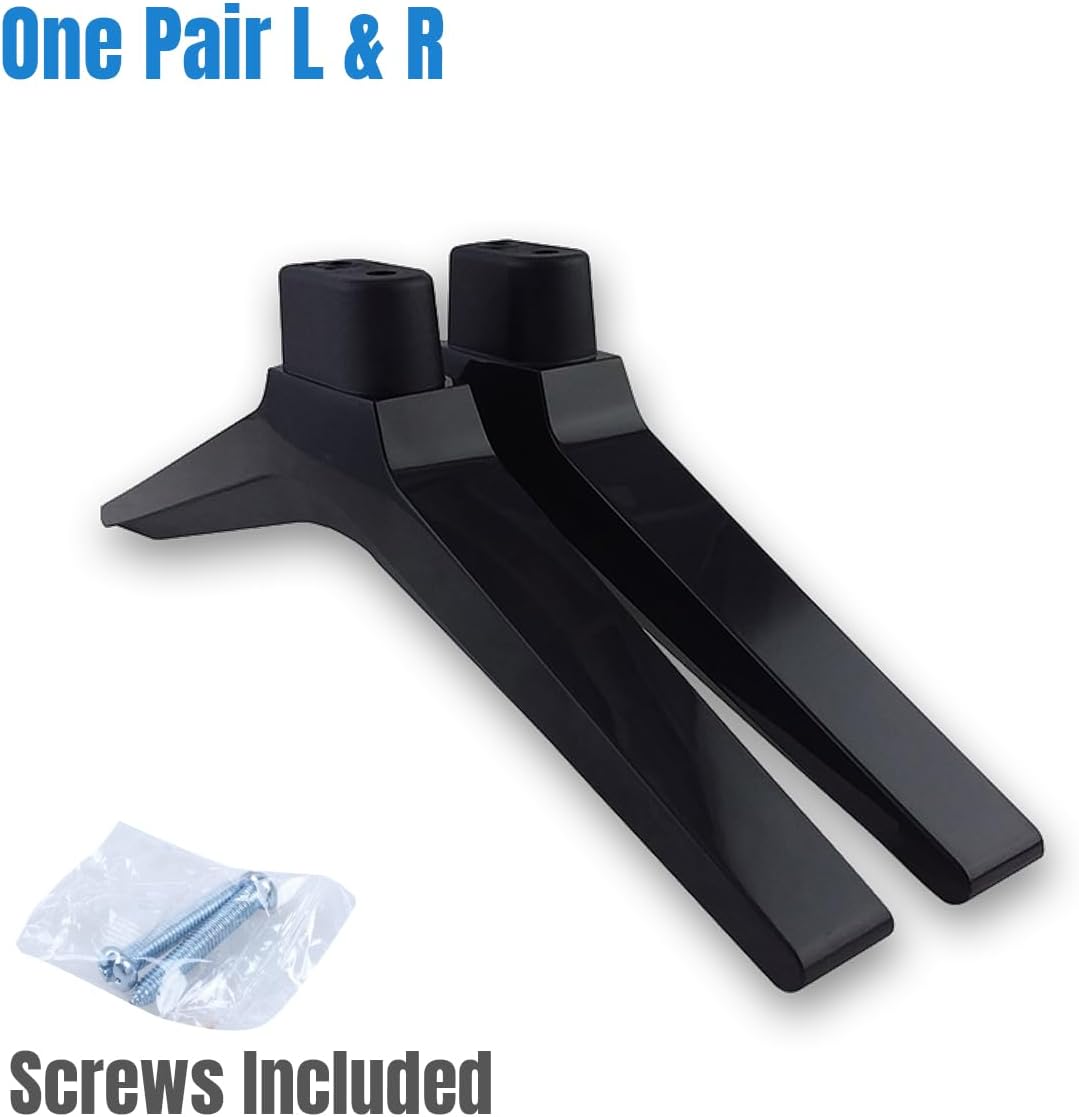
Image: Two Ceybo Original TV Stand legs, one left and one right, with a small bag of mounting screws. This illustrates the complete package contents.
4. Compatible Television Models
This Ceybo Original TV Stand (Part Number: 229907) is compatible with the following television models:
- 50H6E
- 50R6E
- 55H6E
- 55R6000E
- 55R6E
- 58H6550E
- 58R6E
- 58R7E1
- FM50H6E
- LC50Q7030U
- M50H6E
- 50R31
- 40A45H
- 50R6E1
- 58R6E1
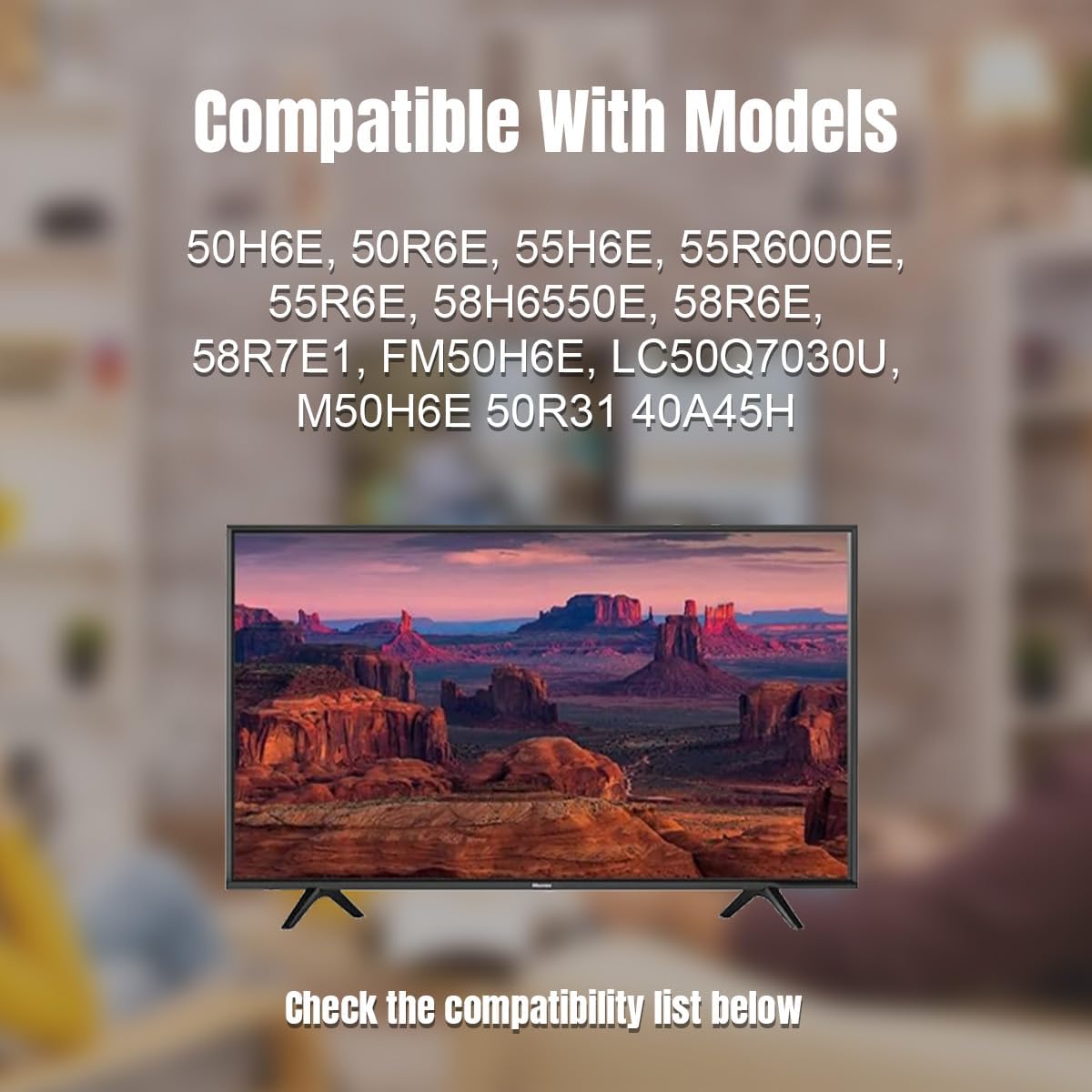
Image: A visual representation of a television supported by the Ceybo TV stand, with a text overlay listing compatible models. This helps confirm visual compatibility.
5. Postavljanje i instalacija
Follow these steps to correctly install the TV stand:
- Pripremite TV: Carefully place your television screen-down on a clean, soft, and flat surface. This prevents damage to the screen during installation.
- Identify Stand Orientation: The stand legs are typically marked "L" for Left and "R" for Right. Ensure you align them correctly with the corresponding mounting holes on the back of your television. The wider part of the stand base usually faces outwards for stability.
- Pričvrstite noge: Align the mounting holes on each stand leg with the screw holes on the bottom of your television. Insert the provided screws into the holes and tighten them securely with a Phillips head screwdriver. Do not overtighten.
- Provjerite stabilnost: Once both legs are attached, gently lift the television and place it upright on a stable, level surface. Ensure the stand is firm and the television does not wobble.
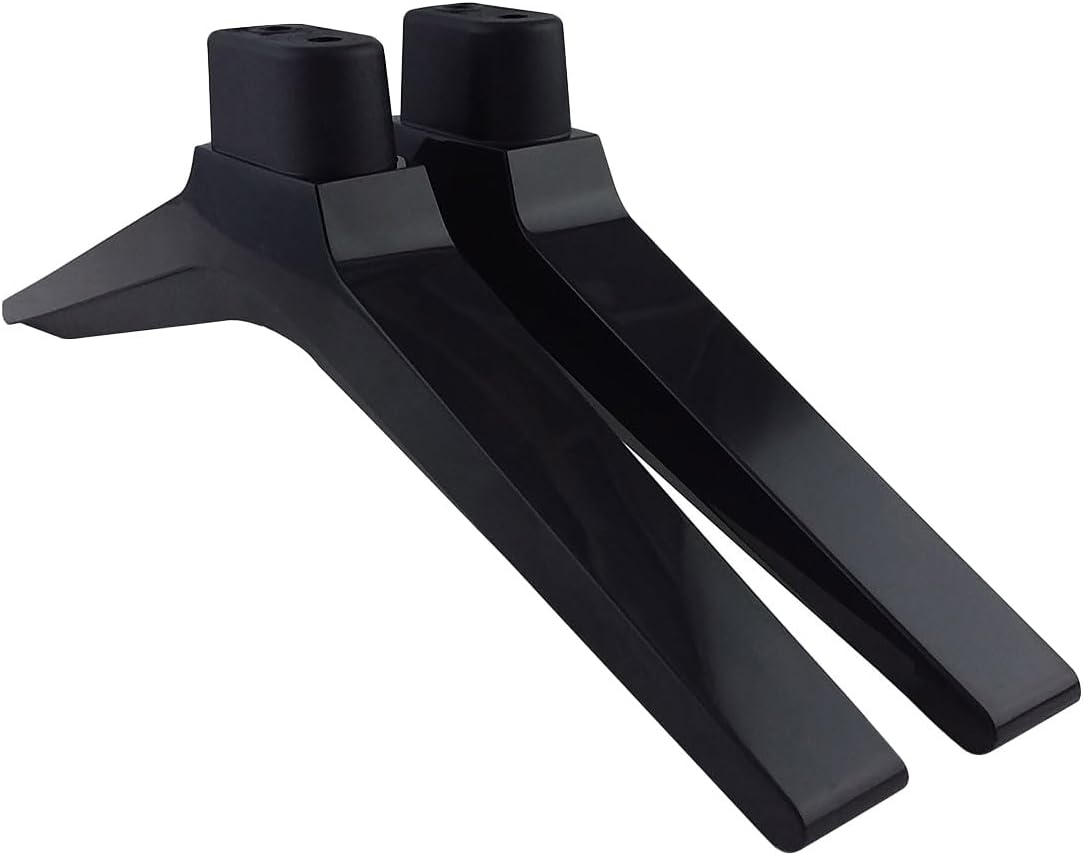
Image: A pair of Ceybo Original TV Stand legs, illustrating their design and how they would appear before attachment to the television.
6. Razmatranja upotrebe
Once installed, the Ceybo Original TV Stand provides a stable base for your television. Consider the following for optimal use:
- plasman: Position the television on a flat, level, and sturdy surface, such as a TV cabinet or entertainment unit. Ensure the surface can support the combined weight of the TV and stand.
- Pristupačnost: The stand design allows for easy access to the TV's ports and cables at the back, facilitating maintenance and connections without needing to detach the TV from a wall mount.
- Stabilnost: The stand is designed for stability. Avoid placing the TV in high-traffic areas where it might be accidentally bumped.
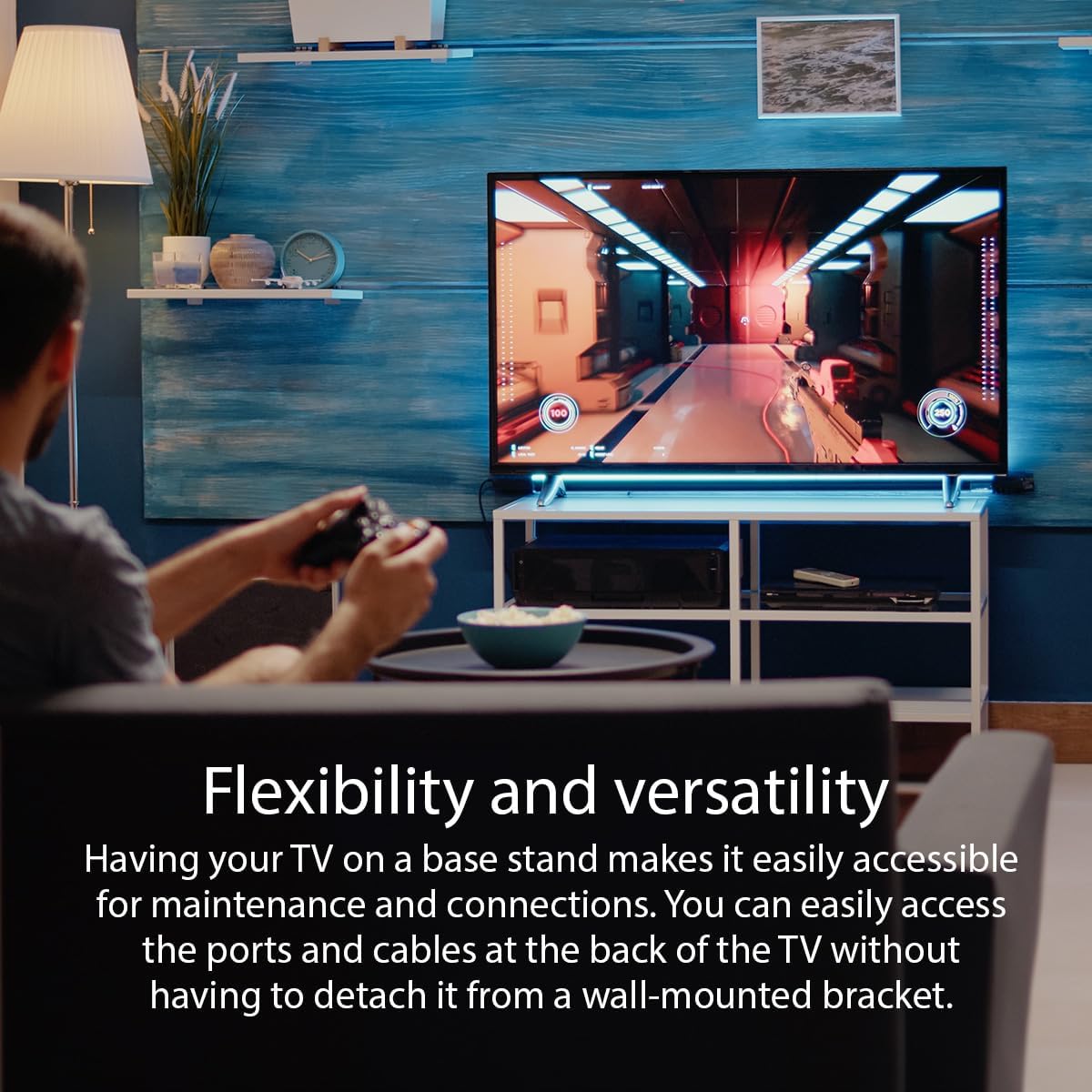
Image: This image highlights the flexibility and versatility of using a TV stand, allowing for easy access to connections and maintenance.
7. Održavanje i njega
To ensure the longevity and appearance of your TV stand:
- čišćenje: Obrišite postolje mekom, suhom ili blago natopljenom krpomamp cloth. Avoid using harsh chemicals, abrasive cleaners, or solvents, as these can damage the finish.
- inspekcija: Periodically check the mounting screws to ensure they remain tight. If the TV appears wobbly, re-tighten the screws.
- Skladištenje: If the stand is removed for storage, keep it in a dry place, away from direct sunlight and extreme temperatures.
8. Otkrivanje problema
If you encounter issues with your TV stand, refer to the following common solutions:
- TV is Wobbly:
- Provjerite jesu li svi vijci za montažu sigurno zategnuti.
- Verify that the television is placed on a flat and level surface.
- Confirm that the stand legs are correctly oriented (Left and Right) and fully inserted into the TV's mounting slots.
- Stand Does Not Fit:
- Double-check your television's model number against the list of compatible models in Section 4.
- Provjerite da li koristite ispravne vijke koji su isporučeni sa postoljem.
9. Specifikacije
| Brand | Ceybo |
| Broj modela | 229907 |
| Materijal | Resin Material |
| Boja | Crna |
| Vrsta montaže | Tabletop Mount |
| Movement Type | Stacionarni |
| Težina artikla | 11.2 unci (približno 317 grama) |
| Dimenzije paketa | 10 x 3 x 1 inča (približno 25.4 x 7.6 x 2.5 cm) |
| UPC | 732777359592 |
10. Garancija i podrška
For information regarding warranty coverage or technical support, please refer to the original product packaging or contact Ceybo customer service directly. Contact details are typically available on the manufacturer's official webweb-mjestu ili putem vašeg prodajnog mjesta.