1. Uvod
Thank you for choosing the FITFIU Fitness MC-240 Foldable Treadmill. This manual provides essential information for the safe assembly, operation, and maintenance of your treadmill. Please read it thoroughly before first use and keep it for future reference.
The MC-240 treadmill is designed for home use, offering a convenient way to perform walking and moderate running sessions. Its ultra-compact folding system allows for easy storage, and the integrated PC/tablet support enhances your workout experience.
2. Sigurnosne informacije
UPOZORENJE: Da biste smanjili rizik od ozbiljnih povreda, pročitajte sve važne mjere opreza i uputstva u ovom priručniku prije upotrebe trake za trčanje.
- Posavjetujte se sa svojim ljekarom prije početka bilo kojeg programa vježbanja.
- Držite djecu i kućne ljubimce podalje od trake za trčanje u svakom trenutku.
- Postavite traku za trčanje na ravnu površinu s najmanje 2 metra (6.5 stopa) čistog prostora iza nje i 0.6 metara (2 stope) sa svake strane.
- Nosite odgovarajuću odjeću za vježbanje i sportske cipele. Ne koristite traku za trčanje bosi.
- The emergency stop key must be attached to your clothing during operation. In case of an emergency, pulling the key will immediately stop the treadmill.
- Ne koristite traku za trčanje ako je oštećen kabel za napajanje ili utikač ili ako ne radi ispravno.
- Ne pokušavajte sami servisirati traku za trčanje. Za pomoć kontaktirajte korisničku podršku.
- Maximum user weight capacity: 120 kg (264 lbs).
3. Sadržaj paketa
Carefully unpack your treadmill and verify that all components are present. If any parts are missing or damaged, contact customer support.
- FITFIU Fitness MC-240 Treadmill
- Power Cable
- Ključ za zaustavljanje u nuždi
- Daljinski upravljač
- Korisnički priručnik (ovaj dokument)
- Assembly Tools (if required for minor adjustments)
4. Podešavanje
4.1 Rasklapanje trake za trčanje
The MC-240 treadmill comes pre-assembled. To unfold it:
- Postavite traku za trčanje na ravnu, stabilnu površinu.
- Gently lift the console/handlebar assembly until it locks into the upright position. Ensure it is securely locked before proceeding.
- Lower the running deck until it is flat on the floor.
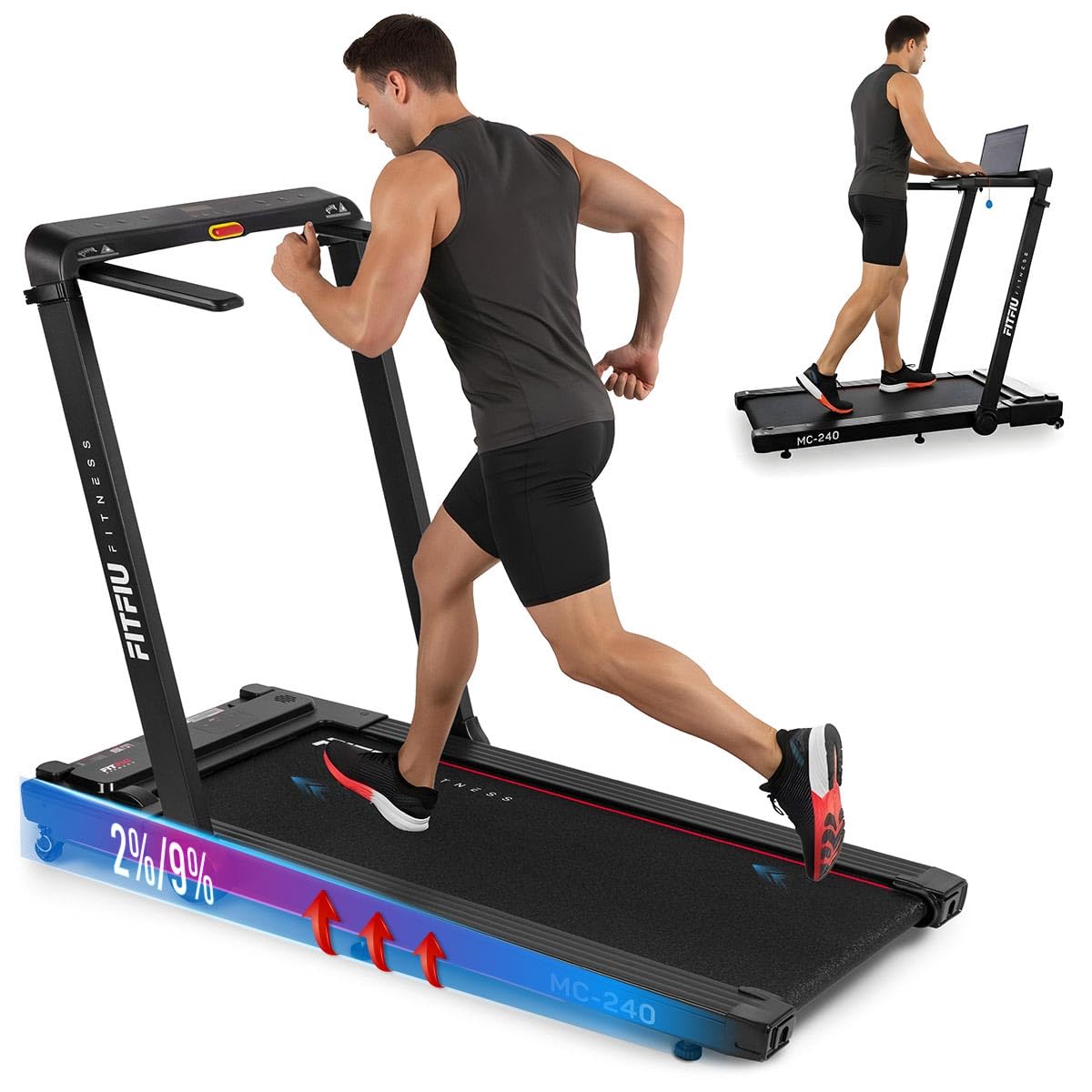
Image: Treadmill in unfolded position, ready for use.
4.2 Povezivanje napajanja
Plug the power cable into the treadmill's power port and then into a grounded electrical outlet. Ensure the power switch is in the OFF position before plugging in.
4.3 Adjusting Manual Incline
The MC-240 features a manual incline adjustment. To change the incline:
- Ensure the treadmill is powered off and unplugged for safety.
- Lift the rear of the running deck slightly.
- Adjust the support feet at the rear of the treadmill to the desired incline level (0° to 5°). Ensure both sides are set to the same level.
- Carefully lower the deck, ensuring it is stable before use.

Image: Manual incline adjustment mechanism.
4.4 Using the PC/Tablet Support
The integrated support allows you to place a laptop or tablet for entertainment or work during your workout.
- Place your device securely on the designated support area on the console.
- Ensure the device is stable and does not obstruct your view of the control panel or the emergency stop key.
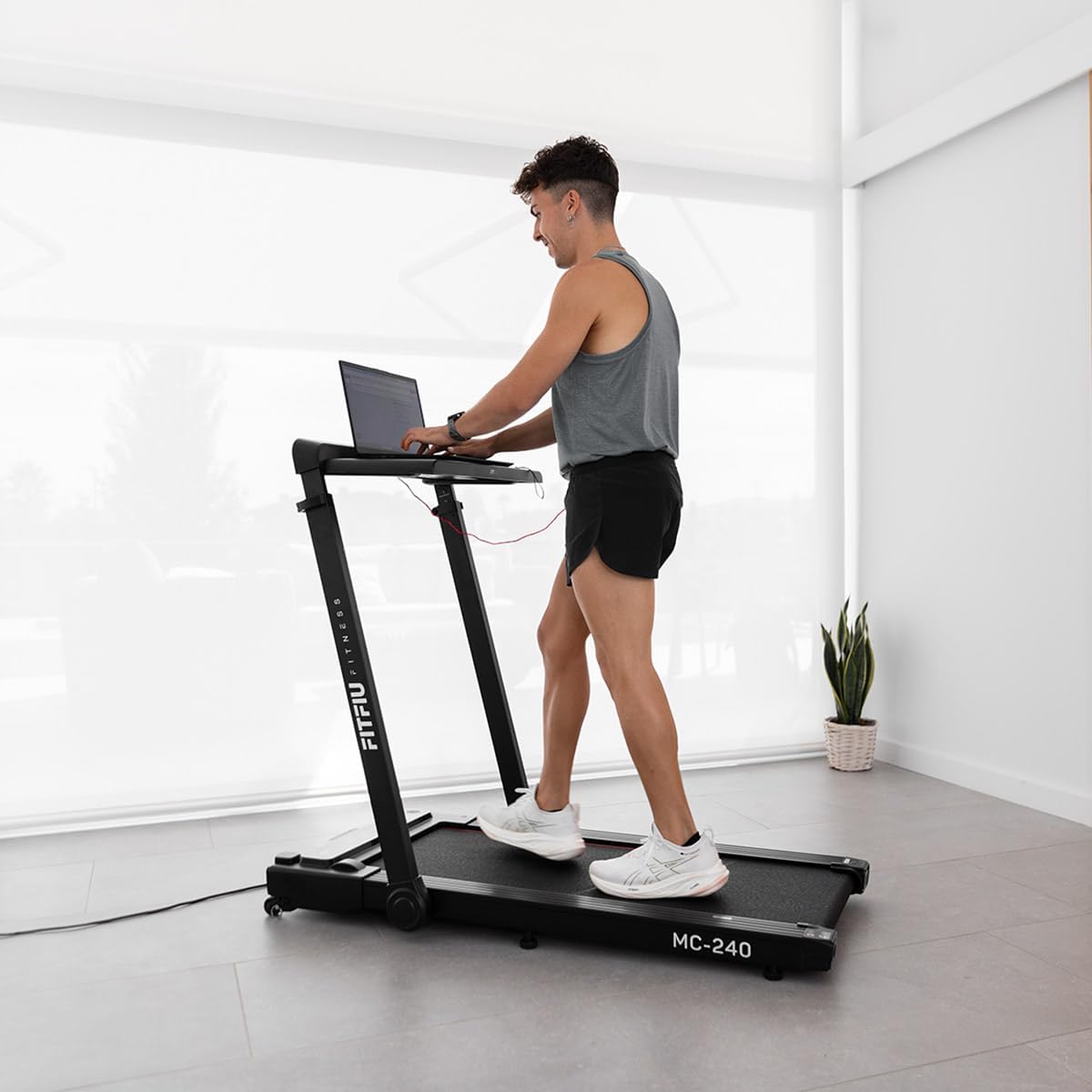
Image: User utilizing the integrated PC support with a laptop.
5. Uputstvo za upotrebu
5.1 Uključivanje/isključivanje
- Uključite traku za trčanje u uzemljenu utičnicu.
- Flip the main power switch (usually located near the front of the treadmill) to the ON position.
- Attach the emergency stop key to your clothing and insert the other end into the console's designated slot. The display will illuminate.
- To turn off, remove the emergency stop key, then flip the main power switch to OFF.

Image: Control panel with emergency stop key.
5.2 Korištenje kontrolne ploče i daljinskog upravljača
The treadmill can be controlled via the console or the included remote control.
- Start/Stop: Press the START button to begin the running belt movement. Press STOP to halt the belt.
- Podešavanje brzine: Use the '+' and '-' buttons to increase or decrease the speed. The speed range is adjustable up to 16 km/h.
- Izbor programa: Press the 'P' or 'MODE' button to cycle through the 12 pre-set training programs (P01-P12). Each program offers varying speed profiles.
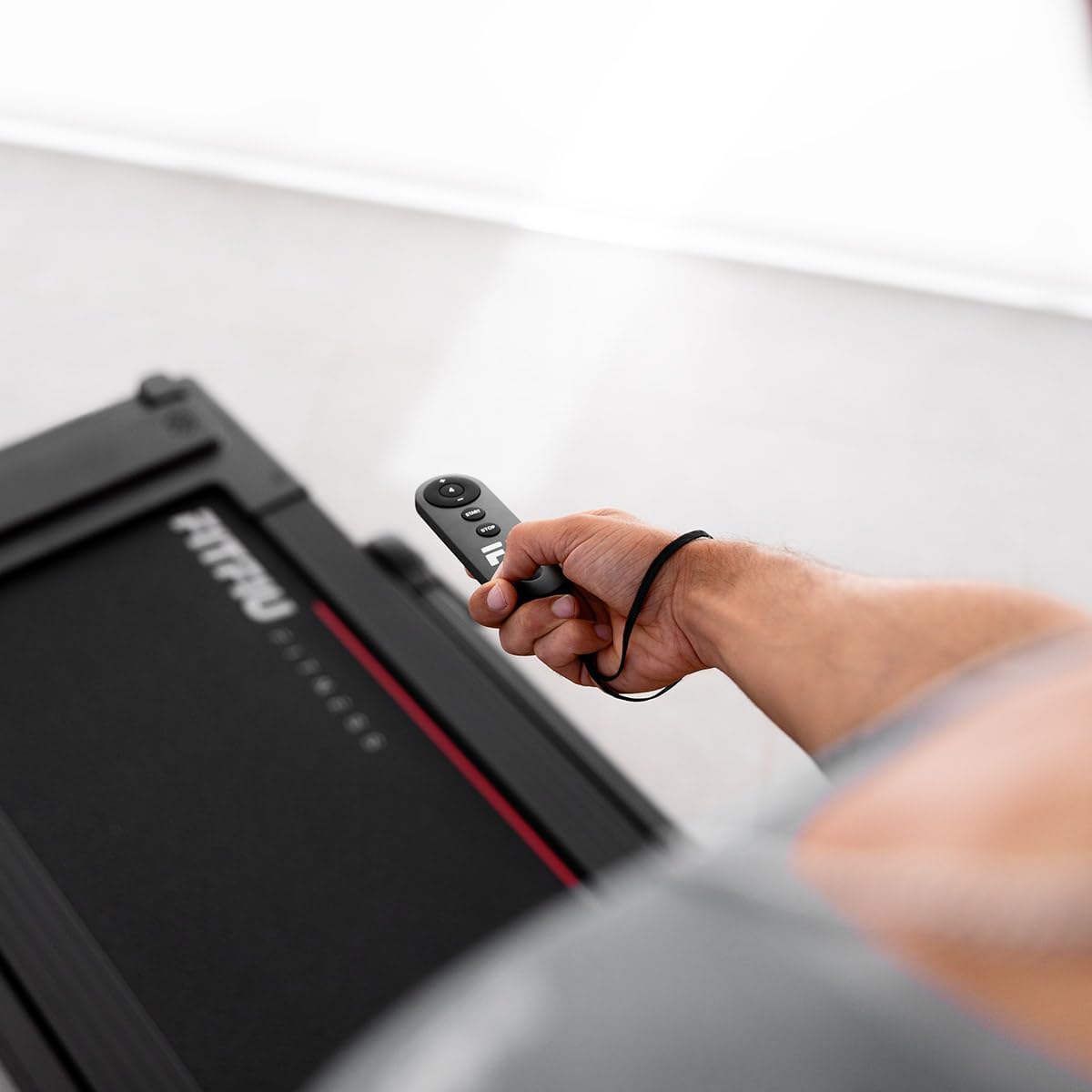
Image: Treadmill remote control.

Slika: Prekoview of 12 pre-set training programs.
5.3 Zaustavljanje u slučaju nužde
The emergency stop key is a critical safety feature. If you feel unwell or need to stop the treadmill immediately, pull the emergency stop key from the console. The treadmill will stop instantly.
5.4 App Connectivity and Bluetooth Speakers
The MC-240 treadmill supports connectivity with various fitness applications and features integrated Bluetooth speakers.
- Veza aplikacije: Download compatible fitness apps such as Kinomap, Zwift, or Fititime on your smartphone or tablet. Follow the app's instructions to connect to your treadmill via Bluetooth. This allows for real-time progress tracking and interactive workouts.
- Bluetooth zvučnici: To play music through the treadmill's integrated speakers, enable Bluetooth on your device and pair it with the treadmill (look for 'FITFIU MC-240' or similar in your device's Bluetooth settings).

Image: Treadmill compatibility with Kinomap, Zwift, and Fititime apps.
5.5 Sklapanje radi skladištenja
To fold the treadmill for compact storage:
- Provjerite je li traka za trčanje isključena iz struje i iskopčana iz utičnice.
- Lift the running deck upwards until it locks into the vertical folded position.
- The treadmill can then be easily moved using its transport wheels.

Image: Treadmill in folded position for storage.
6. Održavanje
Redovno održavanje osigurava dugotrajnost i siguran rad vaše trake za trčanje.
6.1 Čišćenje
- Obrišite površine trake za trčanje oglasomamp krpom nakon svake upotrebe kako biste uklonili znoj i prašinu.
- Ne koristite abrazivna sredstva za čišćenje ili rastvarače, jer mogu oštetiti završnu obradu.
6.2 Podmazivanje remena za trčanje
The running belt requires periodic lubrication to reduce friction and extend its lifespan. Refer to the specific instructions provided with your treadmill's lubrication kit or contact customer support for guidance on the correct lubricant and frequency.
6.3 Running Belt Tension and Alignment
Over time, the running belt may become loose or shift to one side. If the belt feels loose or slips during use, or if it is not centered, refer to the detailed instructions in the full manual (if provided separately) or contact customer support for adjustment procedures. Incorrect tension or alignment can cause premature wear and affect performance.
7. Otkrivanje problema
If you encounter issues with your treadmill, try the following solutions before contacting customer support.
| Problem | Mogući uzrok | Rješenje |
|---|---|---|
| Traka za trčanje se ne uključuje | Power cable not plugged in; Main power switch off; Emergency stop key not inserted | Ensure power cable is securely plugged in; Turn main power switch ON; Insert emergency stop key fully |
| Running belt stops suddenly | Emergency stop key removed; Overload protection activated | Re-insert emergency stop key; Reduce load, wait a few minutes, then restart |
| Klizni remen za trčanje | Remen previše labav; Remen treba podmazati | Adjust belt tension (refer to full manual or support); Lubricate running belt |
| Neobična buka tokom rada | Loose parts; Belt friction; Motor issue | Check for loose screws and tighten; Lubricate belt; If noise persists, contact customer support |
8. Specifikacije
The following are the technical specifications for the FITFIU Fitness MC-240 Treadmill:
- Broj modela: 1100059
- Boja: Crna
- Materijal: nerđajući čelik
- Snaga motora: 1875 W (3 Horsepower)
- Raspon brzine: Do 16 km/h (10 mph)
- Radna površina: 42 x 105 cm (16.5 x 41.3 inča)
- Ručni nagib: 0° do 5°
- Maksimalna težina korisnika: 120 kg (264 lbs)
- Dimenzije proizvoda (rasklopljeno): 102 x 66 x 128 cm (40.1 x 26 x 50.4 inča)
- Dimenzije proizvoda (sklopljeno): 38 x 42 x 128 cm (15 x 16.5 x 50.4 inča)
- Težina artikla: 38 kg (83.8 lbs)
- Vrsta prikaza: LED (Distance counter)
- Posebne karakteristike: Foldable, PC/Tablet Support, App Connectivity, Bluetooth Speakers, 7-layer impact absorption system

Image: Treadmill dimensions and key features.

Image: 7-layer impact absorption system.
9. Garancija i podrška
The FITFIU Fitness MC-240 Treadmill comes with a manufacturer's warranty. Please refer to the warranty card included with your purchase or visit the official FITFIU Fitness webstranicu za detaljne uslove i odredbe garancije.
For technical support, spare parts, or any questions not covered in this manual, please contact FITFIU Fitness customer service through their official webweb-mjesto ili kontakt informacije navedene u dokumentaciji o kupovini.


