Uvod
The ATUMTEK ATYK185 Bluetooth Camera Remote Shutter provides wireless control for your smartphone or tablet camera. This device is designed for ease of use, allowing you to capture photos and videos from a distance of up to 10 meters (33 feet). It features Bluetooth 5.2 technology for stable and rapid connections, universal compatibility with iOS and Android devices, and a long-lasting CR2032 battery.
Šta je u kutiji
Upon unboxing your ATUMTEK ATYK185, you will find the following items:
- 2 x ATUMTEK Bluetooth Camera Remote Shutters (Model: ATYK185)
- 2 x Detachable Wrist Straps
- 1 x Uputstvo za upotrebu
- 2 x CR2032 baterije (unapred instalirane)
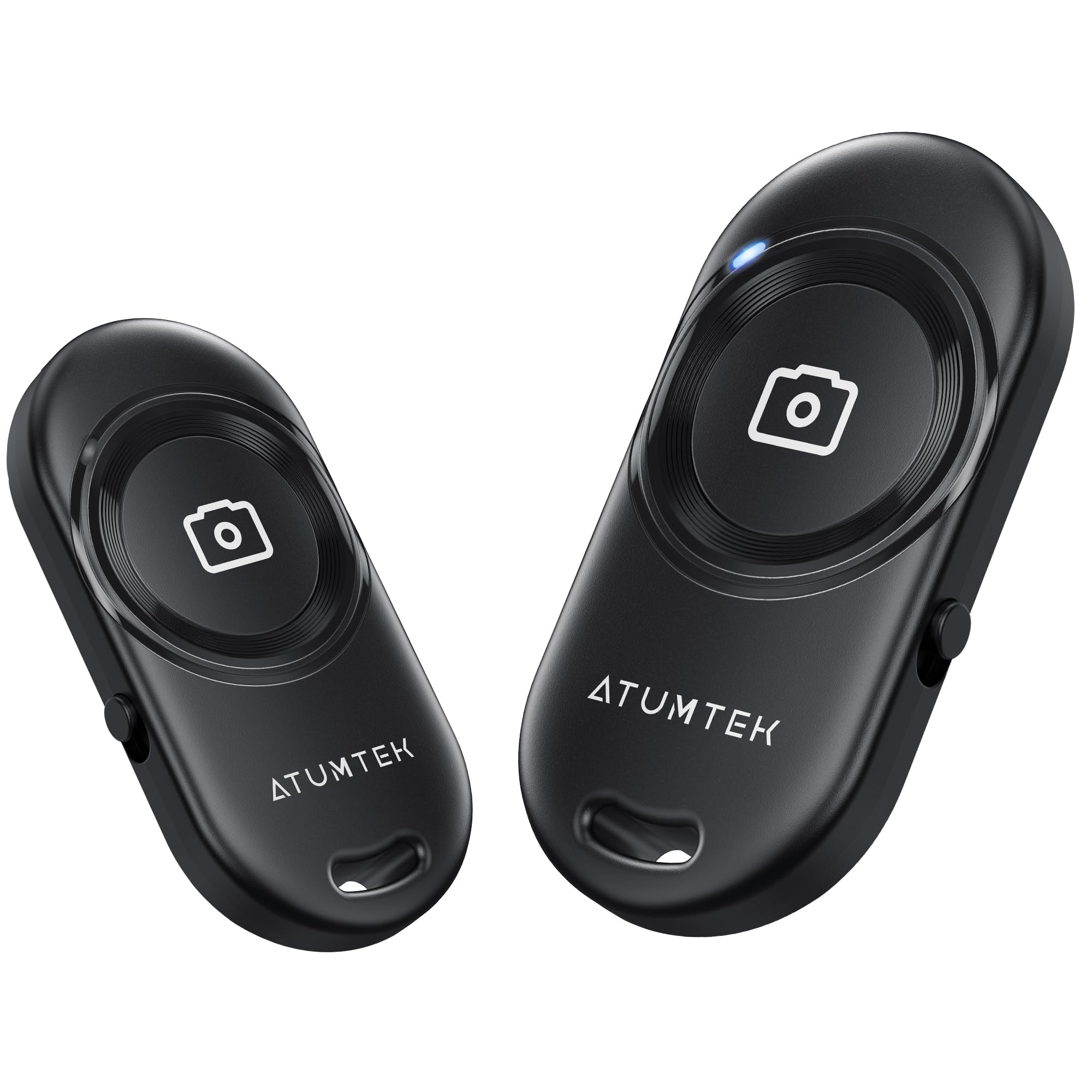
Image: The ATUMTEK ATYK185 package contents, including two black remote shutters, two wrist straps, the product box, and the user manual.
Setup
Uparivanje s vašim uređajem
- Uključeno: Locate the ON/OFF switch on the side of the remote shutter. Slide the switch to the "ON" position. The blue indicator light on the remote will rapidly flash, indicating it is in Bluetooth pairing mode.
- Omogući Bluetooth: On your smartphone or tablet, go to your device's settings and enable Bluetooth.
- Povežite se: In the list of available Bluetooth devices, locate and tap on "ATUMTEK". A pairing request may appear; confirm by tapping "Pair". The blue indicator light on the remote will turn off, signifying a successful connection.
- Otvorite aplikaciju Kamera: Return to your device's camera application. The remote is now ready for use.

Image: One-step auto pairing process, showing the remote connecting to a smartphone via Bluetooth.
Video: This video demonstrates the pairing process of the ATUMTEK Bluetooth Remote Shutter with a smartphone, showing how to activate the remote, enable Bluetooth on the phone, and connect to the "ATUMTEK" signal for successful pairing.
Uputstvo za upotrebu
Snimanje fotografija i video zapisa
- For Photos: With your camera app open and in photo mode, briefly press the large camera button on the remote to capture a photo.
- For Videos: Switch your camera app to video recording mode. Briefly press the large camera button on the remote to start recording. Press it again to stop recording.
The remote operates within a 10-meter (33-foot) range, providing flexibility for various shooting scenarios, including selfies, group photos, and remote nature shots.

Image: Various usage scenarios demonstrating the versatility of the remote shutter for different types of photography and videography.
Sleep Mode and Waking Up
- Režim spavanja: If there is no operation for 10 minutes after powering on, the remote will automatically enter sleep mode to conserve battery. The blue indicator light will deactivate.
- Buđenje: To wake up the remote from sleep mode, simply press the camera button briefly. It will automatically reconnect to the last paired device if Bluetooth is enabled on your phone.

Image: Explanation of Bluetooth indicator light behavior for standby, connected, sleep, and low battery states.
Održavanje
Zamjena baterije
The ATUMTEK ATYK185 uses an upgraded CR2032 button battery, which supports the capture of up to 20,000 images. When the battery is low, the indicator light will turn off, and the connection may be lost. To replace the battery:
- Pronađite odeljak za baterije na poleđini daljinskog upravljača.
- Use a small coin or a similar tool to gently twist open the battery cover.
- Izvadite staru CR2032 bateriju i umetnite novu, pazeći da pozitivna (+) strana bude okrenuta prema gore.
- Čvrsto zatvorite poklopac baterije.
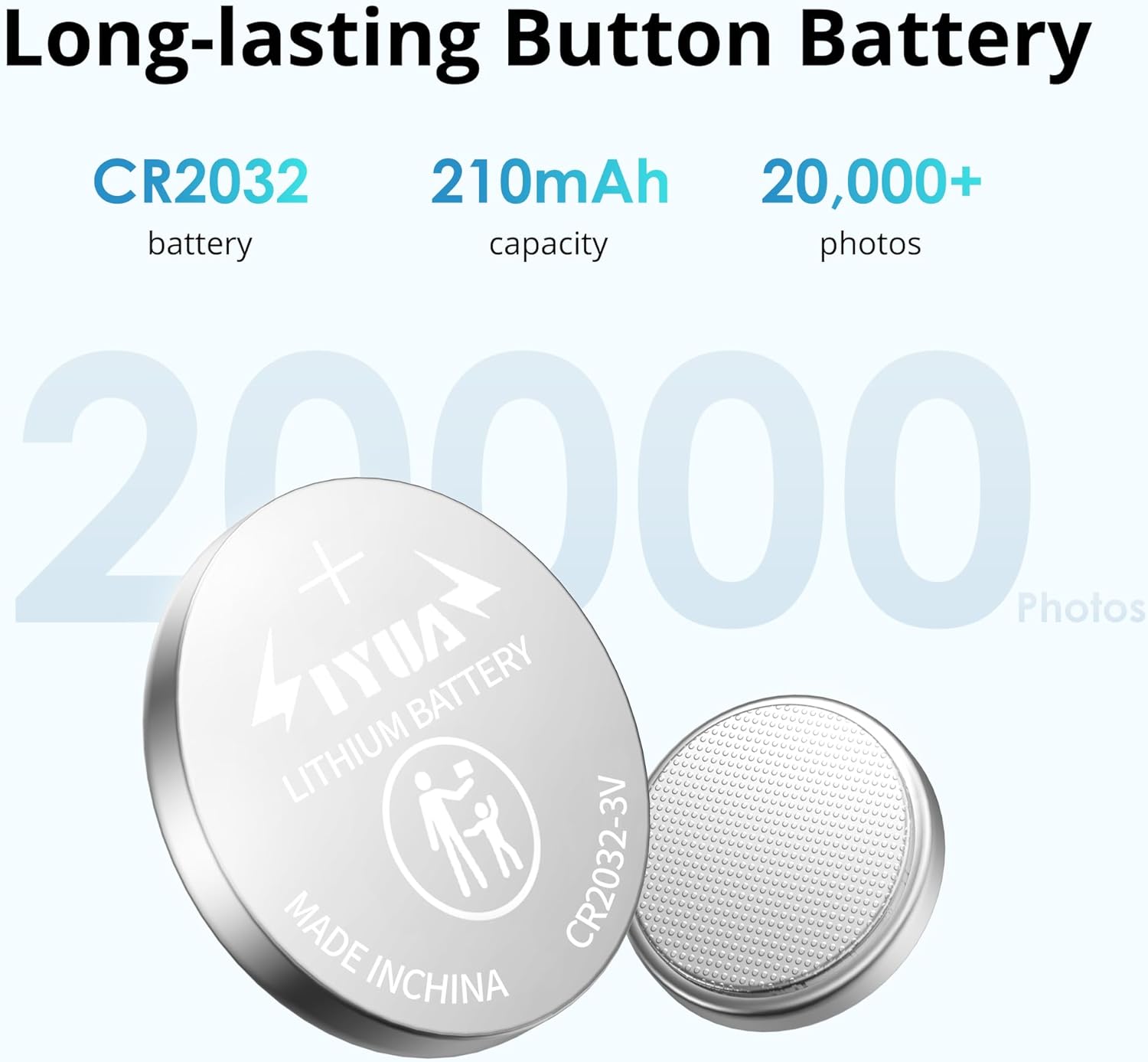
Image: The CR2032 button battery, emphasizing its capacity and long lifespan.
Korištenje remena za zapešće
The detachable wrist strap provides an extra layer of security and portability. To attach and use the wrist strap:
- Thread the thin loop of the wrist strap through the small hole on the remote shutter.
- Provucite veći dio remena kroz omču da biste ga pričvrstili.
- Adjust the buckle on the strap to fit comfortably around your wrist.

Image: The compact design of the remote, shown being stored in a small case and attached to a backpack with its wrist strap.
Video: This video demonstrates how to attach and adjust the wrist strap to the ATUMTEK Bluetooth Remote Shutter for secure and convenient carrying.
Rješavanje problema
- Remote not pairing:
- Ensure the remote is switched "ON" and the blue indicator light is flashing.
- Make sure Bluetooth is enabled on your smartphone/tablet.
- Check if the remote is already paired with another device. Disconnect from other devices if necessary.
- Restart your smartphone/tablet and try pairing again.
- If the blue light is not flashing, the battery might be dead. Replace the CR2032 battery.
- Remote not taking photos/videos:
- Ensure the remote is successfully paired (blue light off after initial pairing).
- Verify that your camera app is open and active.
- Some phones may require the volume button to be set as the shutter button in camera settings.
- Ensure the remote is within the 10-meter operating range of your device.
- Remote enters sleep mode too quickly:
- The remote is designed to enter sleep mode after 10 minutes of inactivity to save battery. This is normal operation. Simply press the camera button to wake it up.
Specifikacije
| Broj modela | ATYK185 |
| Bluetooth verzija | 5.2 |
| Operativni opseg | Do 10 metara (33 stope) |
| Vrsta baterije | CR2032 Button Battery (included) |
| Trajanje baterije | Approx. 20,000 photos per battery |
| Kompatibilnost | iOS 7.0 and Android 5.0 or higher devices |
| Dimenzije | 3.78 x 1.97 x 0.67 inča |
| Težina artikla | 1.13 unce |

Image: Key features of the remote shutter, including Bluetooth 5.2 technology for stable and rapid connections.

Image: Universal compatibility of the remote shutter with a wide range of smartphones and tablets.
Informacije o garanciji
ATUMTEK products typically come with a standard manufacturer's warranty. Please refer to the warranty card included in your product packaging or visit the official ATUMTEK webZa detaljne uslove i odredbe garancije posjetite stranicu. Sačuvajte račun kao dokaz o kupovini u slučaju bilo kakvih reklamacija.
Korisnička podrška
For any questions, technical assistance, or support regarding your ATUMTEK ATYK185 Bluetooth Camera Remote Shutter, please contact ATUMTEK customer service through the following channels:
- Službeno Webstranica: Posjetite ATUMTEK Store on Amazon za informacije o proizvodu i resurse podrške.
- Podrška putem e-pošte: Refer to your user manual for specific customer service email addresses.
When contacting support, please have your product model number (ATYK185) and purchase details ready.


