Uvod
The XDeer 125-Key Wall Mount Key Cabinet is designed to provide a secure and organized solution for managing a large number of keys. Constructed from durable steel with a powder-coated finish, this cabinet is suitable for various environments including offices, hotels, car dealerships, and property management. It features a combination lock for secure access and a convenient key drop slot for returns.
Karakteristike proizvoda
- Izdržljiva konstrukcija: Made of thick steel with a powder-coated, scratch-resistant black exterior for long-lasting use.
- Veliki kapacitet: Adjustable key rack with 125-position metal key hooks for extensive key organization.
- Mehanizam sigurnog zaključavanja: Equipped with a combination lock to ensure only authorized personnel can access keys.
- Key Drop Slot: Convenient side slot for returning keys without needing to open the main cabinet.
- Može se montirati na zid: Pre-drilled mounting holes and included hardware for easy and stable wall installation.
- Svestrana primjena: Ideal for homes, hotels, valet services, offices, property management, and car dealerships.
Sadržaj paketa
Please ensure all items are present before proceeding with installation and use:
- XDeer 125-Key Wall Mount Key Cabinet (Black)
- 200 Colorful Key Tags
- 2 Keys for the lock
- Wall Mounting Accessories (4 wall studs and anchors)
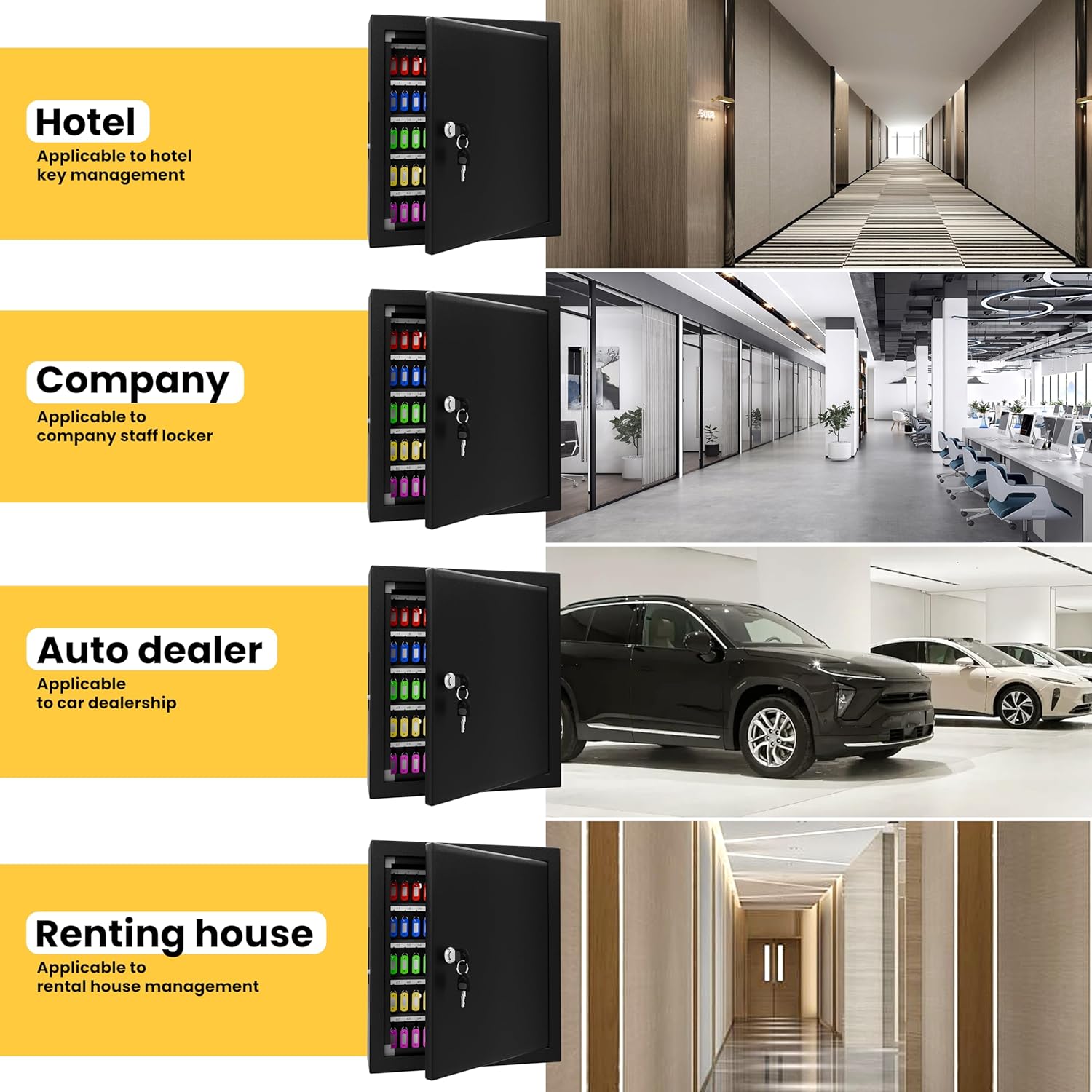
Image: Package contents including the key cabinet, key tags, keys, and mounting hardware.
Postavljanje i instalacija
The XDeer Key Cabinet is designed for secure wall mounting. Follow these steps for proper installation:
- Odaberite lokaciju: Select a sturdy wall location that can support the weight of the cabinet and its contents. Ensure it is a secure and accessible area.
- Označite tačke bušenja: Koristite prethodno izbušene rupe na poleđini ormarića kao šablon za označavanje tačaka bušenja na zidu.
- Izbušite rupe: Drill pilot holes at the marked locations. For drywall or plasterboard, insert the provided anchors. For wood-framed walls, screws can be directly inserted into studs.
- Montirajte ormarić: Align the cabinet with the drilled holes and secure it to the wall using the provided screws and anchors. Ensure the cabinet is level and firmly attached.

Image: XDeer Key Cabinet mounted on a wall.
Video o instalaciji
Video: This video demonstrates the installation process and features of the XDeer Wall Mounted Key Organizer, including how to mount the cabinet and use the key hooks.
Operacija
Opening and Closing the Cabinet
- Za otvaranje: Insert one of the provided keys into the lock on the front of the cabinet. Turn the key to unlock and open the door.
- Zatvoriti: Close the cabinet door firmly. Insert the key and turn it to the locked position. Remove the key.
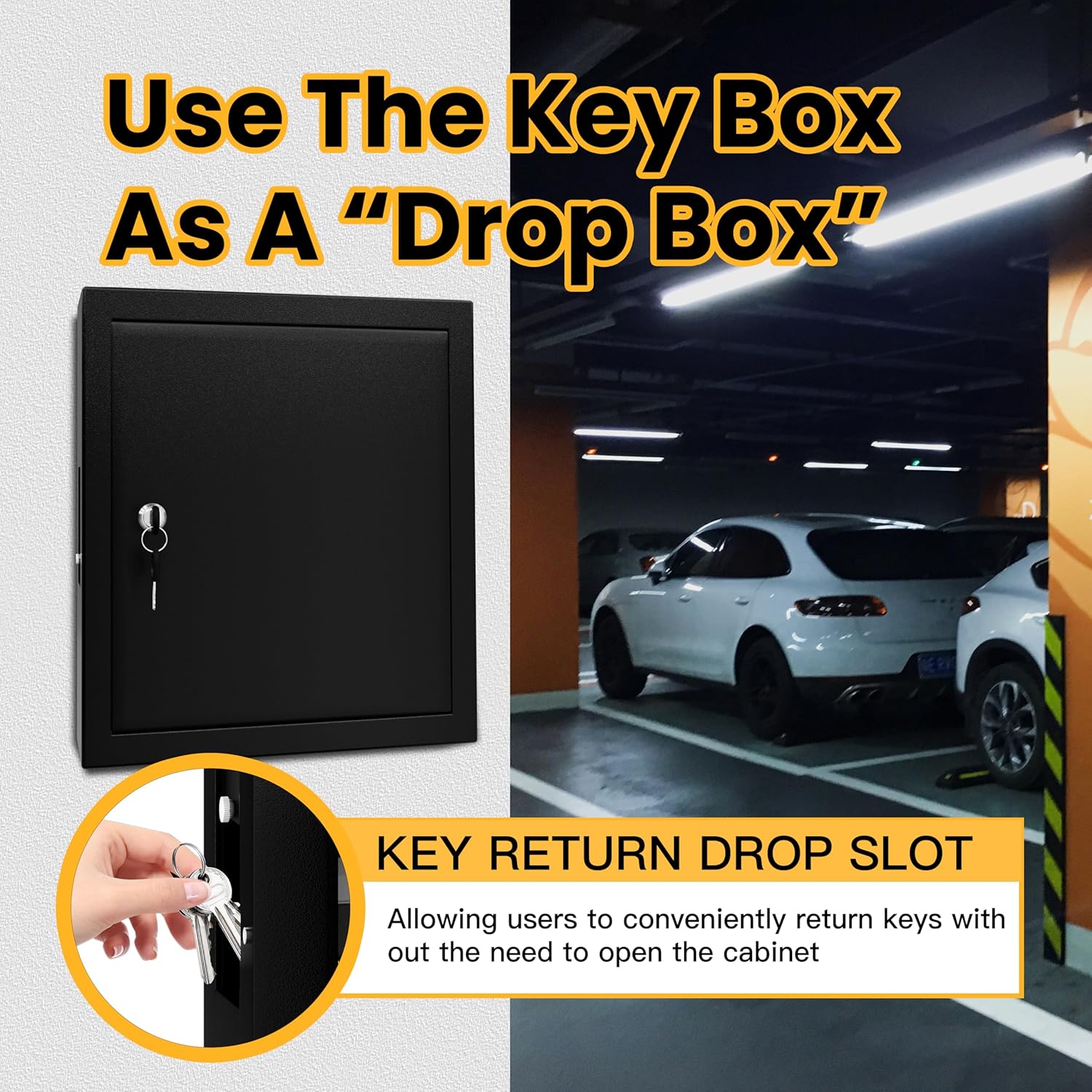
Image: Interior of the key cabinet with numbered hooks.
Korištenje ključa Tags and Hooks
- Attach each key to a colorful key tag. The tags allow for easy identification and labeling.
- Objesite tagged keys on the numbered hooks inside the cabinet. The hooks are arranged to accommodate up to 125 keys.
- Maintain a record of which key corresponds to which number for efficient management.
Using the Key Drop Slot
The key cabinet features a convenient key drop slot on the side, allowing users to return keys without needing to unlock and open the main door.
- Locate the key drop slot on the side of the cabinet.
- Insert the key into the slot. The key will drop into a secure compartment at the bottom of the cabinet.
- Access to the dropped keys requires unlocking the main cabinet door.

Image: Key drop slot on the side of the cabinet.
Operacija Video
Video: This video demonstrates the XDeer Wall Mount Key Box, including its sturdy construction, key tags, and the key drop-off slot. It shows how to unlock and access the interior.
Održavanje
To ensure the longevity and proper functioning of your XDeer Key Cabinet, follow these simple maintenance guidelines:
- čišćenje: Obrišite vanjske i unutarnje površine mekom,amp krpom. Izbjegavajte upotrebu abrazivnih sredstava za čišćenje ili rastvarača koji bi mogli oštetiti završnu obradu.
- Održavanje brave: Periodically check the lock mechanism for smooth operation. If it becomes stiff, apply a small amount of graphite lubricant to the keyhole.
- Sigurnost montaže: Regularly inspect the mounting screws and anchors to ensure they remain tight and secure. Tighten if necessary.
- Ključ Tags: Replace worn or illegible key tags to maintain clear organization.
Rješavanje problema
If you encounter any issues with your XDeer Key Cabinet, refer to the following common troubleshooting tips:
- Cabinet Door Not Closing Properly: Check for any obstructions around the door frame or hinges. Ensure the cabinet is securely mounted and not warped.
- Ključ zaglavljen u bravi: Do not force the key. Gently jiggle the key while applying slight turning pressure. If the lock is stiff, try applying graphite lubricant.
- Keys Not Dropping into Slot: Ensure the key is inserted correctly and is not too large or oddly shaped to pass through the slot. Check for any debris blocking the internal path.
- Izgubljeni ključevi: If the primary keys are lost, use the spare keys provided. It is recommended to keep spare keys in a secure, separate location.
Specifikacije
| Brand | XDeer |
| Naziv modela | 125 ključeva |
| Boja | Crna |
| Materijal | legirani čelik |
| Dimenzije proizvoda | 3.94"D x 13.77"Š x 15.7"H |
| Težina artikla | 1 funti |
| Vrsta montaže | Zidni nosač |
| Number of Key Hooks | 125 |
| Posebna karakteristika | Key Drop Slot |
Garancija i podrška
XDeer stands behind the craftsmanship and quality of each key locker. We offer a money-back guarantee for this product. For any questions, concerns, or support needs, please refer to the contact information provided at the point of purchase or visit the official XDeer website.


