1. Uvod
Thank you for choosing the IOOIOO A80 Portable Printer. This compact, inkless thermal printer is designed for convenience and efficiency, allowing you to print documents, photos, and more from various devices, including smartphones, tablets, and computers. Its portable design makes it ideal for home, office, or travel use.


2. Šta se nalazi u kutiji
Molimo Vas da provjerite sadržaj paketa kako biste bili sigurni da su svi artikli prisutni:
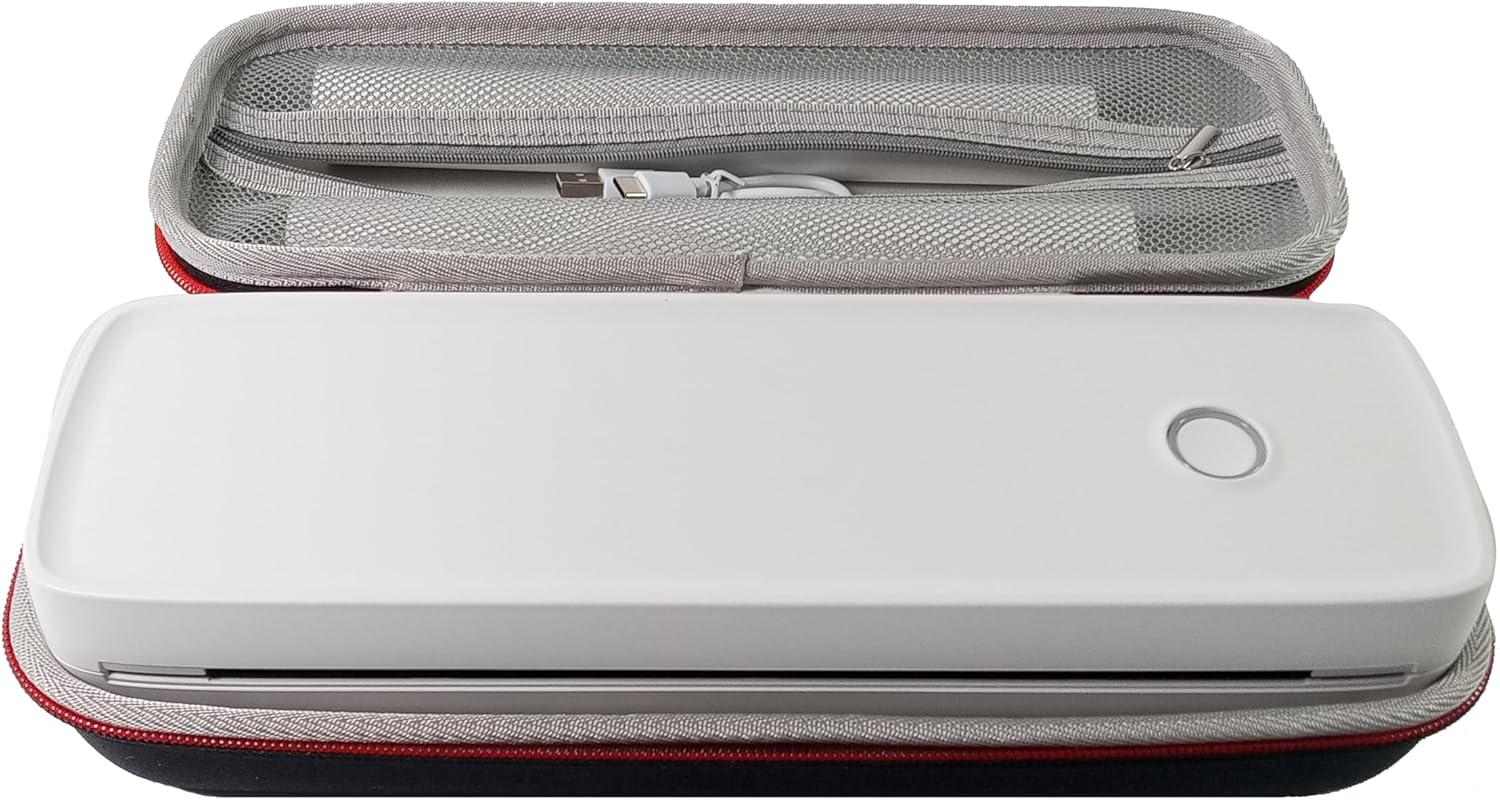
- Prijenosni štampač IOOIOO A80
- Torbica za nošenje
- 3 Rolls of A4 or Letter Thermal Paper
- 3 Pages of Continuous Folded Thermal Paper
- USB kabel
- QR Code for Manual Download (Digital Manual)

3. Podešavanje
3.1 Početno punjenje
Before first use, fully charge the printer using the provided USB cable. The LED indicator will show charging status.
3.2 Software/Driver Installation
To use the printer with your devices, appropriate software or drivers are required:
- For Mobile Phones (iPhone/Android): Download the "SharpFox" application from your device's app store.
- For Desktop PCs (Windows/Mac/Linux/Raspberry Pi): Download the necessary drivers from the official IOOIOO website. A QR code is provided in the box for quick access to the manual and driver download links.
3.3 Ubacivanje termalnog papira
The IOOIOO A80 uses inkless thermal paper. To load paper:
- Otvorite poklopac odeljka za papir.
- Insert the thermal paper roll or folded stack, ensuring the printable side is facing the print head.
- Čvrsto zatvorite poklopac.

4. Uputstvo za upotrebu
4.1 Uključivanje/isključivanje
- Za uključivanje: Pritisnite i držite dugme za napajanje dok se LED indikator ne upali.
- Za isključivanje: Pritisnite i držite dugme za napajanje dok se LED indikator ne ugasi.
4.2 Povezivanje
The IOOIOO A80 offers both Bluetooth wireless and USB wired connectivity options.
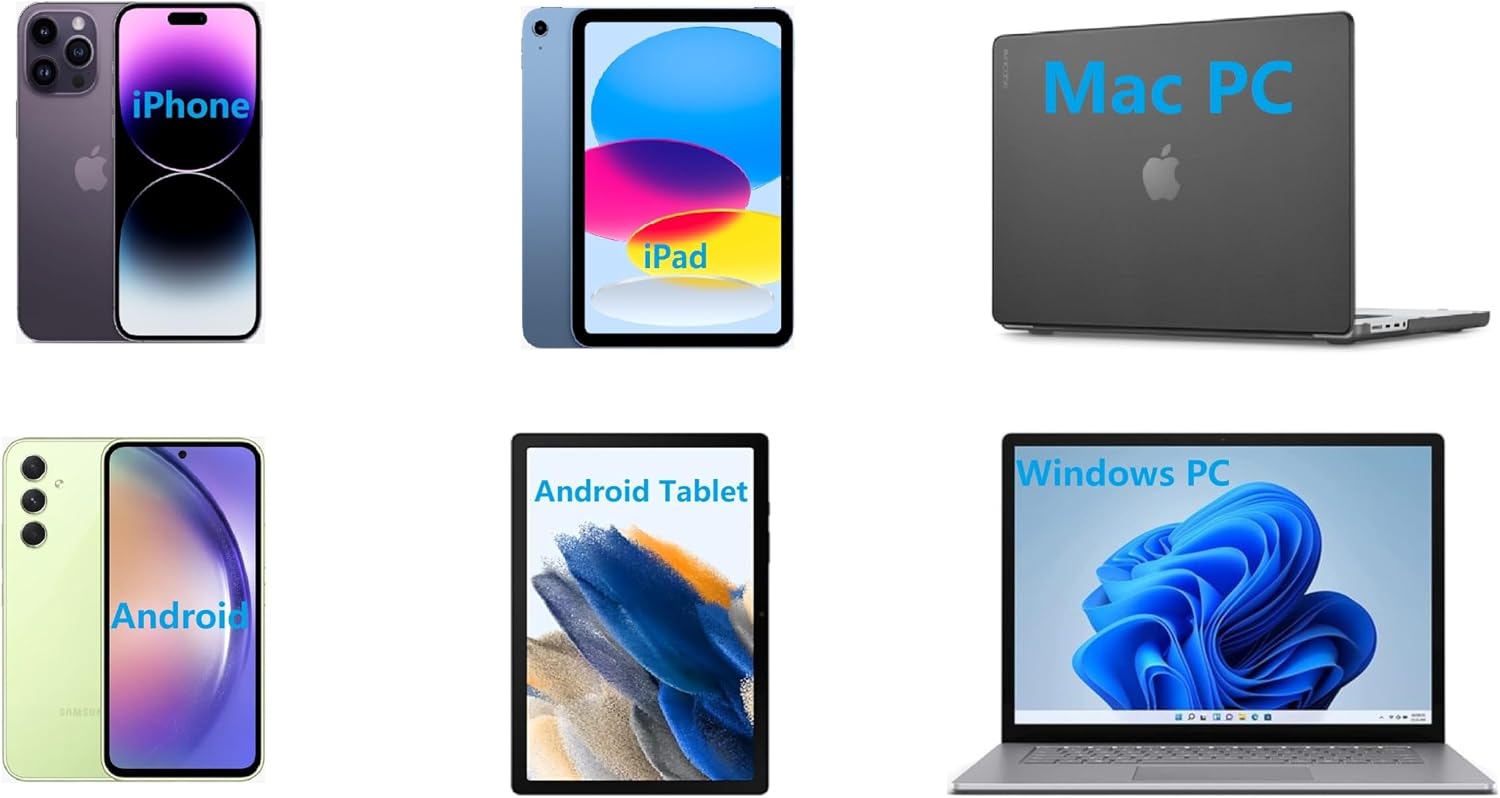
4.2.1 Bluetooth Connection (for Phones and Windows PC)
- Ensure the printer is powered on and the LED is green.
- On your phone, open the "SharpFox" app. On your Windows PC, ensure Bluetooth is enabled.
- Within the app or PC Bluetooth settings, search for and select the "IOOIOO A80" printer to pair.
- Pratite sve upite na ekranu da dovršite proces uparivanja.
4.2.2 USB veza (za Windows PC, Mac PC, Linux, Raspberry Pi)
- Ensure the printer is powered on and the LED is green. If the LED is not green, the printer will not print via USB.
- Povežite štampač sa računarom pomoću priloženog USB kabla.
- Install the appropriate drivers as described in Section 3.2.
- Nakon što se instaliraju upravljački programi, računar bi trebao prepoznati štampač.
4.3 Štampanje
After connecting your printer, you can initiate printing from your chosen application (e.g., SharpFox app, word processor, PDF viewer).
- Odaberite opciju štampanja unutar vaše aplikacije.
- Choose "IOOIOO A80" from the list of available printers.
- Adjust print settings (e.g., paper size: US letter/legal/A4/A5, 2", 3", 4" sticky/non-sticky, flat folded/rolled thermal paper, tattoo stencil transfer paper) as needed.
- Click "Print" to begin printing.
Note on Tattoo Stencil Printing: This printer is suitable for normal tattoo lines only. It is not recommended for sharp lines, large blocks, gradients, or color patterns.
5. Održavanje
Proper maintenance ensures the longevity and optimal performance of your IOOIOO A80 printer.
5.1 Čišćenje glave za štampanje
Regularly clean the print head to maintain print quality.
- Isključite štampač i isključite ga iz struje.
- Otvorite odjeljak za papir.
- Gently wipe the print head with a lint-free cloth lightly dampnapunjen izopropil alkoholom.
- Ostavite glavu za štampanje da se potpuno osuši prije nego što zatvorite poklopac i uključite štampač.
5.2 Skladištenje papira
Store thermal paper in a cool, dry place away from direct sunlight and heat to preserve its quality and ensure prints last for the expected duration (2 to 15 years depending on paper type).
6. Otkrivanje problema
If you encounter issues with your IOOIOO A80 printer, please refer to the official Troubleshooting Guide for detailed solutions.
Preuzmite Vodič za rješavanje problema (PDF)
Common issues and quick checks:
- Štampač se ne uključuje: Uvjerite se da je baterija napunjena.
- Nema ispisa: Check paper loading, ensure the LED is green (for USB connection), and verify connectivity (Bluetooth/USB).
- Loš kvalitet štampe: Clean the print head, ensure you are using compatible thermal paper.
- Problemi sa vezom: Restart both the printer and the device you are trying to connect from. Re-pair Bluetooth or re-plug the USB cable.
7. Specifikacije
| Feature | Detalj |
|---|---|
| Brand | IOIOO |
| Naziv modela | A80 |
| Dimenzije proizvoda | 3.6"D x 11.4"Š x 2.4"H |
| Težina artikla | 1.8 funte |
| Tehnologija štampe | Thermal |
| Maksimalna rezolucija crno-belog štampe | 200 dpi |
| Maksimalna brzina štampanja (monohromatski) | 4 ppm (approx. 10mm/s) |
| Maksimalna veličina medija | A4 (supports US Letter/Legal/A4/A5) |
| Tehnologija povezivanja | Bluetooth for Phone, USB for PC |
| Ink Color | Black (Monochrome) |
| Život glave za ispis | Otprilike 170,000 stranica pisama |
| Baterija | 1 litijum-jonska baterija (uključena) |
8. Garancija i podrška
For any questions, technical assistance, or warranty inquiries, please contact IOOIOO customer service.
- Američka telefonska podrška: Available for direct assistance.
- WhatsApp podrška: Available for convenient messaging support.
Please refer to your product packaging or the official IOOIOO webstranicu za najnovije kontakt informacije.


