1. Uvod
Welcome to the user manual for your new DOOGEE Blade 10 Pro (2025) Rugged Phone. This device is engineered for durability and high performance, featuring a 10.7mm ultra-thin design, 16GB RAM, 256GB storage, Android 14, a 6.56" HD+ 90Hz display, 50MP + 8MP cameras, IP68/IP69K waterproof rating, Widevine L1 support, NFC, and Face Unlock. This manual provides essential information to help you set up, operate, maintain, and troubleshoot your device.

Slika: Prednja i zadnja strana view of the DOOGEE Blade 10 Pro, highlighting its rugged design and key specifications like 16GB+256GB, Android 14.
2. Sigurnosne informacije
Please read all safety information before using your device to ensure safe and proper use. Follow these guidelines:
- Nemojte rastavljati niti modificirati uređaj.
- Izbjegavajte izlaganje uređaja ekstremnim temperaturama ili direktnoj sunčevoj svjetlosti tokom dužeg perioda.
- Use only approved chargers and accessories to prevent damage and voiding the warranty.
- Keep the device away from medical devices to avoid interference.
- Ensure all ports are properly sealed when exposing the device to water or dust to maintain its IP68/IP69K rating.
3. Sadržaj paketa
Provjerite da li se u paketu vašeg proizvoda nalaze svi artikli:
- DOOGEE Blade 10 Pro (2025) Rugged Phone
- USB kabel
- Adapter za napajanje
- Alat za izbacivanje SIM kartice
- Vodič za brzi početak
- Garantni list
4. Proizvod je gotovview
Familiarize yourself with the physical features and components of your DOOGEE Blade 10 Pro.

Image: Detailed graphic showing key features including NFC, 256GB ROM + 16GB RAM, 10.7mm Ultra-Thin Body, 50MP AI Main Camera, Face Unlock, Android 14, 5150mAh battery, Octa Core processor, and 2.4G/5G WiFi.
4.1 Fizičke komponente
- Prednja kamera: 8MP za selfije i video pozive.
- Prikaz: 6.56" HD+ 90Hz Waterdrop Screen for immersive viewing.
- zadnje kamere: 50MP AI main camera for high-resolution photos.
- Fingerprint Sensor/Power Button: Integrated for quick and secure access.
- Dugmad za jačinu zvuka: Podesite nivoe zvuka.
- USB-C priključak: Za punjenje i prijenos podataka.
- Utor za SIM/TF karticu: Supports dual SIM cards and TF card expansion up to 2TB.
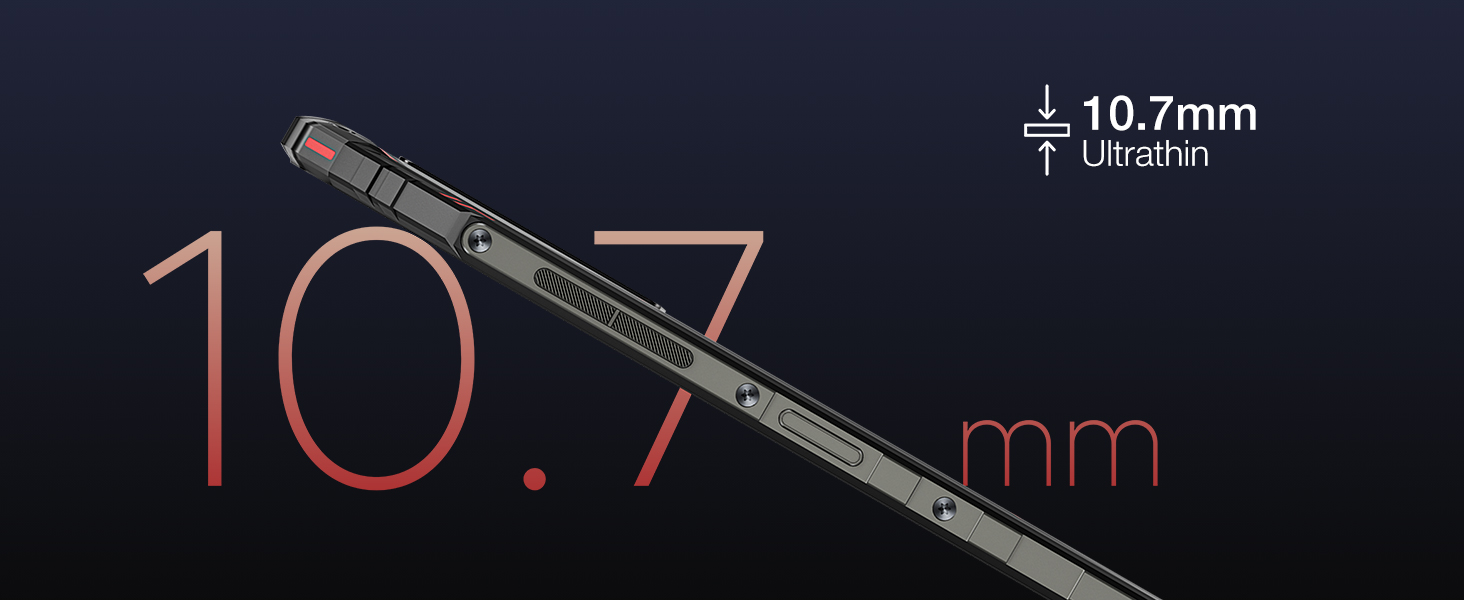
Slika: Krupni plan view of the phone's side profile, emphasizing its 10.7mm ultra-thin design.
5. Podešavanje
5.1 Početno punjenje
Before first use, fully charge your DOOGEE Blade 10 Pro using the provided power adapter and USB cable. The device features a 5150mAh large battery for extended usage.
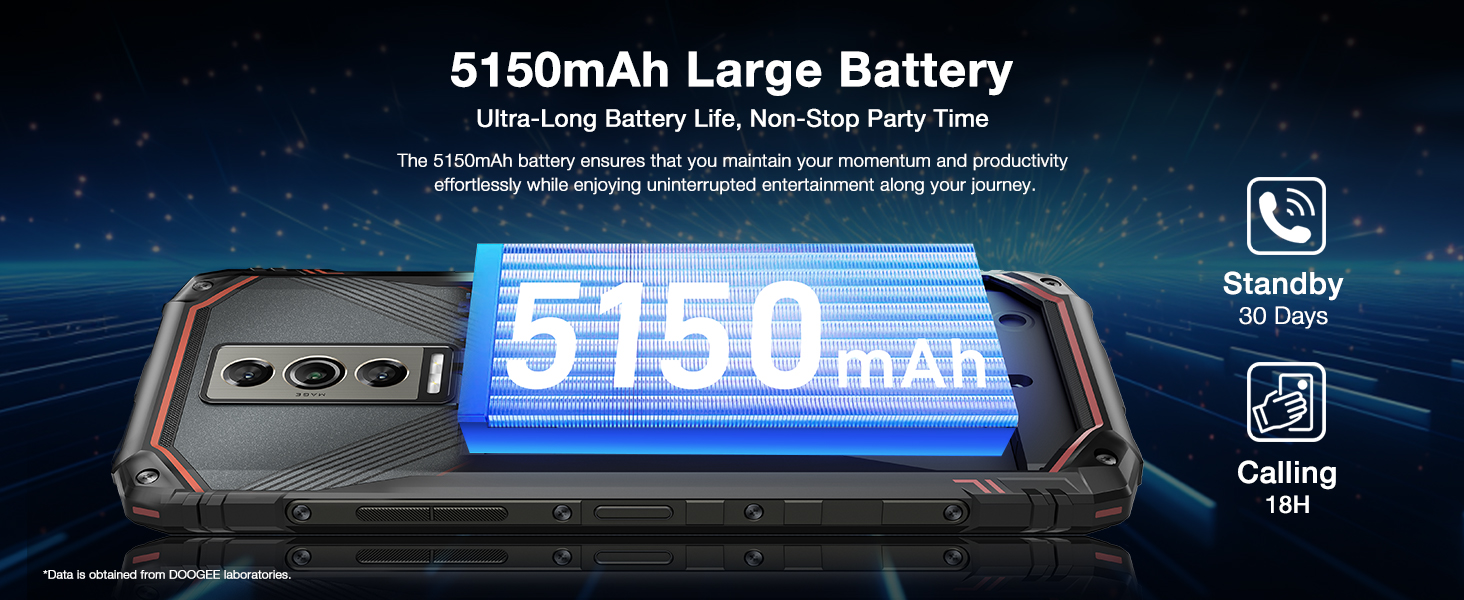
Image: Graphic illustrating the 5150mAh large battery capacity and its benefits for ultra-long battery life.
5.2 Instalacija SIM i TF kartice
To install your SIM cards and/or TF card:
- Pronađite utor za SIM/TF karticu sa strane telefona.
- Umetnite alat za izbacivanje SIM kartice u mali otvor pored ladice da biste je otvorili.
- Place your Nano SIM cards and/or TF card into the designated slots on the tray. Ensure correct orientation.
- Pažljivo gurnite ladicu nazad u utor dok se ne poravna s tijelom telefona.
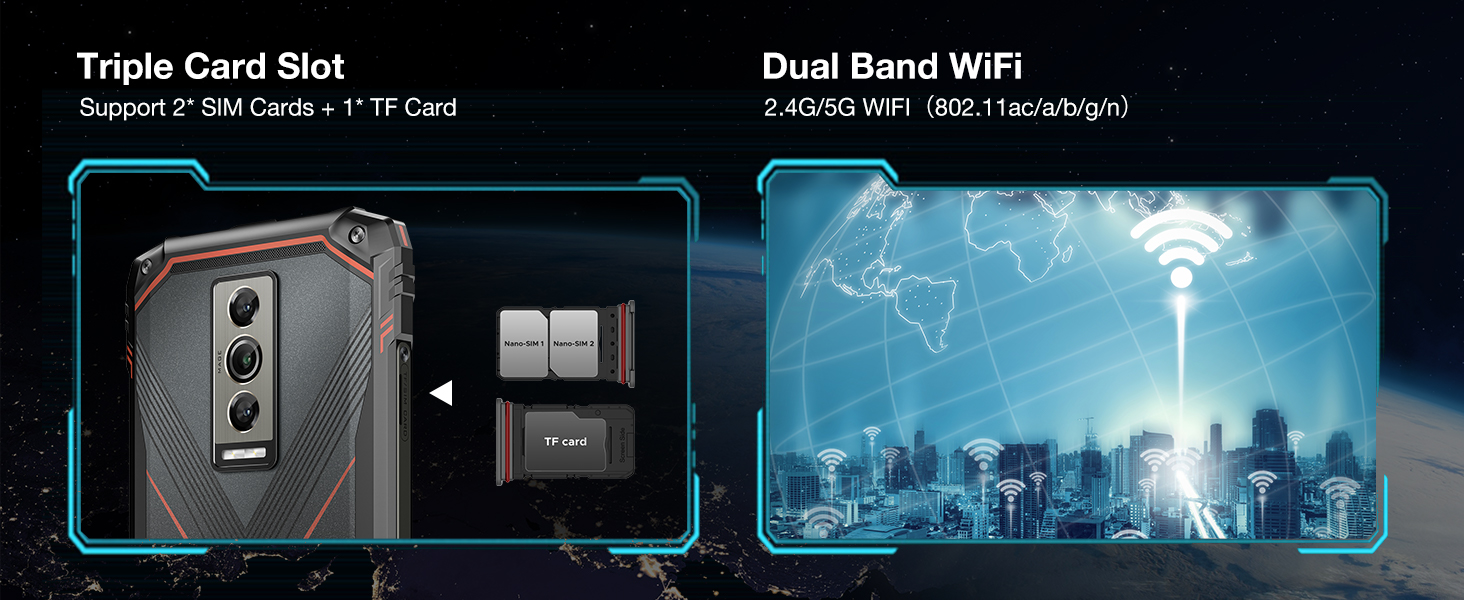
Image: Diagram showing the triple card slot supporting two SIM cards and one TF card, along with dual-band Wi-Fi capabilities.
5.3 Prvo podešavanje
Upon powering on your device for the first time, follow the on-screen prompts to complete the initial setup, including language selection, Wi-Fi connection, Google account login, and security settings.
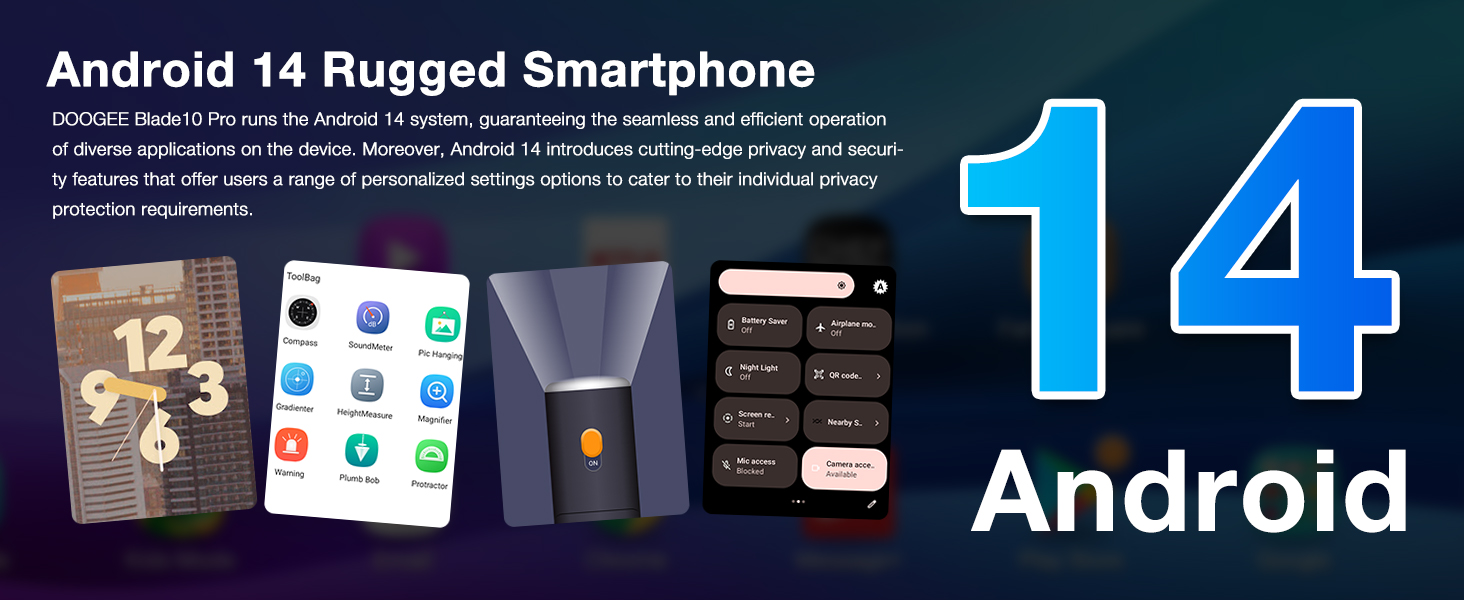
Image: Graphic highlighting the Android 14 operating system and its features, including privacy protection and personalized settings.
6. Uputstvo za upotrebu
6.1 Osnovna navigacija
Your DOOGEE Blade 10 Pro runs on Android 14, offering intuitive navigation. Use gestures or the traditional navigation bar for home, back, and recent apps. The 6.56" HD+ 90Hz display provides a smooth and responsive user experience.

Image: Visual representation of the 6.56" Waterdrop Screen, emphasizing its ultra-realistic and immersive viewing experience with details on aspect ratio, screen-to-body ratio, resolution, brightness, and pixel density.
6.2 Korištenje kamere
Capture stunning photos and videos with the 50MP AI main camera and 8MP front camera. The Morpho Imaging Algorithm enhances clarity and detail in every shot.

Image: Illustration of the 50MP AI main camera and 8MP front camera, showcasing example photos in Portrait, HDR, and Panorama modes.
For enhanced video stability, the phone features advanced video stabilization. See the video below for a demonstration.
Video: Demonstration of the Morpho Imaging Algorithm and video stabilization features of the DOOGEE Blade 10 Series, showing improved clarity and stability in captured footage.
6.3 Security Features: NFC and Face Unlock
The Blade 10 Pro supports NFC for convenient mobile payments and data transfer. For quick and secure unlocking, utilize the Face Unlock feature.

Image: Visuals demonstrating the NFC payment capability and the Face Unlock security feature.
6.4 Performanse i pohrana
Equipped with an Octa-Core processor, 16GB RAM (including up to 10GB extended RAM), and 256GB ROM, the Blade 10 Pro ensures smooth operation and ample storage for all your applications, photos, and videos. Storage can be expanded up to 2TB via a TF card.

Image: Diagram illustrating the powerful Octa-Core processor, 16GB RAM (6GB + up to 10GB extended), 256GB ROM, and support for 2TB TF card expansion.
7. Održavanje
7.1 Čišćenje uređaja
To clean your phone, use a soft, lint-free cloth. For stubborn dirt, slightly dampIsperite krpu vodom. Izbjegavajte upotrebu jakih hemikalija ili abrazivnih materijala.
7.2 Maintaining Ruggedness (IP68/IP69K)
The DOOGEE Blade 10 Pro is IP68/IP69K rated for water and dust resistance. To maintain this protection:
- Prije izlaganja telefona vodi ili prašini, provjerite jesu li svi poklopci priključaka sigurno zatvoreni.
- Do not submerge the phone in water deeper than specified or for longer than recommended.
- Isperite telefon čistom vodom ako je bio izložen slanoj vodi ili drugim tekućinama, a zatim ga temeljito osušite.
- Avoid dropping the phone from excessive heights, despite its drop-proof design.
Video: Demonstrates the ruggedness and reliability of the DOOGEE Blade 10 Series, showcasing its durability against water and impacts.
7.3 Ažuriranja softvera
Redovno provjeravajte i instalirajte ažuriranja softvera kako biste osigurali optimalne performanse, sigurnost i pristup novim funkcijama. Idite na Postavke > Sistem > Ažuriranje sistema da provjerite ažuriranja.
8. Otkrivanje problema
| Problem | Moguće rješenje |
|---|---|
| Uređaj se neće uključiti | Provjerite je li baterija napunjena. Spojite je na punjač najmanje 10 minuta, a zatim pokušajte uključiti uređaj. |
| Aplikacije se ruše ili zamrzavaju | Clear app cache/data (Settings > Apps > [App Name] > Storage). Restart the device. Ensure sufficient free storage. |
| Loš mrežni signal | Check SIM card insertion. Move to an area with better coverage. Restart the device. Verify carrier compatibility (Note: Not compatible with Verizon). |
| Baterija se brzo prazni | Reduce screen brightness. Close background apps. Disable unnecessary features like GPS, Wi-Fi, Bluetooth when not in use. Check for rogue apps consuming power. |
| Cannot download apps (e.g., InstagRAM) | Ensure you have a stable internet connection. Check available storage. Verify Google Play Store is updated and functioning correctly. Some apps may have specific regional or device compatibility requirements. |
9. Specifikacije
Key technical specifications for the DOOGEE Blade 10 Pro (2025):
| Feature | Detalj |
|---|---|
| Model | Blade 10 Pro |
| Operativni sistem | Android 14 |
| Display | 6.56 inches HD+ (720x1612) 90Hz Waterdrop Screen |
| Procesor | Octa Core (CPU Model: Snapdragon) |
| RAM | 16GB (6GB + up to 10GB Extended RAM) |
| Interna pohrana (ROM) | 256GB |
| Proširiva pohrana | Do 2TB putem TF kartice |
| Zadnja kamera | 50MP AI Main Camera |
| Prednja kamera | 8MP |
| Kapacitet baterije | 5150mAh |
| Ocjena izdržljivosti | IP68/IP69K Waterproof, Dust-proof, Drop-proof |
| Povezivanje | 4G Cellular, Wi-Fi (2.4G/5G), NFC, Bluetooth, GPS |
| Dimenzije | 0.43 x 3.15 x 6.8 inča (debljina 10.7 mm) |
| Težina | 9.2 unci (262 grama) |
| Boja | Crna |
| Kompatibilnost bežičnih operatera | Unlocked for All Carriers (Note: Not compatible with Verizon) |
10. Garancija i podrška
DOOGEE offers comprehensive support for your Blade 10 Pro:
- 30-dnevna garancija povrata novca: Free returns within 30 days of purchase.
- 2-godišnja ograničena garancija: Covers manufacturing defects for two years from the date of purchase.
- 24/7 podrška na mreži: Access to 1-on-1 online support for any queries or issues.
For further assistance, please visit the official DOOGEE support webweb-mjesto ili direktno kontaktirajte njihovu korisničku službu.