1. Uvod
This manual provides instructions for the Macally Wired Keyboard for Mac with an integrated USB Hub (Model: UCAMINIZHUB). This compact keyboard is designed for Apple computers, offering a familiar MacOS layout, convenient shortcut keys, and a built-in 3-port USB hub for connecting additional peripherals. Its 2-in-1 USB-C and USB-A plug ensures broad compatibility.

Slika: Prekoview of the Macally Wired Keyboard for Mac, showcasing its compact design and integrated cable.
2. Podešavanje
2.1 Sadržaj paketa
- Macally Wired Keyboard (UCAMINIZHUB)
- Korisnički vodič (ovaj dokument)
2.2 Povezivanje tastature
- Locate the integrated USB cable on the Macally keyboard. This cable features a unique 2-in-1 plug, allowing connection to either a USB-A or USB-C port.
- Connect the appropriate end of the keyboard's USB cable to an available USB-A or USB-C port on your Mac computer (MacBook Pro/Air, Mac mini, iMac).
- Your Mac should automatically detect the keyboard. Follow any on-screen prompts to identify the keyboard type if necessary. No additional drivers are required for basic functionality.

Slika: Krupni plan view of the keyboard's 2-in-1 USB-A and USB-C plug, demonstrating its versatility for different port types.
3. Operacija
3.1 MacOS Layout and Shortcut Keys
The Macally UCAMINIZHUB keyboard features a 78-key MacOS layout, providing a familiar typing experience for Mac users. It includes 12 convenient shortcut keys for quick access to common functions such as screen brightness, volume control, media playback, and Mission Control.
- F1-F2: Podešavanje svjetline ekrana
- F3: Kontrola misije
- F4: Launchpad
- F7-F9: Media Playback Controls (Previous, Play/Pause, Next)
- F10-F12: Volume Control (Mute, Volume Down, Volume Up)

Image: The Macally keyboard positioned next to an iMac, highlighting its MacOS-specific layout and shortcut keys.
3.2 Integrated USB Hub
The keyboard includes a built-in 3-port USB hub, consisting of two USB-C ports and one USB-A port. This allows you to connect additional peripherals directly to your keyboard, such as a mouse, flash drive, or external hard drive, providing convenient access and reducing cable clutter.
- 2x USB-C Ports: For connecting USB-C compatible devices.
- 1x USB-A Port: For connecting standard USB-A compatible devices.
To use the USB hub, simply plug your peripheral devices into the available ports on the side of the keyboard.

Slika: Krupni plan view of the side of the Macally keyboard, clearly showing the integrated USB-C and USB-A ports of the built-in hub.
3.3 Scissor Switch Keys
The keyboard utilizes scissor-switch key technology, providing a tactile and responsive typing experience similar to Apple's native keyboards. This design ensures comfortable and efficient typing.
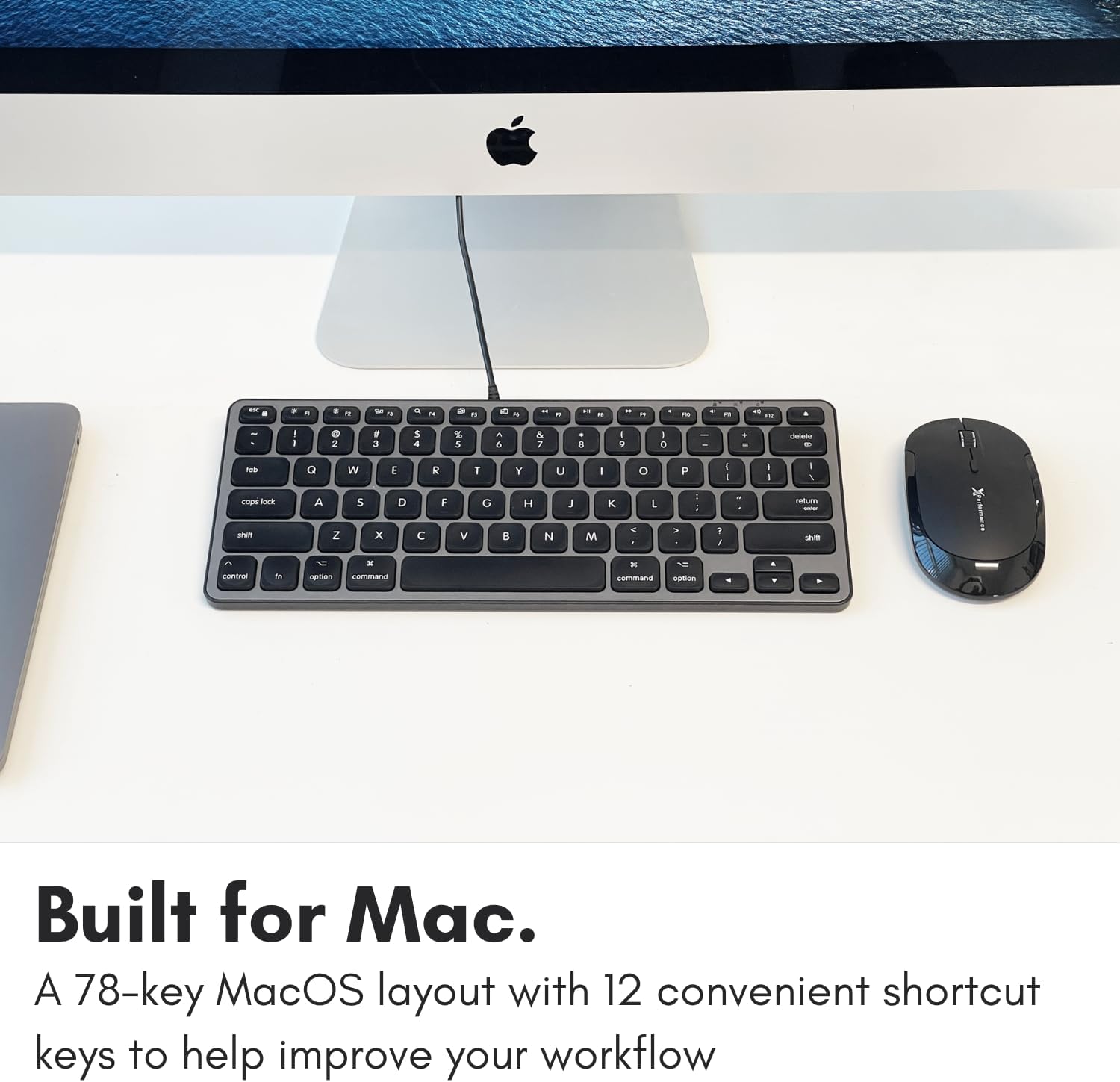
Image: A close-up of the keyboard keys, illustrating the low-profile design and keycap structure indicative of scissor-switch technology.
3.4 Ergonomija i prenosivost
The keyboard features an integrated kickstand that angles the keyboard slightly, enhancing typing comfort. Its compact size makes it suitable for various desk setups and easy to transport.
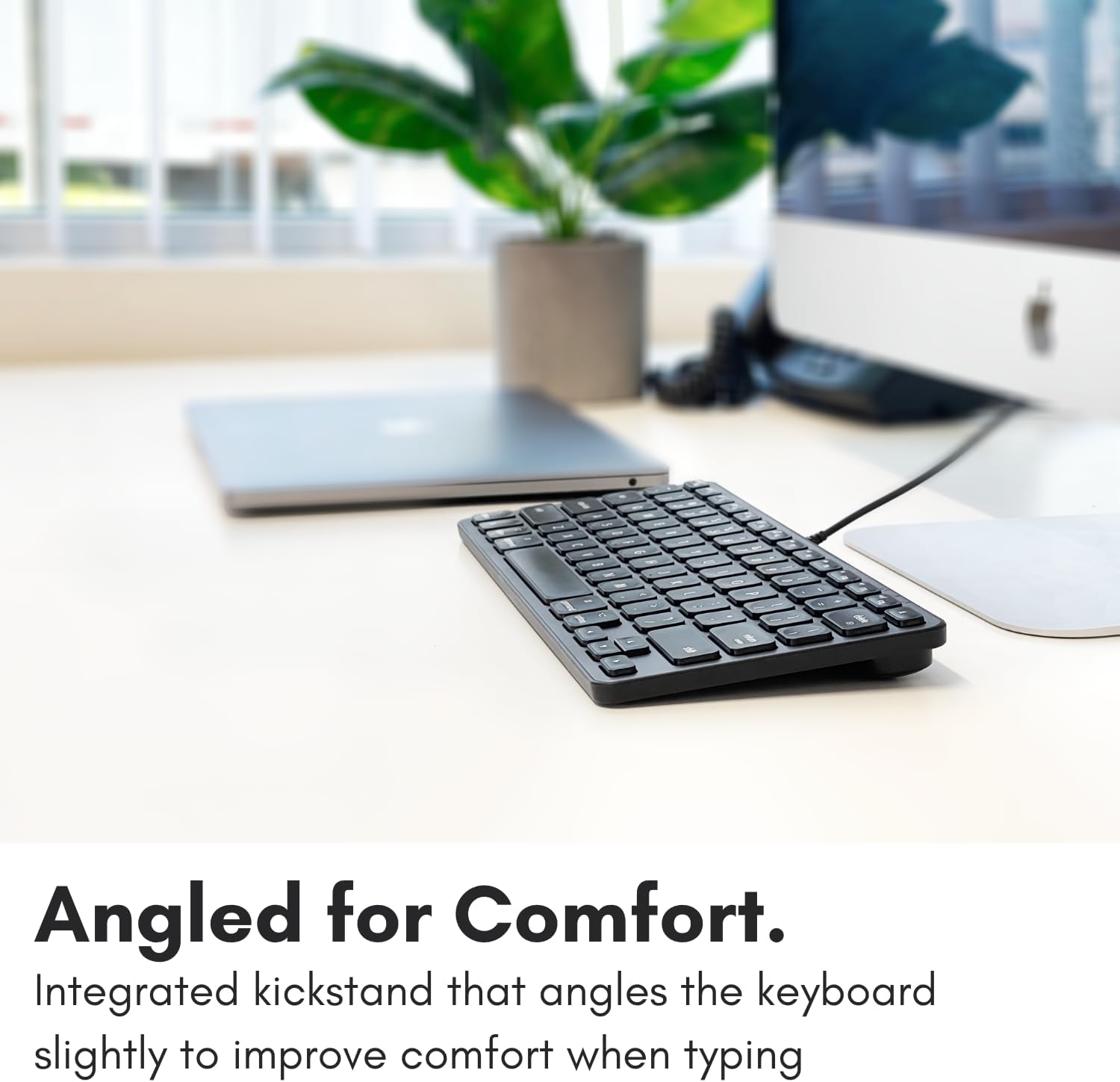
Image: The Macally keyboard shown from a side angle, highlighting the slight incline provided by its integrated kickstand for ergonomic typing.

Image: The compact Macally keyboard on a desk, demonstrating how its small footprint helps save desk space.
4. Održavanje
To ensure the longevity and optimal performance of your Macally keyboard, follow these maintenance guidelines:
- čišćenje: Koristite meku krpu koja ne ostavlja dlačiceampOperite površinu tastature vodom ili blagim sredstvom za čišćenje. Izbjegavajte jake hemikalije, abrazivna sredstva za čišćenje ili prekomjernu vlagu.
- Uklanjanje prašine: Koristite komprimirani zrak za uklanjanje prašine i ostataka između tipki.
- Skladištenje: Kada se ne koristi, tastaturu čuvajte na čistom i suhom mjestu, dalje od ekstremnih temperatura i direktne sunčeve svjetlosti.
- Održavanje kablova: Izbjegavajte pretjerano savijanje ili uvrtanje USB kabela kako biste spriječili oštećenje.
5. Otkrivanje problema
If you encounter issues with your Macally keyboard, refer to the following common troubleshooting steps:
- Tastatura ne reaguje:
- Ensure the USB cable is securely connected to your Mac's USB-A or USB-C port.
- Try connecting the keyboard to a different USB port on your Mac.
- Restart your Mac computer.
- Check System Settings/Preferences > Keyboard to ensure the keyboard is recognized and configured correctly.
- USB čvorište ne radi:
- Ensure the keyboard itself is properly connected and functioning.
- Verify that the peripheral device connected to the hub is working correctly when plugged directly into your Mac.
- Some high-power devices may require direct connection to your Mac or a powered USB hub. The keyboard's hub is designed for low-power peripherals.
- Prečice na tipkovnici ne rade:
- Ensure your Mac's operating system is up to date.
- Check System Settings/Preferences > Keyboard > Keyboard Shortcuts to ensure no conflicts exist.
6. Specifikacije
| Broj modela | UCAMINIZHUB |
| Tehnologija povezivanja | Žični (USB-A, USB-C) |
| Kompatibilni uređaji | MacBook Pro/Air, Mac mini, iMac, Laptop, PC, Smartphone, Tablet (with appropriate USB port) |
| Raspored tipkovnice | 78-key MacOS layout with 12 shortcut keys |
| Tip prekidača | Scissor Switch |
| Integrirani USB čvorište | 2x USB-C ports, 1x USB-A port |
| Dimenzije proizvoda | 11.81 x 5.91 x 0.79 inča (30 x 15 x 2 cm) |
| Težina artikla | 1.08 funte (0.49 kg) |
| Materijal | Metal, Plastika |
| Boja | Crna |
7. Garancija i podrška
Macally products are designed for reliability and performance. This product comes with a 2 godine ograničene garancije od datuma kupovine.
For technical support, warranty claims, or further assistance, please contact Macally customer support. US-based support is available to assist you with any questions or issues you may have.
Please visit the official Macally website for the most current contact information and support resources: www.macally.com


