1. Uvod
Hvala na kupoviniasing the WiMiUS K9 Projector. This manual provides essential information for setting up, operating, and maintaining your projector. Please read it thoroughly before use to ensure proper functionality and to maximize your viewing iskustvo.
The WiMiUS K9 is a high-performance projector featuring native Full HD 1080P resolution with 4K support, AI auto-focus and keystone correction, WiFi 6, Bluetooth 5.2, and integrated Netflix certification with Dolby Audio support.
2. Sigurnosne informacije
- Ne gledajte direktno u sočivo projektora kada je lamp je uključen.
- Osigurajte odgovarajuću ventilaciju oko projektora kako biste spriječili pregrijavanje.
- Avoid placing the projector in dusty, humid, or extremely hot/cold environments.
- Koristite samo adapter za napajanje koji dolazi s projektorom.
- Držite projektor dalje od vode ili drugih tekućina.
- Ne pokušavajte sami rastavljati ili popravljati projektor. Za pomoć se obratite korisničkoj podršci.
3. Sadržaj paketa
Provjerite da li su sve stavke prisutne u paketu:
- WiMiUS K9 Projector
- HDMI kabl
- Daljinski upravljač
- Power Cable
- Cloth Cloth
- Poklopac objektiva
- Korisnički priručnik (ovaj dokument)
4. Proizvod je gotovview
Upoznajte se s komponentama projektora i priključnim portovima.
Slika: Prednja i bočna view of the WiMiUS K9 Projector, showing the lens and ventilation.
4.1. Portovi i veze
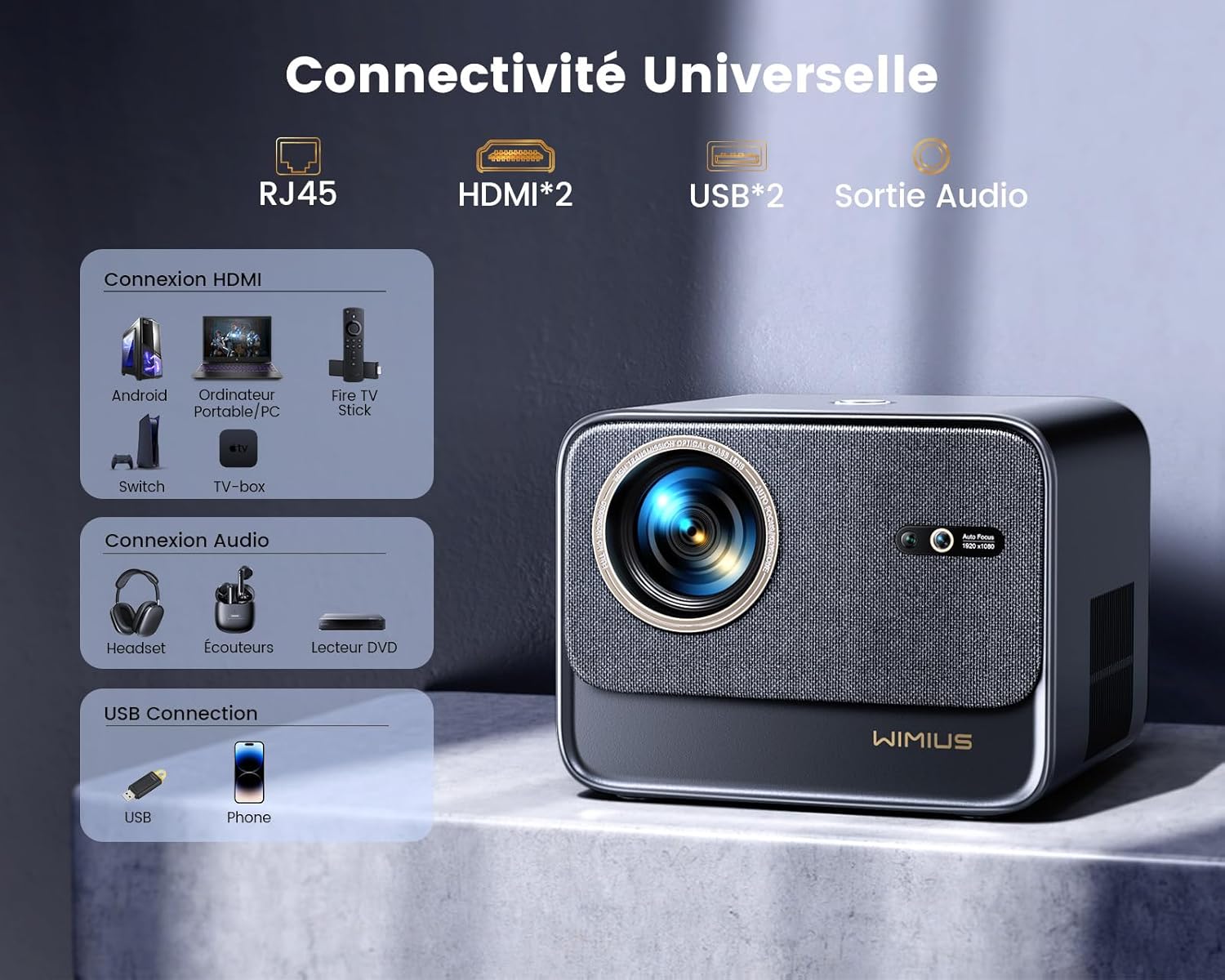
Slika: Stražnja strana view of the WiMiUS K9 Projector, highlighting the Ethernet (RJ45), HDMI (x2), USB (x2), and Audio Out ports.
- RJ45 (Ethernet): Za žičanu internet vezu.
- HDMI (x2): Connect to devices like TV sticks, game consoles (PS5), laptops, or TV boxes. Supports HDMI ARC.
- USB (x2): Connect USB drives for media playback or charge compatible devices.
- Audio izlaz (3.5 mm priključak): Spojite vanjske zvučnike ili slušalice.
5. Podešavanje
5.1. Plasman
Place the projector on a stable, flat surface or mount it according to your preference. Ensure the lens is unobstructed. The projector supports a screen size of 50-300 inches with a projection ratio of 1.33:1.
5.2. Priključak za napajanje
- Spojite kabel za napajanje na ulaz za napajanje projektora.
- Uključite drugi kraj kabla za napajanje u utičnicu.
- Pritisnite dugme za napajanje na projektoru ili daljinskom upravljaču da biste ga uključili.
5.3. Auto Focus and Keystone Correction
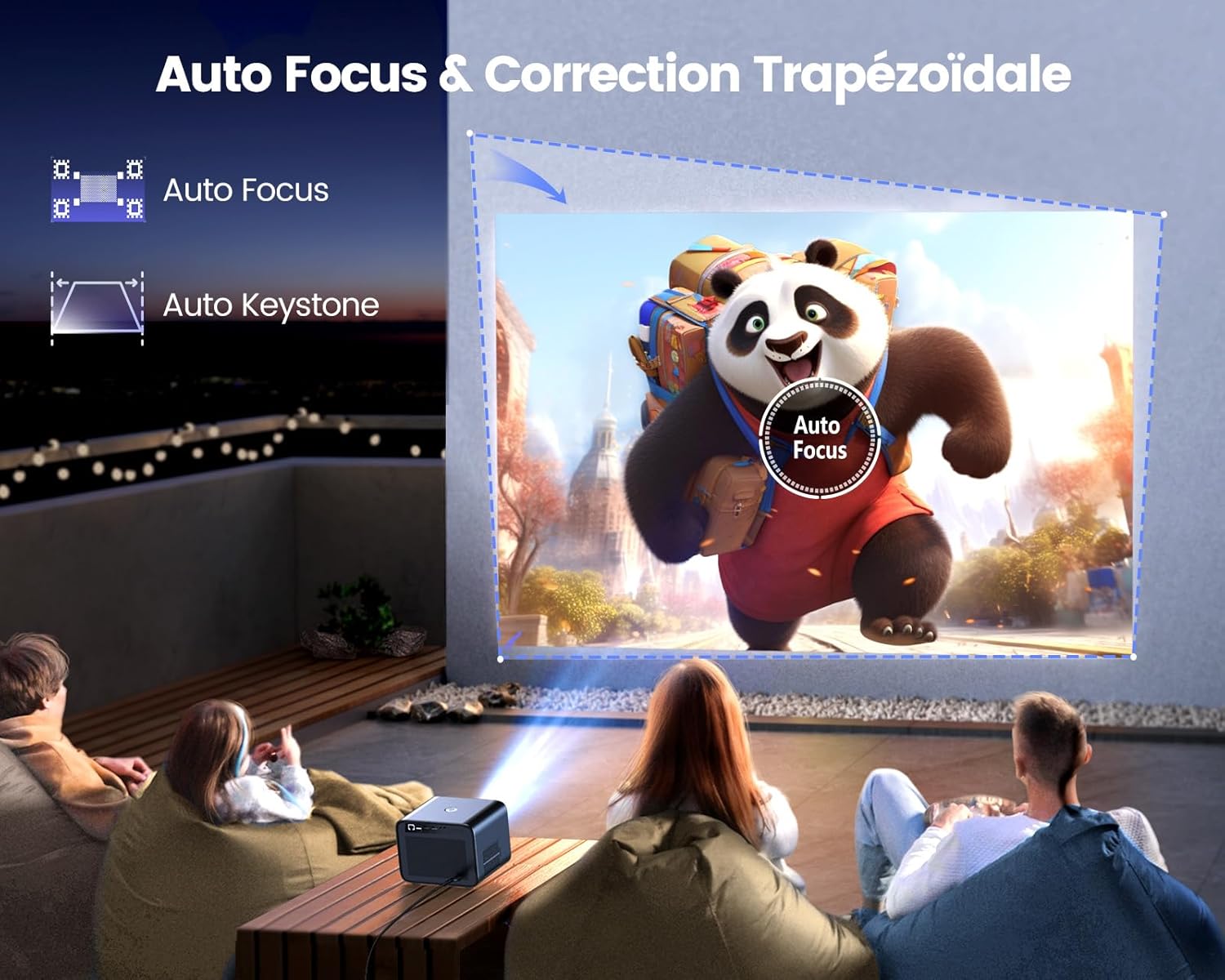
Image: Illustration of the projector automatically adjusting focus and keystone to achieve a rectangular image.
The WiMiUS K9 features AI-powered auto-focus and auto-keystone correction. Upon startup or movement, the projector will automatically adjust the image to be clear and rectangular within approximately 3 seconds. If manual adjustment is needed, use the remote control to fine-tune focus or keystone settings.
5.4. Funkcija zumiranja
The projector includes a 50%-100% zoom function, allowing you to adjust the image size without physically moving the projector. Access this feature through the projector's menu or dedicated remote control buttons.
6. Uputstvo za upotrebu
6.1. Navigacija i korisnički interfejs

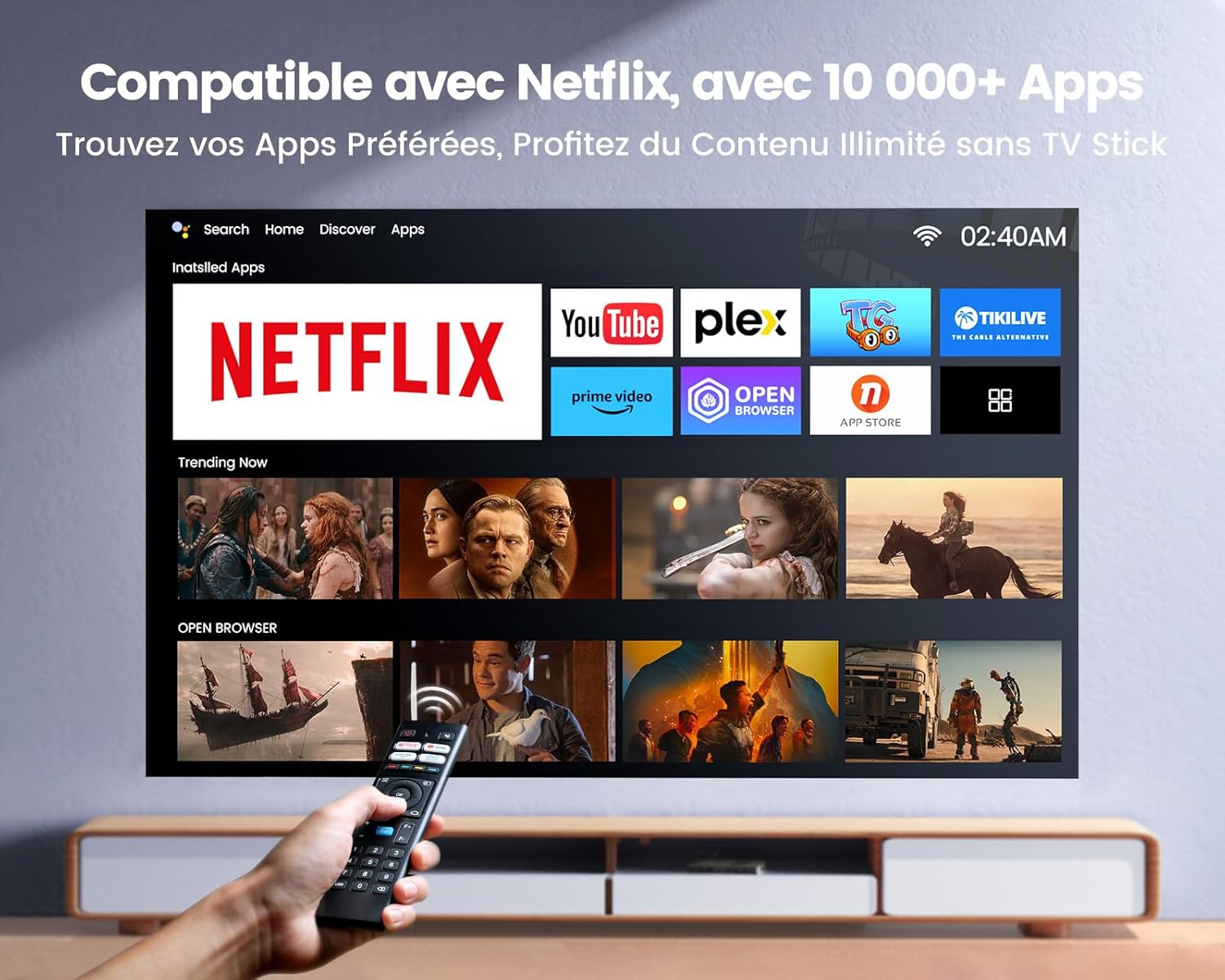
Image: The projector's home screen displaying various streaming applications like Netflix, YouTube, and Prime Video, controlled by a remote.
Use the provided remote control to navigate the projector's Linux-based operating system. The interface provides access to certified applications such as Netflix, Amazon Prime Video, and YouTube, along with other streaming services.
6.2. Povezivanje vanjskih uređaja
The K9 projector offers multiple connectivity options:
- HDMI: Connect your TV stick, game console (e.g., PS5), laptop, or TV box using an HDMI cable. Select the corresponding HDMI input from the projector's source menu.
- USB: Insert a USB flash drive into a USB port to play media files direktno.
- Ethernet (RJ45): Za stabilnu žičanu internet vezu, priključite Ethernet kabel u RJ45 priključak.
6.3. Wireless Connectivity (WiFi 6 & Bluetooth 5.2)

Image: A person enjoying a video game projected by the WiMiUS K9, illustrating the fast WiFi 6 connection.
- WiFi 6: Connect to your wireless network for internet access and streaming. Navigate to the network settings in the projector's menu to connect to a WiFi 6 network. This enables seamless streaming and screen mirroring from iOS/Android phones and tablets.
- Bluetooth 5.2: Pair with Bluetooth headphones, speakers, or soundbars for enhanced audio. Go to Bluetooth settings in the menu, enable Bluetooth, and select your device to pair. The projector supports Dolby Audio output to connected Bluetooth devices.
6.4. Postavke zvuka (Dolby Audio)
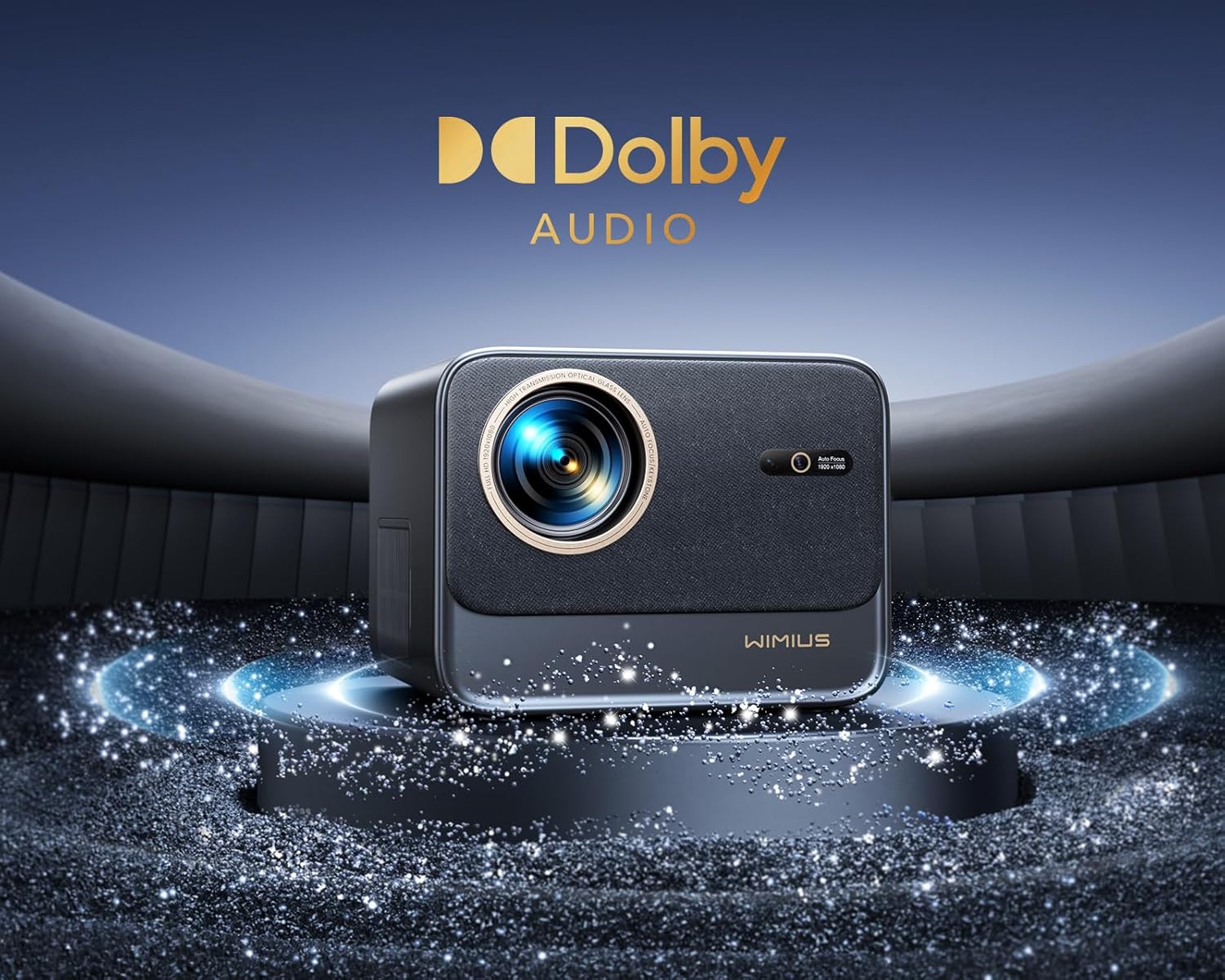
Image: The WiMiUS K9 Projector prominently displaying the Dolby Audio logo, indicating its audio capabilities.
The K9 projector supports Dolby Audio, providing a cinematic sound experience. You can output audio through the built-in speakers, the 3.5mm audio jack, or wirelessly via Bluetooth 5.2 to compatible audio devices.
7. Održavanje
7.1. Čišćenje objektiva
Gently wipe the projector lens with the provided cleaning cloth or a soft, lint-free cloth. Avoid using abrasive cleaners or excessive pressure, which can damage the lens coating.
7.2. Sprečavanje prašine
The WiMiUS K9 features a fully sealed optical machine design to effectively block dust and reduce black spots on the projection. Periodically clean the projector's exterior with a soft cloth. Ensure ventilation openings are clear of obstructions.
7.3. Skladištenje
When not in use for extended periods, store the projector in a cool, dry place, protected from dust and extreme temperatures. Use the lens cap to protect the lens.
8. Otkrivanje problema
If you encounter issues with your WiMiUS K9 Projector, refer to the following common problems and solutions:
- Nema slike:
- Provjerite je li kabel za napajanje sigurno spojen i je li projektor uključen.
- Check the input source selection (HDMI 1, HDMI 2, etc.) matches your connected device.
- Verify the connected device (laptop, TV stick) is powered on and outputting a signal.
- Zamućena slika:
- Allow the auto-focus function to complete its adjustment.
- Ako je potrebno, ručno podesite fokus pomoću daljinskog upravljača.
- Ensure the projection surface is flat and the projector lens is clean.
- Distorted Image (not rectangular):
- Allow the auto-keystone correction to complete.
- If necessary, manually adjust keystone correction via the projector's menu.
- Nema zvuka:
- Provjerite nivo jačine zvuka i na projektoru i na povezanom izvornom uređaju.
- Provjerite jesu li vanjski zvučnici ili slušalice ispravno spojeni i uključeni ako se koriste.
- Verify Bluetooth audio is correctly paired and selected as the output.
- Problemi s WiFi/Bluetooth vezom:
- Ensure the WiFi network is active and within range. Re-enter the password if necessary.
- Za Bluetooth, provjerite je li uređaj u načinu uparivanja i unutar dometa.
- Ponovo pokrenite projektor i uređaj koji pokušavate povezati.
For further assistance, please refer to the contact information in the Warranty and Support section.
9. Specifikacije
| Brand | WiMiUS |
| Model | K9 |
| Native Resolution | 1920 x 1080P (Full HD) |
| Podržana rezolucija | Up to 4K Ultra HD (60Hz) |
| Osvetljenost | 32000 lumena (1100 ANSI lumena) |
| Kontrast Ratio | 40000:1 |
| Operativni sistem | Linux (Netflix Certified) |
| Povezivanje | WiFi 6, Bluetooth 5.2, 2x HDMI (ARC), 2x USB, Ethernet (RJ45), 3.5mm Audio Out |
| Posebne karakteristike | AI Auto Focus, AI Auto Keystone Correction, Dolby Audio Support, Fully Sealed Optical Machine, 50-100% Zoom |
| Preporučena upotreba | Home Cinema, Gaming Console |
| Uključene komponente | Projector, HDMI Cable, Remote Control, Power Cable, Cleaning Cloth, Lens Cap, User Manual |
10. Garancija i podrška
The WiMiUS K9 Projector comes with a 3 godine garancije od datuma kupovine.
For technical support, warranty claims, or any questions regarding your projector, please contact WiMiUS customer service. Refer to the contact information provided in the physical user manual included with your product or visit the official WiMiUS webstranica za detalje o podršci.
When contacting support, please have your product model (K9) and purchase details ready.


