1. Uvod i krajview
This manual provides detailed instructions for the setup, operation, maintenance, and troubleshooting of your AOC 16T3EA 15.6-inch USB-C Ultra-Slim Portable Monitor. Designed for enhanced productivity and entertainment on the go, this monitor offers Full HD 1920x1080 resolution with an IPS panel for wide viewing angles and consistent colors.
Its ultra-slim design and single USB-C cable connectivity make it an ideal companion for laptops, PCs, and other compatible devices, ensuring a seamless dual-screen experience wherever you are.
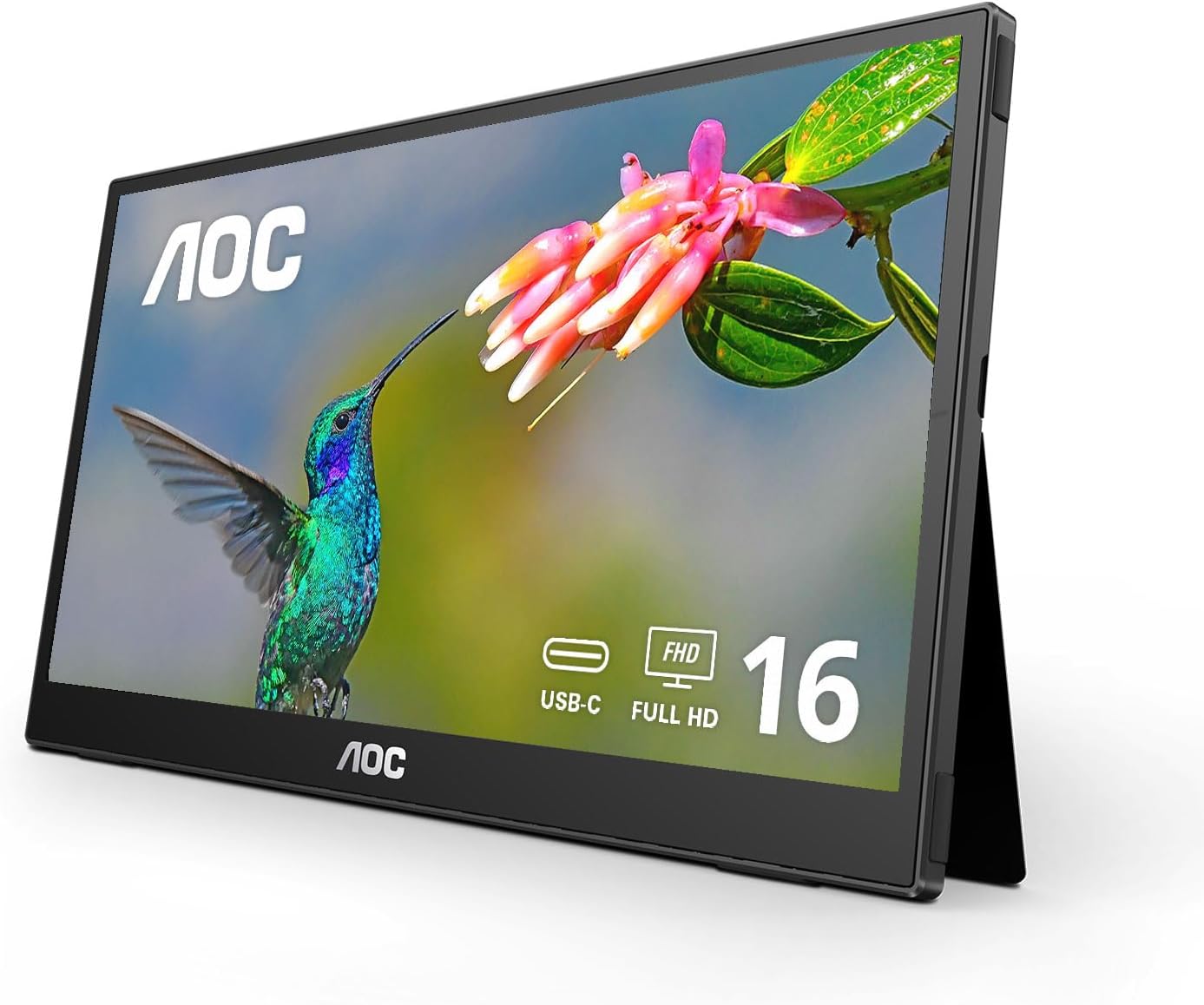
Figure 1.1: The AOC 16T3EA portable monitor, showcasing its sleek design and integrated kickstand.
2. Šta se nalazi u kutiji
Molimo Vas da provjerite da li se sve dolje navedene stavke nalaze u pakovanju Vašeg proizvoda:
- AOC 16T3EA Portable Monitor
- USB-C Cable (for power and signal)
- Torba za nošenje
- Korisnički priručnik (ovaj dokument)
Note: This monitor is designed for single-cable USB-C connectivity for both power and video signal (USB-C DP Alt Mode required).
3. Upute za postavljanje
3.1 Povezivanje monitora
The AOC 16T3EA monitor utilizes a single USB-C cable for both power and video signal, simplifying your setup. Ensure your device (laptop, PC, etc.) supports USB-C DisplayPort Alternate Mode (DP Alt Mode) for full functionality.
- Connect one end of the provided USB-C cable to the USB-C port on your AOC 16T3EA monitor.
- Connect the other end of the USB-C cable to a compatible USB-C port on your source device (laptop, PC, etc.).
- The monitor should automatically detect the signal and power on. If not, press the power button located on the side of the monitor.
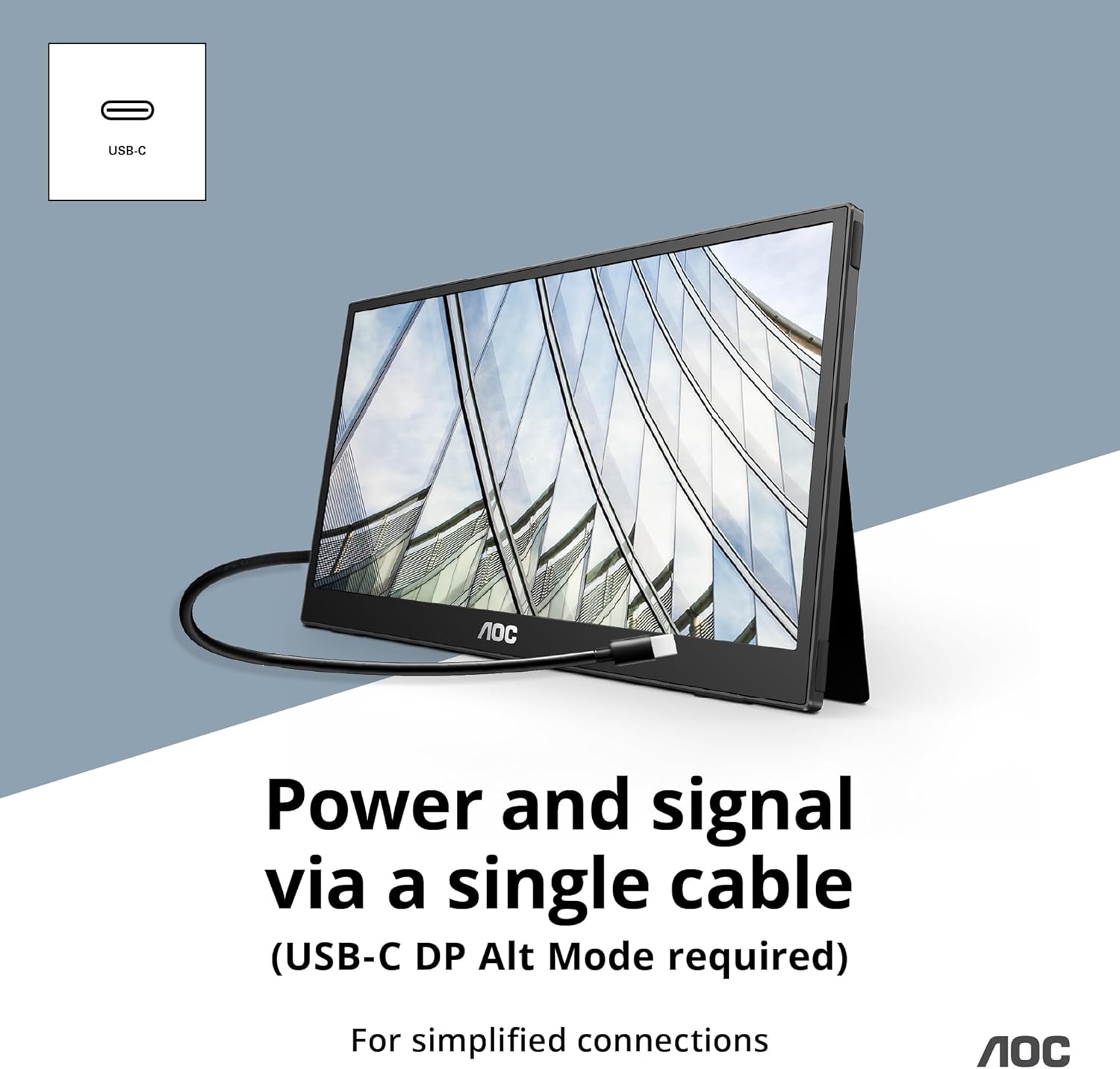
Figure 3.1: Connecting the monitor using a single USB-C cable for power and signal.
3.2 Using the Built-in Kickstands
The monitor features dual built-in kickstands, allowing for flexible positioning in both landscape and portrait orientations.
- Pejzažni način rada: Extend the kickstands from the back of the monitor to prop it up horizontally.
- Portretni način: Rotate the monitor 90 degrees and extend the kickstands to support it vertically.

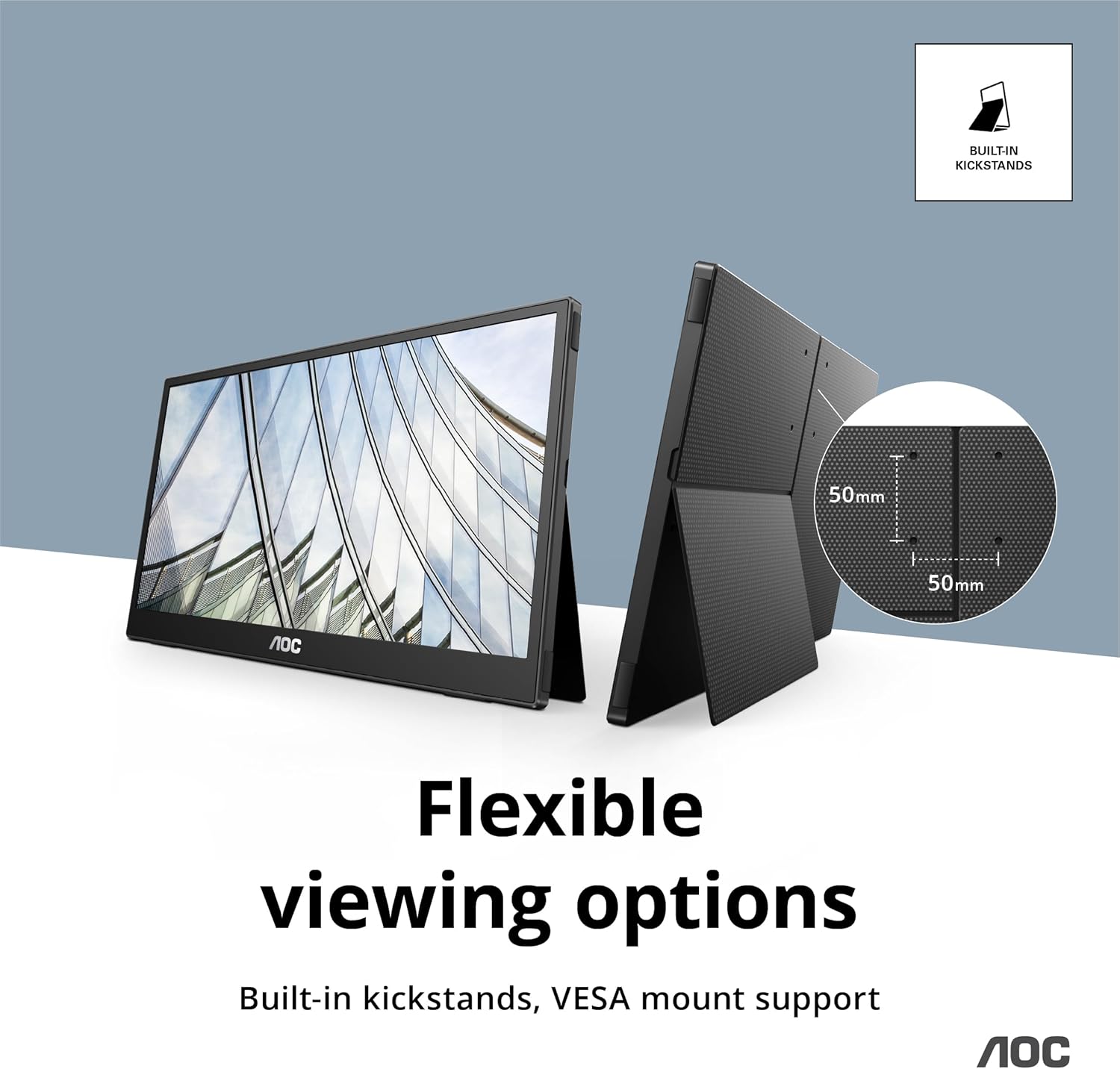
Figure 3.2: The monitor can be easily positioned in portrait mode (left) or landscape mode using its integrated kickstands (right).
3.3 VESA Mount Support
For more permanent installations, the monitor supports VESA mounting (50x50 mm). This allows you to attach it to compatible monitor arms or wall mounts (sold separately).

Figure 3.3: Detail of the 50x50mm VESA mount pattern on the rear of the monitor.
4. Uputstvo za upotrebu
4.1 Osnovni rad
Once connected, your AOC 16T3EA monitor should function as an extended or duplicated display for your source device. You can adjust display settings (e.g., resolution, orientation) through your computer's operating system display settings.

Figure 4.1: The AOC 16T3EA seamlessly integrates as a second screen for enhanced productivity.
4.2 On-Screen Display (OSD) meni
The monitor features an On-Screen Display (OSD) menu for adjusting various settings such as brightness, contrast, color temperature, and input source. Access the OSD menu using the buttons located on the side or bottom of the monitor. Refer to the quick start guide for specific button functions.
4.3 IPS Panel and Flicker-Free Technology
The IPS panel ensures consistent colors and wide viewing angles (178°/178°), making it suitable for sharing content or viewing from various positions. Additionally, AOC's Flicker-Free technology uses a Direct Current (DC) backlight system to reduce screen flickering, providing a more comfortable viewing experience and minimizing eye strain during prolonged use.

Figure 4.2: The IPS panel ensures consistent color reproduction and wide viewing angles.
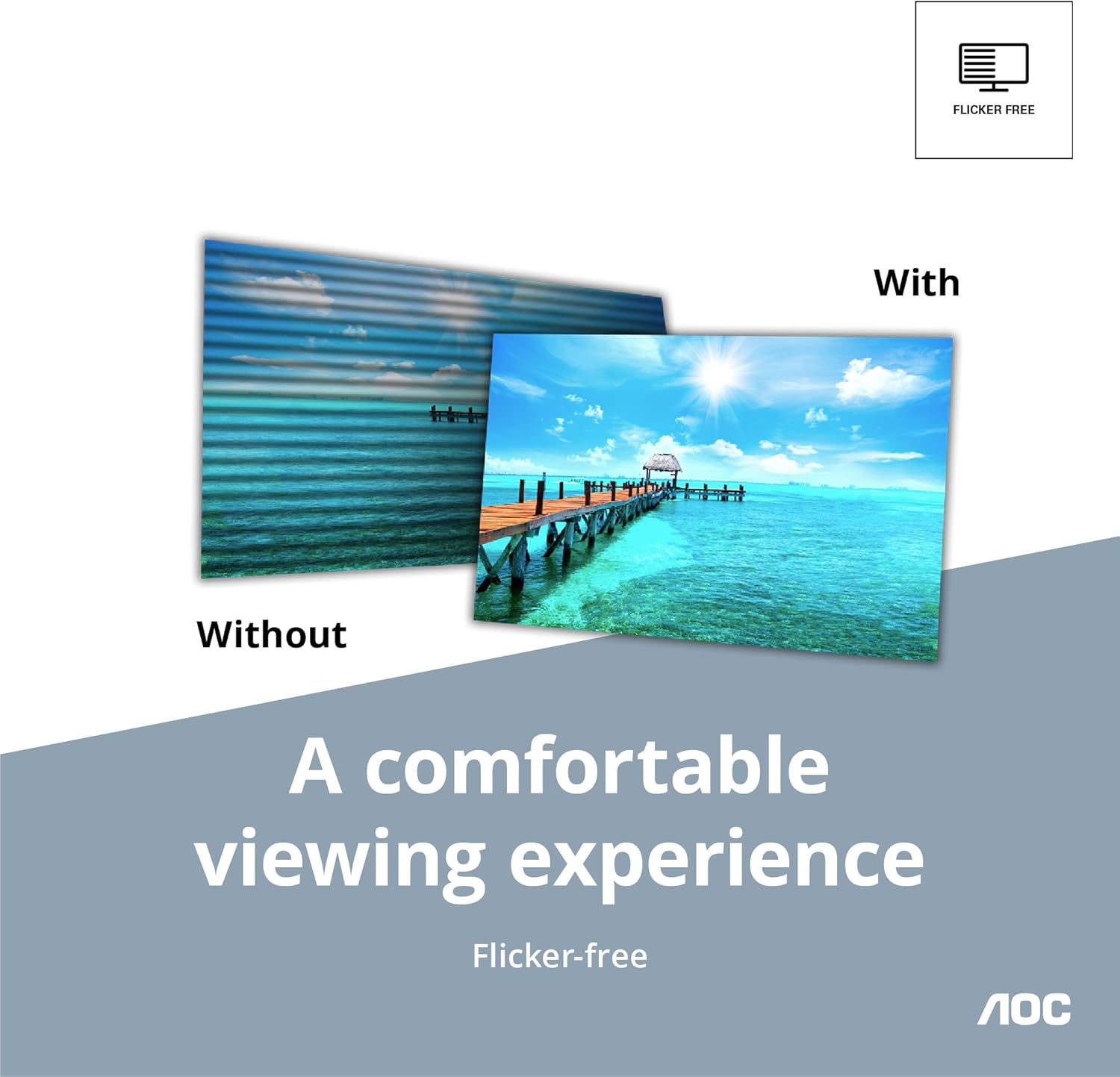
Figure 4.3: Visual representation of the benefit of Flicker-Free technology for eye comfort.
5. Održavanje
5.1 Čišćenje monitora
- Uvijek isključite monitor prije čišćenja.
- Koristite meku krpu koja ne ostavlja dlačiceampvodom ili neabrazivnim sredstvom za čišćenje ekrana.
- Ne prskajte sredstvo za čišćenje direktno na ekran.
- Izbjegavajte upotrebu jakih hemikalija, rastvarača ili abrazivnih materijala.
5.2 Skladištenje i prenosivost
When not in use or during travel, store the monitor in its included carrying bag to protect it from scratches and impacts. Its ultra-slim profile makes it easy to pack.

Figure 5.1: The included carrying bag provides protection for the monitor during transport.
6. Otkrivanje problema
If you encounter issues with your AOC 16T3EA monitor, please refer to the following common troubleshooting steps:
| Problem | Mogući uzrok | Rješenje |
|---|---|---|
| No signal / Display not turning on |
|
|
| Slika je mutna ili iskrivljena |
|
|
| Treperenje monitora |
|
|
Ako problem i dalje postoji nakon što ste isprobali ove korake, pogledajte odjeljak Garancija i podrška za dodatnu pomoć.
7. Specifikacije
| Feature | Detalj |
|---|---|
| Veličina ekrana | 15.6 inča |
| Tip panela | IPS |
| Rezolucija | Full HD 1920x1080 Pixels |
| Aspect Ratio | 16:9 |
| Viewing Angle | 178°/178° (H/V) |
| Povezivanje | USB-C (DisplayPort Alternate Mode) |
| Ugrađene karakteristike | Dual Kickstands, VESA Mount (50x50 mm) |
| Posebne karakteristike | Flicker-Free Technology, Ultra-Slim Design |
| Težina artikla | 1 funte |
| Dimenzije proizvoda (DxŠxV) | 0.49 x 14.32 x 9.03 inča |
| Boja | Crna |
| Broj modela | 16T3EA |
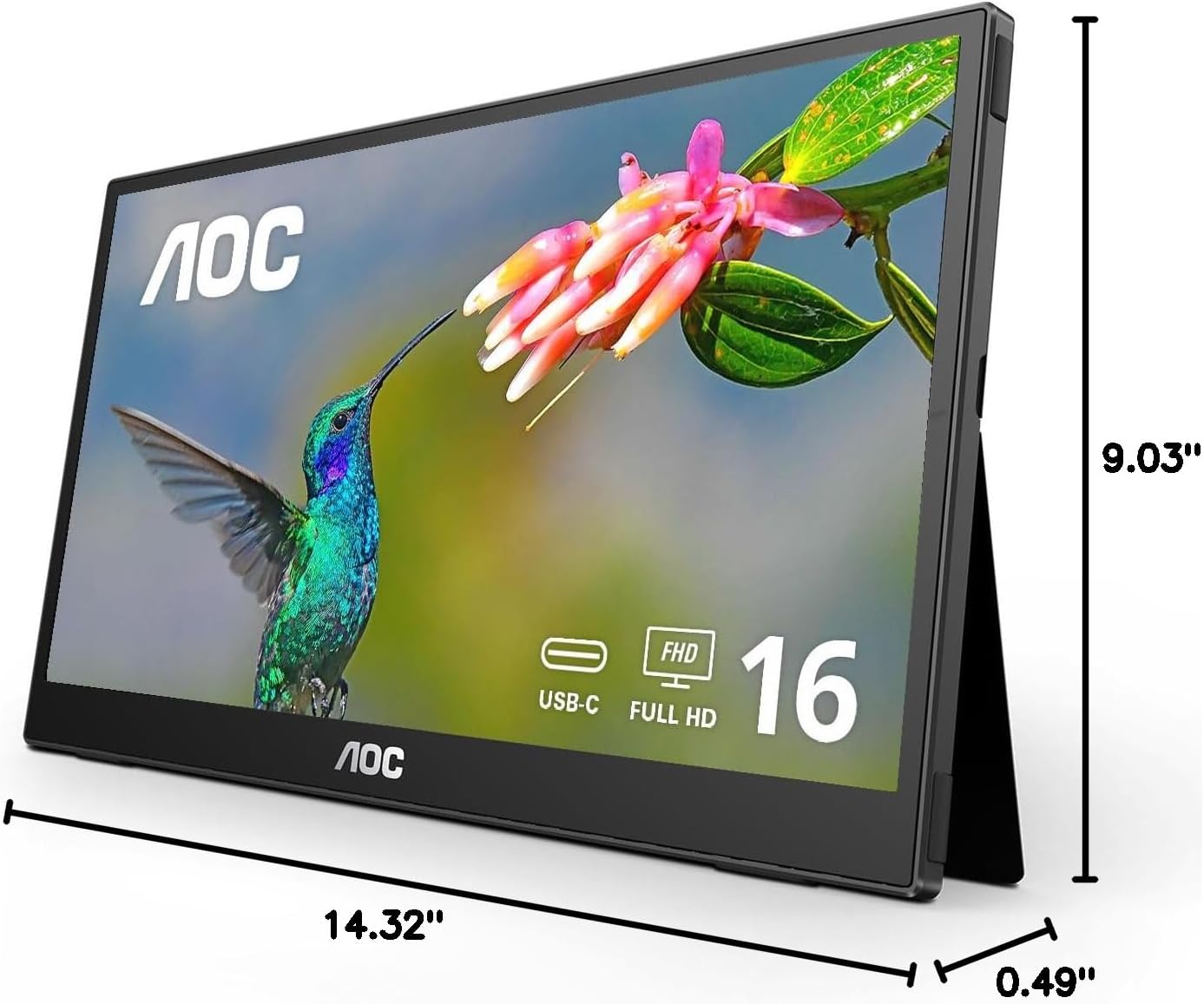
Figure 7.1: Key dimensions of the AOC 16T3EA portable monitor.
8. Garancija i podrška
8.1 Informacije o garanciji
All AOC monitors sold within the US are covered by a generous three-year warranty and a 90-day replacement program. If your monitor malfunctions at any time during the first three months from the original date of purchase, AOC will provide a replacement monitor within 72 hours.

Figure 8.1: Summary of AOC's warranty and replacement policy.
8.2 Korisnička podrška
For technical support, warranty claims, or further assistance, please visit the official AOC support website or contact their customer service. Refer to the AOC webstranicu za najnovije kontakt informacije i resurse podrške.
9. Zvanični videozapisi proizvoda
No official product videos from the seller were found in the provided data for this model. Please check the product page or manufacturer's webstranicu za sve dostupne video resurse.


