1. Uvod
Thank you for choosing the Hayve DM7 Digital Microscope. This device is designed for detailed observation and analysis of various objects, offering up to 1000X magnification and a clear 4.3-inch IPS display. It is suitable for applications such as coin inspection, PCB board examination, insect and plant observation, and jewelry appraisal. This manual provides essential information for the safe and effective use of your microscope.

Figure 1: Hayve DM7 Digital Microscope with 32GB TF Card
2. Sigurnosne informacije
Please read all safety instructions carefully before using the Hayve DM7 Digital Microscope to prevent injury or damage to the device.
- Držite uređaj dalje od vode i vlage.
- Do not attempt to disassemble or modify the microscope. Repairs should only be performed by authorized personnel.
- Izbjegavajte izlaganje uređaja ekstremnim temperaturama ili direktnoj sunčevoj svjetlosti.
- Koristite samo priloženi kabel za punjenje i adapter.
- Ensure the microscope is placed on a stable, level surface during operation.
- Držati van dohvata male djece kako biste spriječili slučajno gutanje sitnih dijelova.
3. Sadržaj paketa
Provjerite da li se sve stavke nalaze u vašem paketu:
- Hayve DM7 Digital Microscope (with 4.3-inch IPS screen)
- Podesivo postolje
- 32GB TF kartica (unaprijed instalirana ili uključena zasebno)
- USB kabel Type-C
- Korisnički priručnik (ovaj dokument)
4. Proizvod je gotovview
Familiarize yourself with the main components of your Hayve DM7 Digital Microscope.

Figure 2: Flexible Stand and Screen Adjustments
- 4.3-inčni IPS ekran: High-resolution screen for live viewing i reprodukciju.
- Focus Wheel: Adjusts magnification and focus.
- LED osvjetljenje: 8 adjustable LEDs for optimal lighting of the specimen.
- Leća mikroskopa: Captures magnified images.
- Podesivo postolje: Provides stability and allows for height and angle adjustments.
- Base with Scale: Features measurement markings for precise positioning.
- Kontrolna dugmad: Power, Menu, Capture/Record, Up/Down navigation.
- Utor za TF karticu: For storage of captured images and videos.
- USB priključak tipa C: For charging and PC connection.
5. Podešavanje
Follow these steps to assemble and prepare your microscope for first use:
- Sastavite postolje:
- Insert the vertical pole into the base.
- Pričvrstite nosač na stup.
- Secure the microscope unit onto the bracket.
- Tighten all knobs to ensure stability.
- Umetnite TF karticu: If not pre-installed, gently insert the provided 32GB TF card into the TF card slot on the side of the display unit until it clicks into place.
- Napunite uređaj: Connect the Type-C USB cable to the microscope and a suitable USB power adapter (not included) or computer USB port. The charging indicator will illuminate. A full charge provides approximately 5 hours of working time.
- Uključeno: Press and hold the Power button (usually located on the display unit) for a few seconds until the screen illuminates.

Slika 3: Koraci montaže

Figure 4: TF Card Insertion
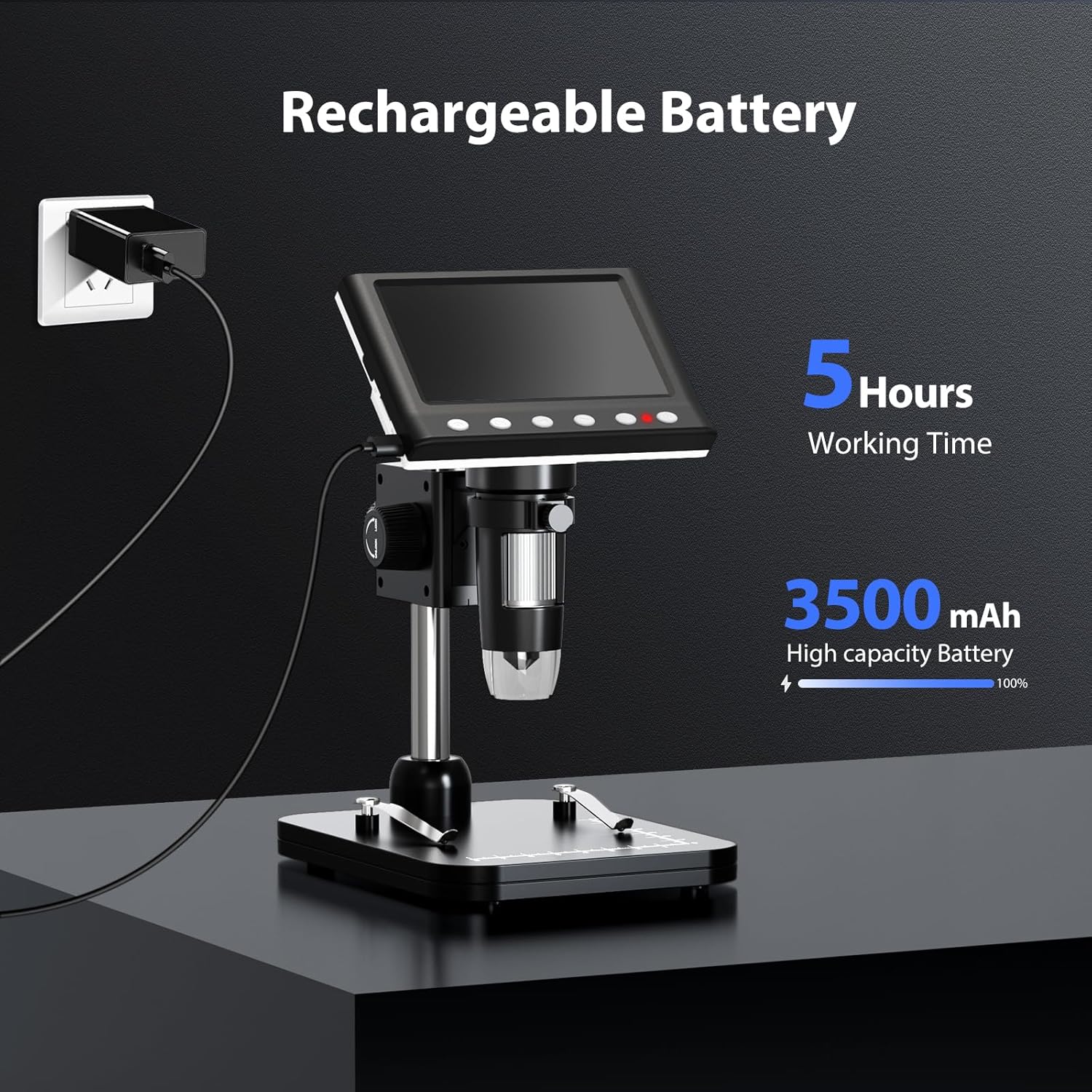
Figure 5: Charging the Microscope
6. Uputstvo za upotrebu
6.1 Osnovno posmatranje
- Place the object you wish to observe on the microscope's base.
- Adjust the distance between the microscope lens and the object using the stand's adjustment knobs.
- Rotate the focus wheel to achieve a clear image on the IPS screen.
- Adjust the LED illumination as needed (see Section 6.4).

Slika 6: Osnovni koraci rada
6.2 Podešavanje uvećanja i fokusa
The Hayve DM7 offers 50X to 1000X magnification. Magnification is adjusted by changing the distance between the lens and the object, and then fine-tuning with the focus wheel.
- To increase magnification, lower the microscope lens closer to the object.
- To decrease magnification, raise the microscope lens further from the object.
- After adjusting the height, rotate the Fokusni točak (typically on the side of the lens barrel) until the image on the screen is sharp and clear.
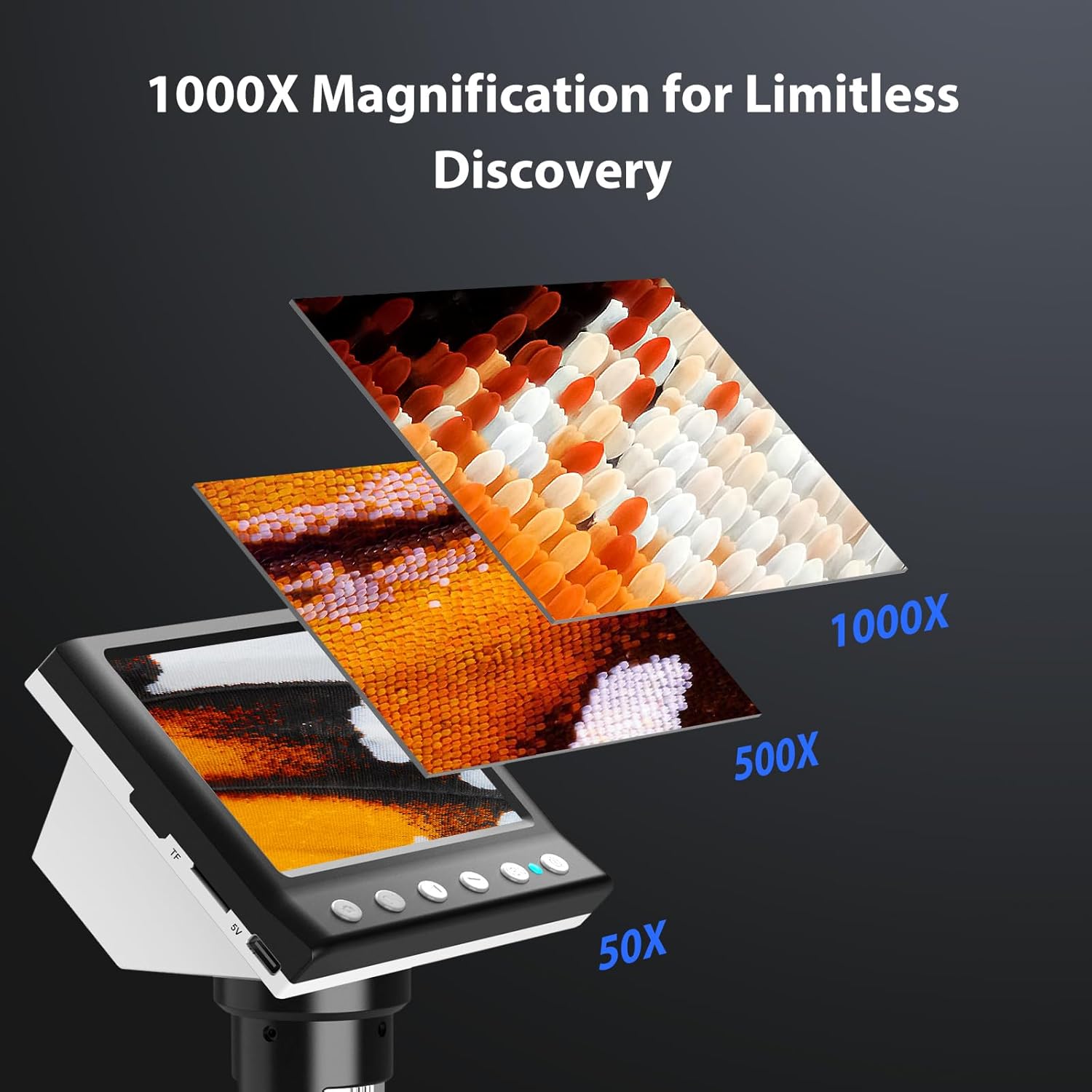
Figure 7: Magnification Levels
6.3 Snimanje slika i videa
The microscope allows you to capture high-quality photos and record videos directly to the installed TF card.
- Da snimite fotografiju: While observing, press the 'Capture' button (often marked with a camera icon). The image will be saved to the TF card.
- Za snimanje video zapisa: Press the 'Record' button (often marked with a video camera icon) once to start recording. Press it again to stop. The video will be saved to the TF card.
- Access saved files through the 'Playback' or 'Gallery' option in the microscope's menu.
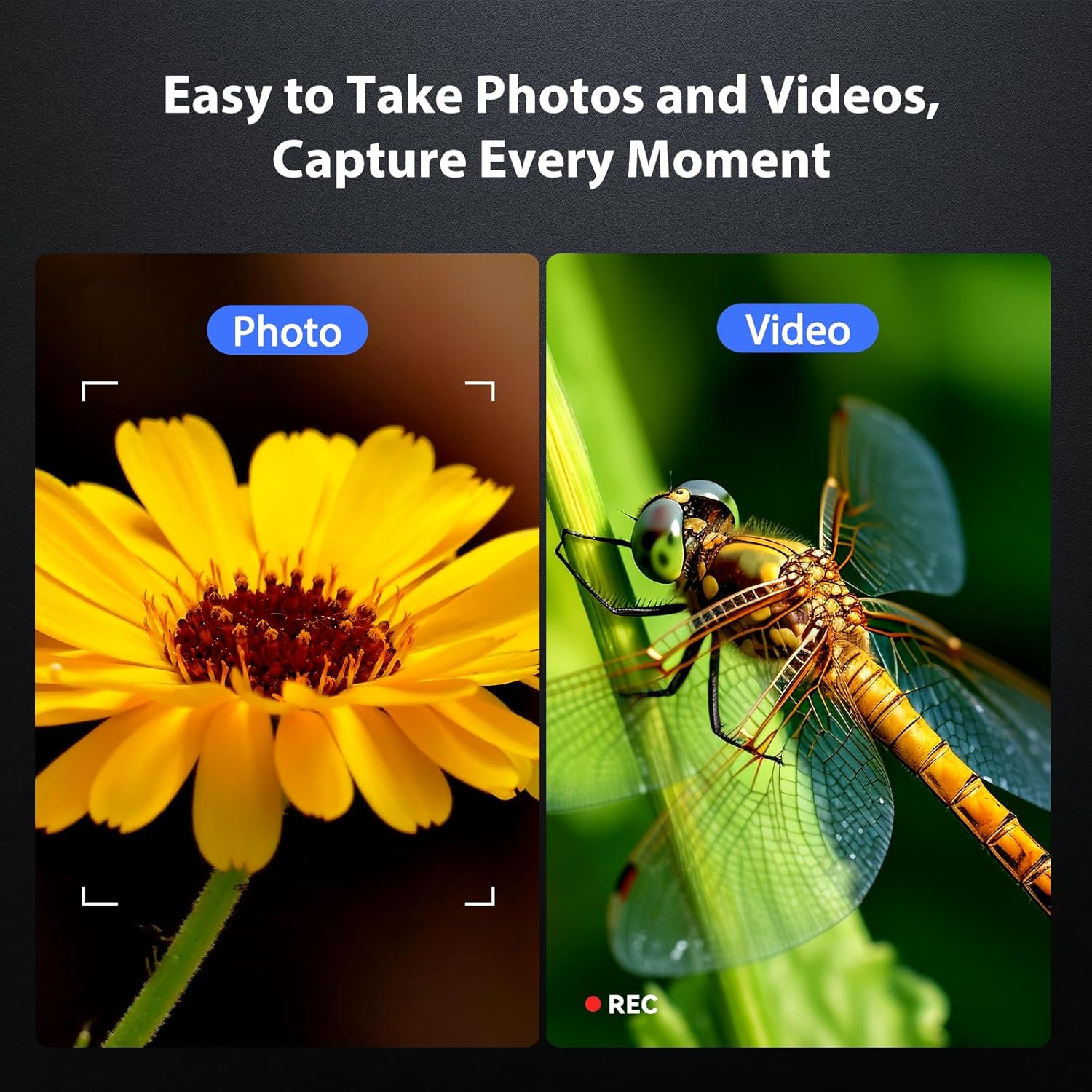
Figure 8: Photo and Video Capture
6.4 Podešavanje LED osvjetljenja
The 8 adjustable LED lights provide optimal illumination for various specimens. You can control their brightness from 0% to 100%.
- Locate the LED control button or dial on the microscope unit.
- Rotate the dial or press the button to increase or decrease the brightness.
- Adjust until the object is evenly lit without glare or shadows.

Slika 9: Podešavanje svjetline LED diode
6.5 Povezivanje s računarom (PC način rada)
Za veće viewing, precise measurements, or sharing, you can connect the microscope to a Windows-compatible computer.
- Ensure the microscope is powered on.
- Connect the microscope to your computer using the provided Type-C USB cable.
- The microscope screen may display "PC Cam" or prompt you to select a mode. Choose "PC Camera" or "UVC" mode.
- On your computer, open a camera application (e.g., Windows Camera app) or a dedicated microscope software (if provided or downloaded) to view live feed.
- Some software may allow for measurement functions.

Figure 10: PC Connection for Measurement
7. Održavanje
Pravilno održavanje osigurava dugotrajnost i optimalne performanse vašeg mikroskopa.
- Čišćenje sočiva: Koristite meku krpu koja ne ostavlja dlačice, posebno dizajniranu za optička sočiva. Za tvrdokorne mrlje, mala količina sredstva za čišćenje sočiva može se nanijeti na krpu (ne direktno na sočivo).
- Čišćenje ekrana i kućišta: Wipe the screen and body with a soft, dry cloth. Avoid abrasive cleaners or solvents.
- Skladištenje: When not in use, store the microscope in a clean, dry, dust-free environment. Consider using a protective cover.
- Održavanje baterije: For long-term storage, charge the battery to about 50% every few months to maintain battery health.
8. Otkrivanje problema
Pogledajte ovaj odjeljak za rješenja uobičajenih problema.
| Problem | Mogući uzrok | Rješenje |
|---|---|---|
| Mikroskop se ne uključuje. | Slaba baterija; Dugme za napajanje nije pravilno pritisnuto. | Charge the microscope fully. Press and hold the power button for 3-5 seconds. |
| Slika je mutna. | Incorrect focus; Object too far/close to lens. | Adjust the focus wheel. Adjust the height of the microscope unit on the stand. |
| Ekran je previše taman/svijetao. | LED illumination not adjusted. | Adjust the LED brightness using the control dial/button. |
| Nije moguće sačuvati fotografije/video zapise. | TF card full or not inserted correctly; TF card error. | Provjerite umetnutu TF karticu. Izbrišite staru files or replace TF card. Format TF card (backup data first). |
| PC connection not working. | Incorrect mode selected; Driver issue; Cable fault. | Ensure "PC Camera" mode is selected on the microscope. Try a different USB port or cable. Check computer's device manager for driver issues. |
9. Specifikacije
Technical specifications for the Hayve DM7 Digital Microscope:
| Feature | Detalj |
|---|---|
| Model | DM7 |
| Display Screen | 4.3-inčni IPS |
| Uvećanje | 50X do 1000X |
| Izvor svjetlosti | 8 podesivih LED dioda |
| Skladištenje | 32GB TF kartica (uključena) |
| Baterija | 1 litijum-jonska baterija (uključena) |
| Radno vrijeme | Pribl. 5 sati |
| Povezivanje | Type-C USB (for charging and PC connection) |
| Kompatibilan OS | Windows (PC connection) |
| Materijal | Plastika |
| Boja | Crna |
| Težina artikla | 1.3 funte (0.59 kg) |
| Dimenzije paketa | 7.91 x 7.44 x 3.78 inča |
10. Garancija i podrška
Hayve provides customer support for its products. If you encounter any issues or have questions regarding your DM7 Digital Microscope, please contact our customer service team.
- Služba za korisnike: Hayve offers 24-hour professional and kind after-sales service.
- Kontakt informacije: Refer to the product packaging or the official Hayve webstranicu za najnovije kontakt podatke.
- garancija: Mogu se primjenjivati posebni uslovi garancije. Molimo sačuvajte dokaz o kupovini za potrebe reklamacije.
11. Videozapisi proizvoda
U ulaznim podacima za ugradnju u ovaj priručnik nisu dati zvanični videozapisi proizvoda.


