1. Uvod
This manual provides detailed instructions for the Noise Buds VS404 Truly Wireless Earbuds. Please read this guide thoroughly to ensure proper usage, optimal performance, and longevity of your device. Keep this manual for future reference.
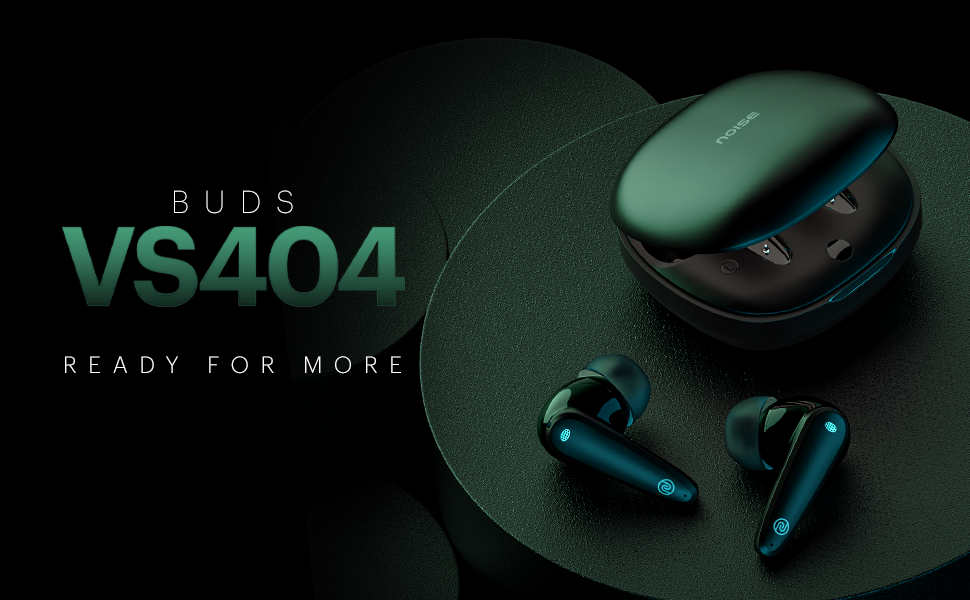
Slika 1.1: Gotovoview of Noise Buds VS404 key features including extended playtime, advanced microphone system, multiple sound modes, and fast charging.
2. Šta se nalazi u kutiji
Provjerite da li se u vašem paketu nalaze sve sljedeće stavke:
- 1N Bluetooth Headphone (Pair of Earbuds)
- 1N torbica za punjenje
- 1N Charging Cable (Type-C)
- 1N korisnički priručnik
- 1N Kartica za registraciju garancije
3. Proizvod je gotovview
The Noise Buds VS404 are designed for comfort and high-quality audio. Each earbud features a 10mm dynamic driver and a quad-microphone setup with Environmental Noise Cancellation (ENC) for clear calls. The charging case provides additional battery life and protects the earbuds.

Image 3.1: The Noise Buds VS404 earbuds and their charging case.
3.1. Earbud Components
- Kontrolno područje dodirom: Za upravljanje muzikom, pozivima i glasovnim asistentom.
- mikrofon: Quad-mic setup for calls and ENC.
- govornik: 10mm dynamic driver.
- Kontakti za punjenje: Za punjenje unutar kućišta.
3.2. Komponente kućišta za punjenje
- Utori za slušalice: Sigurno drži i puni slušalice.
- Port za punjenje: Type-C priključak za punjenje kućišta.
- LED indikator: Prikazuje status punjenja i nivo baterije.
4. Podešavanje
4.1. Punjenje slušalica i kutijice
Prije prve upotrebe, potpuno napunite slušalice i kućište za punjenje.
- Stavite slušalice u kutijicu za punjenje. Provjerite da li su pravilno postavljene.
- Spojite kabel za punjenje Type-C na priključak za punjenje na kućištu i na izvor napajanja.
- The LED indicator on the case will show the charging status. Once fully charged, the indicator will change or turn off.
The Noise Buds VS404 feature Instacharge, providing approximately 200 minutes of playtime with just 10 minutes of charging.
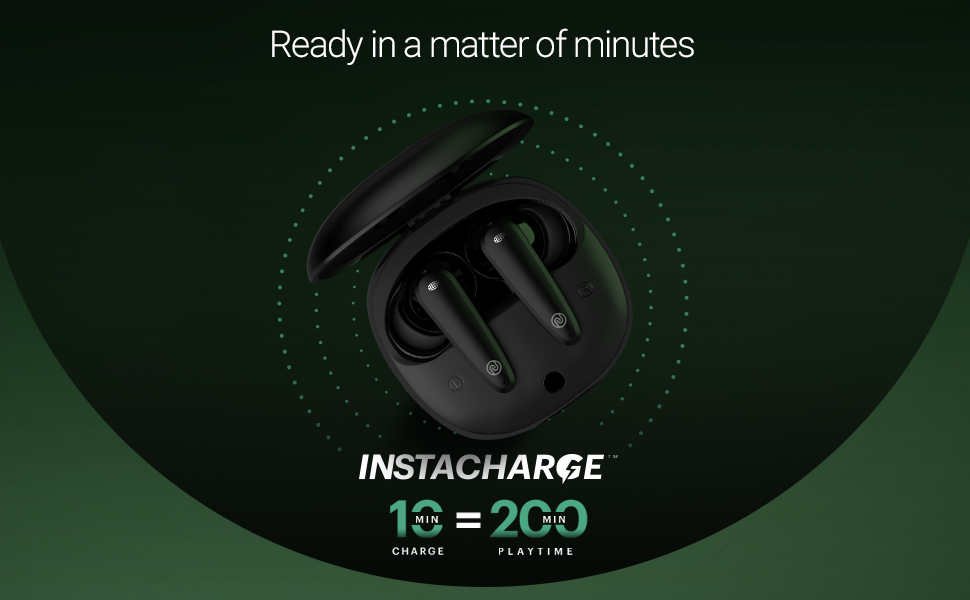
Image 4.1: Instacharge capability of the Noise Buds VS404, offering quick power-ups.
Potpuno punjenje omogućava do 50 sata ukupnog vremena reprodukcije s kućištem za punjenje.
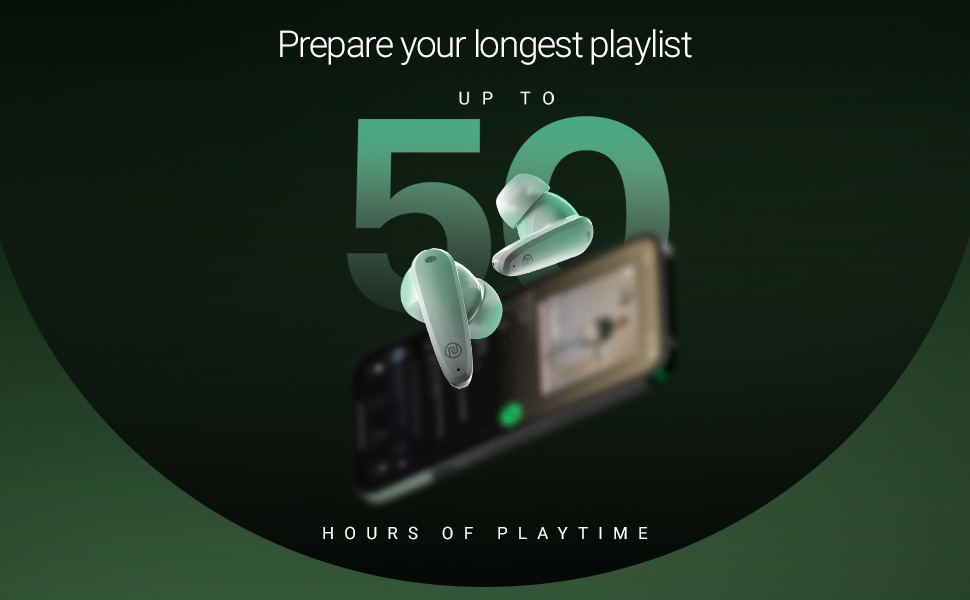
Image 4.2: The Noise Buds VS404 provide up to 50 hours of total playback time.
4.2. Bluetooth uparivanje
Da biste povezali slušalice s uređajem:
- Otvorite kutijicu za punjenje. Slušalice će automatski ući u način rada za uparivanje.
- Na vašem uređaju (pametnom telefonu, tabletu, laptopu) omogućite Bluetooth.
- Traži available Bluetooth devices and select "Noise Buds VS404" from the list.
- Once connected, you will hear an audio prompt, and the LED indicator on the earbuds may change.
The earbuds use Bluetooth v5.3 for a stable connection up to 10 meters.
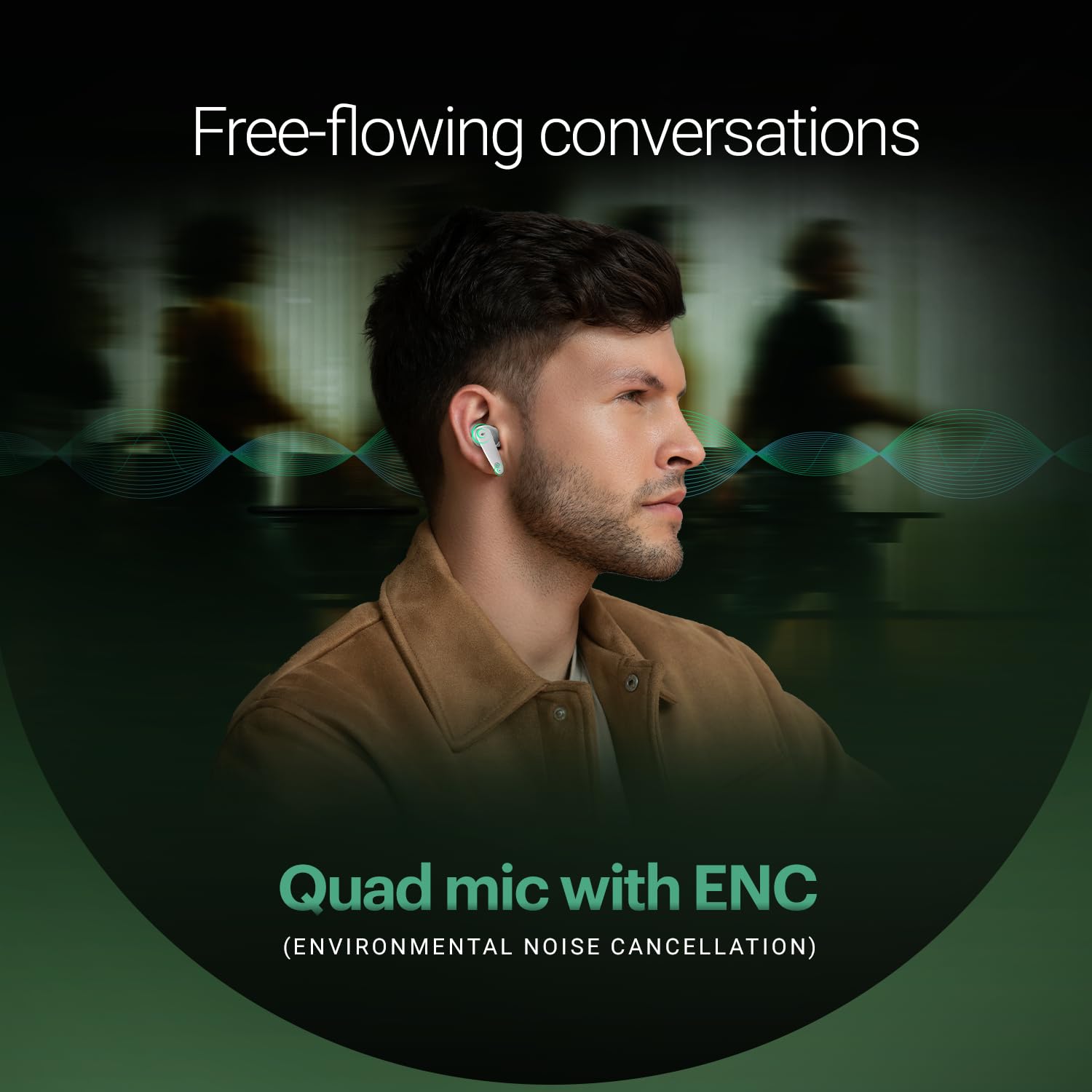
Image 4.3: Noise Buds VS404 establishing a flawless Bluetooth connection with a mobile device.
5. Uputstvo za upotrebu
5.1. Uključivanje/isključivanje
- Uključeno: Otvorite kutijicu za punjenje i slušalice će se automatski uključiti i pokušati se povezati s posljednjim uparenim uređajem.
- Iskljuciti: Vratite slušalice u kutijicu za punjenje i zatvorite poklopac. Slušalice će se automatski isključiti i početi puniti.
5.2. Kontrola muzike
Use the touch control area on the earbuds for music playback:
- Pusti/pauza: Jednim dodirom na bilo koju slušalicu.
- Sljedeća pjesma: Dvaput dodirnite desnu slušalicu.
- Prethodni zapis: Dvaput dodirnite lijevu slušalicu.
5.3. Upravljanje pozivima
Manage calls using the touch controls:
- Odgovori/Završi poziv: Jednim dodirom na bilo koju slušalicu.
- odbiti poziv: Pritisnite i držite bilo koju slušalicu 2 sekunde.
The earbuds feature a quad-mic setup with Environmental Noise Cancellation (ENC) for clear voice transmission during calls.
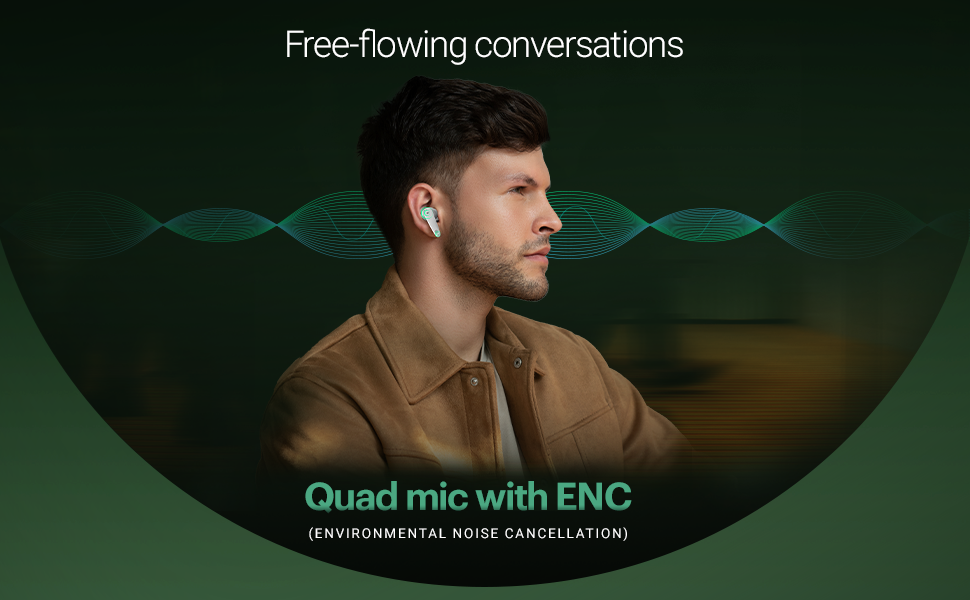
Image 5.1: The Noise Buds VS404 utilize a quad microphone system with ENC for enhanced call clarity.
5.4. EQ režimi
The Noise Buds VS404 offer three distinct EQ modes to tailor your audio experience:
- Bas način rada: Enhances low frequencies for a deeper sound.
- Način igre: Optimizes audio for gaming, reducing latency.
- Normalni način rada: Pruža uravnotežen audio profesionalni kvalitetfile for everyday listening.
To switch between EQ modes, triple tap on either earbud.
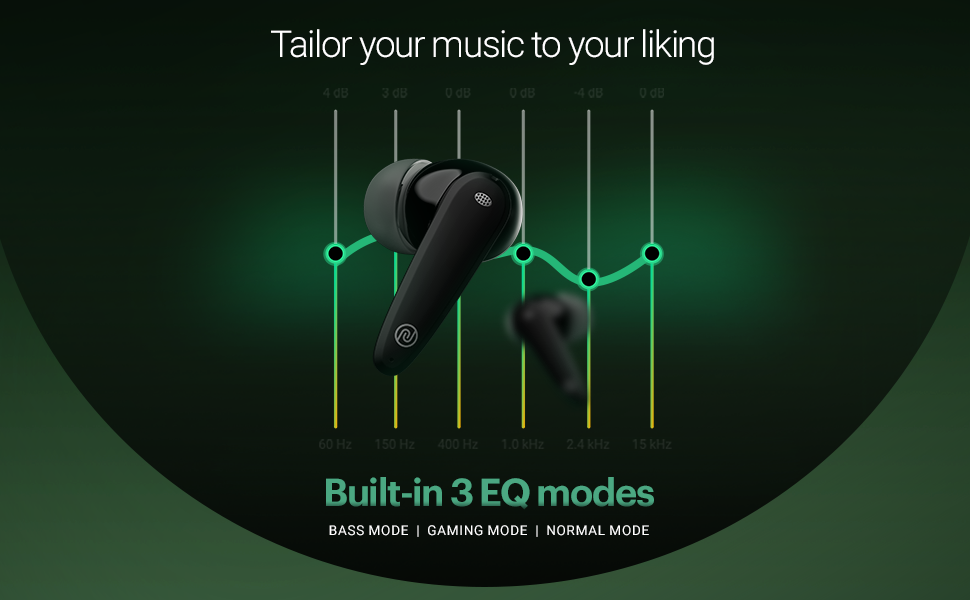
Image 5.2: Visual representation of the three built-in EQ modes available on the Noise Buds VS404.
5.5. Glasovni asistent
Activate your device's voice assistant (Google Assistant, Siri) by pressing and holding either earbud for 2 seconds.
6. Održavanje
6.1. Čišćenje
- Redovno čistite slušalice i kućište za punjenje mekom, suhom krpom koja ne ostavlja dlačice.
- Nemojte koristiti jake hemikalije, rastvarače za čišćenje ili jake deterdžente.
- Očistite kontakte za punjenje i na slušalicama i na kutijici kako biste osigurali pravilno punjenje.
6.2. Skladištenje
- Kada se ne koriste, uvijek čuvajte slušalice u kutijici za punjenje kako biste ih zaštitili i održali napunjenima.
- Uređaj čuvajte na hladnom i suhom mjestu, dalje od ekstremnih temperatura i direktne sunčeve svjetlosti.
The earbuds are IPX5 water-resistant, meaning they can withstand splashes and sweat, making them suitable for workouts and outdoor use. However, they are not designed for submersion in water.

Image 6.1: The Noise Buds VS404 are built with IPX5 water resistance, suitable for outdoor activities.
7. Otkrivanje problema
If you encounter issues with your Noise Buds VS404, refer to the following common solutions:
| Problem | Rješenje |
|---|---|
| Slušalice se ne uparuju | Provjerite jesu li slušalice napunjene. Isključite i uključite Bluetooth na svom uređaju. Zaboravite uređaj u postavkama Bluetootha i ponovo ih uparite. |
| Samo jedna slušalica radi | Place both earbuds back in the case, close the lid, wait a few seconds, then open again. Check if both are charged. |
| Niska jačina zvuka ili loš kvalitet zvuka | Clean earbud speaker meshes. Adjust volume on your device. Try different EQ modes. Ensure earbuds are properly seated in your ears. |
| Problemi s punjenjem | Ensure charging cable is securely connected. Clean charging contacts on earbuds and case. Try a different charging cable or power adapter. |
| Earbuds not disconnecting from device when placed in case | Ensure the charging case has sufficient battery. Close the lid firmly. If the issue persists, manually disconnect from your device's Bluetooth settings. |
8. Specifikacije
| Feature | Detalj |
|---|---|
| Naziv modela | Pupoljci VS404 |
| Tehnologija povezivanja | Bežično (Bluetooth v5.3) |
| Bluetooth domet | 10 metara |
| Vrsta audio drajvera | 10mm dinamički drajver |
| Trajanje baterije (ukupno) | Do 50 sata (s kućištem za punjenje) |
| Brzo punjenje | Instacharge (10 min charge = 200 min playtime) |
| Port za punjenje | Tip-C |
| Mikrofon | Quad mikrofon sa poništavanjem buke iz okoline (ENC) |
| EQ načini | Bass, Gaming, Normal |
| Otpornost na vodu | IPX5 (Otporan na znoj i prskanje) |
| Kontrolni metod | Touch, Voice (Google Assistant, Siri) |
| Materijal | Polikarbonat (PC) |
| Težina artikla | 50 grama |
| Dimenzije proizvoda | 6.5 x 4.9 x 2.9 cm |
9. Garancija i podrška
Your Noise Buds VS404 come with a 1-year warranty. Please refer to the included Warranty Registration Card for details on how to register your product and claim warranty services.
For technical support, service, or further inquiries, please contact Noise customer support. Contact information can be found on the warranty card or the official Noise website.
Proizvođač: Nexxbase Marketing Pvt. Ltd, Khasra No-146/25/2/1, Jail Road Badshahpur, Gurugram Haryana-122101


