Uvod
Welcome to the KALOC Fitness Tracker user manual. This guide provides detailed instructions on how to set up, operate, maintain, and troubleshoot your new fitness tracker. Designed for both men and women, this smart watch features a 1.58" AMOLED screen, 14-day long battery life, 50M waterproofing, and comprehensive activity tracking including blood oxygen, heart rate, and step tracking. It is compatible with Android and iOS devices.

Image: The KALOC Fitness Tracker, a sleek black smart watch with a rectangular AMOLED display showing time and step count, and a comfortable silicone band.
Vodič za postavljanje
1. Punjenje uređaja
Before first use, fully charge your KALOC Fitness Tracker. Connect the magnetic charging cable to the charging points on the back of the watch and plug the USB end into a power adapter (not included) or a computer's USB port. A full charge typically takes about 2 hours.

Image: A close-up of the KALOC Fitness Tracker displaying "100% Fully charged" on its screen, illustrating its 14-day battery life capability.
2. Instalacija i uparivanje aplikacije
- Preuzmite aplikaciju: Scan the QR code in the quick guide provided in the package or search for the official app in your smartphone's app store (compatible with Android 6.0+ and iOS 12.0+).
- Kreirajte račun: Otvorite aplikaciju i slijedite upute na ekranu da biste kreirali novi korisnički račun.
- Uparite uređaj: Ensure Bluetooth is enabled on your smartphone. In the app, navigate to "Device" or "Add Device" and select your KALOC Fitness Tracker from the list of available devices. Confirm the pairing request on both your phone and the tracker.
Once paired, the tracker will synchronize data with your phone, and you can customize settings through the app.
Uputstvo za upotrebu
Osnovna navigacija
- Prevucite gore/dolje: Skrolajte kroz menije i obavještenja.
- Prevucite lijevo/desno: Pristupite brzim funkcijama ili widgetima (npr. otkucajima srca, vremenu).
- Dodirnite: Odaberite stavku ili potvrdite radnju.
- Pritisnite bočno dugme: Vratite se na početni ekran ili probudite uređaj.
Praćenje aktivnosti
The KALOC Fitness Tracker automatically records your daily steps, distance, and calorie expenditure. You can view these metrics directly on the watch face or in the companion app for detailed analysis.

Image: A man in a running stance, with graphics showing "Calories 121 Kcal", "Steps 9102", "Distance 2.11 Km", and "Active Time 56 Min", illustrating the watch's all-day activity data tracking capabilities.
Sportski modovi
The tracker supports over 100 sports modes, including outdoor walking, running, cycling, strength training, yoga, and ball games. To start a workout:
- Idite na meni "Sport" na vašem satu.
- Odaberite željenu aktivnost.
- Tap "Start" to begin tracking. The watch will record duration, calories burned, and other relevant metrics.
- To end, swipe right or press the side button and select "End" or "Pause".

Image: A man running outdoors, with icons representing various sports modes like walking, running, cycling, and strength training, highlighting the watch's support for over 100 activities.
Monitoring zdravlja
The KALOC Fitness Tracker provides continuous monitoring of key health metrics:
- Otkucaji srca: Praćenje otkucaja srca u realnom vremenu tokom cijelog dana.
- Kiseonik u krvi (SpO2): Mjerenje nivoa kiseonika u krvi po potrebi ili kontinuirano.
- Praćenje spavanja: Prati santages (duboka, lagana, REM faza) i pruža rezultat spavanja.
- Nivoi stresa: Monitors stress and offers guided breath training to help manage it.
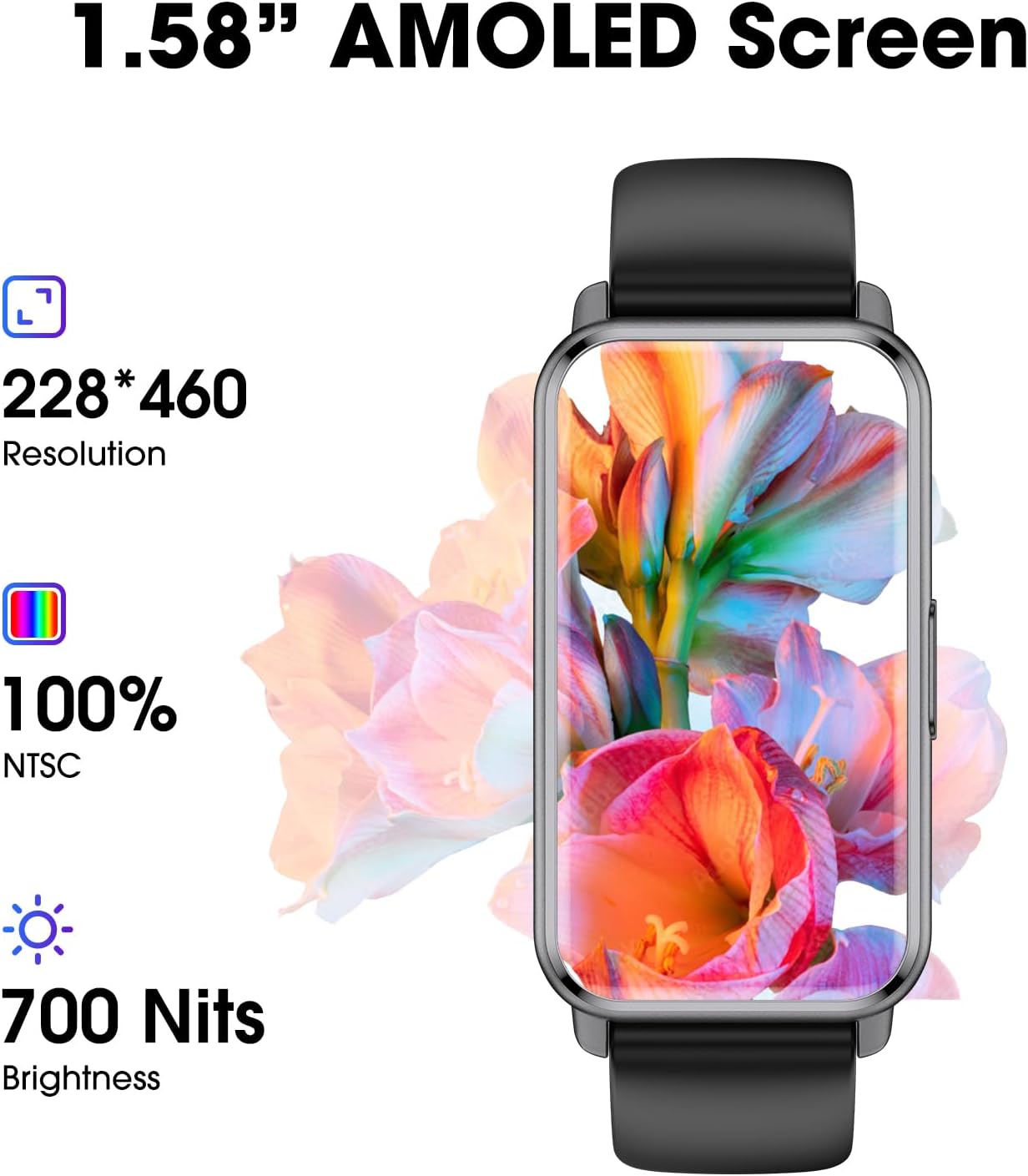
Image: A collage showing the watch interface displaying heart rate, sleep data, and stress levels, illustrating the 24-hour health tracking capabilities of the KALOC Fitness Tracker.
Smart Features
- Obavještenja: Receive call, message, and app notifications directly on your wrist. Enable this feature in the companion app.
- Kontrola muzike: Kontrolirajte reprodukciju muzike na svom pametnom telefonu putem sata.
- Vremenska prognoza: View trenutno vrijeme i prognoze.
- Alarm: Podesite tihe alarme koji vibriraju na vašem zapešću.
- Sedentarni podsjetnik: Primajte obavještenja kada ste predugo neaktivni.
- Personalizirani satovi: Customize your watch face through the app with various designs or your own photos.

Image: A person wearing the KALOC Fitness Tracker, with various social media and messaging app icons displayed, indicating the watch's smart notification capabilities.
Održavanje i njega
Čišćenje
Regularly clean your fitness tracker to ensure optimal performance and hygiene. Use a soft, damp cloth to wipe the screen and band. For stubborn dirt, a mild soap solution can be used, but ensure no liquid enters the charging port or sensors. Dry thoroughly before wearing or charging.
Otpornost na vodu
The KALOC Fitness Tracker is 50-meter waterproof, suitable for swimming and showering. However, it is not recommended for diving or high-pressure water activities. Avoid exposing the watch to hot water, steam, or chemical detergents, as this may compromise the water resistance.

Image: A swimmer in a pool with the KALOC Fitness Tracker visible on their wrist, accompanied by icons for washing hands, raining, swimming, and surfing, demonstrating its 50-meter waterproof capability.
Battery Care
To prolong battery life, avoid fully discharging the device frequently. Charge it when the battery level is low. Store the device in a cool, dry place when not in use for extended periods.
Rješavanje problema
| Issue | Moguće rješenje |
|---|---|
| Device not turning on/charging | Ensure the charging cable is securely connected to both the watch and the power source. Try a different USB port or power adapter. Clean the charging contacts on the watch. |
| Nije moguće upariti uređaj sa pametnim telefonom | Make sure Bluetooth is enabled on your phone and the watch is within range. Restart both the watch and your phone. Check if the app is updated to the latest version. Forget the device in your phone's Bluetooth settings and try pairing again. |
| Netačni podaci o aktivnosti | Ensure the watch is worn snugly on your wrist, about one finger's width above the wrist bone. Calibrate the tracker through the app if available. Ensure your personal information (height, weight) is accurate in the app. |
| Obavještenja se ne pojavljuju | Check app notification settings on your phone and within the fitness tracker app. Ensure the app is running in the background and not restricted by battery optimization settings. |
| Ekran ne reaguje | Restart the device by pressing and holding the side button. If unresponsive, allow the battery to fully drain and then recharge. |
Specifikacije
- Broj modela: 6975575931889
- ekran: 1.58-inch AMOLED Display (228*460 Resolution, 700 Nits Brightness)
- Dimenzije: 6.4 x 3 x 0.7 inča
- Težina artikla: 2.39 unce
- baterija: 1 litijum-polimerska baterija (uključena)
- Trajanje baterije: Up to 14 days (typical usage), 30 days (standby)
- Otpornost na vodu: 50 metara (5ATM)
- Povezivanje: Bluetooth 4.0
- Kompatibilnost: Android 6.0 i iOS 12.0 i noviji
- Karakteristike: Heart Rate Monitor, SpO2 Measurement, Sleep Monitor, Stress Monitor, 100+ Sports Modes, Pedometer, Calorie Tracker, Smart Notifications, Music Control, Weather, Alarm, Sedentary Reminder, Breath Training, Customizable Watch Faces.
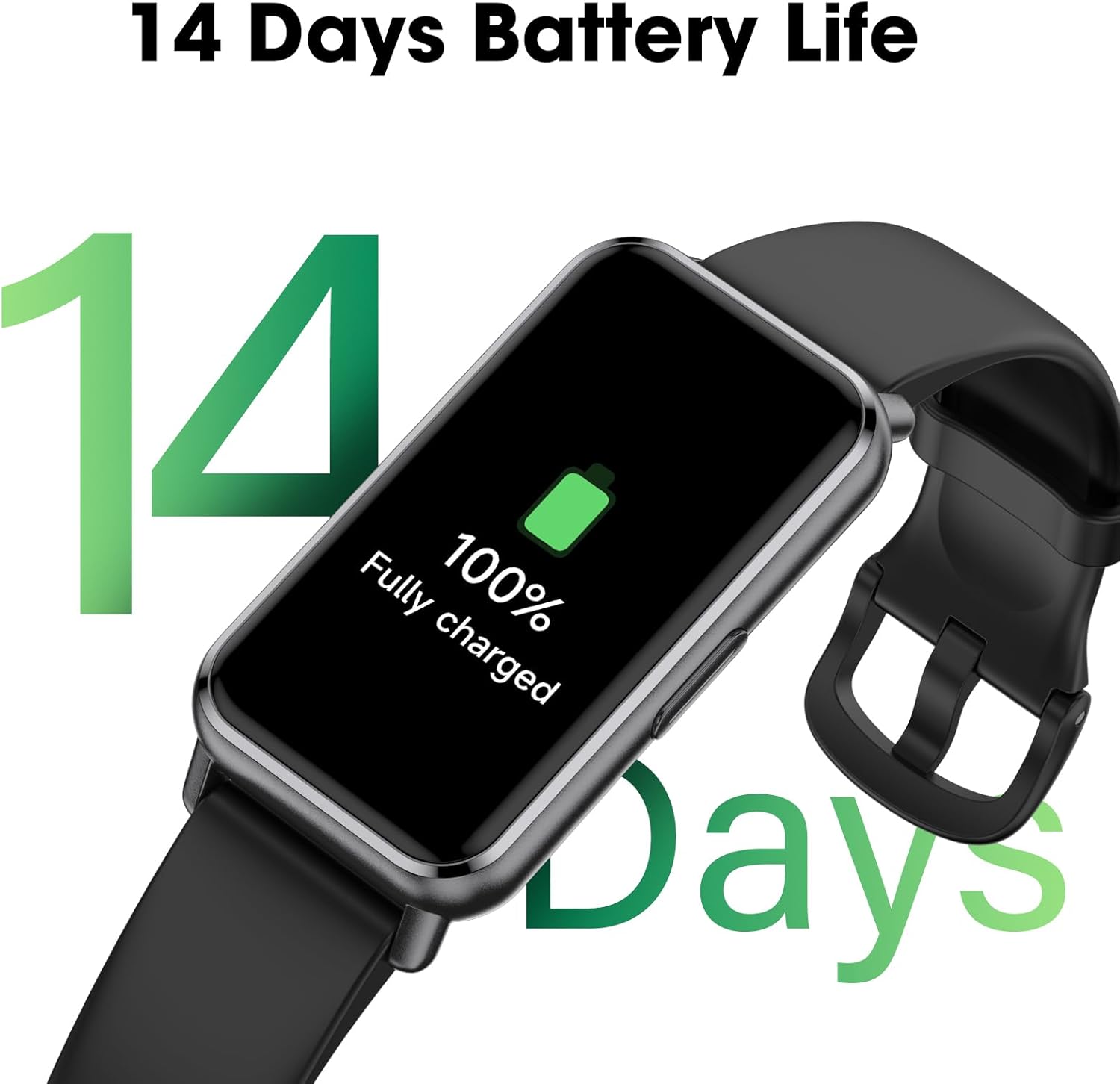
Image: A close-up of the KALOC Fitness Tracker's 1.58-inch AMOLED screen, highlighting its 228*460 resolution, 100% NTSC color gamut, and 700 Nits brightness.
Informacije o garanciji
KALOC products are manufactured to high quality standards. For specific warranty terms and conditions, please refer to the warranty card included with your product or visit the official KALOC webSačuvajte račun kao dokaz o kupovini u slučaju bilo kakvih reklamacija.
Korisnička podrška
If you encounter any issues or have questions not covered in this manual, please contact KALOC customer support. You can typically find contact information on the official KALOC website or through the support section of the companion app.
Za dodatnu pomoć, molimo vas da posjetite KALOC Store on Amazon.