1. Uvod
This manual provides essential instructions for the proper use and maintenance of your ShiftCam LensUltra Camera Case for iPhone 14 Pro. This case is designed to enhance your mobile photography experience by providing a secure mount for ShiftCam LensUltra lenses and robust protection for your device.

Image 1.1: The ShiftCam LensUltra Camera Case for iPhone 14 Pro, featuring its integrated lens mount.
2. Sadržaj paketa
Provjerite da li se sve stavke nalaze u vašem paketu:
- ShiftCam LensUltra Camera Case for iPhone 14 Pro
3. Značajke proizvoda
- Built-in Aluminum Lens Mount: Provides precise and secure attachment for ShiftCam LensUltra lenses, ensuring optimal alignment without obstruction.
- Premium Vegan Leather: Offers a comfortable grip and a durable, scratch-, stain-, and water-resistant surface.
- MagSafe kompatibilan: Integrated magnets allow for seamless attachment of MagSafe accessories and wireless charging.
- Zaštita od teških uslova rada: Designed to protect your iPhone 14 Pro from daily wear and tear, including drops up to 2 meters.
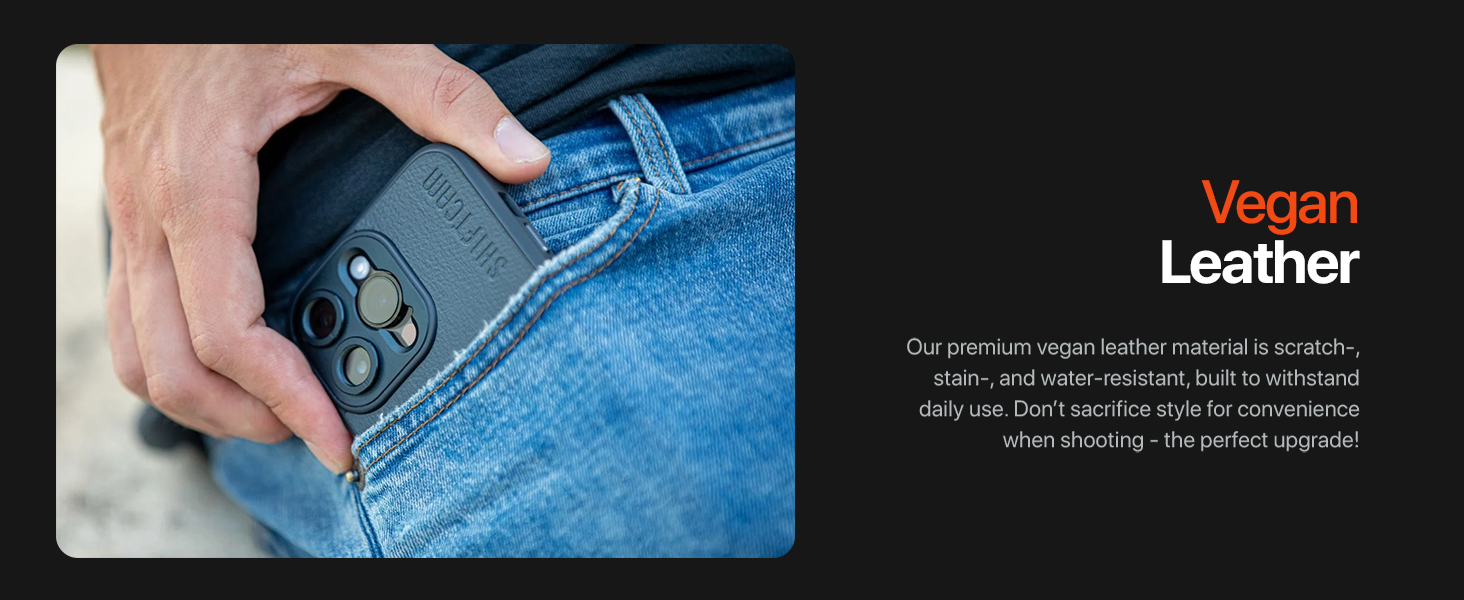
Image 3.1: Detail of the case's vegan leather material and camera module opening.
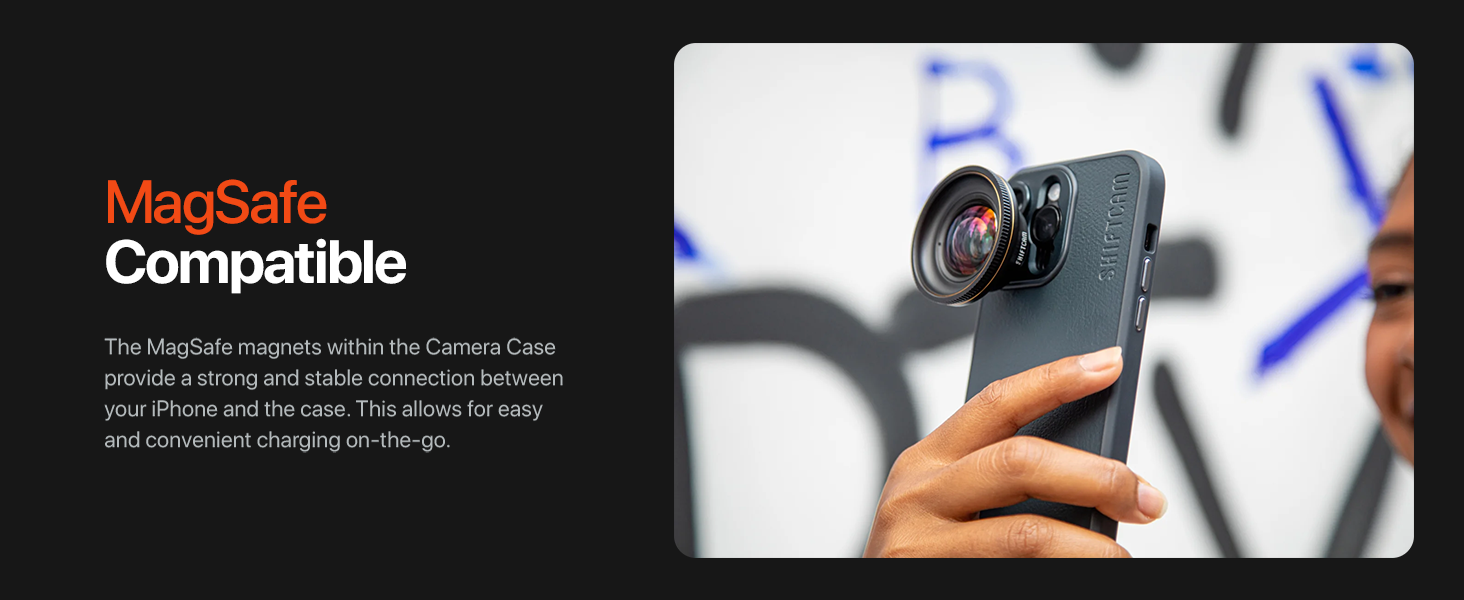
Image 3.2: The case is MagSafe compatible, allowing for easy attachment of accessories and charging.
4. Instalacija
4.1 Installing the Camera Case
- Provjerite je li vaš iPhone 14 Pro čist i bez prašine ili ostataka.
- Align the iPhone with the case, starting with the top edge (camera side).
- Gently press the iPhone into the case, ensuring all edges and corners are securely seated.
4.2 Attaching ShiftCam LensUltra Lenses
- Identify the desired ShiftCam LensUltra lens.
- Align the lens with the built-in aluminum mount on the camera case. The mount is designed for precise alignment.
- Gently twist the lens clockwise until it clicks securely into place. Do not overtighten.
- To remove, twist the lens counter-clockwise until it detaches.

Image 4.1: A ShiftCam LensUltra lens securely attached to the case's integrated mount.
5. Operacija
5.1 Using with ShiftCam LensUltra Lenses
The integrated aluminum lens mount ensures that your ShiftCam LensUltra lenses are perfectly aligned with your iPhone's camera, preventing vignetting or obstruction. Once a lens is attached, open your iPhone's camera application and begin capturing photos or videos. The case provides a stable platform for your lenses, enhancing image quality and creative possibilities.

Image 5.1: The camera case with an attached LensUltra lens, ready for use.
5.2 Funkcionalnost MagSafe-a
The case is fully compatible with MagSafe accessories. Simply align your MagSafe charger or accessory with the back of the case for a secure magnetic connection. This allows for convenient wireless charging and attachment of MagSafe-compatible grips, wallets, or other accessories.
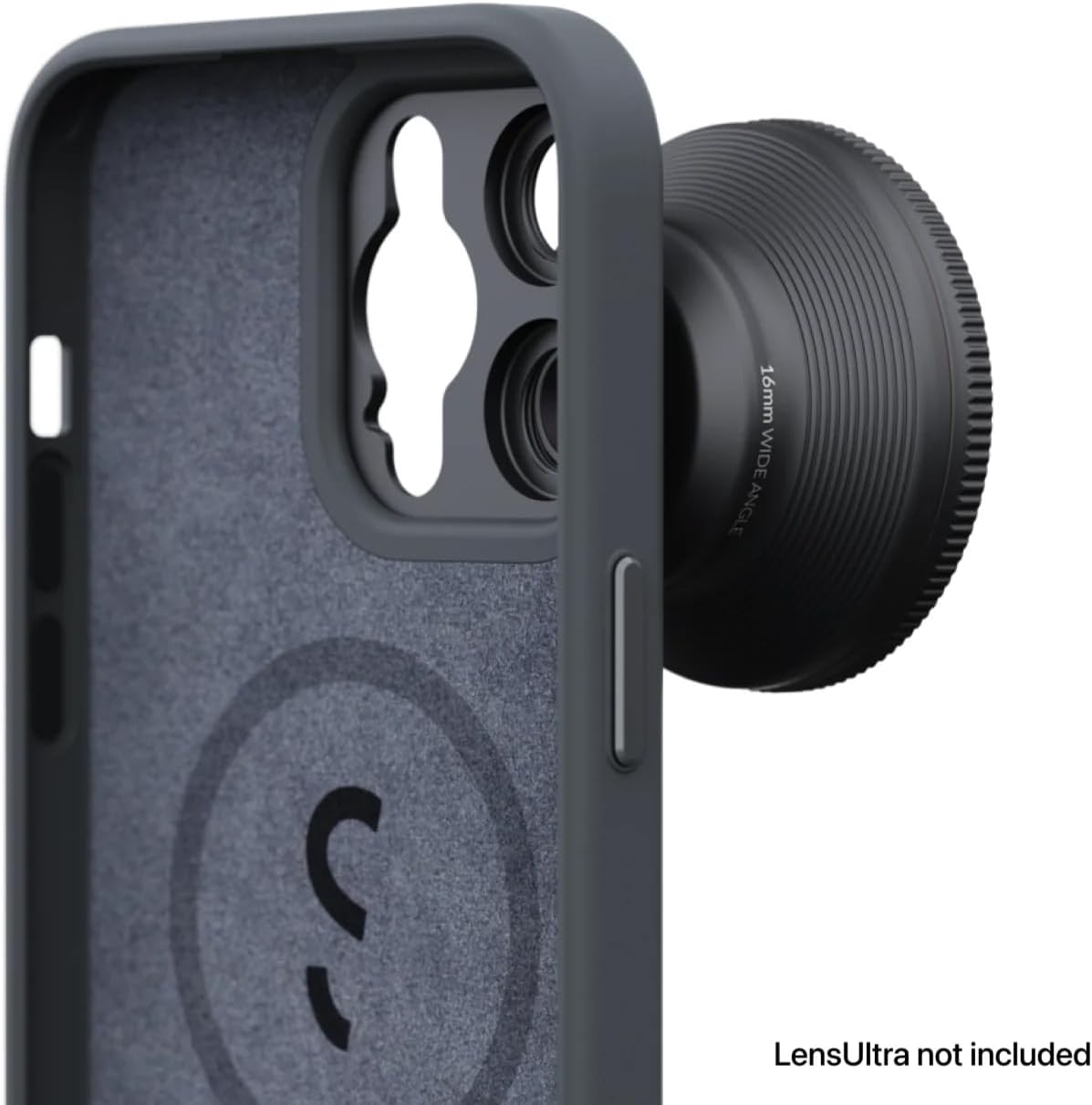
Image 5.2: The internal MagSafe ring ensures strong magnetic attachment for accessories.
6. Njega i održavanje
- čišćenje: Obrišite kućište mekom krpomamp cloth to remove dust and smudges. Avoid harsh chemicals or abrasive materials.
- zaštita: The vegan leather material is designed to be scratch-, stain-, and water-resistant. While durable, avoid prolonged exposure to extreme conditions or sharp objects to maintain its appearance.
- Skladištenje: When not in use, store the case in a clean, dry environment away from direct sunlight.
7. Otkrivanje problema
- Kućište ne odgovara ispravno: Ensure you have the correct model (iPhone 14 Pro) and that no debris is obstructing the fit. Gently re-seat the phone, ensuring all corners are aligned.
- Objektiv nije sigurno pričvršćen: Verify that the lens is a ShiftCam LensUltra model. Ensure the lens and case mount are clean and free of obstructions. Twist firmly but gently until it locks.
- MagSafe accessories not sticking: Confirm the accessory is MagSafe compatible. Ensure the back of the case and the accessory are clean.
8. Specifikacije
| Feature | Detalj |
|---|---|
| Dimenzije proizvoda | 6.53 x 3.26 x 0.51 inča |
| Težina artikla | 3.52 unce |
| Broj modela stavke | AC-CA-14PR-CH-EF |
| Kompatibilni modeli telefona | iPhone 14 Pro |
| Materijal | Veganska koža |
| Boja | Drveni ugljen |
| Posebne karakteristike | Heavy Duty Protection, Built-in Lens Mount, MagSafe Compatible |
9. Garancija i podrška
For warranty information and customer support, please refer to the official ShiftCam webweb-mjesto ili direktno kontaktirajte njihovu korisničku službu. Sačuvajte račun za kupovinu u slučaju reklamacije.
You can visit the ShiftCam store for more information: ShiftCam Store


